
Adding Additional Login Methods To Your Account
In this tutorial we show you how you can add additional login methods to your account.

Sam Dolbel
May 24th, 2019
Tap on Menu Settings
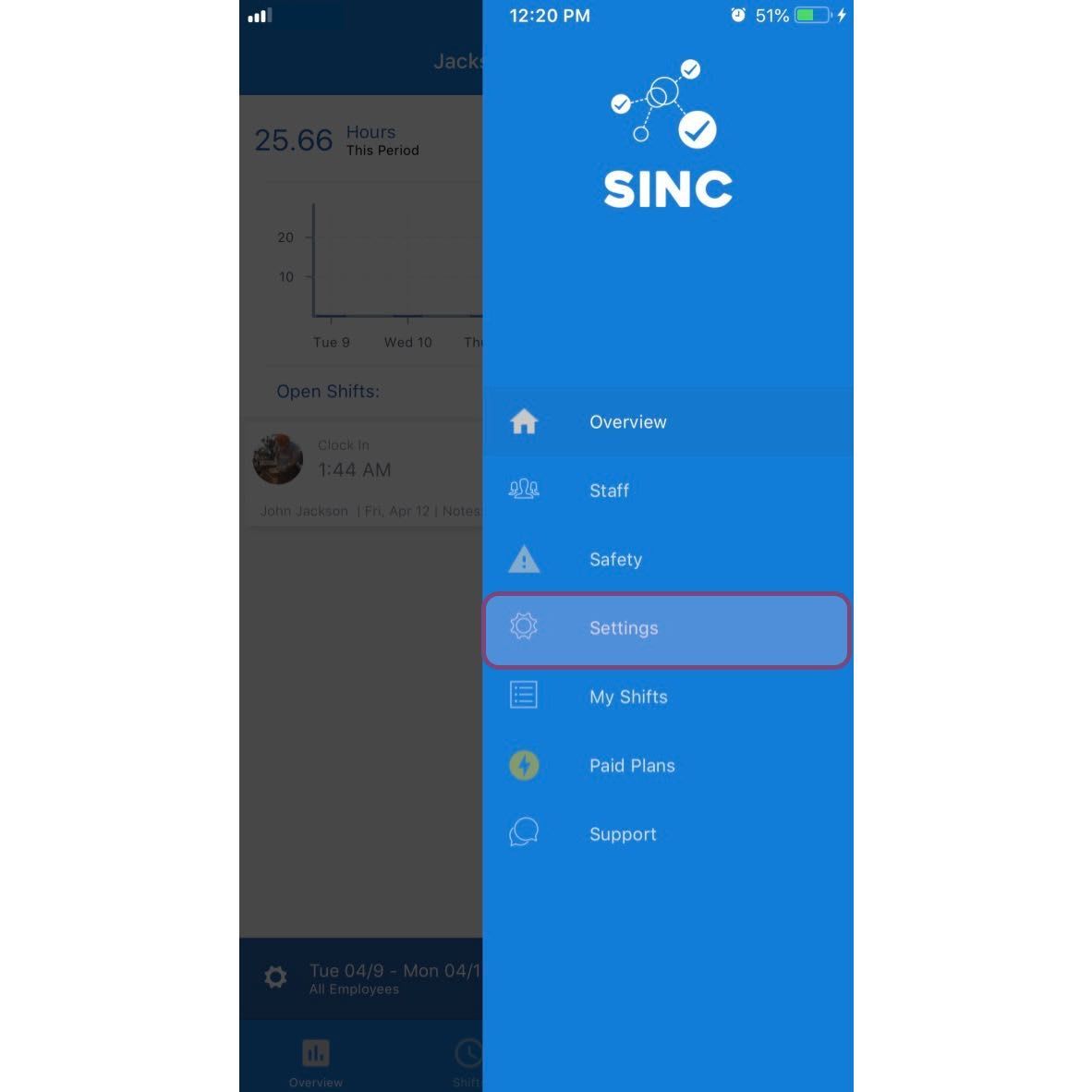
Tap on Login
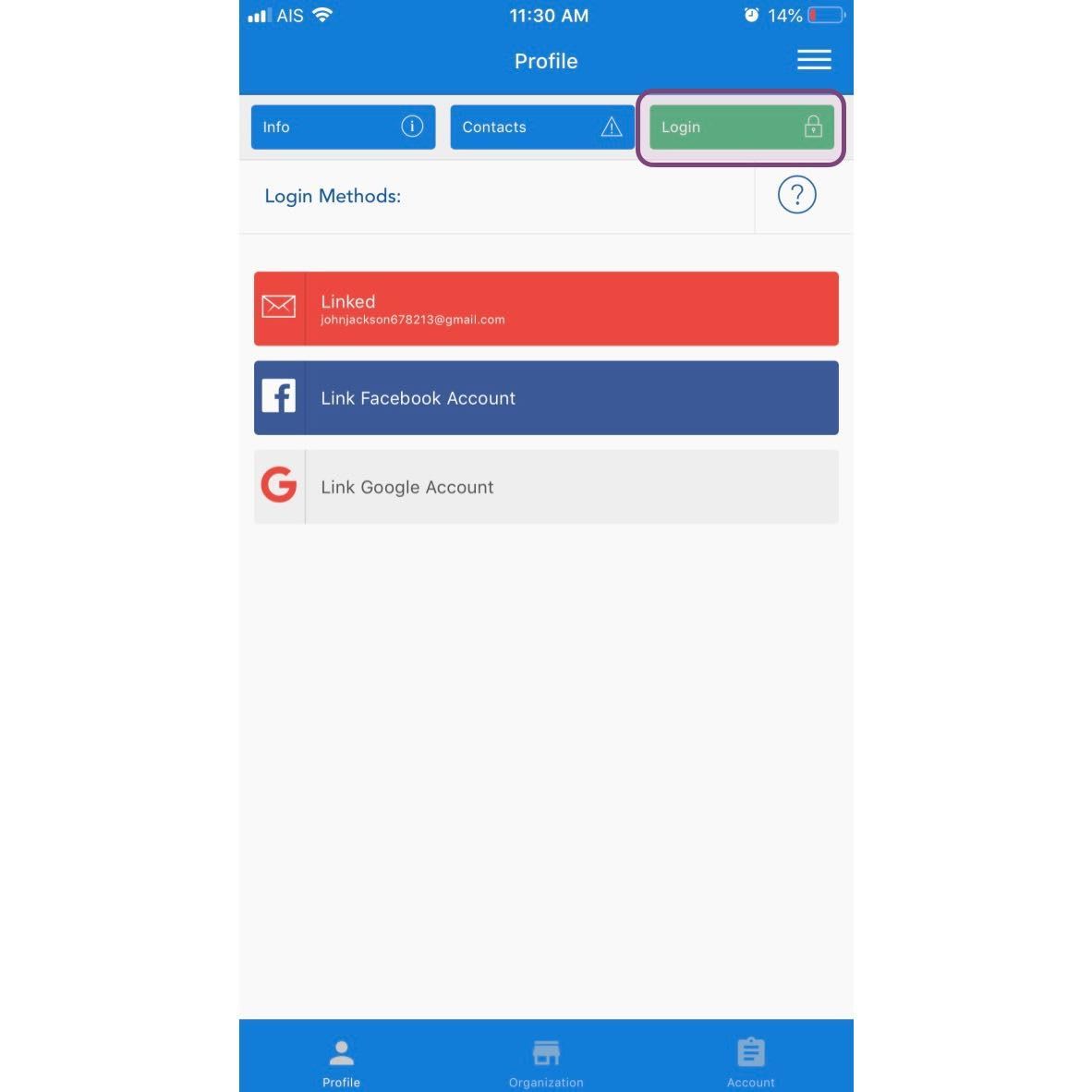
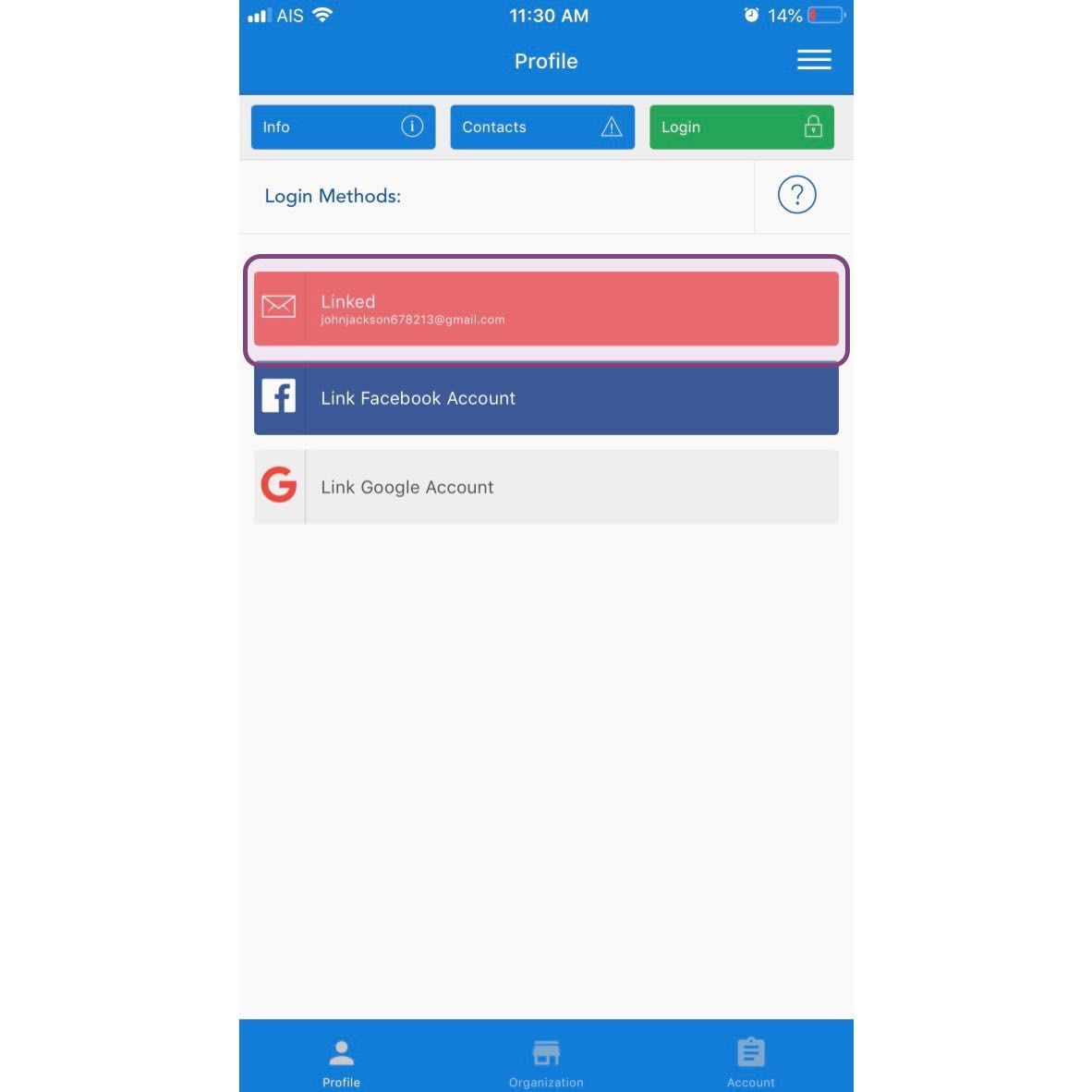
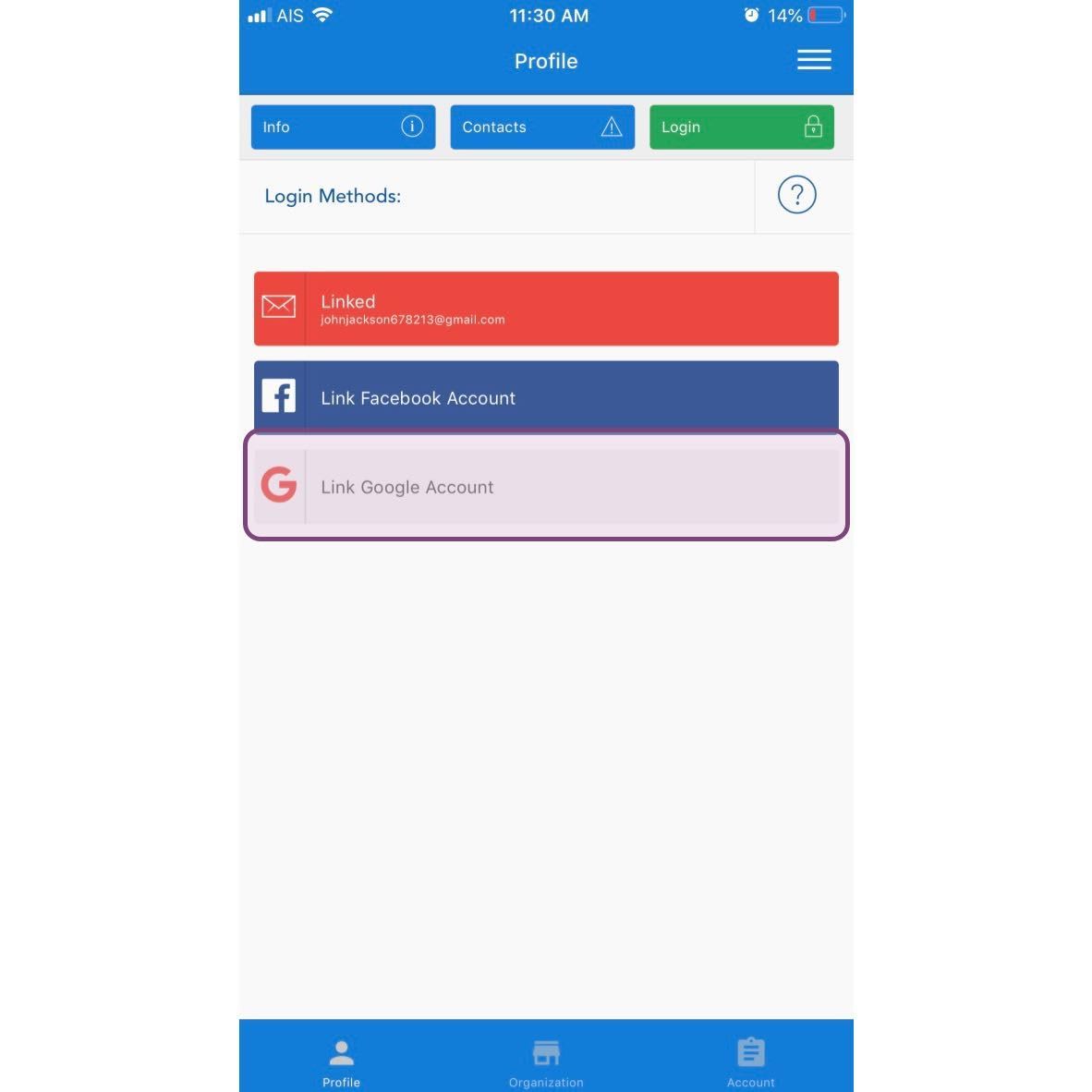
There are three different types of accounts you can add to your SINC account. One of these options will already be added and we suggest adding at least one more. To add an email and password Tap on Link Email Account
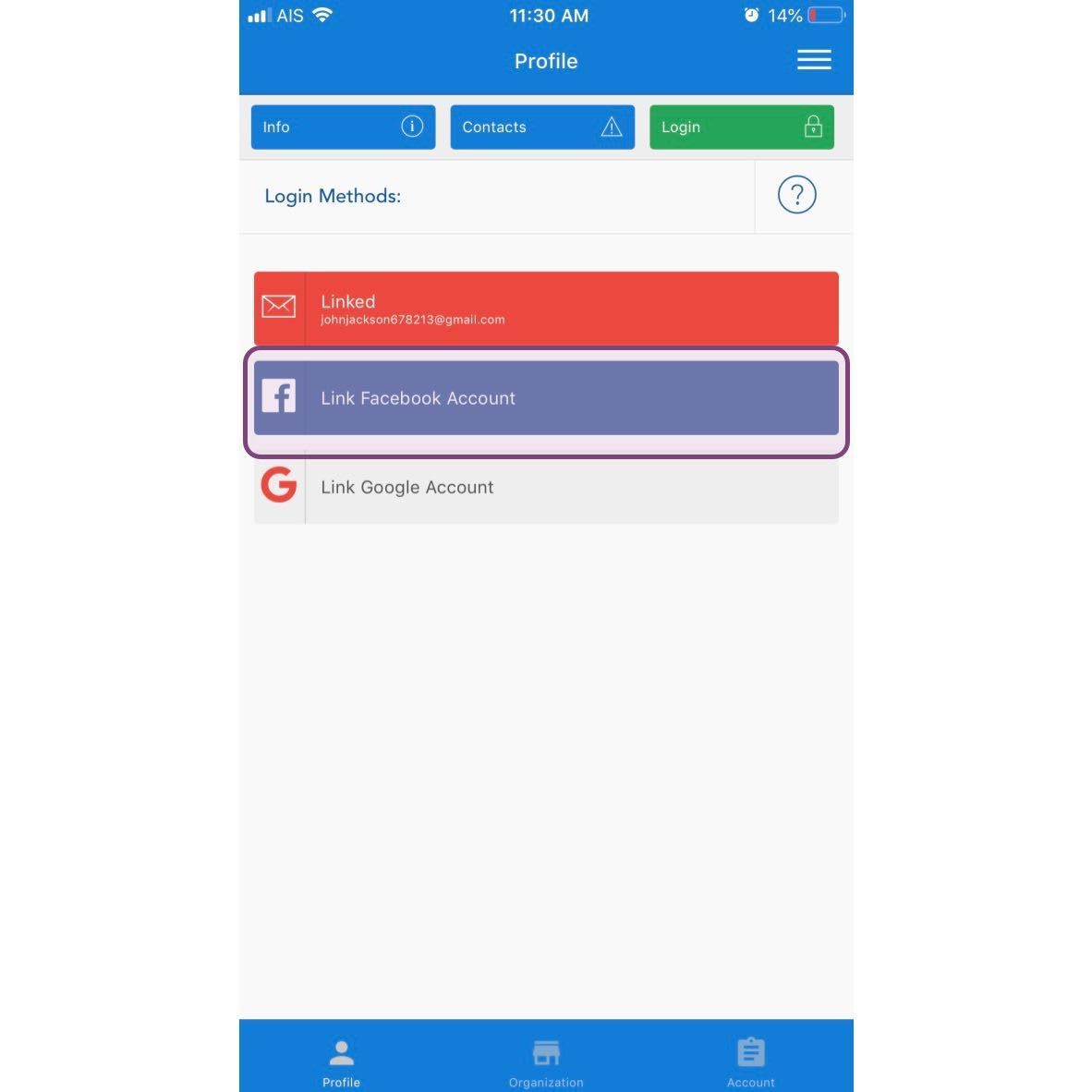
To add a Facebook account Tap on Link Facebook Account
To add a Google account Tap on Link Google Account
Did this answer your question?