
Chat: Getting Started
This article shows what the chat feature does for the users.

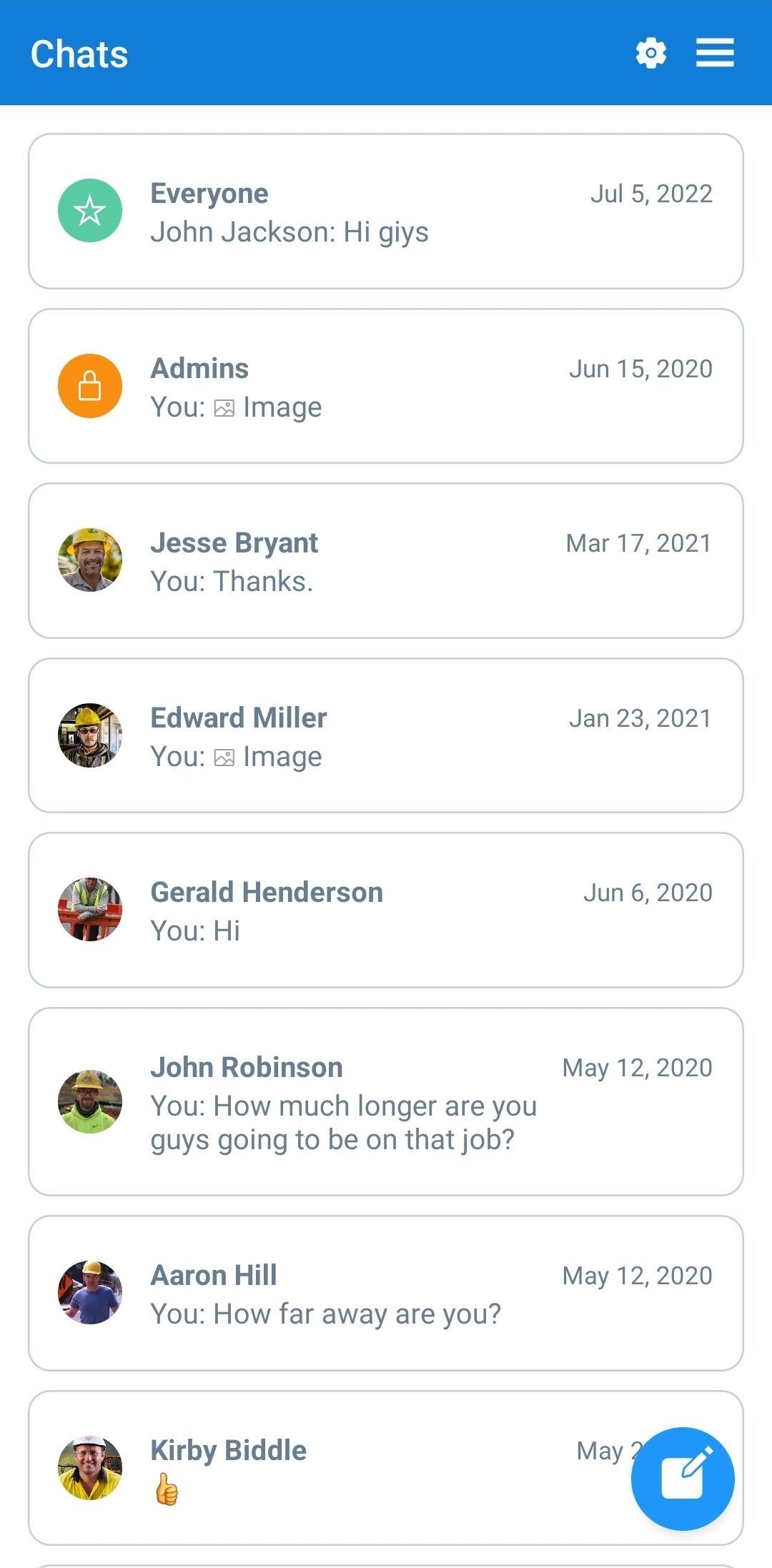
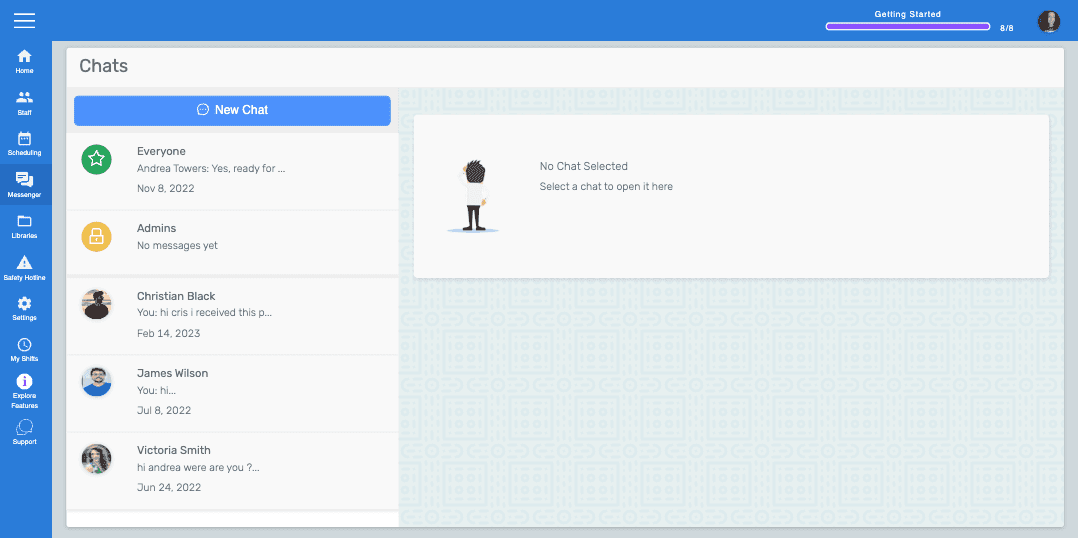
When Messenger is opened, a user will see the default chat rooms available to them. Types of Chat Rooms: Everyone (all staff can communicate), Admins (only owner and admins), and One to One (created manually by any user). Messages in a room can be seen only by that room's participants. For admins, the default rooms are Everyone and Admins. For employees, the only default room is Everyone.
The chat feature also shows read receipts for messages, whether in default rooms or one-to-one rooms, and typing status when a user or multiple users are typing at the same time.
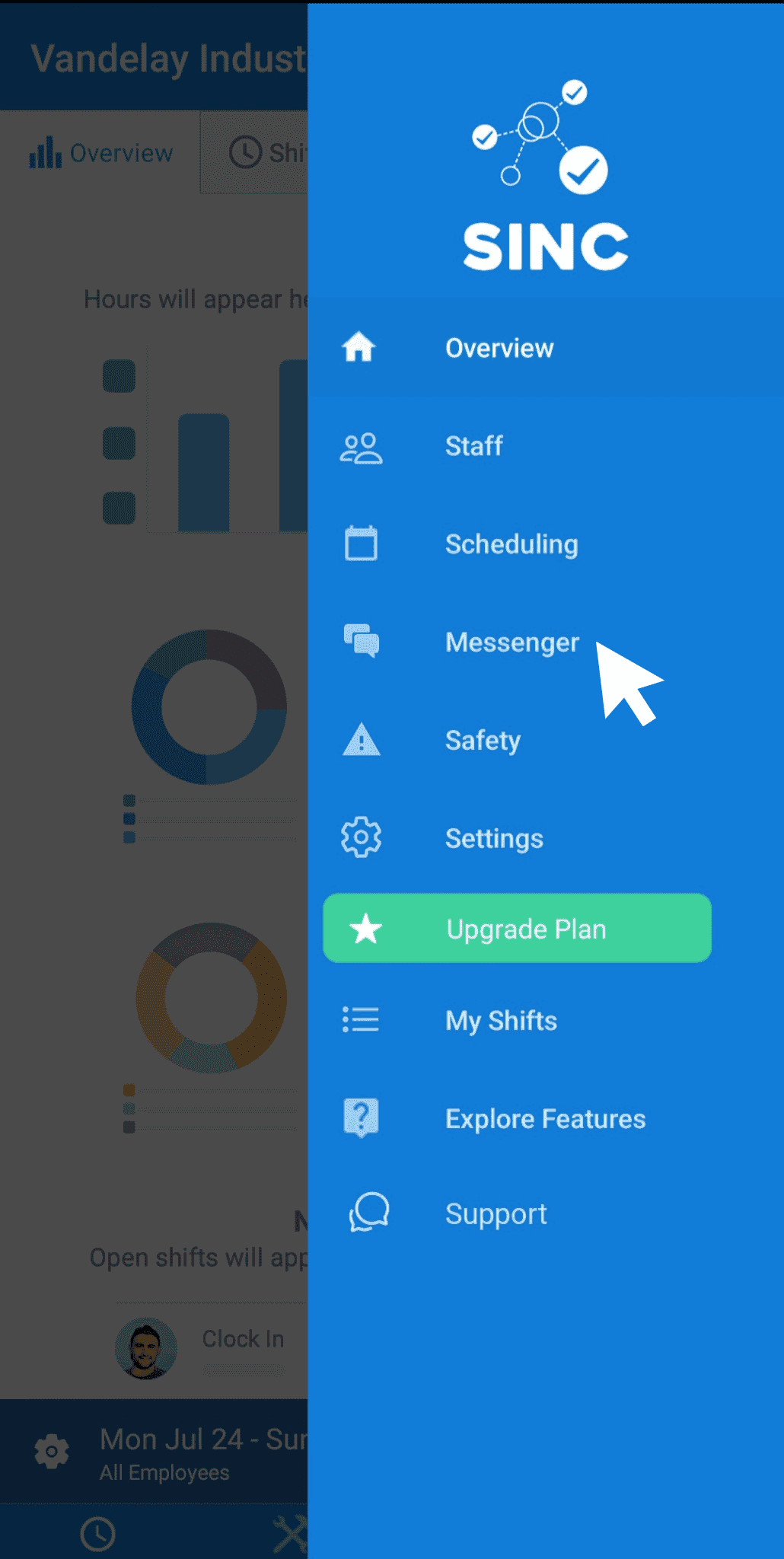
On the mobile app, the users can access the chat feature by selecting Messenger from the menu.
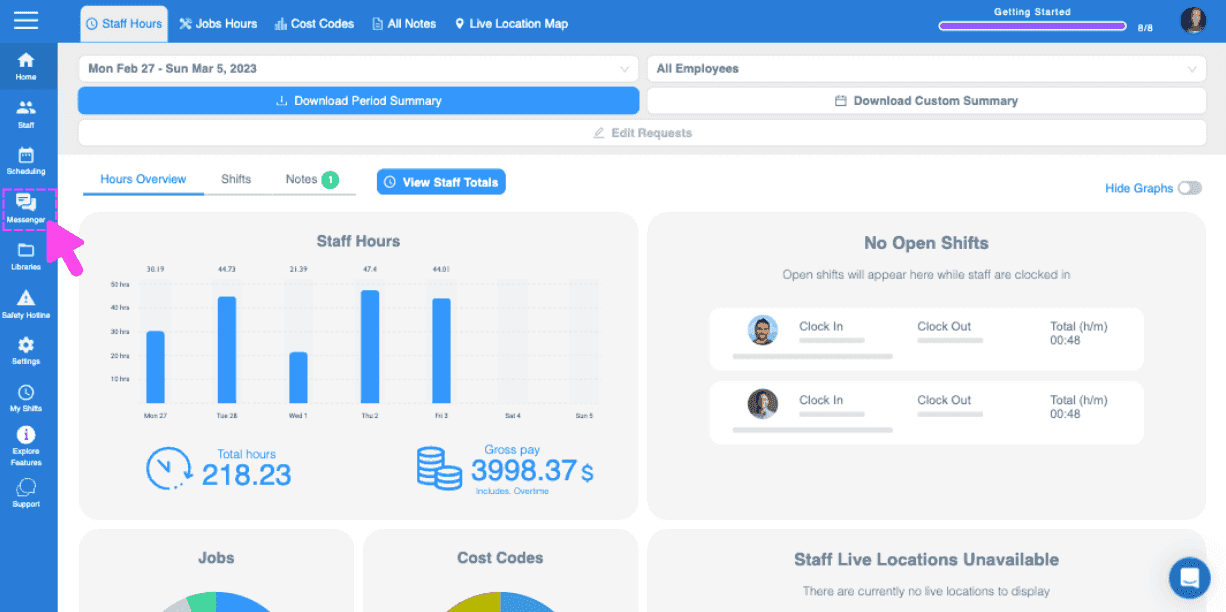
On the web, the users can click on the menu option Messenger to access chat.
Did this answer your question?