Send text/image message in Chat

This guide shows how to send text or image as a message.

SINC Support Team
SINC Support Team
Mar 10th, 2023

First select a chat from the chat list. In the mobile app: Tap on chat room from the list
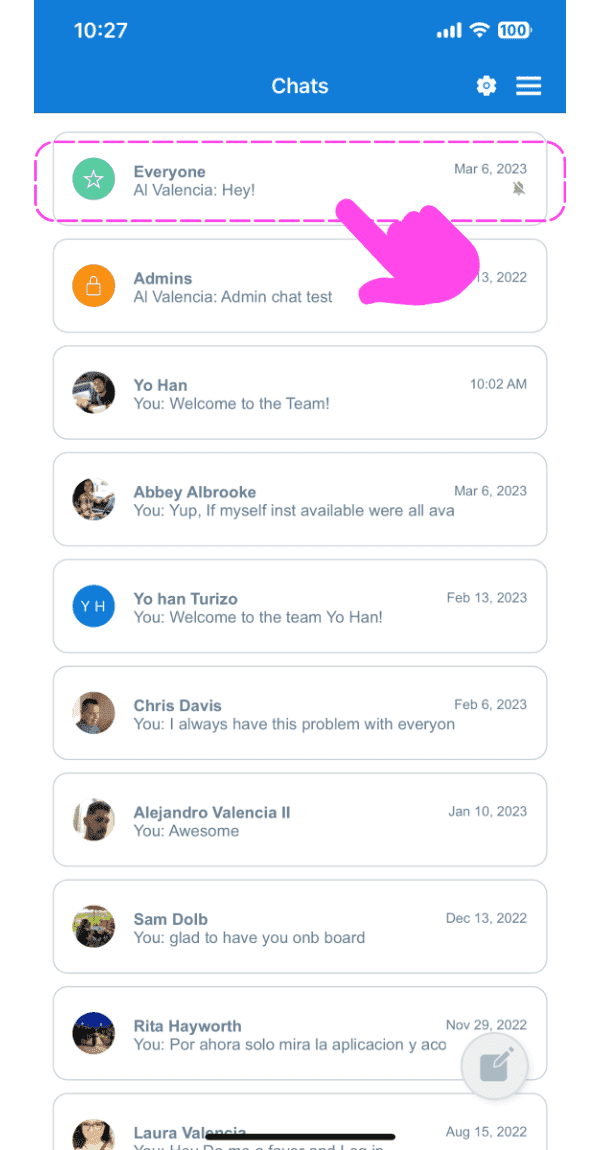
SINC mobile Chats list with a pink arrow pointing to the Everyone group chat

Tap on the input box to enter a text
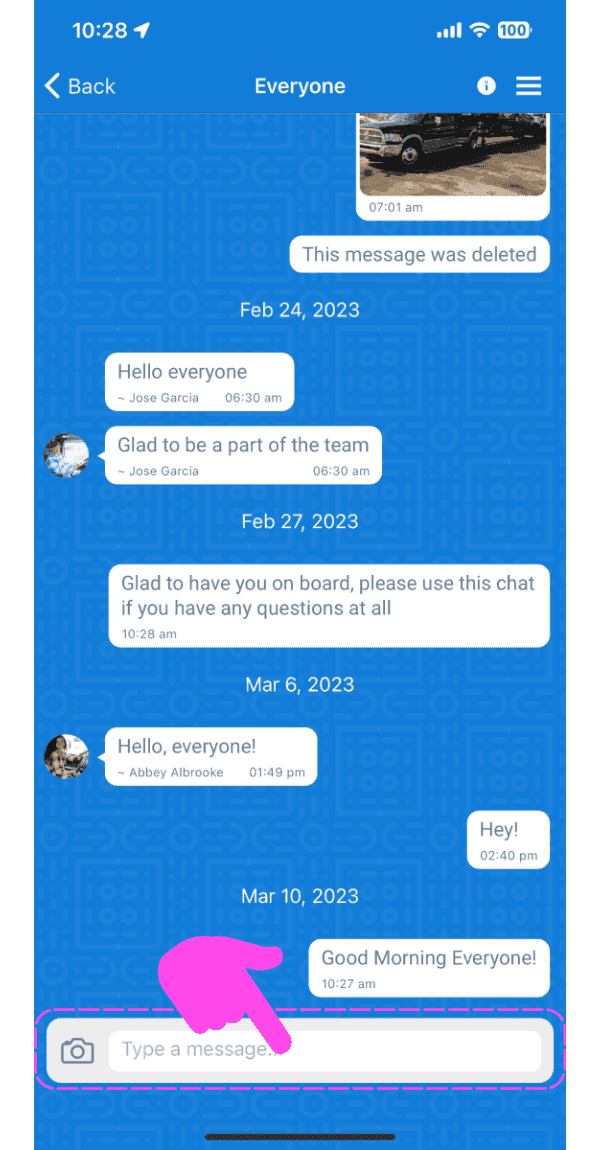
SINC mobile group chat screen with a pink hand pointing to the message input box

Enter a message and tap on 'Send' Button. The message will be delivered.
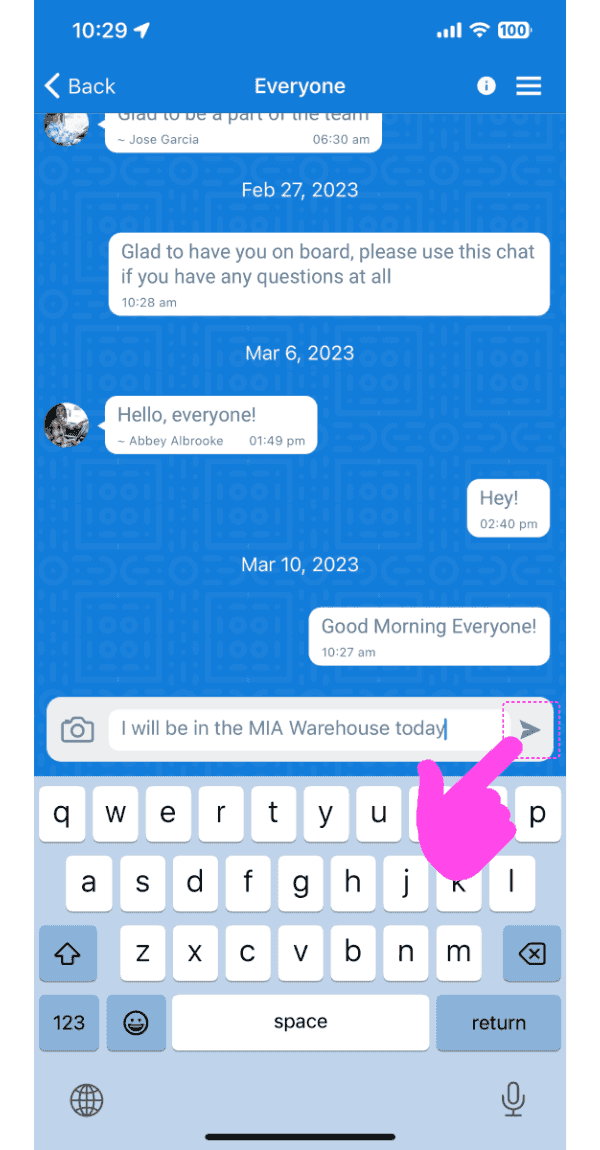
Mobile app chat conversation with a typed message and the Send arrow button highlighted by a pink arrow

To send an image as a message, tap on 'Camera' button
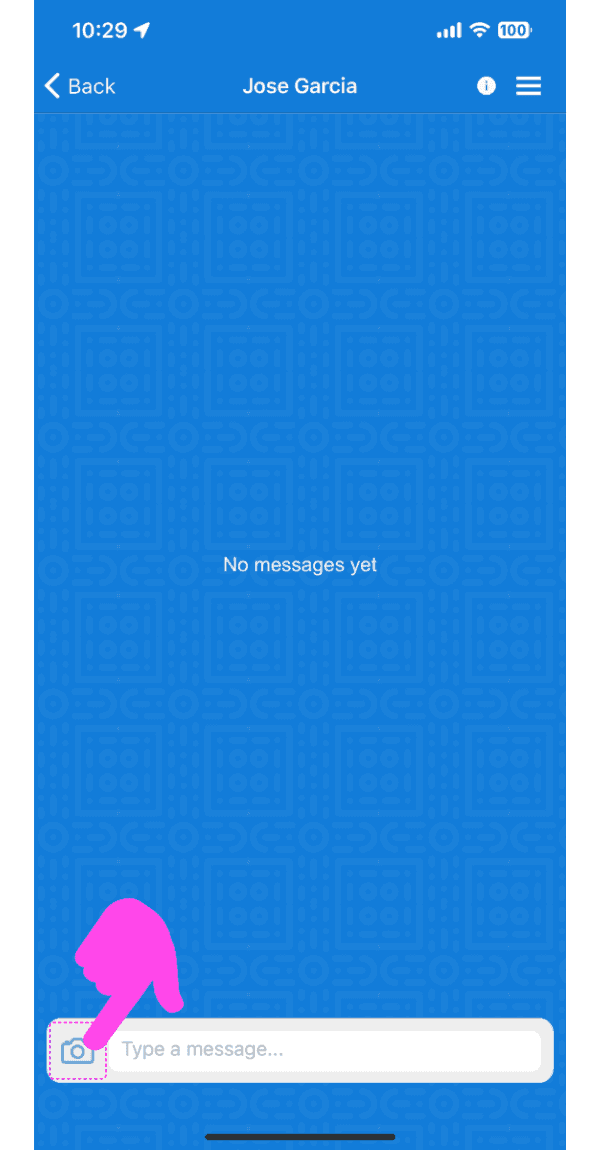
SINC mobile chat conversation screen with a pink arrow pointing to the camera icon by the message field

Select an option, either to click a picture or by choosing a photo from the gallery

Send Photo screen with dashed-highlighted Take Photo and Choose From Photos options above the Send Photo button

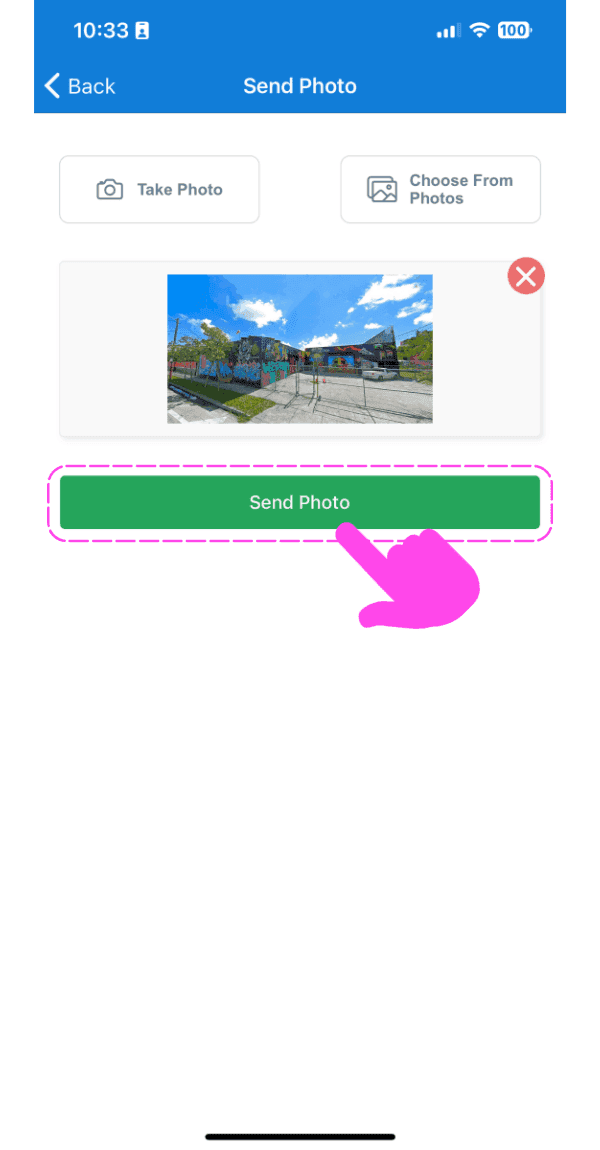
Tap on 'Send Photo' button

SINC mobile Send Photo screen with an image preview and a pink arrow pointing to the Send Photo button

The image message will be delivered after showing the upload progress.
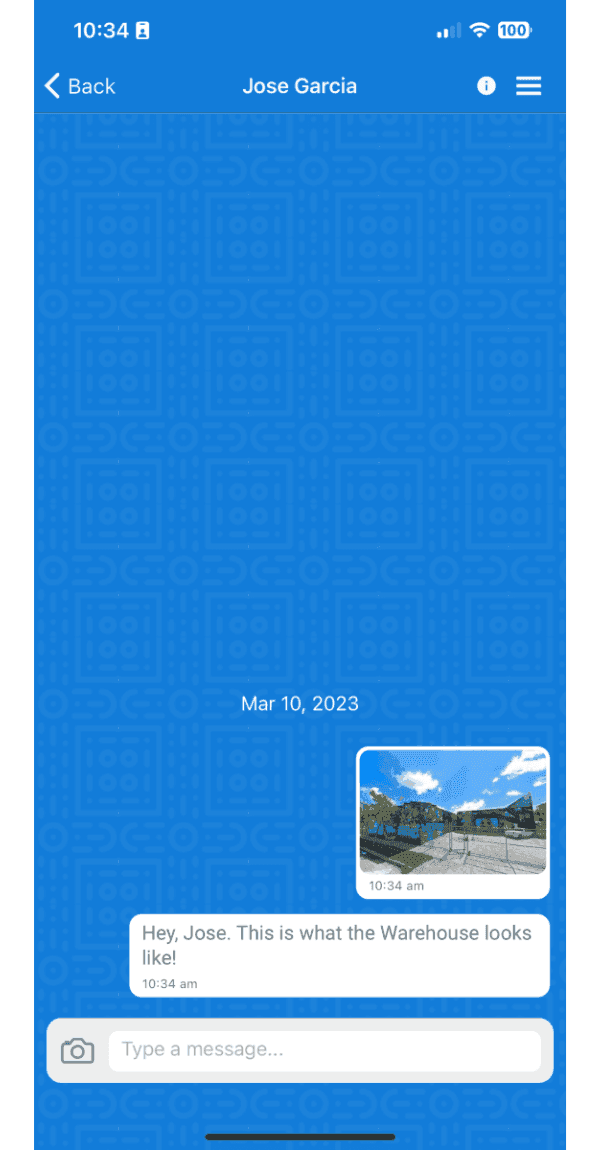
Mobile chat conversation showing a sent photo of a warehouse with an accompanying text message

On the web version: Click on a chat from the list
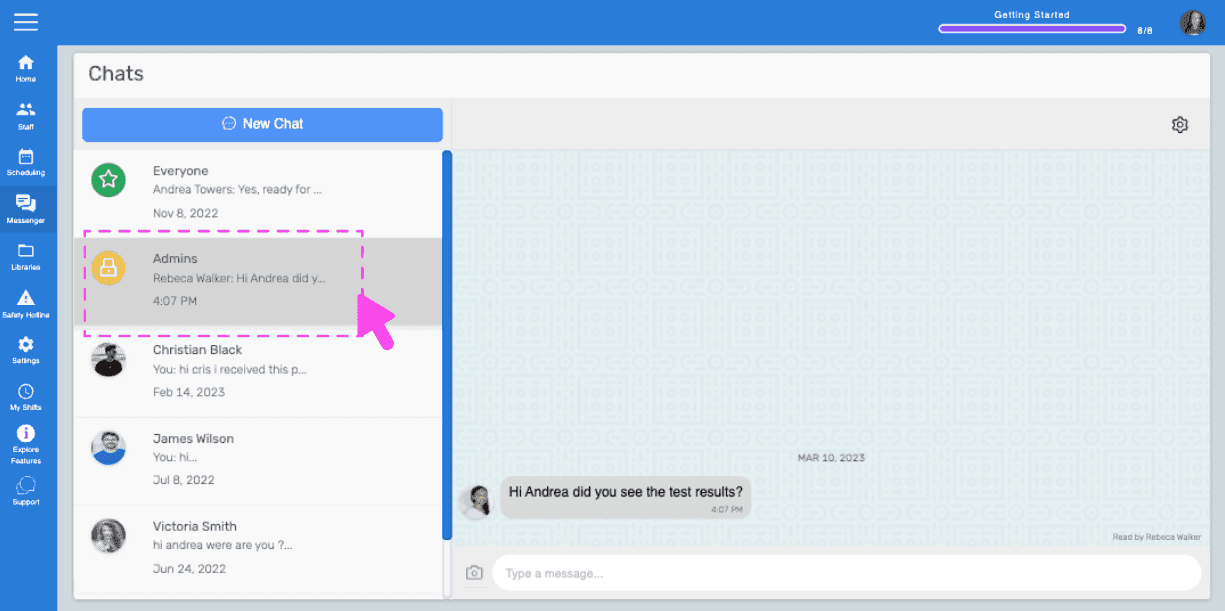
SINC web Chats screen with a pink arrow pointing to a conversation selected from the list on the left

Click on the input box and start typing to send a text message
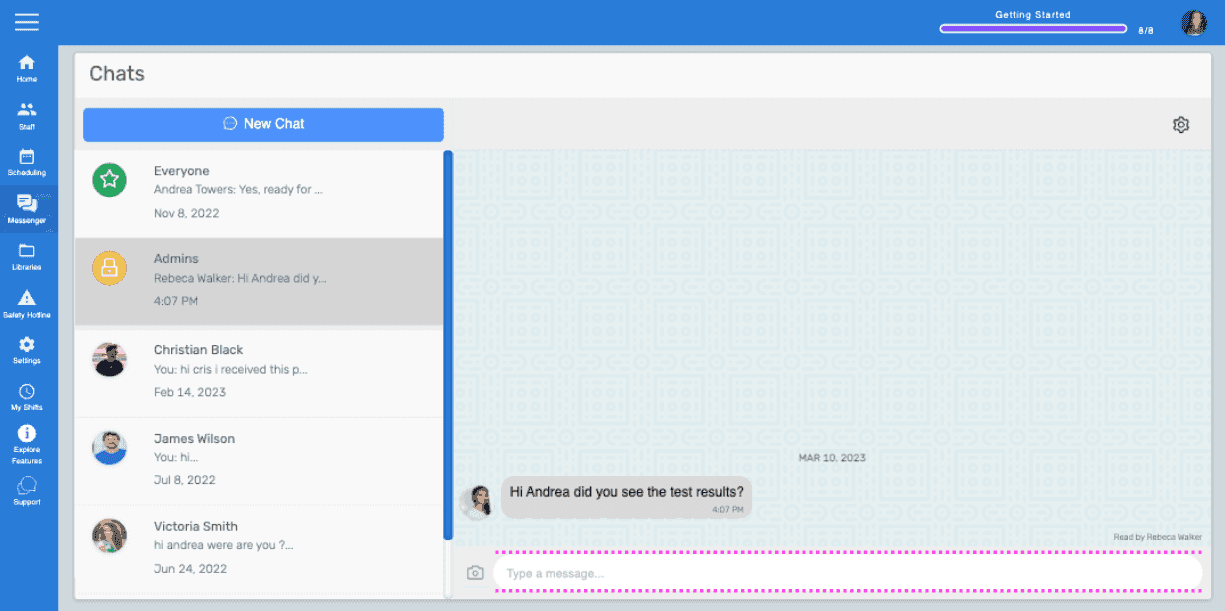
Chats screen with a message thread open and the text input box highlighted at the bottom

Click on Send icon or press Enter key to send the text message. The message will be delivered.
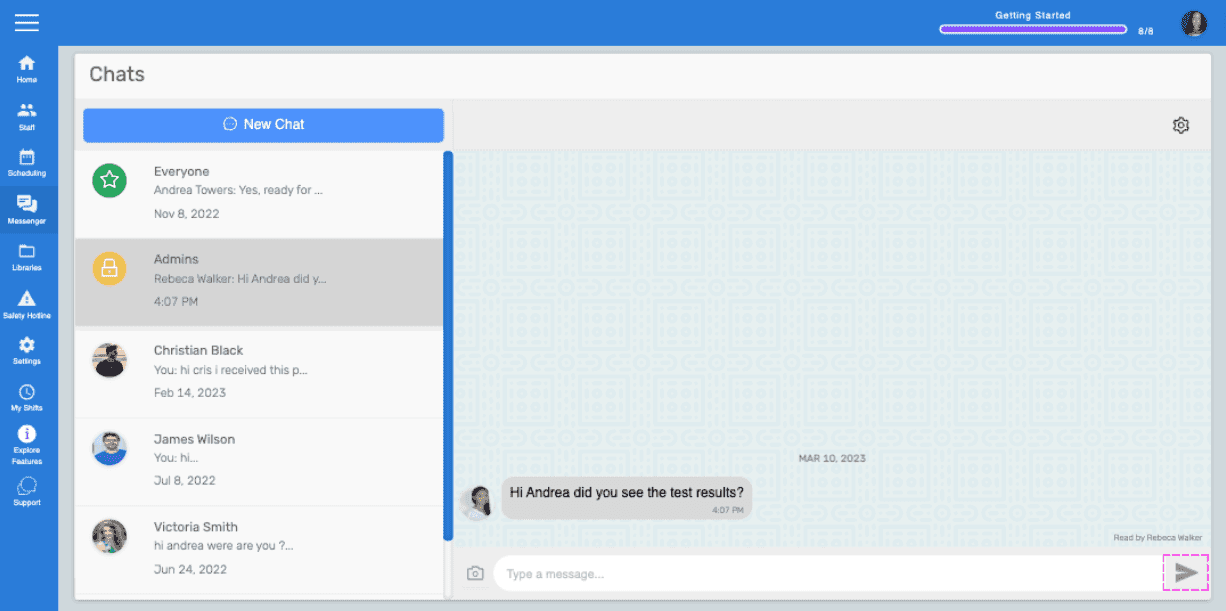
Web Chats screen showing a message thread with a pink arrow pointing to the Send icon

To send an image as a message, click on 'Camera' icon
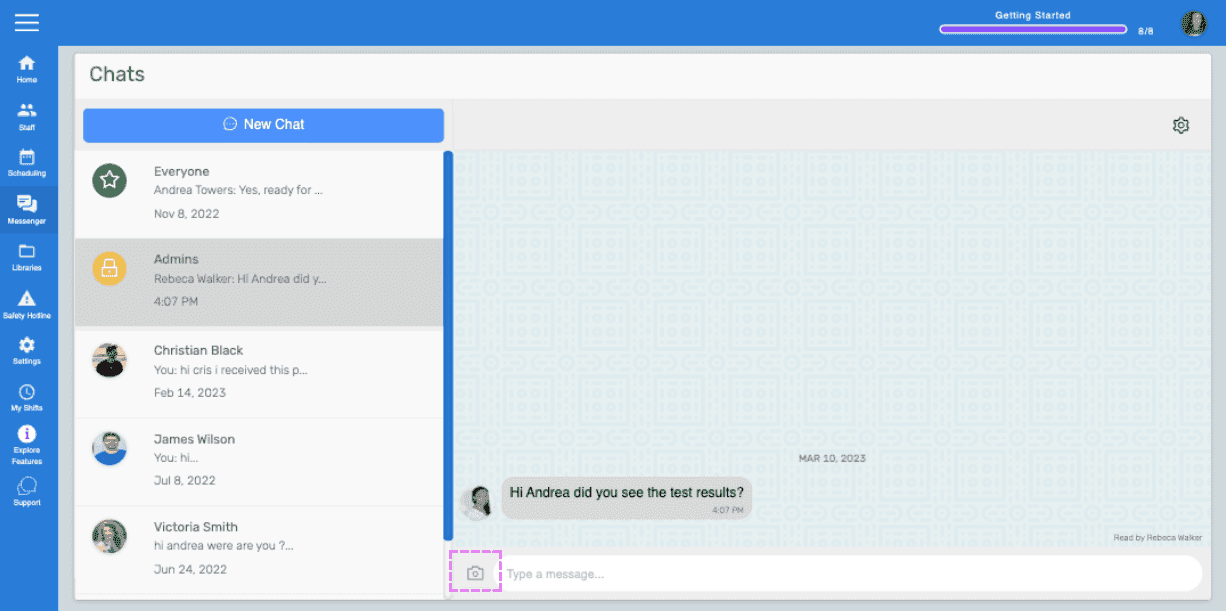
SINC web Chats screen with the camera icon highlighted next to the message input box

Select a picture from the file browser/Finder, then click on 'Send Image' button
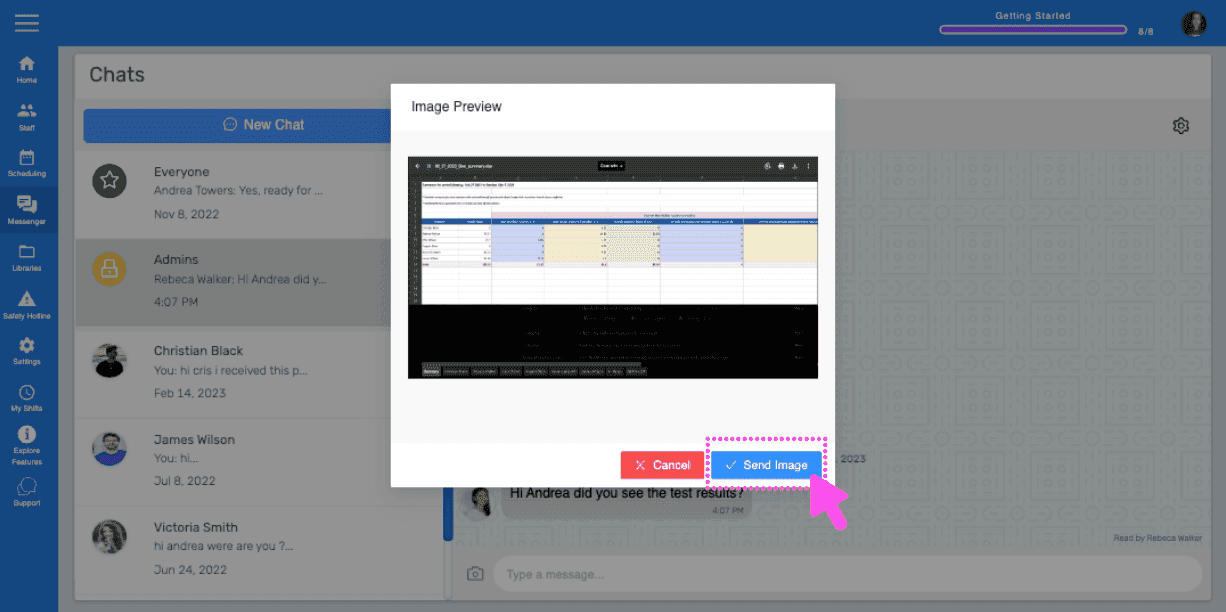
SINC web Chat Image Preview dialog with a pink arrow pointing to the Send Image button

The image message will be delivered after the upload progress is completed.
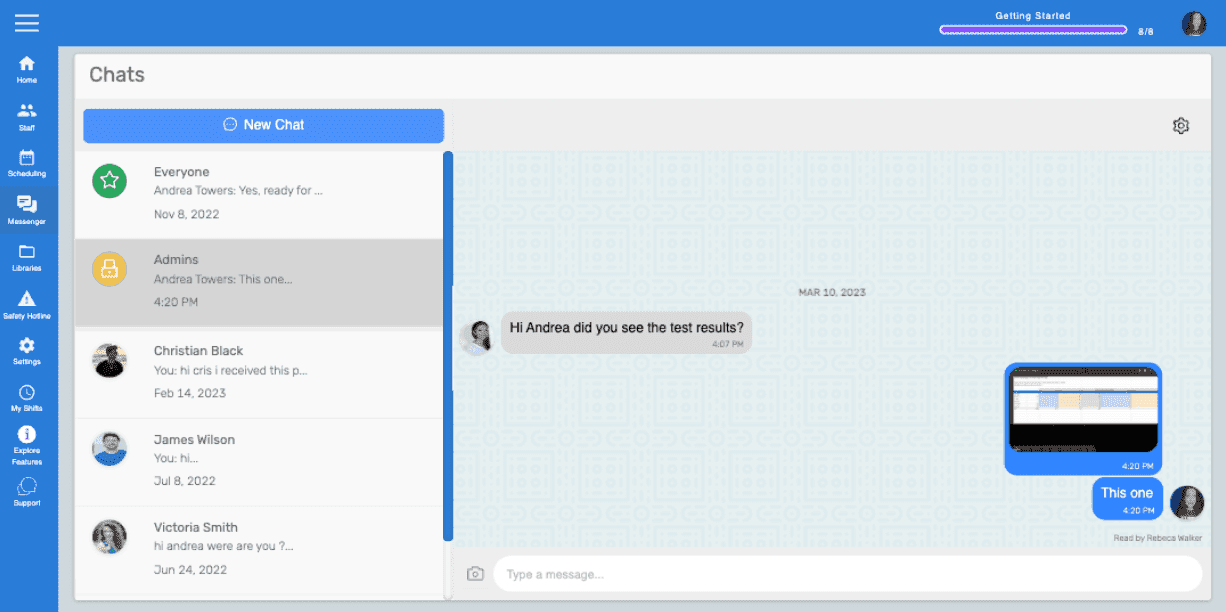
Web chat conversation window showing a text message and an uploaded image thumbnail being sent

Did this answer your question?