
Add Notes To Your Time Sheet
In this guide we will cover how you can add notes to your shifts in Sinc

There are two ways of adding notes to a shift: while on a shift, or to a shift that is already finished. On Mobile, to add a note to an open shift: Tap on Add Note
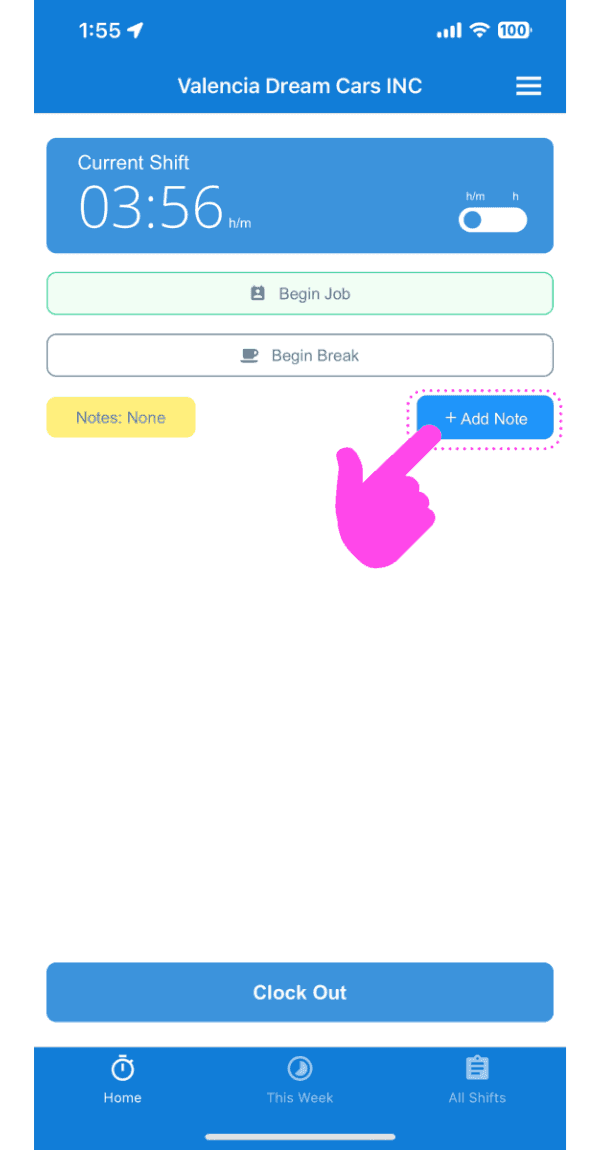
Enter a description of the note.

Upload an image relating to the note if you wish.

Tap on Confirm

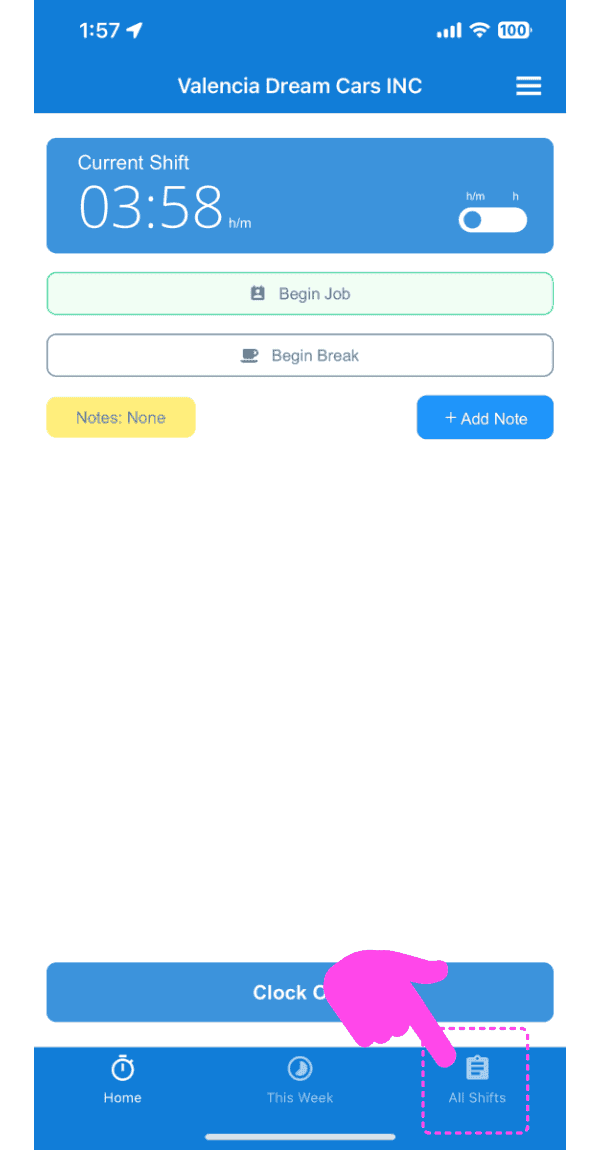
To add a note to an old shift: Tap on Menu My Shifts
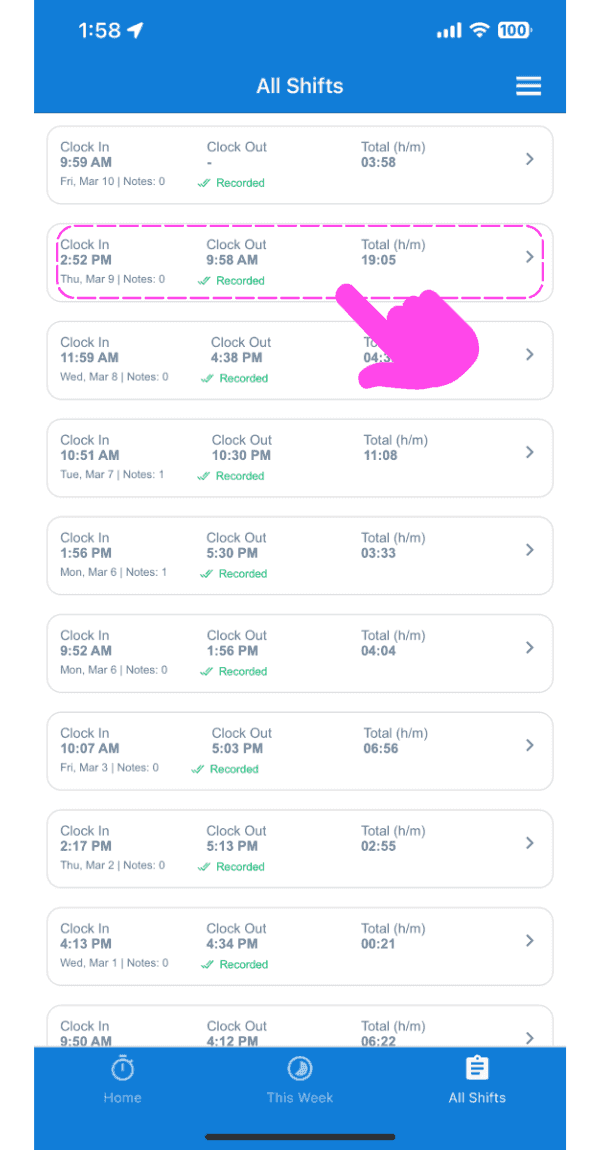
Tap on The Shift In Question
Under the Info tab, Tap on Add Note
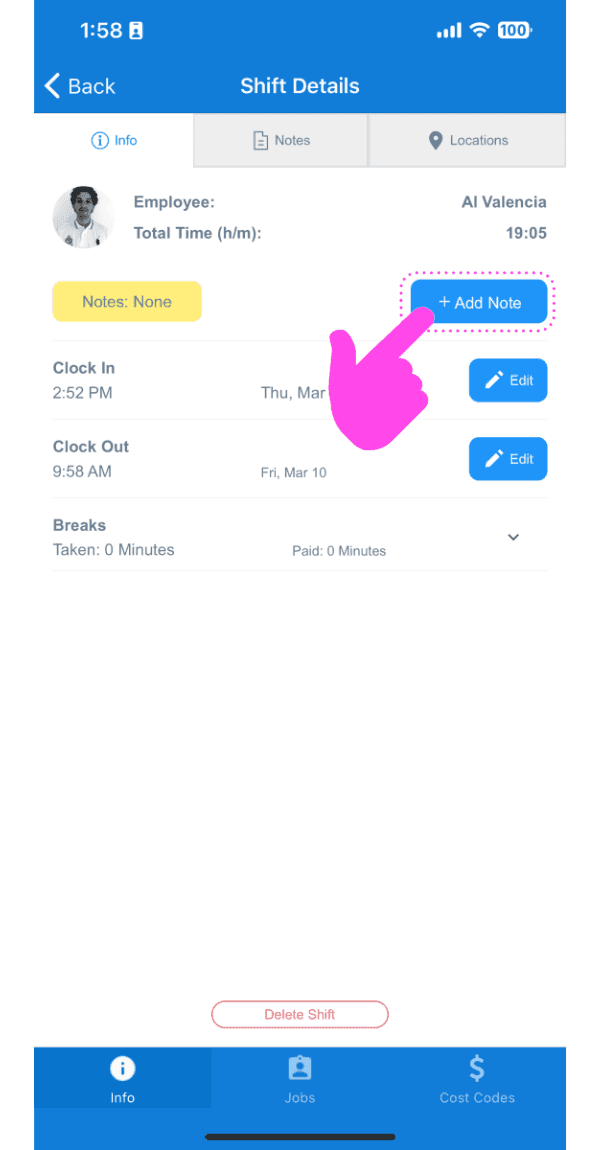
Enter a description of the note.

Upload an image relating to the note if you wish.

Tap on Confirm

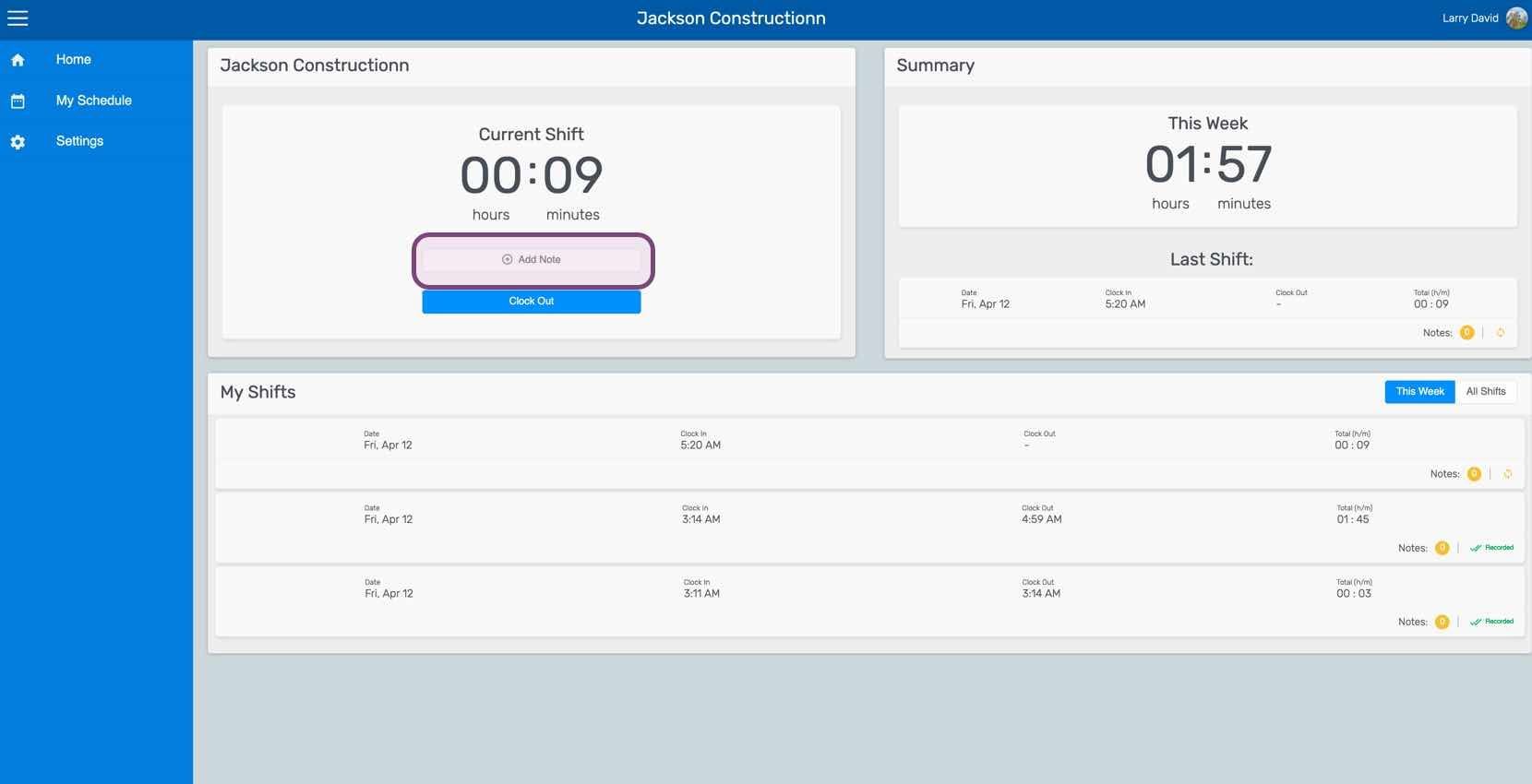
On Web, to add a note to an open shift: Click on Add Note
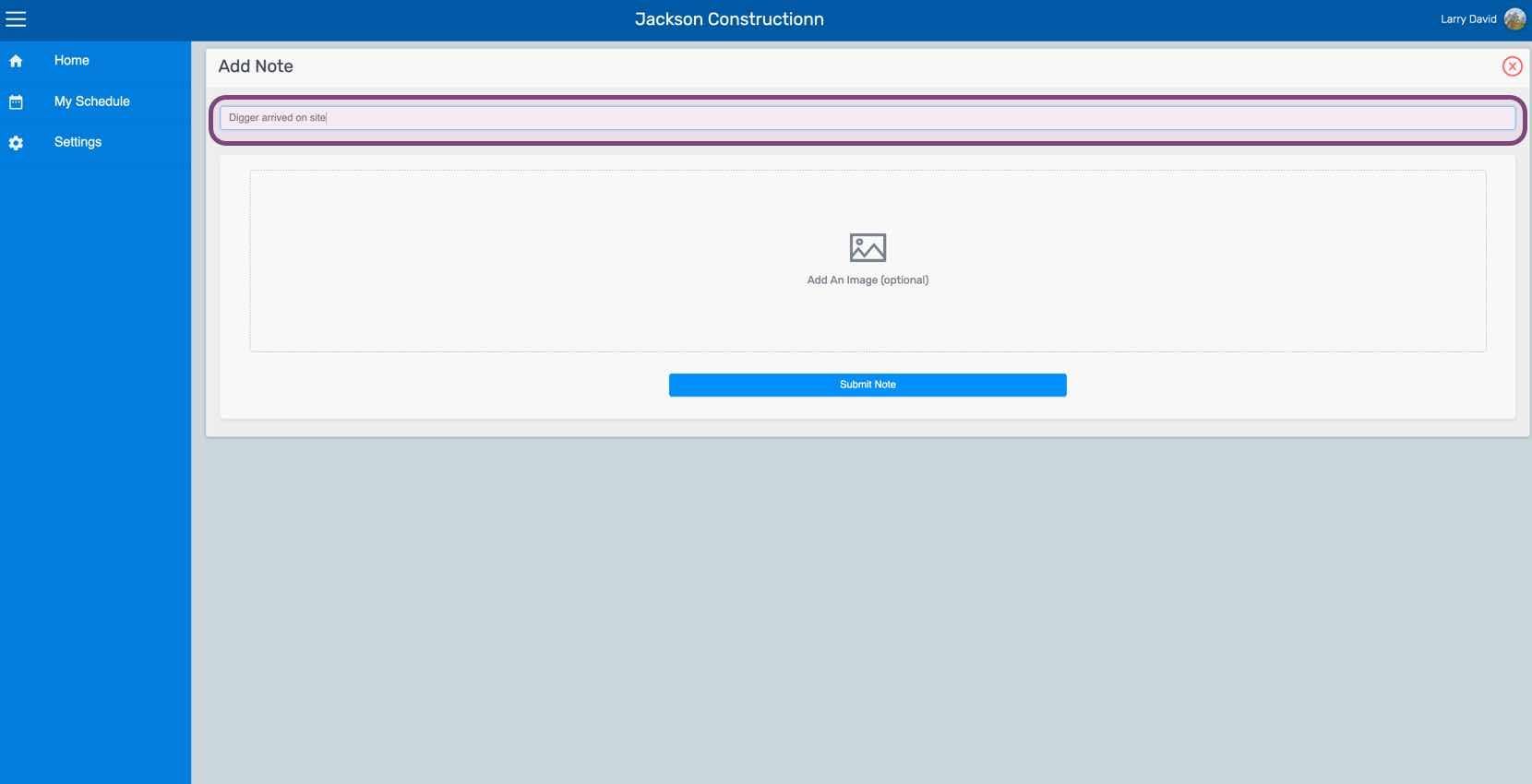
Enter a description of the note.
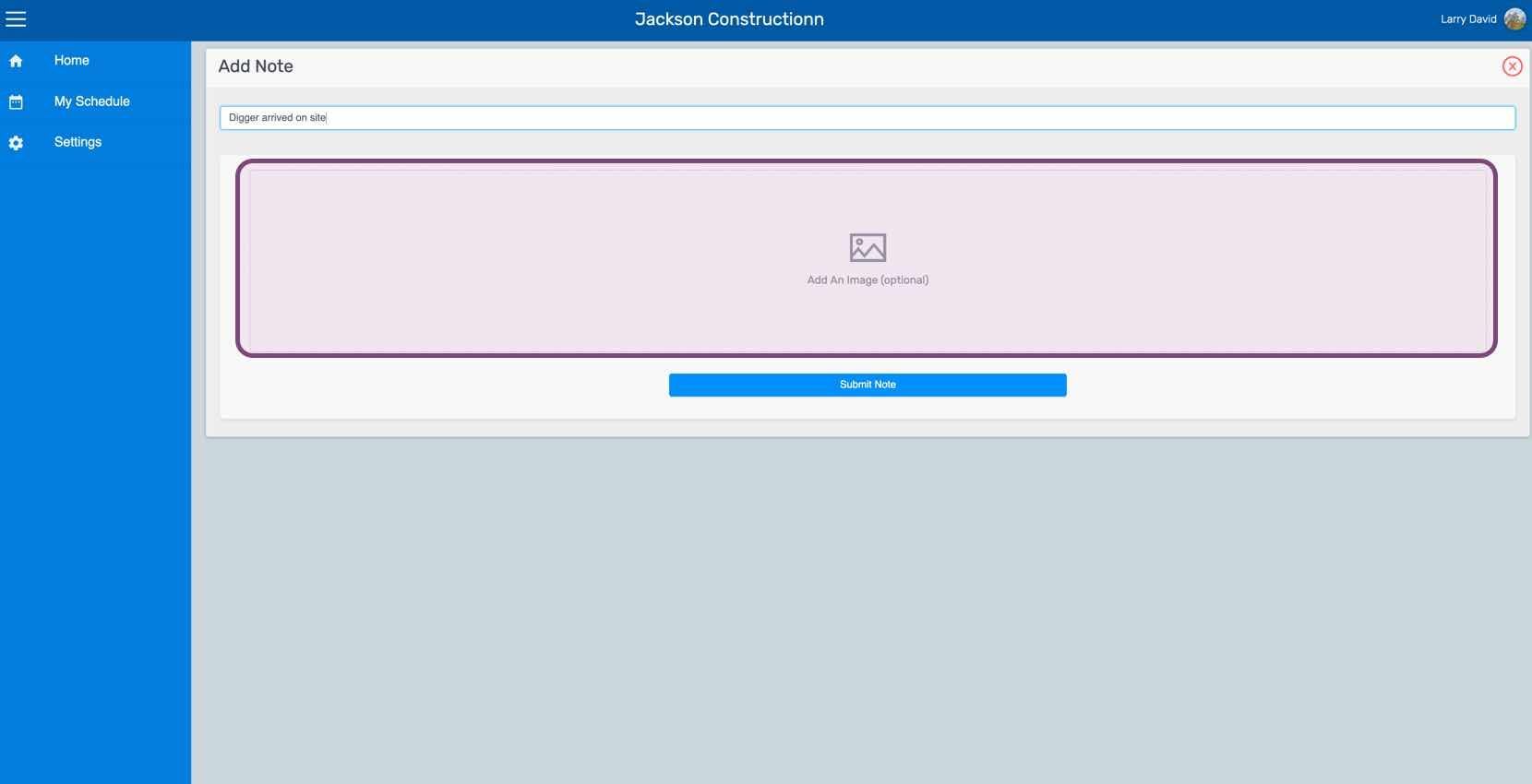
Upload an image relating to the note if you wish.
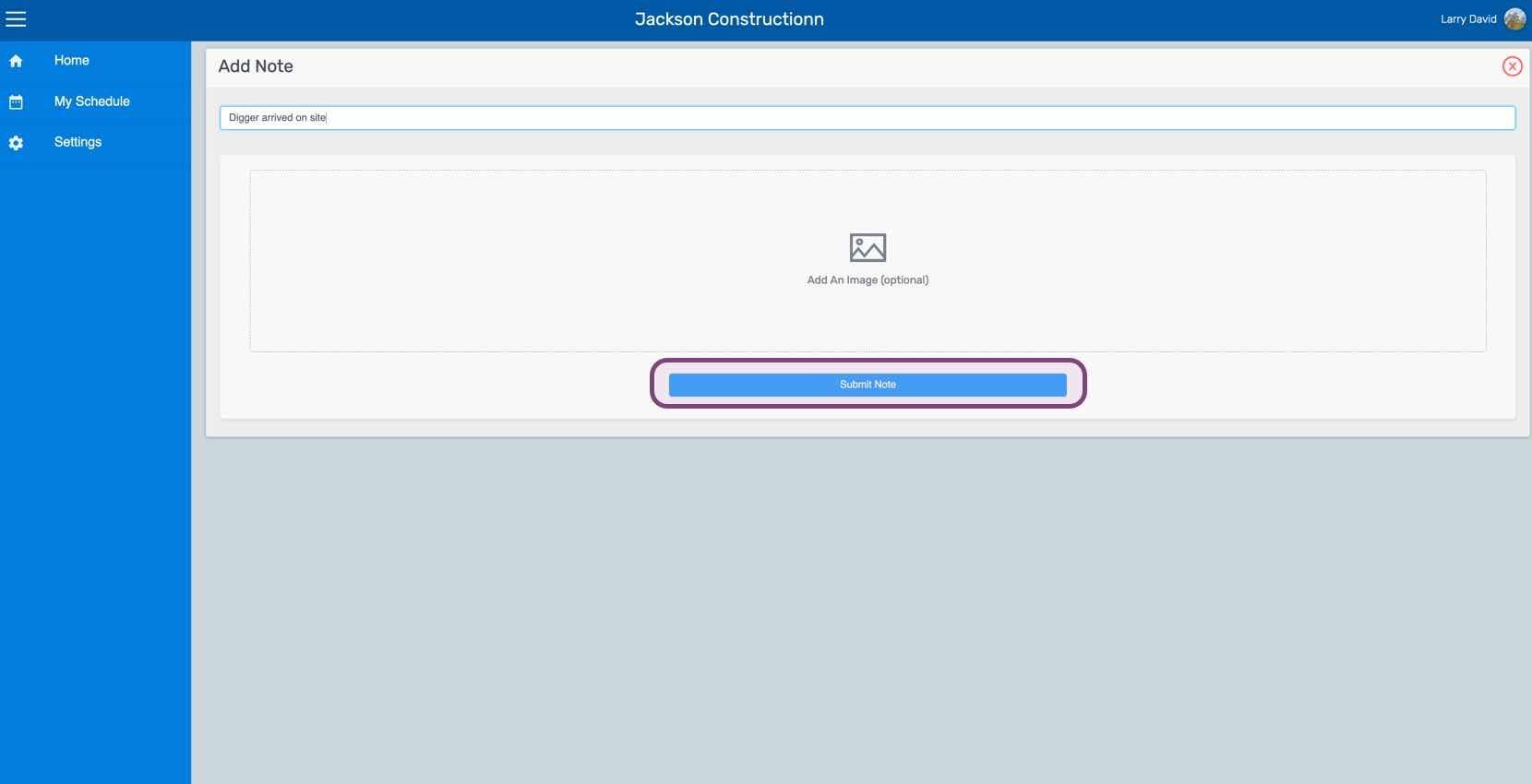
Click on Submit Note
To add a note to an old shift: Click on My Shifts
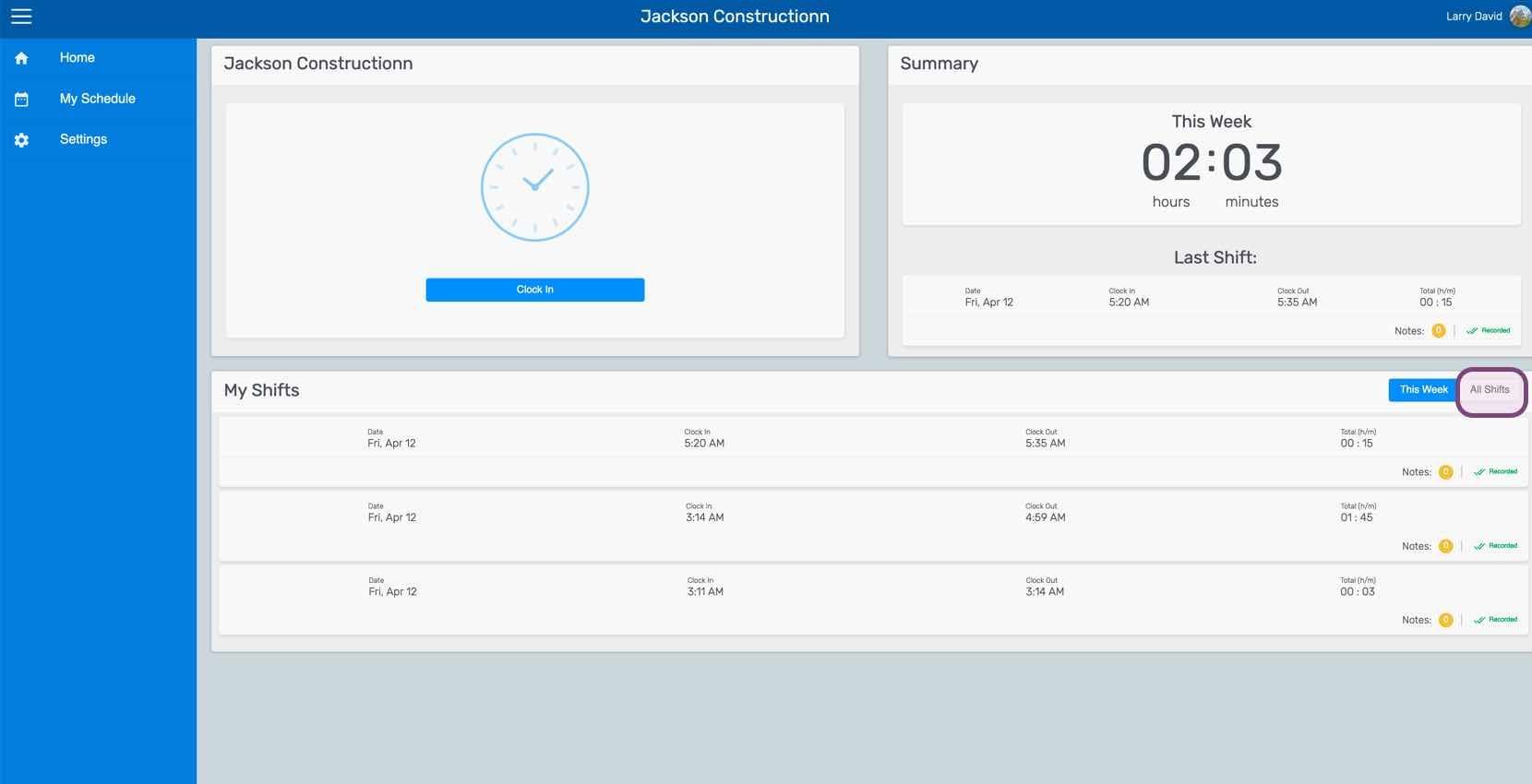
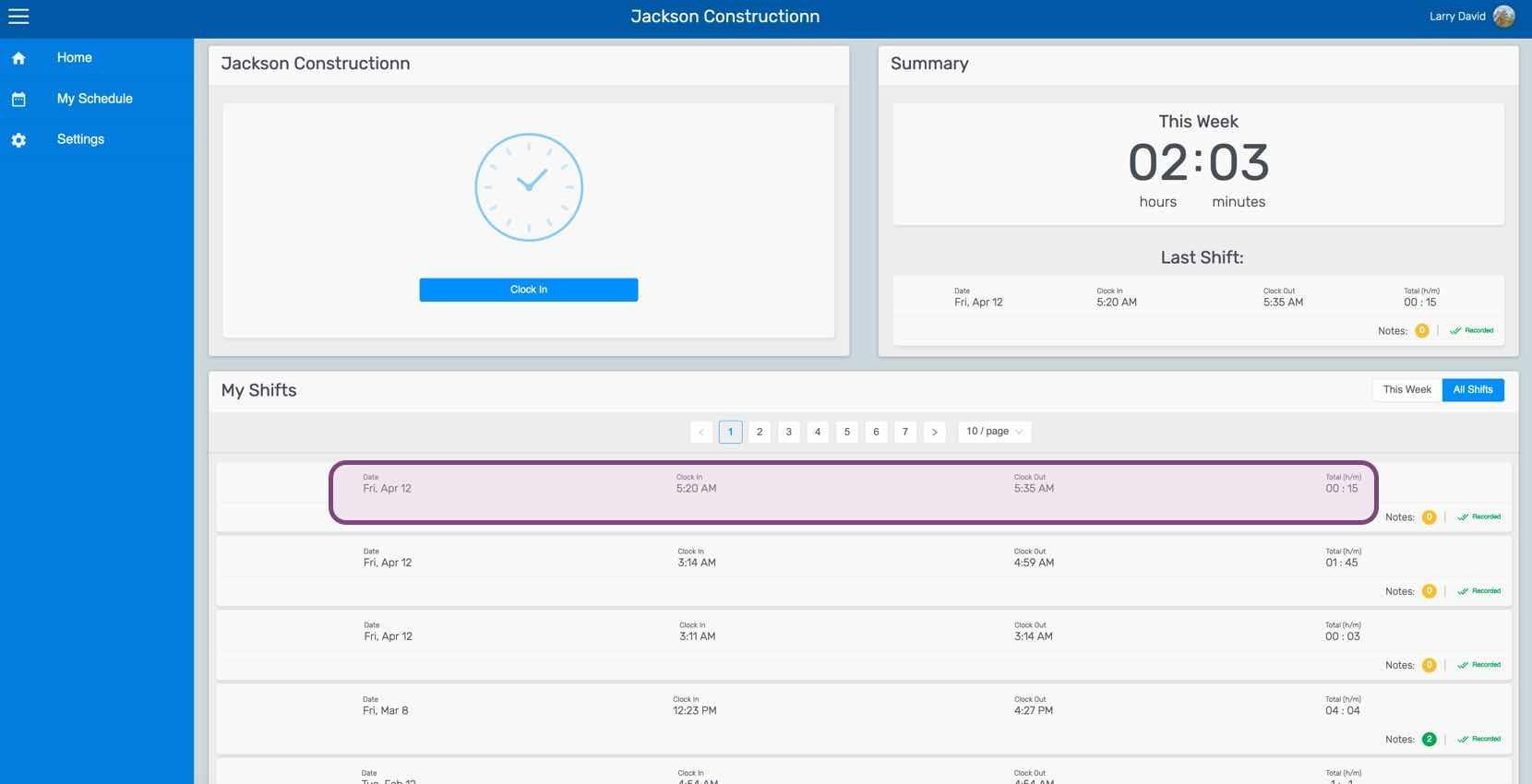
Click on The Shift In Question
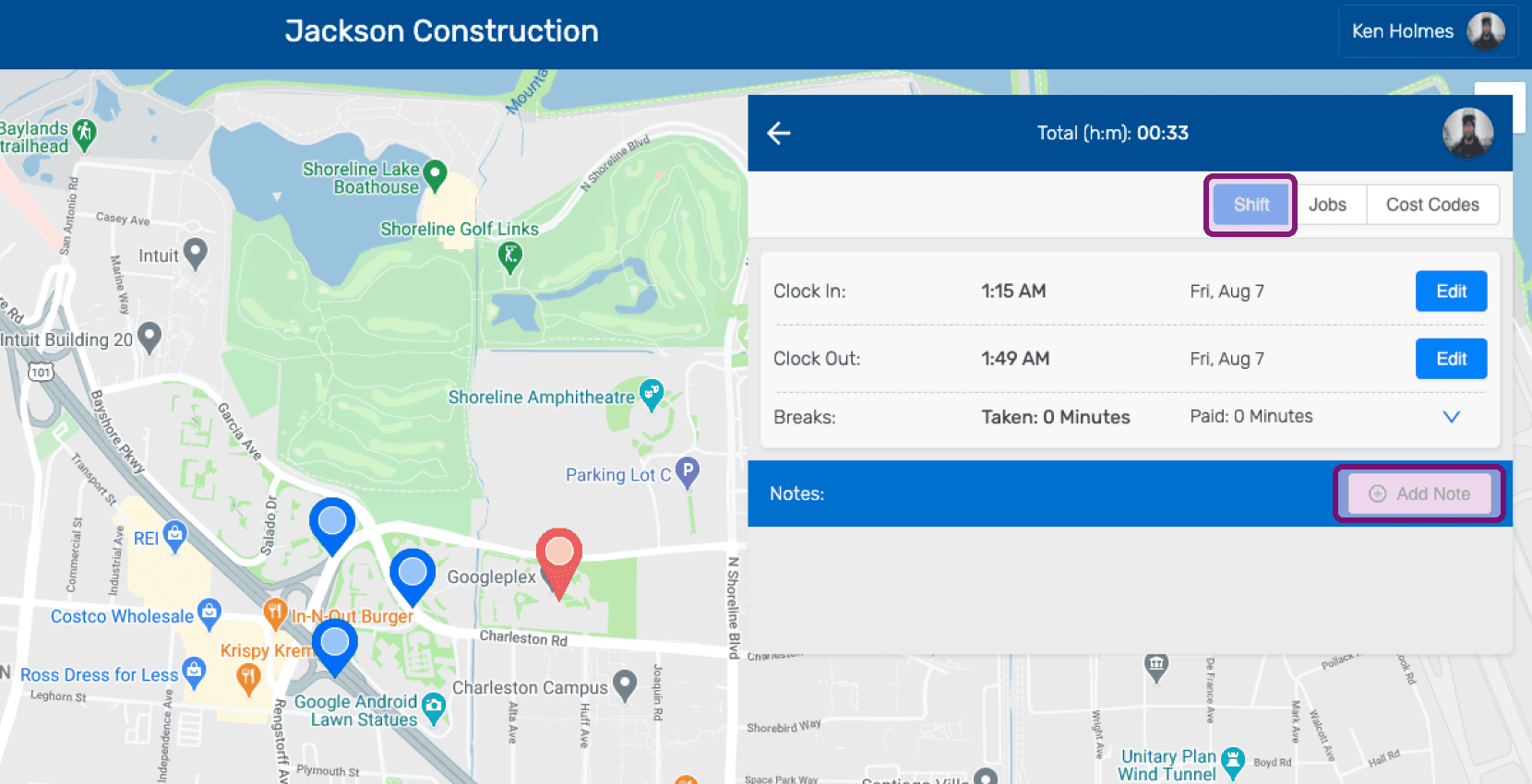
Under the Shift tab, Click on Add Note
Enter a description of the note.
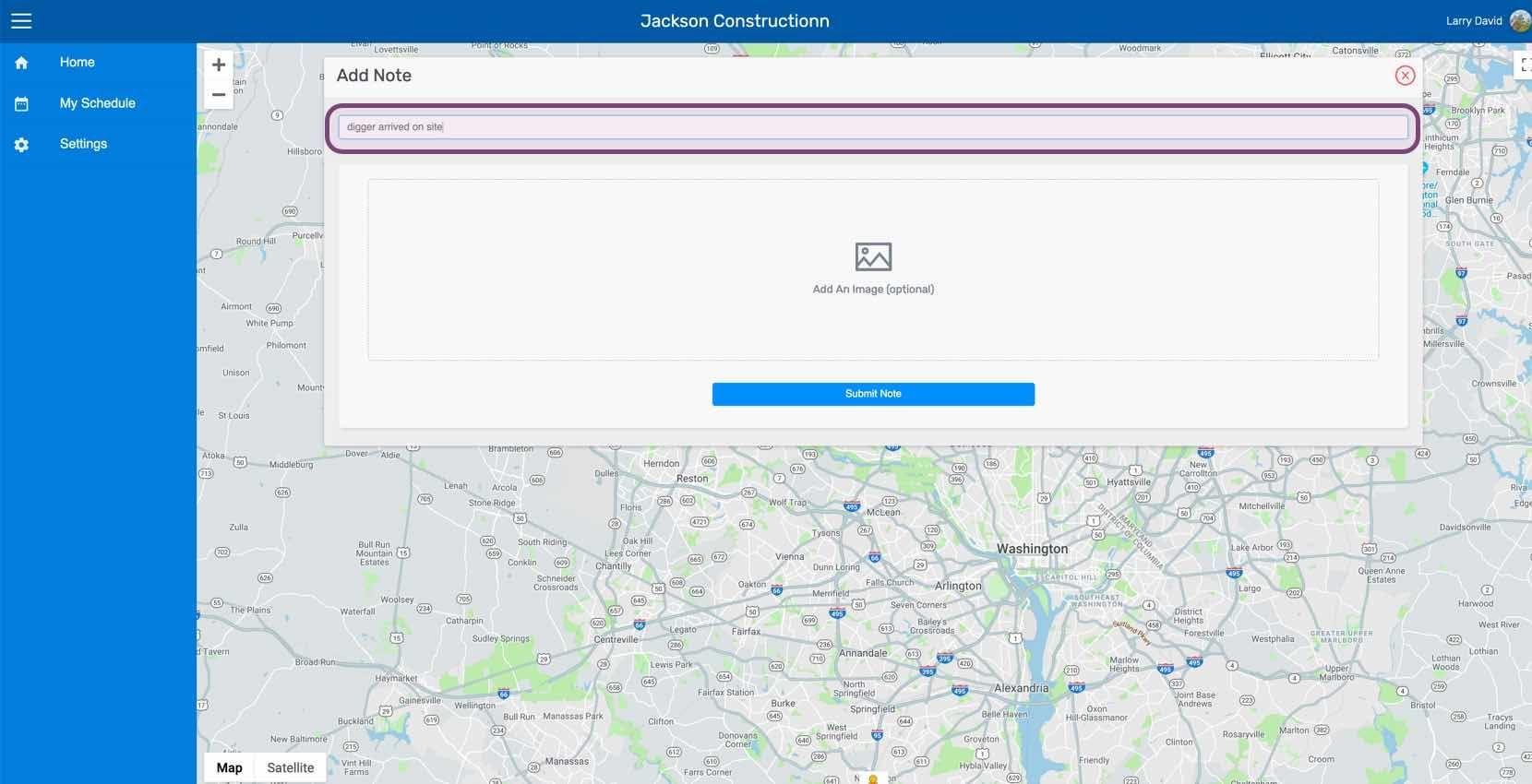
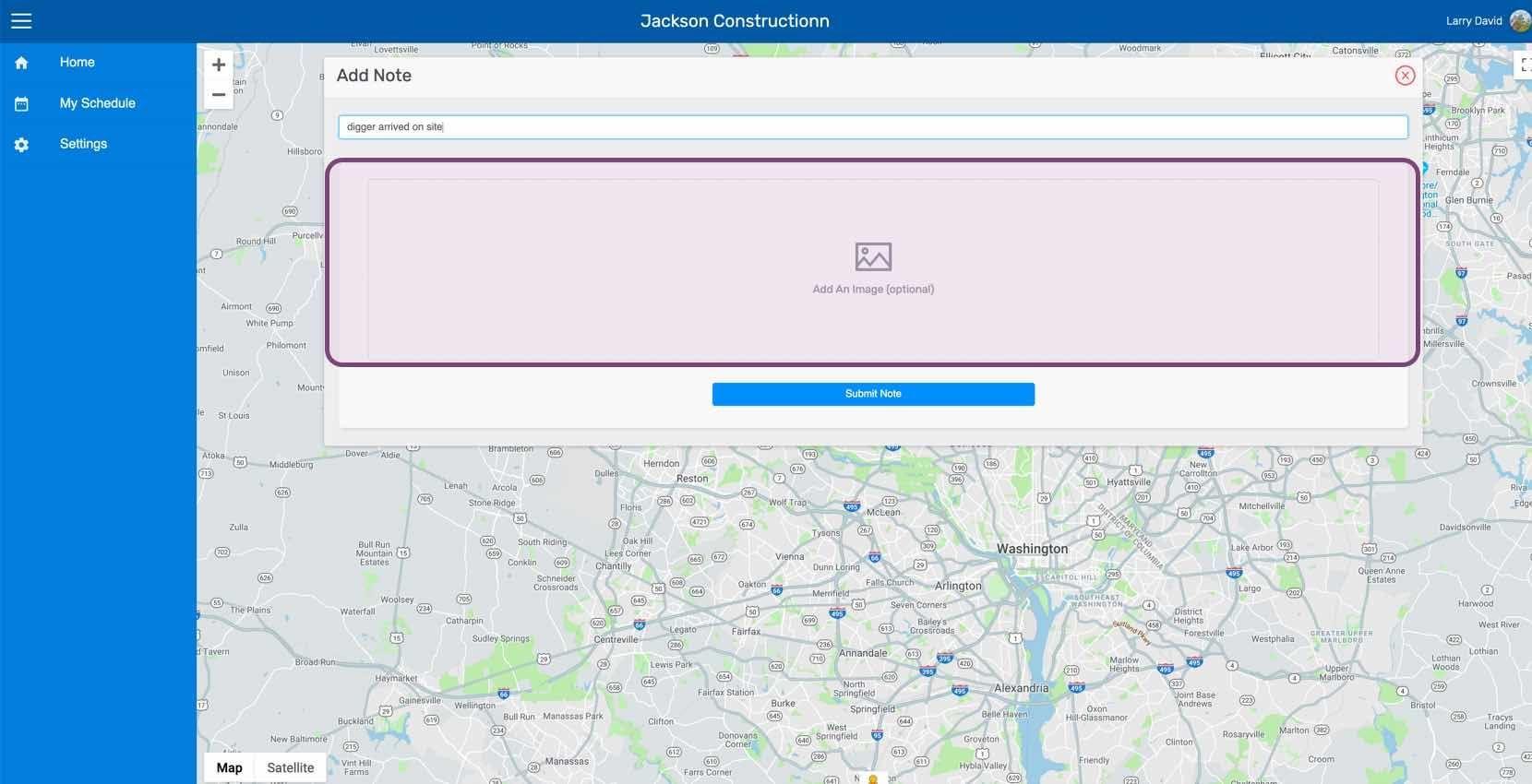
Upload an image relating to the note if you wish.
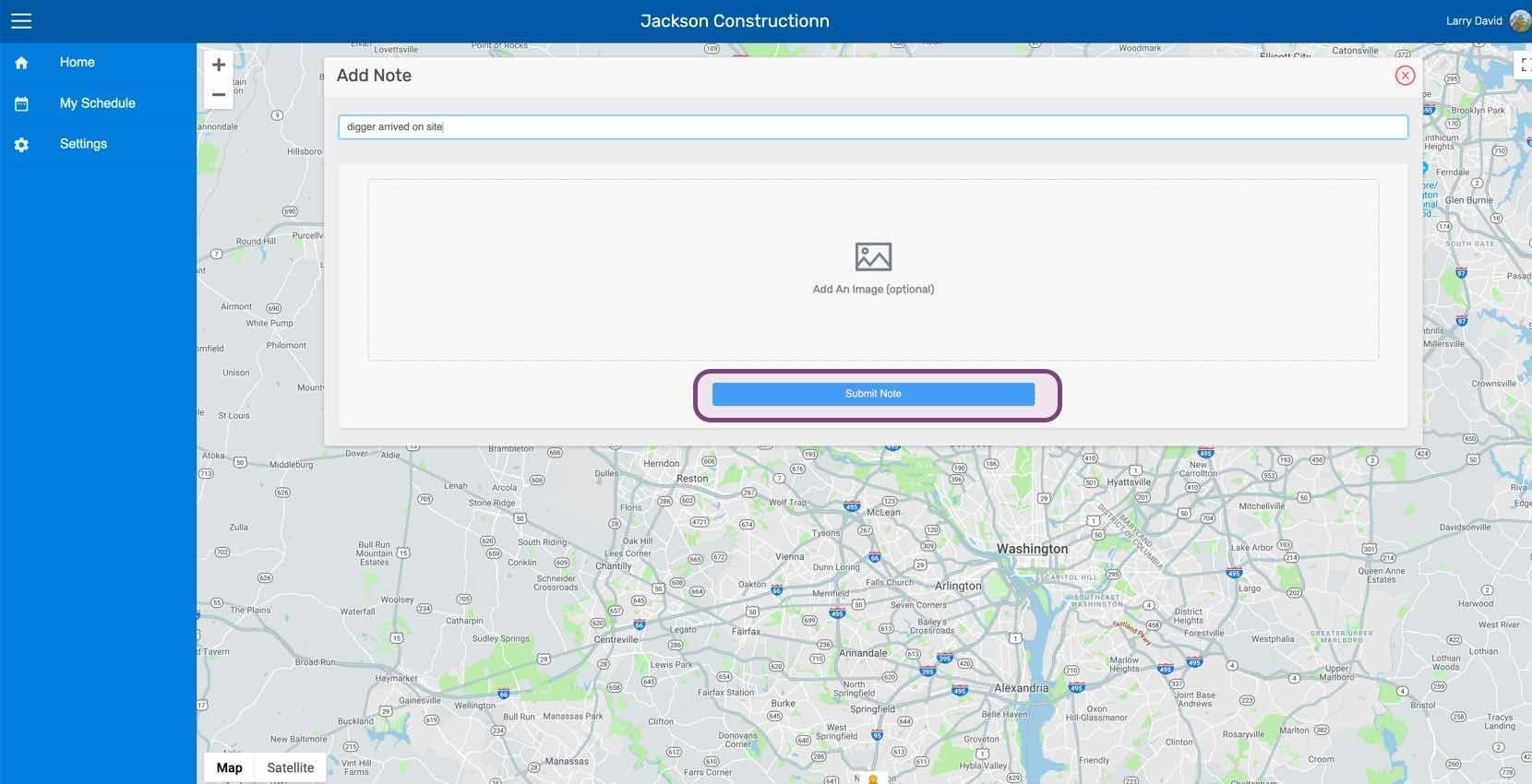
Click on Submit Note
Did this answer your question?