
How to Edit My Profile
This guide covers how to edit your profile as an Employee

SINC Support Team
May 7th, 2021
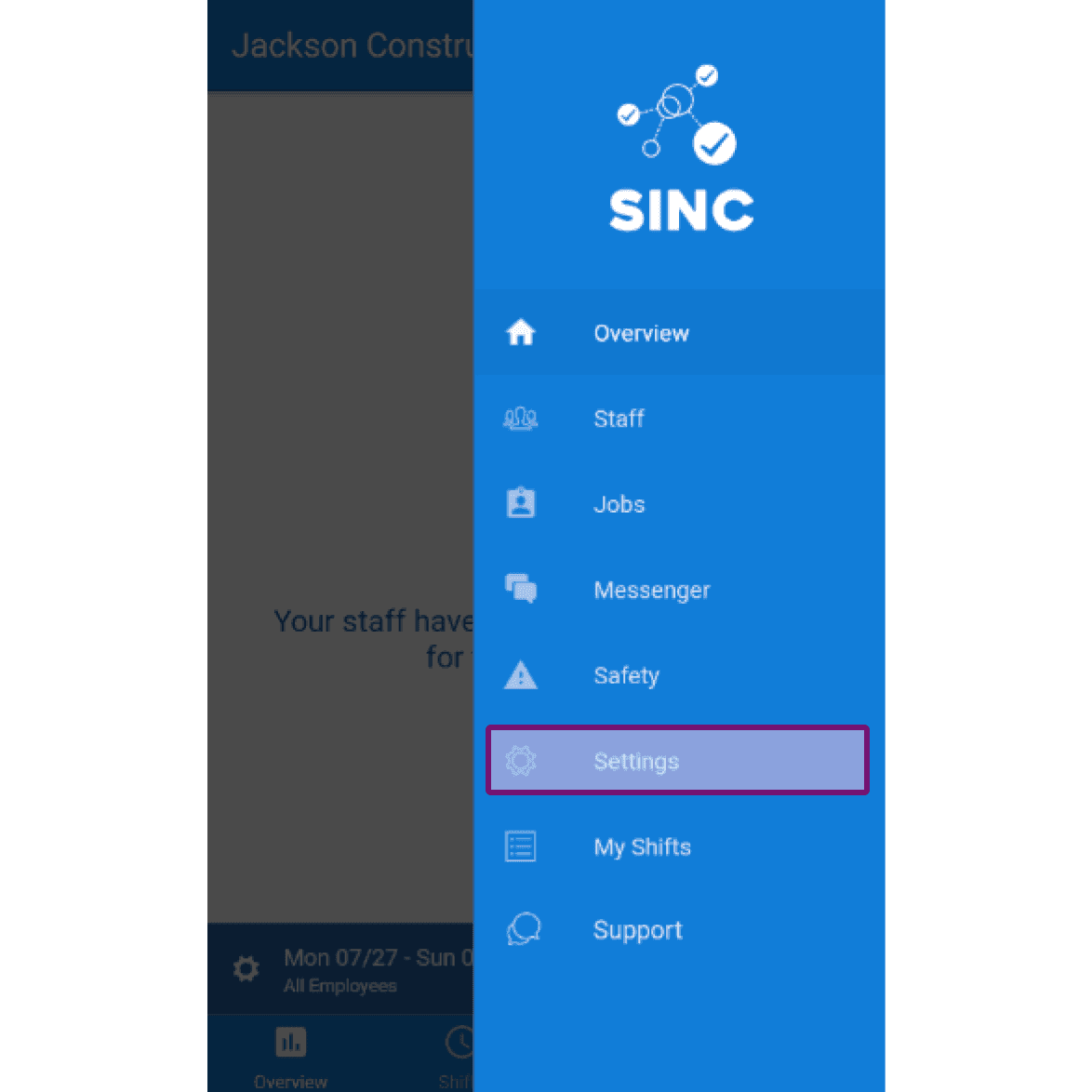
The following screenshots illustrate how you can edit your own profile details. On Mobile: Tap on Menu Settings
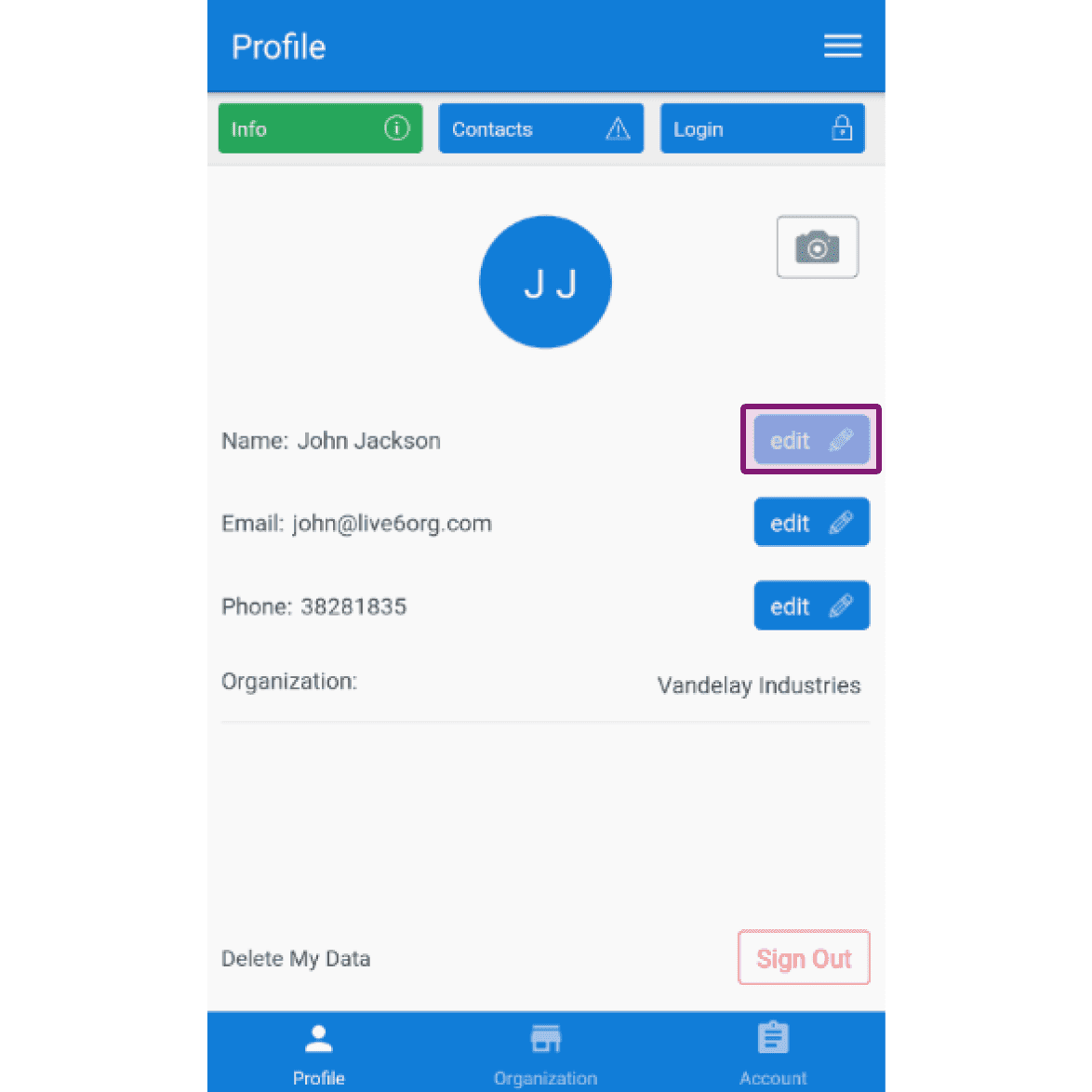
Under the Profile Info tab, to edit your name: Tap on Edit (next to "Name")
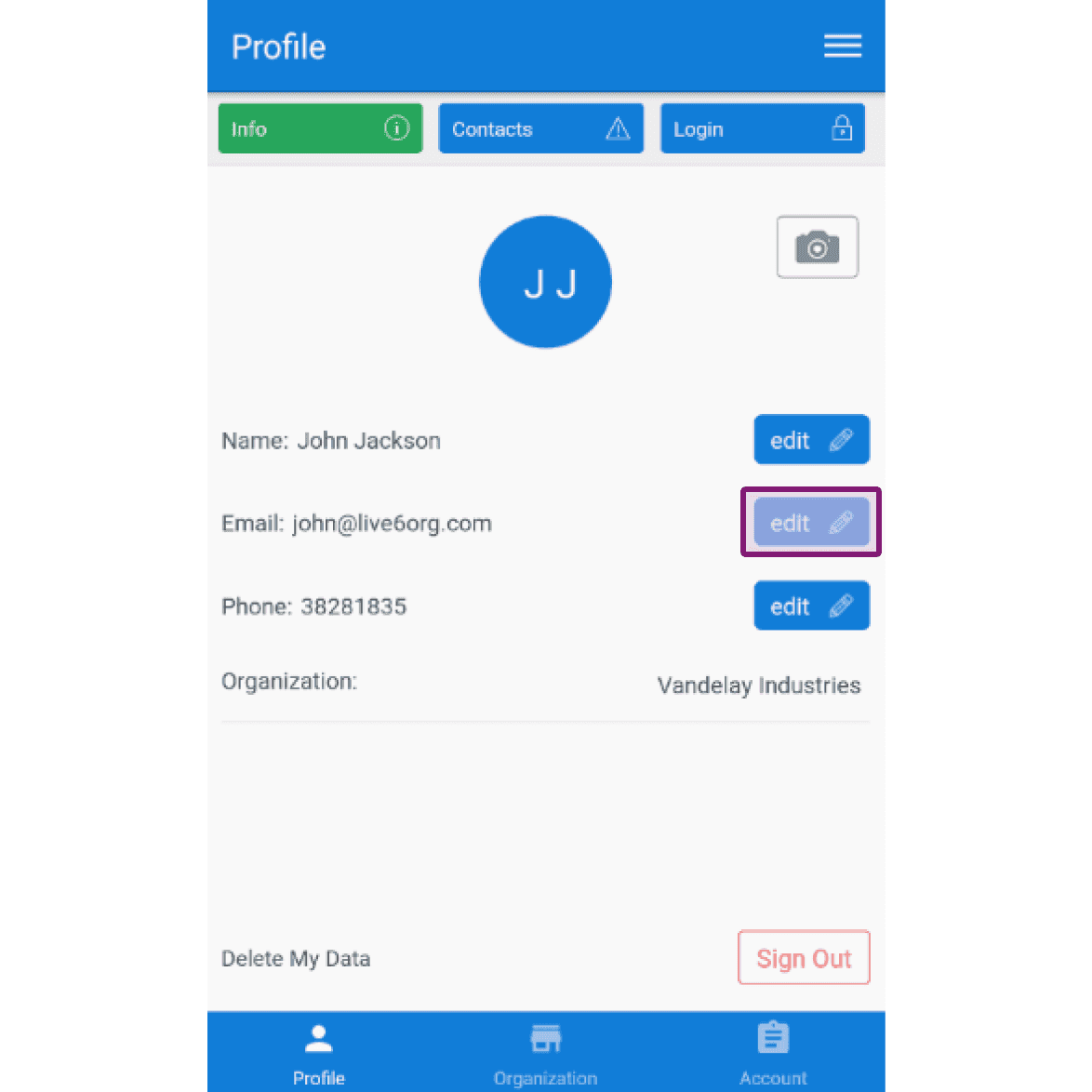
To edit your email: Tap on Edit (next to "Email")
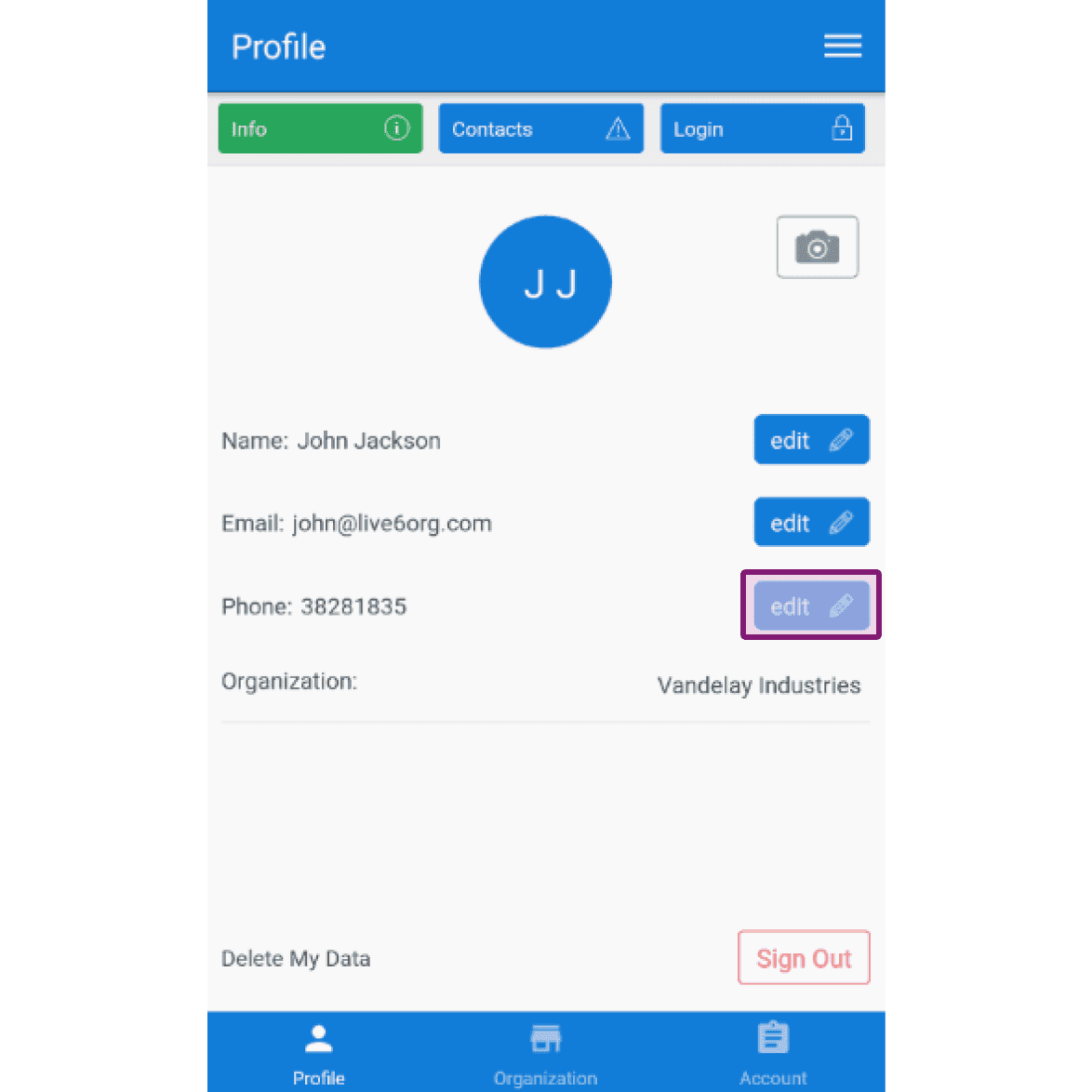
To edit your phone number: Tap on Edit (next to "Phone")
Did this answer your question?