
How to delete MYOB data or Unauthenticate MYOB?
This article relates to deleting the stored MYOB data or unauthenticating MYOB.

If the connection with MYOB Payroll needs to be disconnected either permanently or temporarily, follow these steps. Click on the MYOB Settings tab in order to view the MYOB Settings.
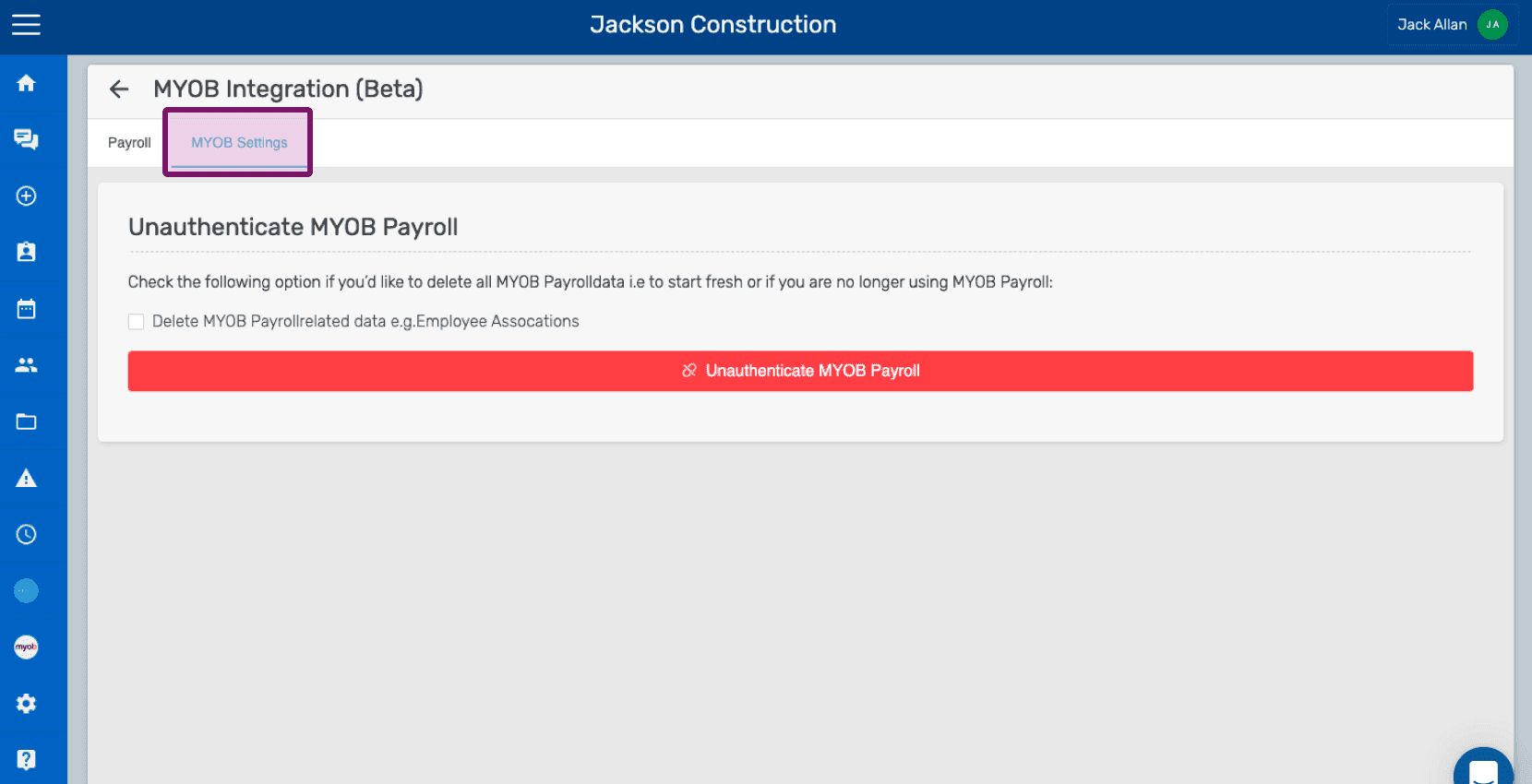
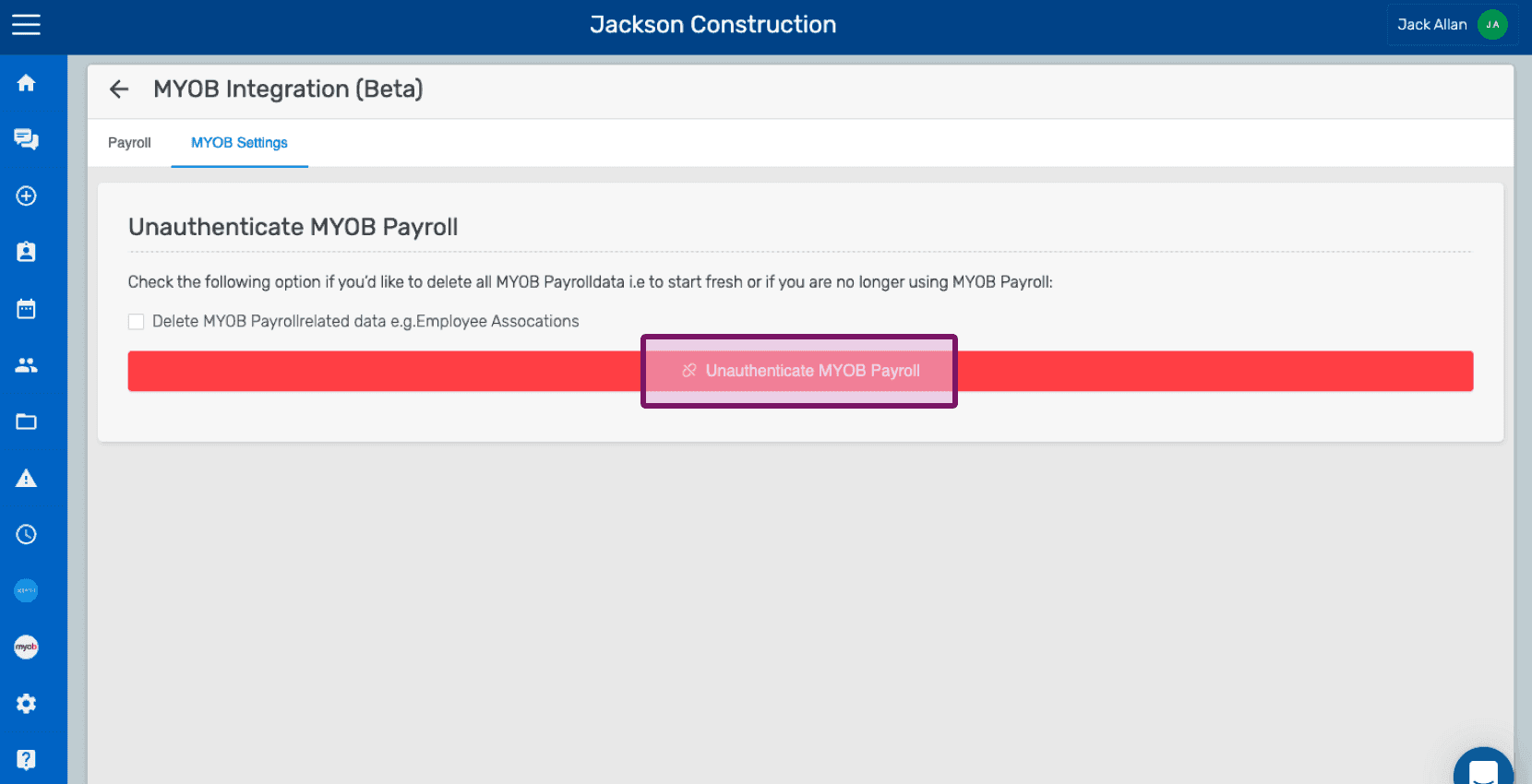
If you wish to only end the current MYOB session, simply click on Unauthenticate Payroll button without selecting the checkbox.
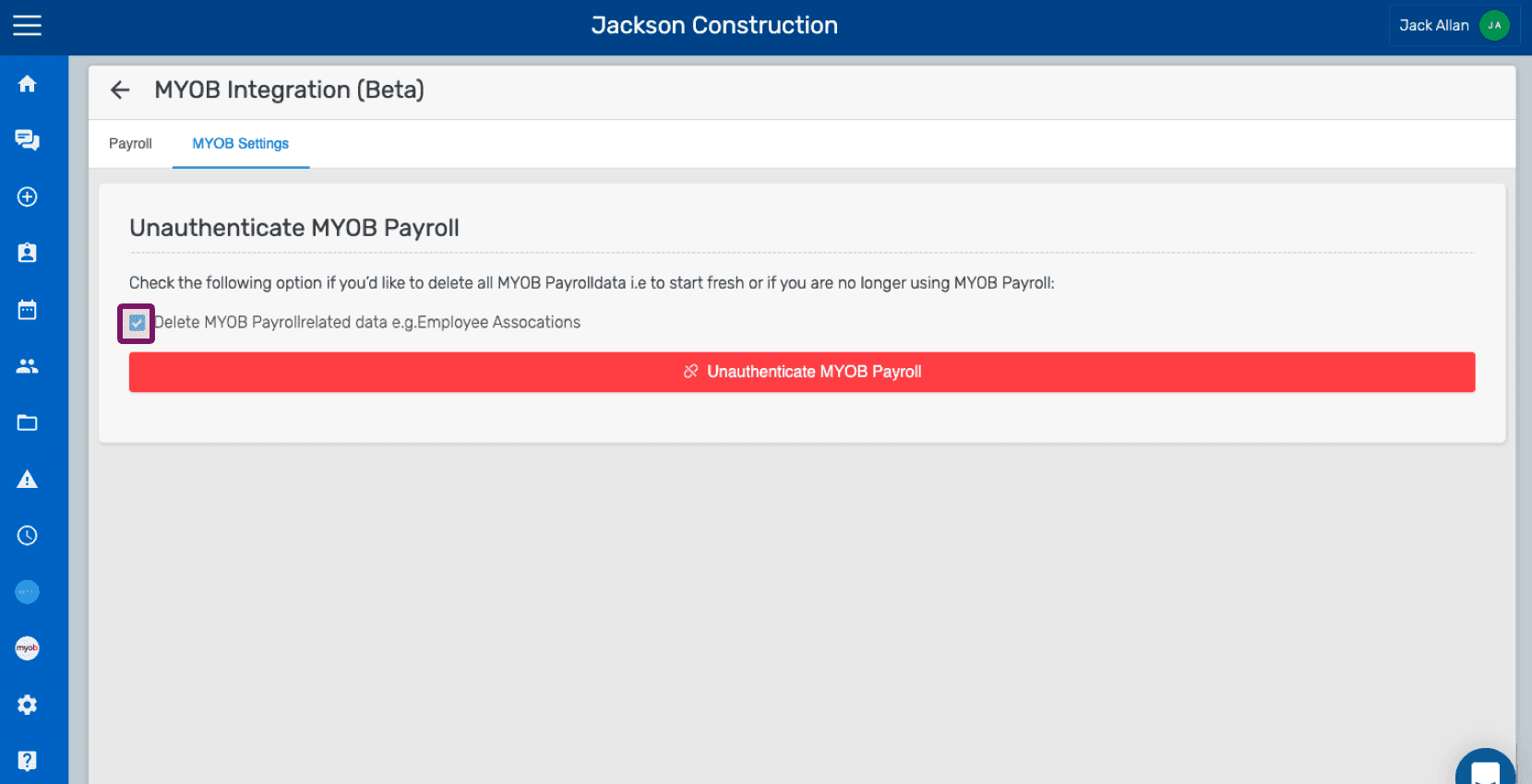
And if you wish to delete all the MYOB Payroll related data (employee associations, etc) stored in SINC, click on the checkbox for Delete MYOB Payroll related data and then click on Unauthenticate Payroll button as shown below.
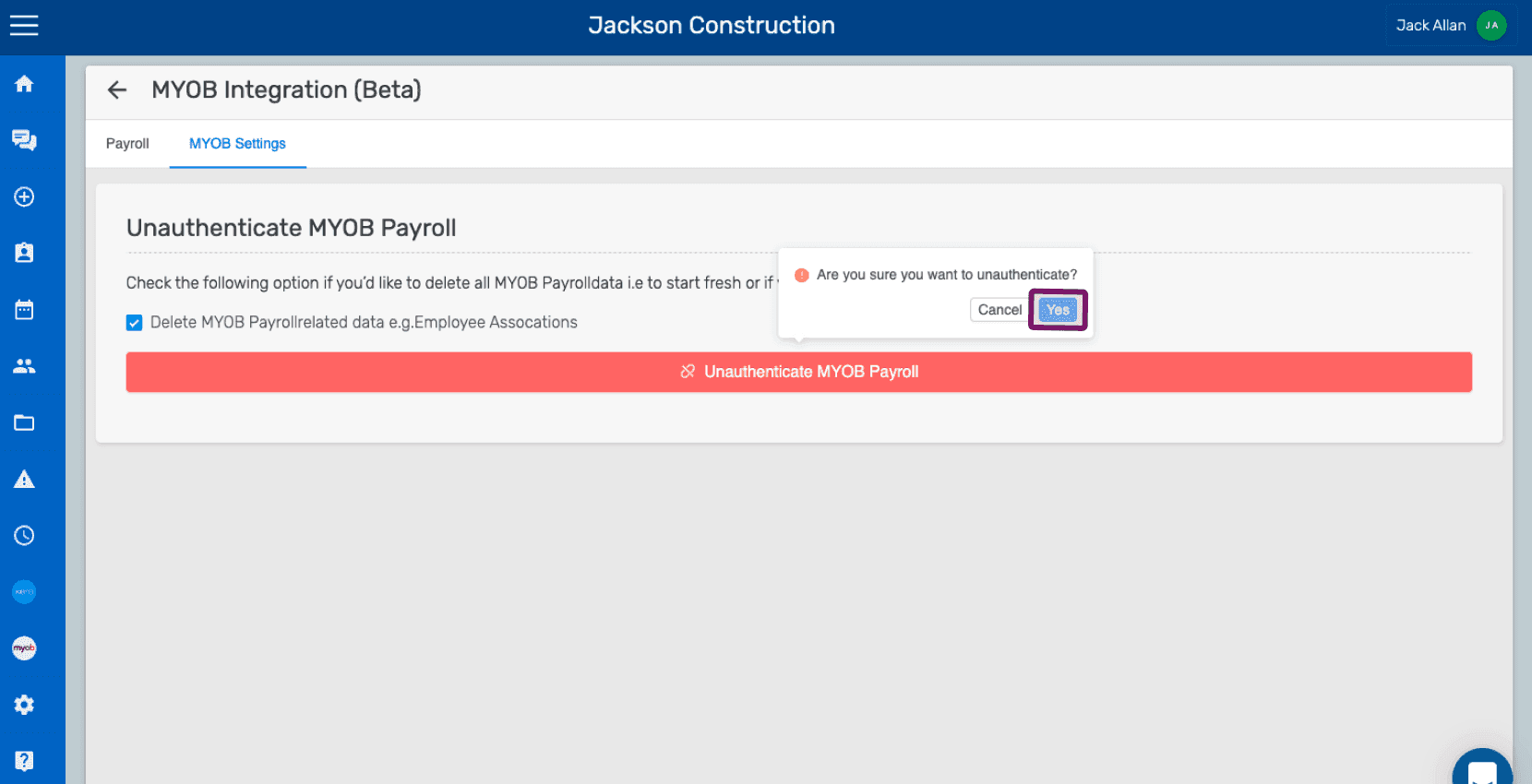
Once the unauthentication (with delete MYOB-related data as checked) is successful, you will be shown that your current session has been terminated and the next time you wish to authenticate, you will have to go through the MYOB authorization process again. Keep in mind: you have to be careful when the un-authentication process is underway because if the checkbox Delete MYOB-related Payroll Data is selected, it would delete all the data that is stored in SINC permanently. There is no alternative way to restore the deleted information.
Did this answer your question?