
MYOB Payroll: Submit Timesheets From SINC
This article relates to submitting timesheets from SINC to MYOB Essentials Payroll

This section will present the last scenario in order to submit the employee's payroll timesheets to your MYOB organization. The following screen is displayed when you navigate to the Submit Timesheets tab.
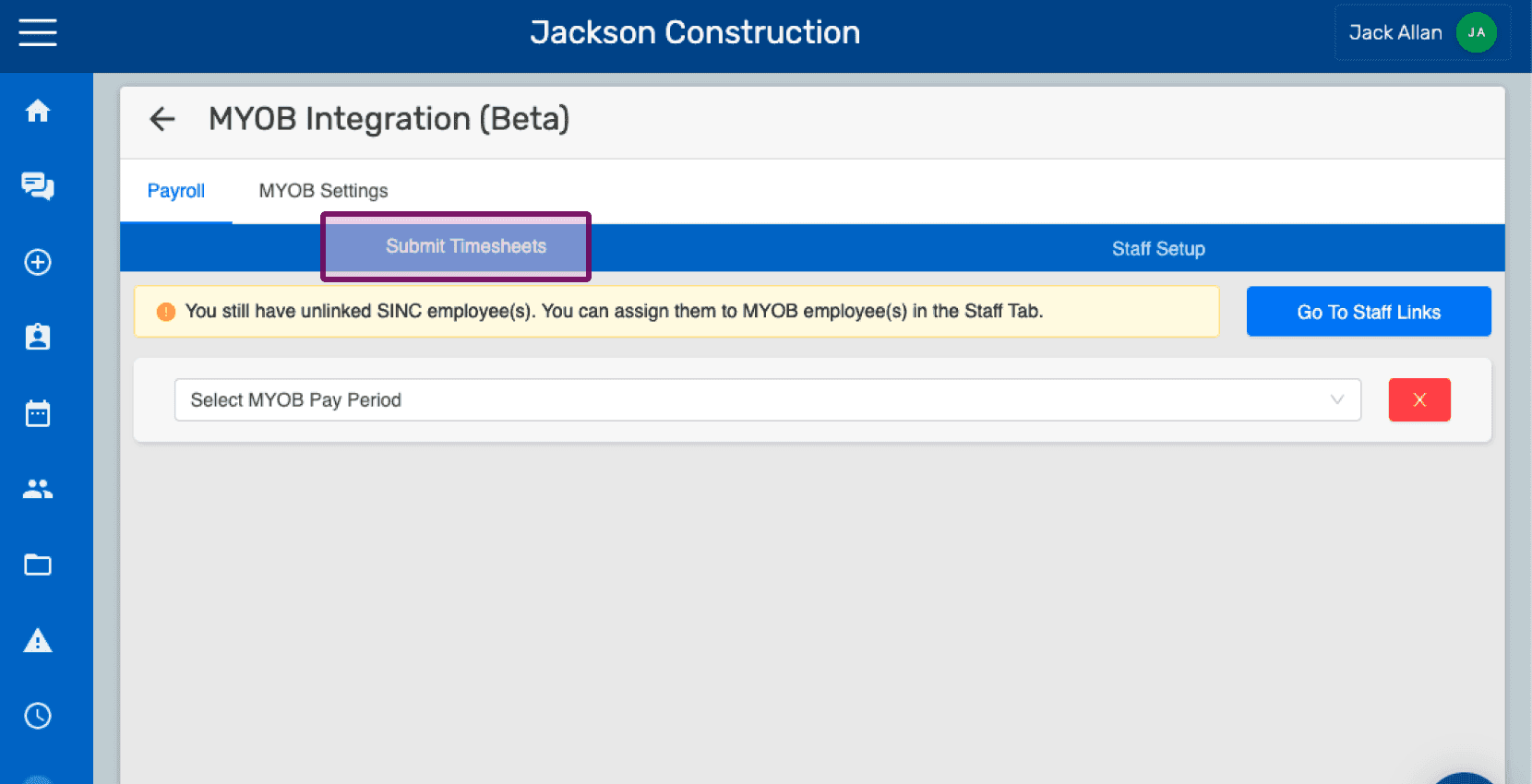
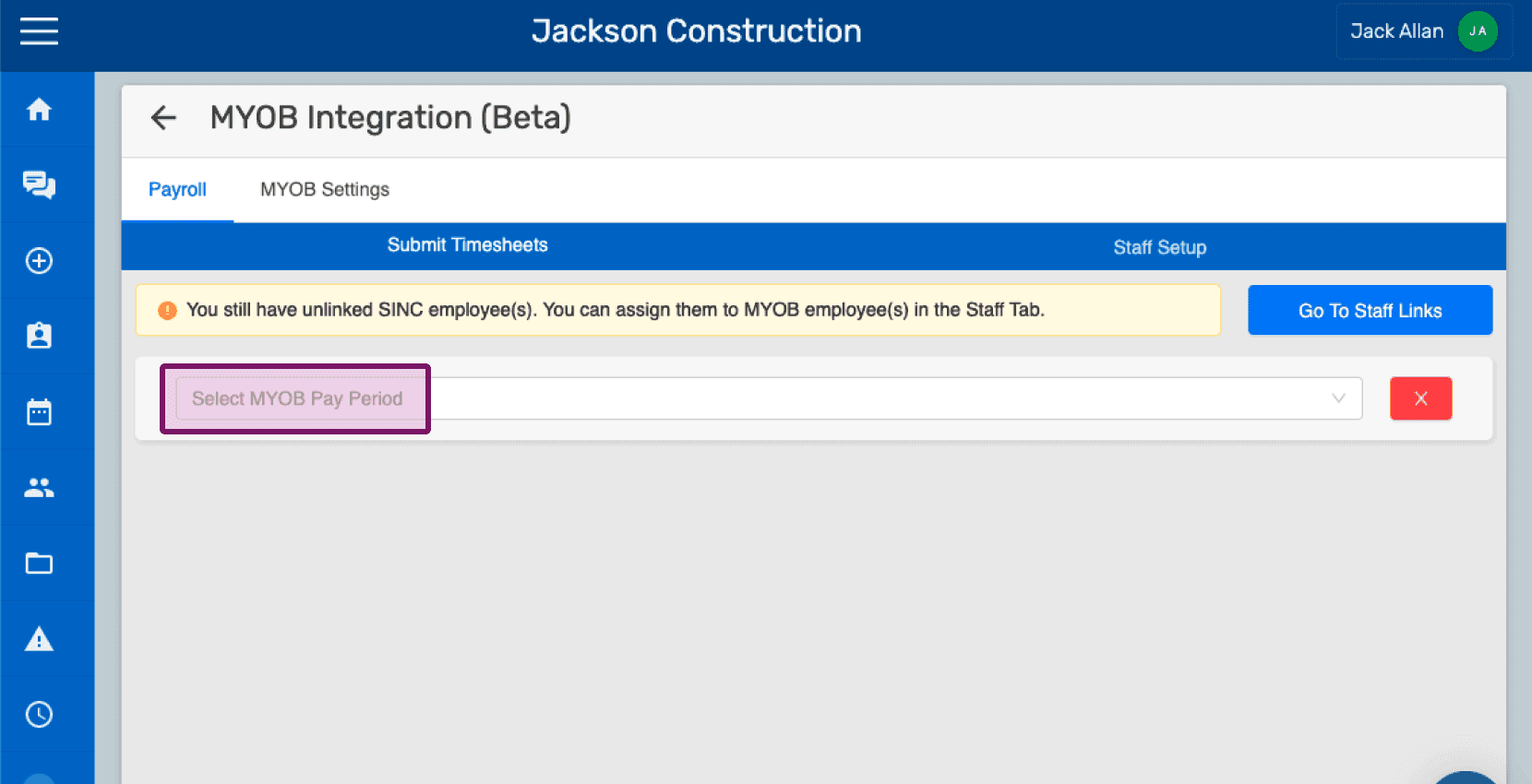
Select the Pay Period from the dropdown list which will filter the employees according to the selected Pay Period.
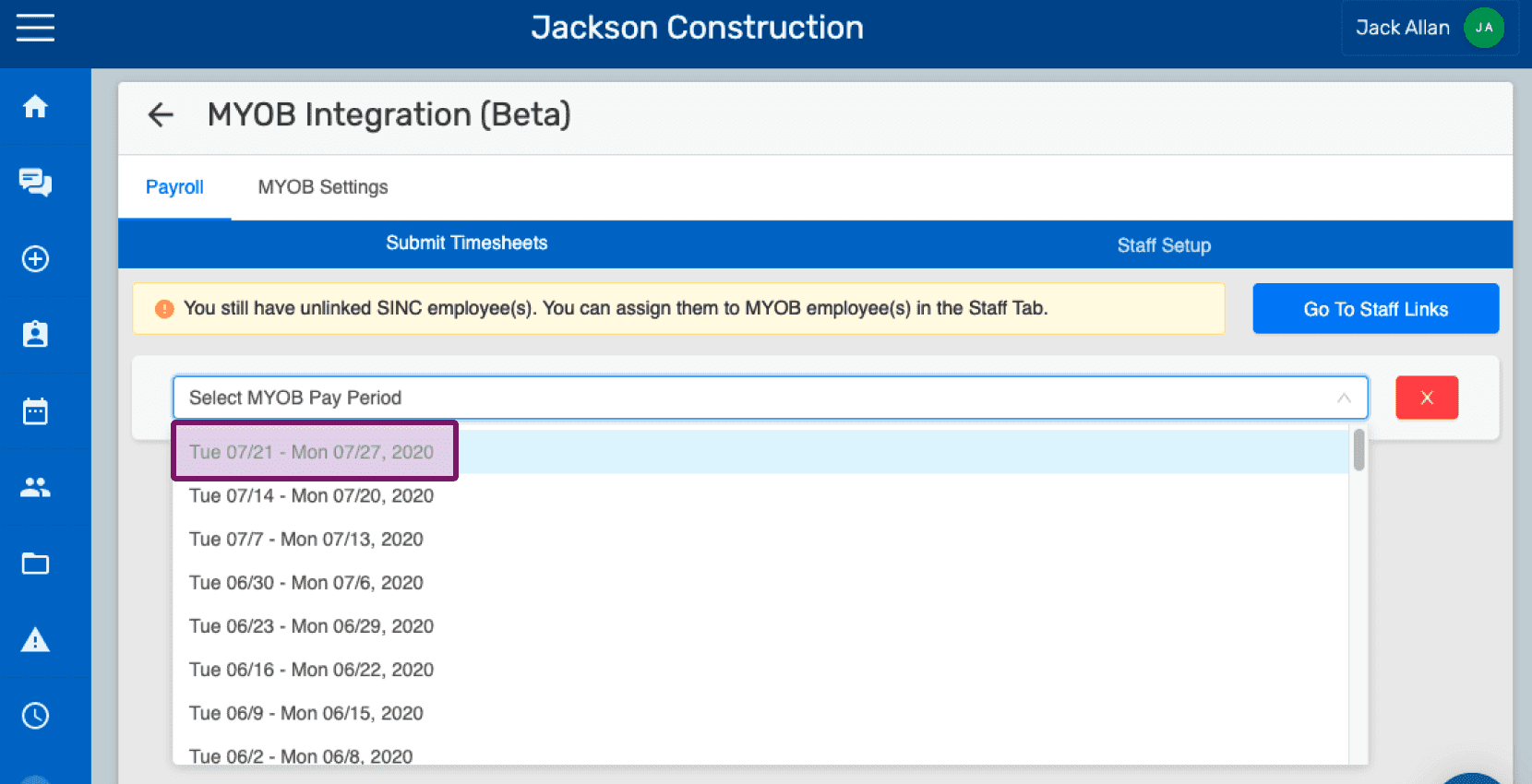
Select the Pay Item which will further filter the employees according to the selected Pay Item.
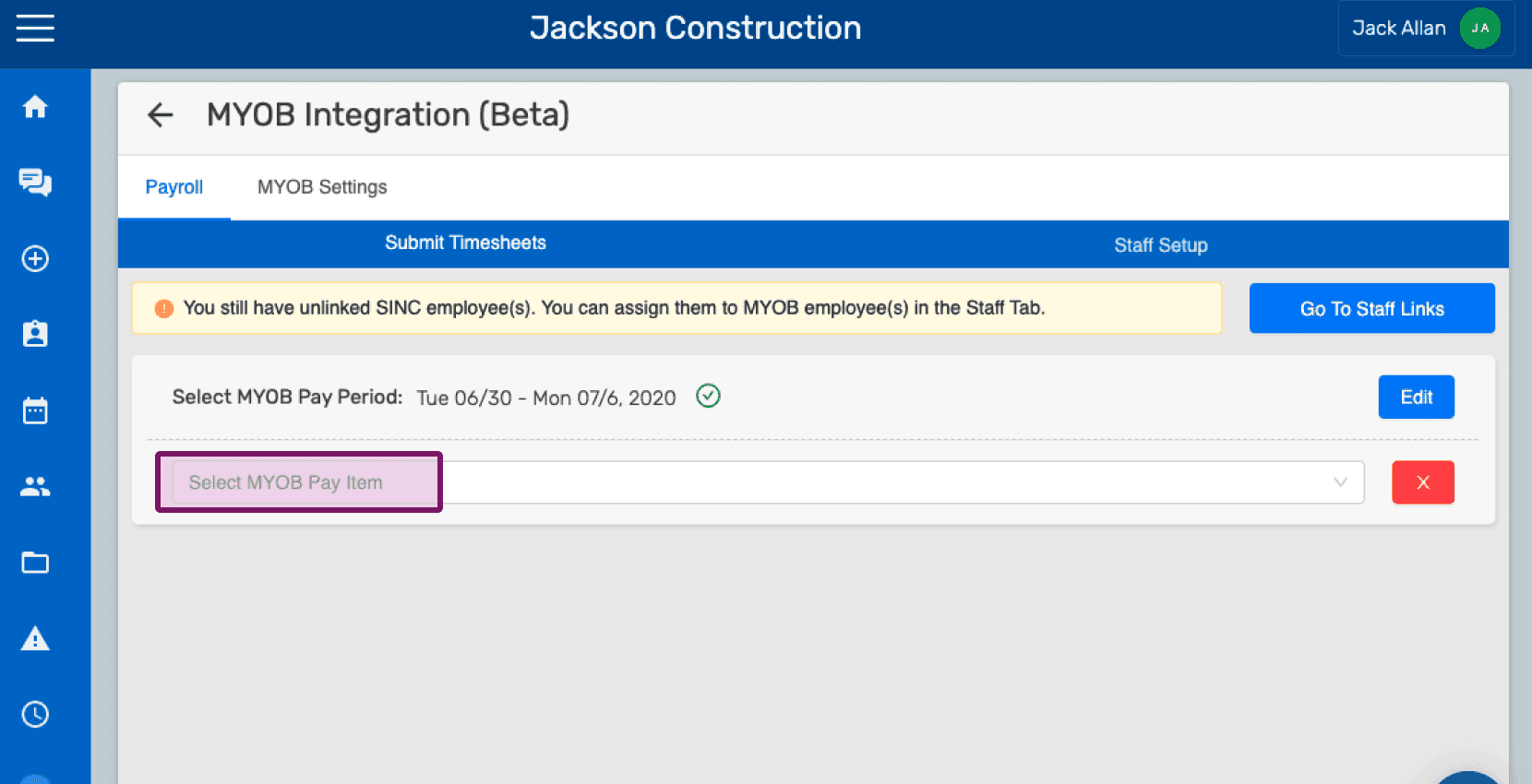
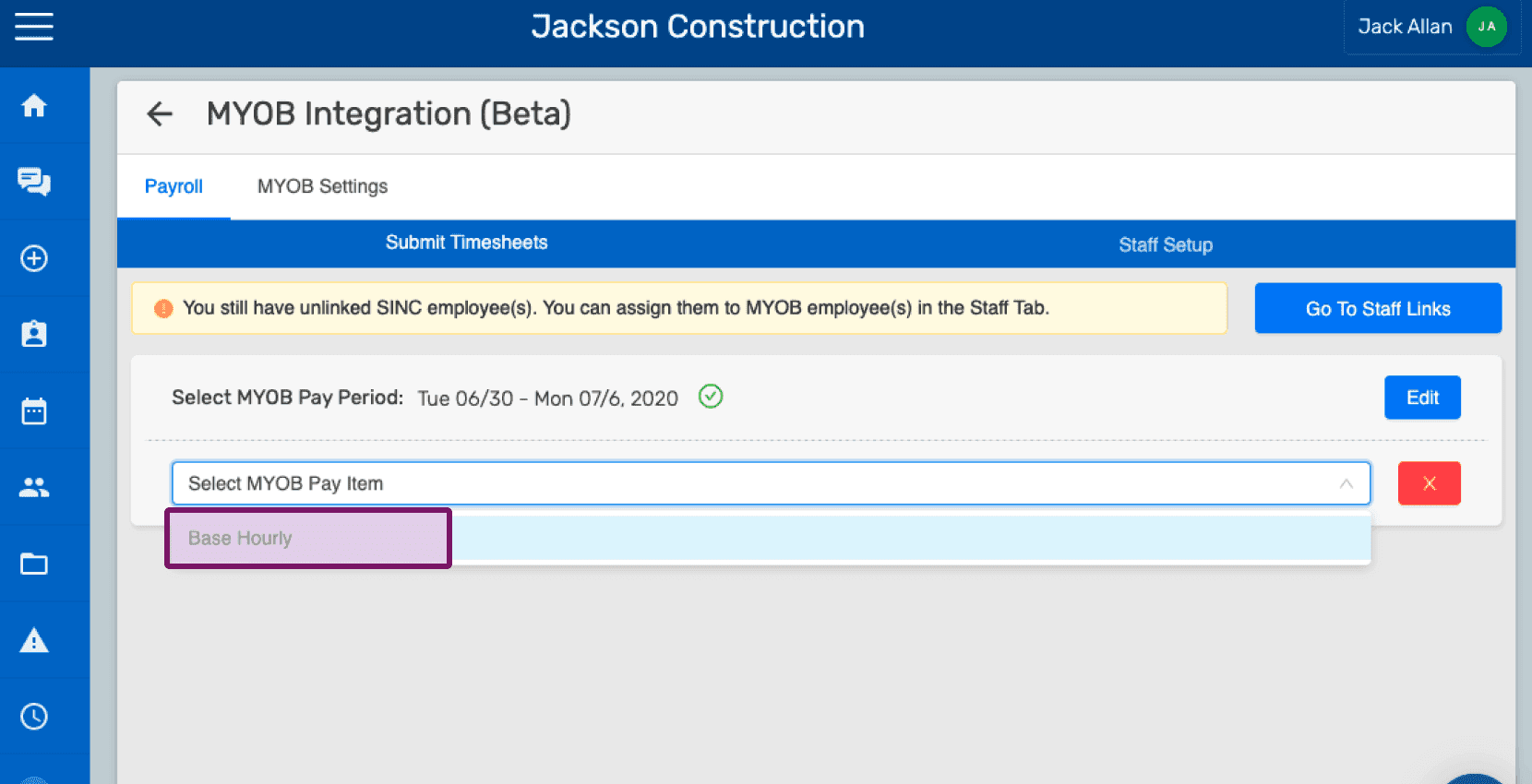
Select the Employee from the dropdown list for whom the timesheet has to be submitted. You can also choose All Employees if more than one employee exists under the selected Pay Period and Pay Item.
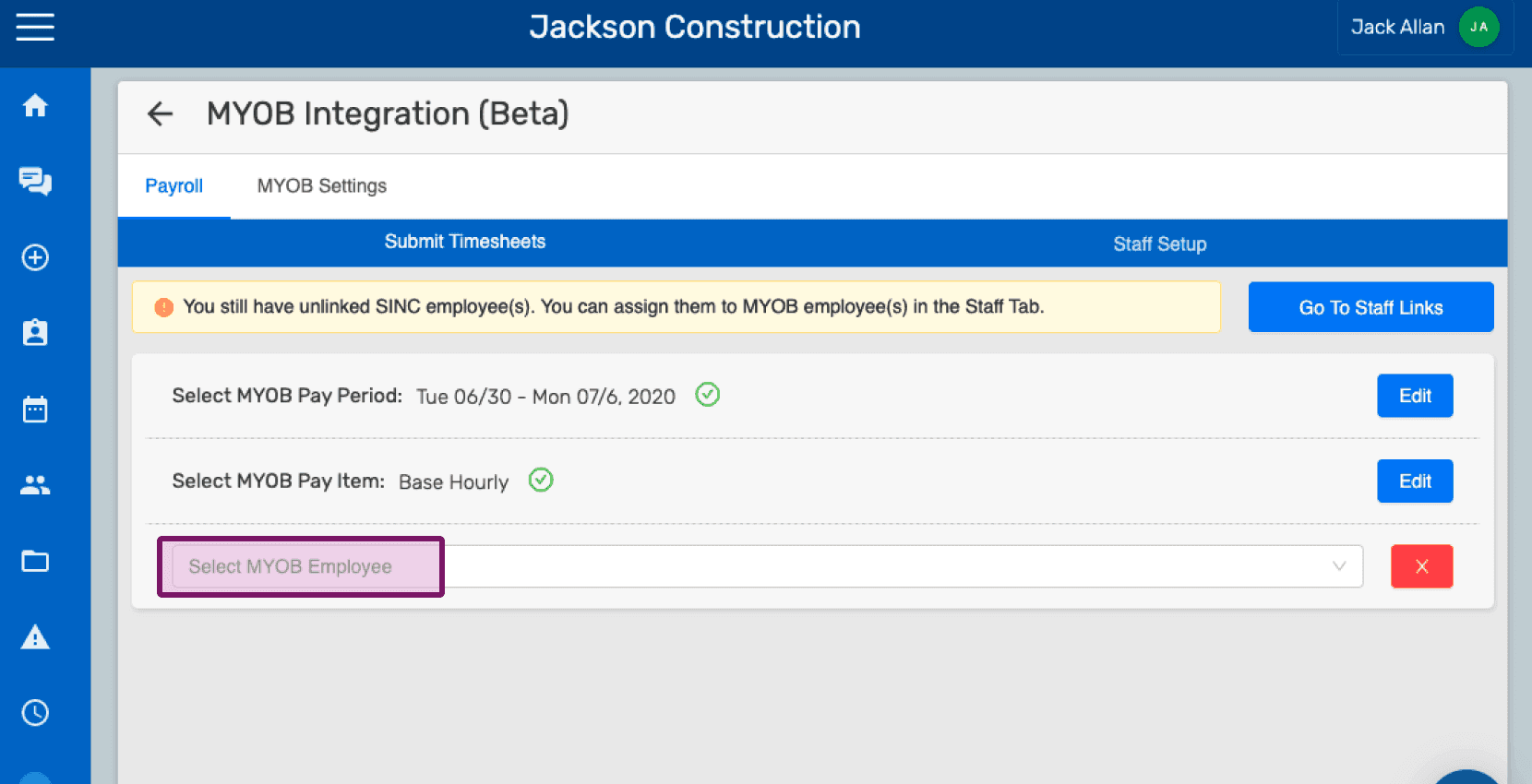
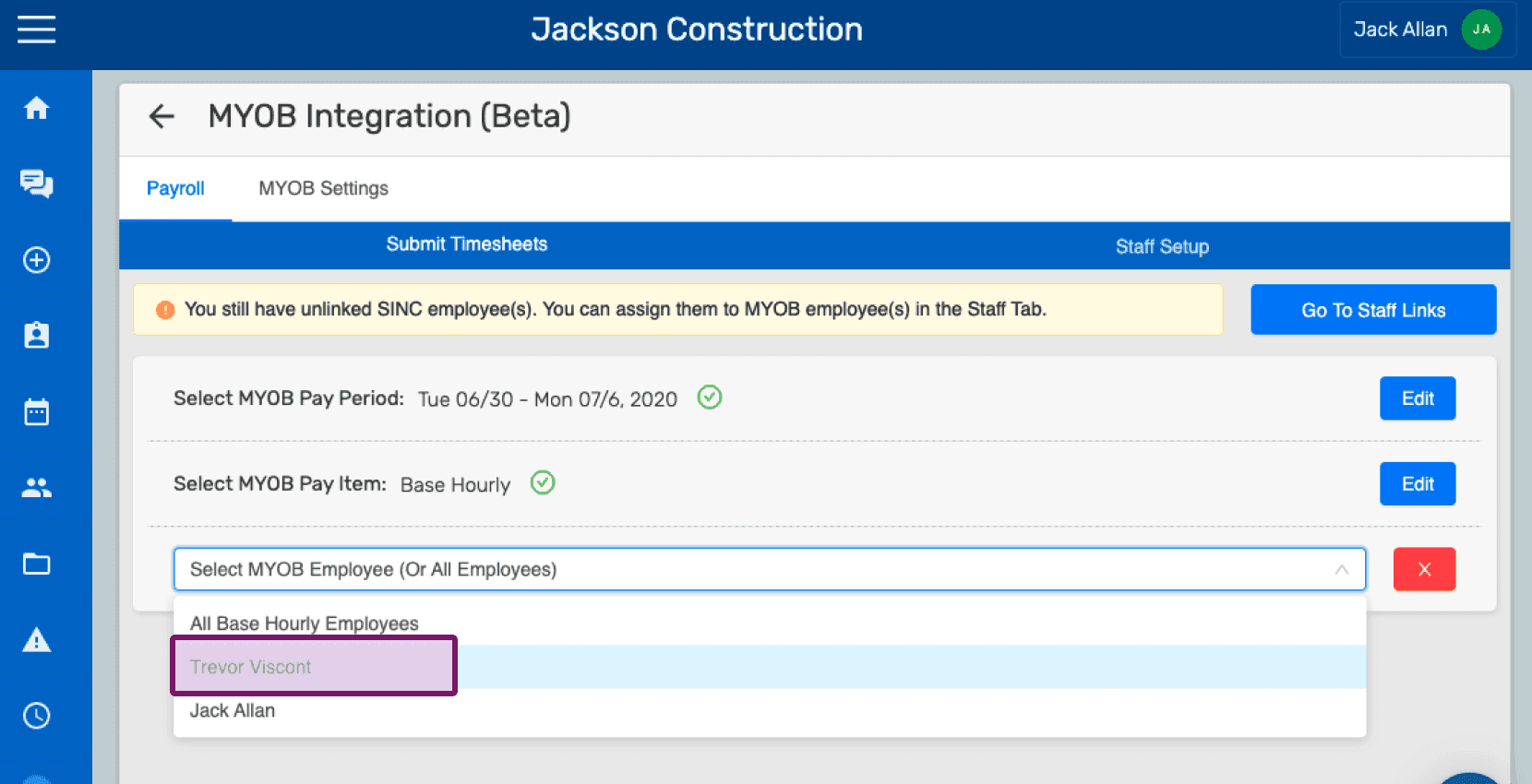
If shifts exist for the selected employee(s), it would be shown as depicted in the following screen. You can now click on Submit Timesheets button to submit timesheets to your MYOB organization.
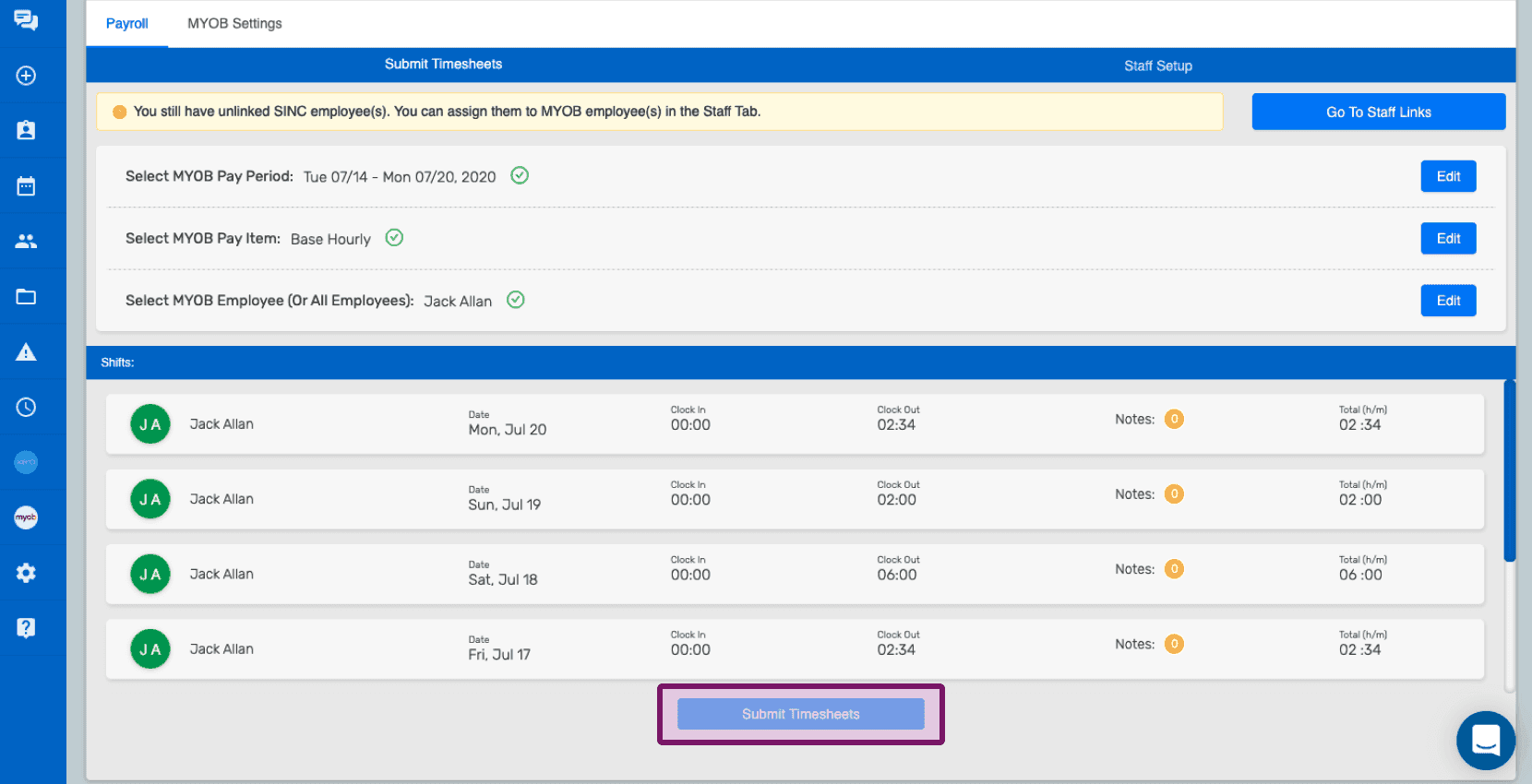
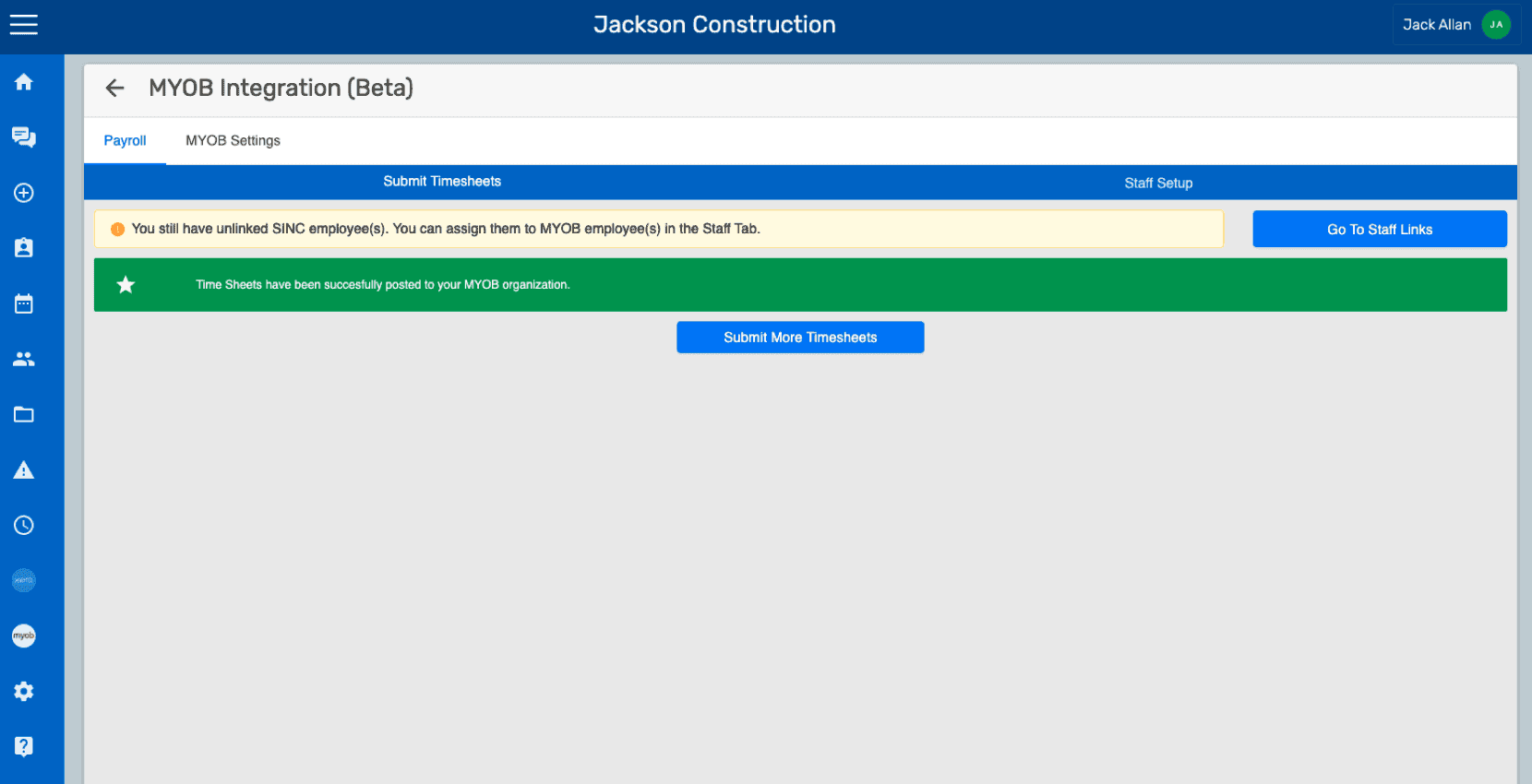
The following success message is displayed on the screen upon successful timesheet submission. You can submit more timesheets by clicking on Submit More Time Sheets button.
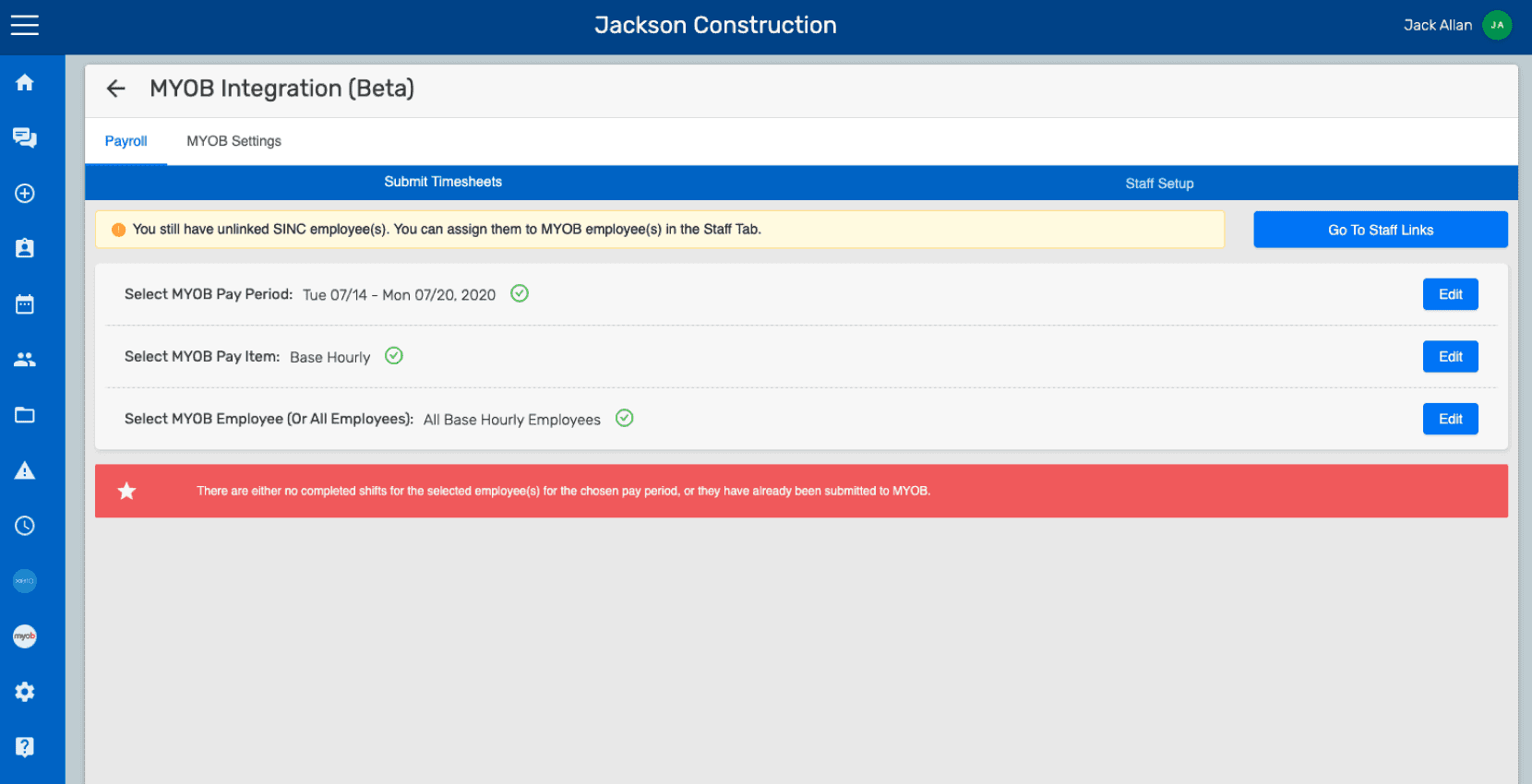
If there are no shifts added for the selected employee, an error message will be displayed. In this case, you have to go to Add Missing Shift which is in the left pane, and add the required shifts for the specific employee in that Pay Schedule. Keep in mind: you cannot re-submit timesheets for the same pay period for the same employee. If you wish to edit a timesheet, you will have to edit the submitted timesheet under that particular pay period of that employee from the MYOB organization.
Did this answer your question?