
Adding The Next Staff Schedule
Ready to add your next schedule? In this tutorial, we show you how

Sam Dolbel
Oct 19th, 2021
On Web: Click on the Add Next Schedule button.
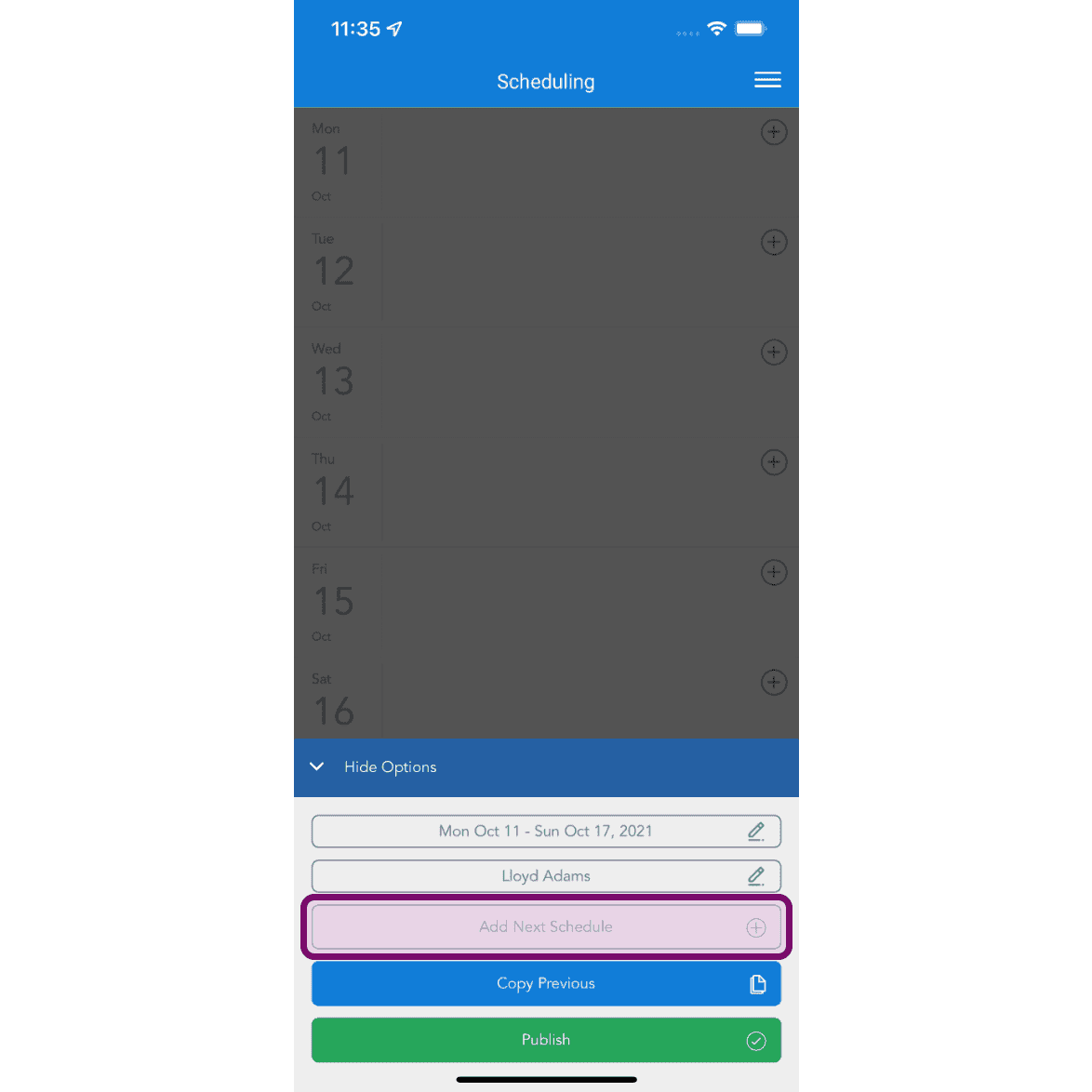
On Mobile: Tap on the Add Next Schedule button. This will create the schedule for the next period past your latest schedule. E.g if your latest schedule ends two weeks from now, the schedule you create will be the next one after that, and not necessarily directly after the schedule period you currently have selected.
Did this answer your question?