
Copying The Previous Staff Schedule
To save time when scheduling regular employees, you can copy the previous week's shifts. This tutorial shows you what to do

To save time with scheduling regular employees, you can copy the previous schedule directly across. If the current schedule is your first one and you don't have a previous one, then this button will be greyed out.
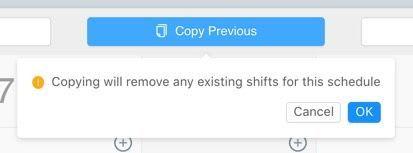
On Web: Click the Copy Previous button.

Click on OK to confirm the warning pop up and copy the schedule across.
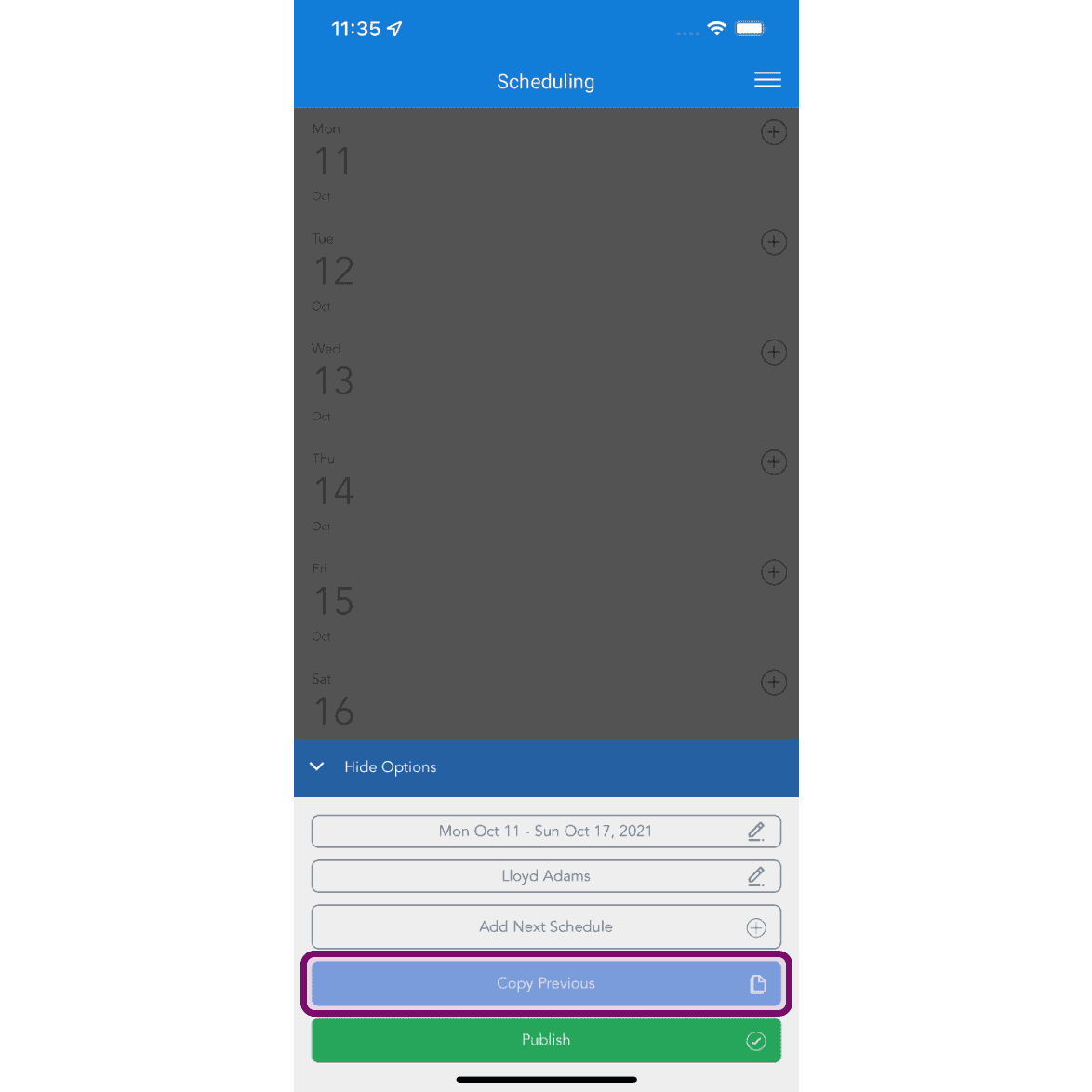
On Mobile: Tap on Copy Previous button.
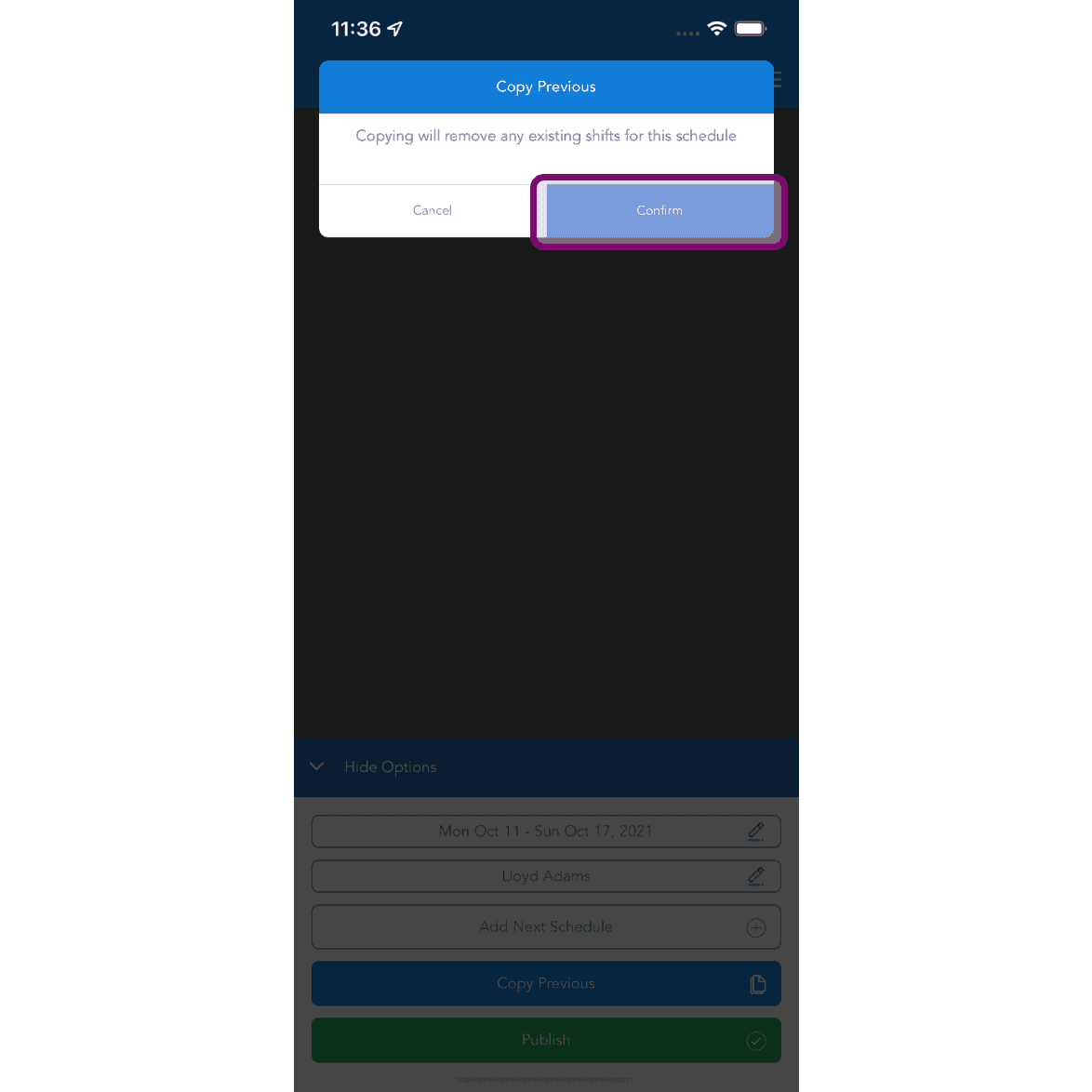
Tap on Confirm button to copy the previous schedule. It's important to note copying the previous schedule will overwrite any shifts you may have already put in. You will have to add these back in if they aren't in the previous schedule you are copying. The schedule will be reloaded with identical shifts to the one before, including any notes.
Did this answer your question?