
Deleting Scheduled Shifts
In this tutorial we show you how to delete an already scheduled shift

Sam Dolbel
Oct 19th, 2021
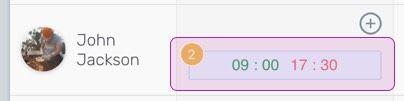
On Web: Click on the shift you'd like to delete.
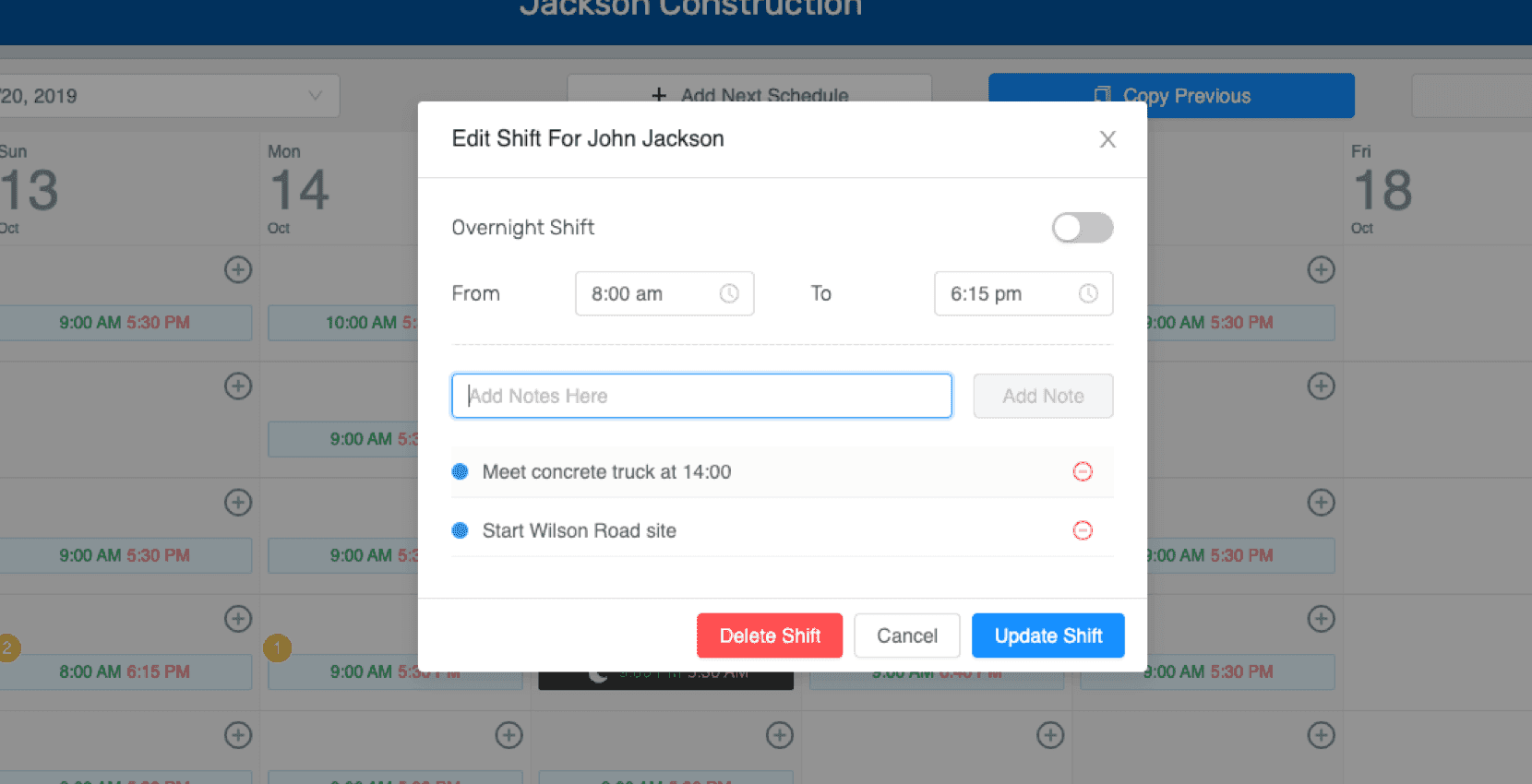
Choose Delete Shift.
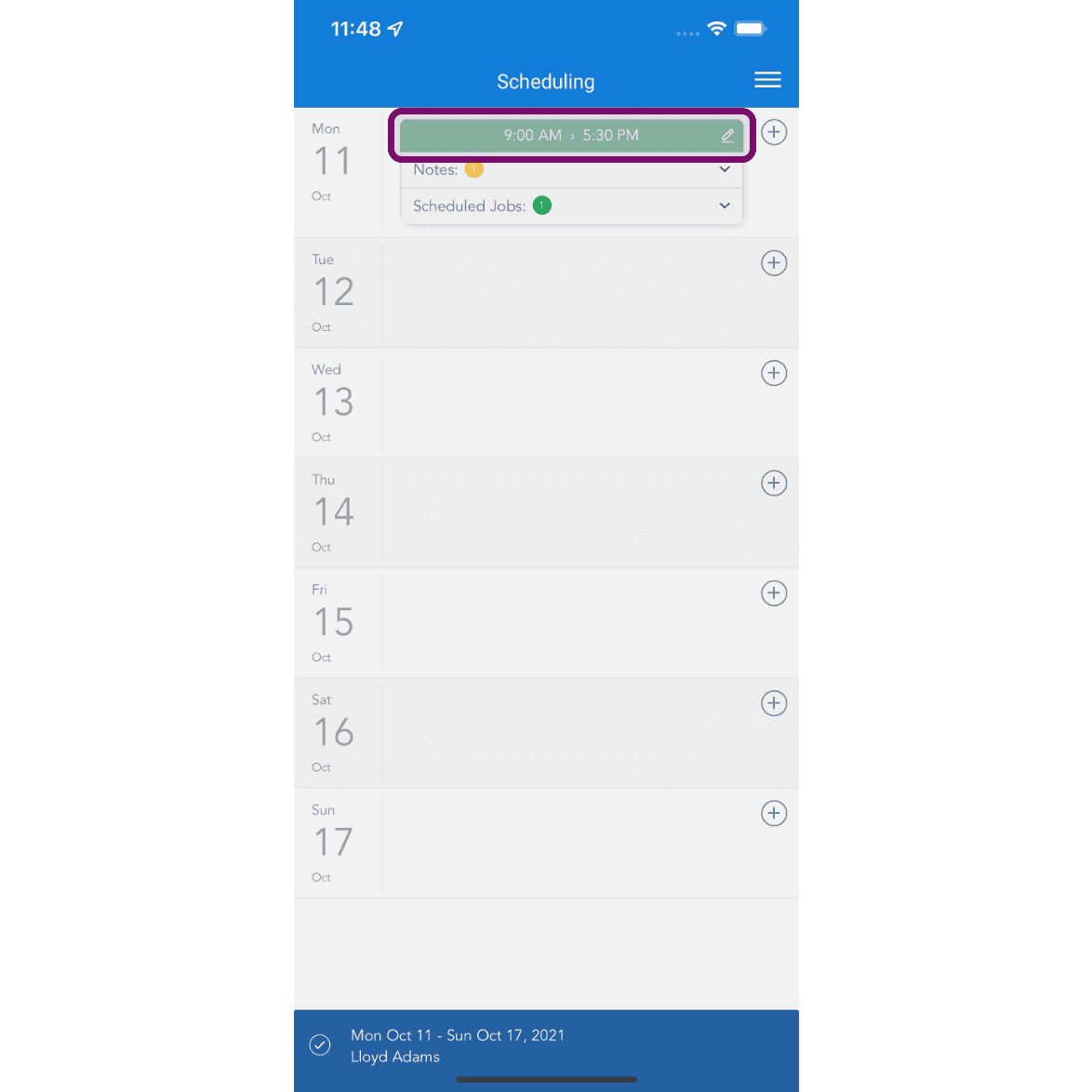
On Mobile: Tap on the shift to delete.
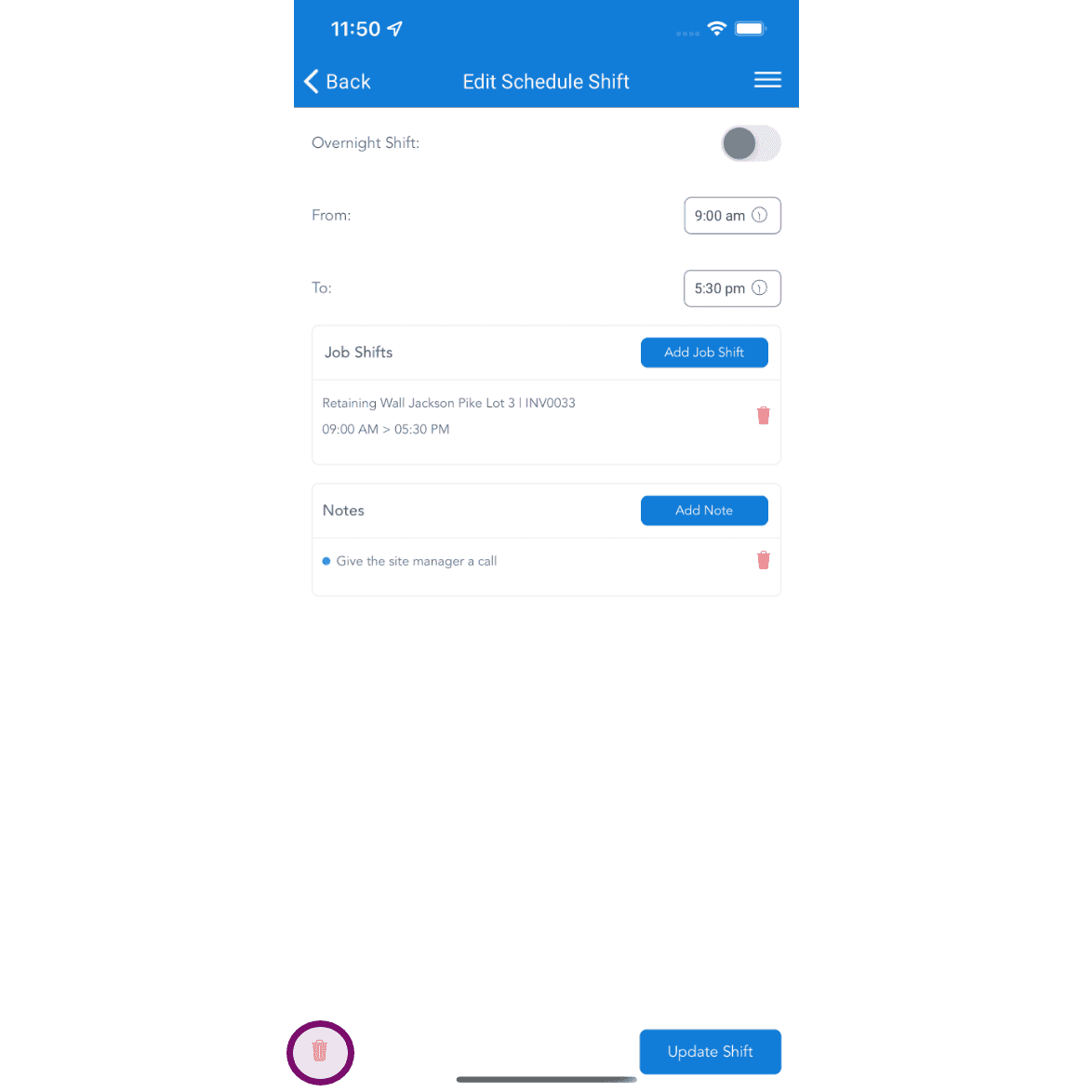
Tap on delete button to delete the scheduled shift. If the schedule has been published, the employee will receive a notification about a shift on that day being removed. They can then view the details in their App.
Did this answer your question?