
Editing Scheduled Shifts
Sometimes work requirements change and you need to make edits to already scheduled shifts. This tutorial shows you what to do in this case

Sam Dolbel
Oct 19th, 2021
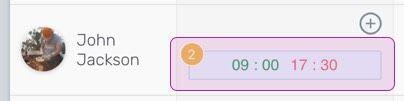
On Web: Click on the shift you'd like to edit.
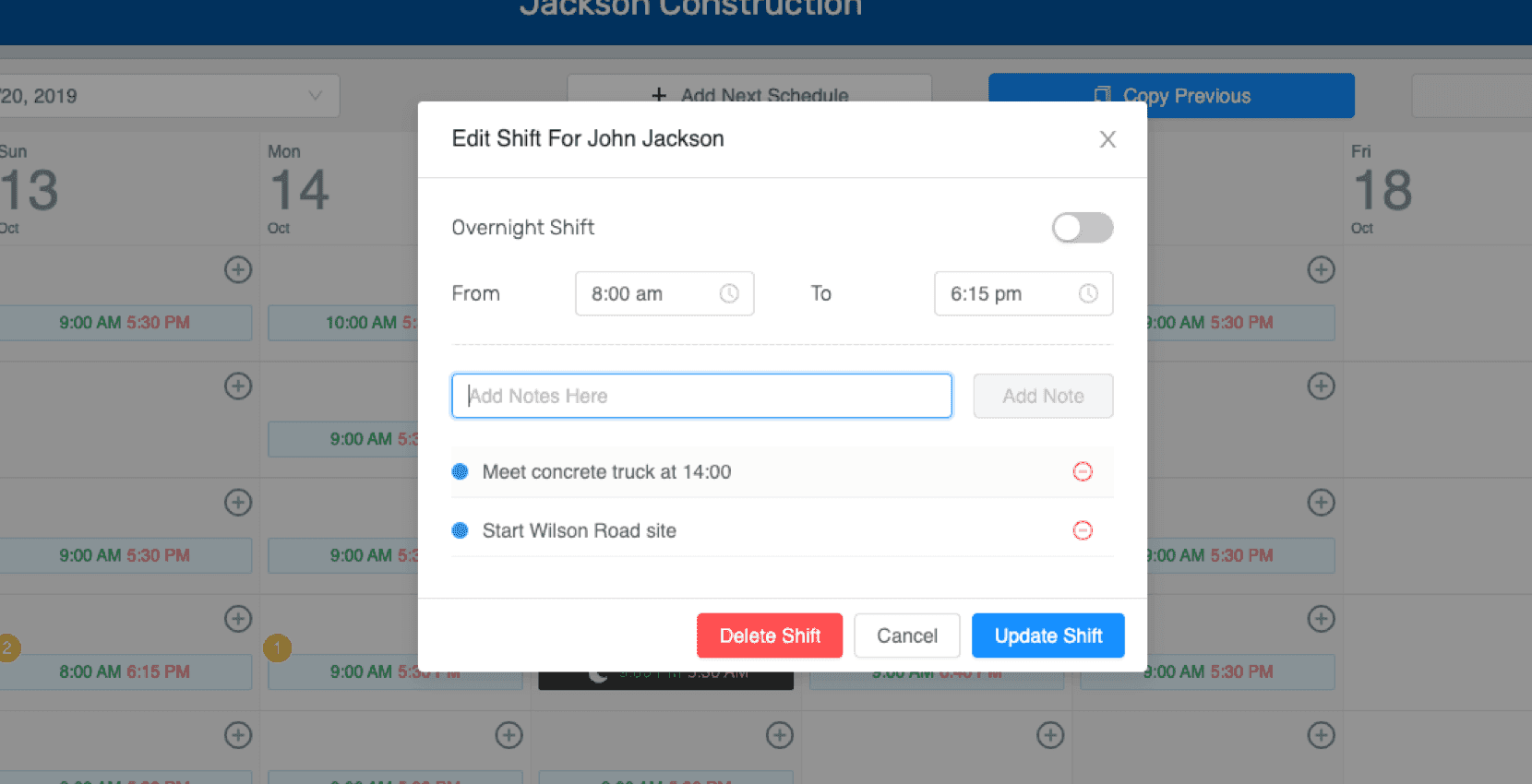
Make any changes you'd like to the times or notes, and choose Update Shift to confirm.
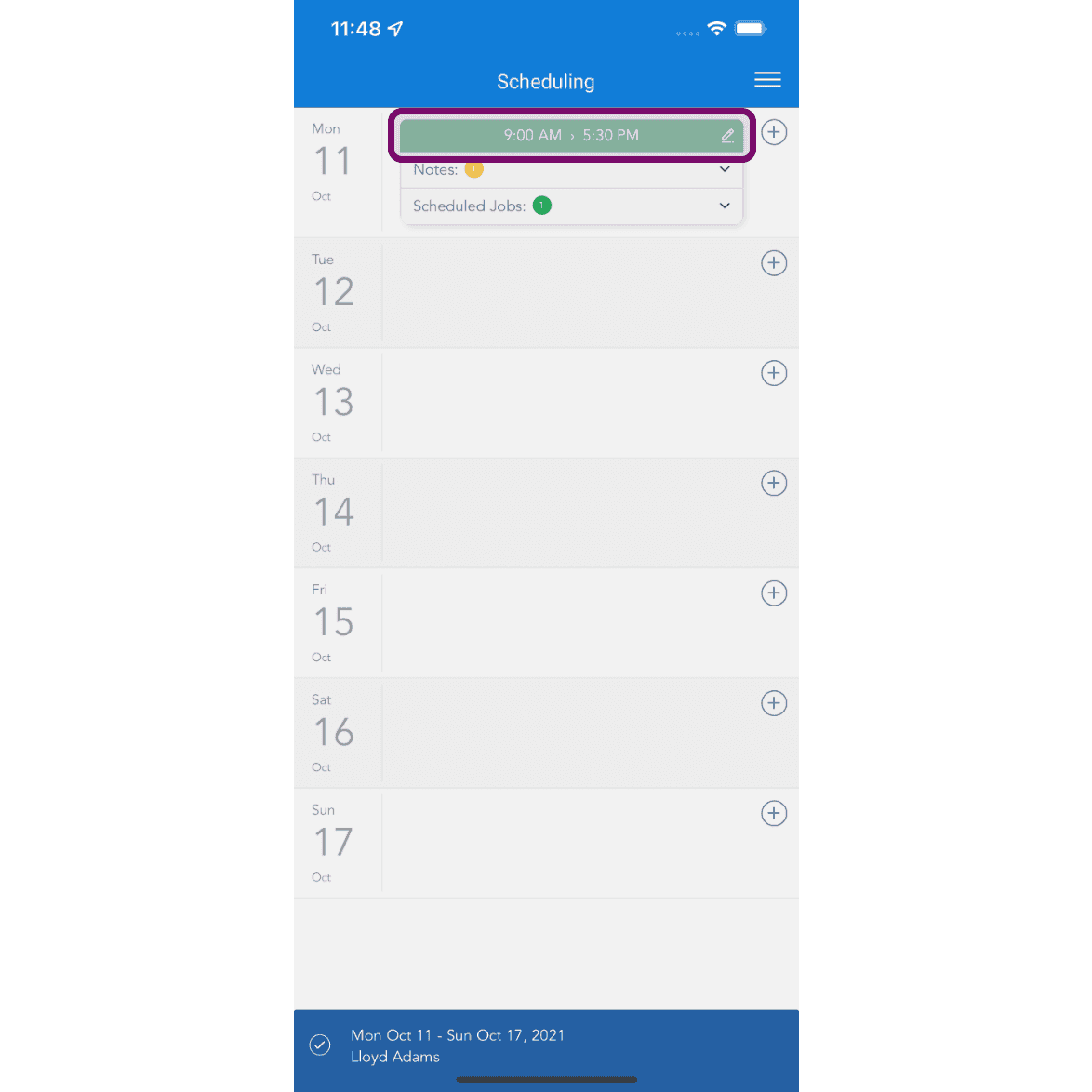
On Mobile: Tap on shift to edit.
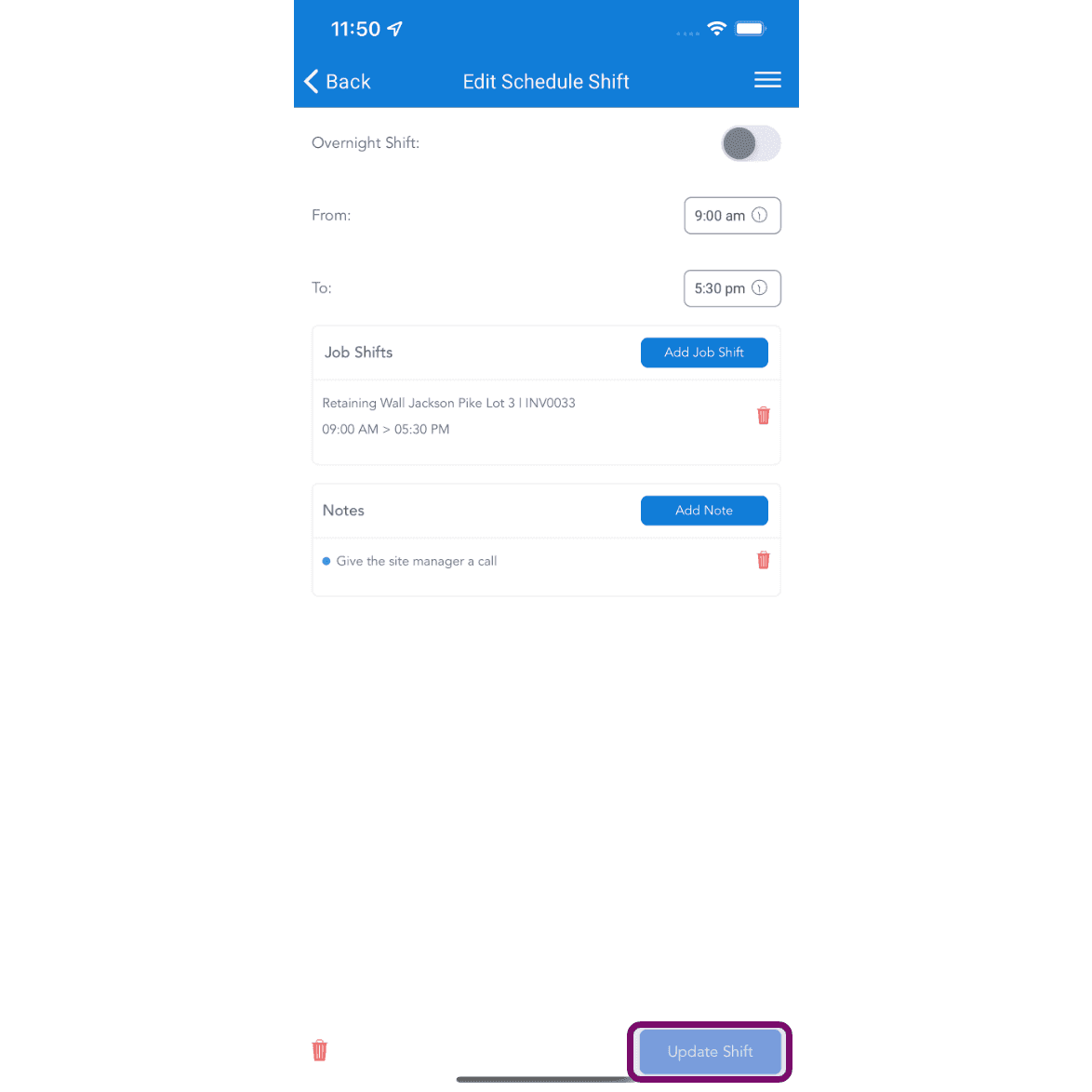
Make the changes and tap on Update Shift button. If the schedule has been published, the employee will receive a notification about a shift on that day being edited. They can then view the details in their App.
Did this answer your question?