
Setting Scheduled Shift Reminders
Shift reminders are useful for casual or irregular staff. Here we show you how to enable them

Be careful not to use them unnecessarily for regular staff, as they may annoy the staff and cause them to disable Notifications Permissions for SINC, which will mean they can't be sent other important notifications. Go to the Settings page for the Staff Member you'd like to add the reminder for, found under Menu Staff Staff Member's Name Settings.
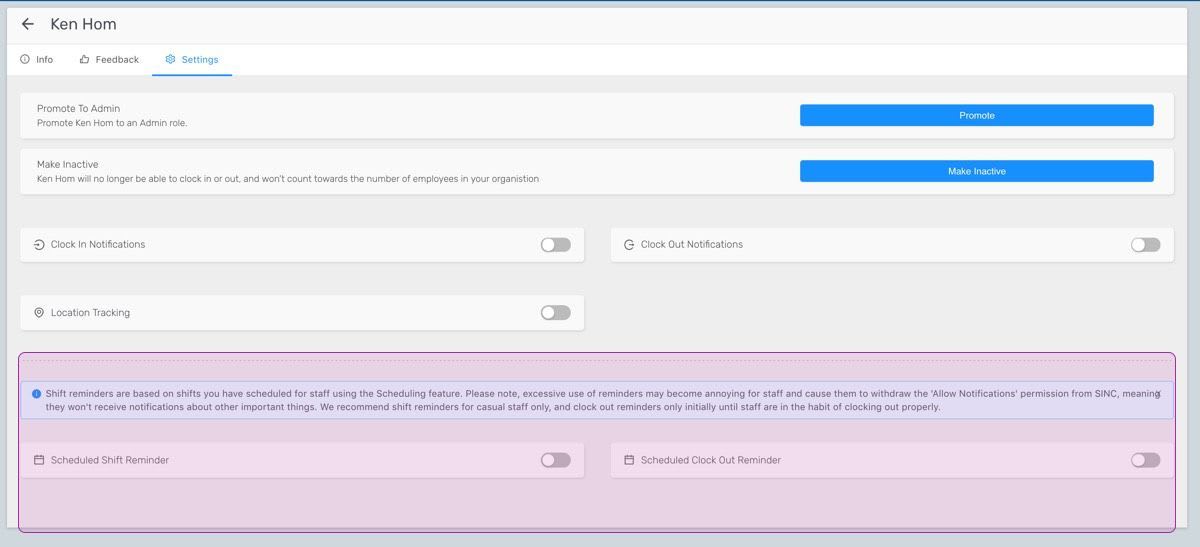
On Web: The Scheduling Settings are at the bottom of this page.
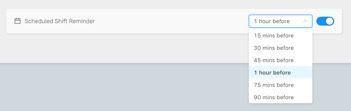
Toggle Scheduled Shift Reminder on and choose the time before shift you'd like to notify the Staff Member.
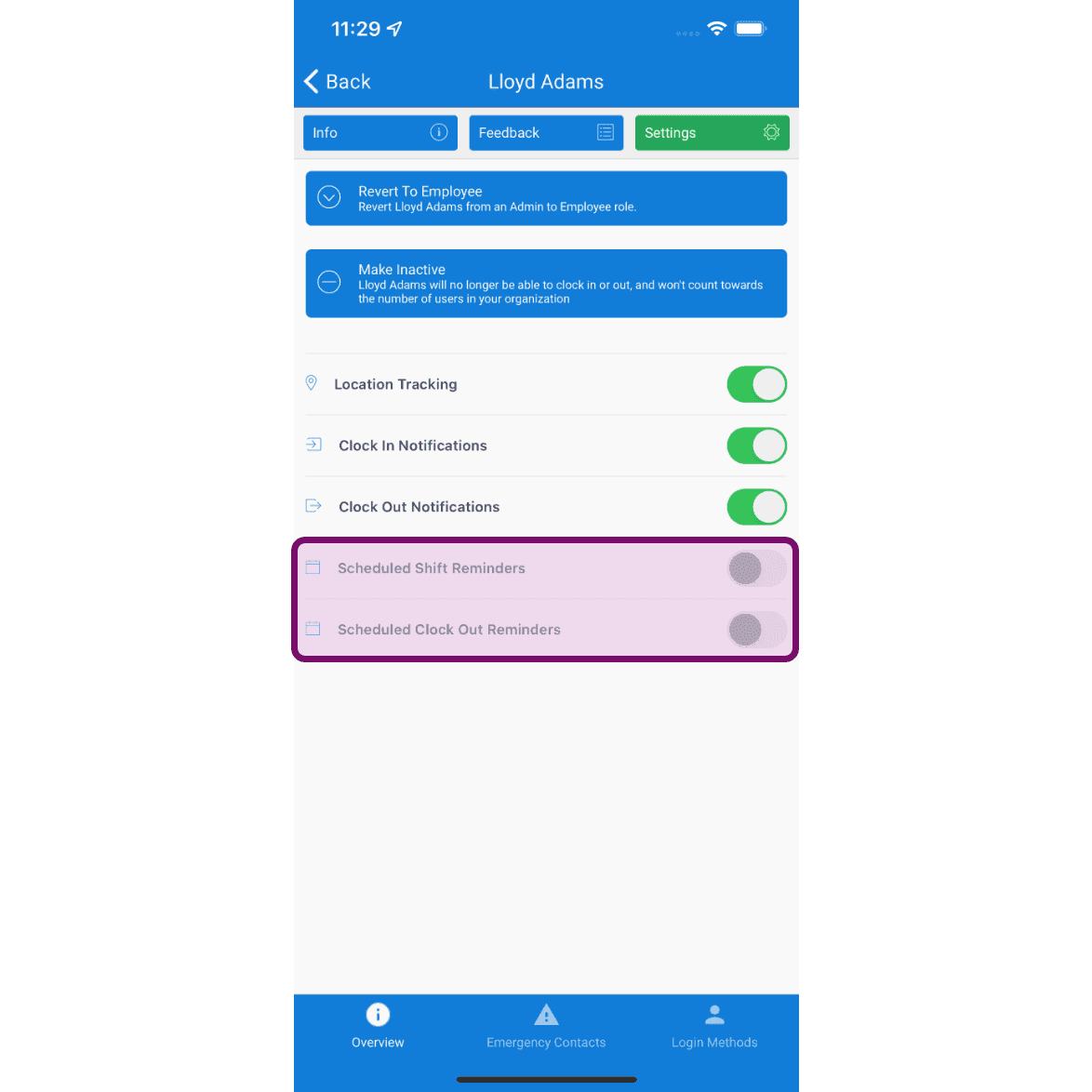
On Mobile: The scheduling settings will be available over there as follows.
Toggle Scheduled Shift Reminder on.
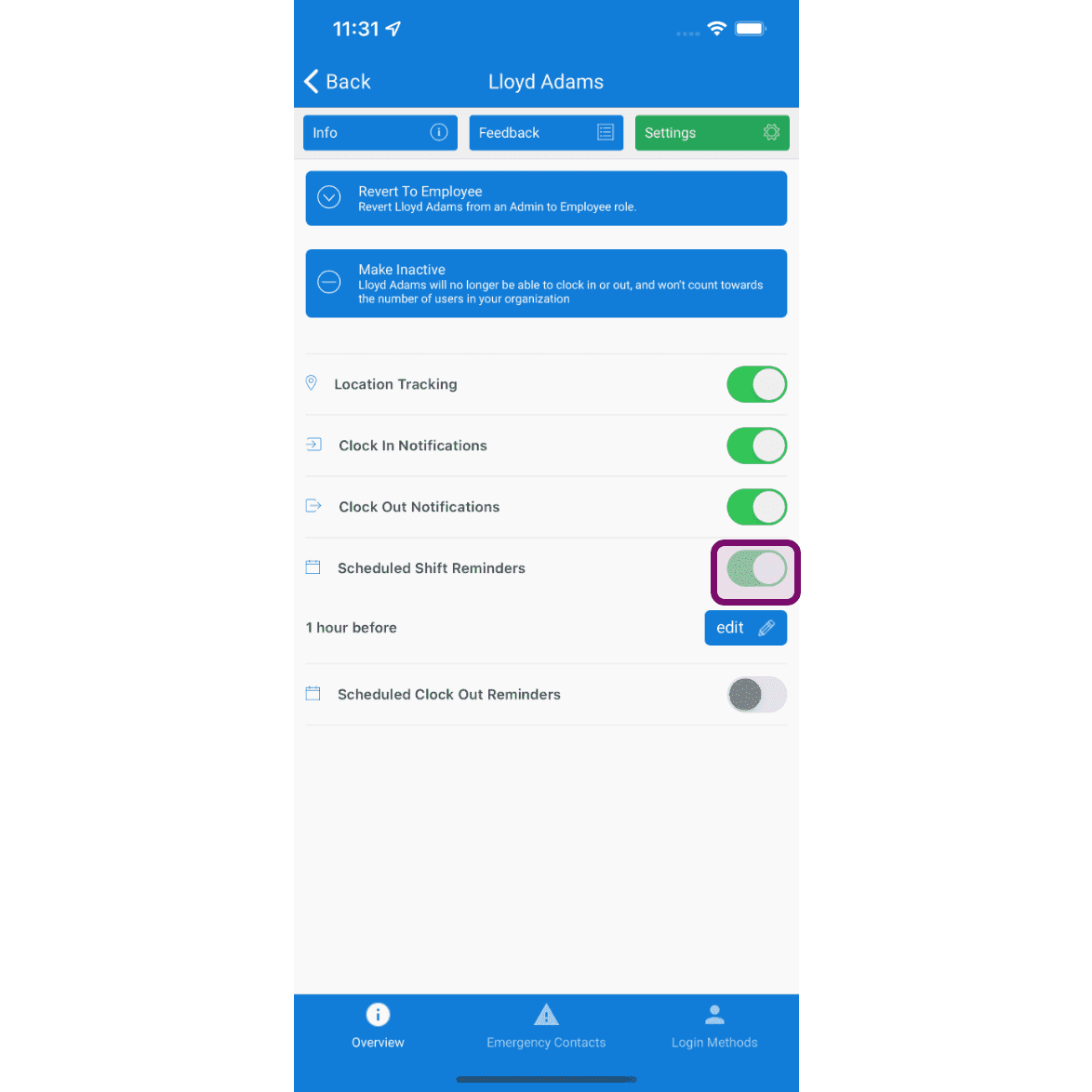
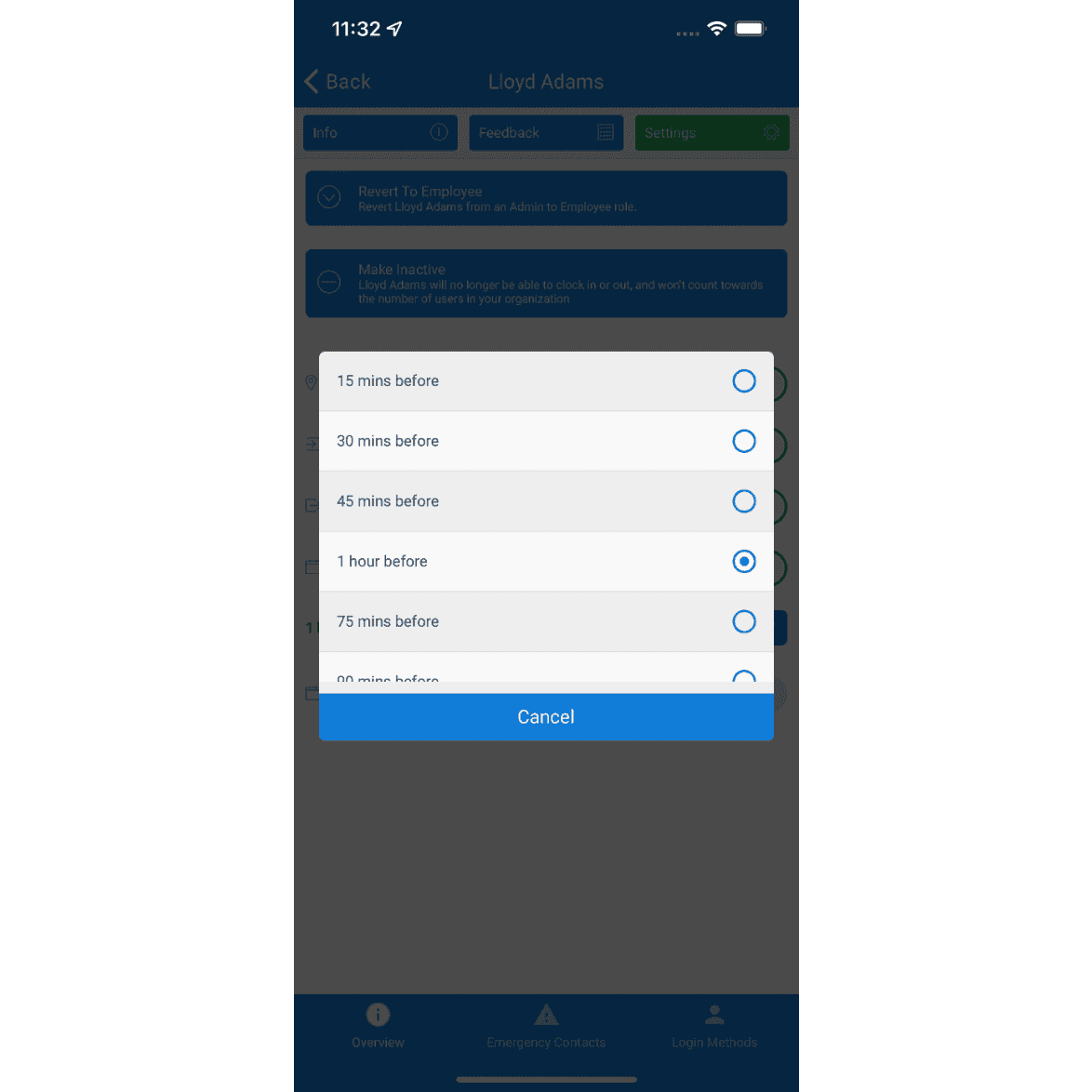
Choose the time before shift you'd like to notify the Staff Member. The Staff Member will receive a reminder notification at the time you specified before any scheduled shifts.
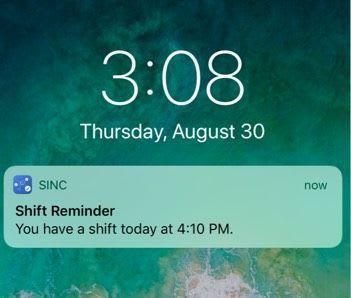
The Staff Member will receive a reminder notification at the time you specified before any scheduled shifts.
Did this answer your question?