
Edit Shift Template
In this tutorial, we show you how to edit a shift template

SINC Support Team
May 7th, 2021
On Web: Click on Menu Libraries Shift Templates Shift Templates tab
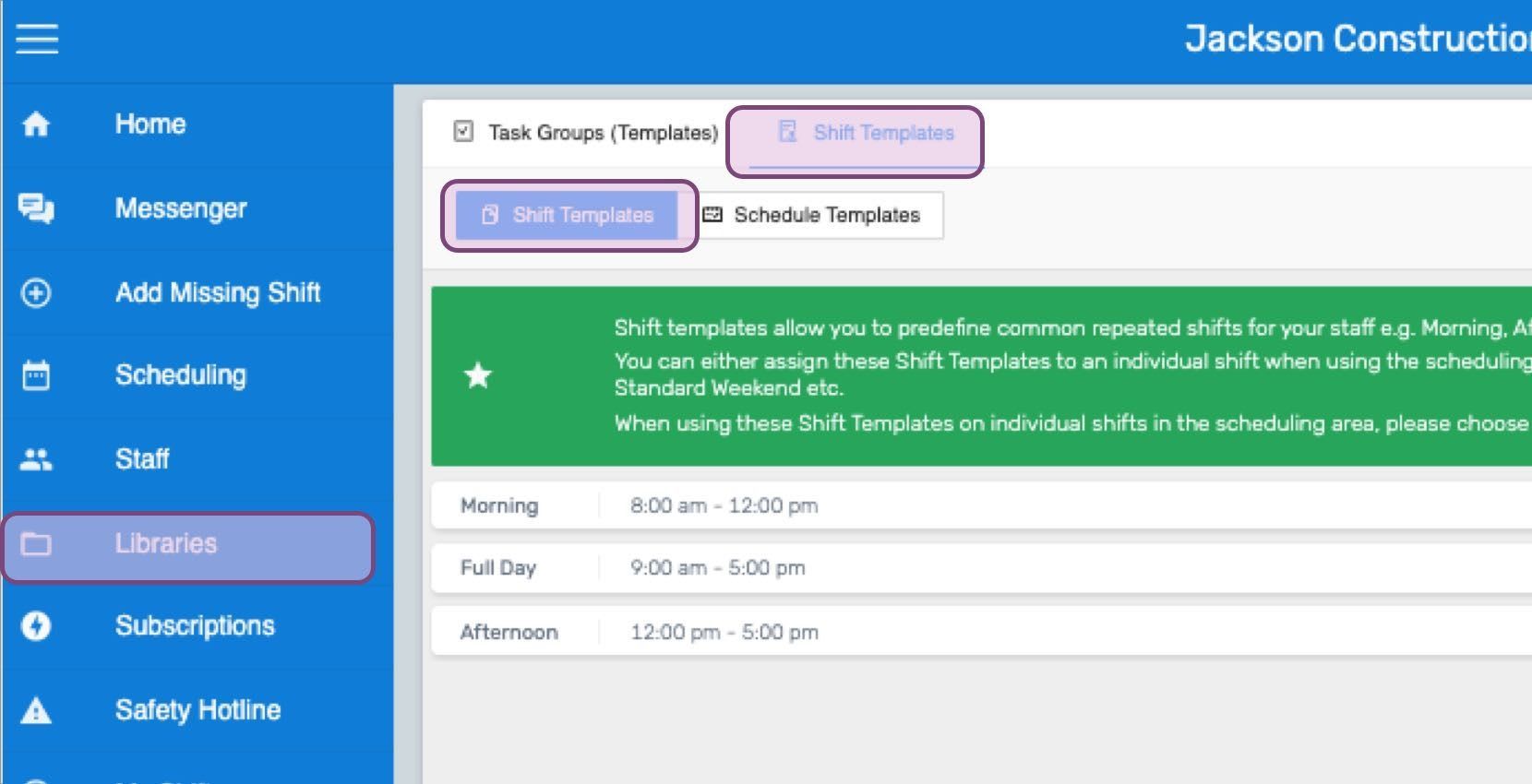
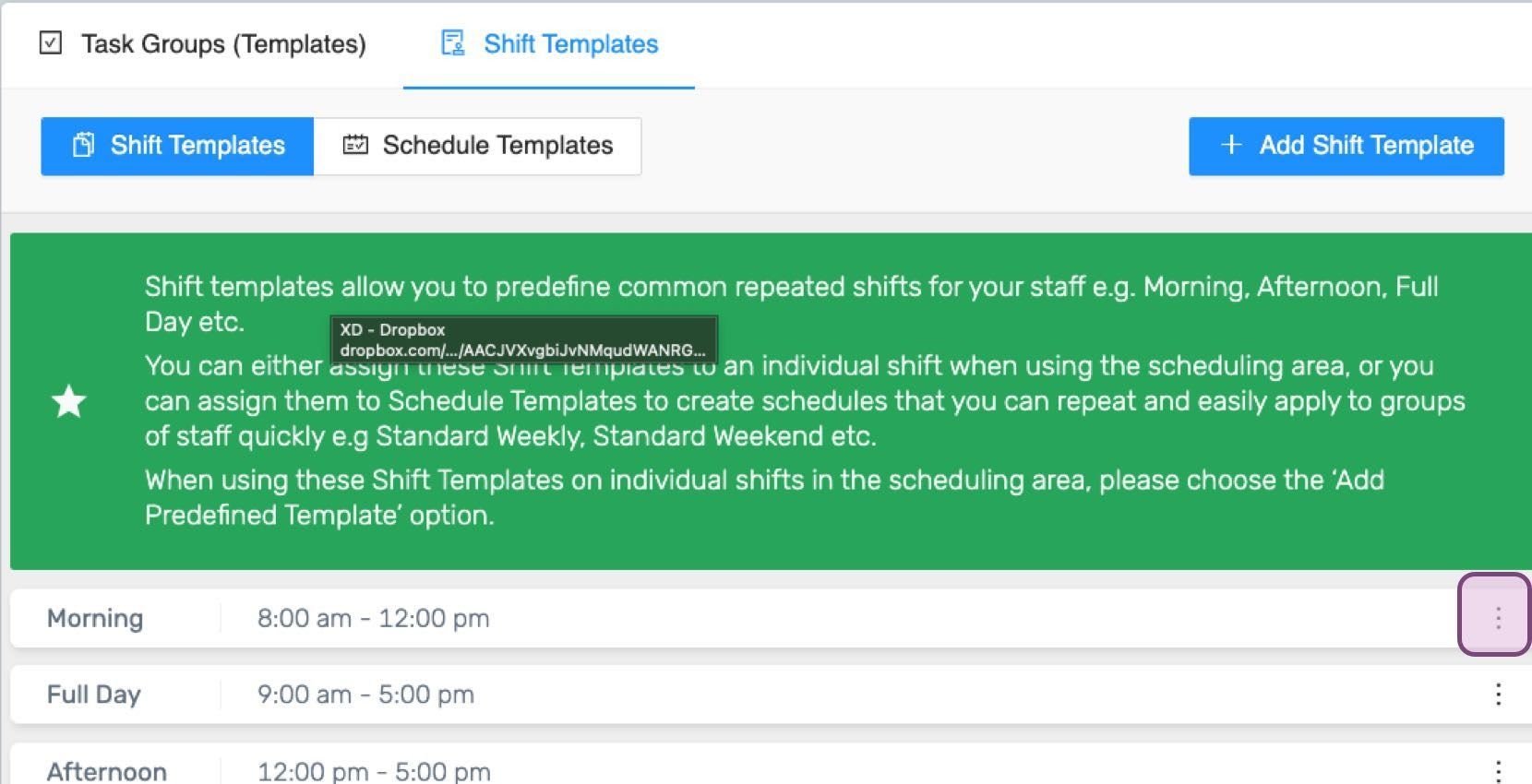
Click on the leftmost three edge dots of the shift template to be edited.
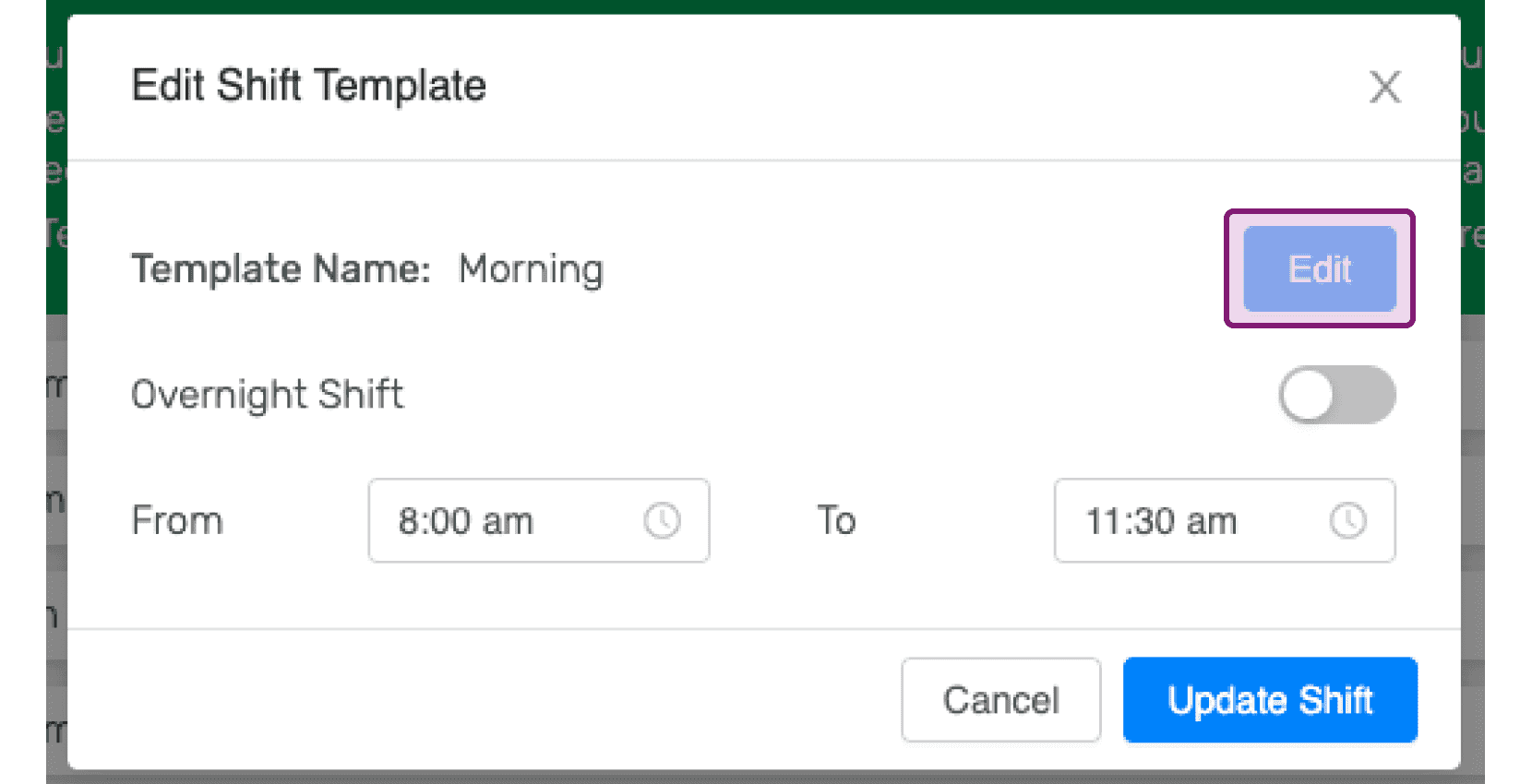
Click on Edit button in order to edit the name of the shift template.
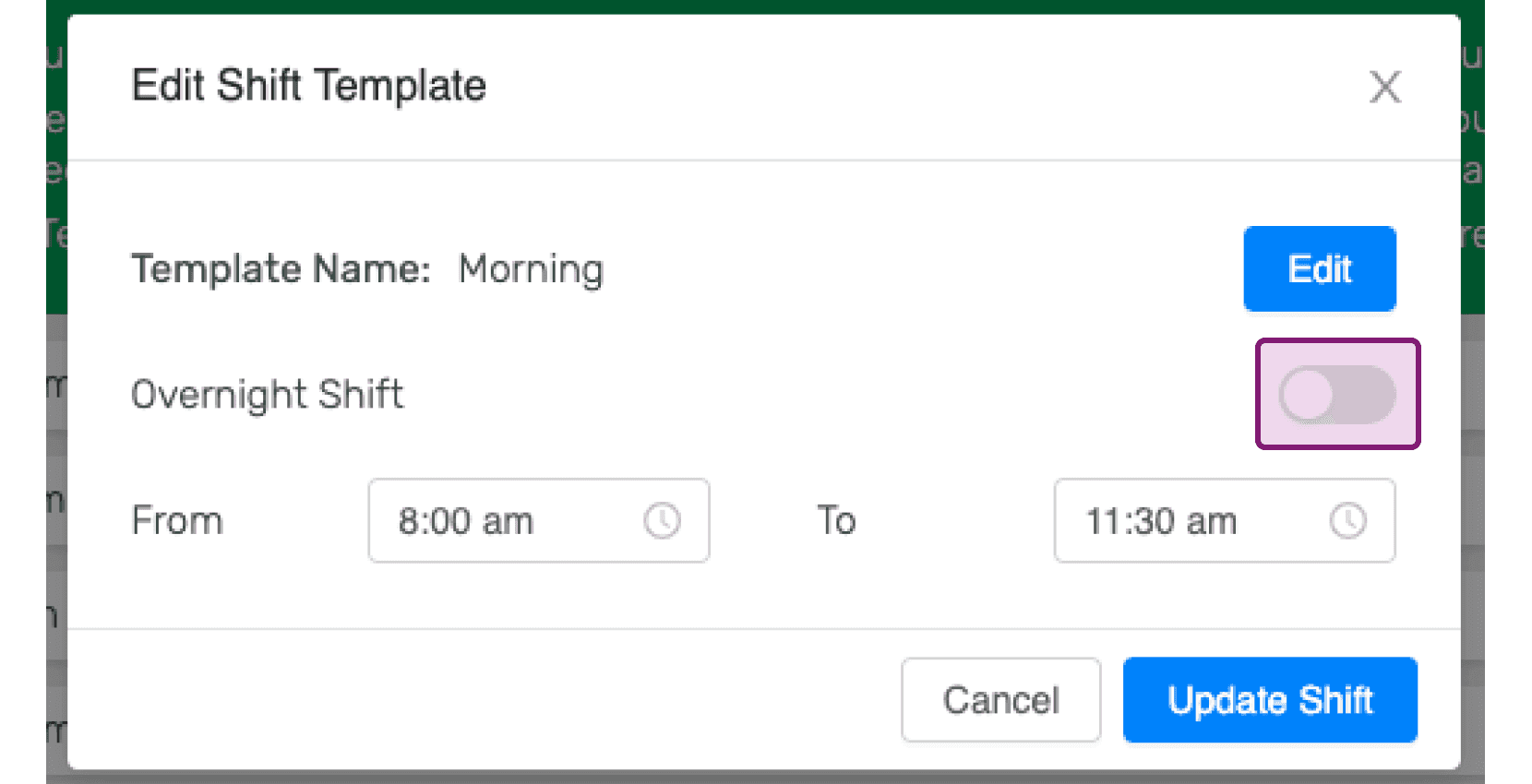
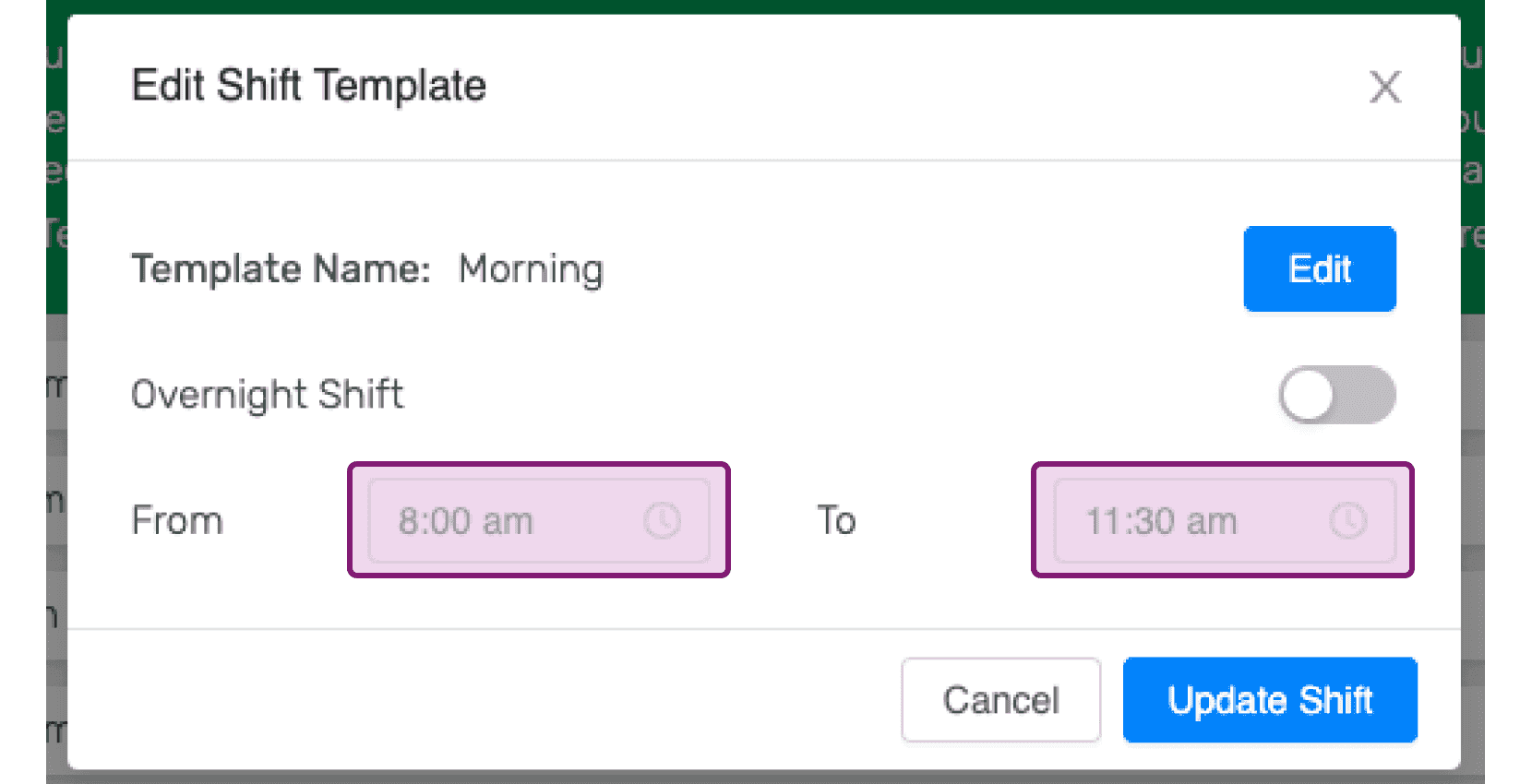
Toggle the overnight shift on or off as desired.
Choose the appropriate start and end times for the shift template.
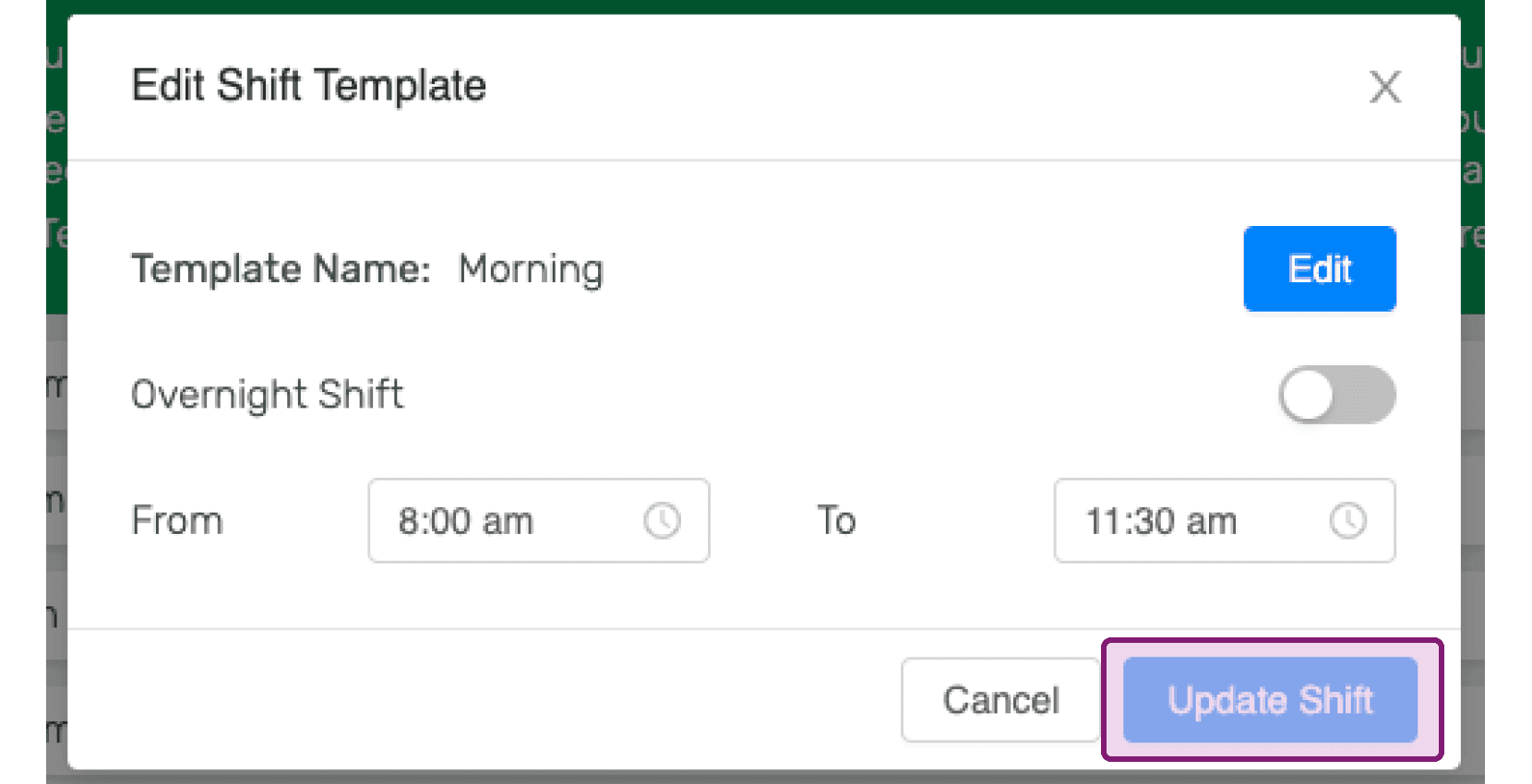
Click on Update Shift. Keep in mind: if the selected shift is already added to a schedule template, make sure the updated shift timing is more than 15 minutes apart from other shifts in that schedule template, or you will get an error. In this case, please use the Add Shift Template button to add a new shift template instead.
Did this answer your question?