
How to Create a Team
In this tutorial, we will show you how to create a team

SINC Support Team
Mar 1st, 2023
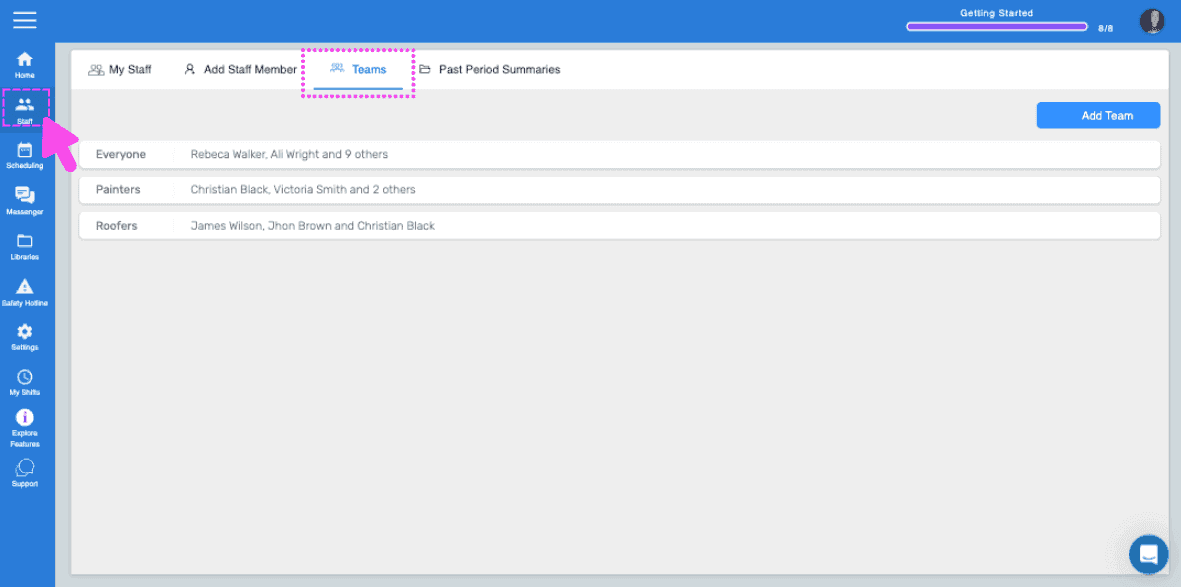
On Web: Click on Menu Staff Teams.
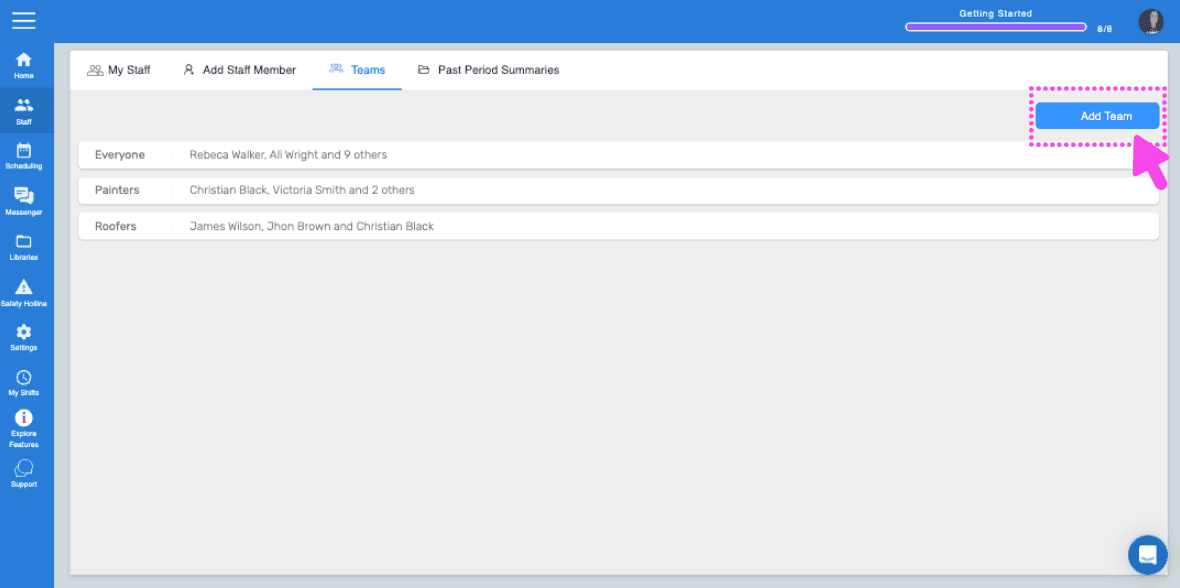
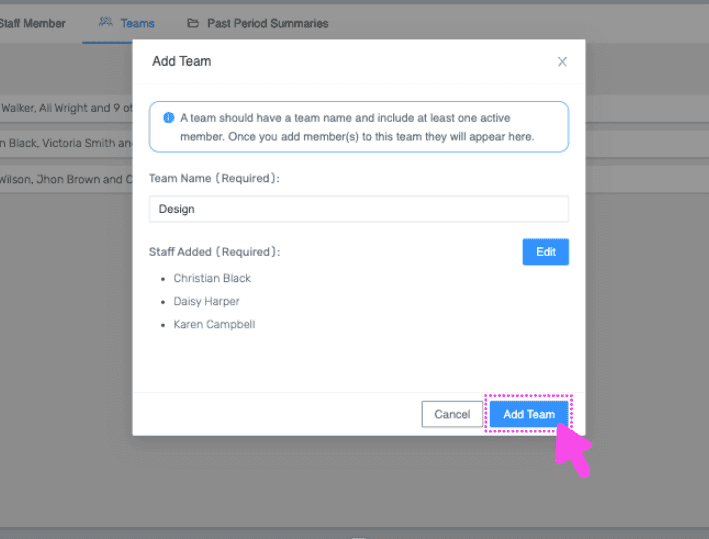
Click on Add Team.
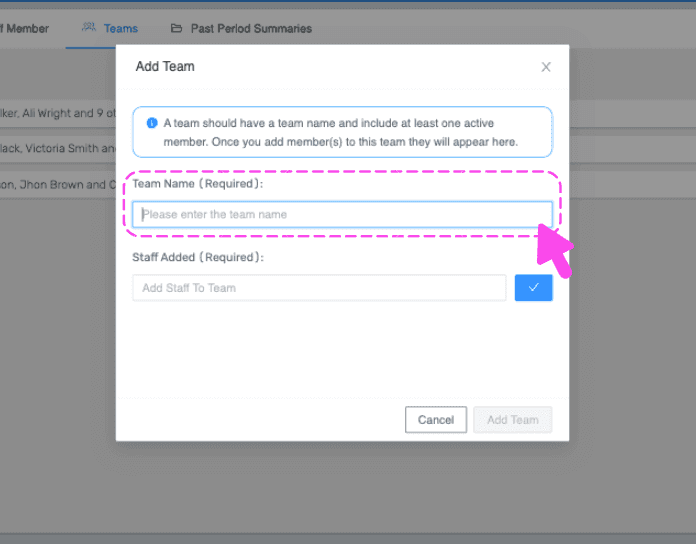
Enter a name for the team
Select employee(s) from the dropdown to be added to this team, then click on Confirm.
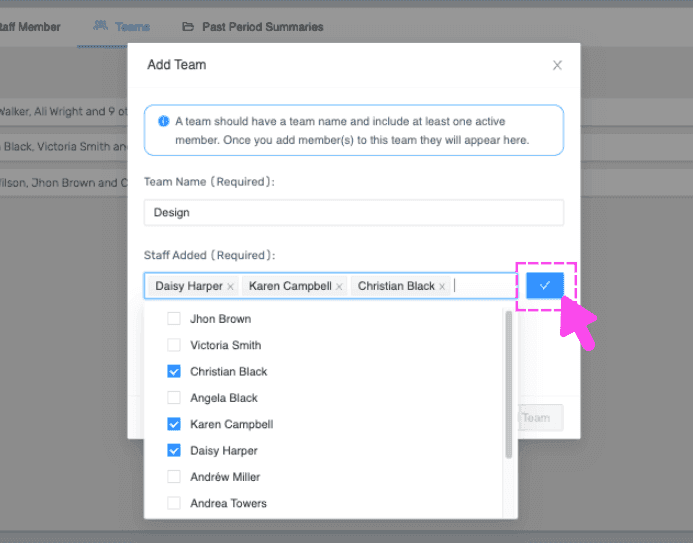
Click on Add Team.
On Mobile: Tap on Staff.
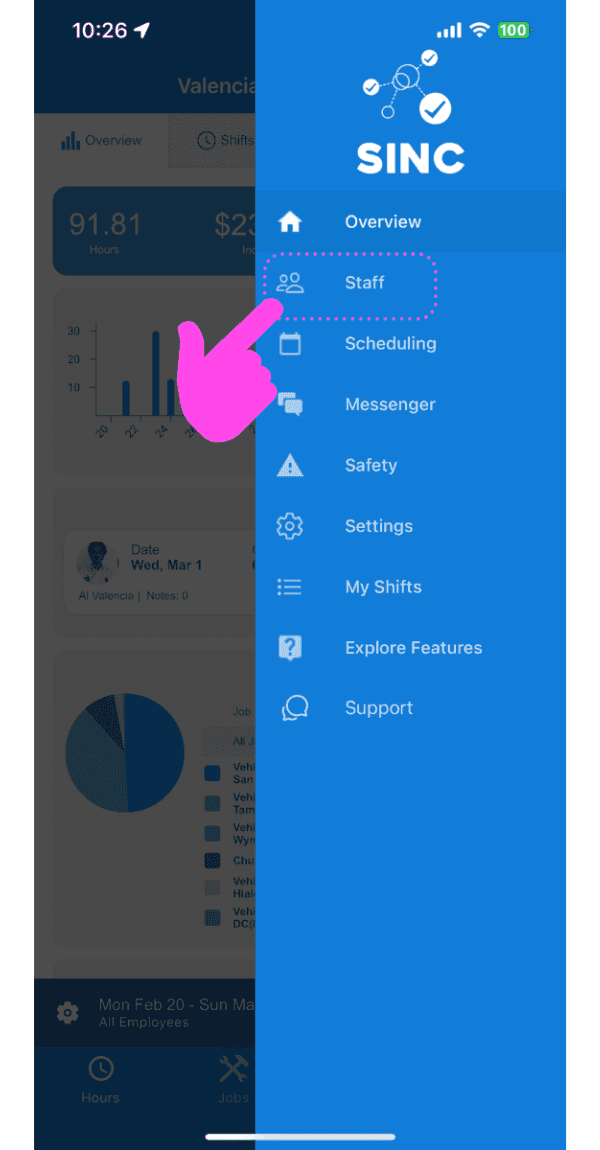
Tap on Teams.
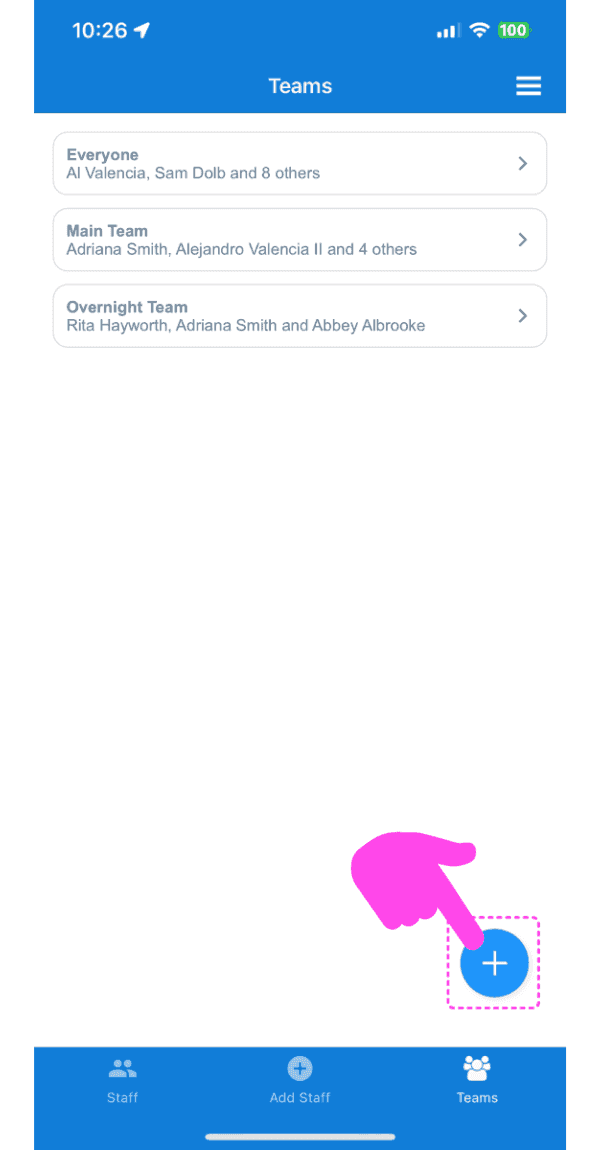
Tap on the plus (+) button at the bottom right of the screen.
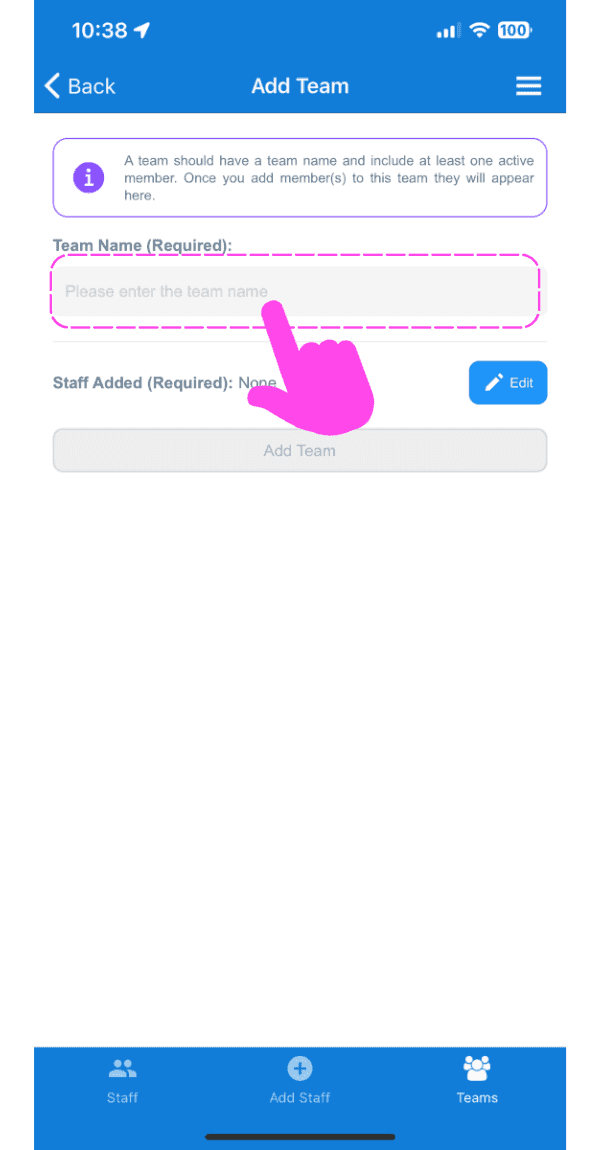
Enter the name you want for the team
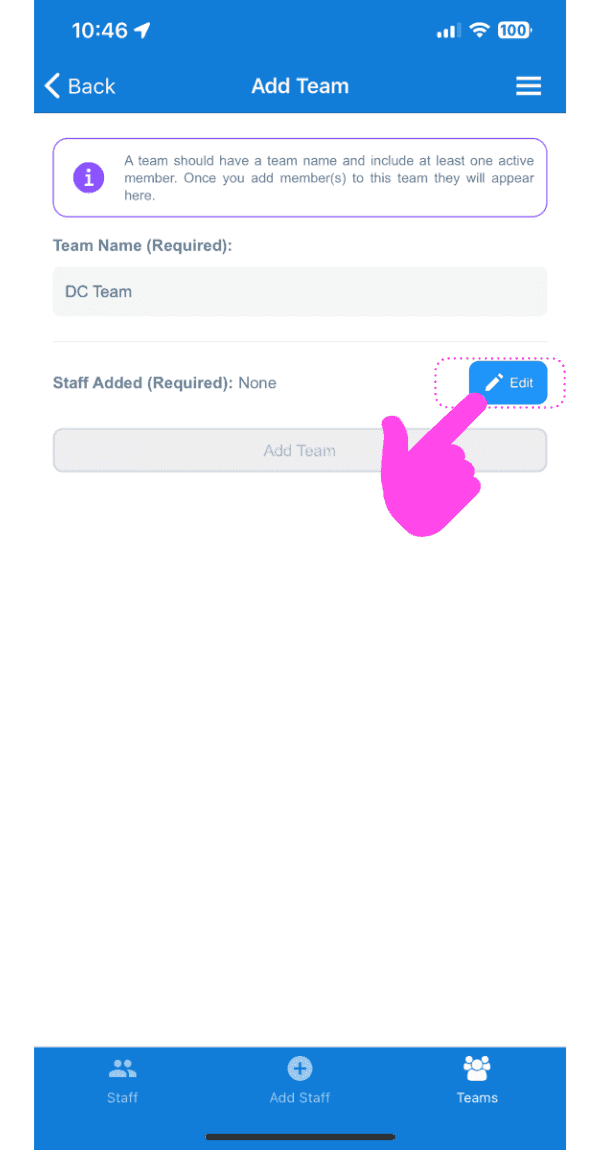
Tap on Edit button next to Staff Added (Required).
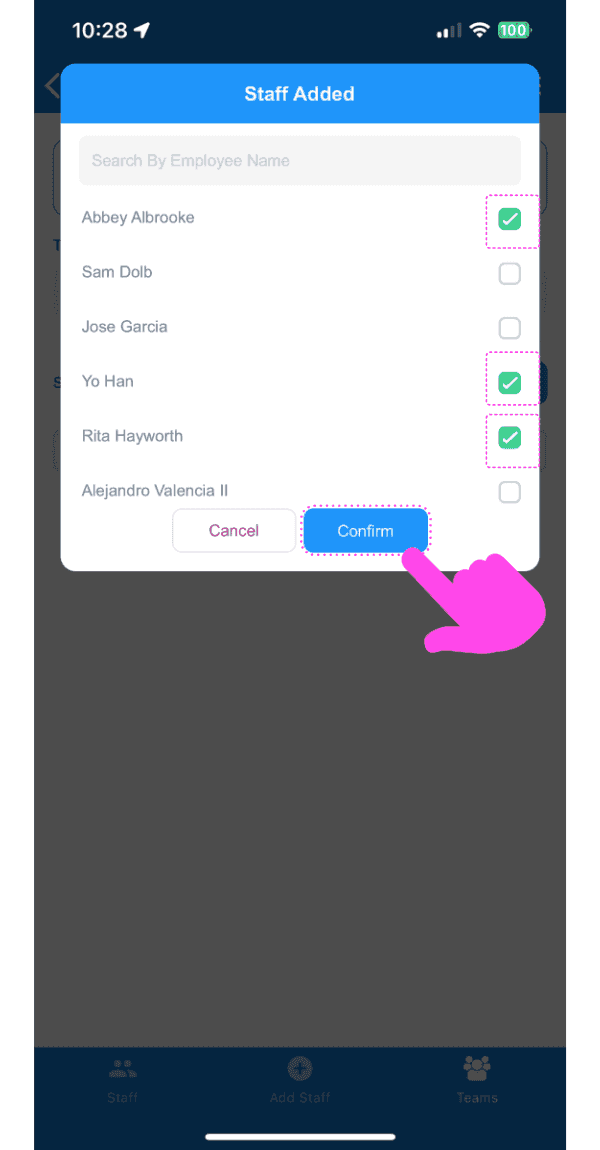
Select employee(s) from the dropdown to be added to this team, then tap on Confirm.
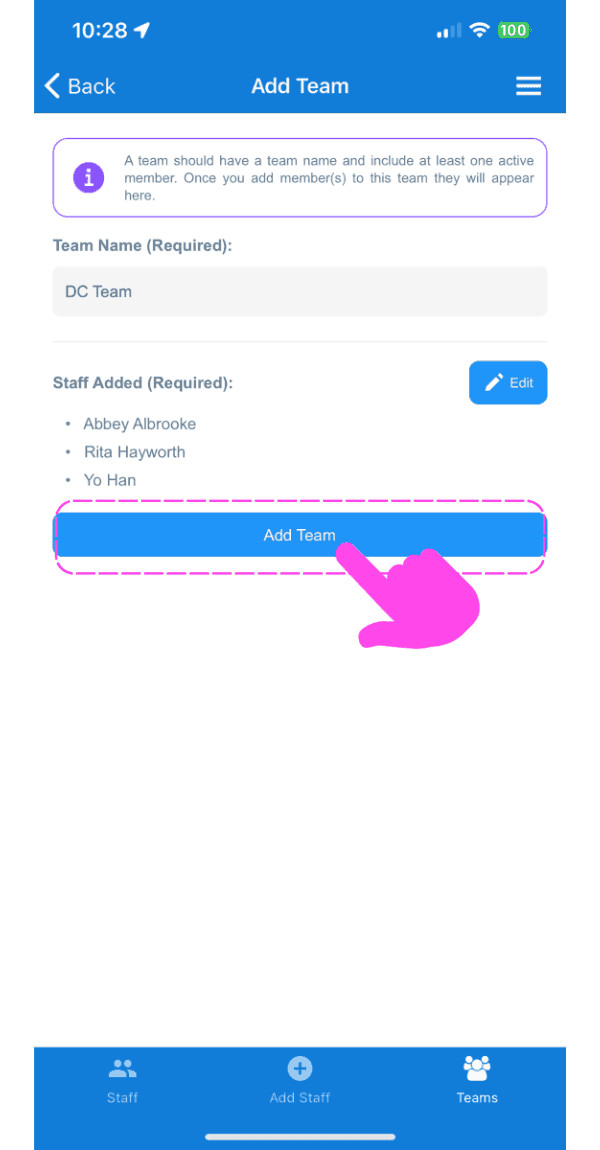
Tap on Add Team.
Did this answer your question?