
How to locate staff login methods
When a staff member gets a new phone or just can not recall their login details, an owner or admin can look them up.

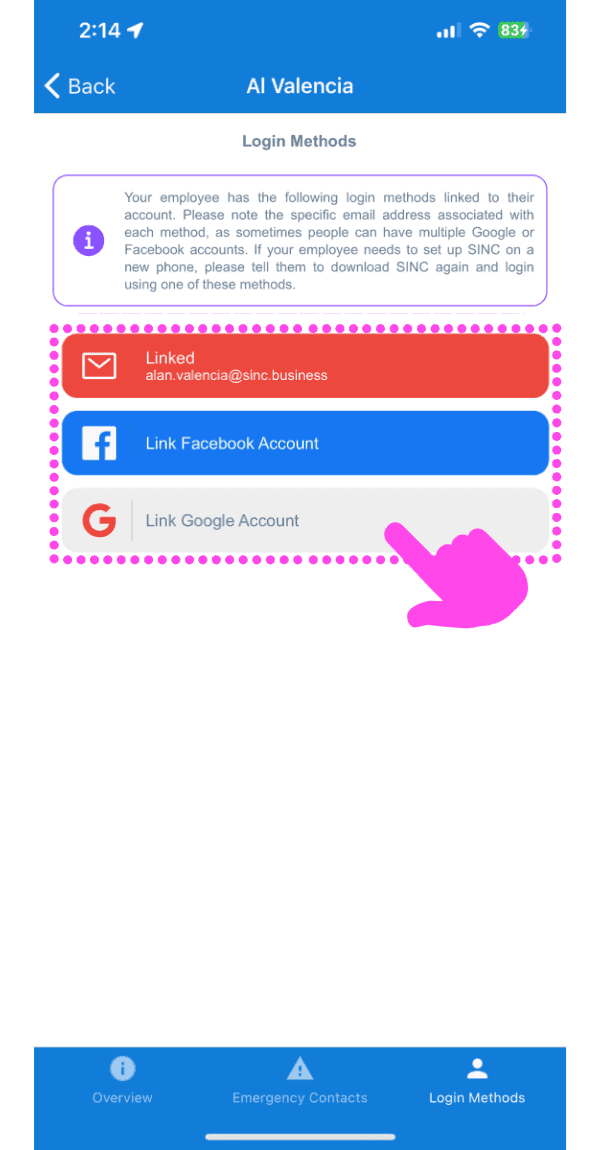
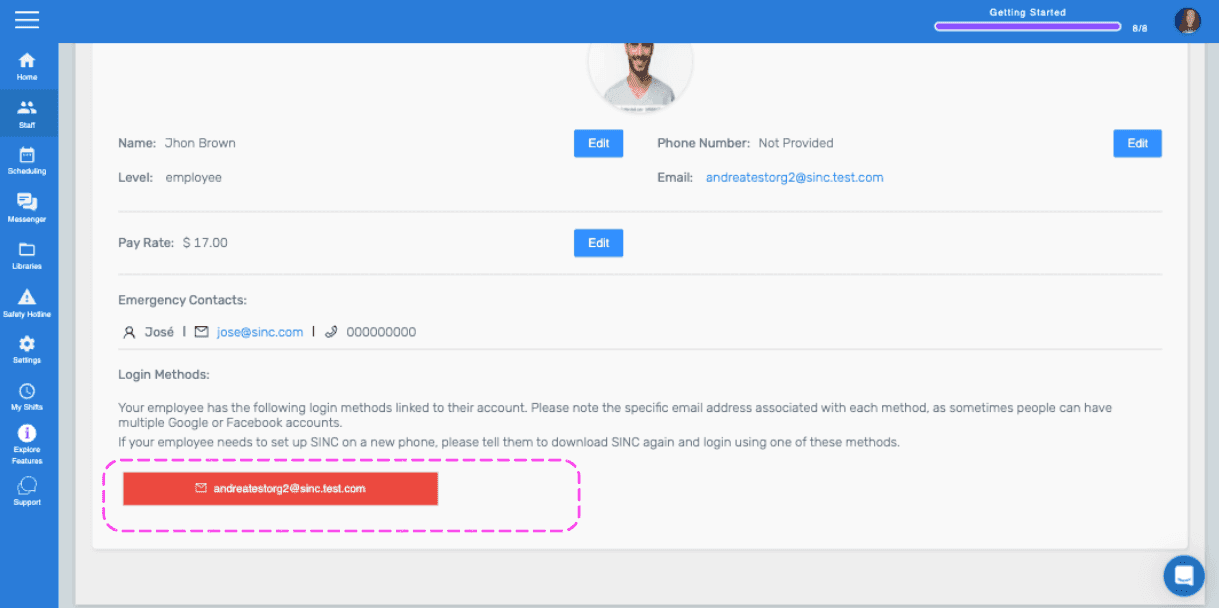
Once a staff member has been added to your organization, they never get sent another invite. They already have an account, and they just need to download the SINC app again and login using the same method they used to sign up. There are three login methods, staff can have more than one.
Email - If this method is showing under that staff member, they need to select login with email

Gmail - If this method is showing, they need to select Login with Google and select the Google account shown in the gray box

Facebook - If this method is showing, they select Login with Facebook and then select the Facebook account associated with the email in the blue box

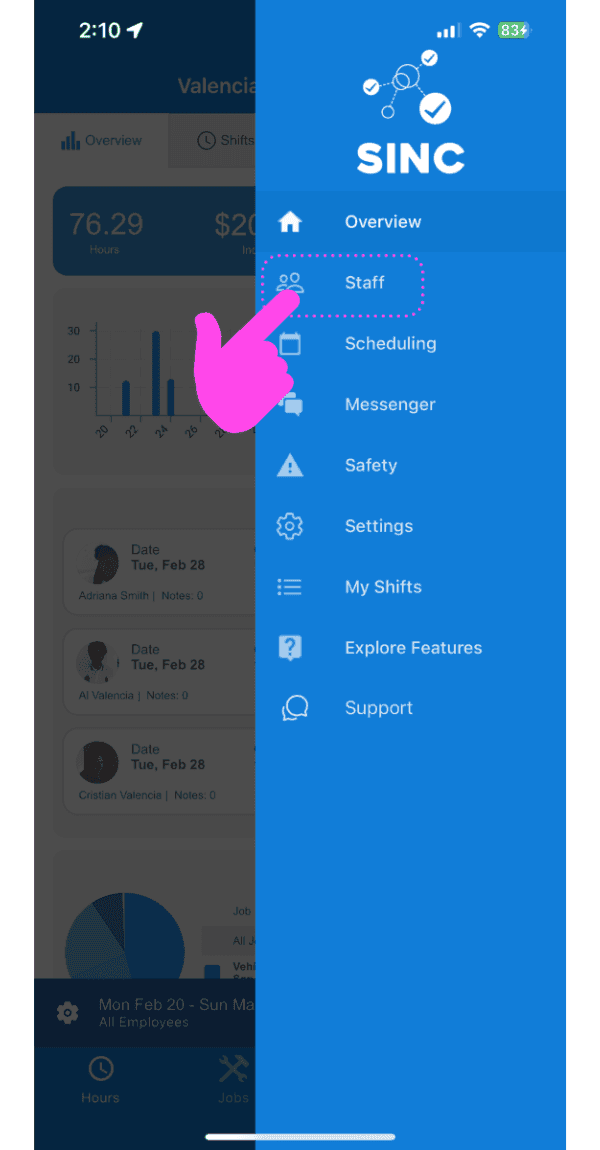
To find out your staff member's login methods on the mobile app: Tap on Staff
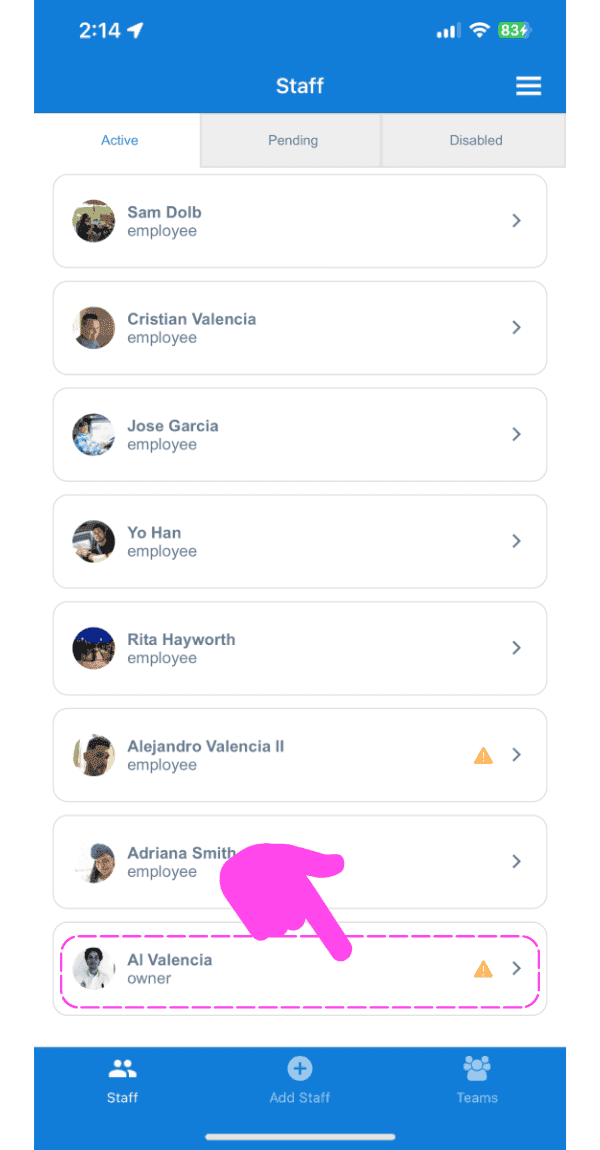
Tap on Staff's Name
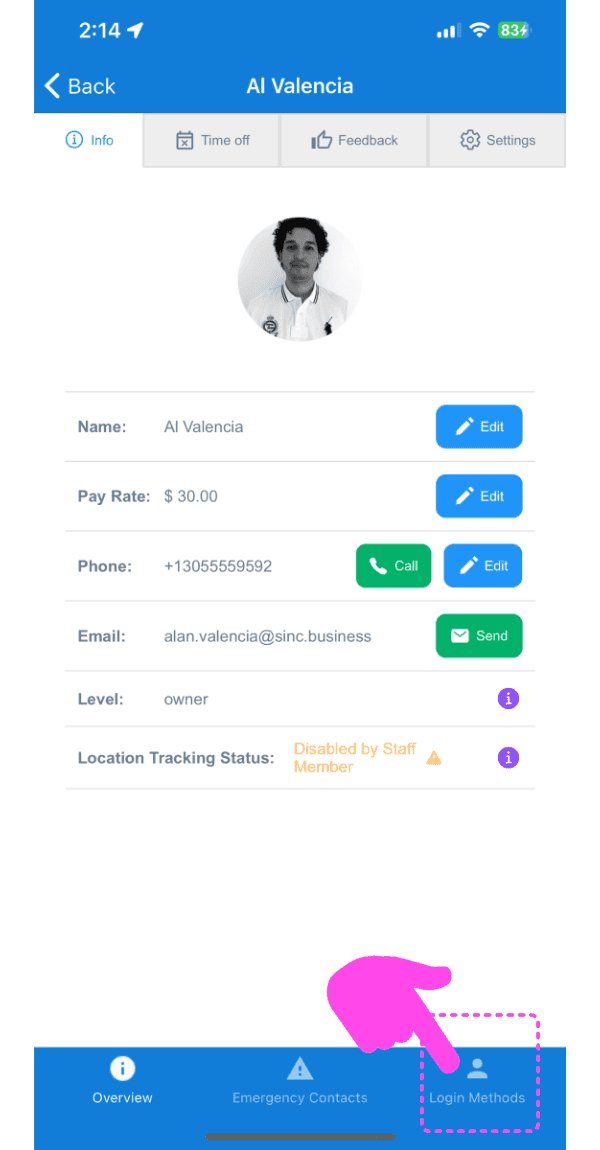
Tap on Login Methods
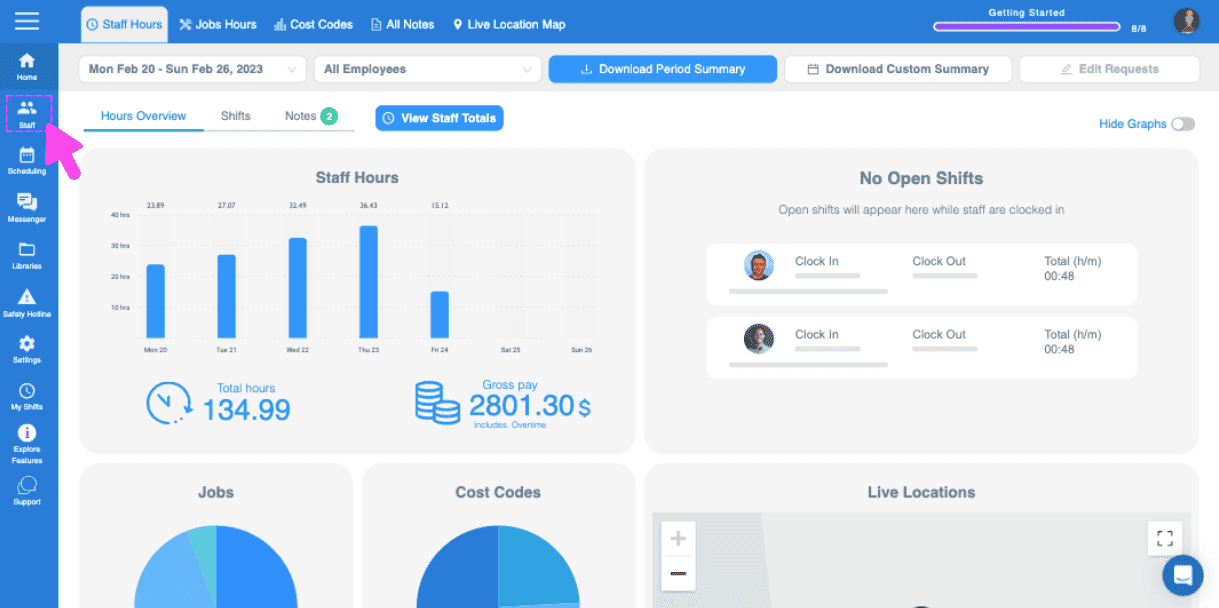
To find out your staff member's login methods on the web version: Tap on Staff
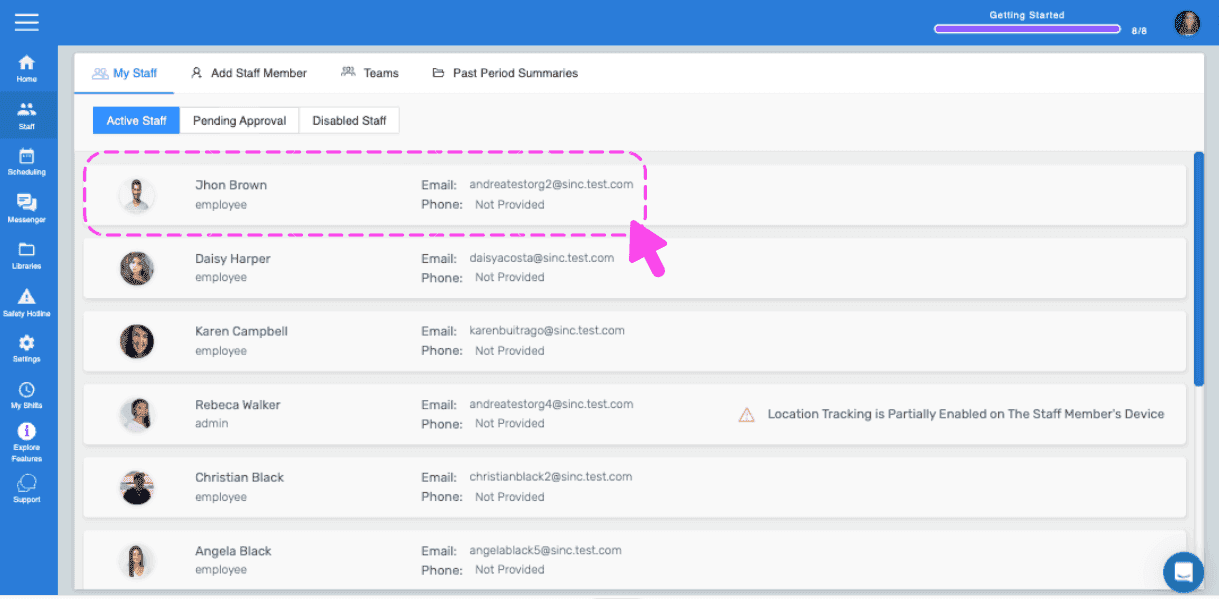
Tap on Staff member's name
Did this answer your question?