How to Record Staff Feedback

In this guide we will cover how to add feedback for your staff members in Sinc. Giving you a permanent record for your staff.

Sam Dolbel
Sam Dolbel
Mar 1st, 2023

Tap on Menu Staff
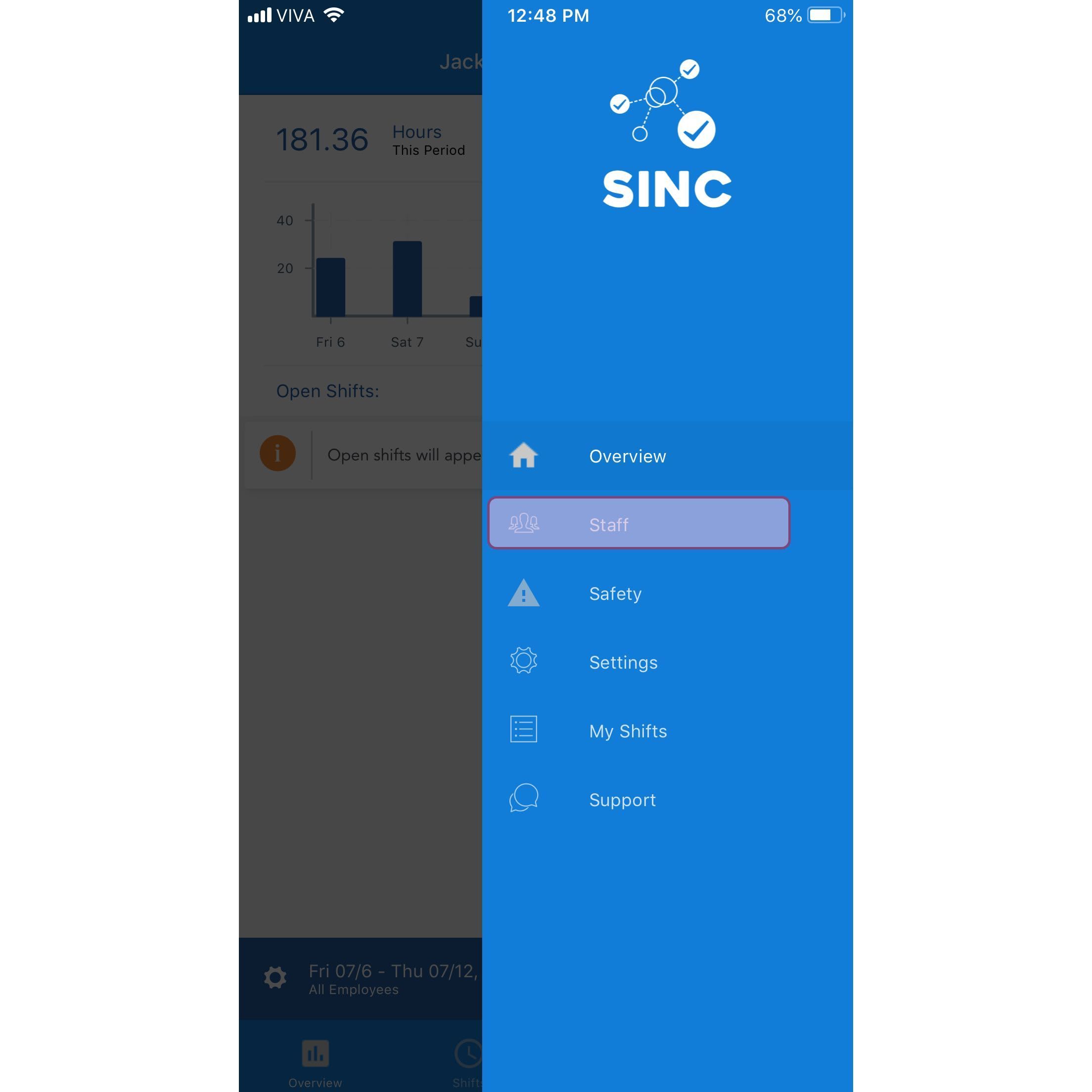
SINC mobile app menu with the Staff option highlighted

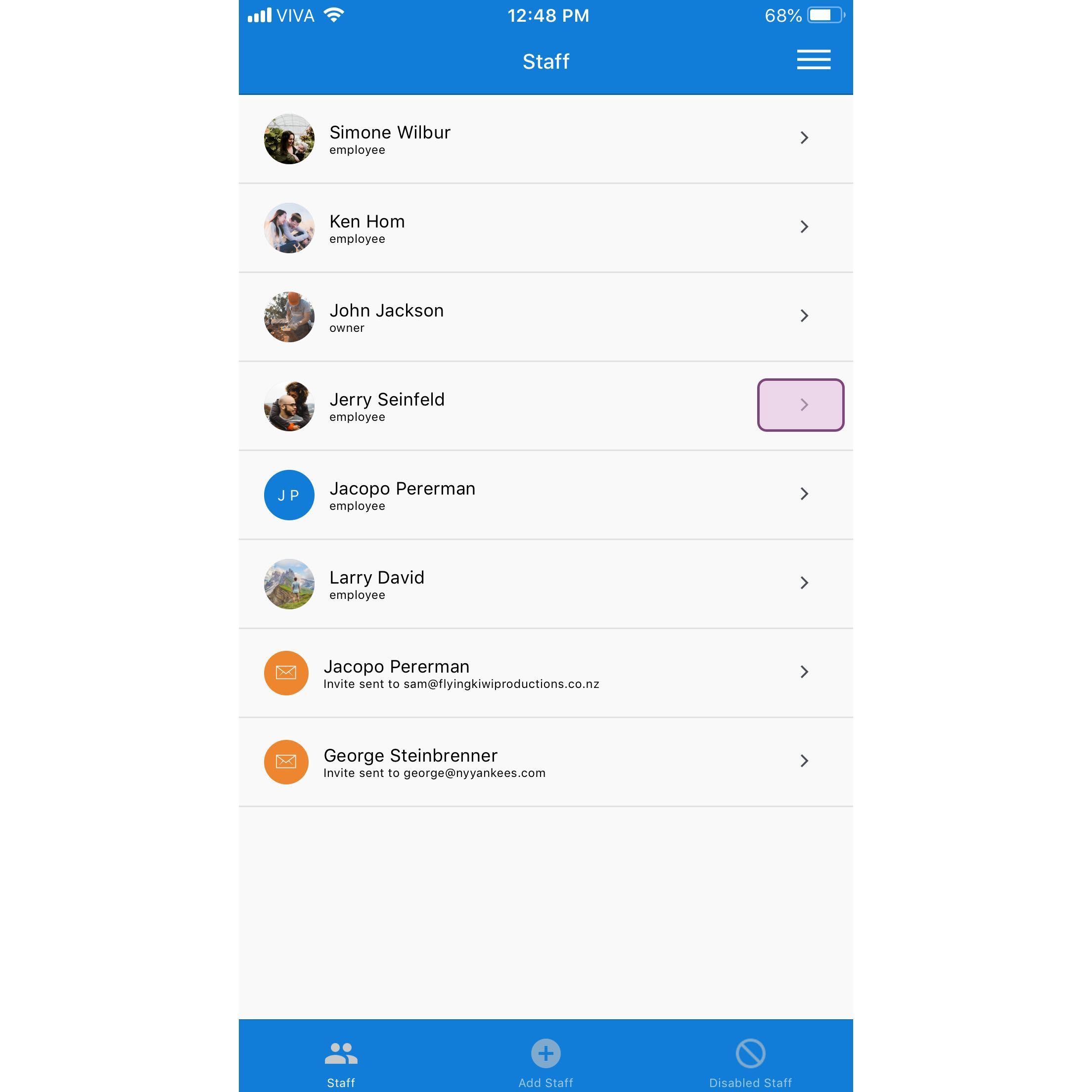
Tap on The Staff Member's Name

SINC mobile Staff list with the Jerry Seinfeld row highlighted in a pink box

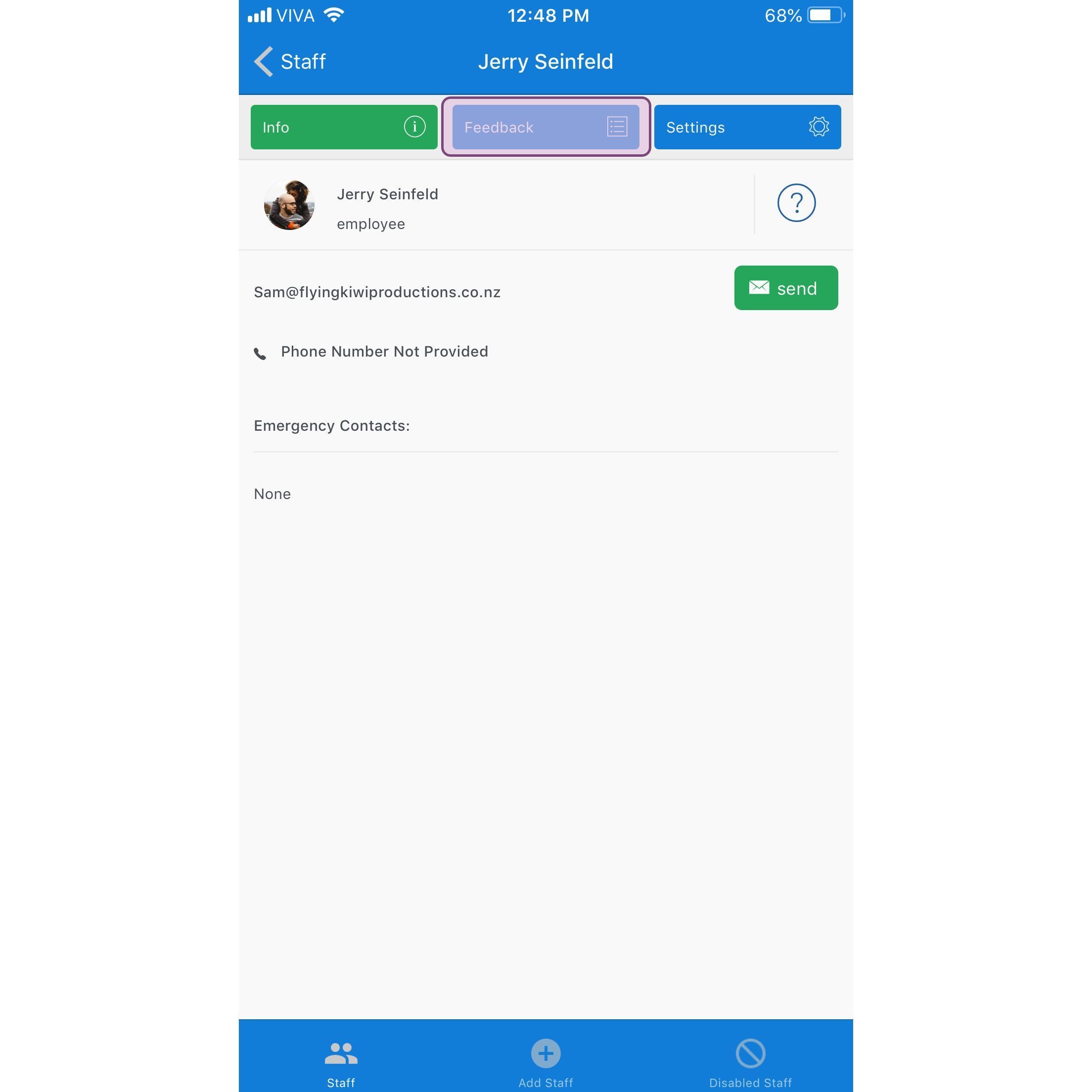
Tap on Feedback

SINC mobile staff profile screen with the Feedback tab highlighted in purple

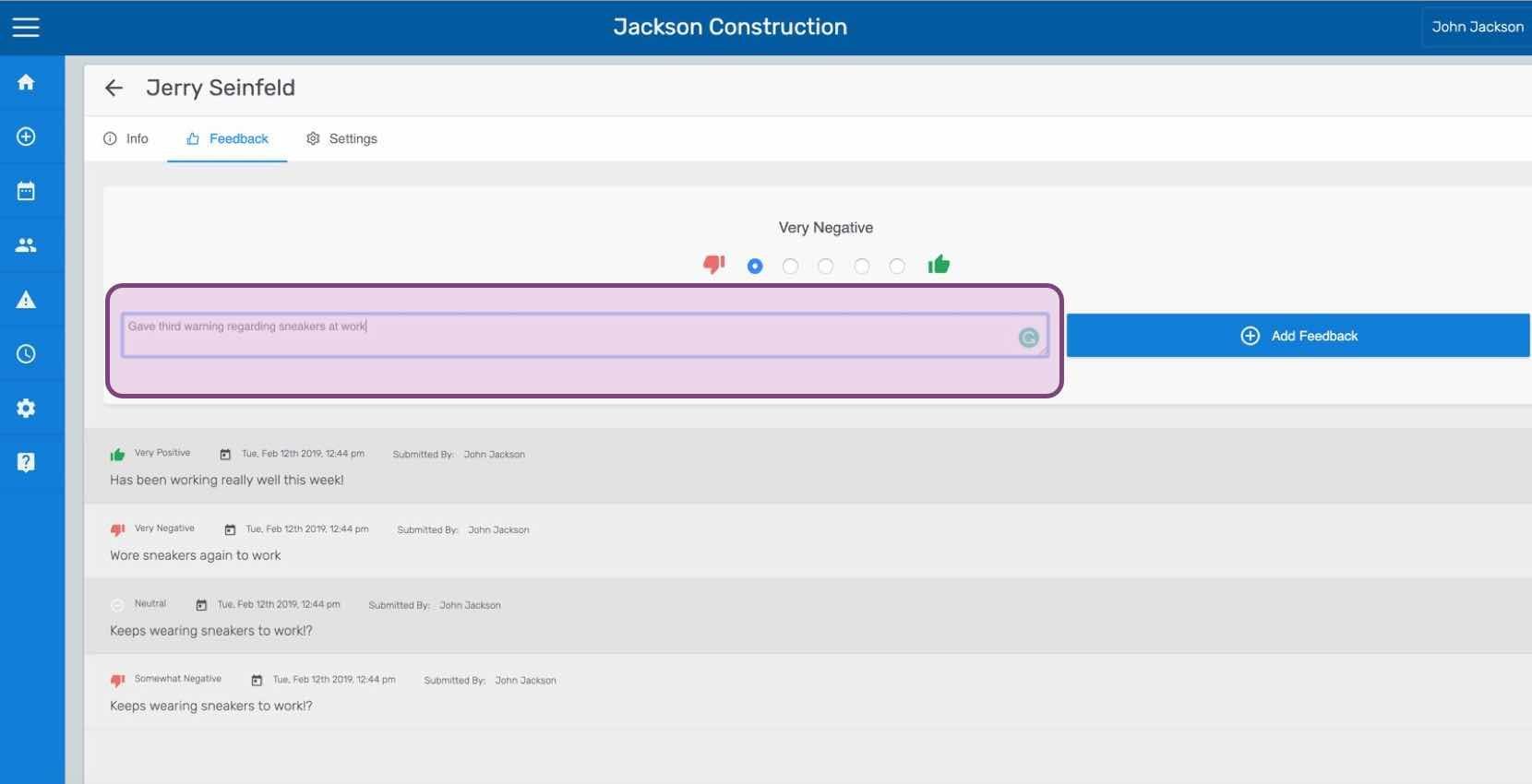
Enter the feedback and Tap on Submit Feedback (Web Version) Click on Add Feedback
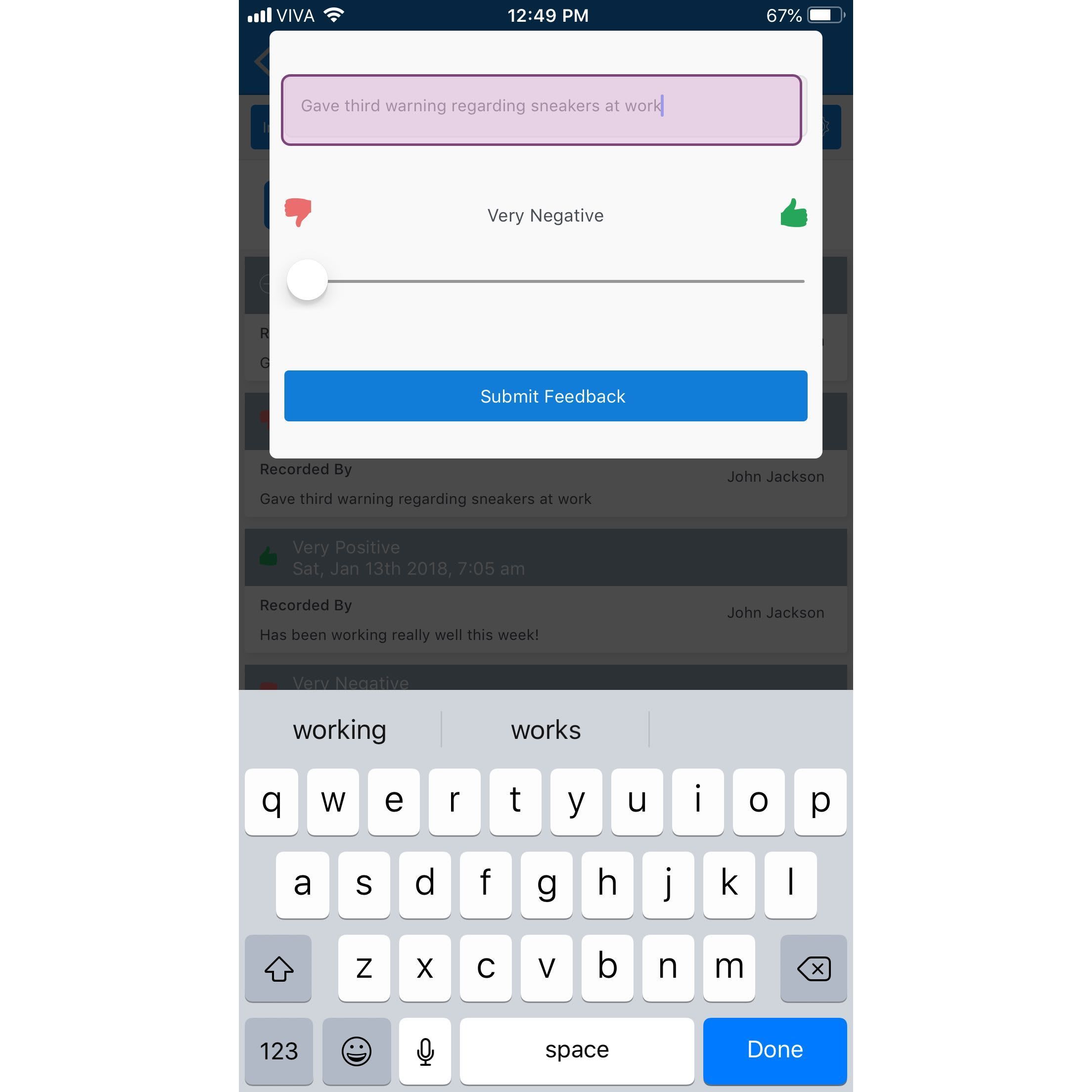
Mobile app feedback entry screen with a typed note, a Very Negative to Very Positive slider, and Submit Feedback button

If you are using the web version it will look like this:
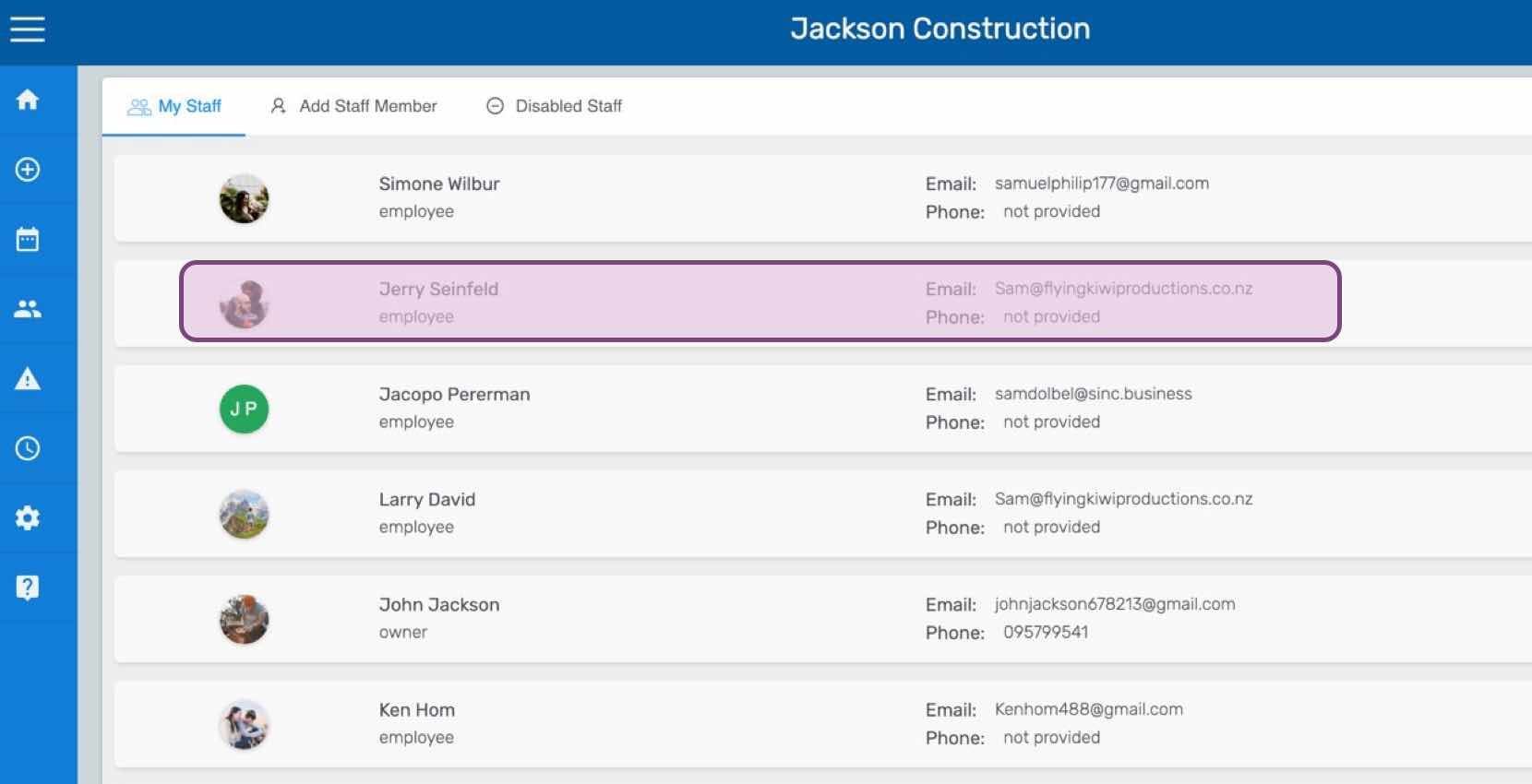
SINC web My Staff list with one employee row highlighted in pink
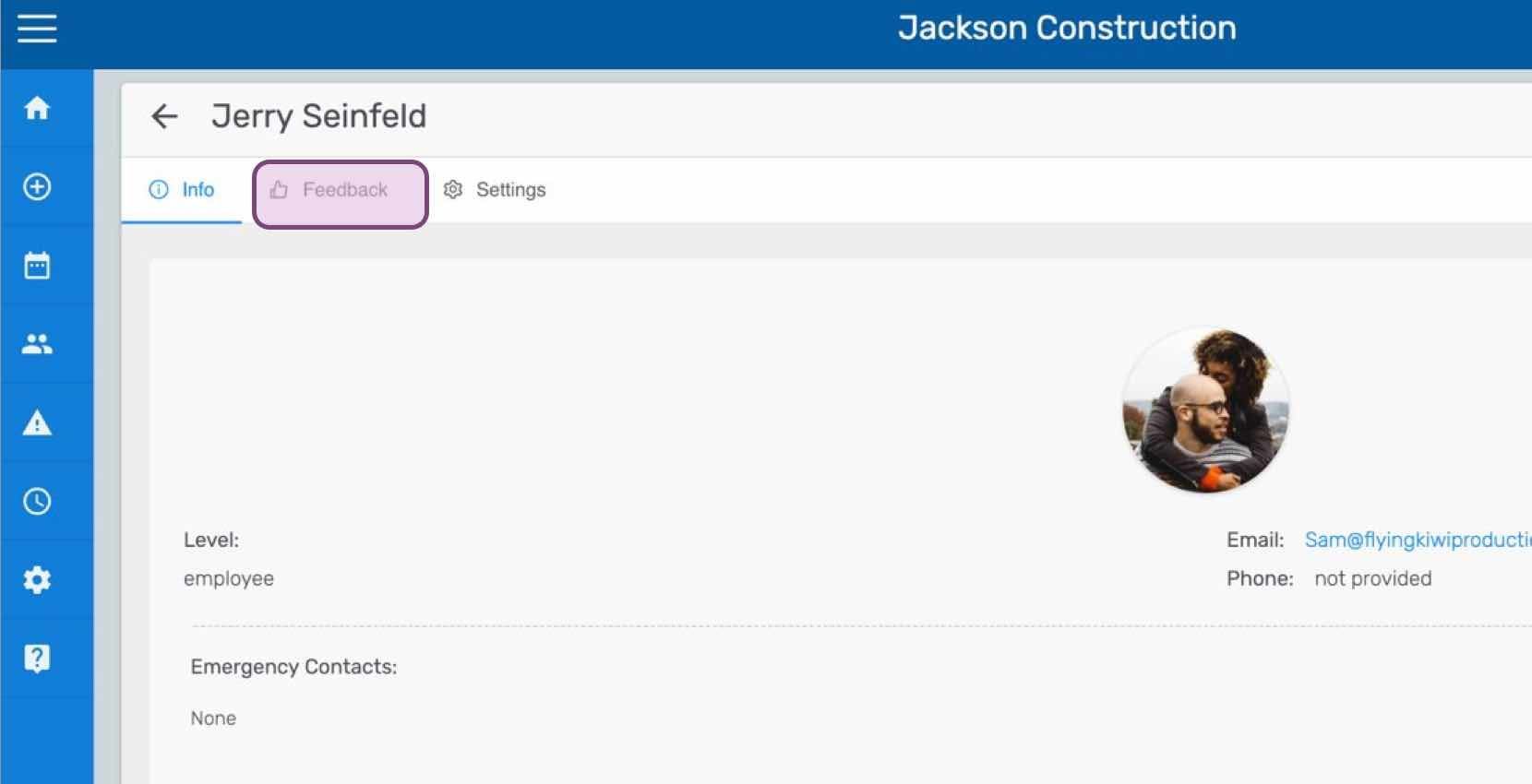
Staff profile screen for an employee with the Feedback tab circled at the top of the page
SINC web staff Feedback tab showing a rating scale and comment field with the Add Feedback button

Did this answer your question?