
Add Time Off
Let's take a look at how to add time off period for a staff member

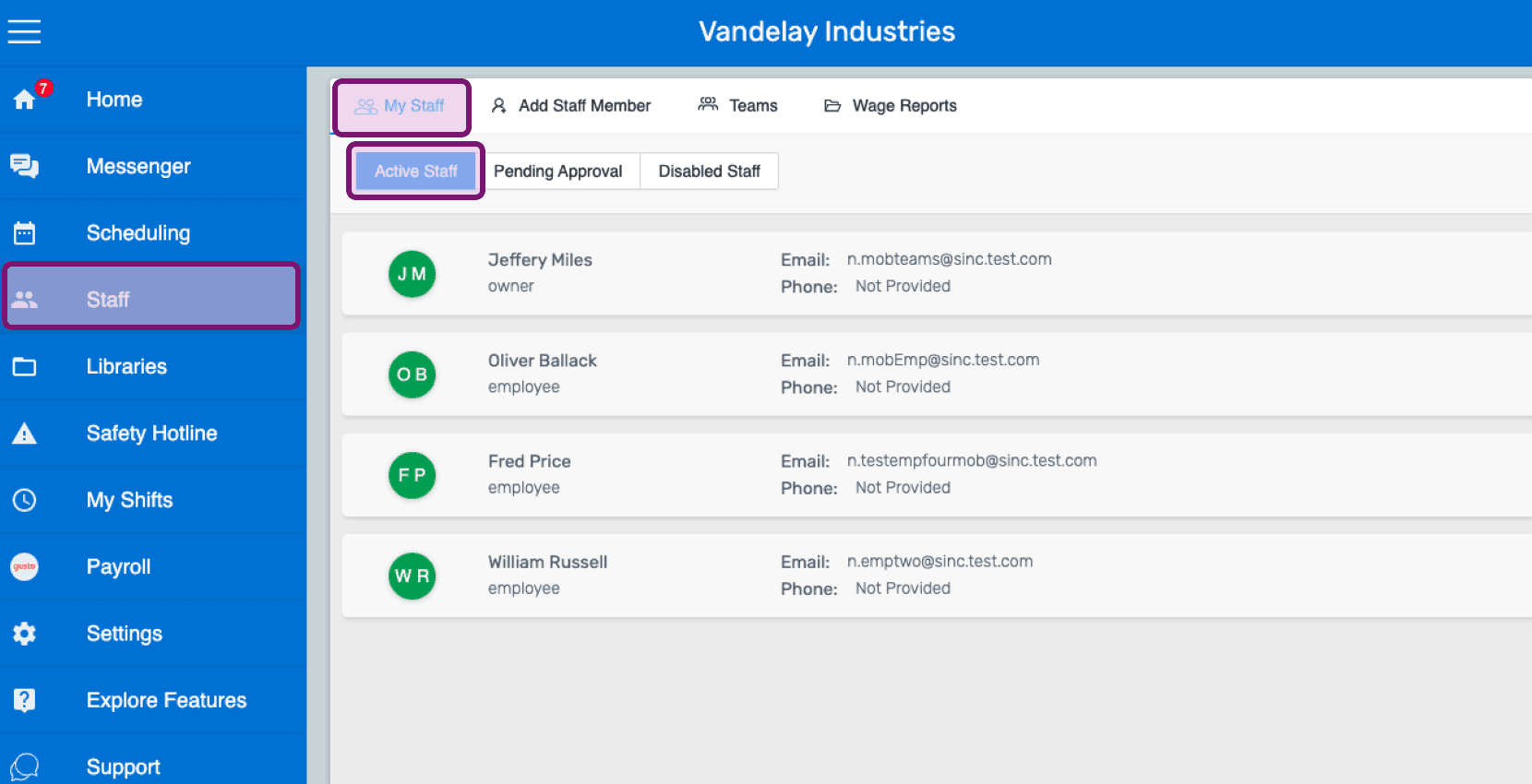
This section shows how you can add a time off period for a staff member. On Web: Click on Menu Staff My Staff Active Staff
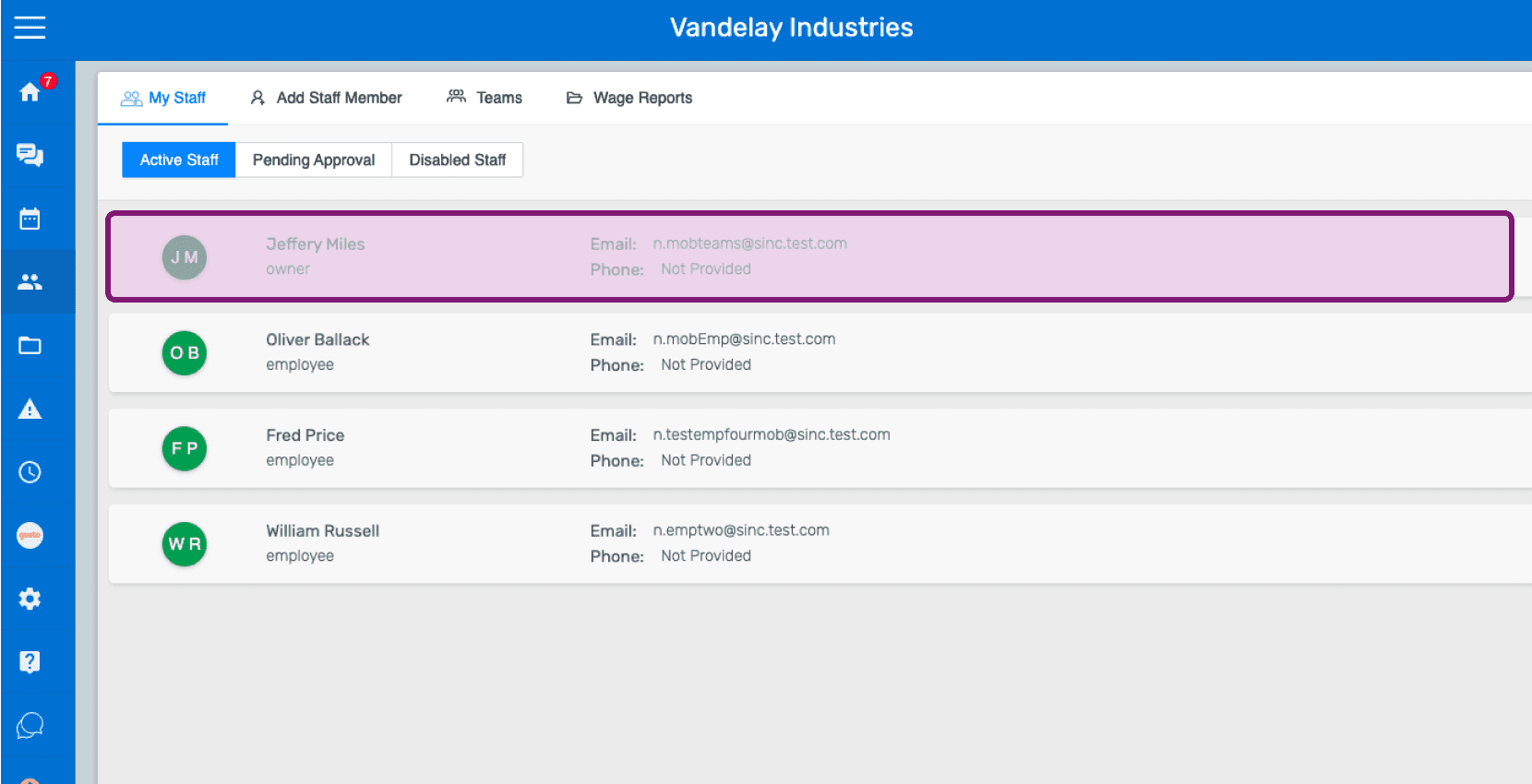
Click on Staff member's name
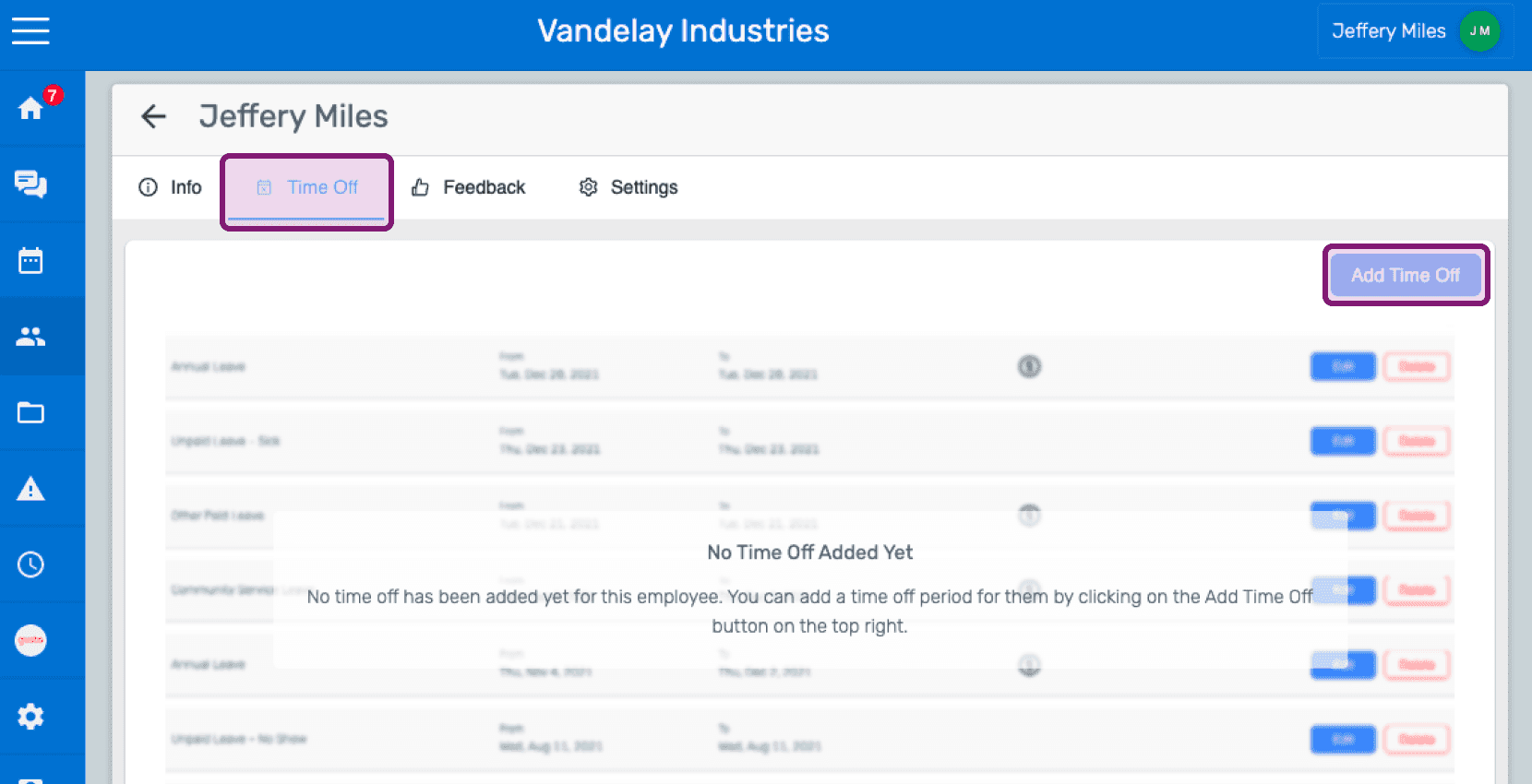
Click on Time Off Add Time Off
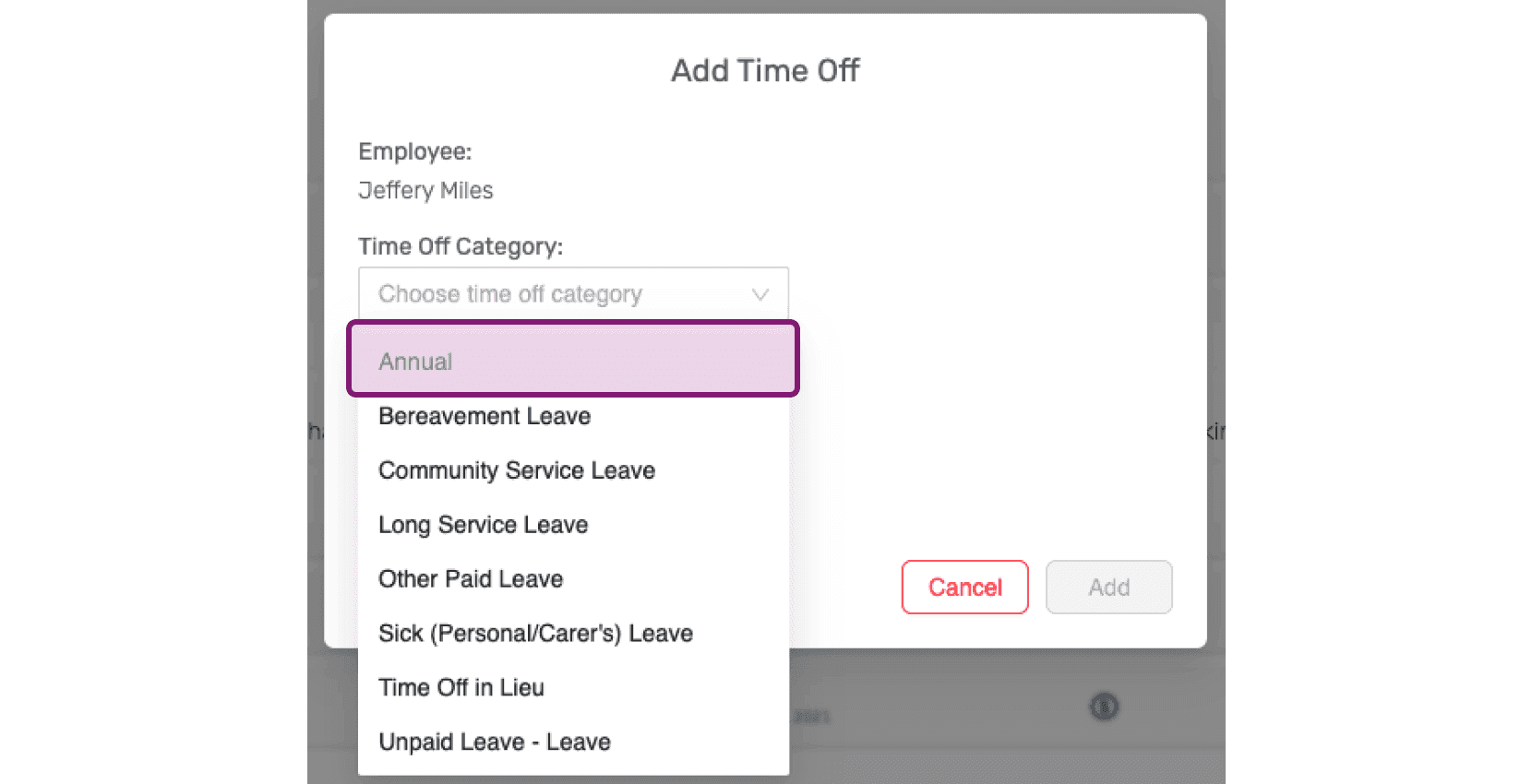
Select the time off category from the dropdown.
Choose the time off period from the date picker.
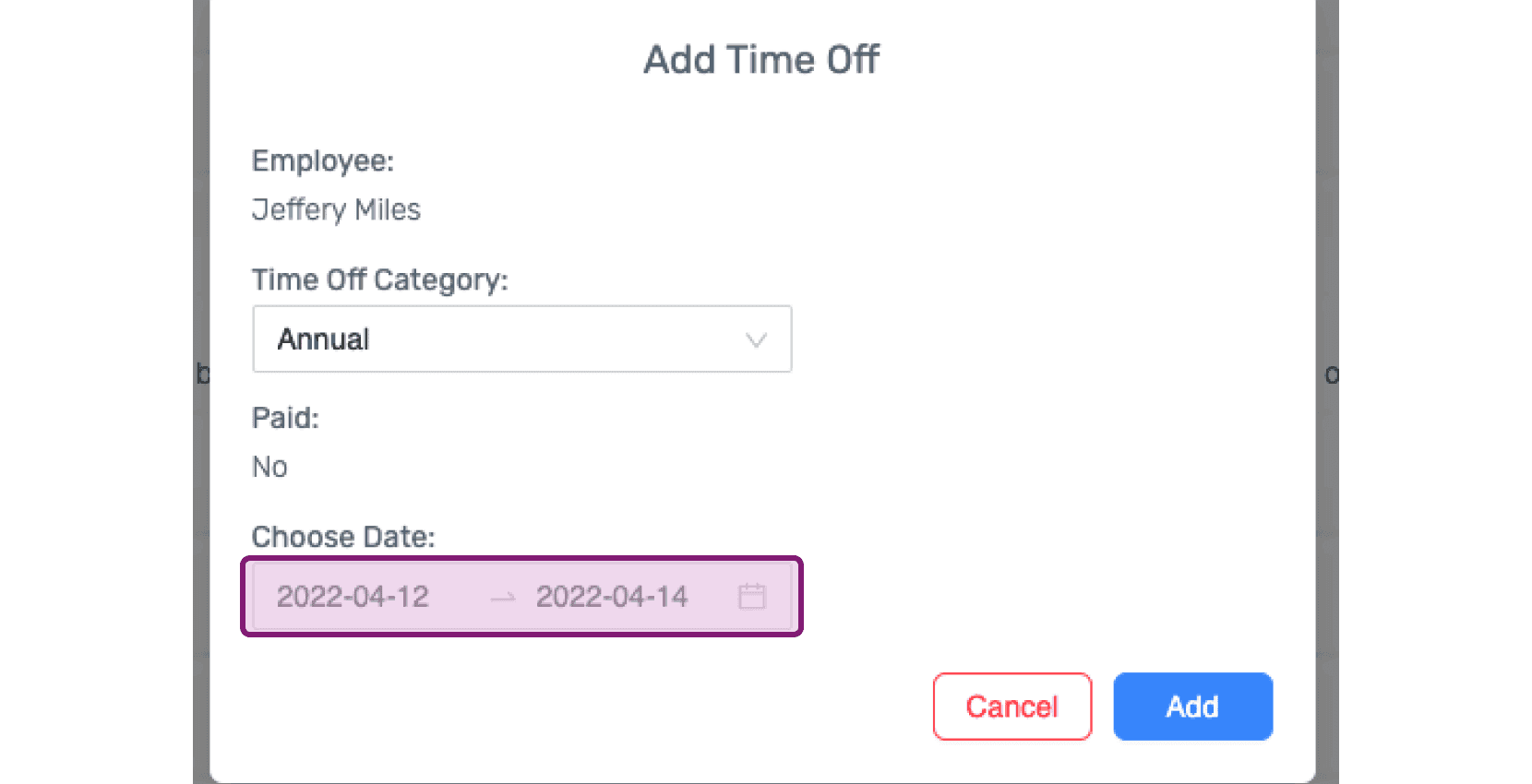
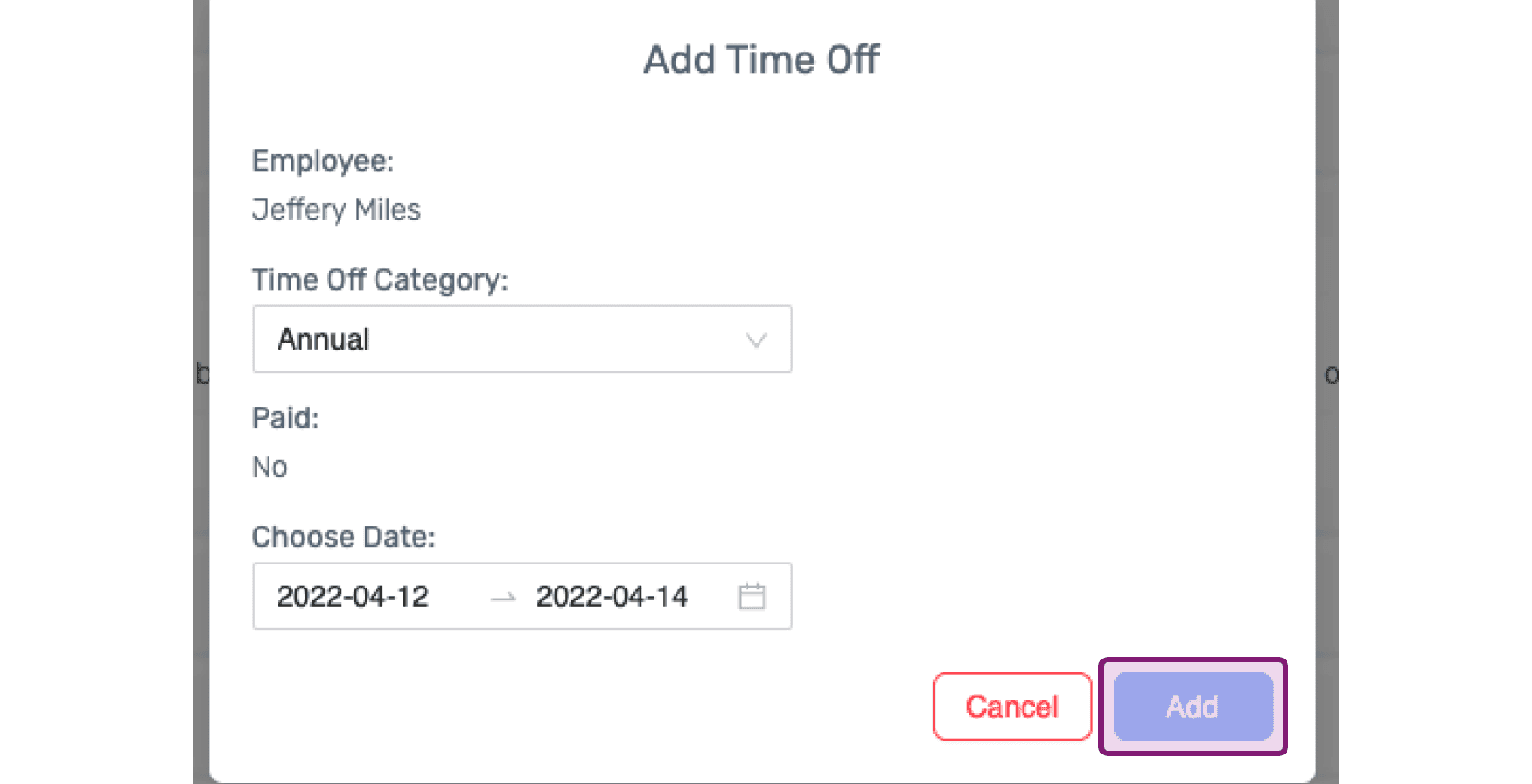
Click on Add
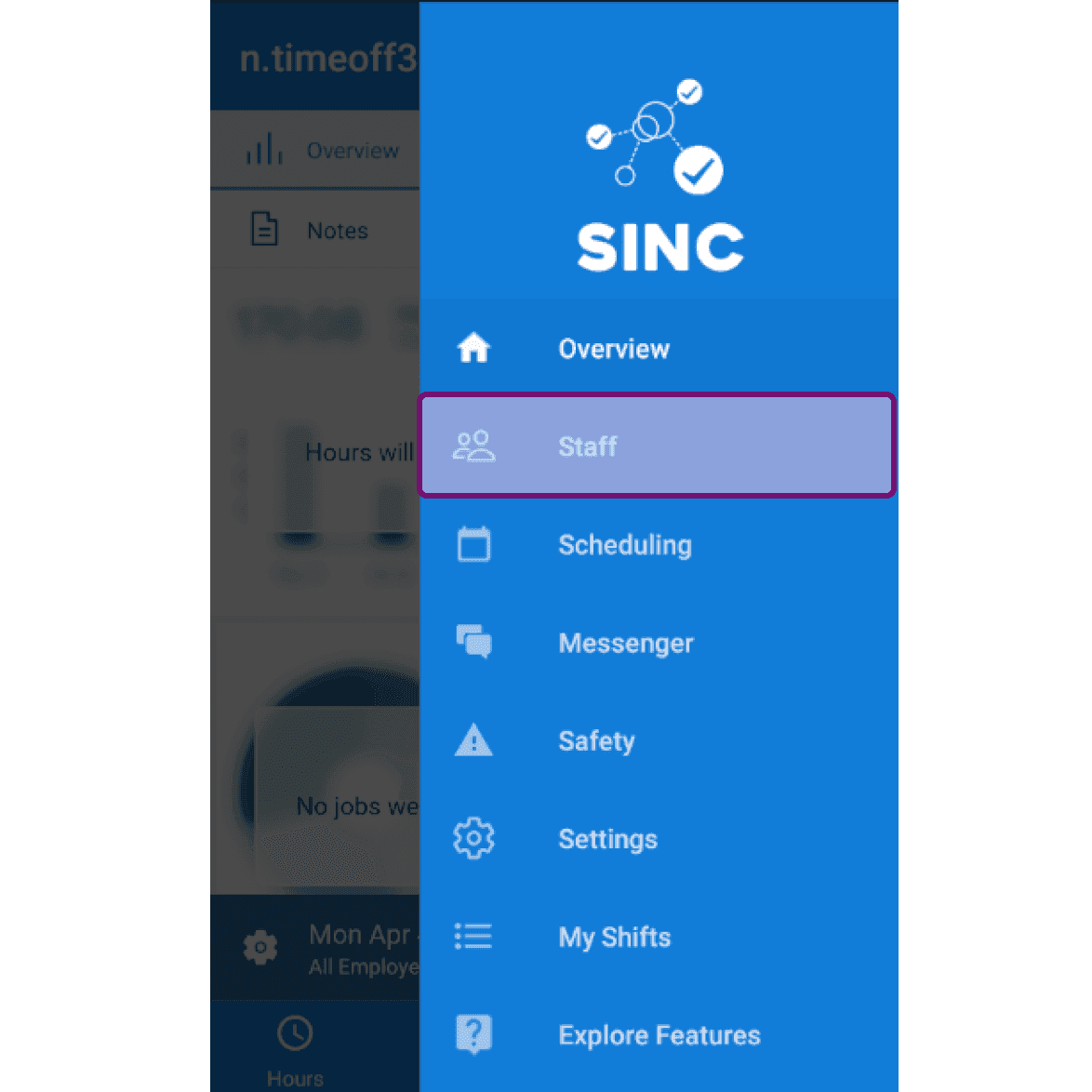
On Mobile: Tap on Menu Staff
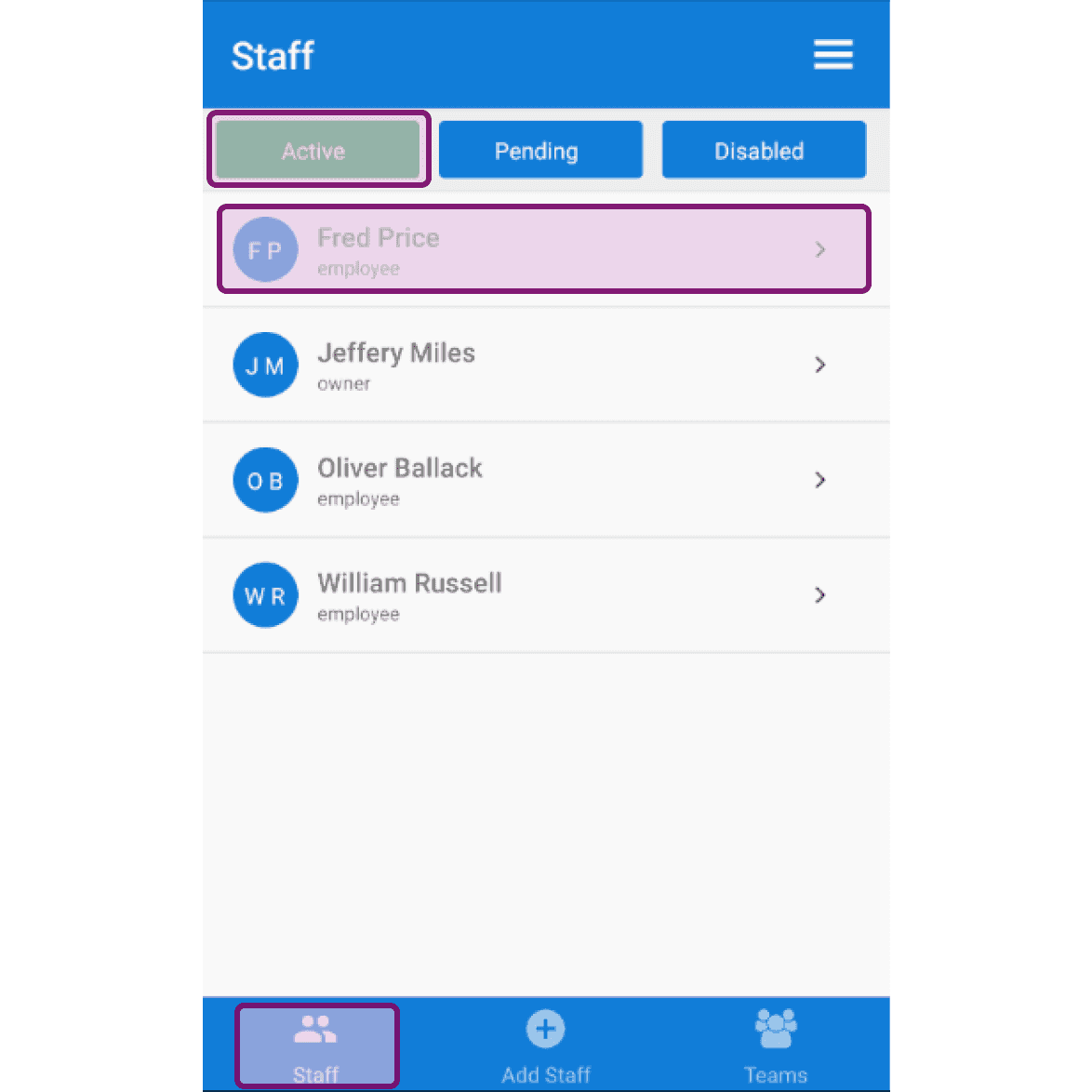
Tap on Staff Active Staff member's name
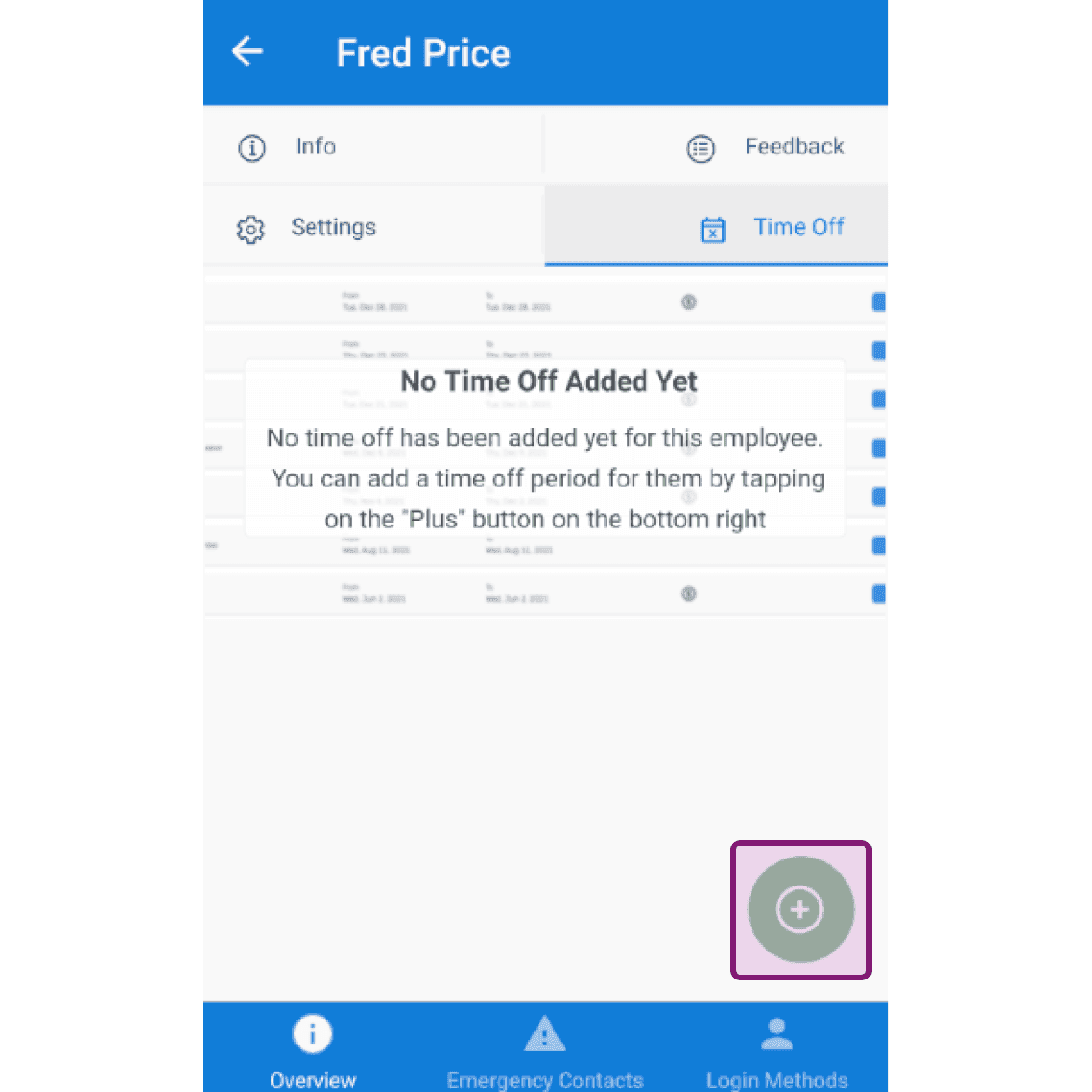
Tap on Time Off + icon at the bottom right
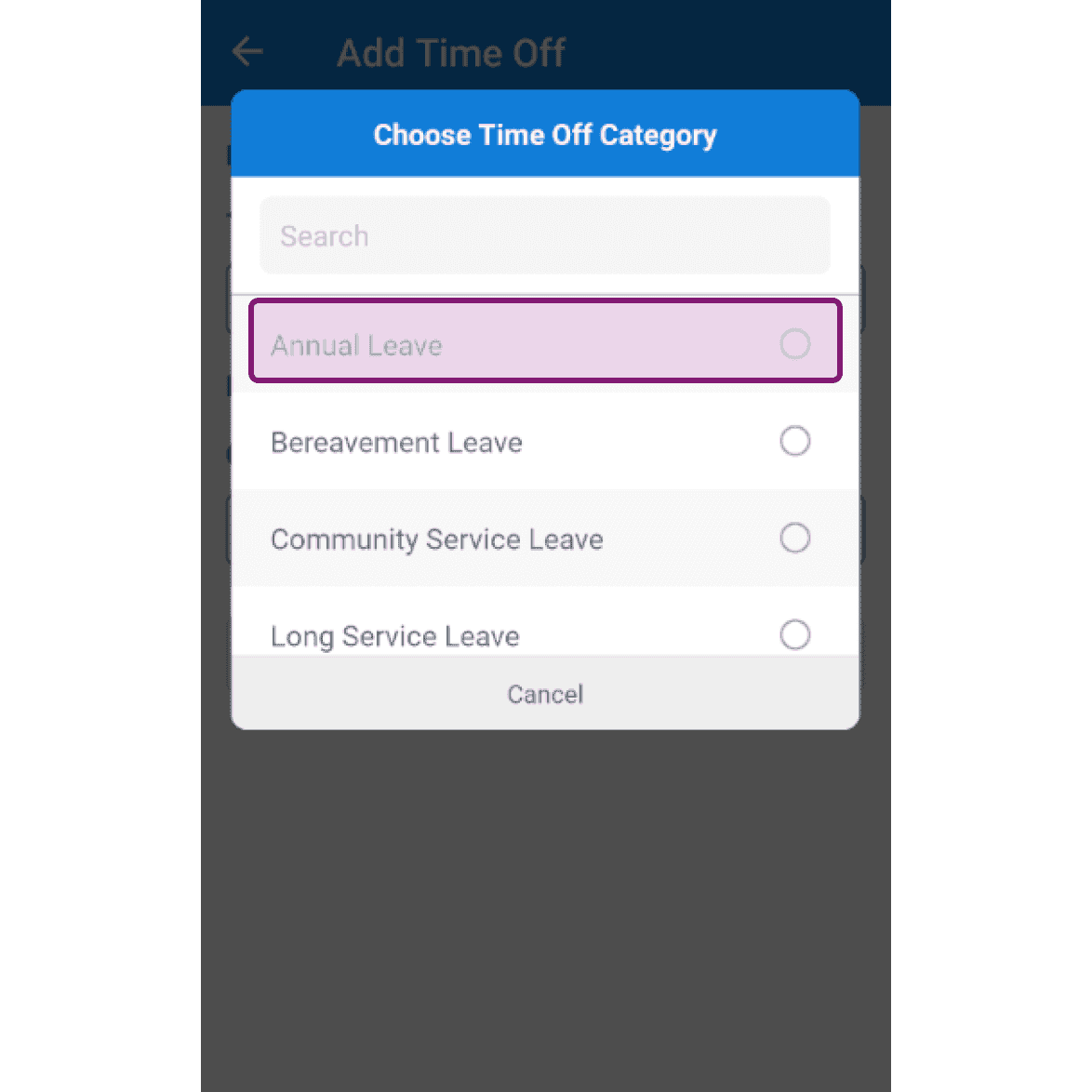
Tap on the time off category from the list.
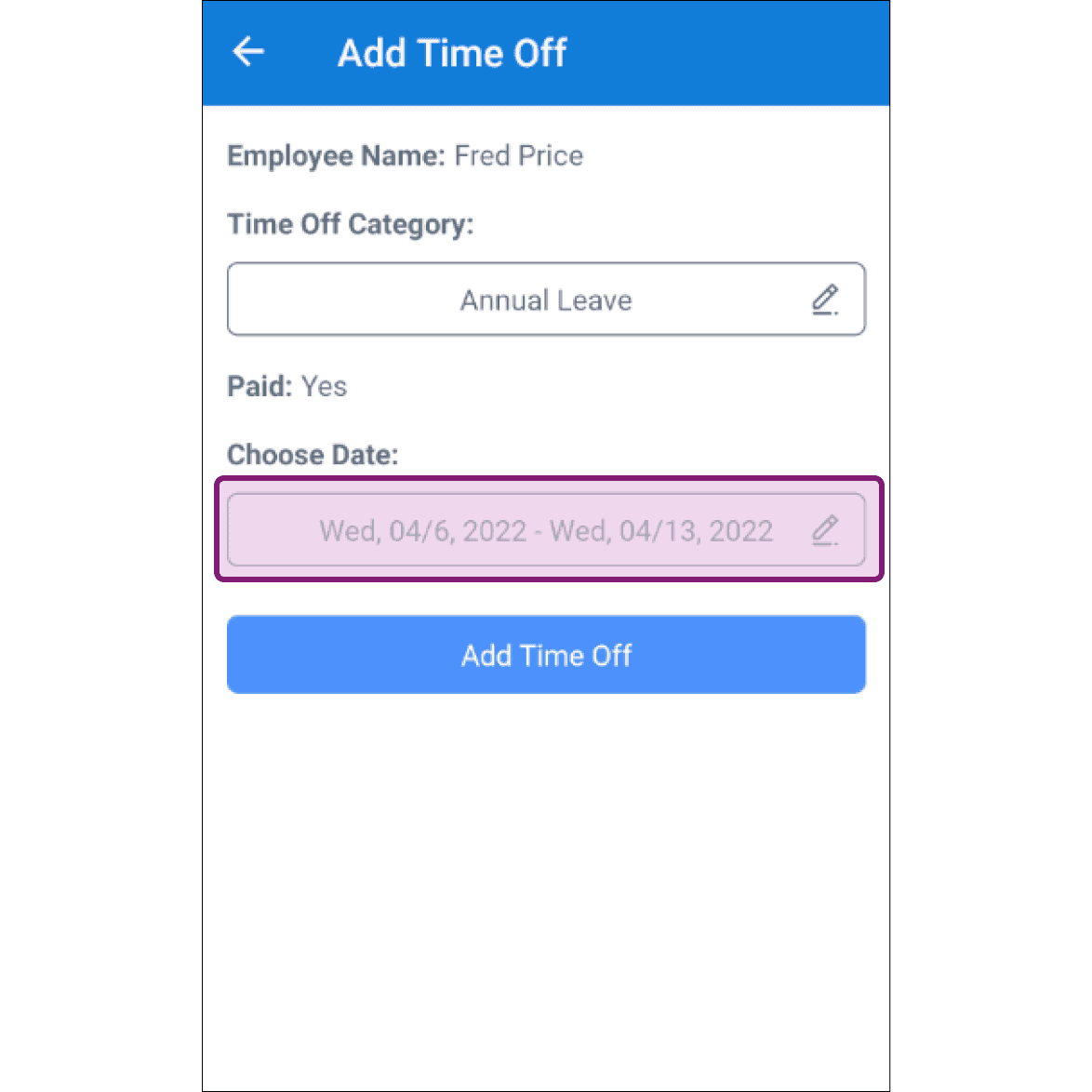
Tap on Choose Date button to choose the time off period.
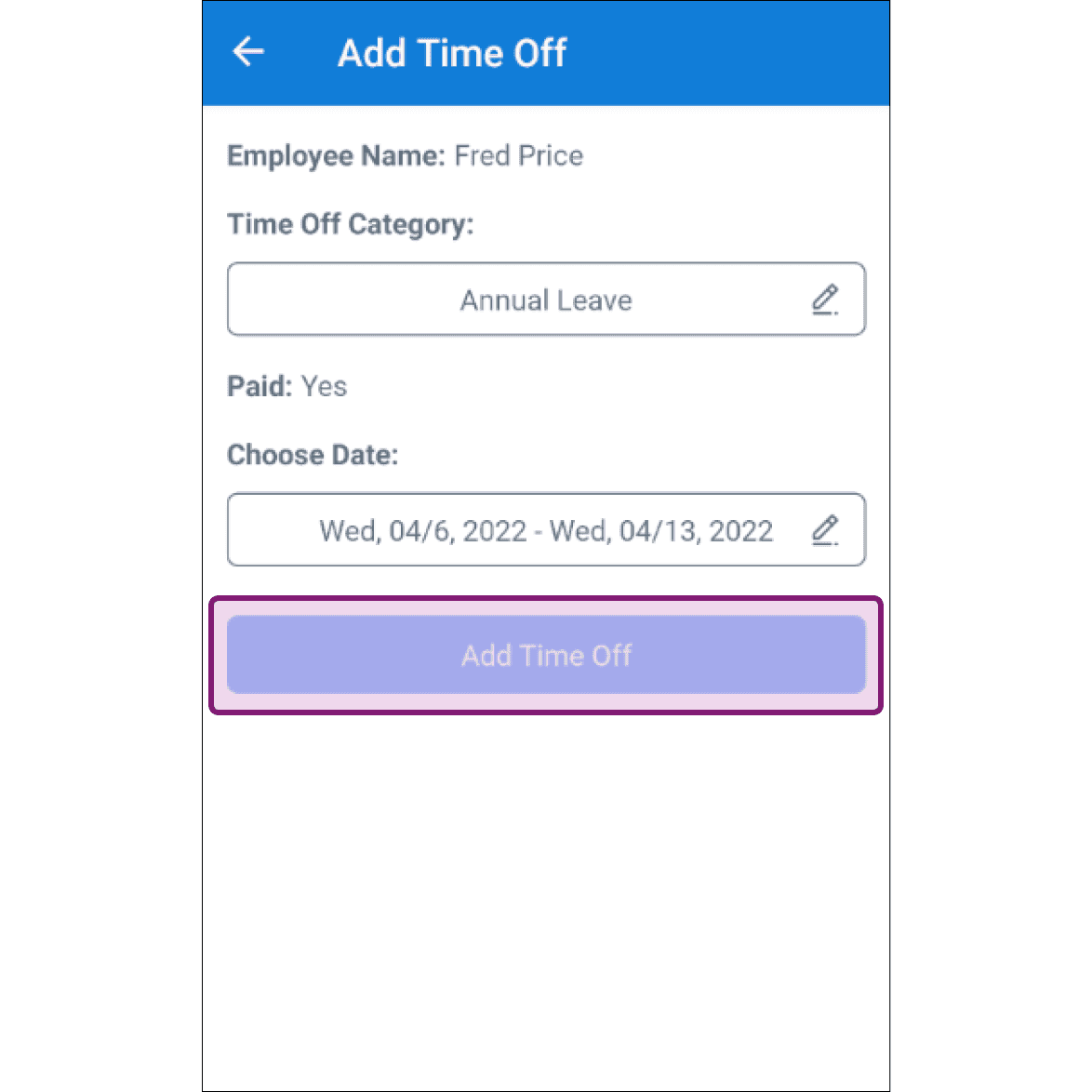
Tap on Add Time Off. Keep in mind: employees will not be allowed to clock in during their time off period, and admins will not be allowed to schedule a shift for them during the time off period.
Did this answer your question?