
Approve a Time Off Request
In this guide, we will show you how an admin can approve a time off request.

SINC Support Team
Jul 14th, 2022
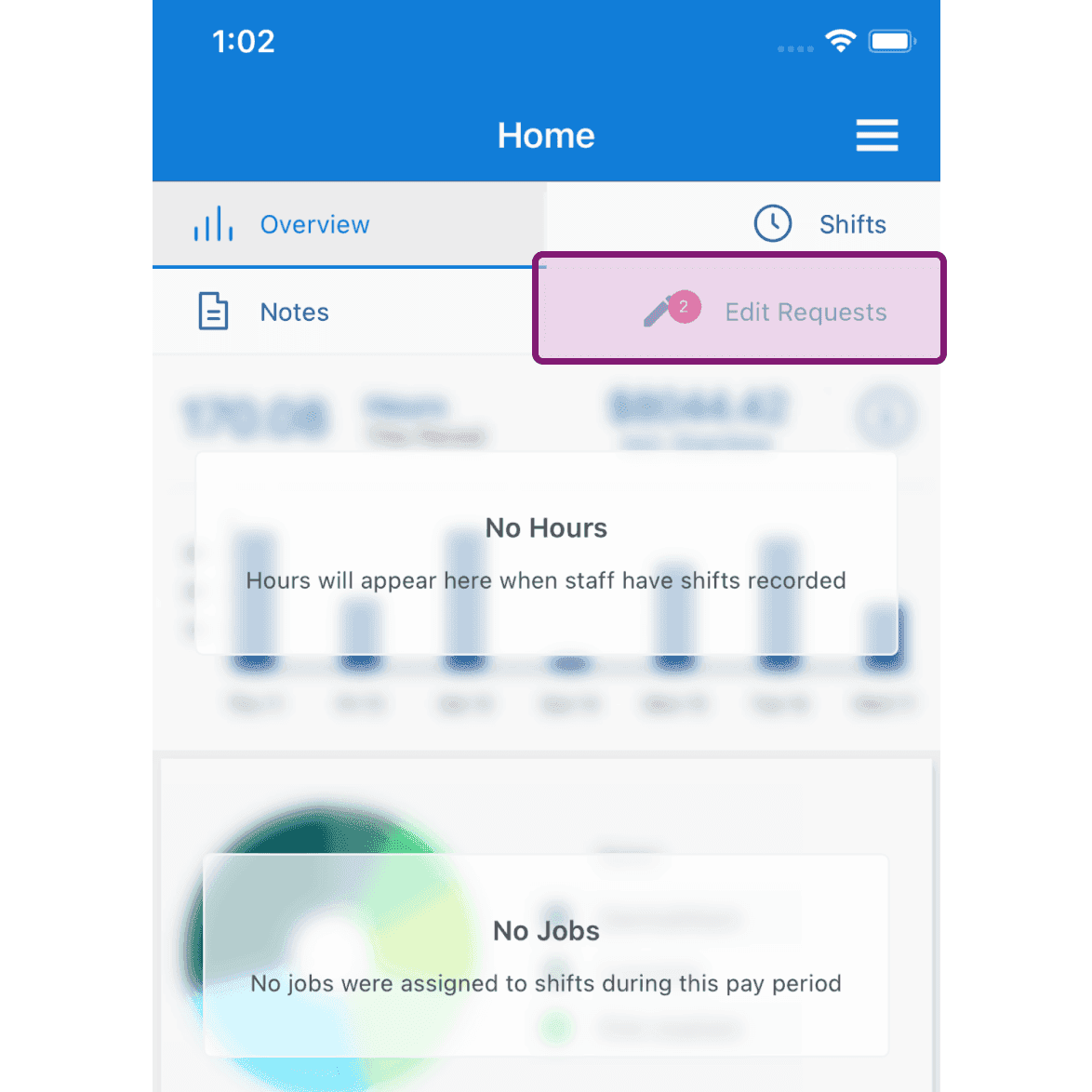
The employees can request a time off to be added, edited or even deleted. The admin(s) can approve those requests under the Edit Requests section which falls under Menu Home and Menu Overview on the web and mobile app respectively. On Mobile: Tap on Edit Requests
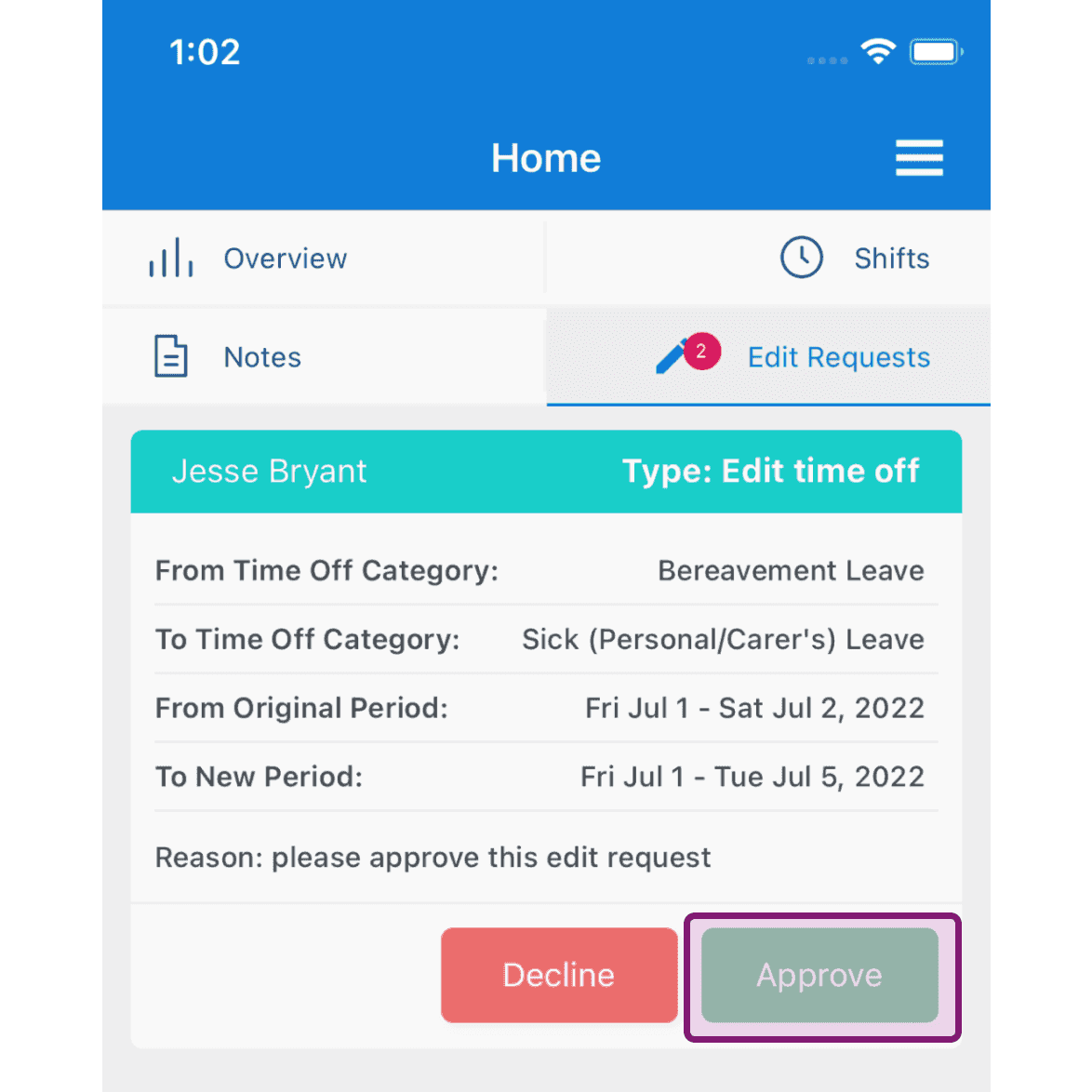
Tap on Approve button to approve the request
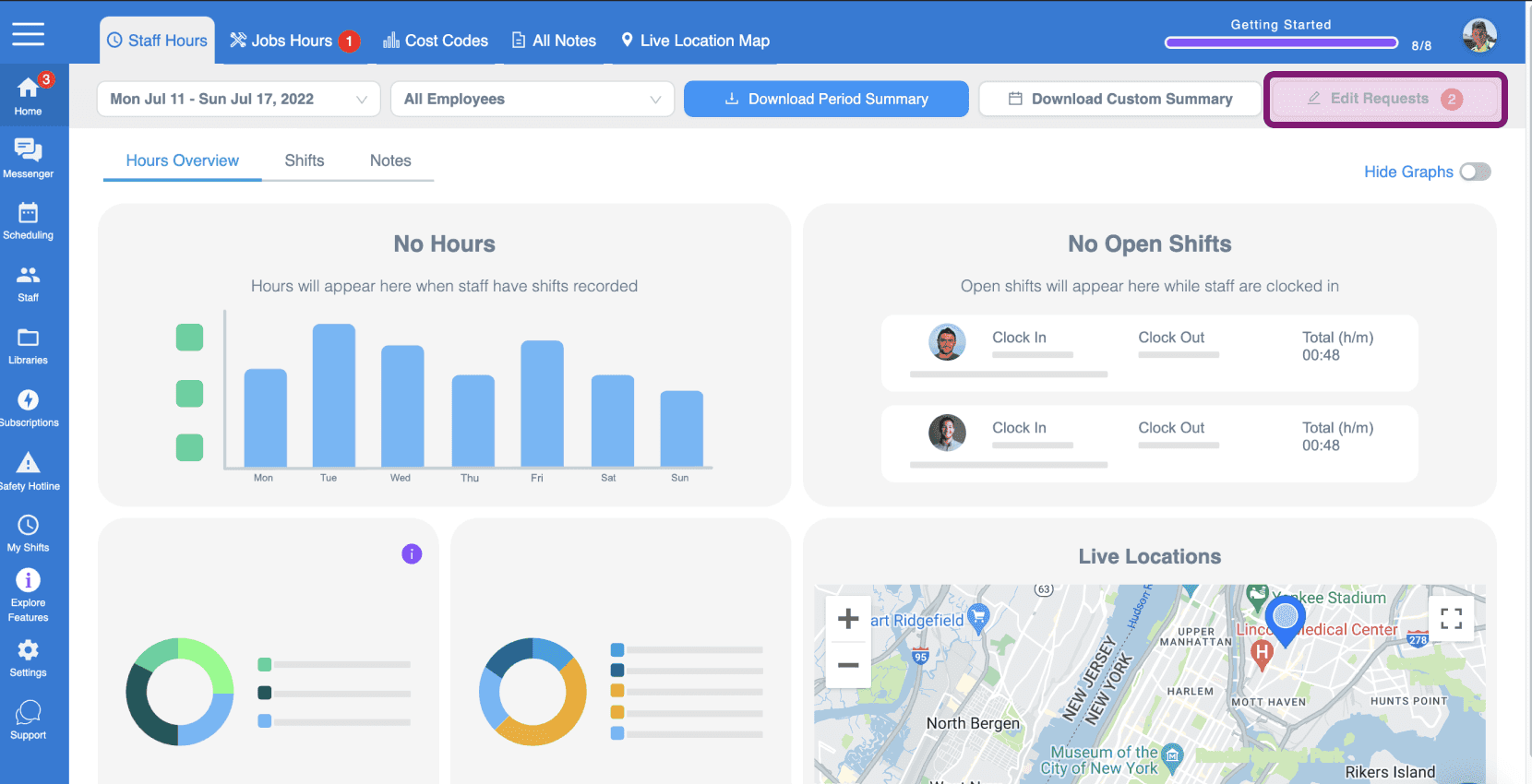
On Web: Click on 'Edit Requests'
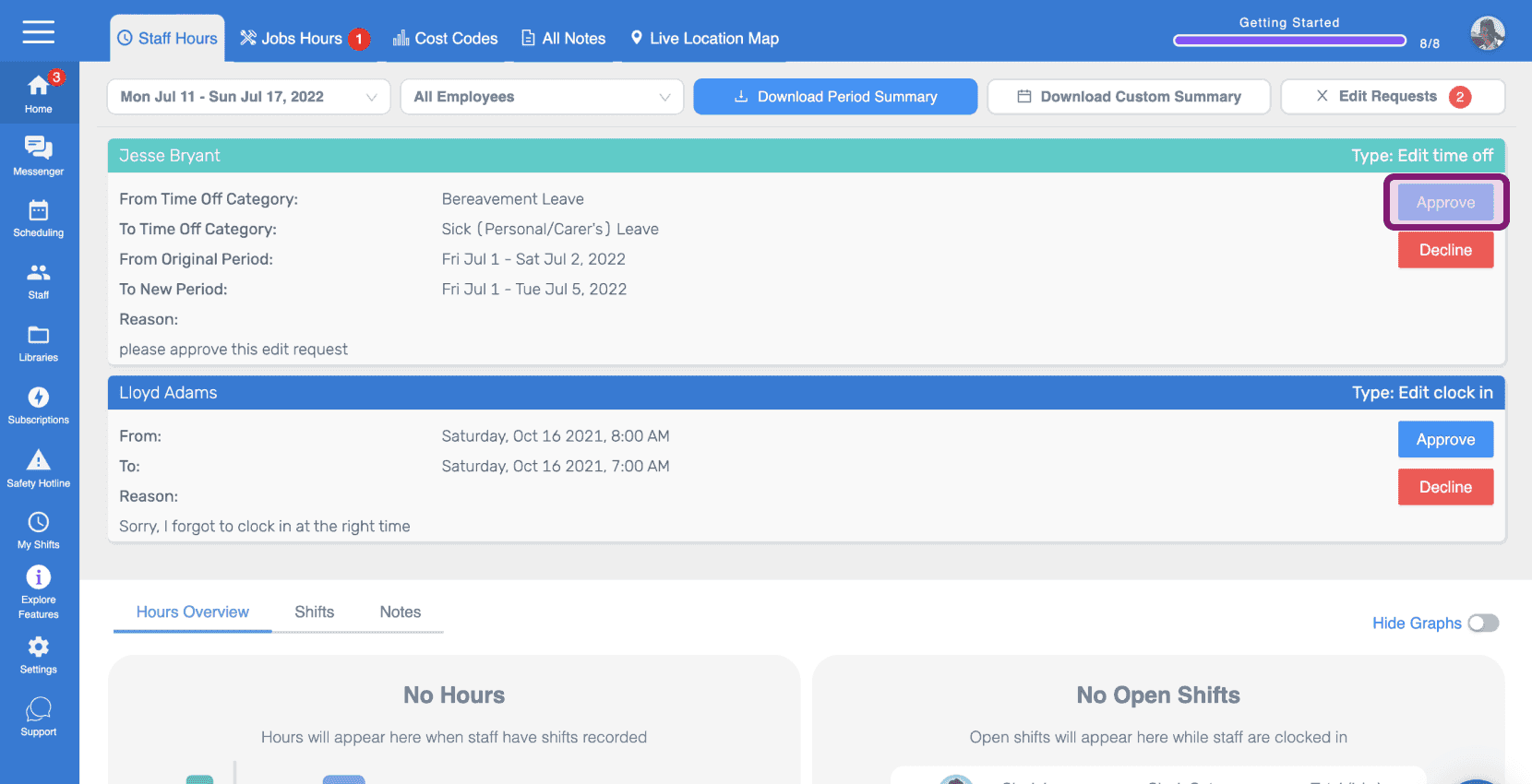
Click on Approve button to approve the request
Did this answer your question?