
Approving Employee Time Sheet Edits
In this guide we will cover how an Admin can approve or decline shift Edit Requests from employees.

Sam Dolbel
Mar 6th, 2023
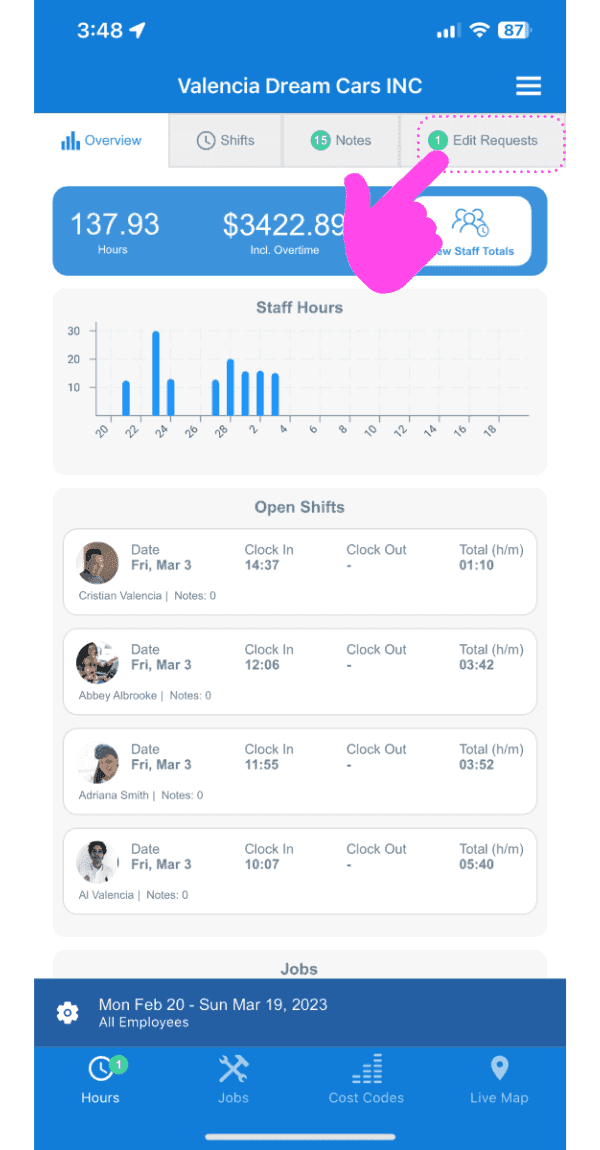
When an employee makes a mistake with their shift and needs to request a change to their timesheet, the admin first needs to approve it before the changes are made. Tap on Edit Requests
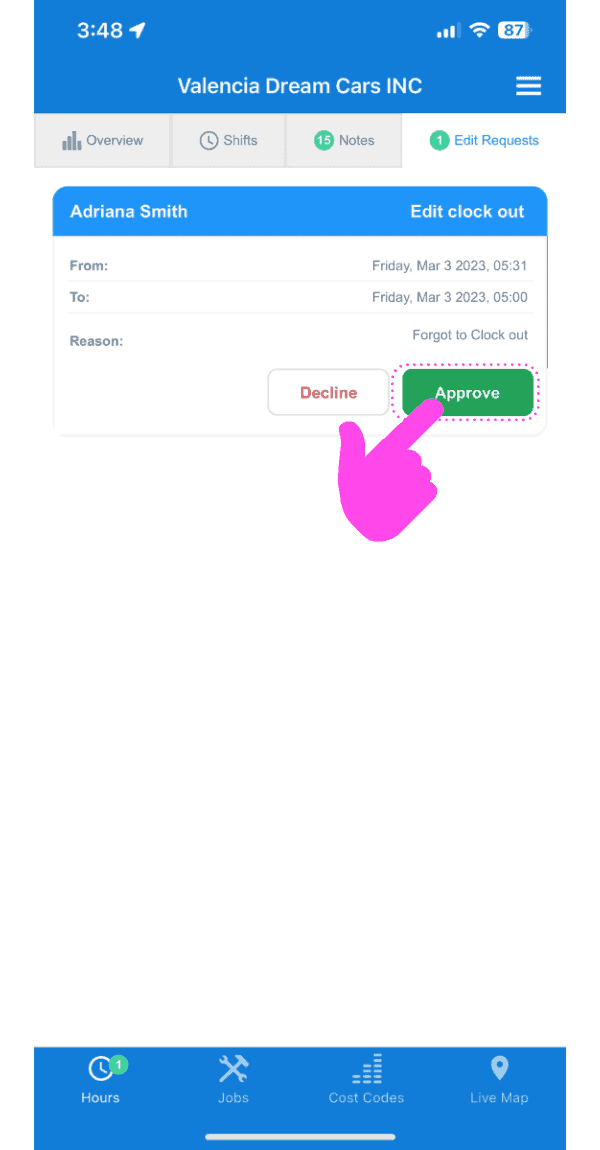
Either approve or deny the request
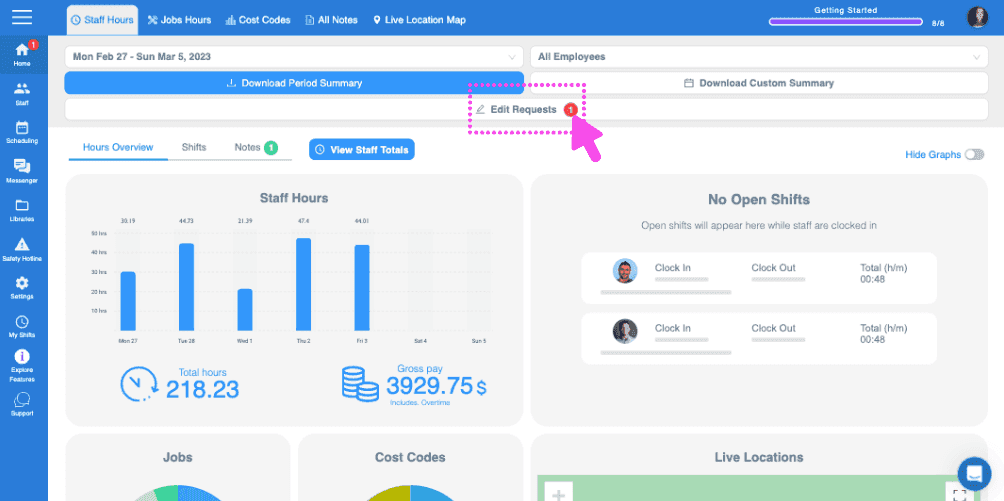
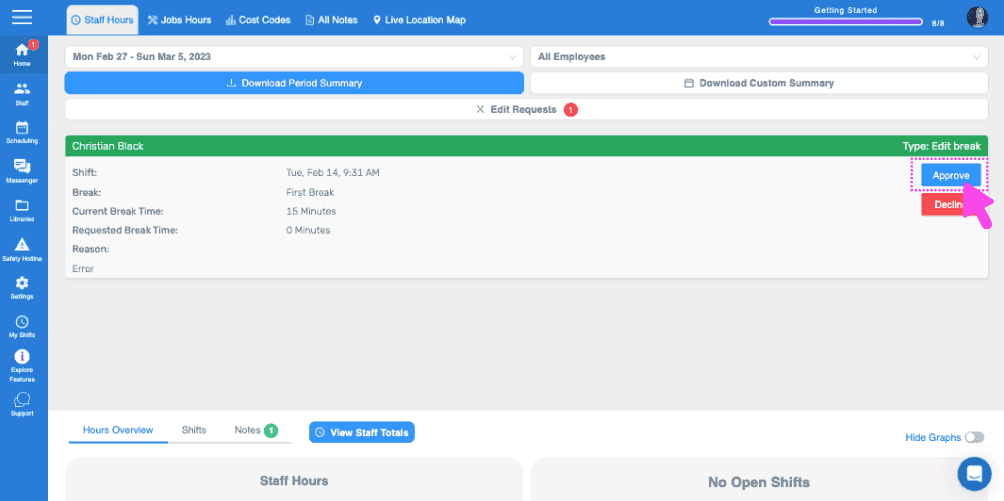
If you are using the web version it will look like this:
Did this answer your question?