
How To Join SINC With An Incompatible Android Device
Some older Android devices are not compatible so we made a web version that is very similar to the app. This tutorial shows you what to do

Sam Dolbel
May 23rd, 2019
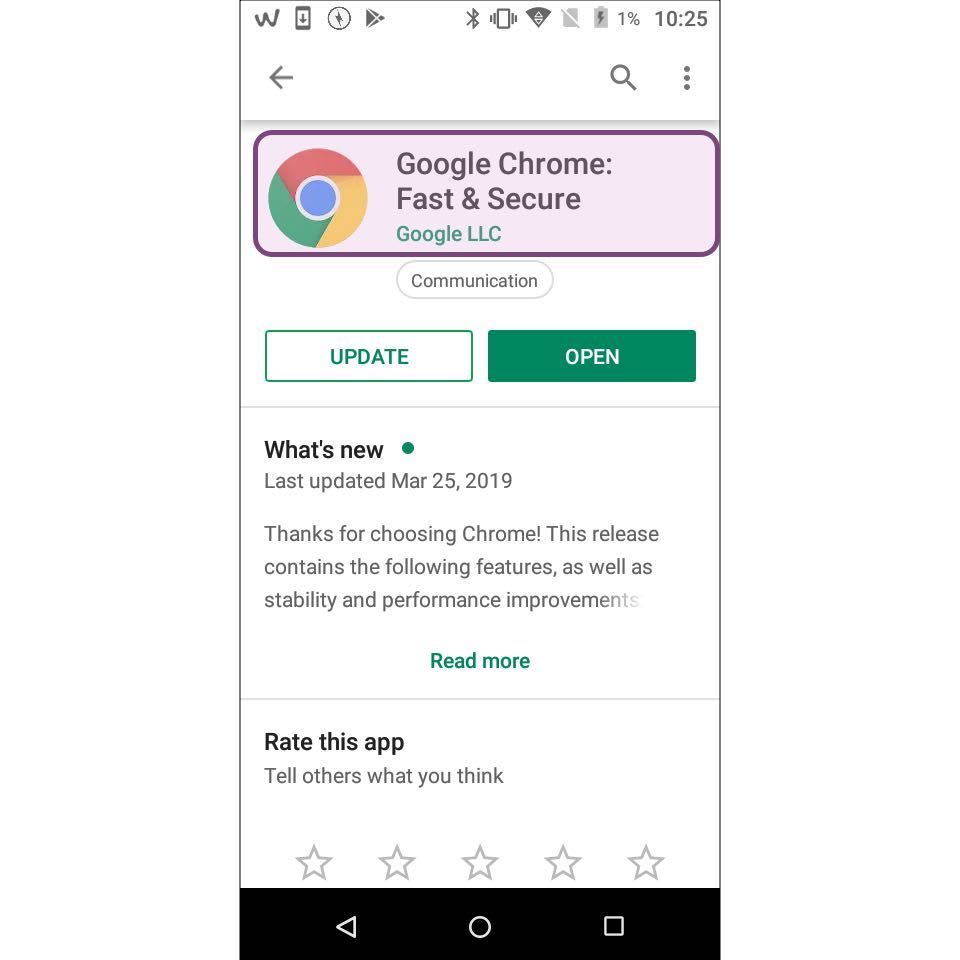
First, make sure you have the latest version of Google Chrome browser installed on your device.
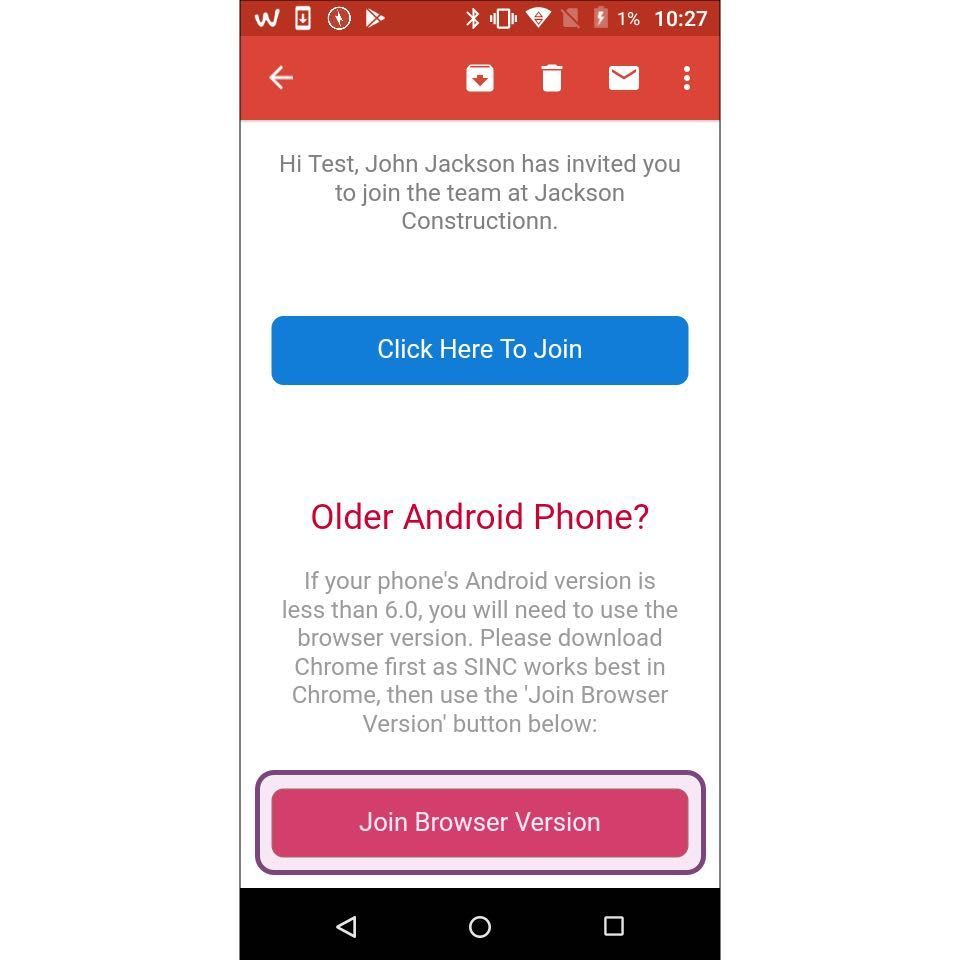
Open the invite and Tap on Join Browser Version
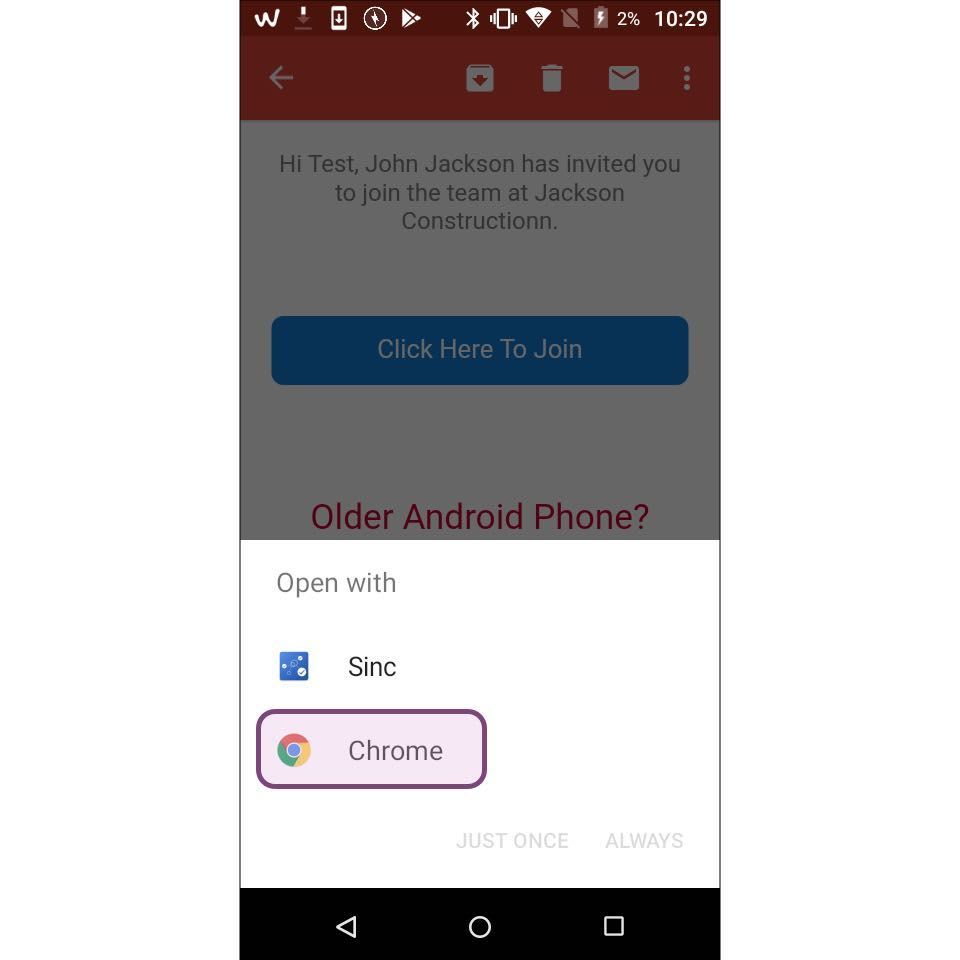
Tap on Open With Chrome
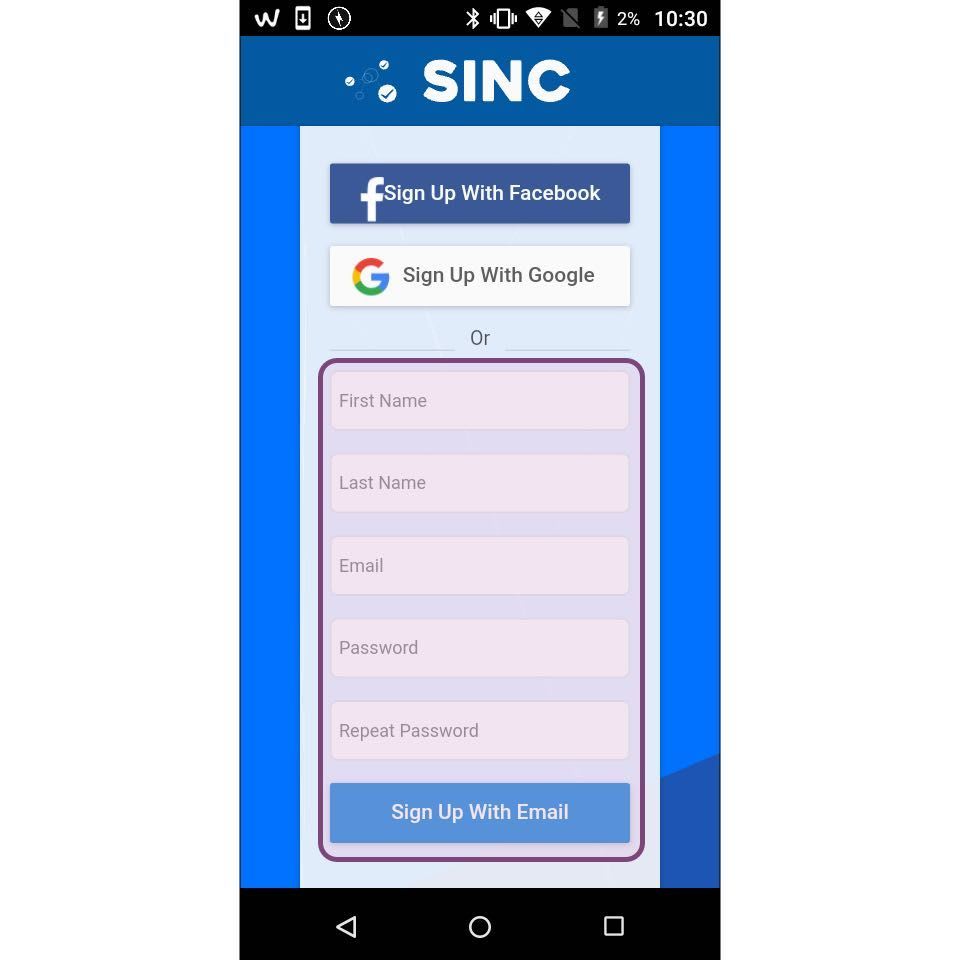
While you do have the option to sign up using Facebook or Google, we suggest first signing up with an email and password (you can always add these extra accounts at a later stage).
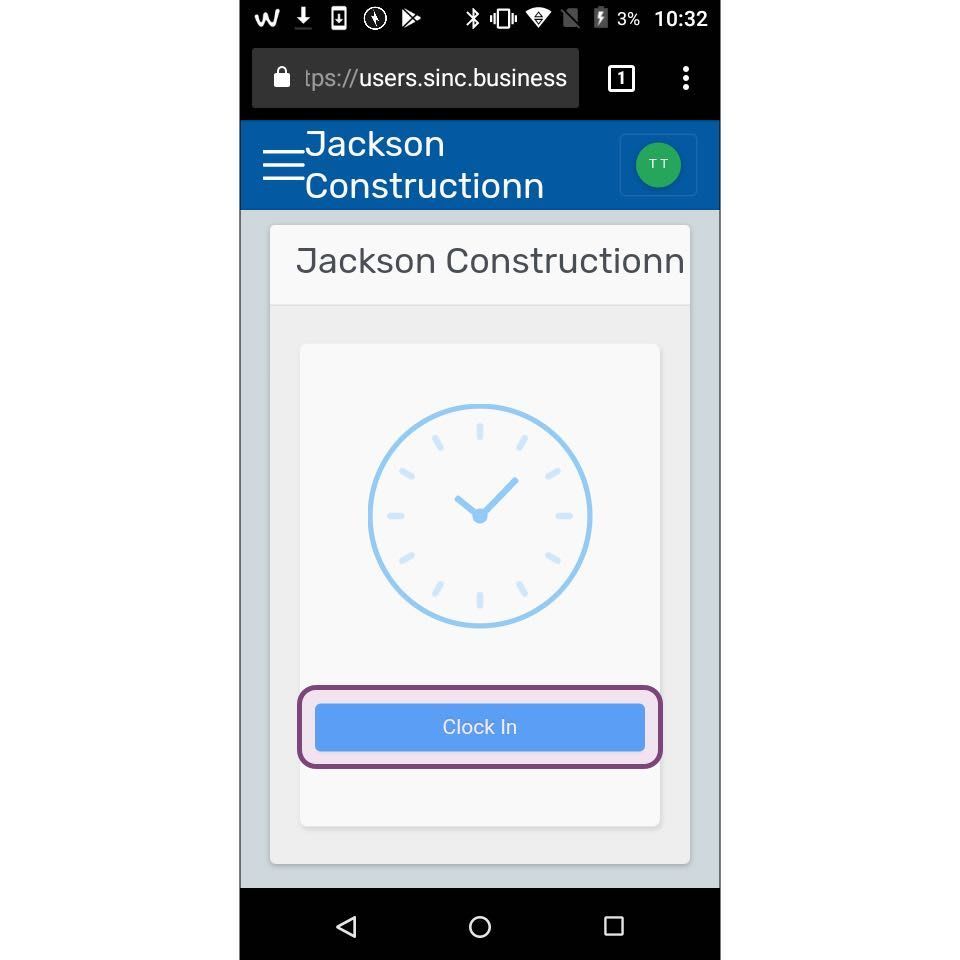
That's it, you can now clock in from your mobile browser. We recommend saving your login credentials inside of Chrome for easy sign in each time.
Did this answer your question?