
Cómo editar mi perfil
Esta guía explica cómo editar tu perfil como empleado

SINC Support Team
May 7th, 2021
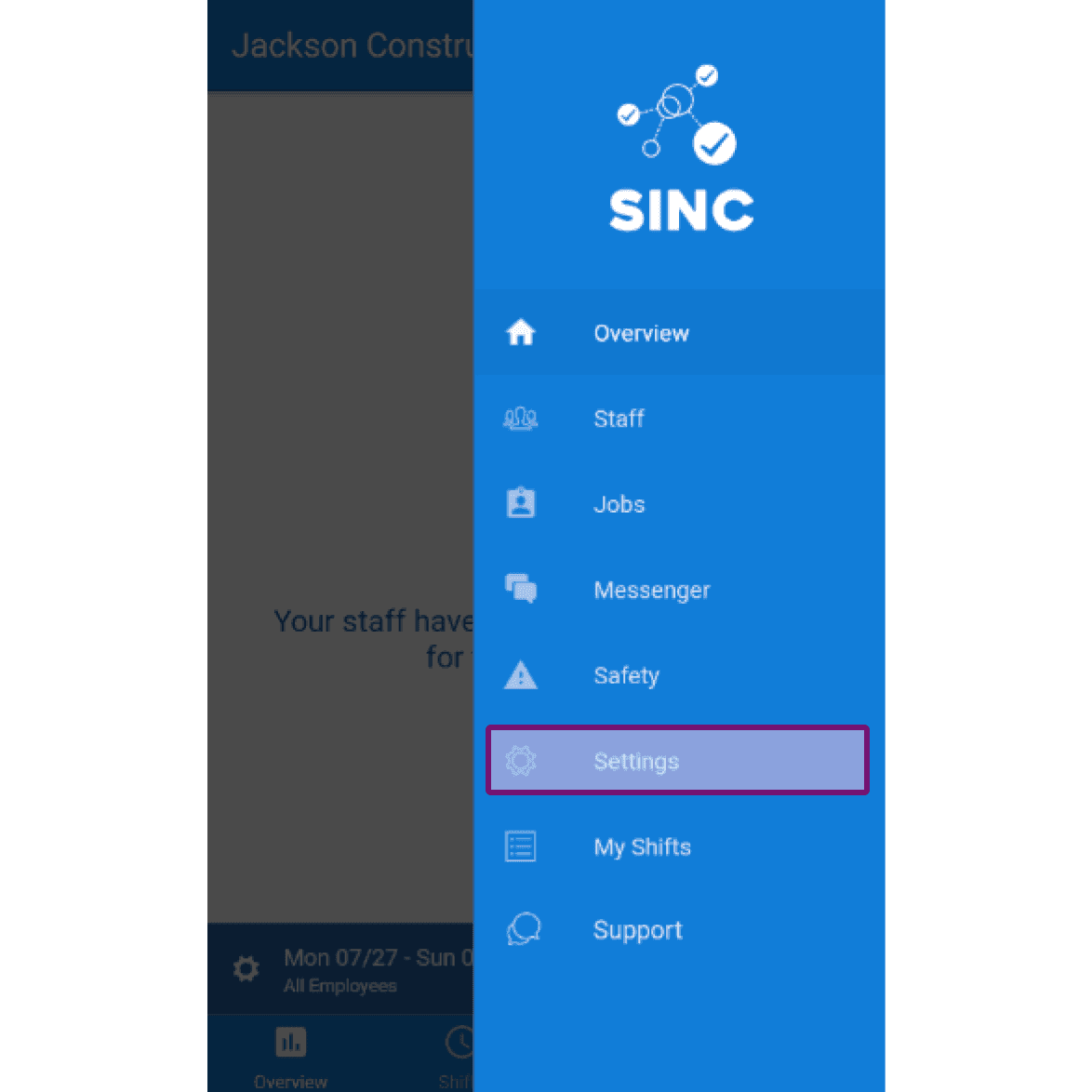
Las siguientes capturas de pantalla muestran cómo puedes editar los datos de tu propio perfil. En el móvil: toca Menú Configuración
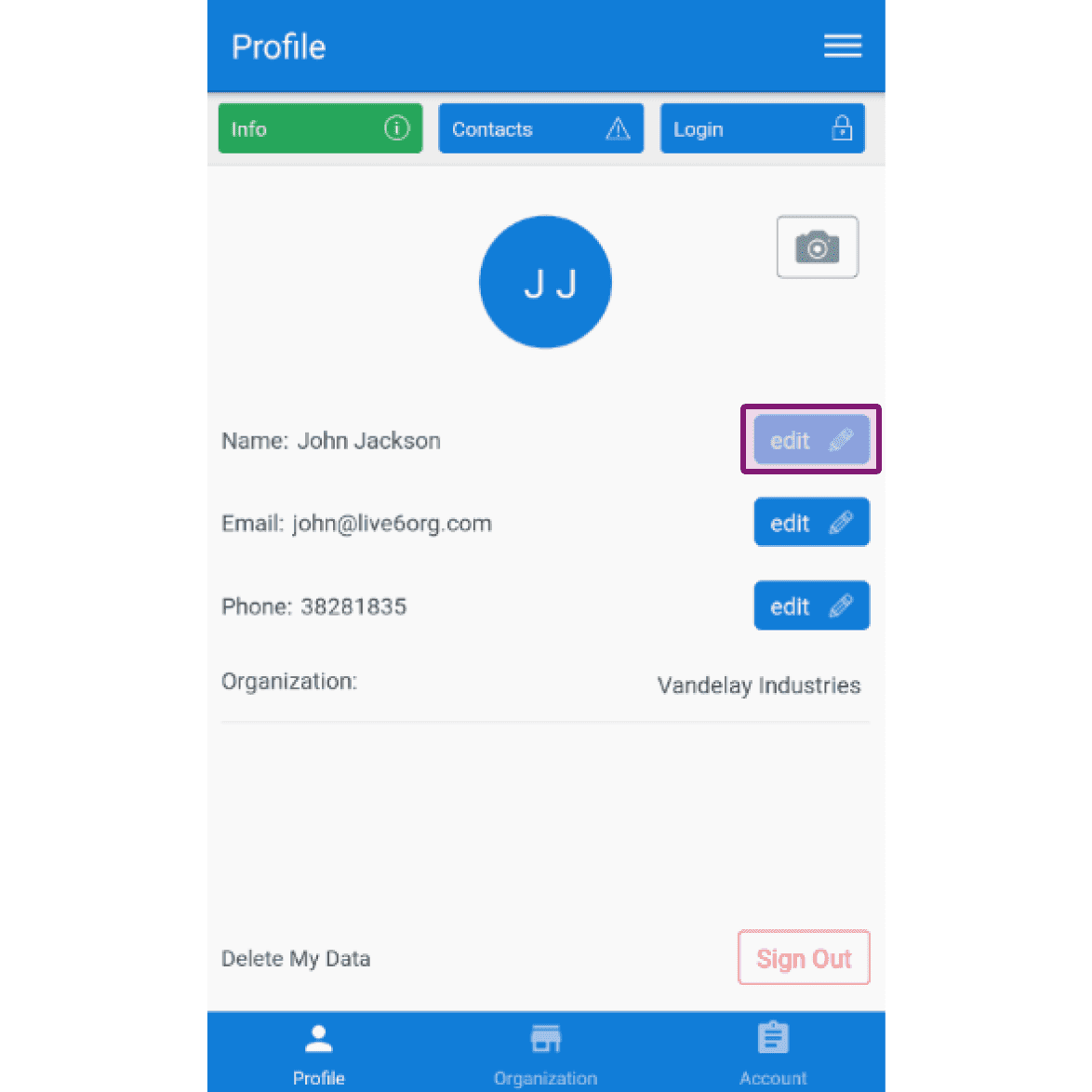
En la pestaña Perfil Información, para editar tu nombre: toca Editar (junto a «Nombre»)
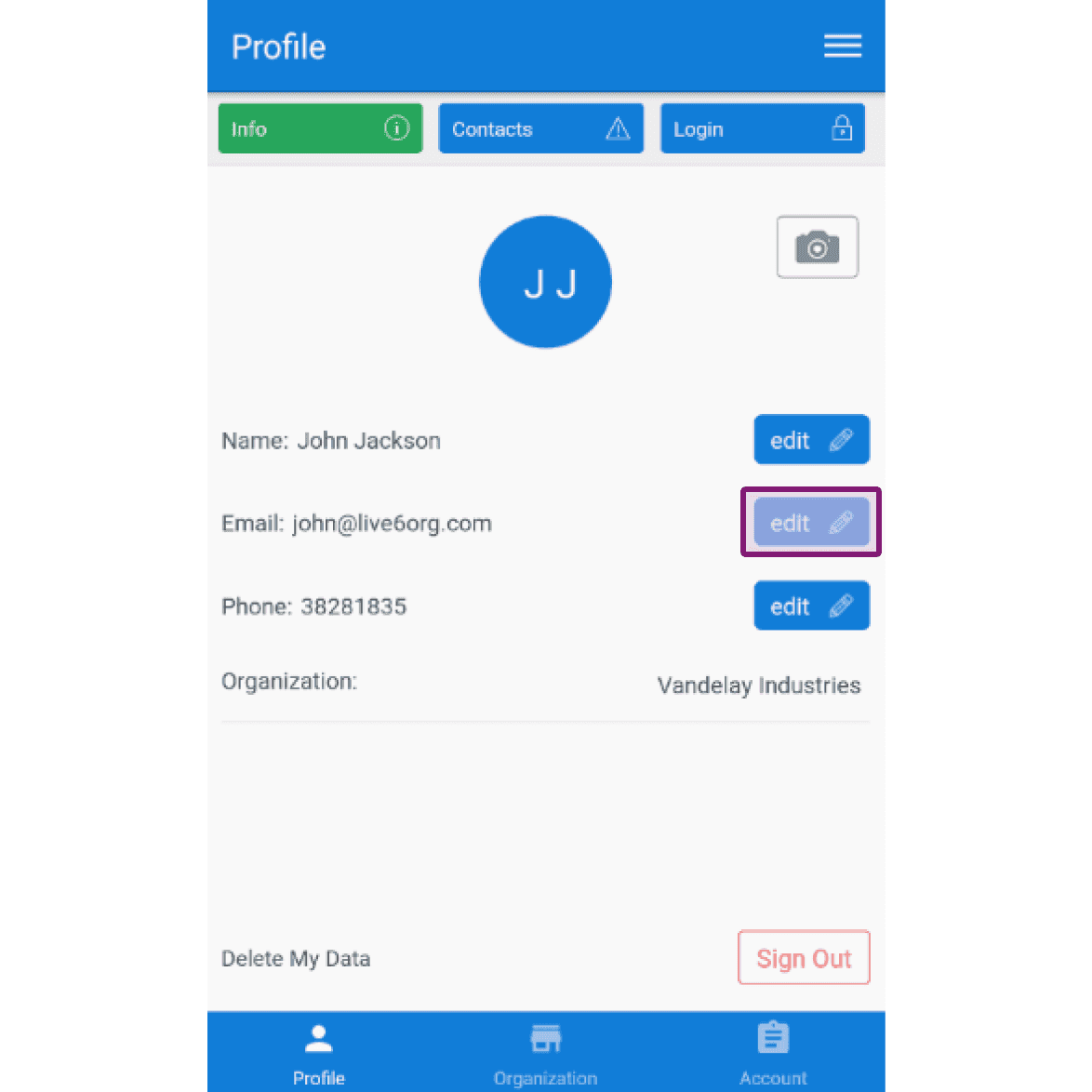
Para editar tu correo electrónico: pulsa en Editar (junto a Correo electrónico)
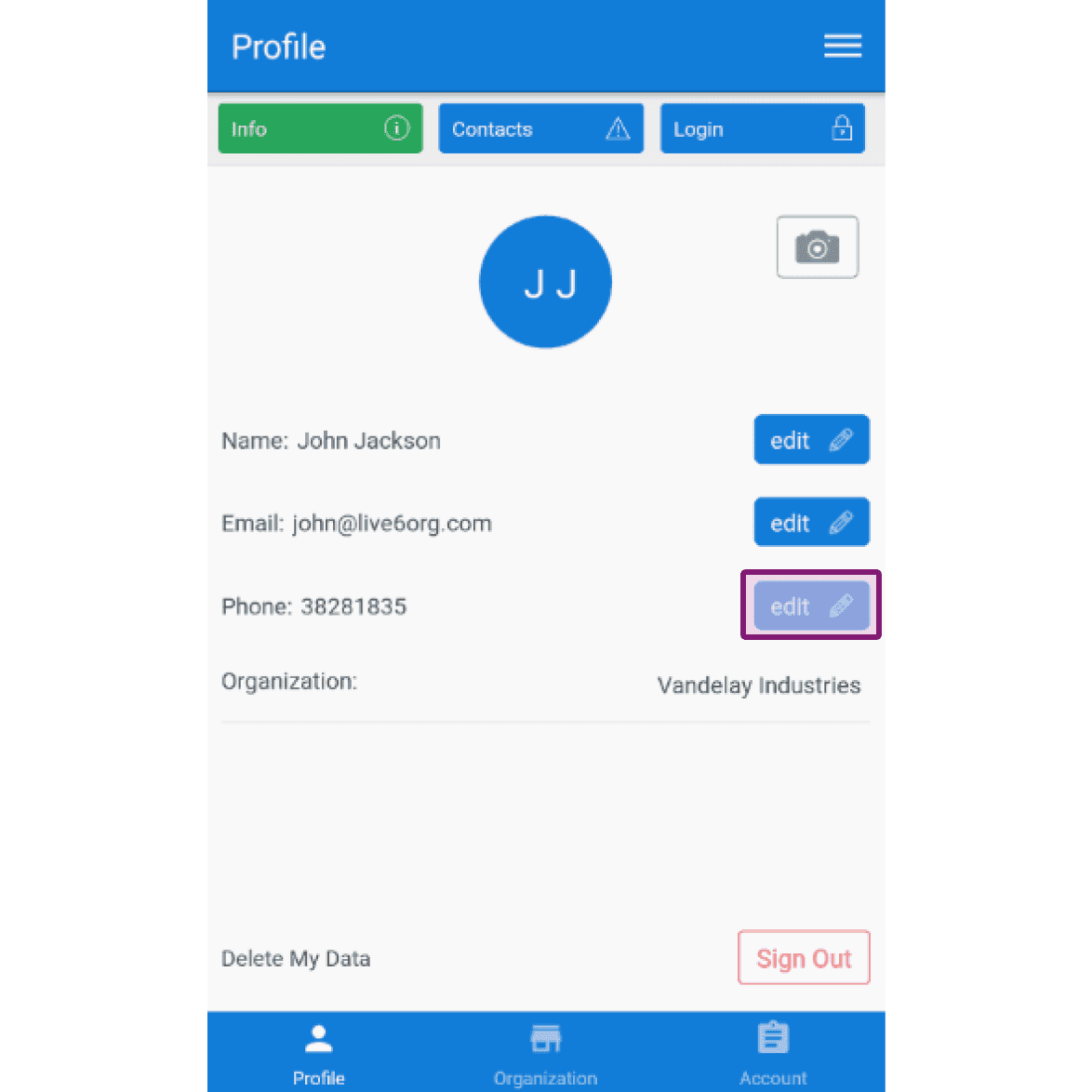
Para editar tu número de teléfono: toca Editar (junto a «Teléfono»)
¿Esto respondió tu pregunta?