
¿Dónde encontrar las hojas de horas enviadas en MYOB?
Este artículo explica cómo encontrar las hojas de horas enviadas para la nómina en MYOB New Essentials Account.

Una vez enviados los partes de horas a MYOB a través de SINC, puedes consultarlos, guardarlos o eliminarlos iniciando sesión en MYOB AccountRight Live o en New Essentials Account. Para usuarios de AccountRight Live: haz clic en Time Billing
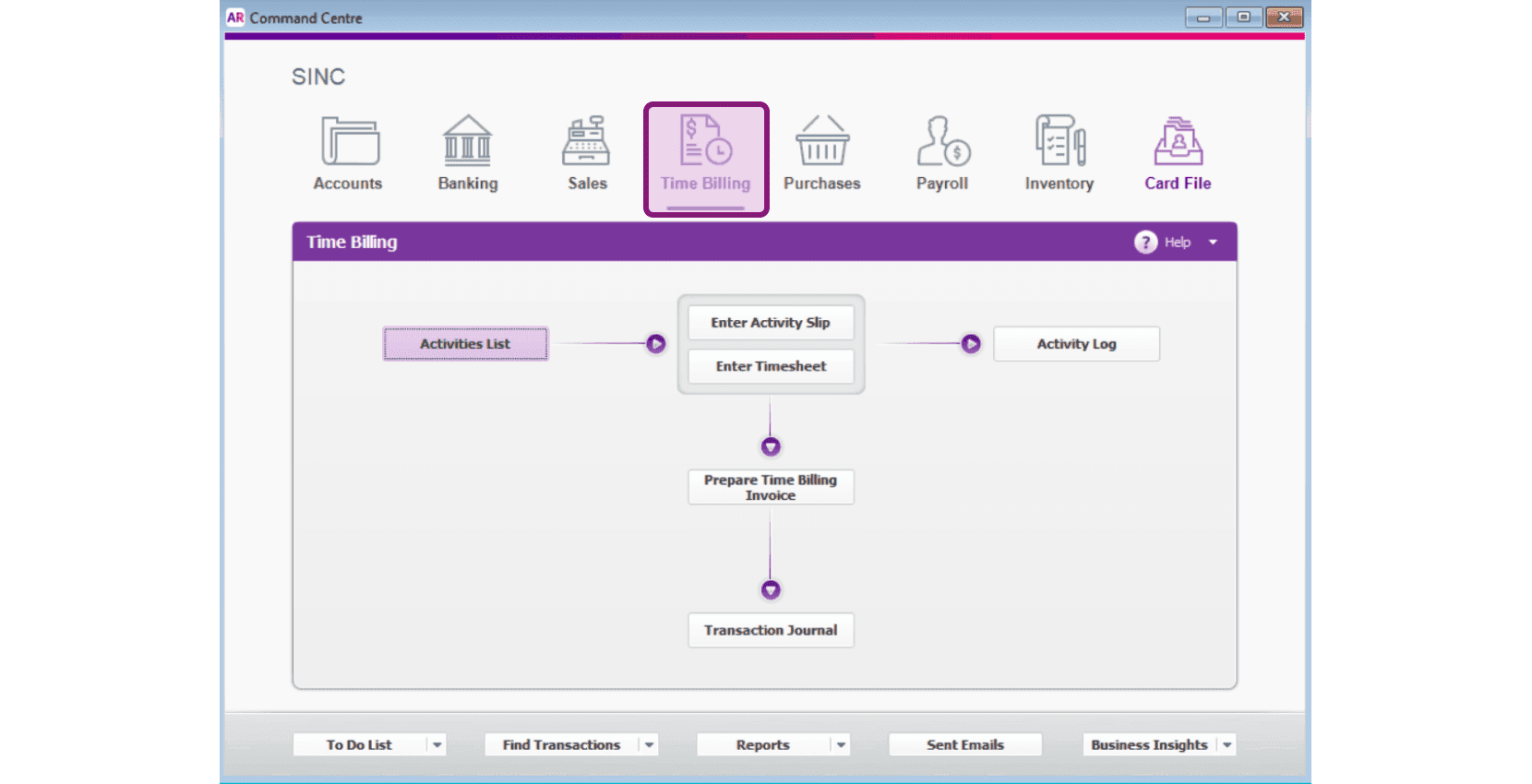
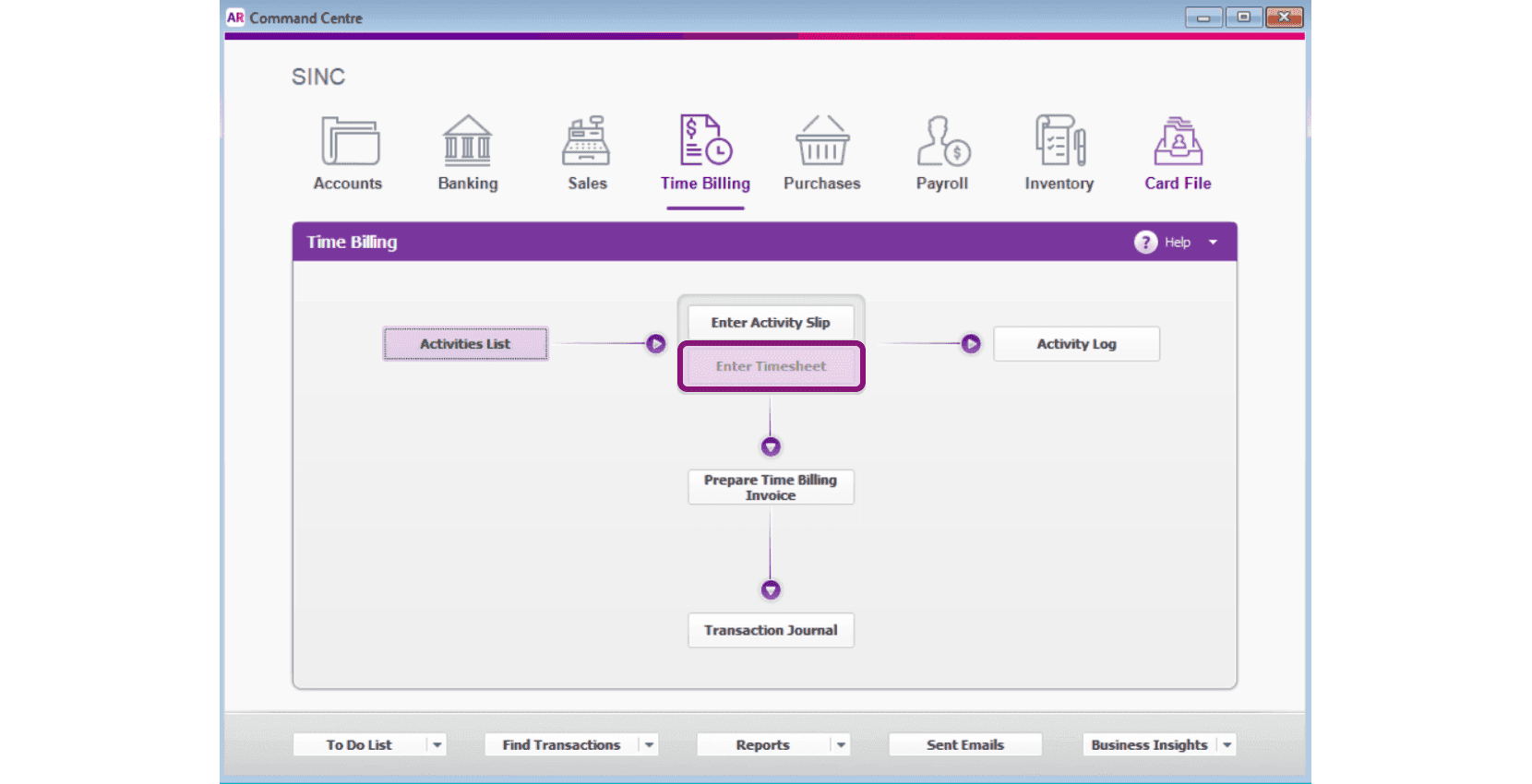
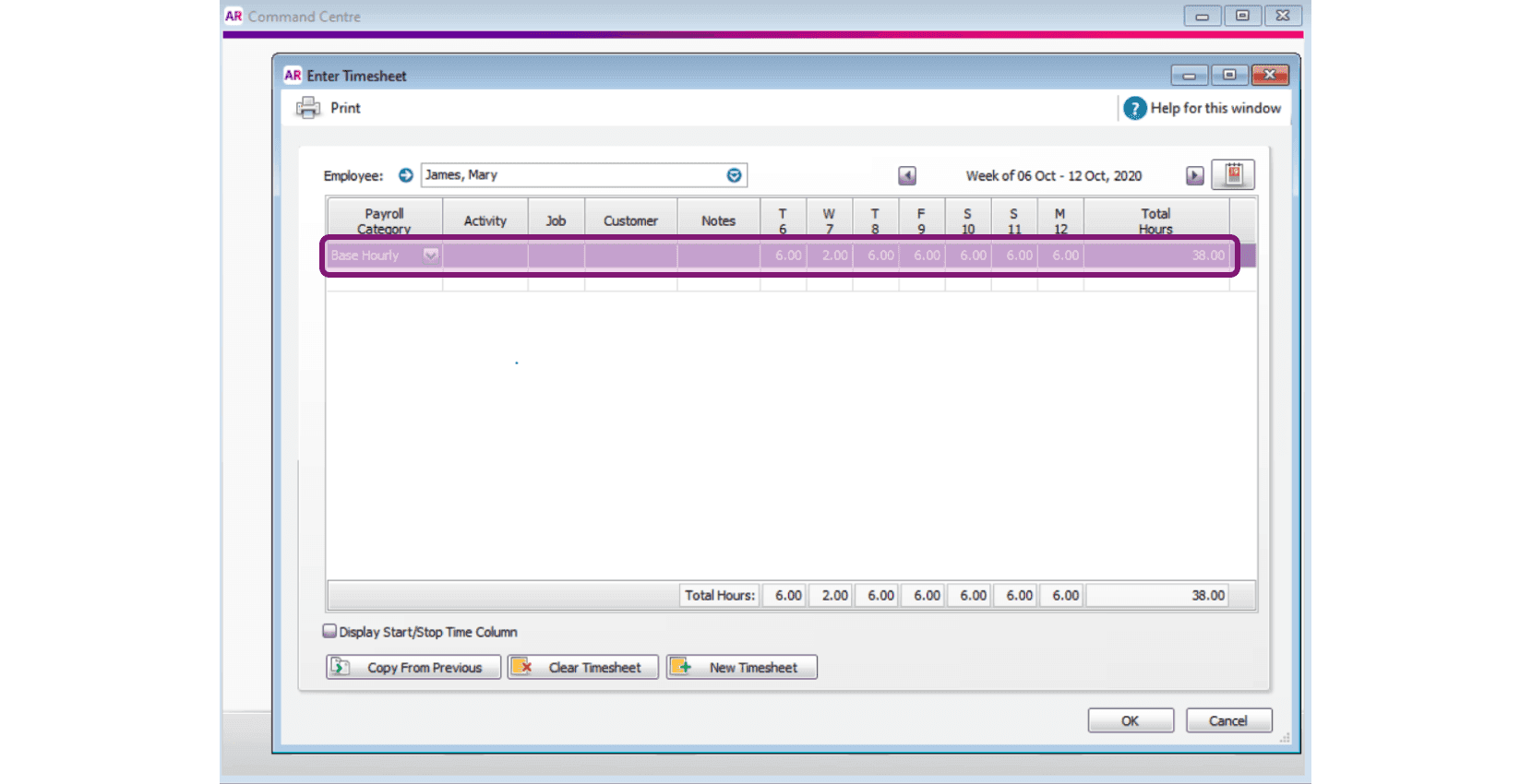
Haz clic en Introducir hoja de horas
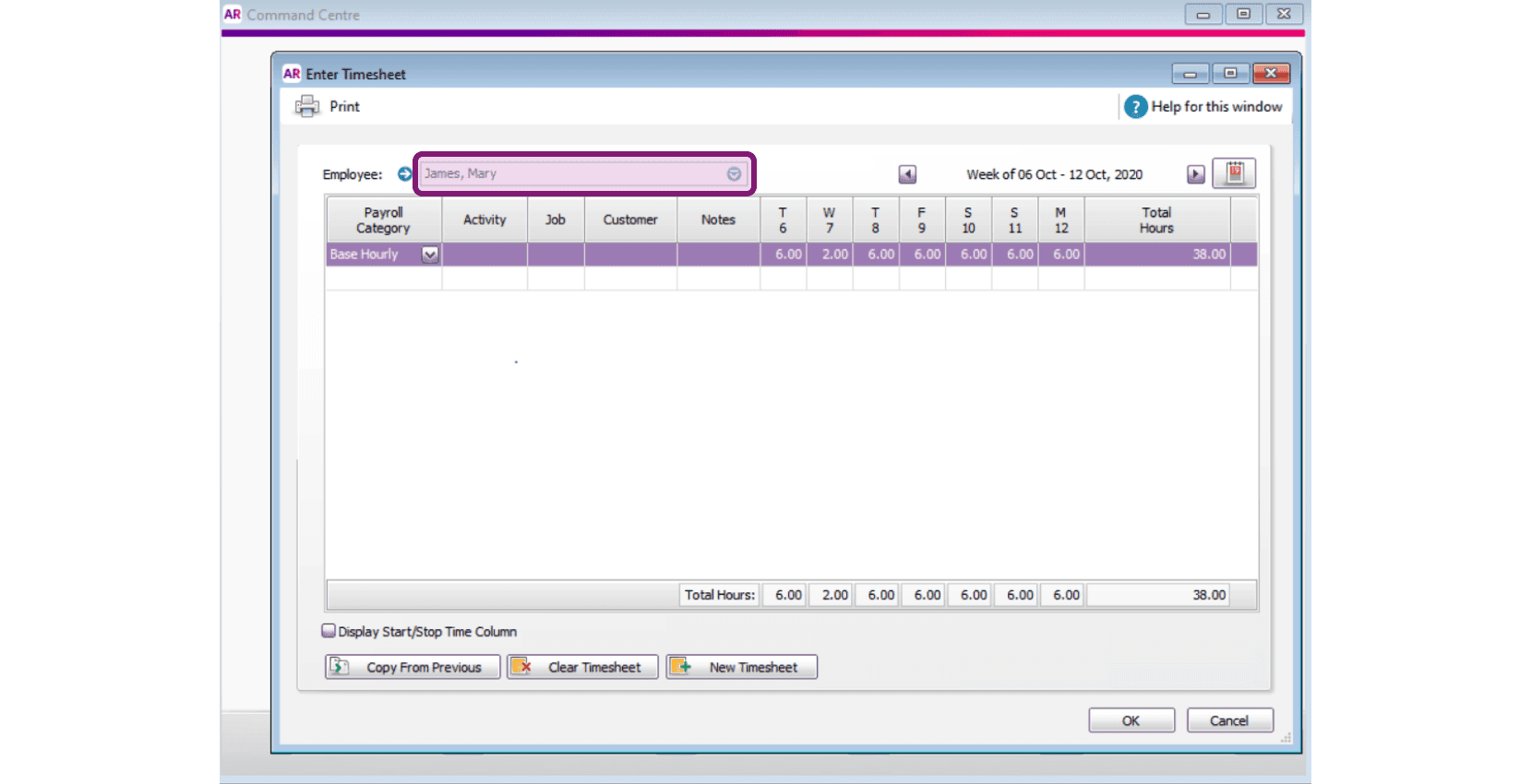
Selecciona el nombre del empleado en la lista desplegable.
Haz clic en el icono del calendario para seleccionar el periodo de pago.
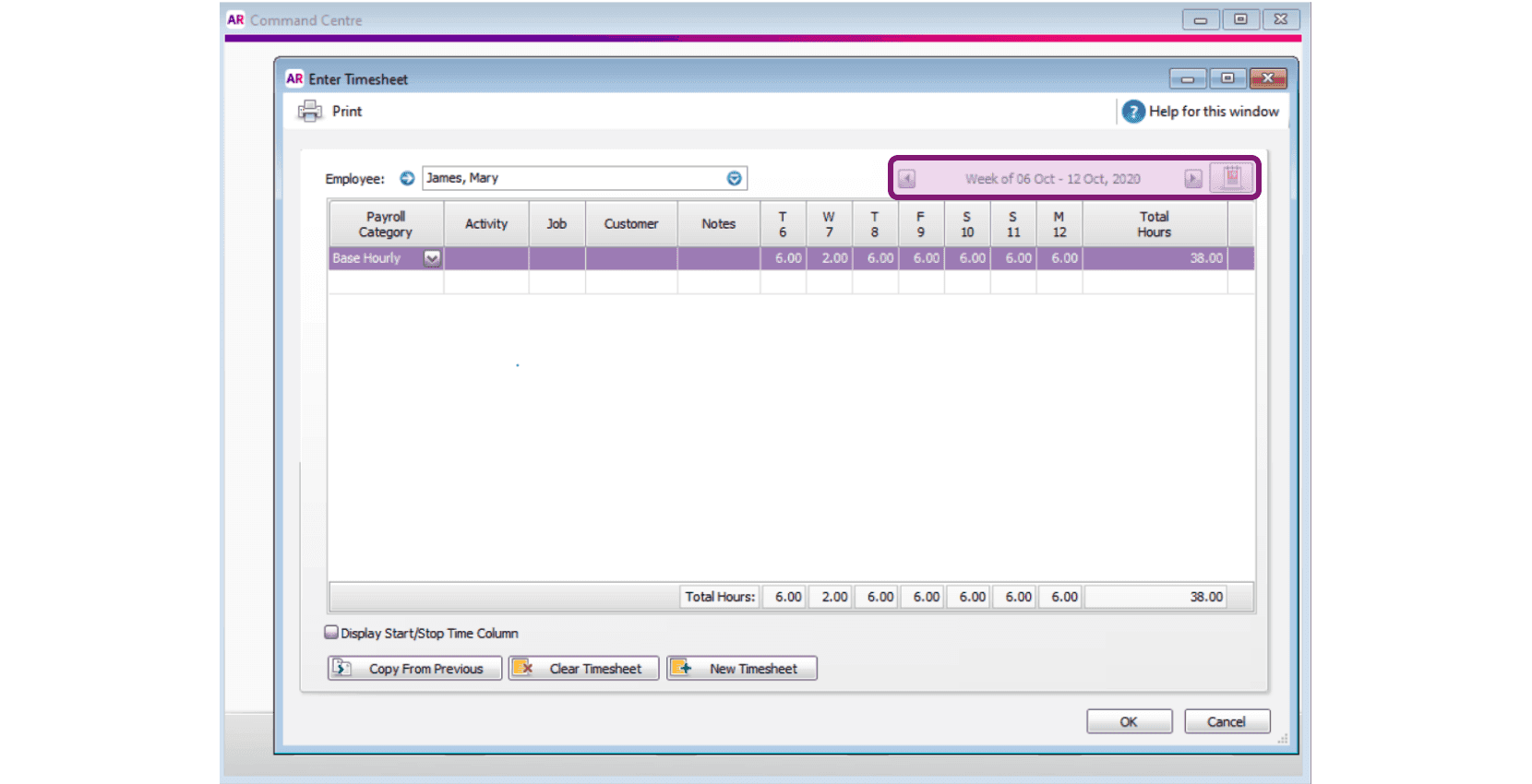
A continuación, podrás ver las horas registradas por un empleado concreto en un periodo de pago determinado, y guardarlas, editarlas o eliminarlas.
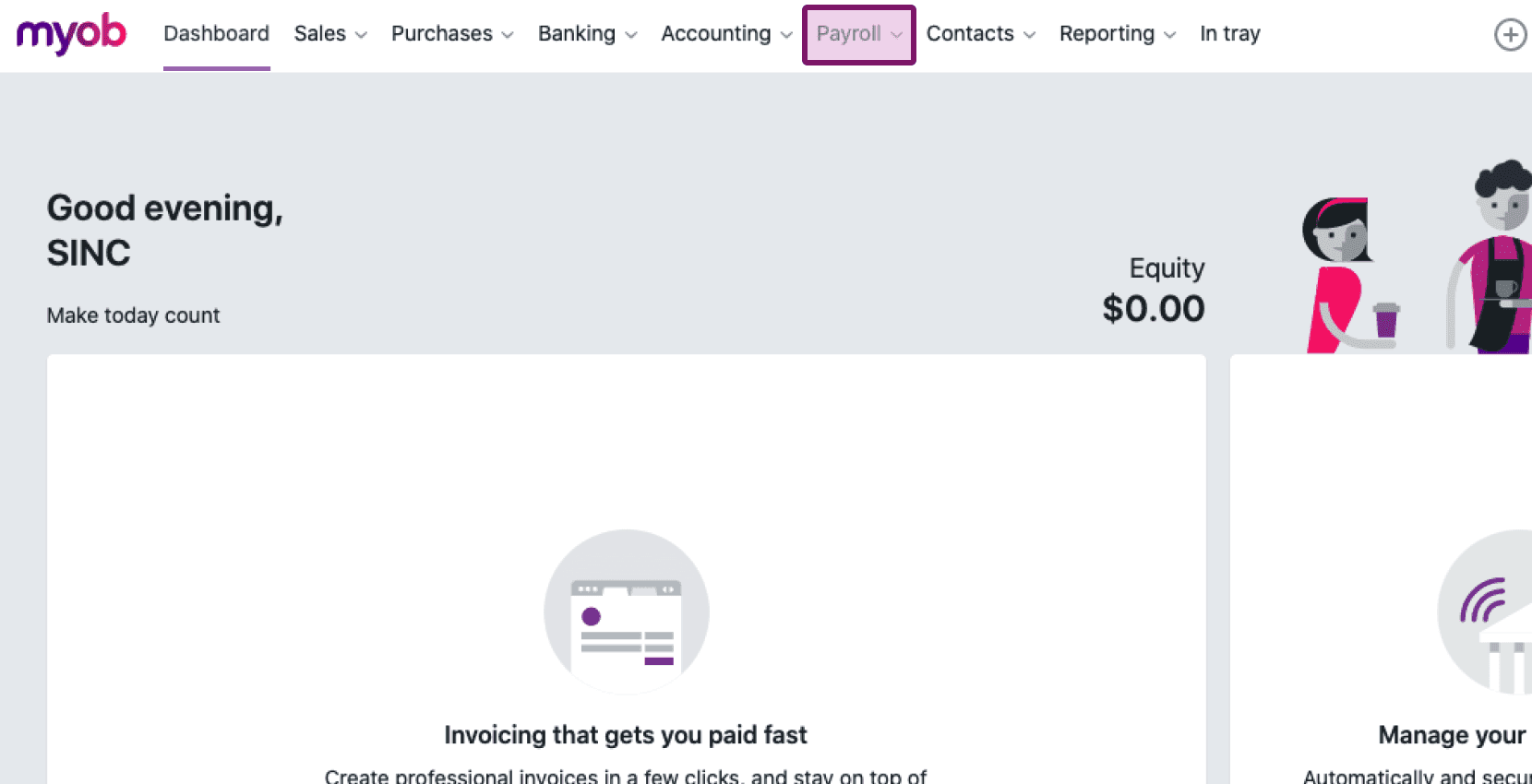
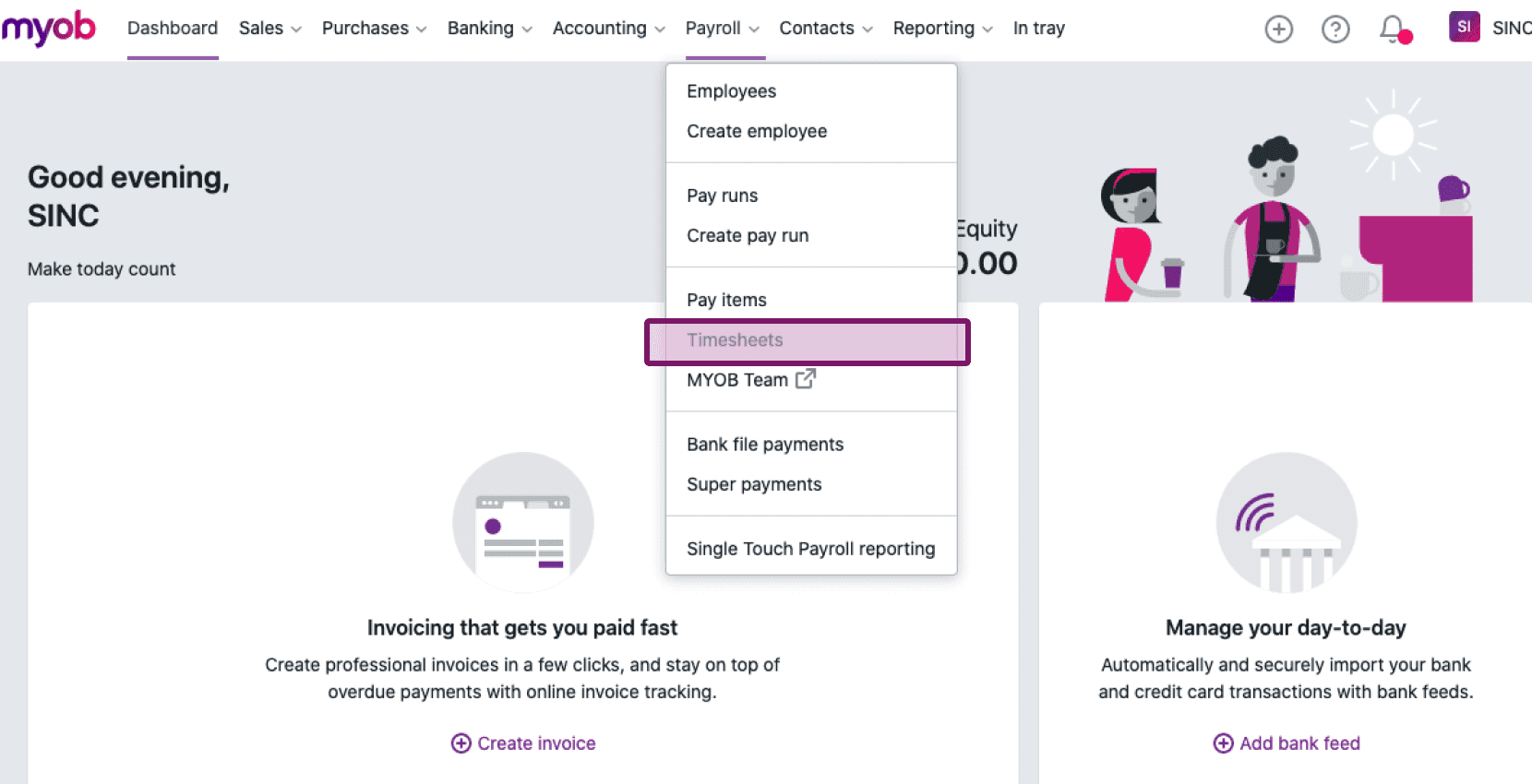
Para los nuevos usuarios de MYOB Essentials: ve a Nómina Hojas de horas
Haz clic en el menú desplegable de Empleado y selecciona el nombre del empleado en la lista.
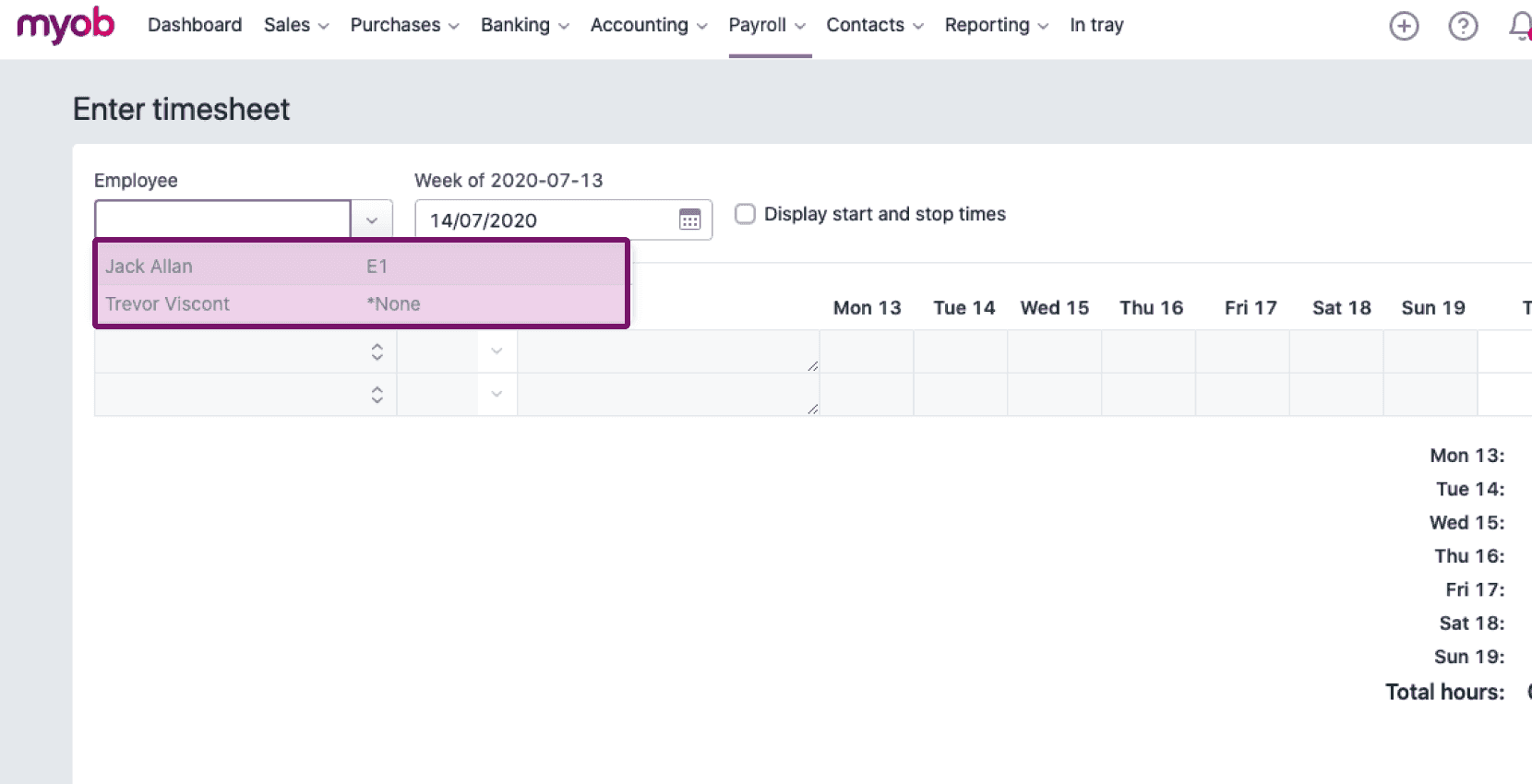
Haz clic en el icono del calendario debajo de Semana de… y selecciona el periodo de pago.
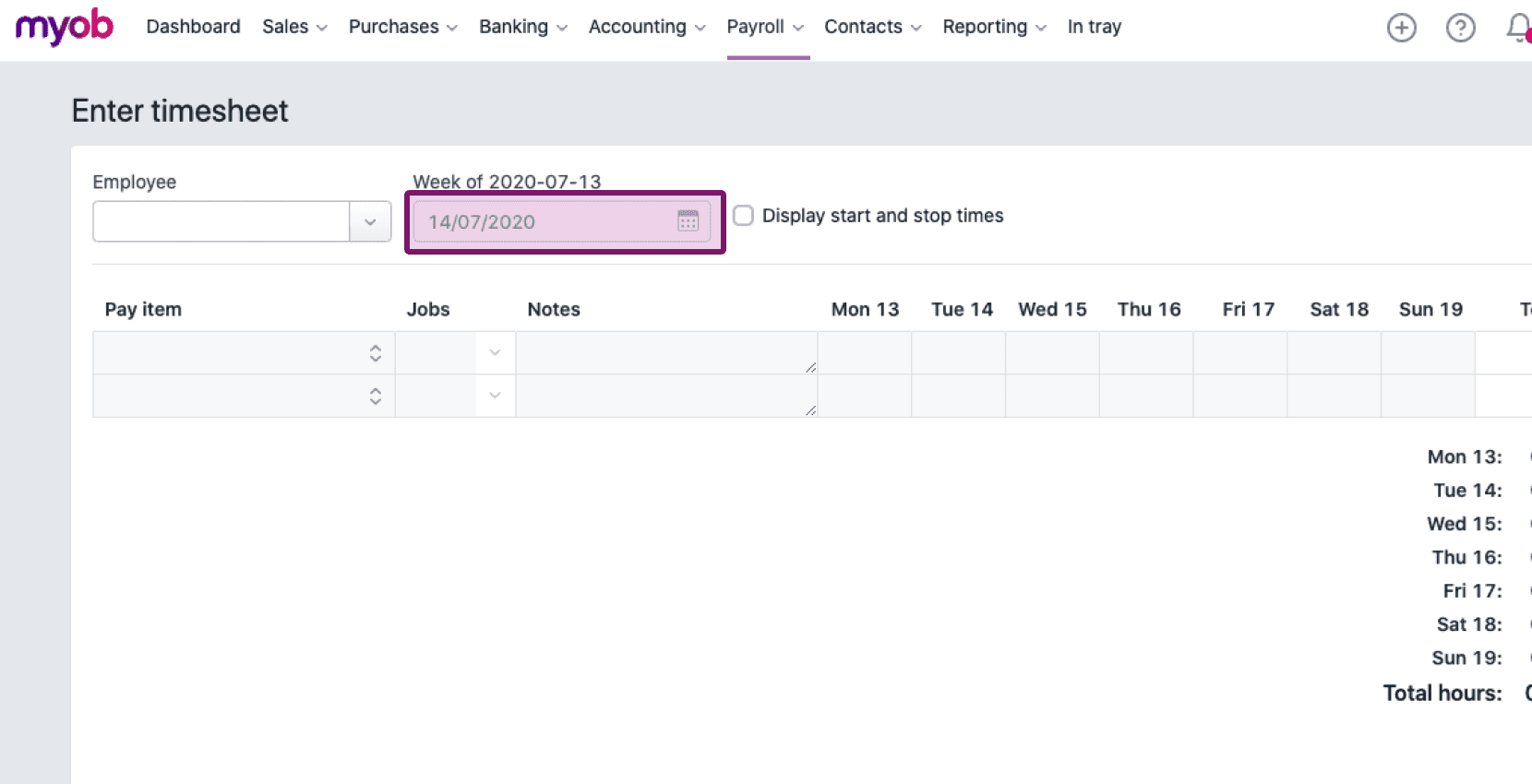
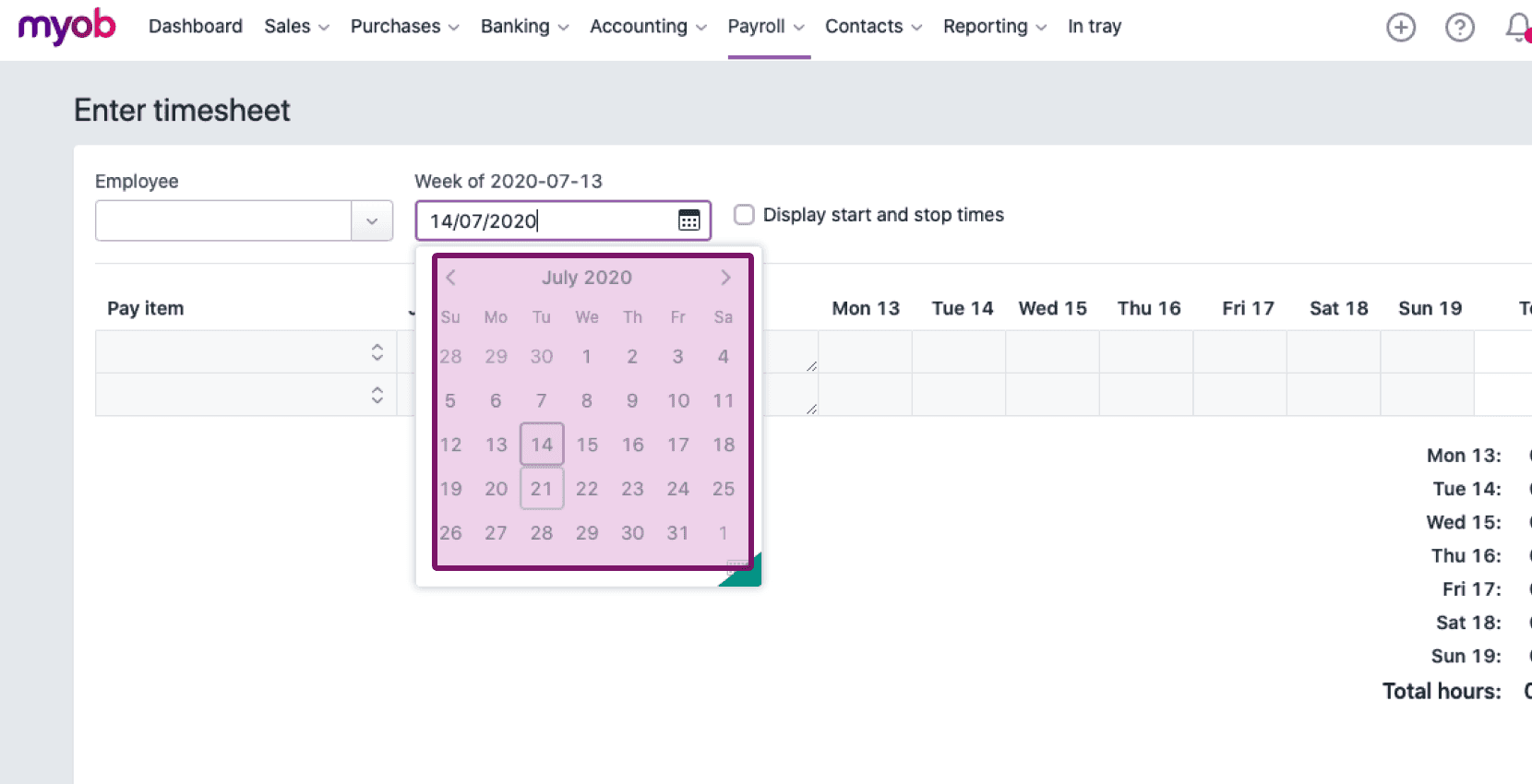
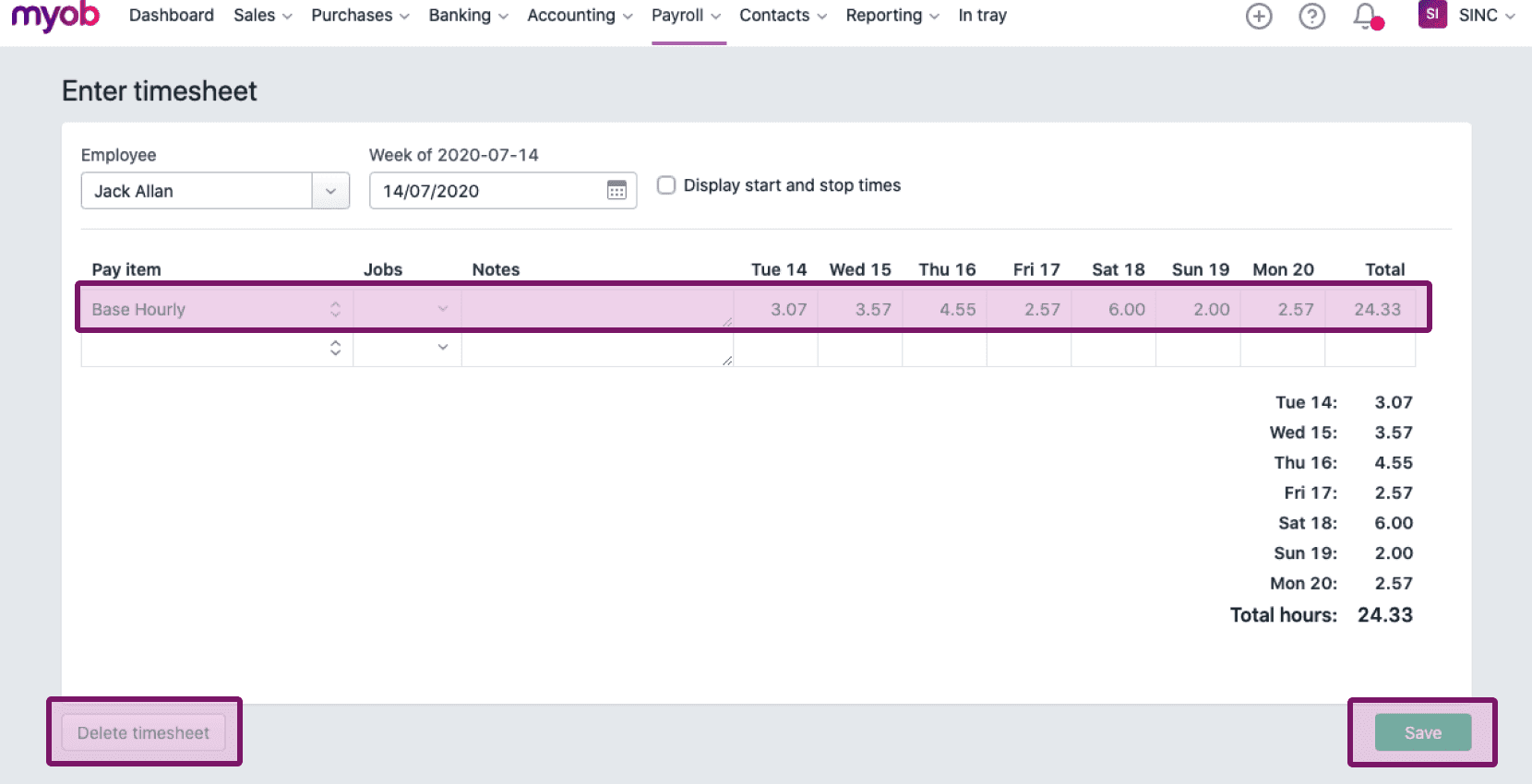
La siguiente pantalla muestra las horas registradas por un empleado específico durante un periodo de pago determinado, las cuales puedes guardar, editar o eliminar.
¿Esto respondió tu pregunta?