
Eliminar turnos programados
En este tutorial te mostramos cómo eliminar un turno que ya está programado.

Sam Dolbel
Oct 19th, 2021
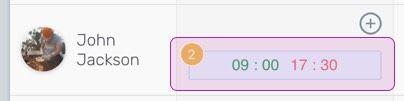
En la versión web: haz clic en el turno que quieras eliminar.
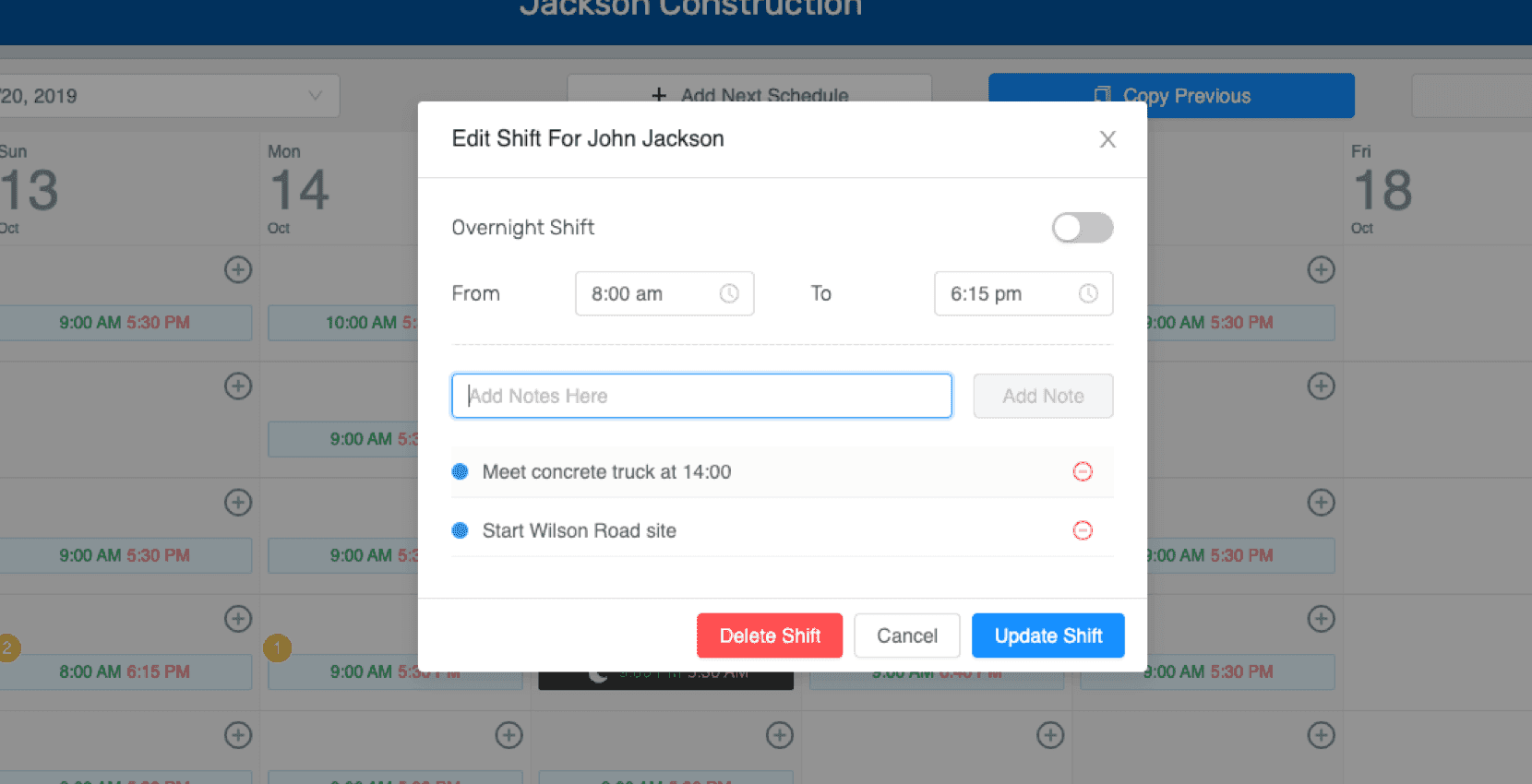
Selecciona Eliminar turno.
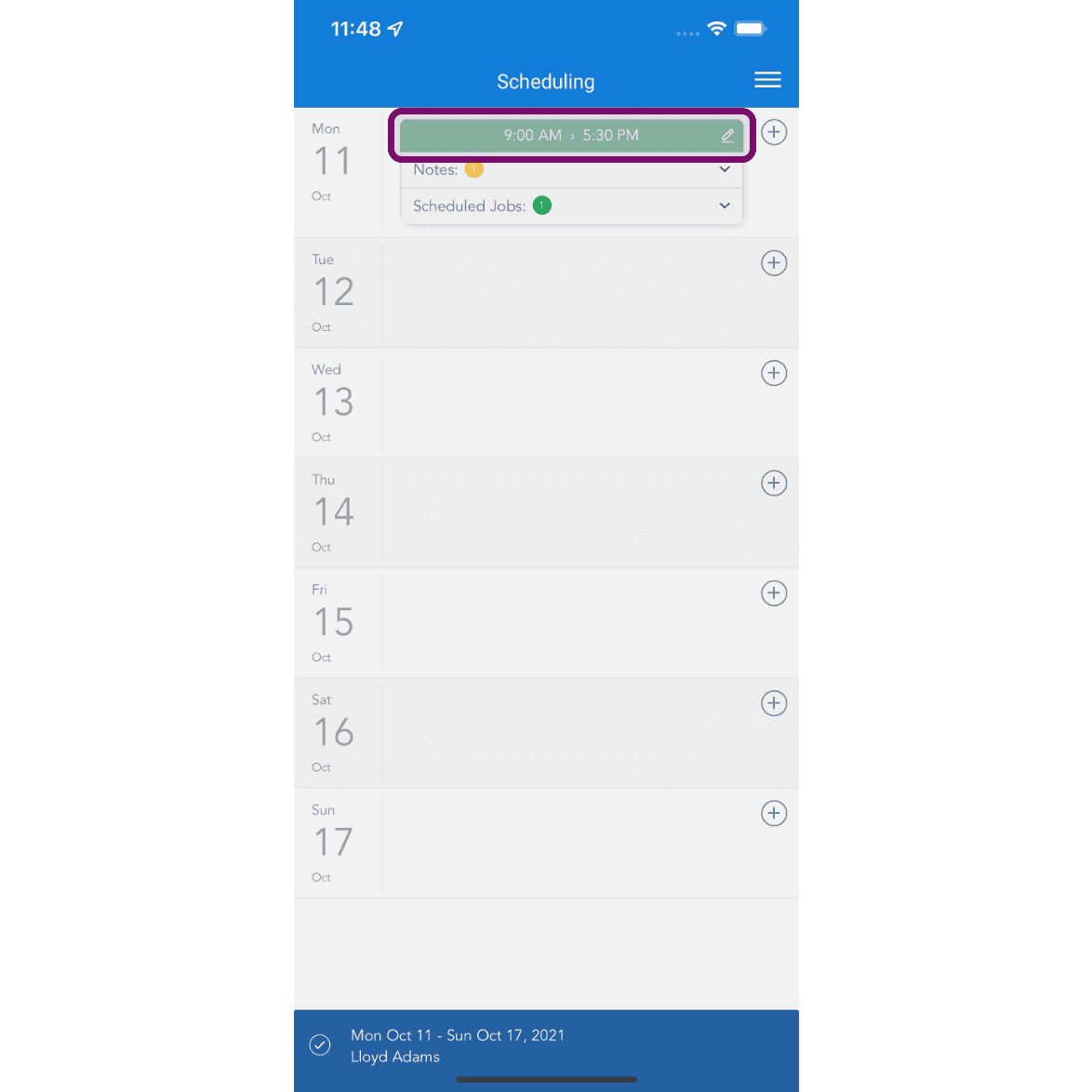
En el móvil: toca el turno para eliminarlo.
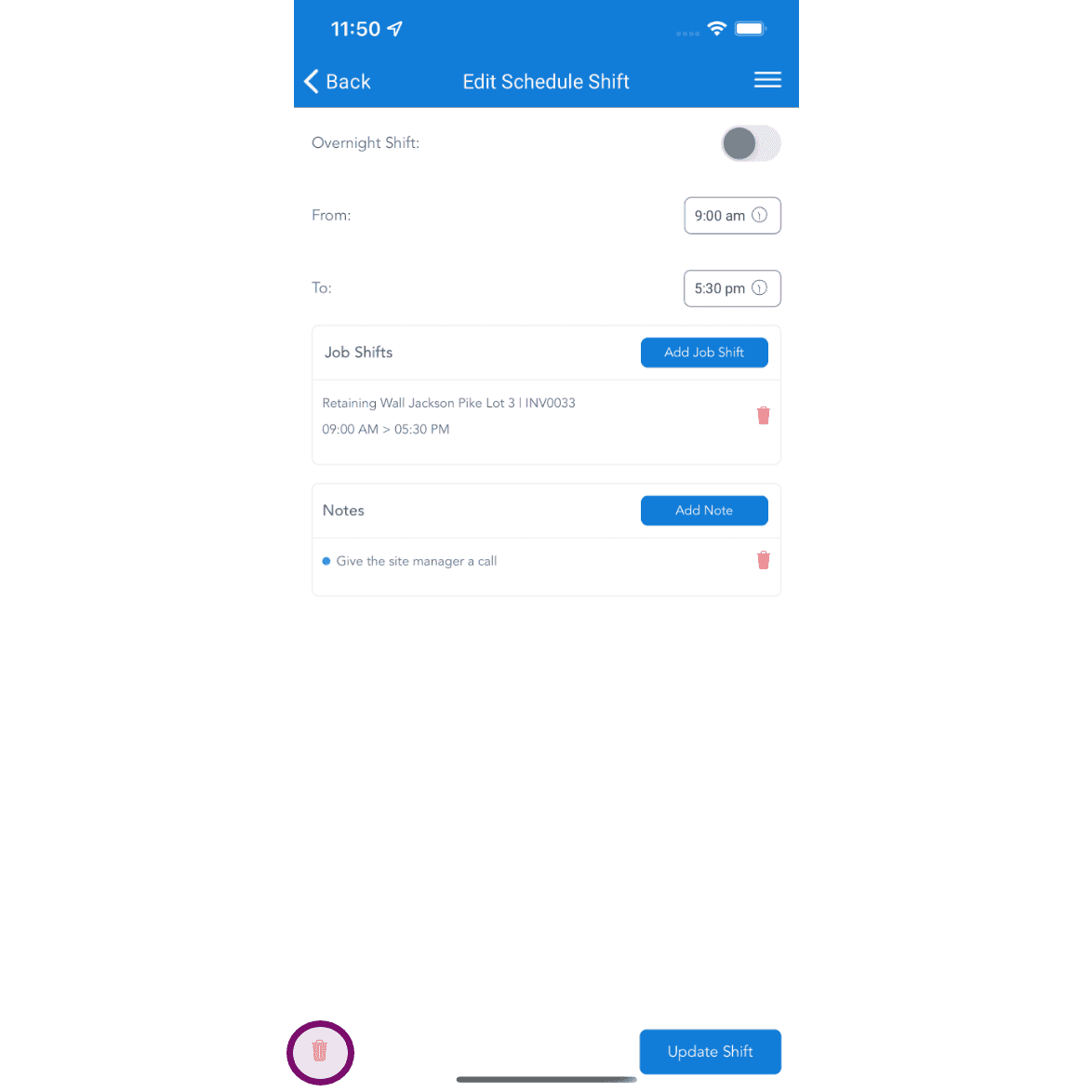
Toca el botón eliminar para borrar el turno programado. Si el horario se ha publicado, el empleado recibirá una notificación informándole de que se ha eliminado un turno de ese día. Después, podrá consultar los detalles en la aplicación.
¿Esto respondió tu pregunta?