
Añadir plantilla de turnos
En este tutorial, te mostramos cómo añadir una plantilla de turno.

SINC Support Team
May 7th, 2021
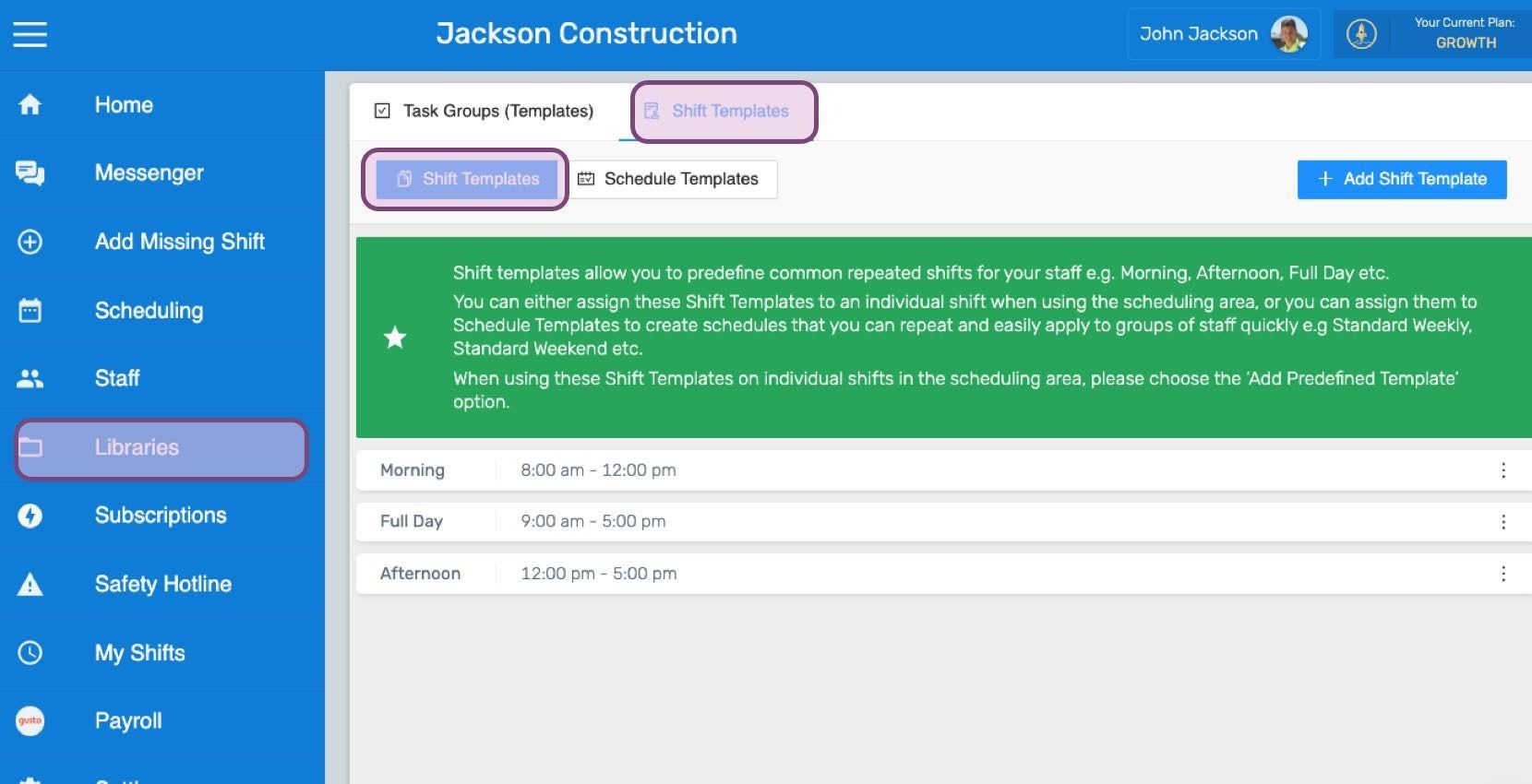
En la web: haz clic en Menú Bibliotecas Plantillas de turnos pestaña Plantillas de turnos
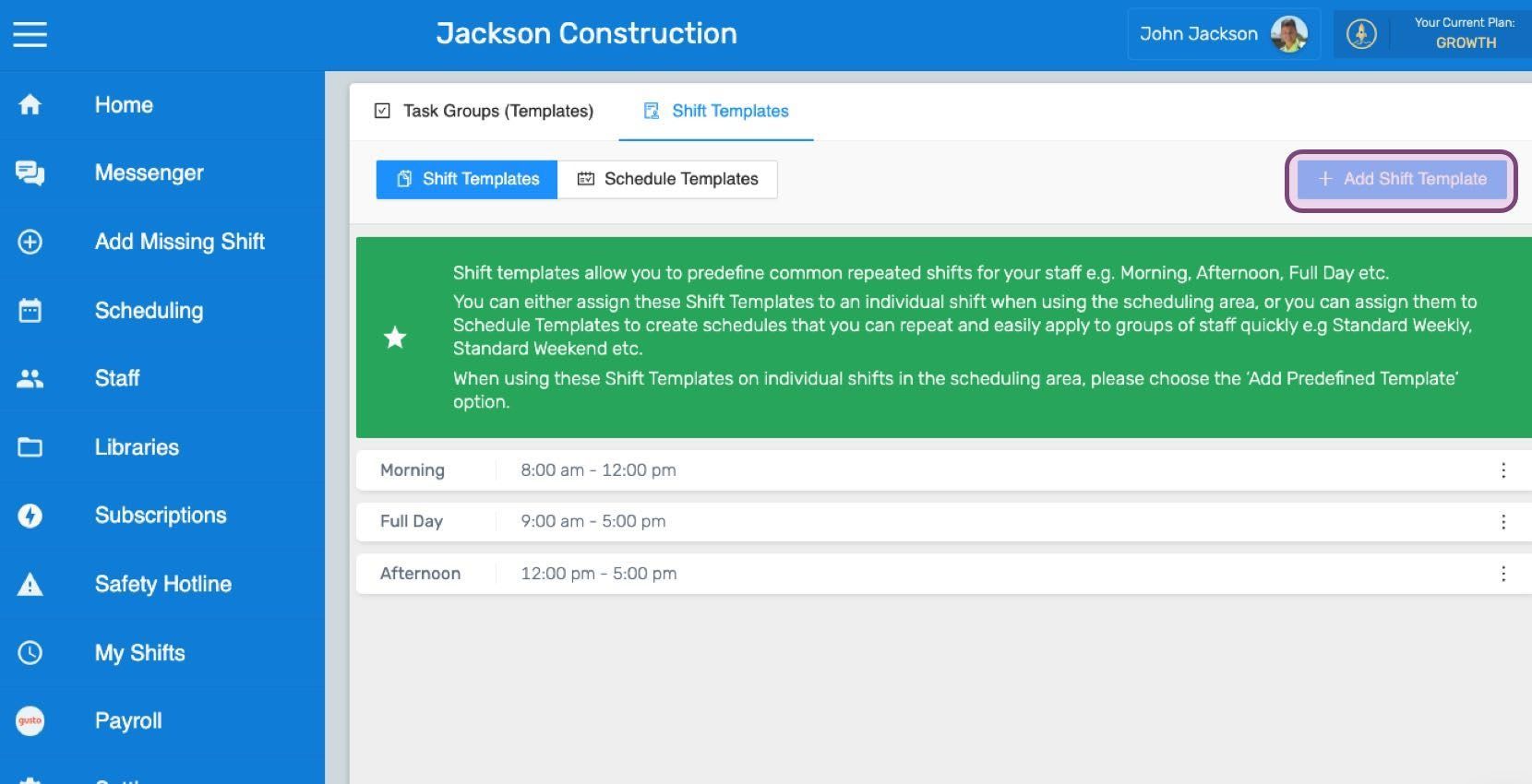
Haz clic en Añadir plantilla de turno
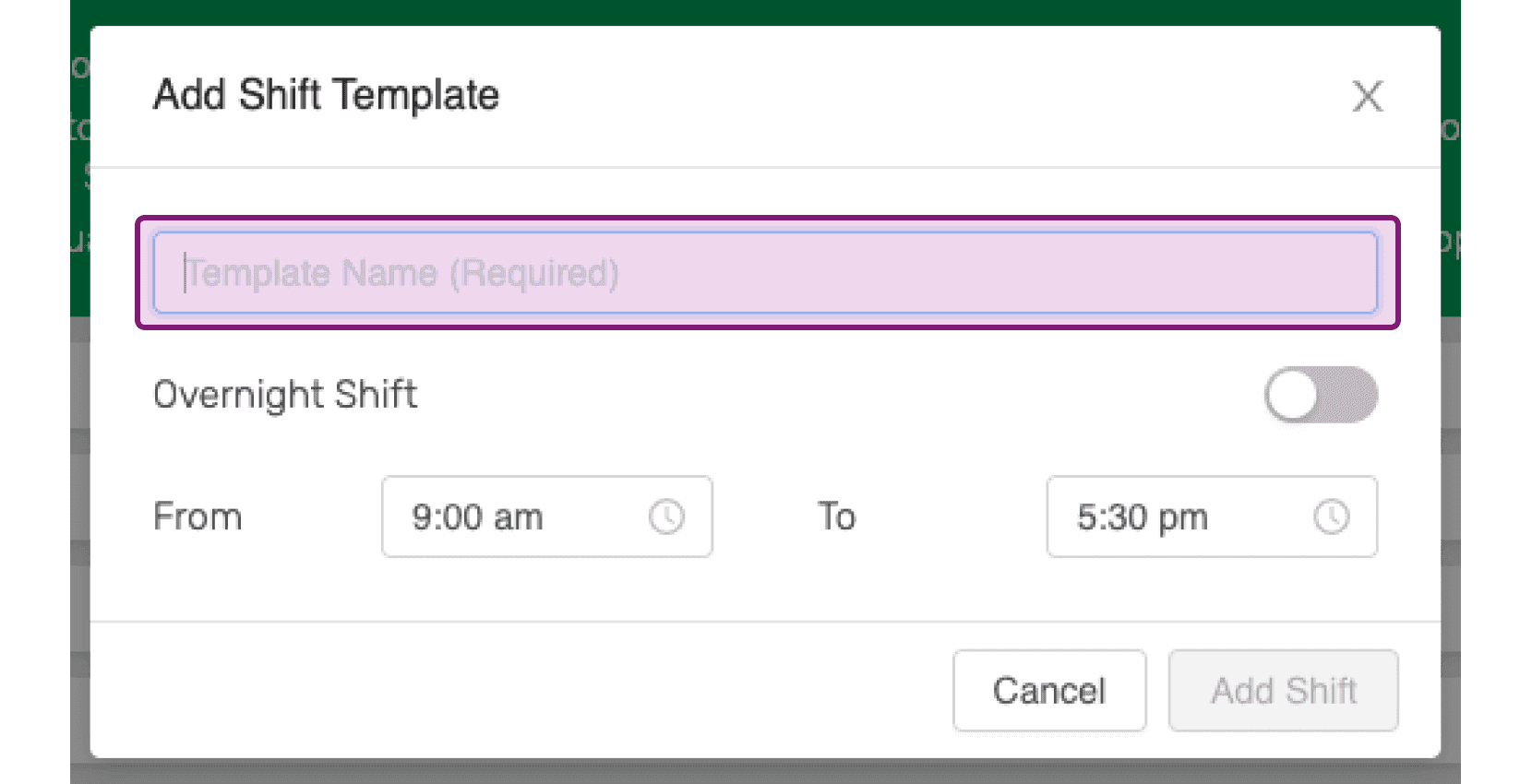
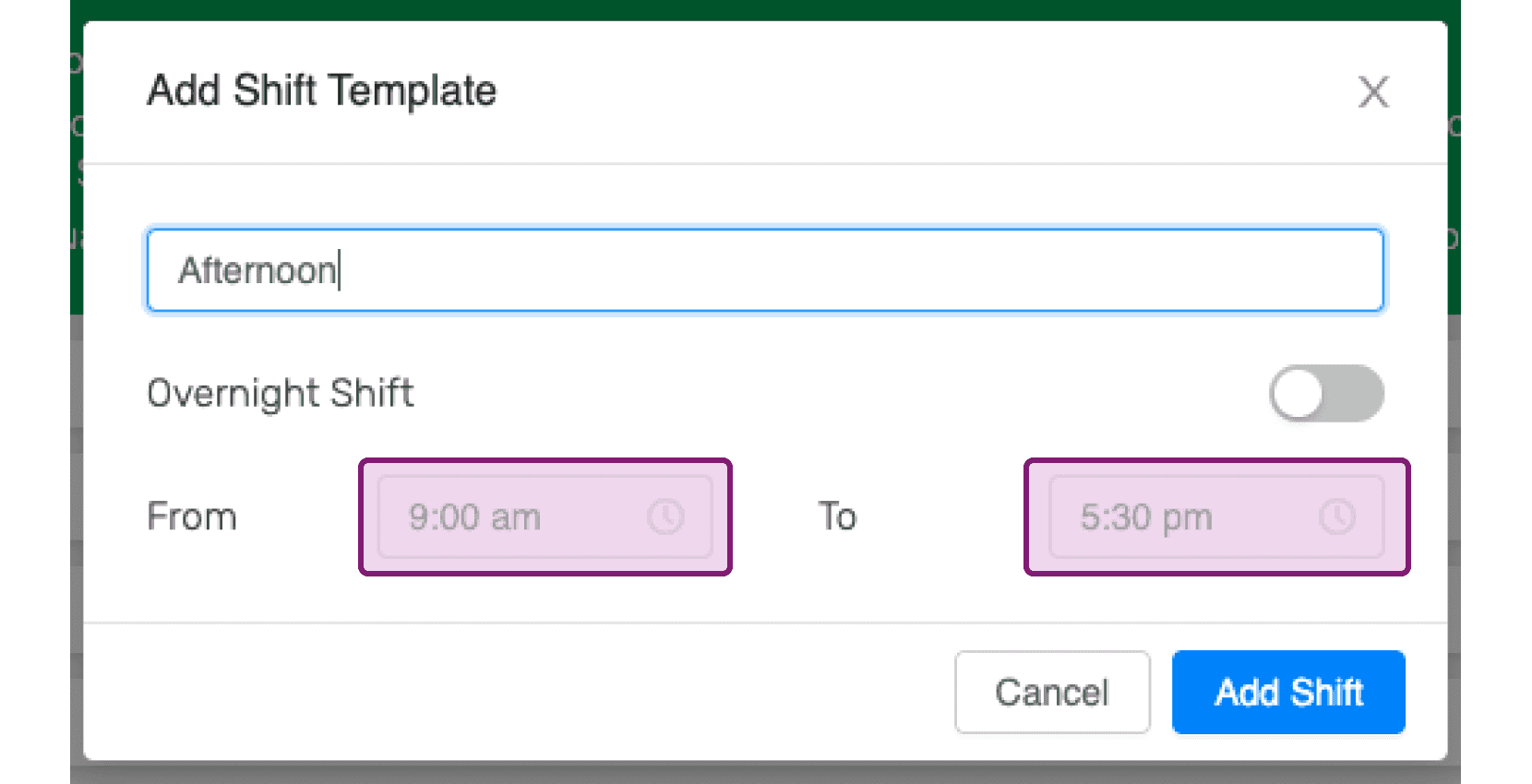
Introduce el nombre que quieres dar a la plantilla de turnos.
Activa la opción de turno nocturno si se trata de una plantilla para turnos nocturnos.
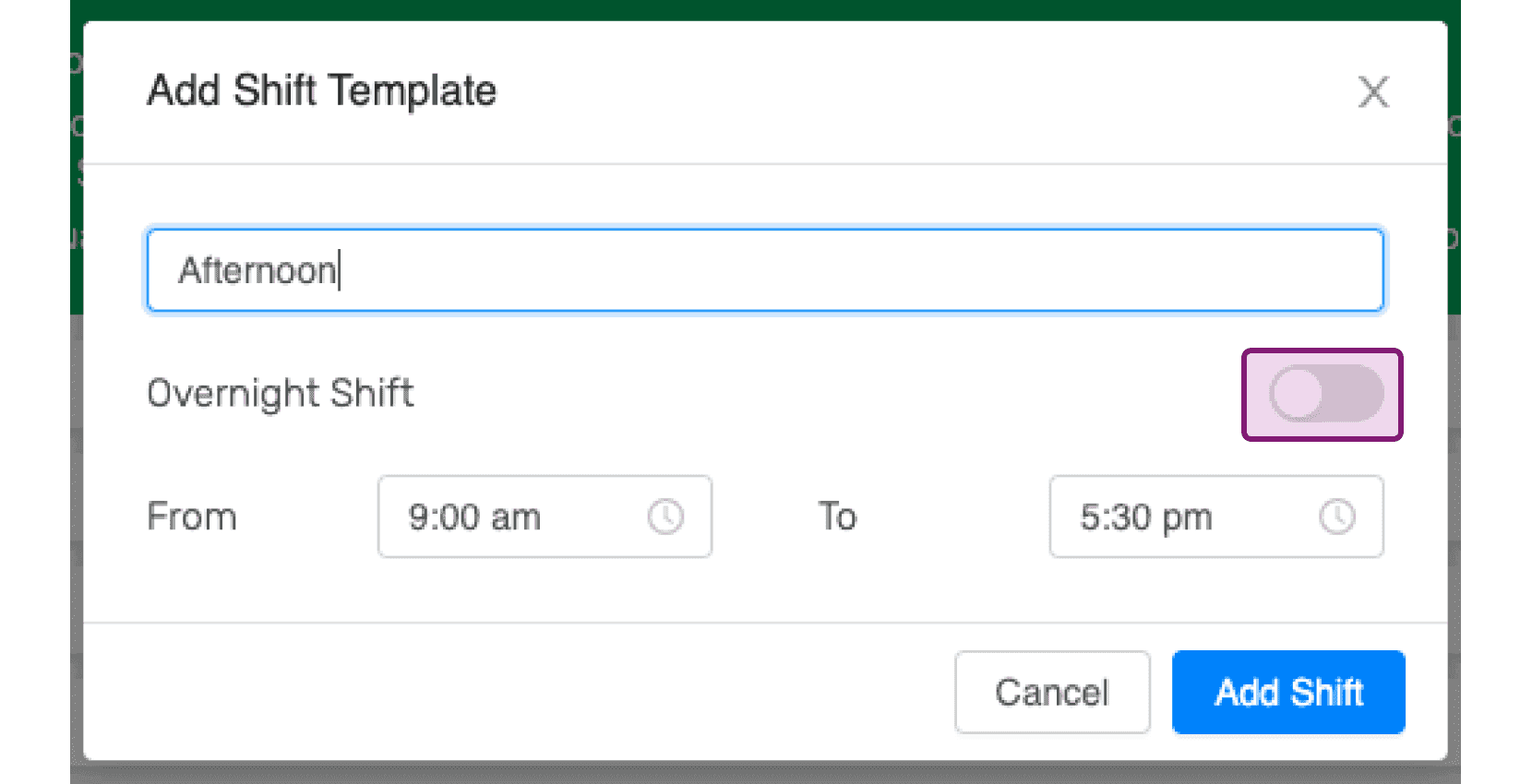
Elige las horas de inicio y finalización adecuadas para la plantilla de turnos. Podrás editarlas más adelante.
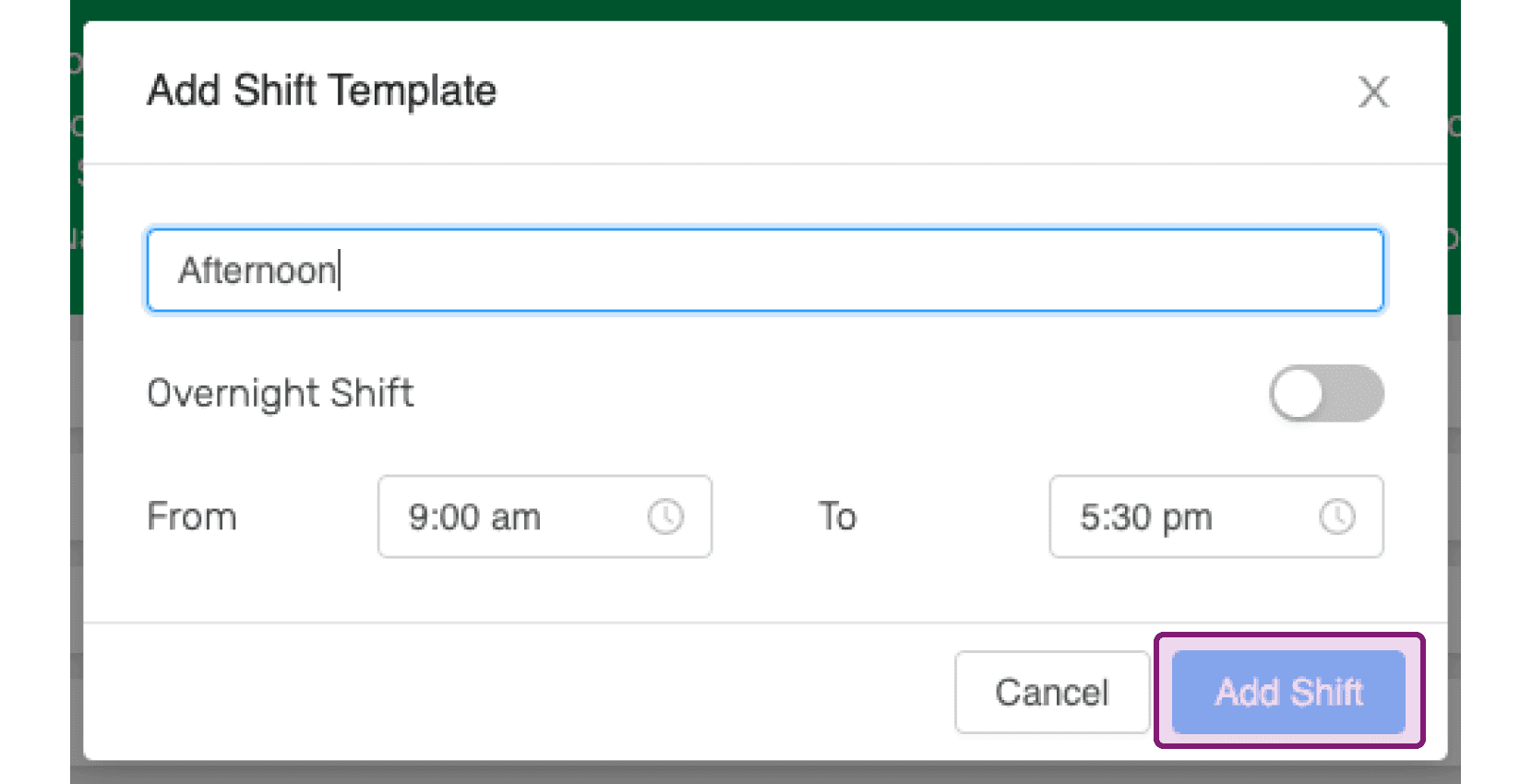
Haz clic en Añadir turno
¿Esto respondió tu pregunta?