Editar plantilla de programación

En este tutorial te mostramos cómo editar una plantilla de horarios.

SINC Support Team
SINC Support Team
May 7th, 2021

En la web: haz clic en Menú Bibliotecas Plantillas de turnos pestaña Plantillas de horarios
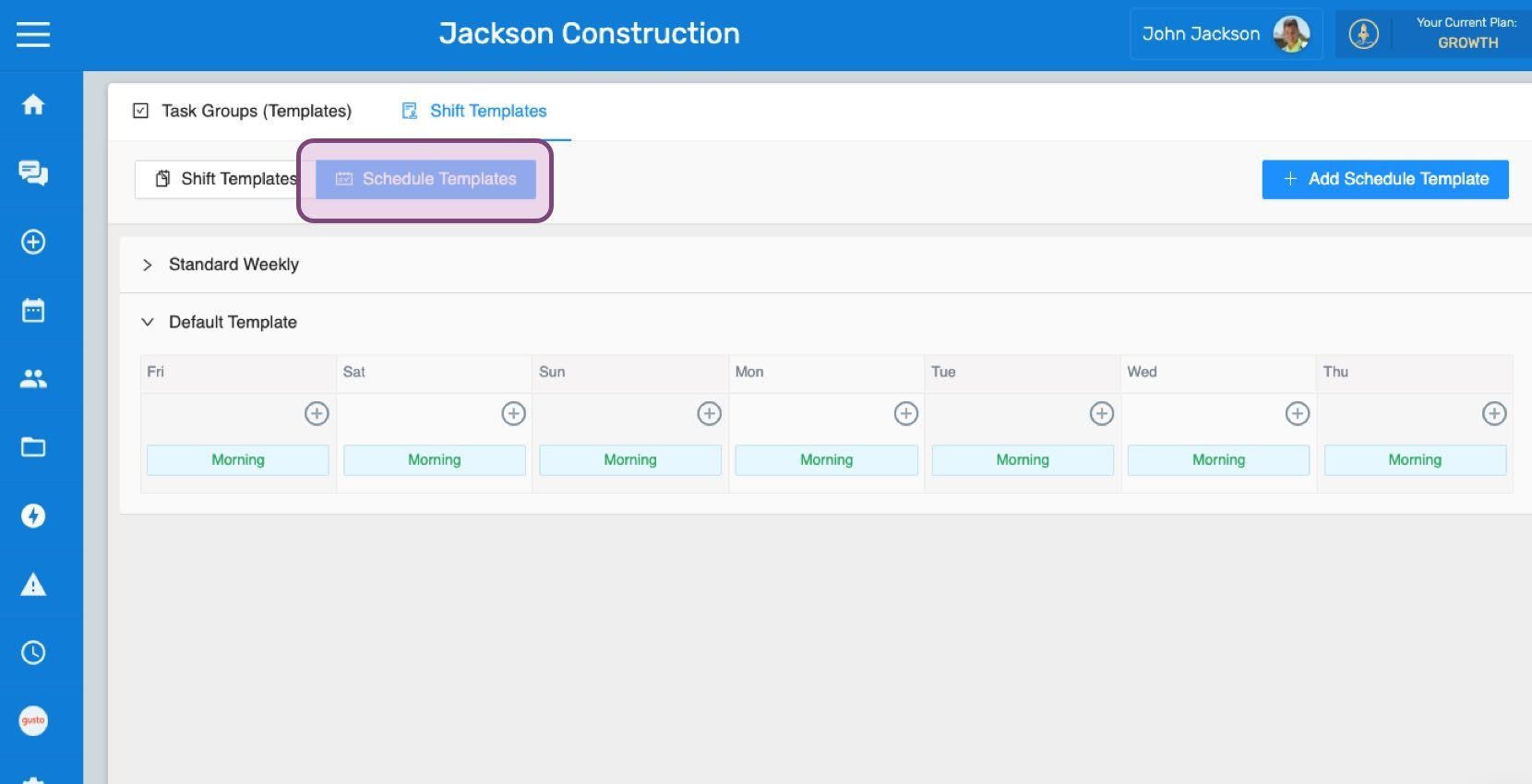
SINC web Shift Templates screen with the Schedule Templates tab outlined in pink above a weekly template grid

Haz clic en la flecha para abrir la plantilla de horarios que quieres editar.
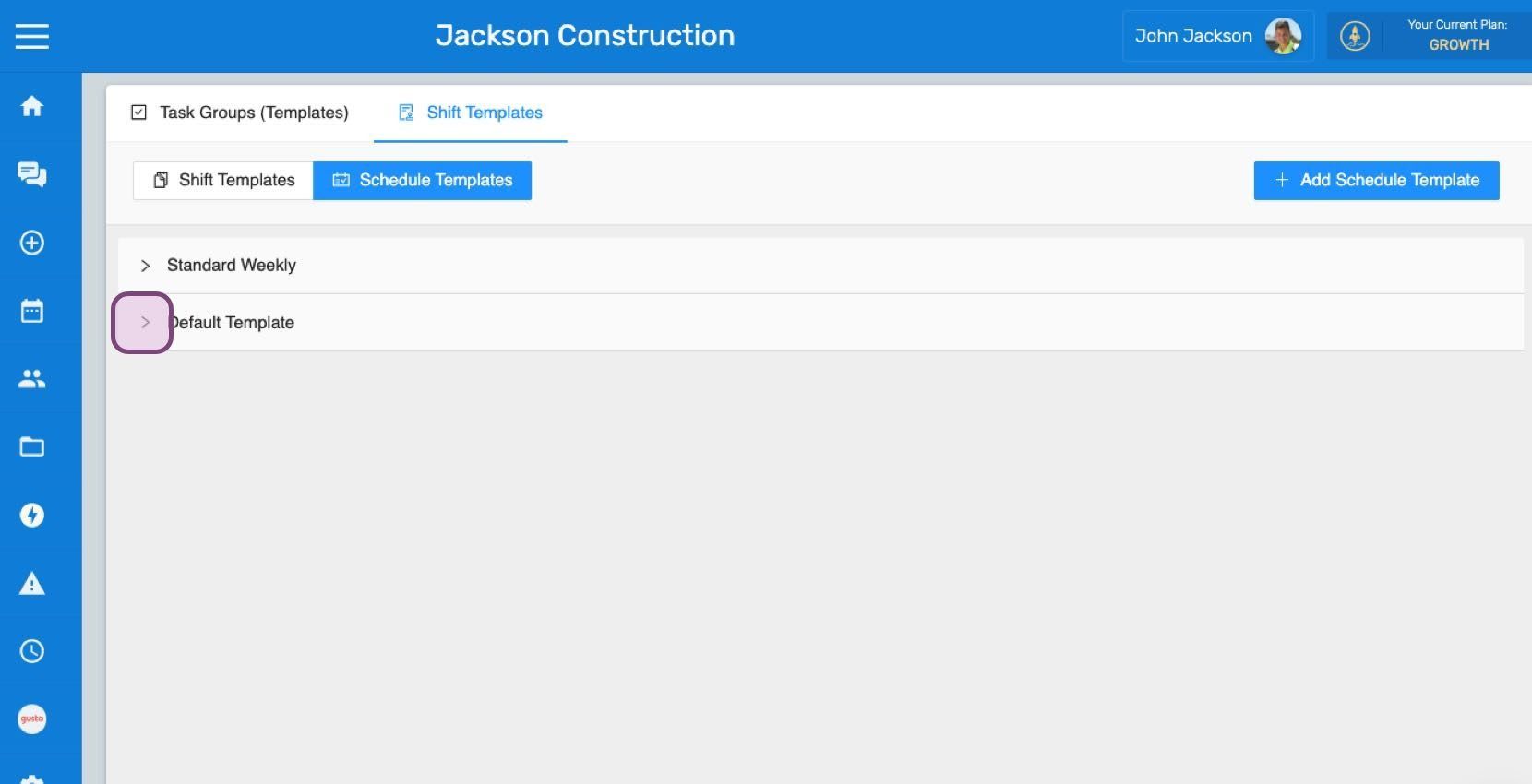
Web Shift Templates list showing Standard Weekly and Default Template with an expand arrow circled in purple

Haz clic en el turno predefinido que quieras editar.
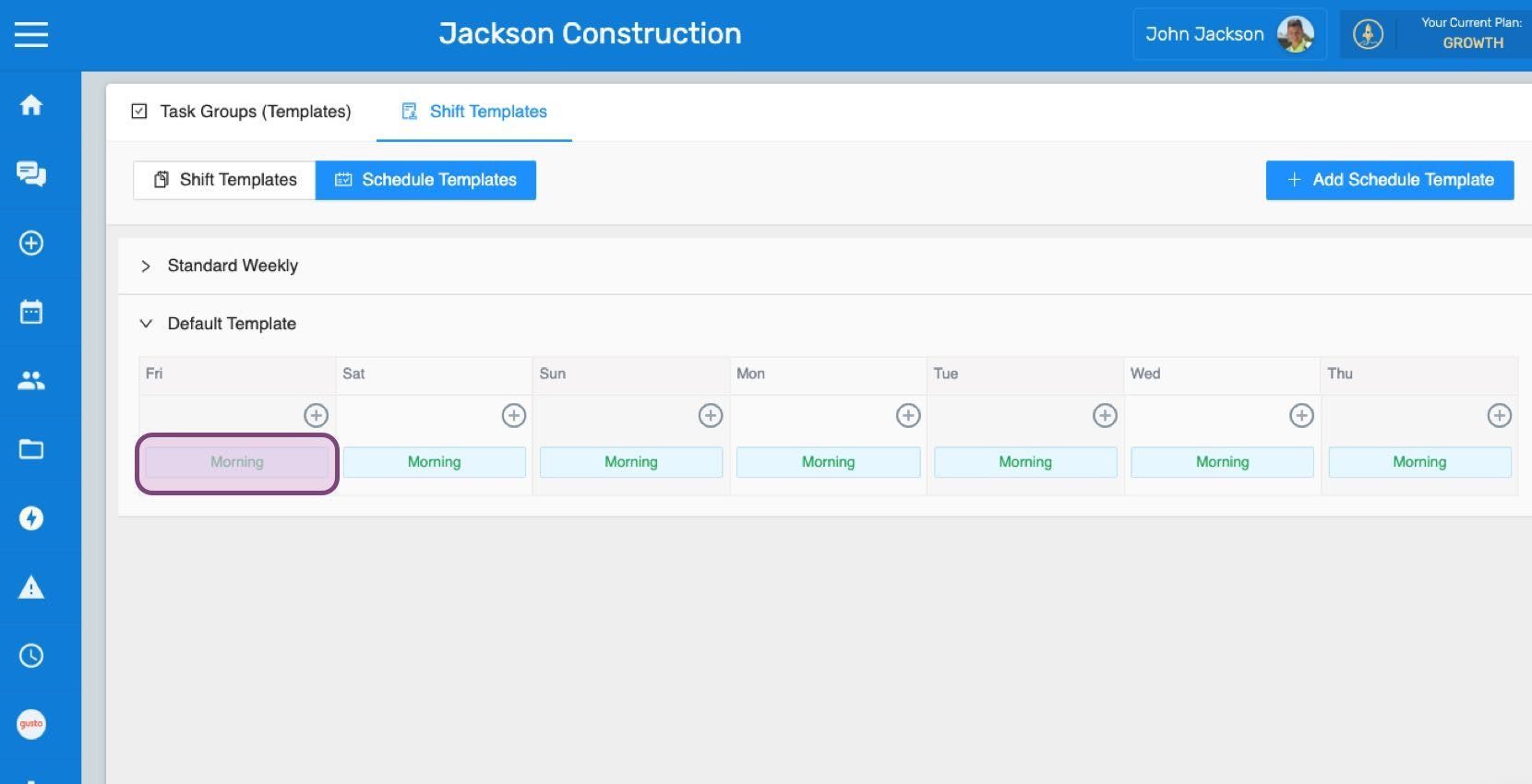
Schedule Templates weekly grid with the Morning shift template entry circled in purple

Selecciona un turno predefinido en el menú desplegable para sustituir el turno actual por el que quieras.
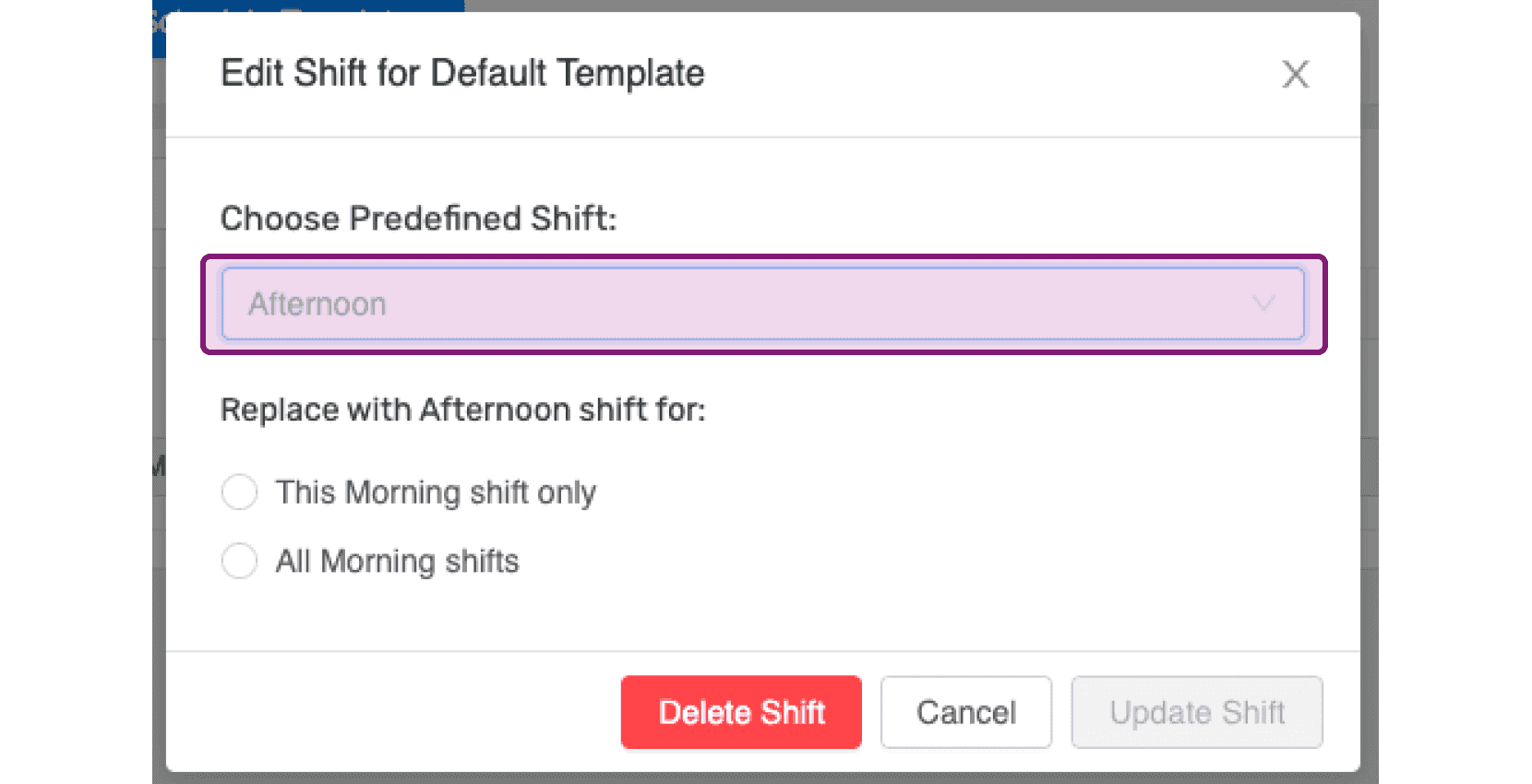
SINC web Edit Shift popup with the Choose Predefined Shift dropdown highlighted in purple

Puedes elegir entre reemplazar el turno deseado únicamente ese día o todos los días en los que esté programado el turno actual.
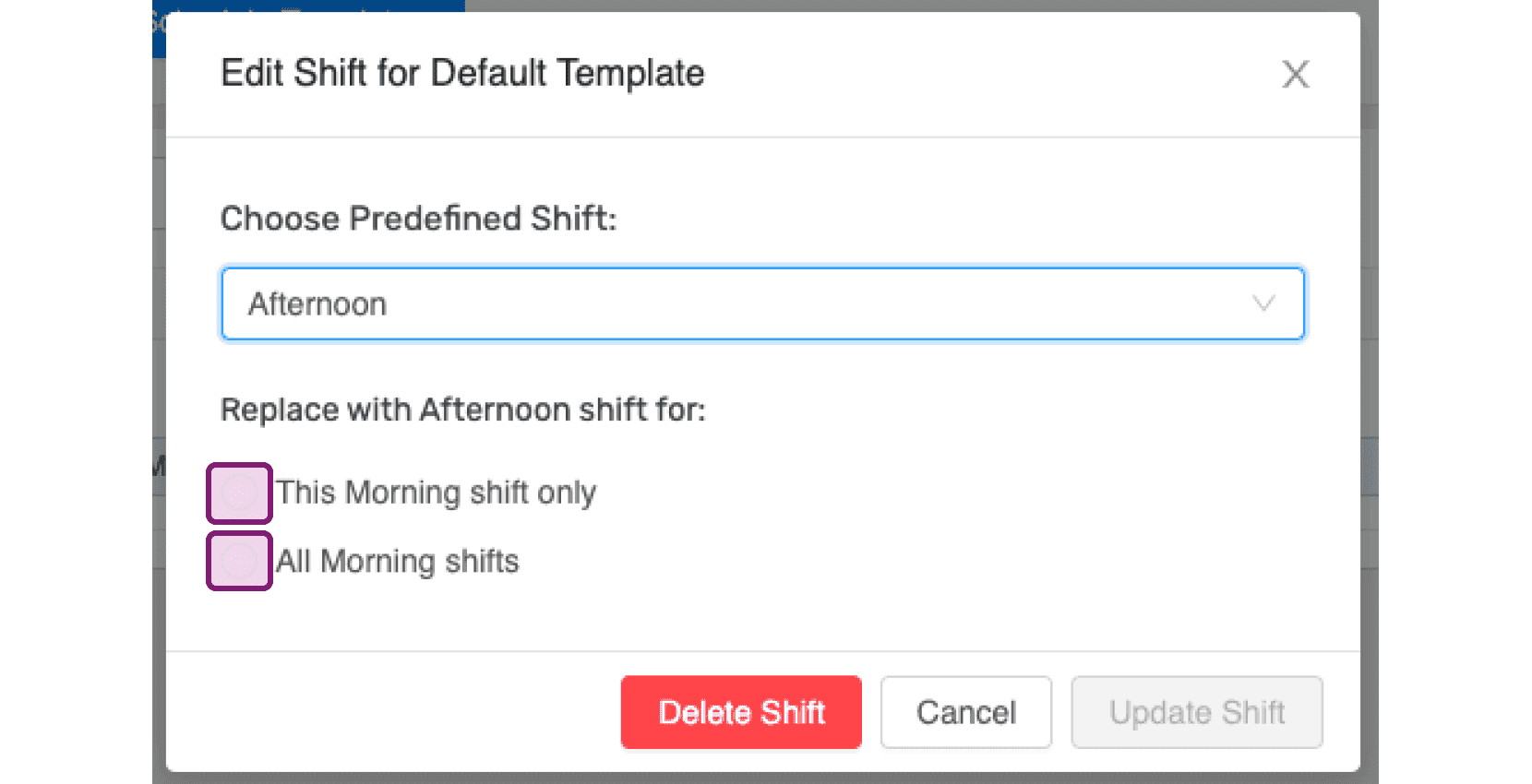
Edit Shift for Default Template popup with the Choose Predefined Shift dropdown and replace-shift checkboxes outlined in pink

Si deseas eliminar un turno predefinido de esta plantilla de horario, haz clic en Eliminar turno
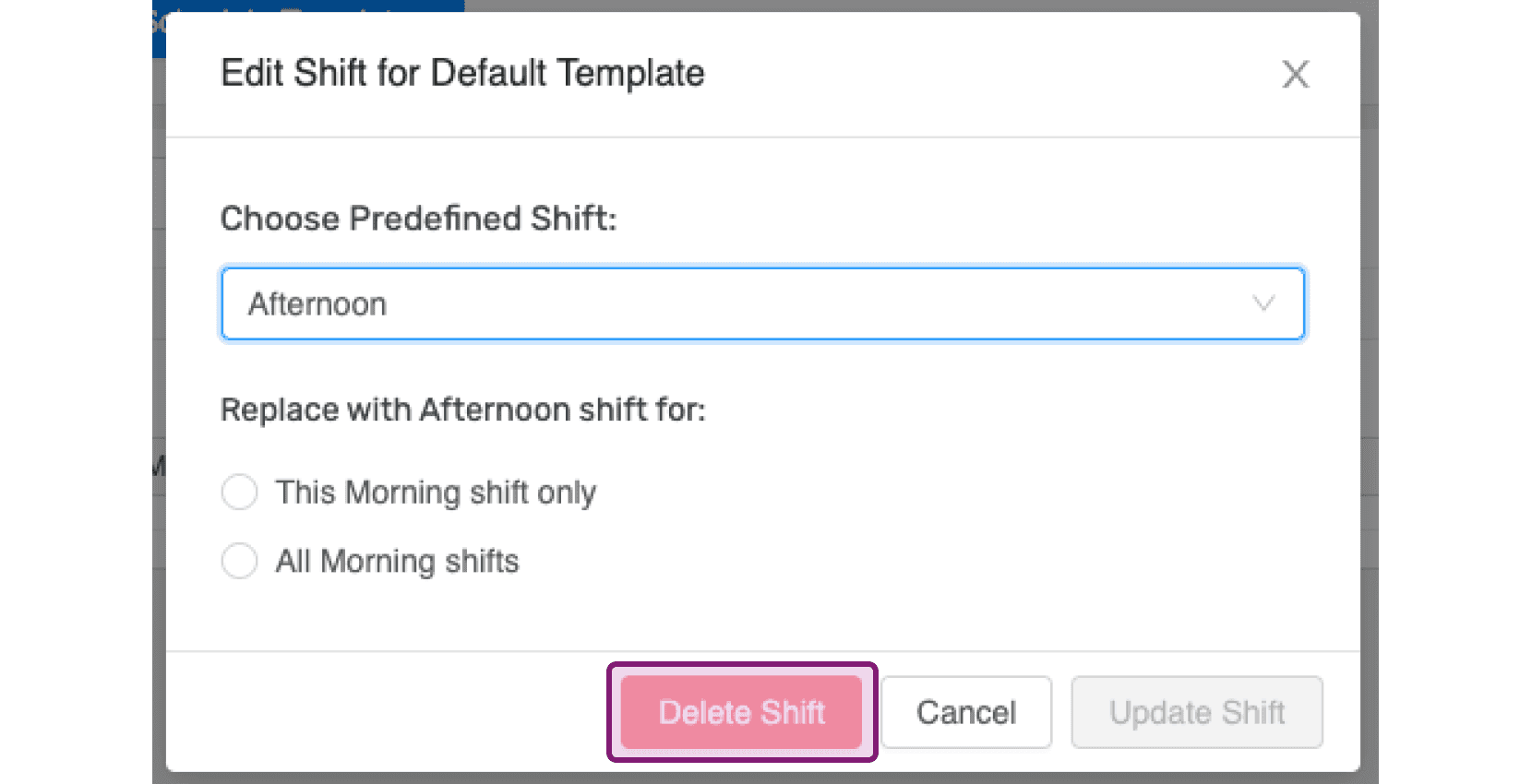
SINC web Edit Shift dialog with the Delete Shift button highlighted in pink

Si quieres editar el nombre de la plantilla de horarios, haz clic en su nombre.
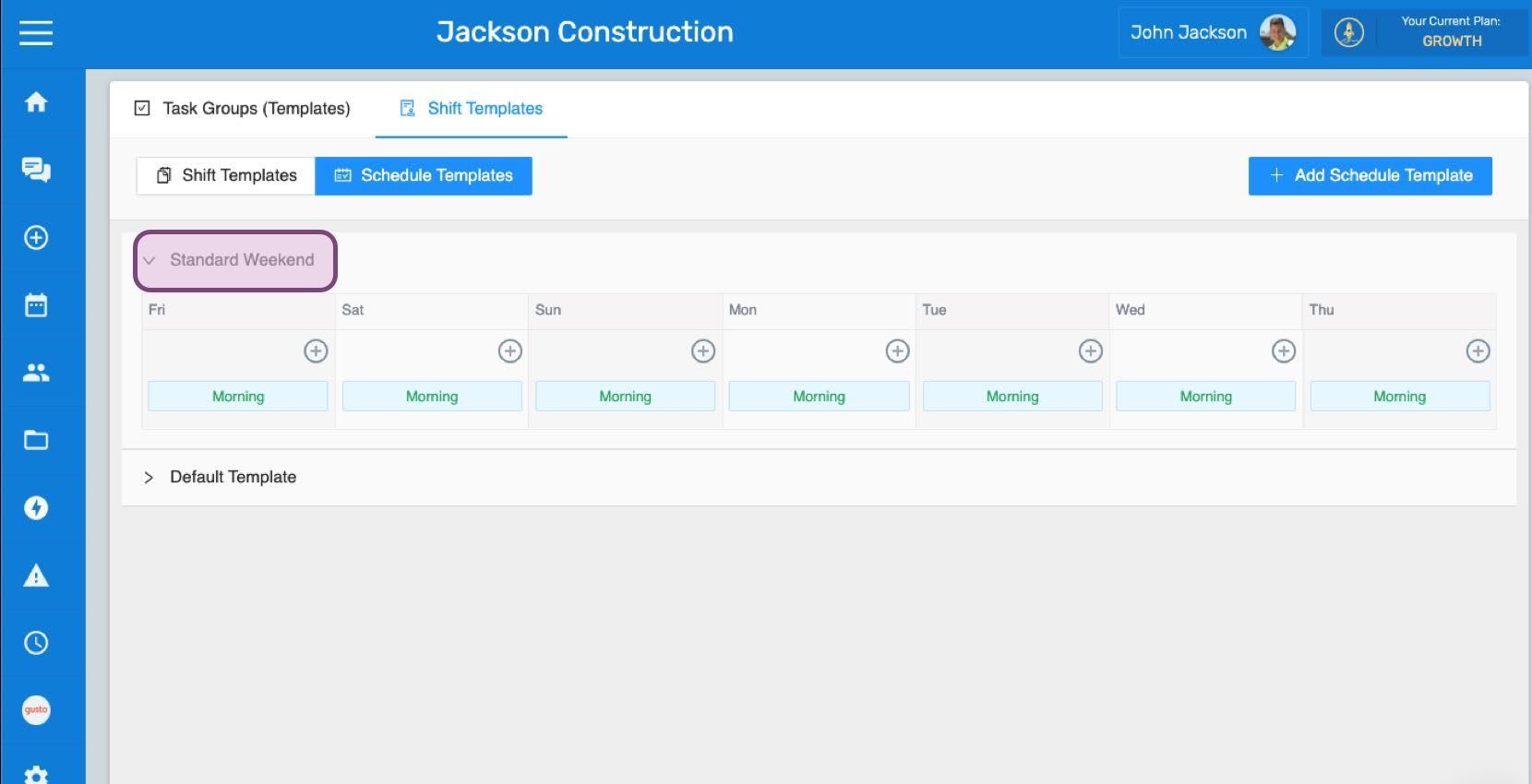
Schedule Templates screen with the "Standard Weekend" template name circled in pink

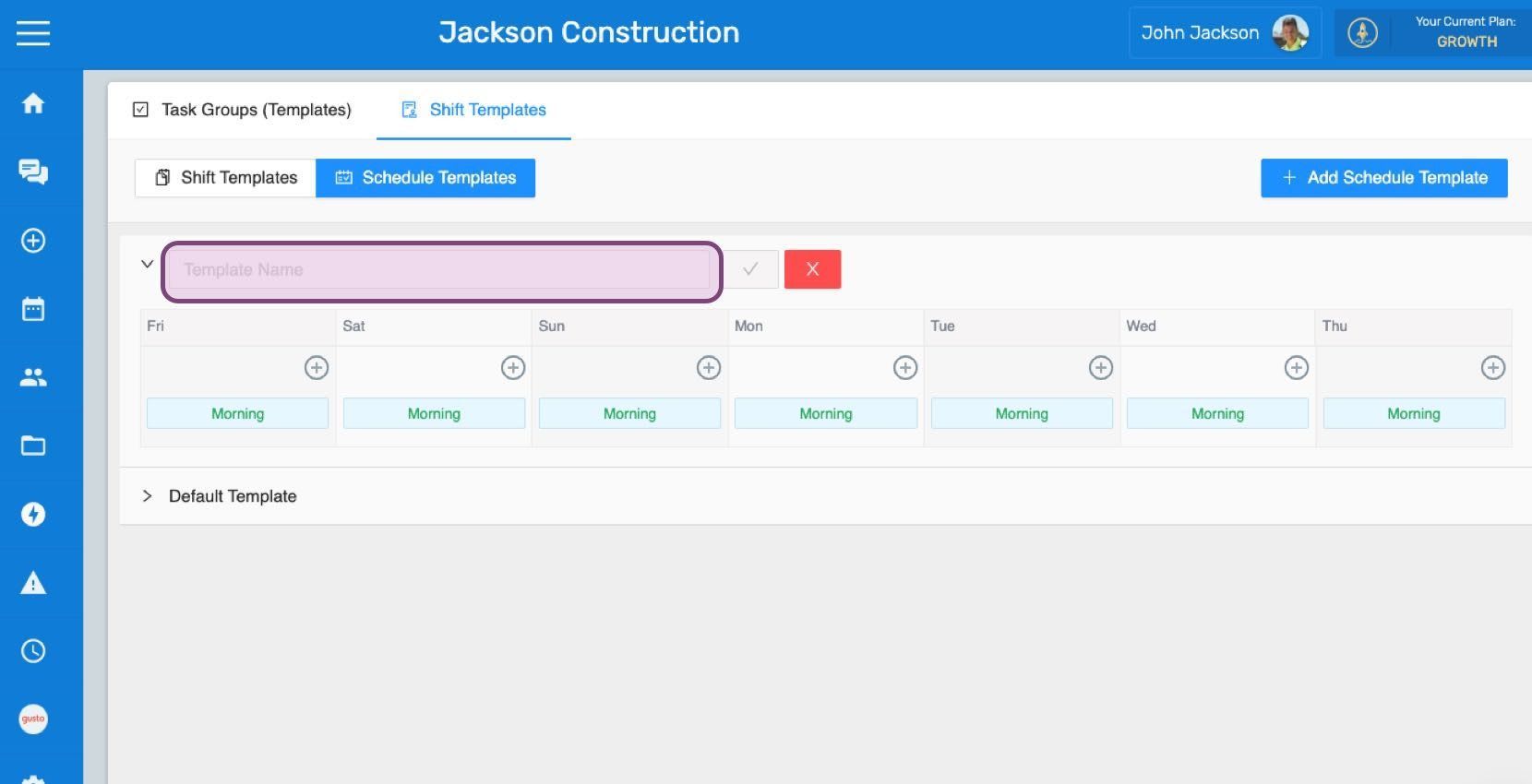
Introduce el nuevo nombre.

SINC web Schedule Templates screen with a template name field and a week of Morning shifts listed

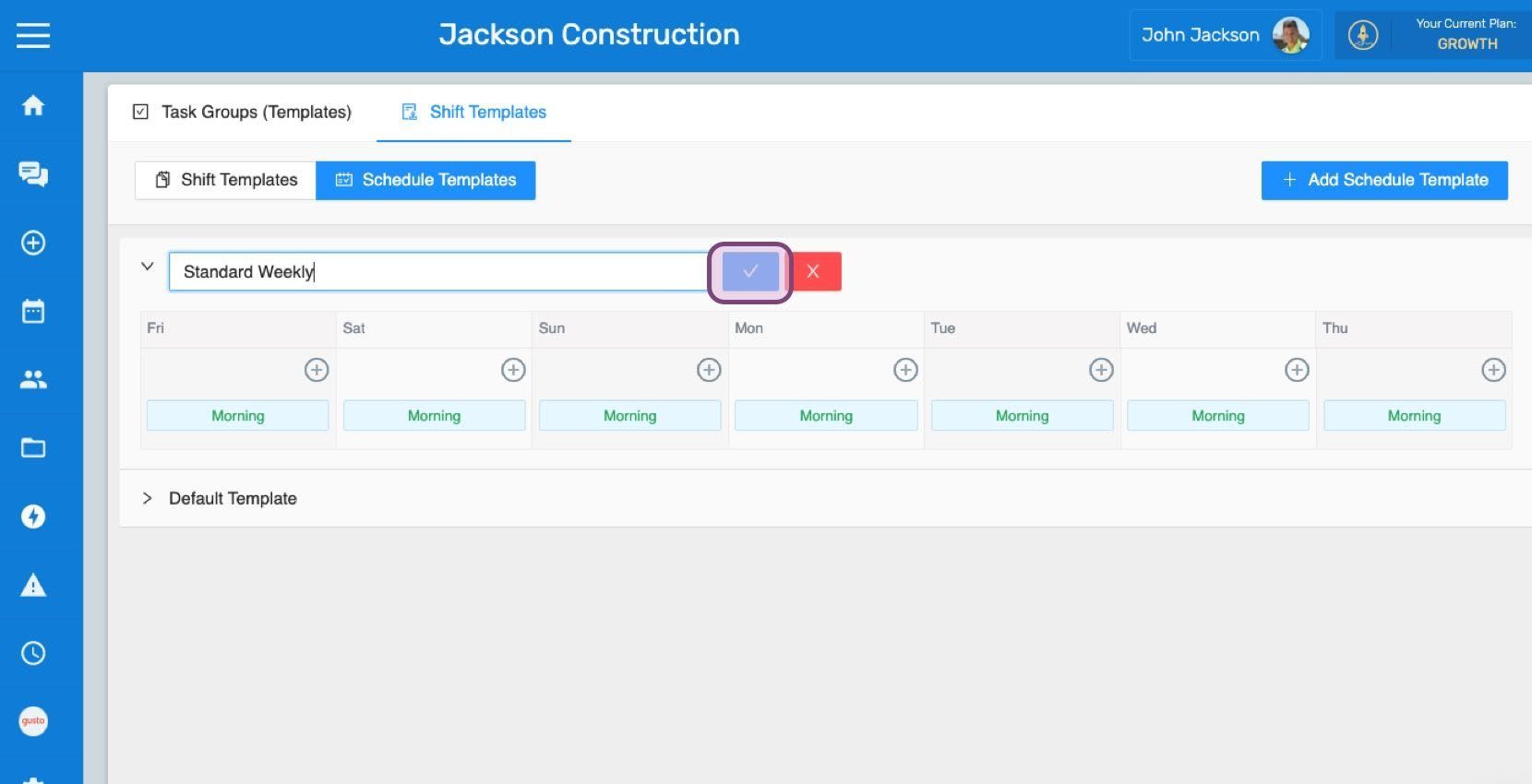
Haz clic en Confirmar

Web Schedule Templates tab with a weekly template name field and the confirm checkmark button outlined in pink

¿Esto respondió tu pregunta?