Cómo registrar los comentarios del personal

En esta guía veremos cómo añadir comentarios sobre los miembros de tu equipo en Sinc, para que dispongas de un registro permanente de tu personal.

Sam Dolbel
Sam Dolbel
Mar 1st, 2023

Toca Menú Personal
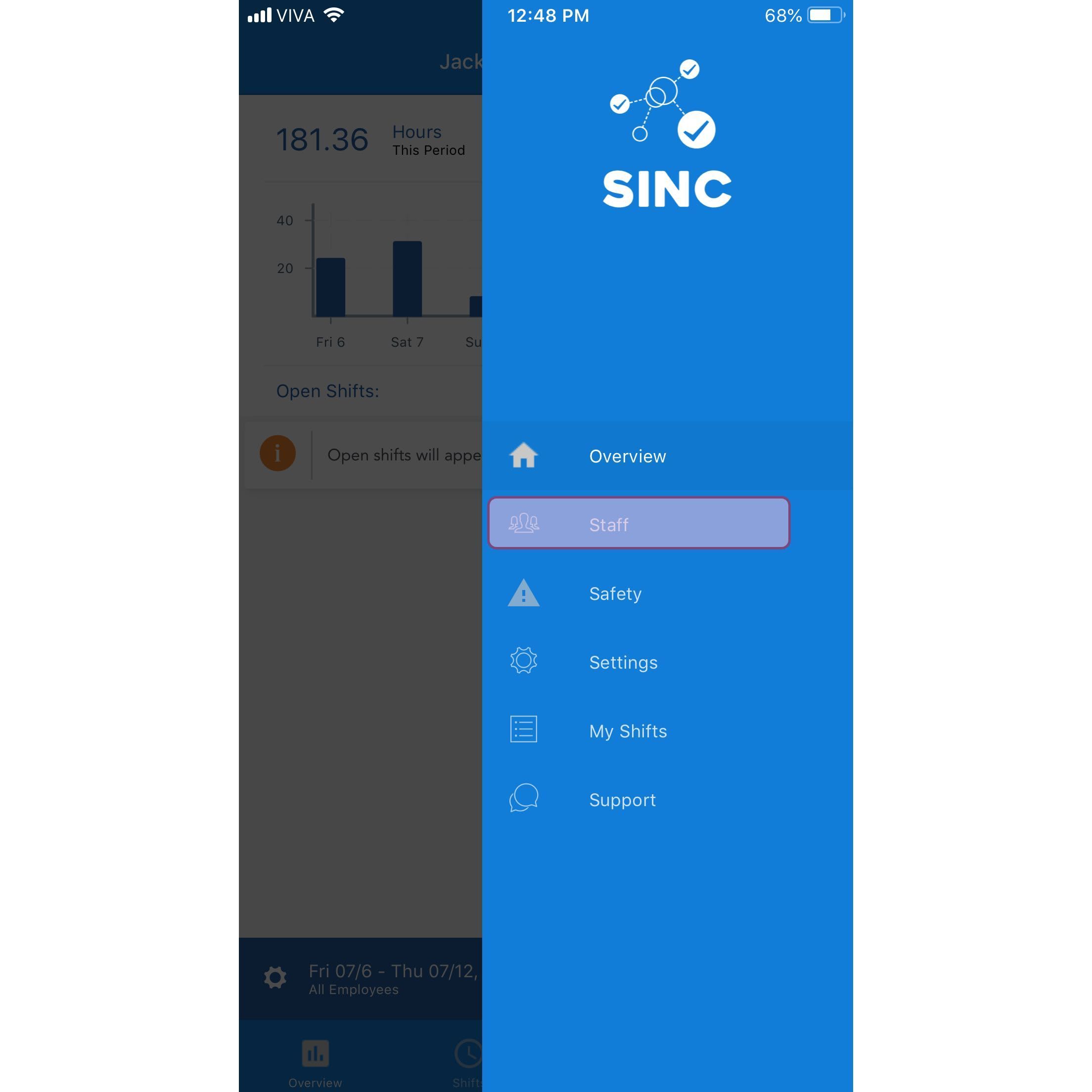
SINC mobile app menu with the Staff option highlighted

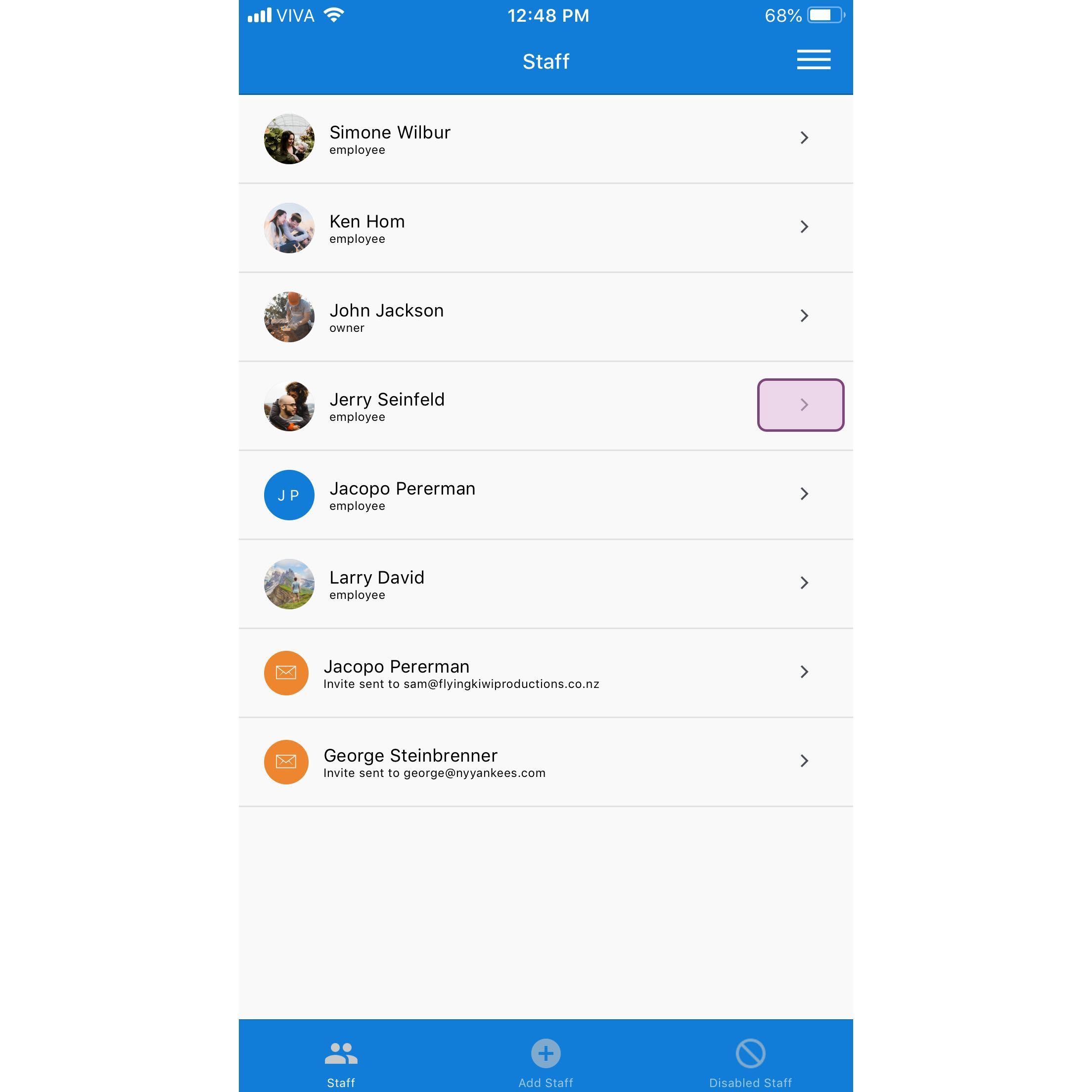
Toca el nombre del empleado

SINC mobile Staff list with the Jerry Seinfeld row highlighted in a pink box

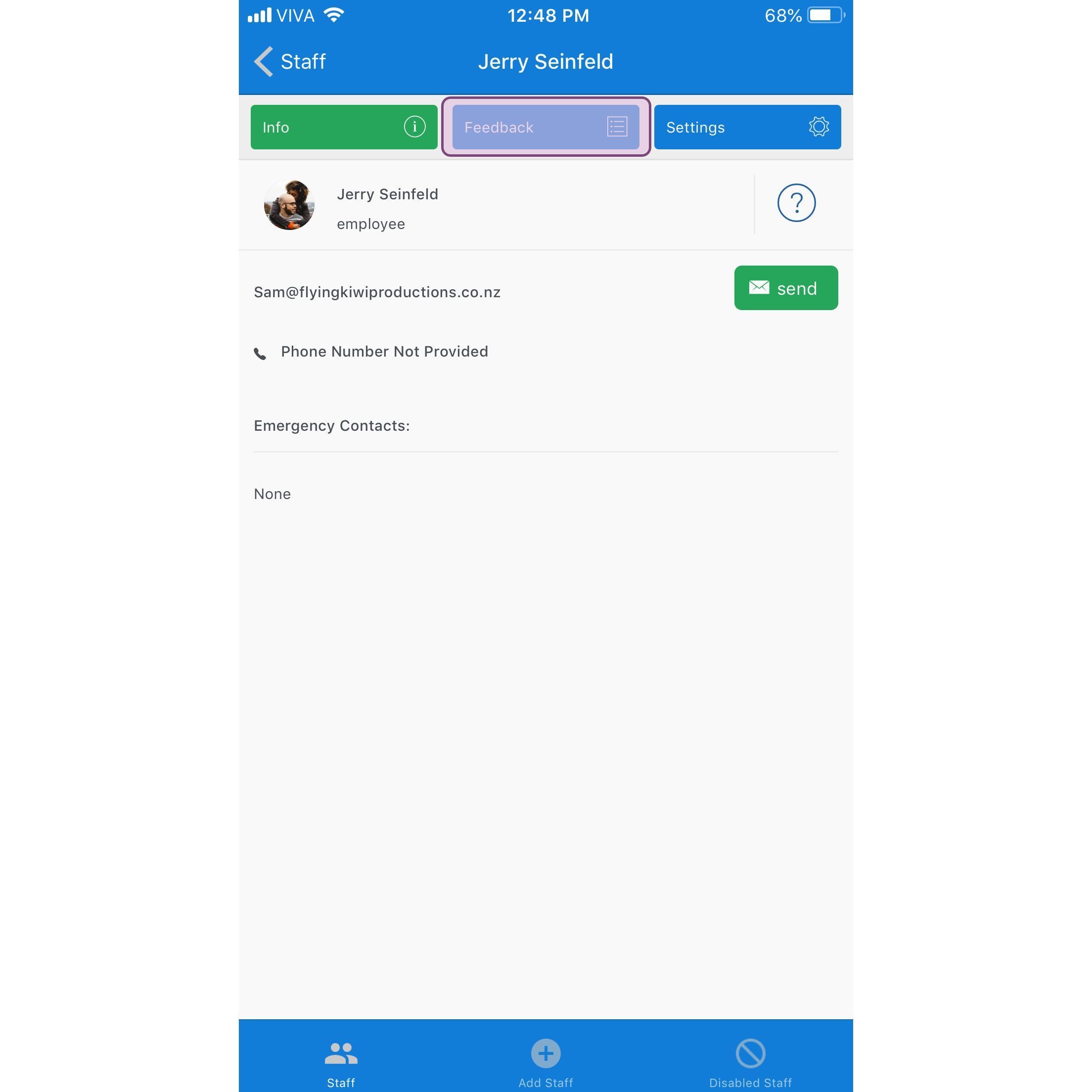
Toca Comentarios

SINC mobile staff profile screen with the Feedback tab highlighted in purple

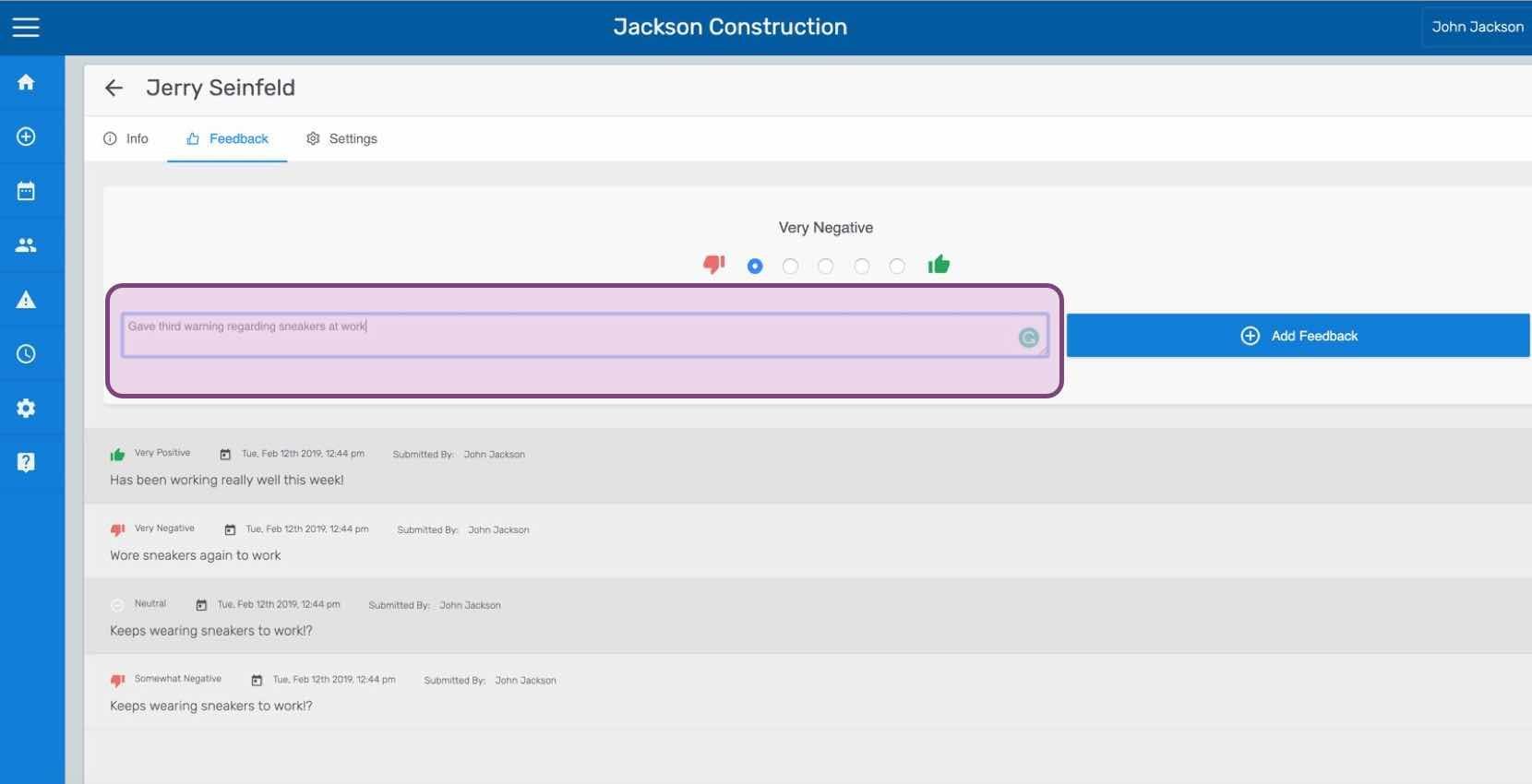
Introduce tus comentarios y pulsa en Enviar comentarios (versión web). Haz clic en Añadir comentarios.
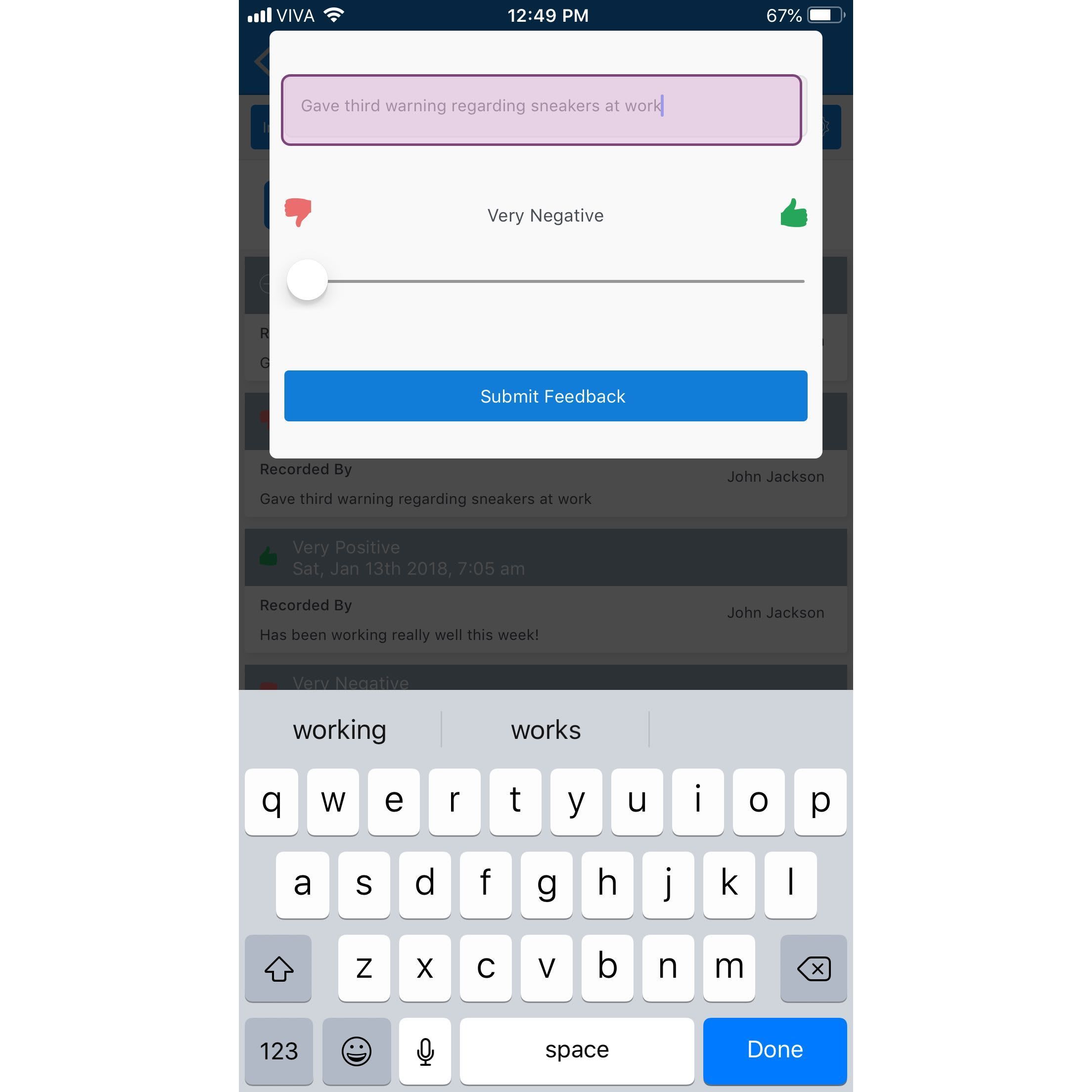
Mobile app feedback entry screen with a typed note, a Very Negative to Very Positive slider, and Submit Feedback button

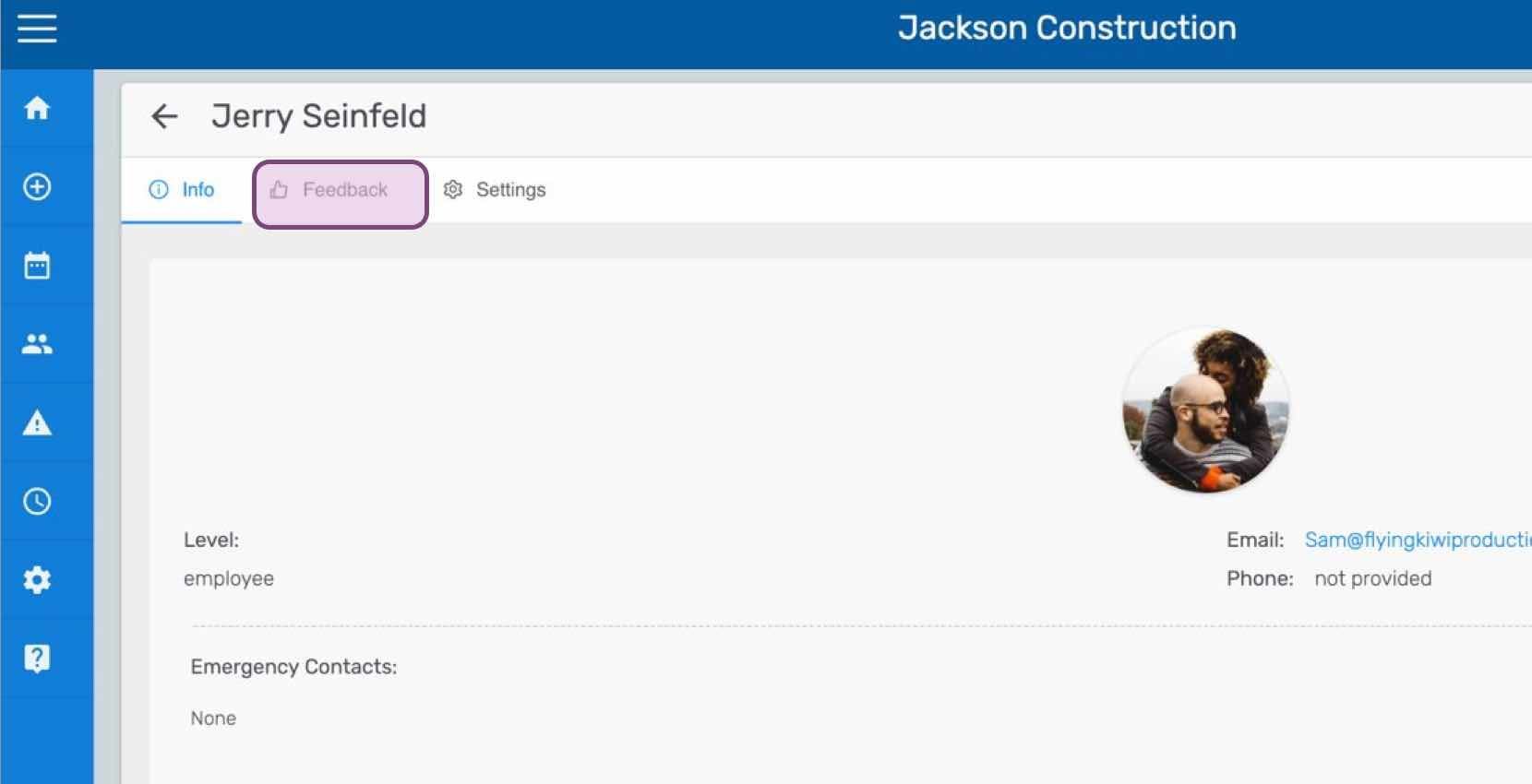
Si estás usando la versión web, se verá así:
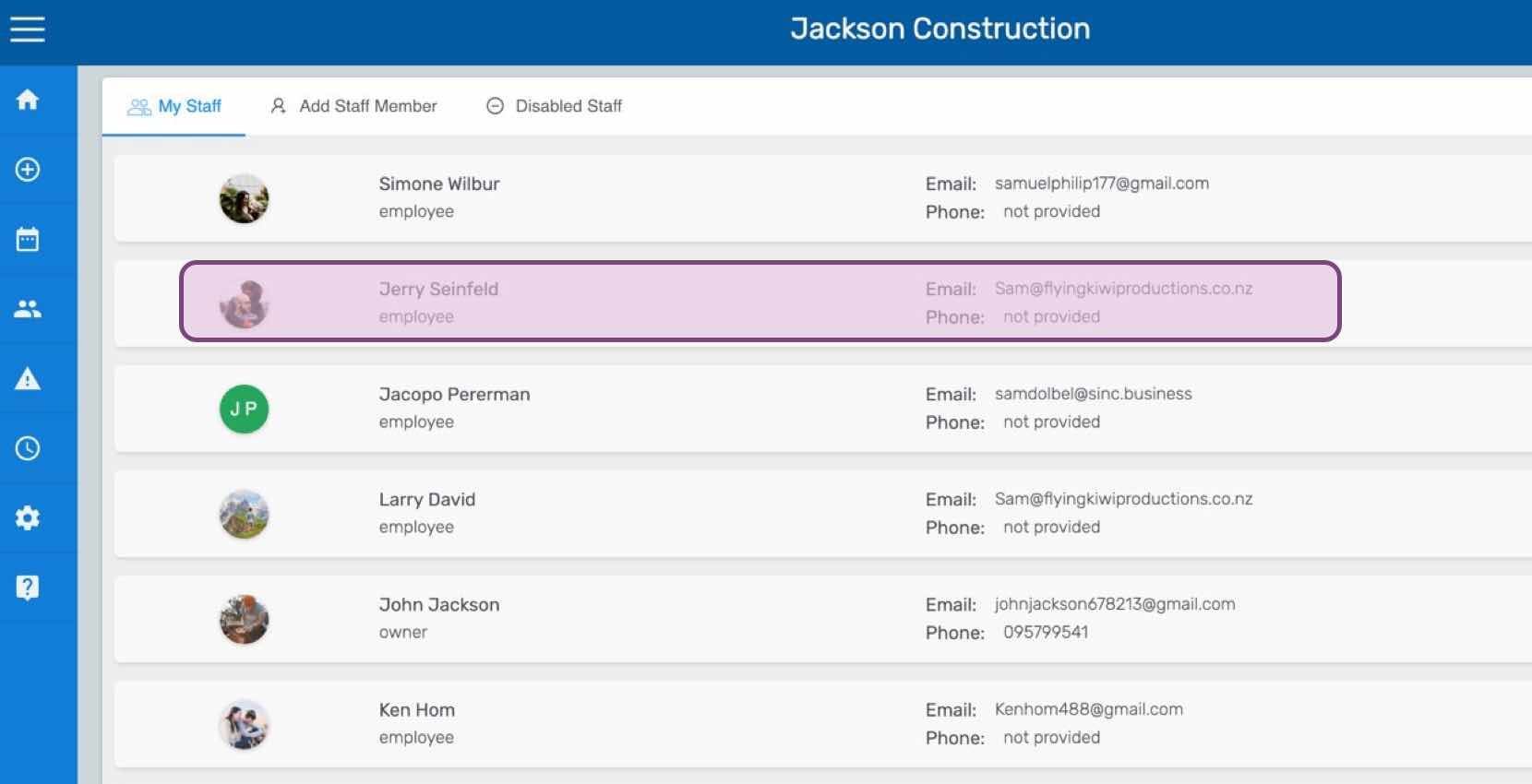
SINC web My Staff list with one employee row highlighted in pink
Staff profile screen for an employee with the Feedback tab circled at the top of the page
SINC web staff Feedback tab showing a rating scale and comment field with the Add Feedback button

¿Esto respondió tu pregunta?