Configuración de tiempo libre

En este tutorial te mostramos cómo configurar los ajustes predeterminados de las ausencias.

SINC Support Team
SINC Support Team
Jun 13th, 2022

En la versión web: haz clic en Menú Configuración Ausencias
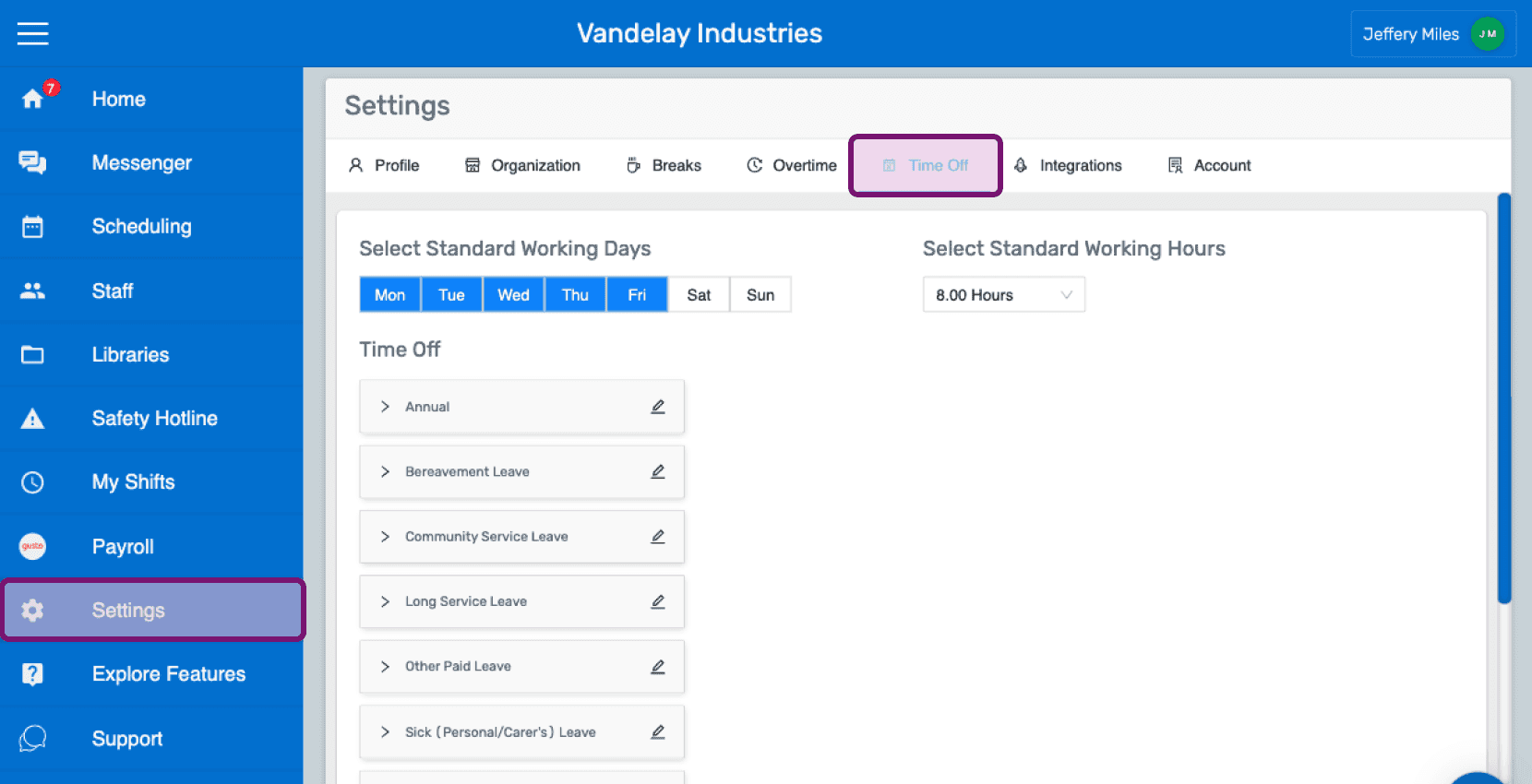
SINC web Settings screen with the Time Off tab highlighted in the top navigation

De forma predeterminada, de lunes a viernes son los días laborables habituales. Haz clic en un día para quitarlo o añadirlo a los días laborables habituales.
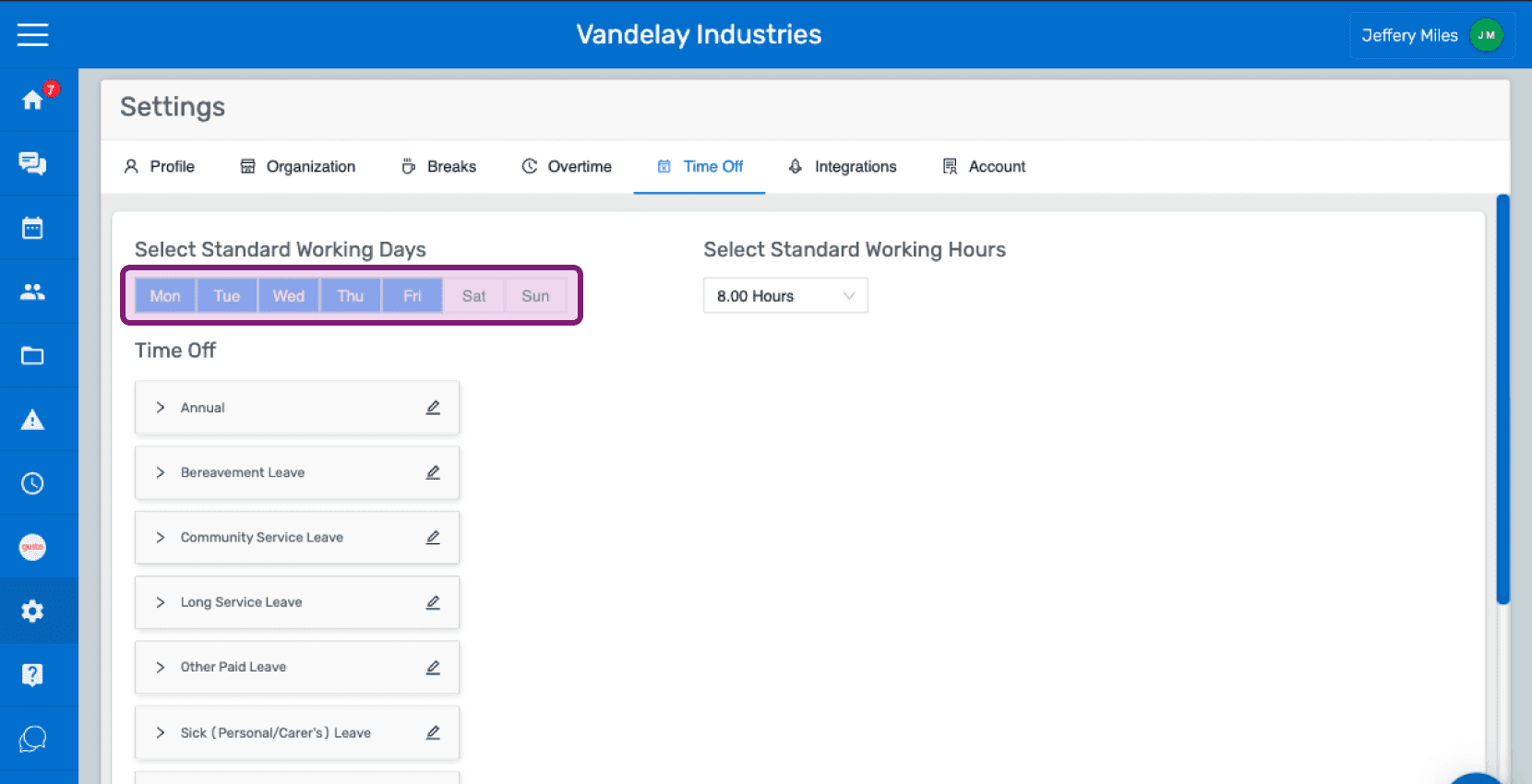
SINC web Time Off settings tab with the Select Standard Working Days row highlighted in purple

De forma predeterminada, la jornada laboral estándar es de 8 horas. Selecciona la Jornada laboral estándar que quieras en el menú desplegable.
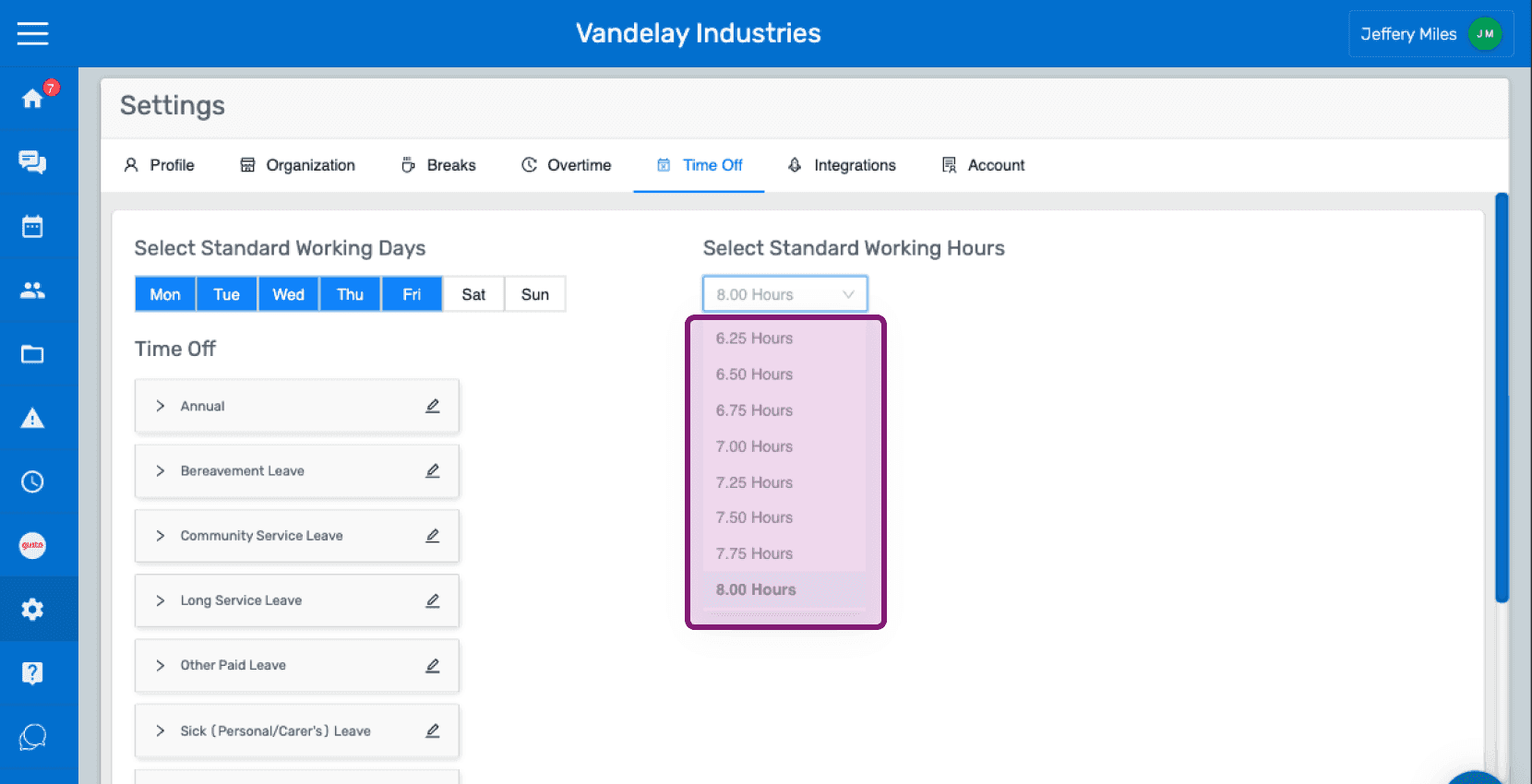
Web Settings Time Off tab with the Standard Working Hours dropdown outlined in pink showing hour options

En la sección Ausencias, encontrarás una lista de categorías de ausencias predefinidas.
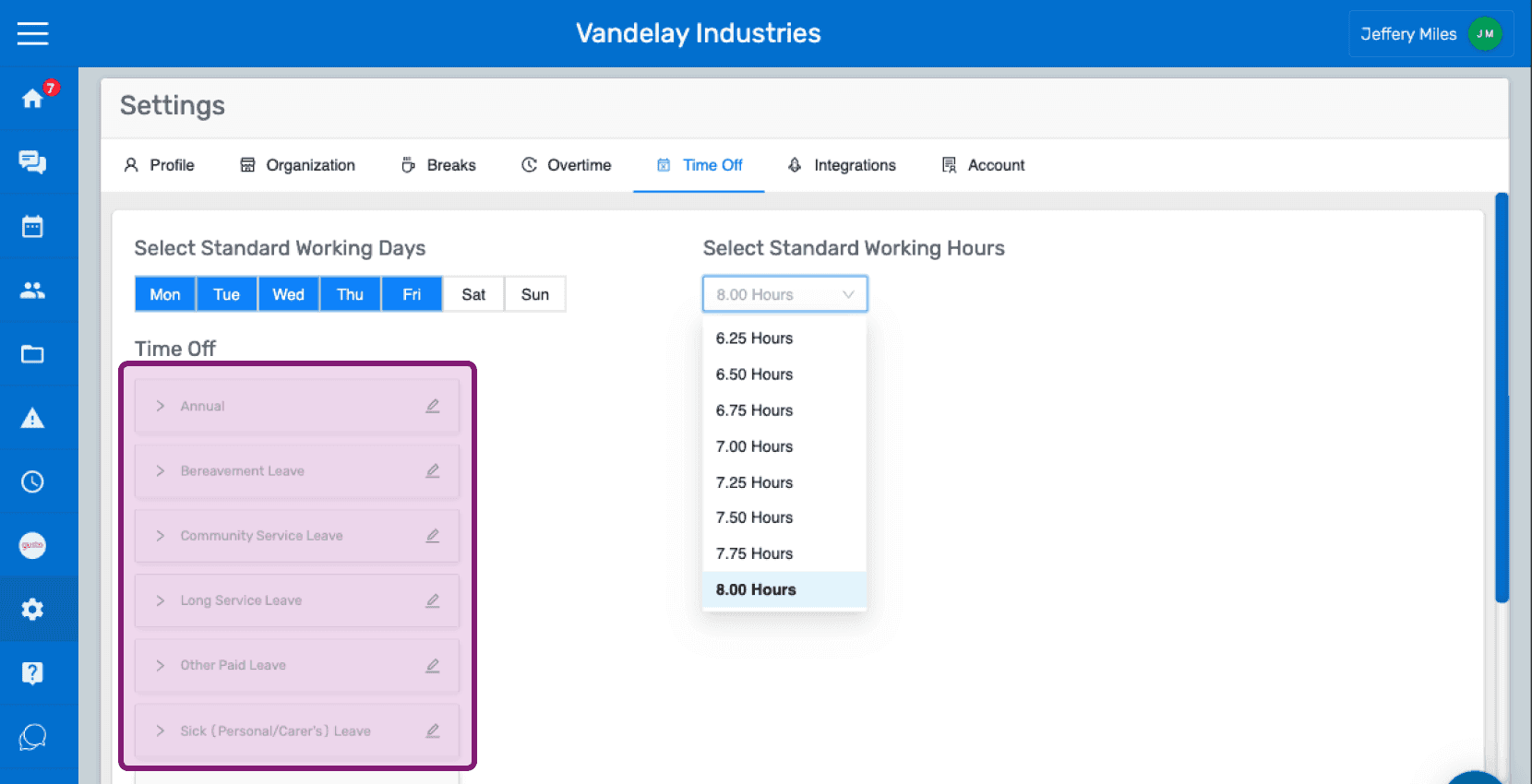
SINC web Settings Time Off tab listing predefined time off categories outlined in pink

Haz clic en el icono del lápiz para editar el nombre de una categoría de ausencia.
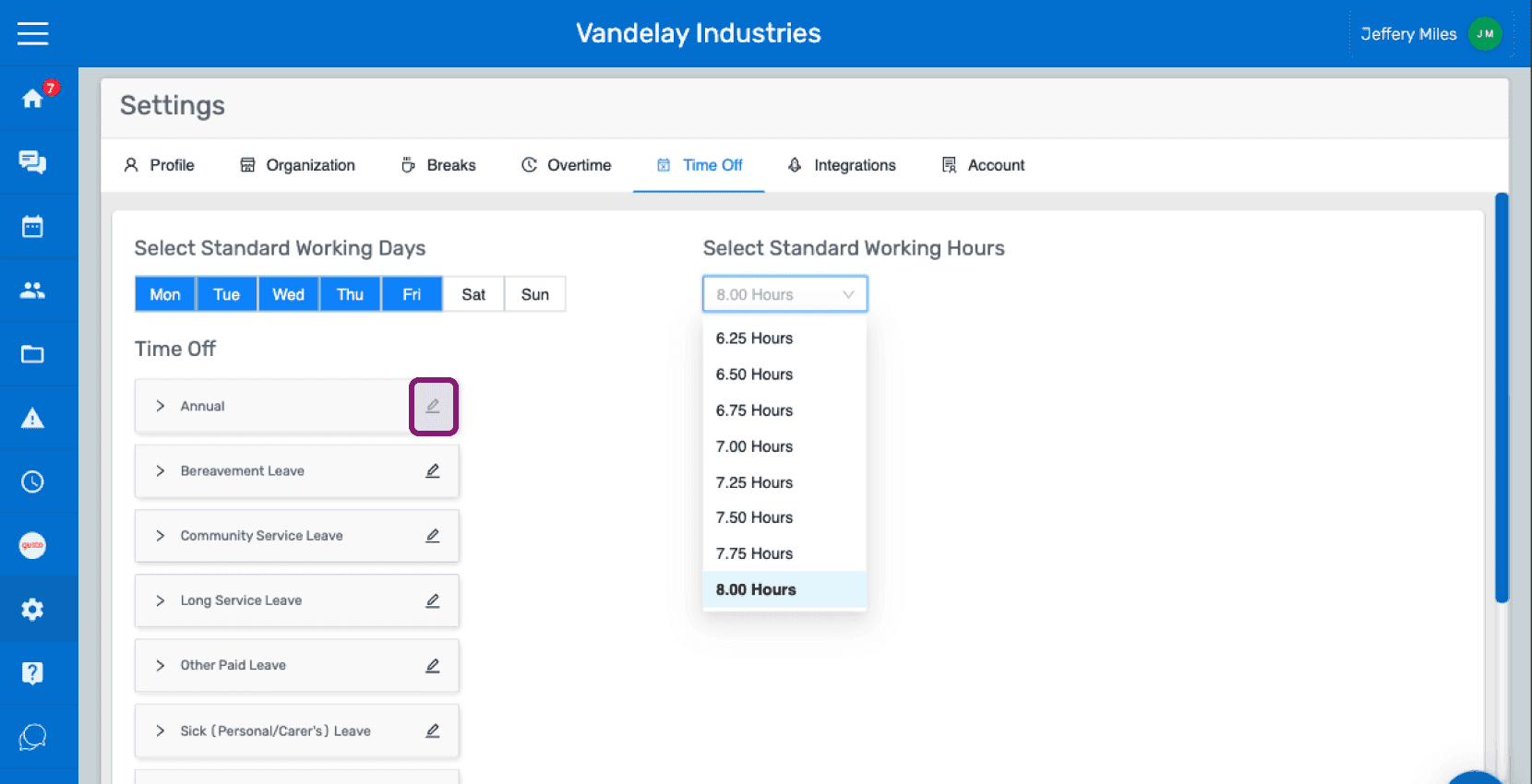
Time Off settings screen with the pencil edit icon next to the "Annual" category circled in pink

Introduce el nombre que quieras para la categoría de permisos Haz clic en Confirmar
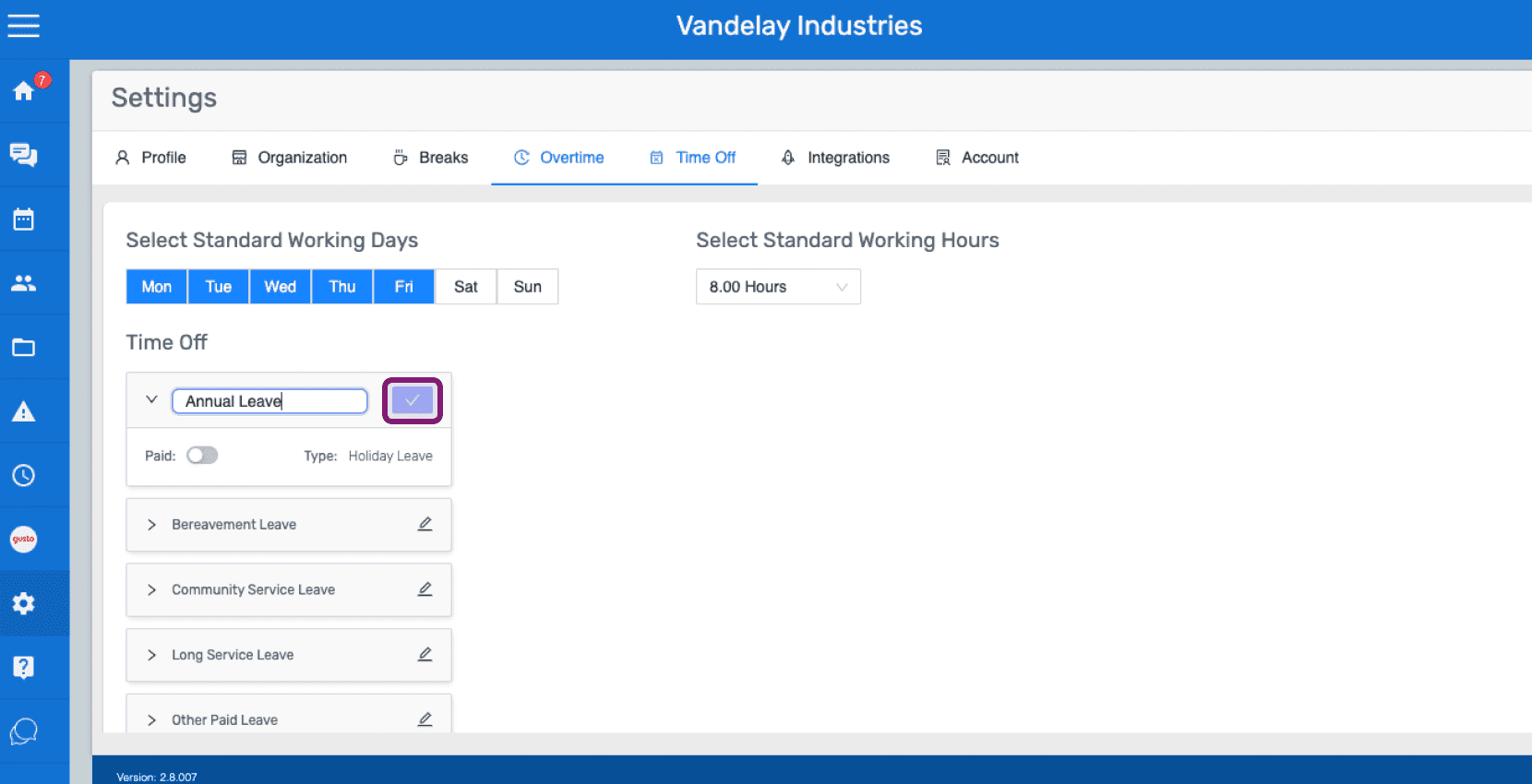
SINC web Time Off settings tab with the edit icon highlighted next to the Annual Leave category

Para establecer la categoría como remunerada o no remunerada, activa o desactiva el interruptor situado junto a Remunerada.
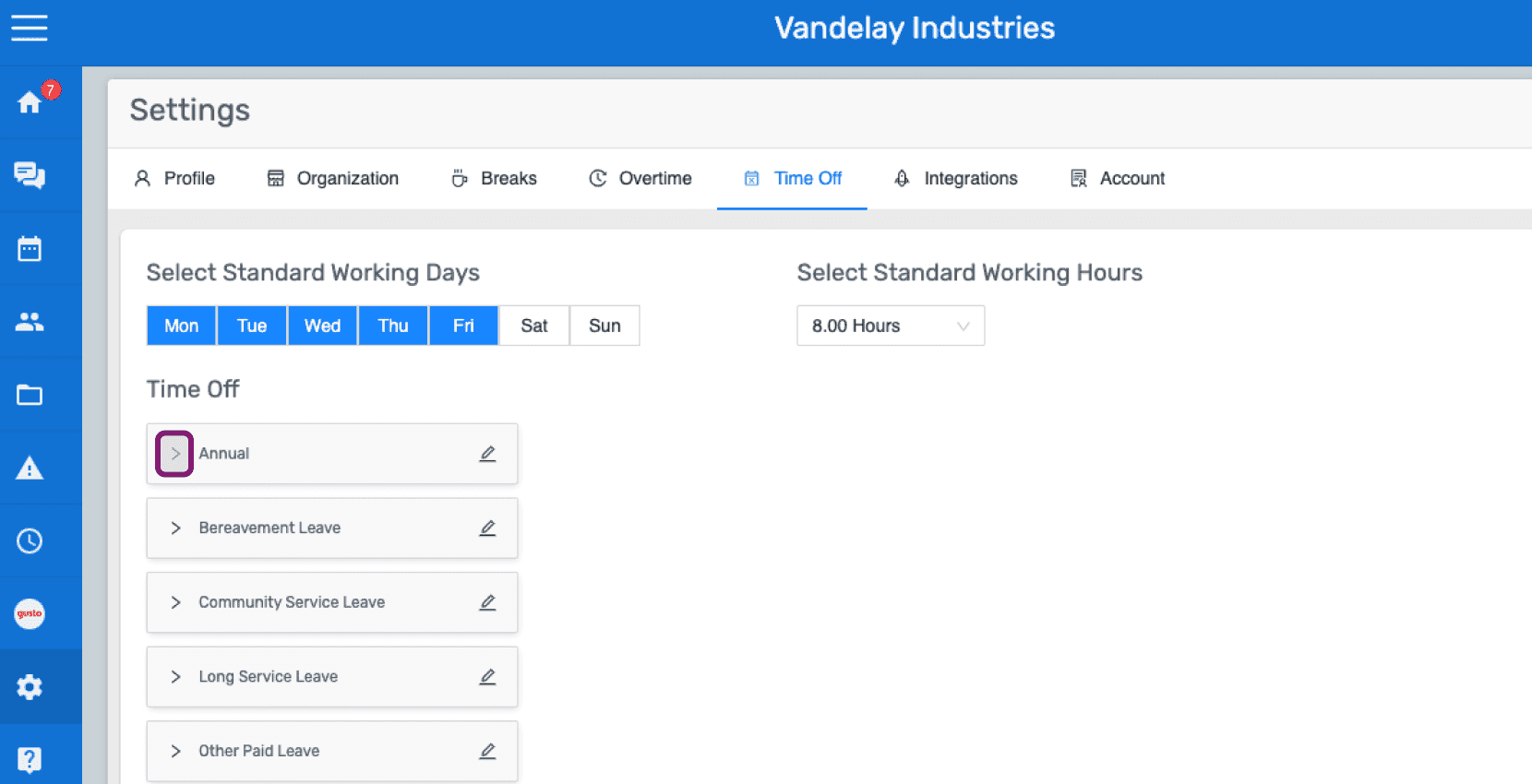
Web Settings Time Off tab with the Annual leave category outlined in pink among the list of leave types

Activa o desactiva el interruptor de pago según lo desees.
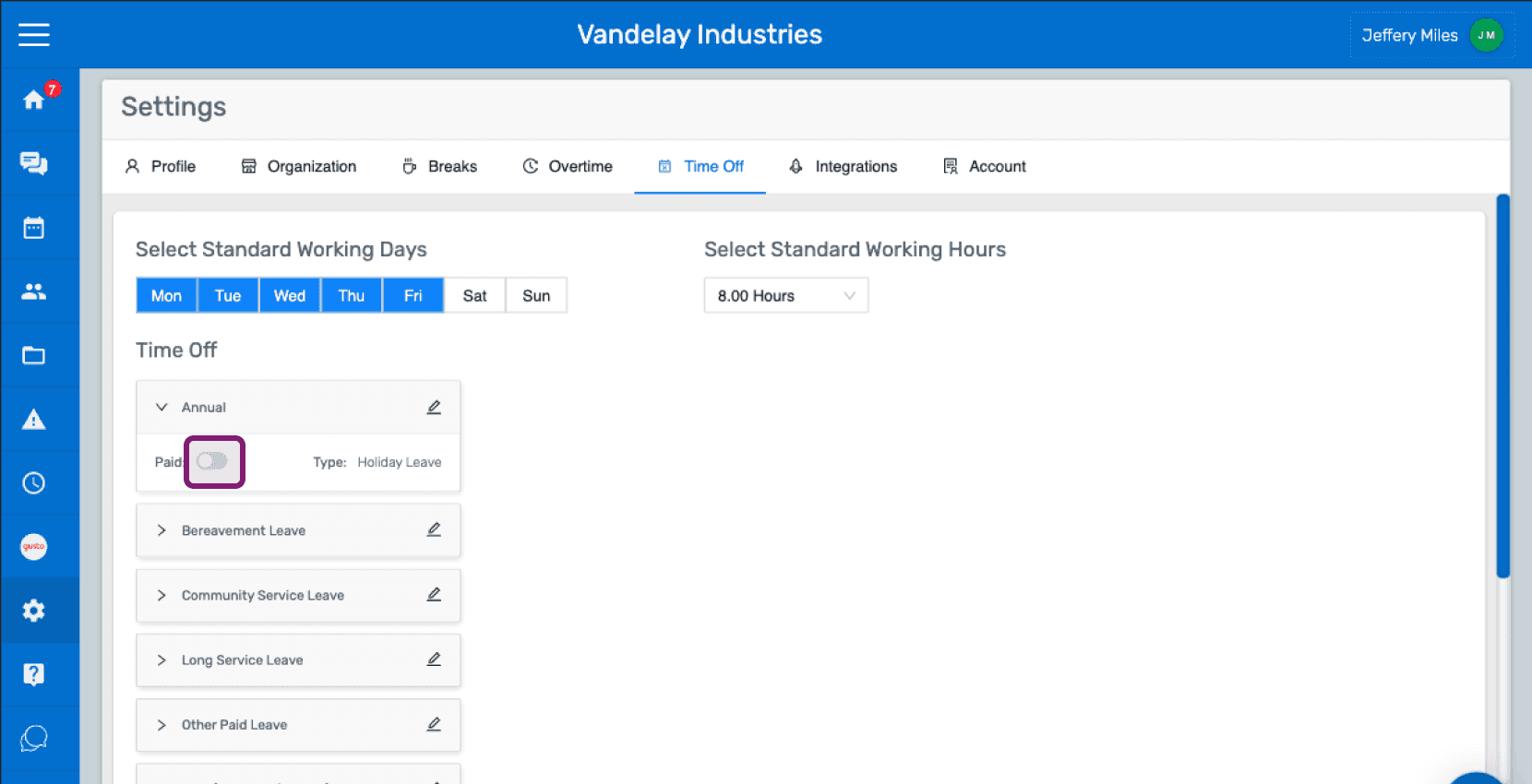
SINC web Settings Time Off tab showing leave categories with the Paid toggle circled next to Annual leave

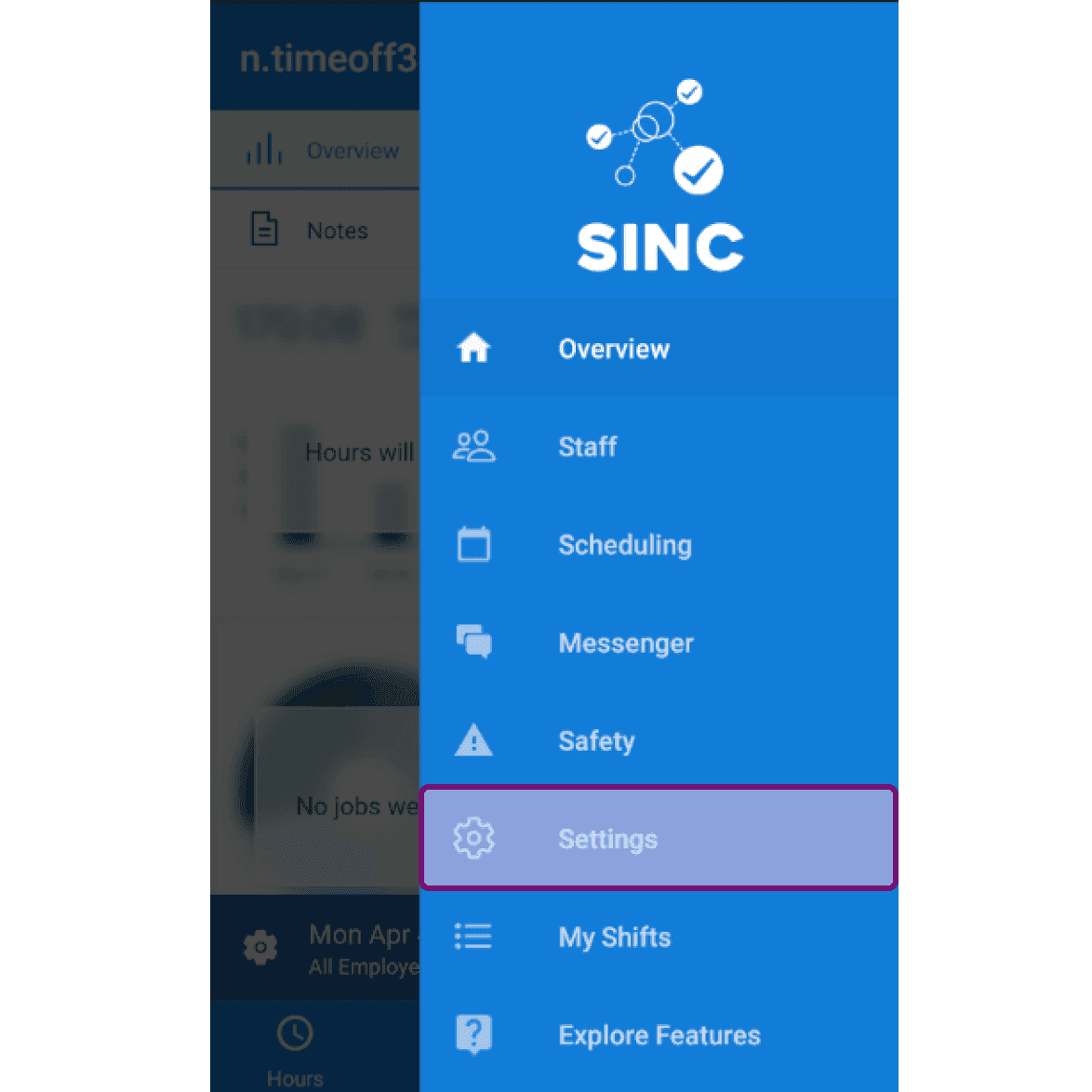
En el móvil: toca Menú Ajustes

Mobile side menu open with the Settings menu item highlighted

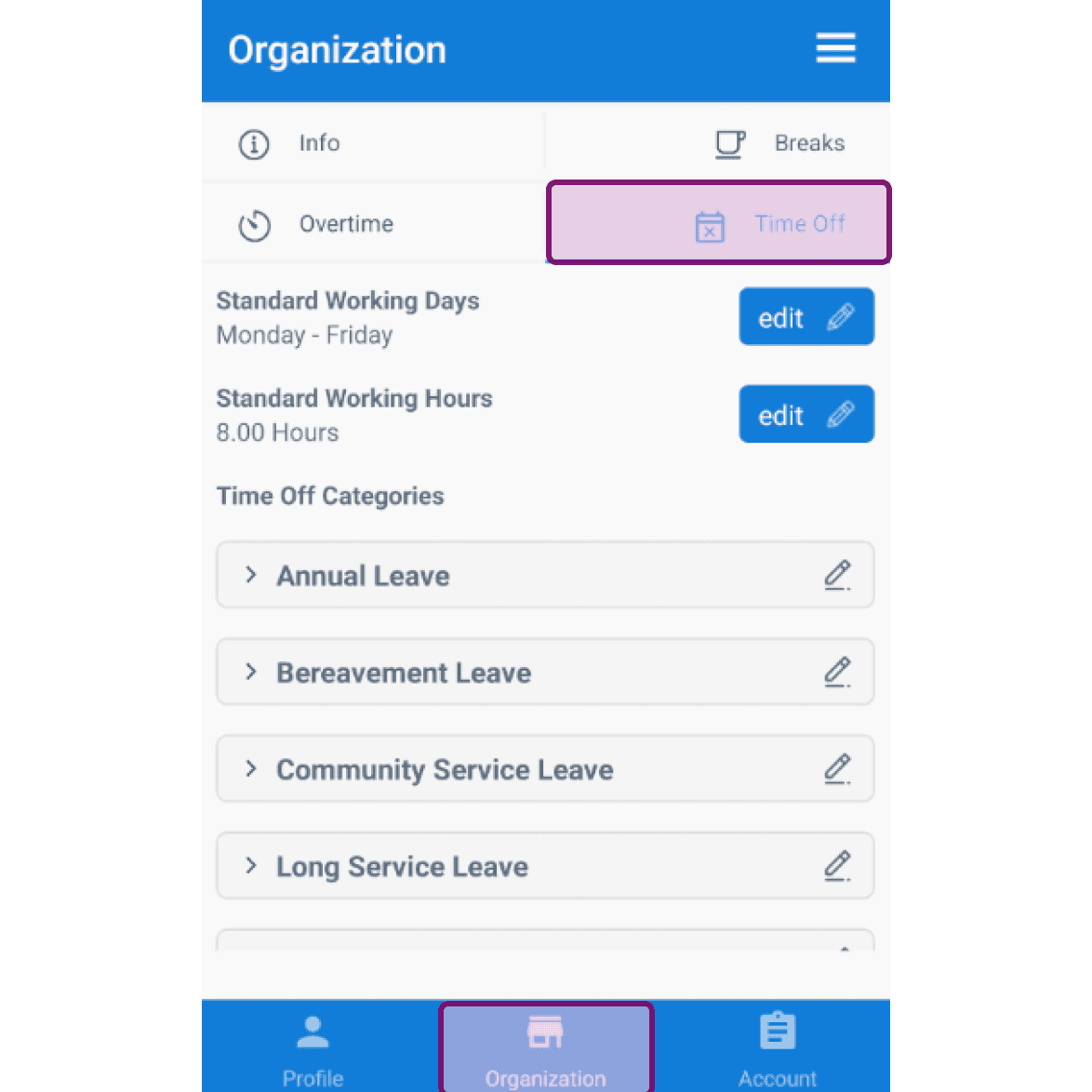
Toca en Organización Tiempo libre

Mobile Organization screen with the Time Off tab outlined in purple

De forma predeterminada, de lunes a viernes son los días laborables estándar. Para editarlo, pulsa Editar junto a Días laborables estándar.
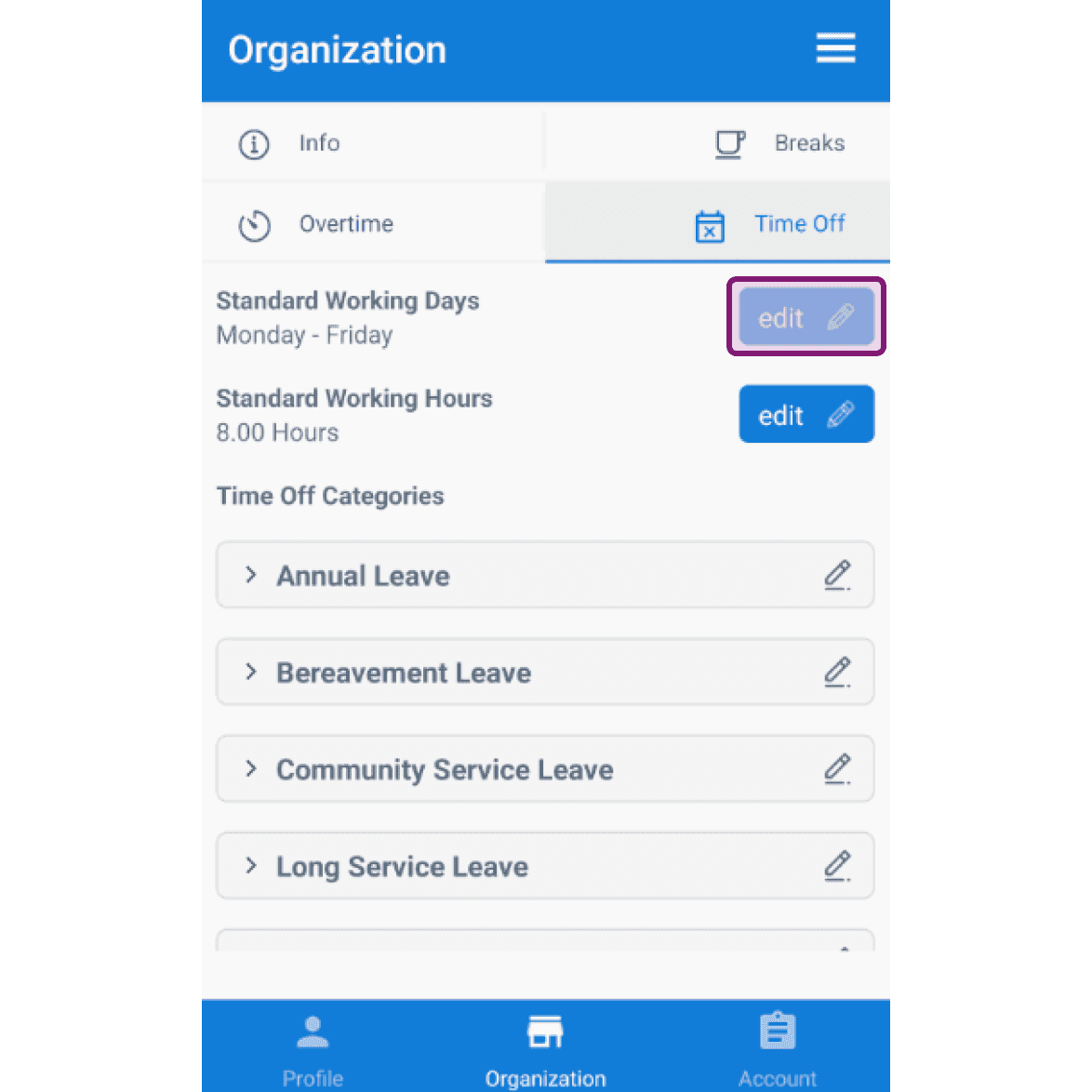
SINC mobile Organization Time Off tab with the edit button next to Standard Working Days outlined

Toca un día para seleccionarlo o deseleccionarlo.
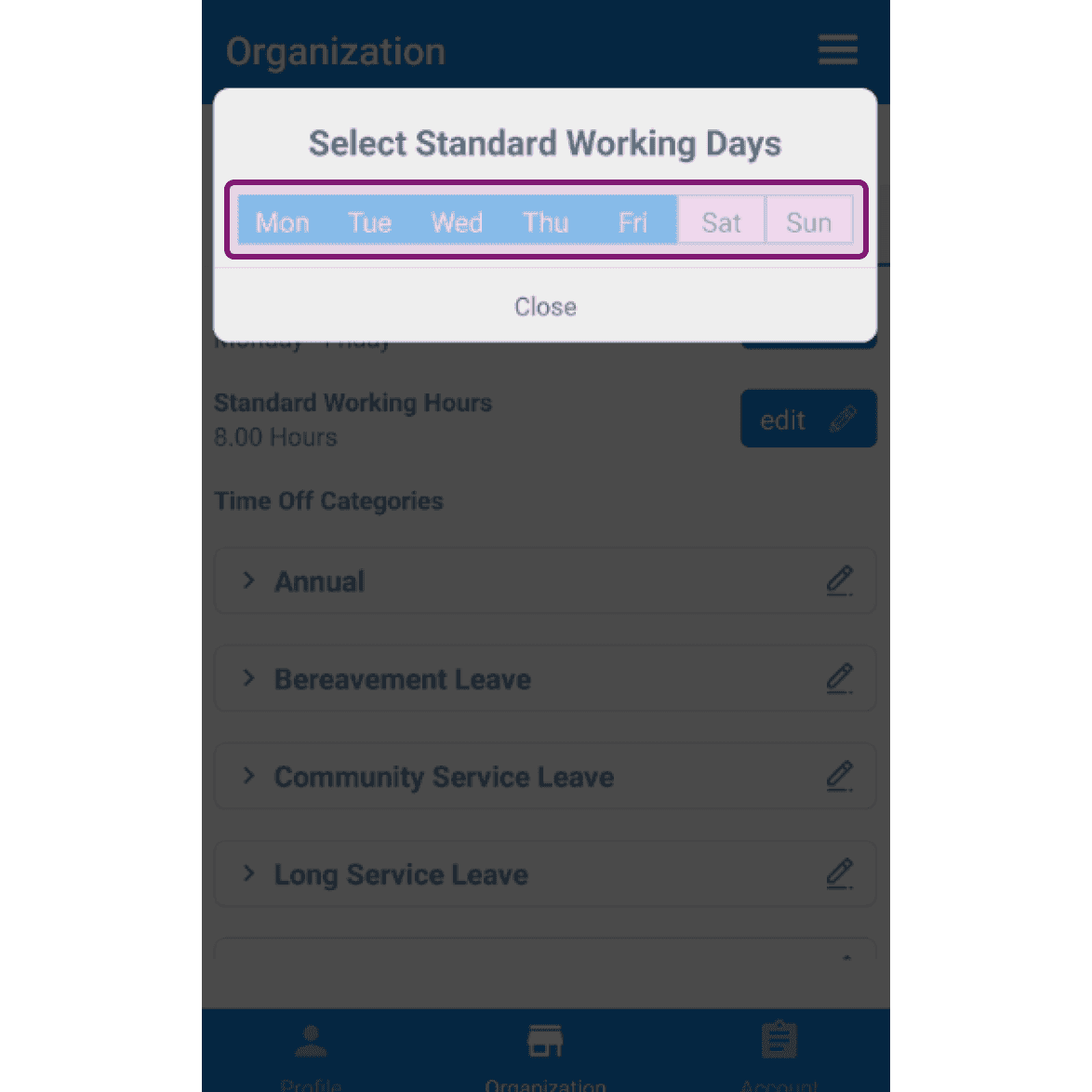
SINC mobile Select Standard Working Days dialog with Monday through Friday highlighted and outlined in pink

De forma predeterminada, la jornada laboral estándar es de 8 horas. Para editarla, toca Editar junto a Jornada laboral estándar.
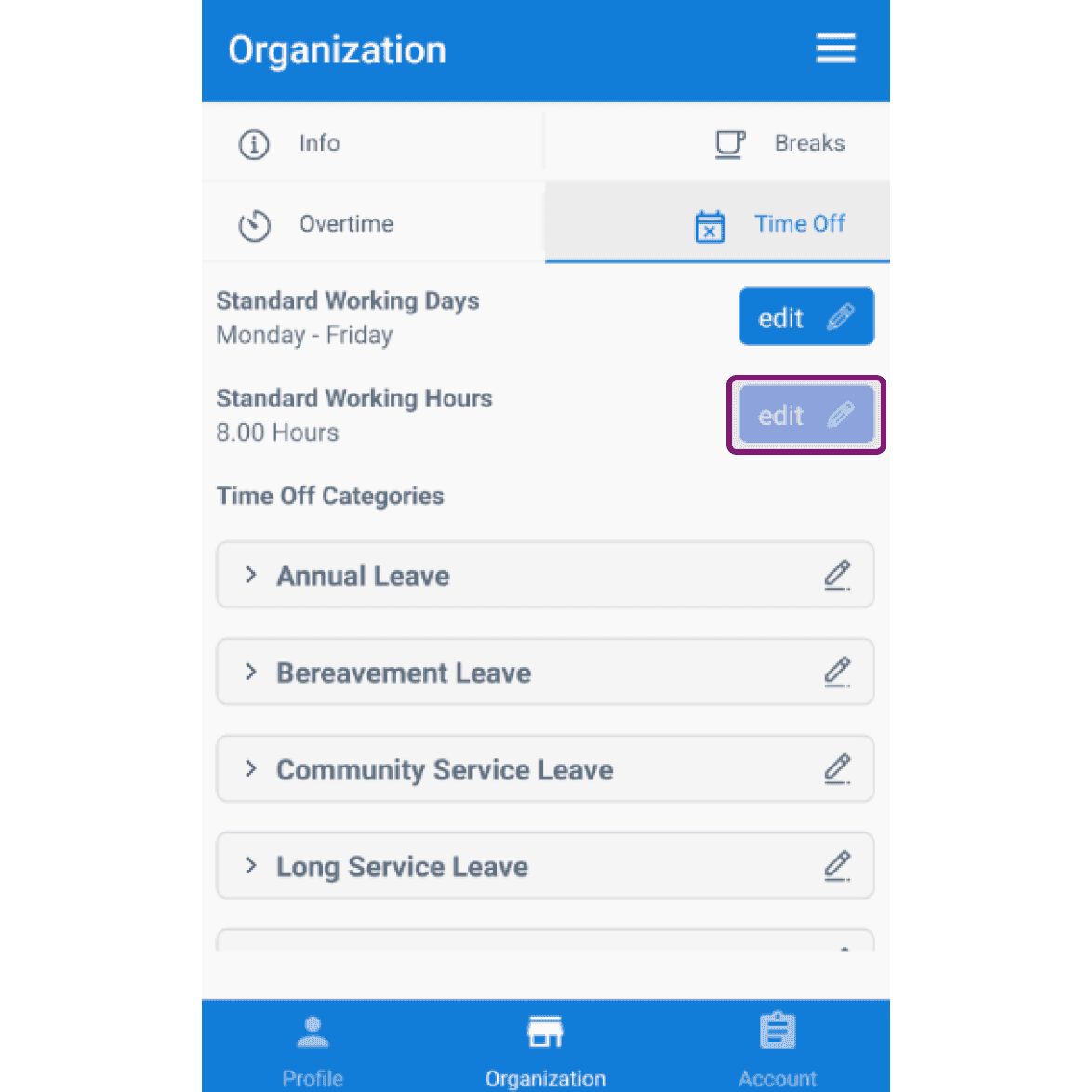
Organization Time Off tab with the Edit button next to Standard Working Hours outlined

Pulsa las Horas de trabajo estándar que quieras en el menú desplegable.
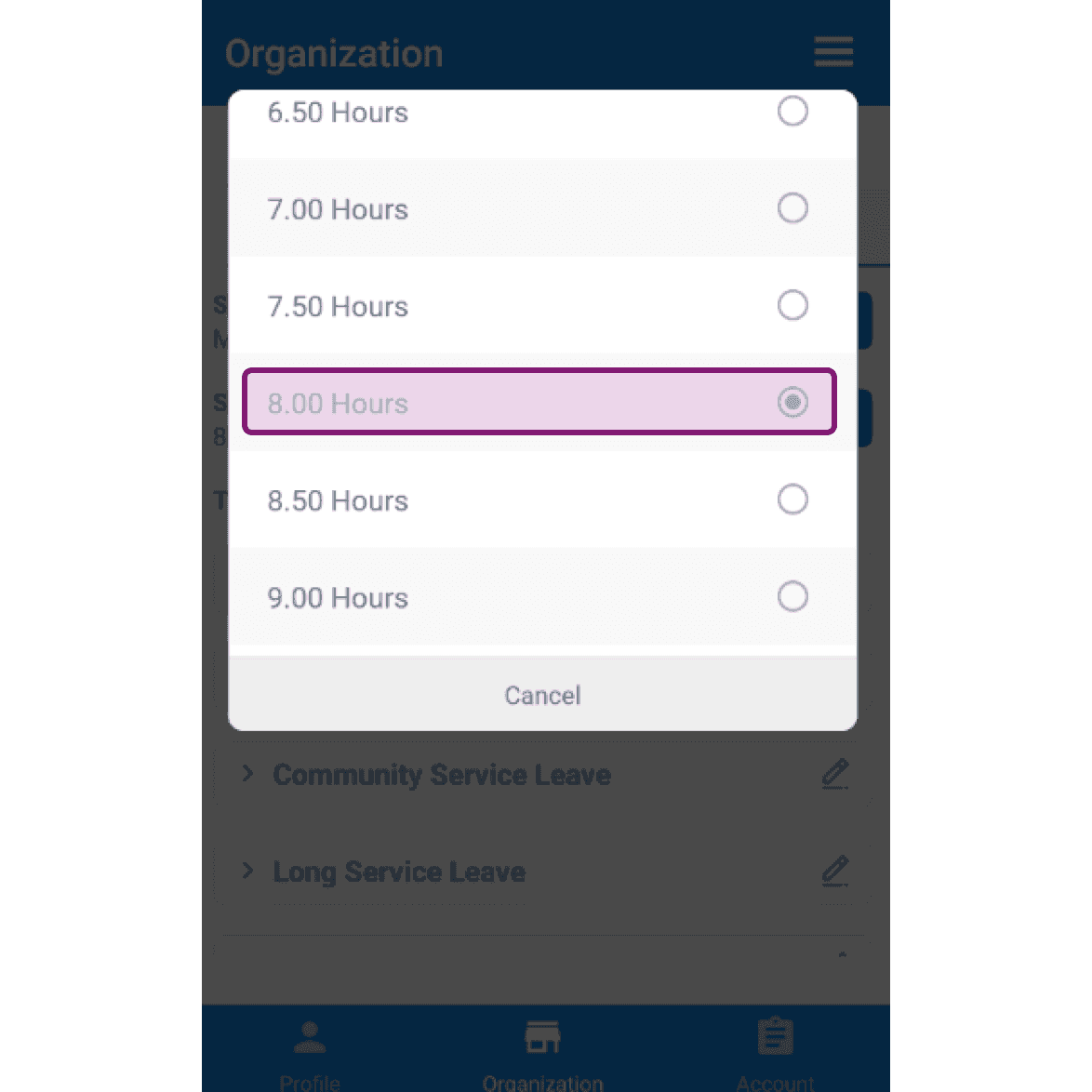
SINC mobile app Standard Working Hours dropdown with the 8.00 Hours option highlighted in pink

En Categorías de ausencias encontrarás una lista de categorías de ausencias predefinidas.
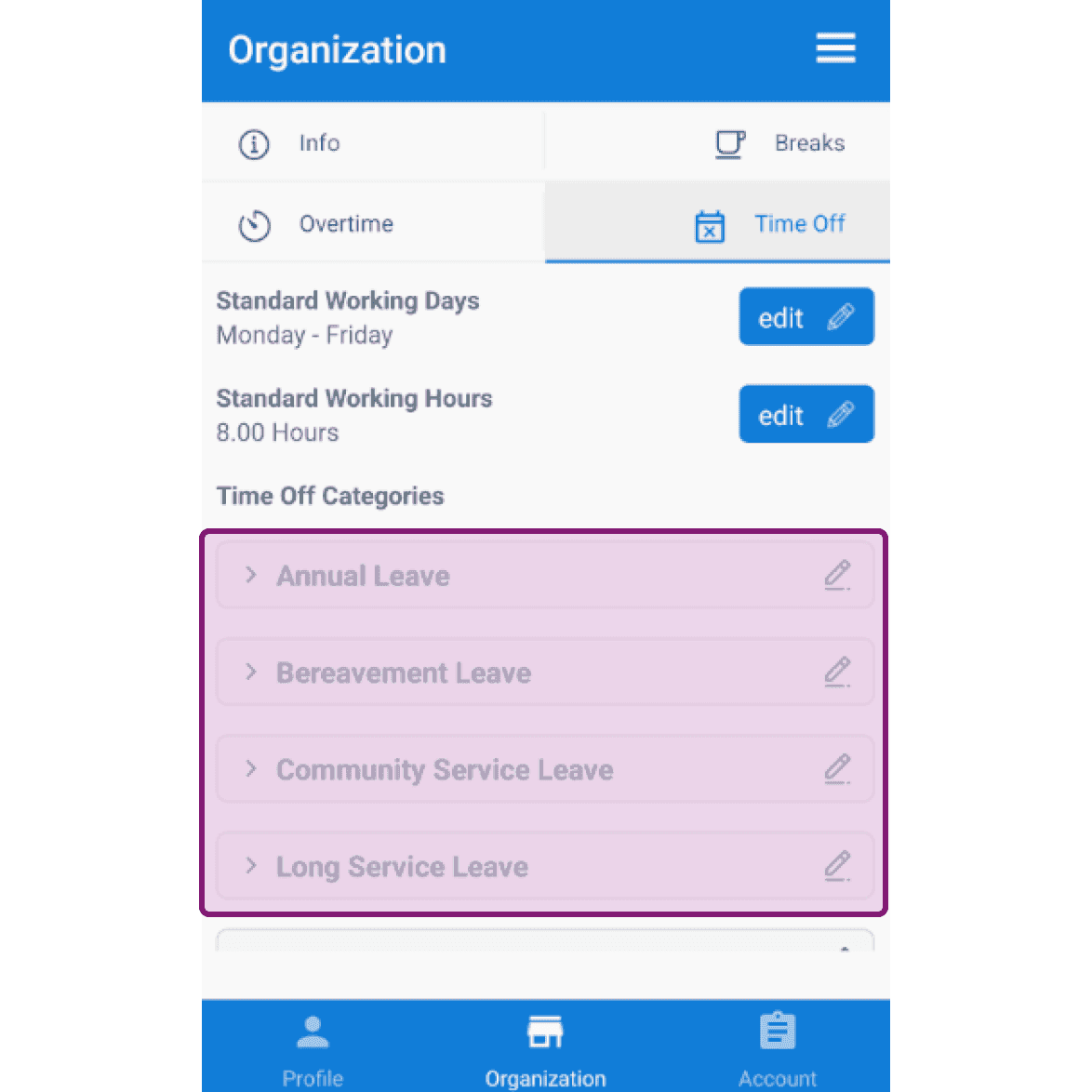
Organization Time Off settings screen with the Time Off Categories list outlined in purple

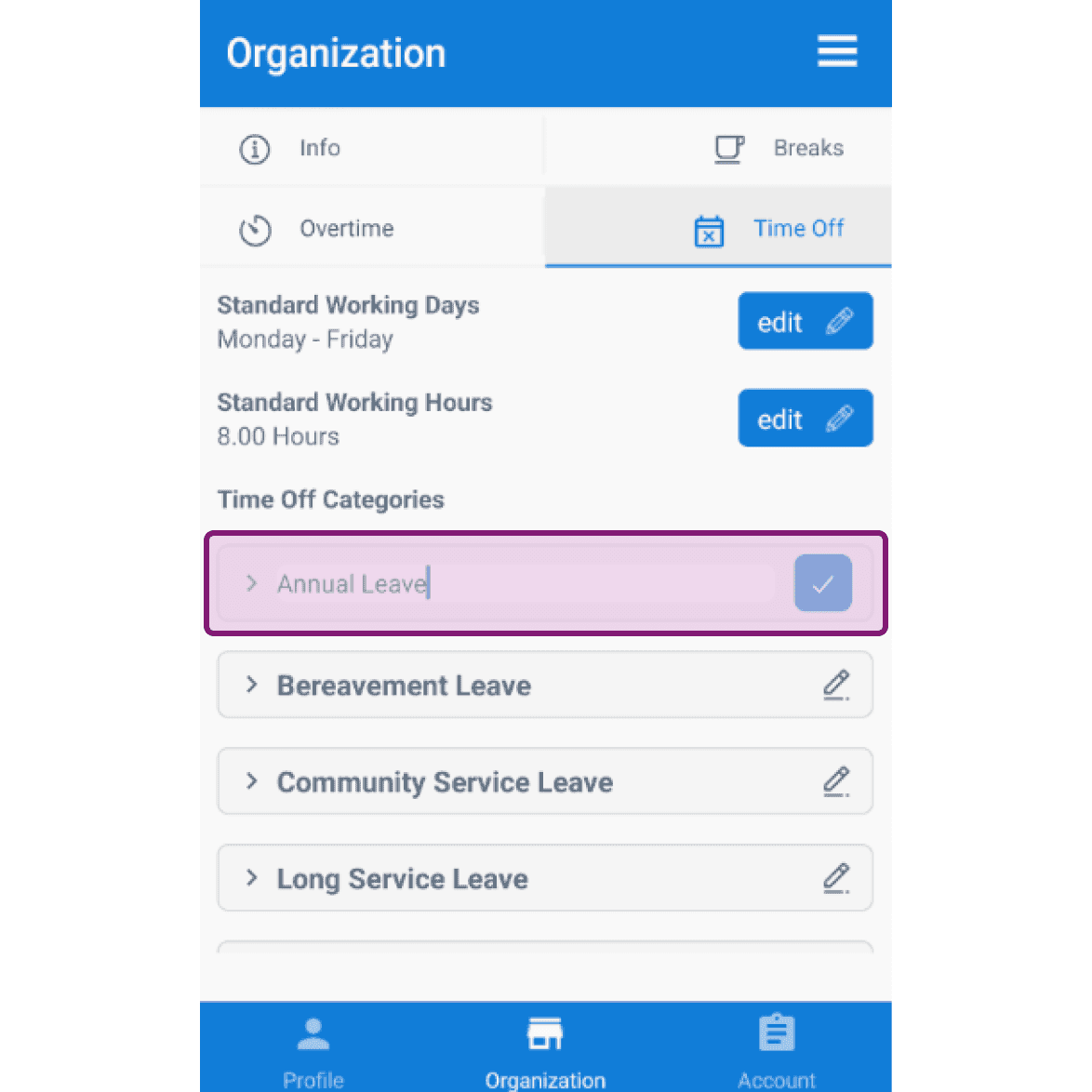
Haz clic en el icono del lápiz para editar el nombre de una categoría de permisos.
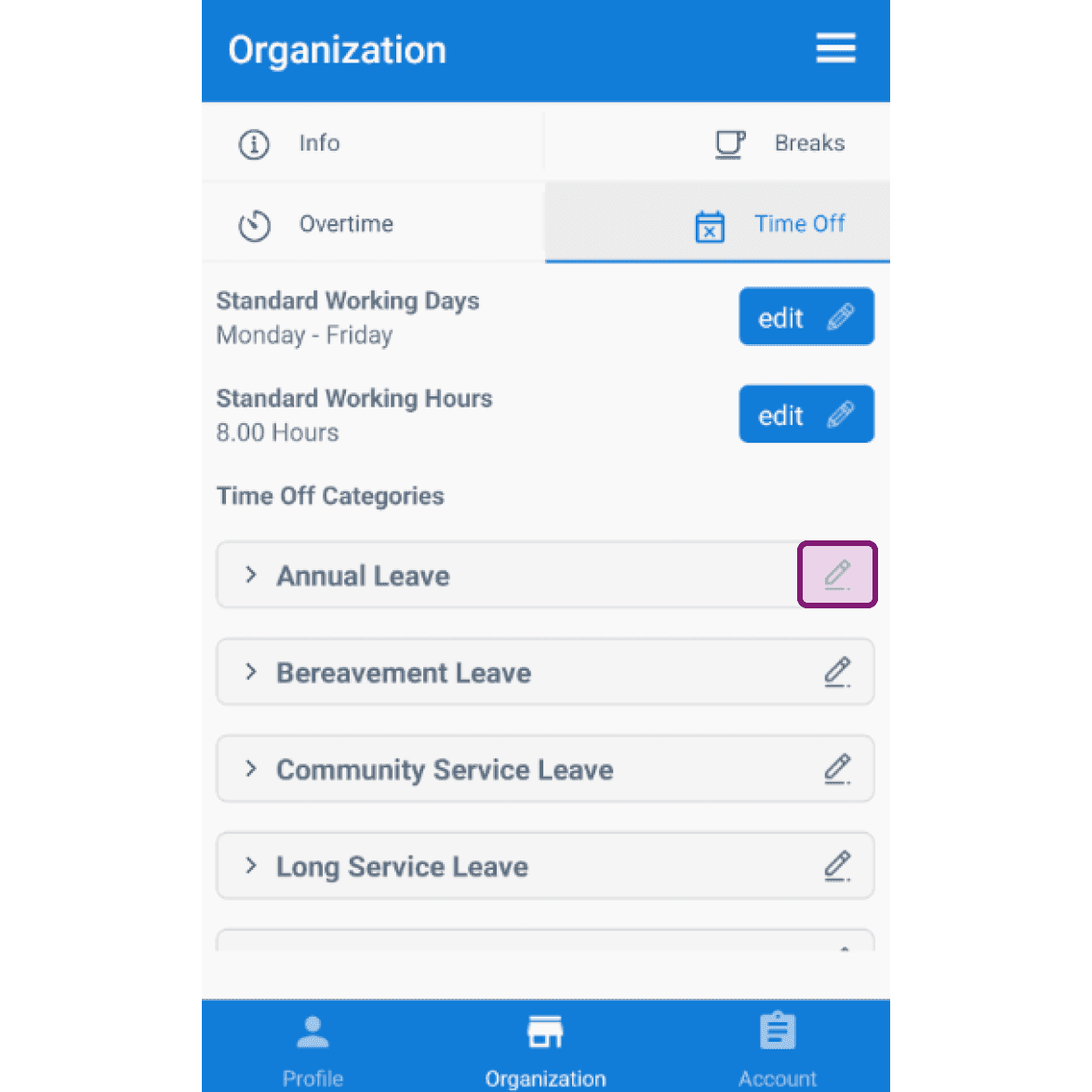
Organization Time Off screen listing leave categories with the Annual Leave edit pencil icon highlighted
SINC mobile Organization Time Off screen with the Annual Leave category highlighted for editing

Haz clic en la flecha para abrir la categoría de ausencias que quieres editar.
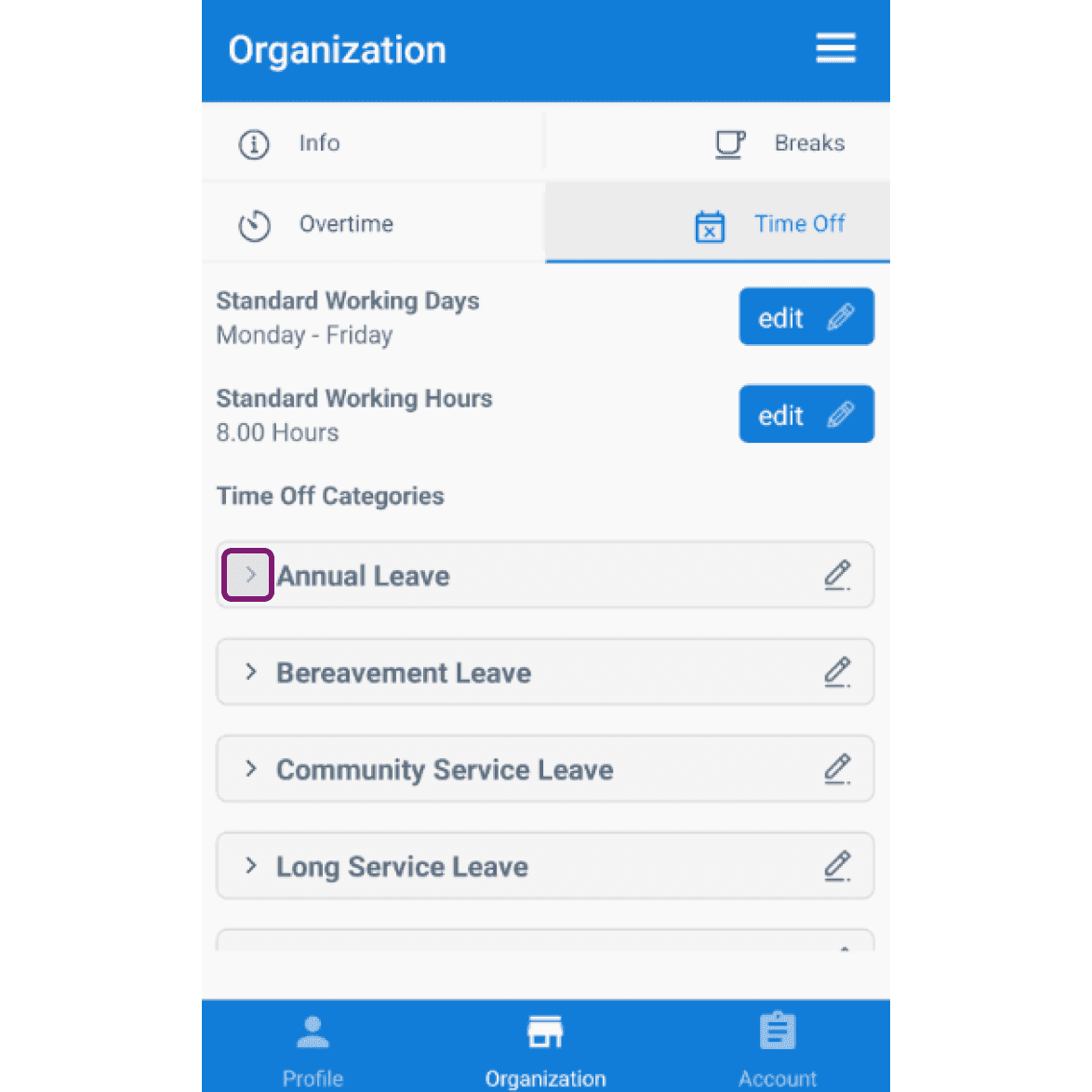
Mobile app Organization Time Off tab with the Annual Leave category row outlined in pink

Activa o desactiva el interruptor de pago según lo desees.
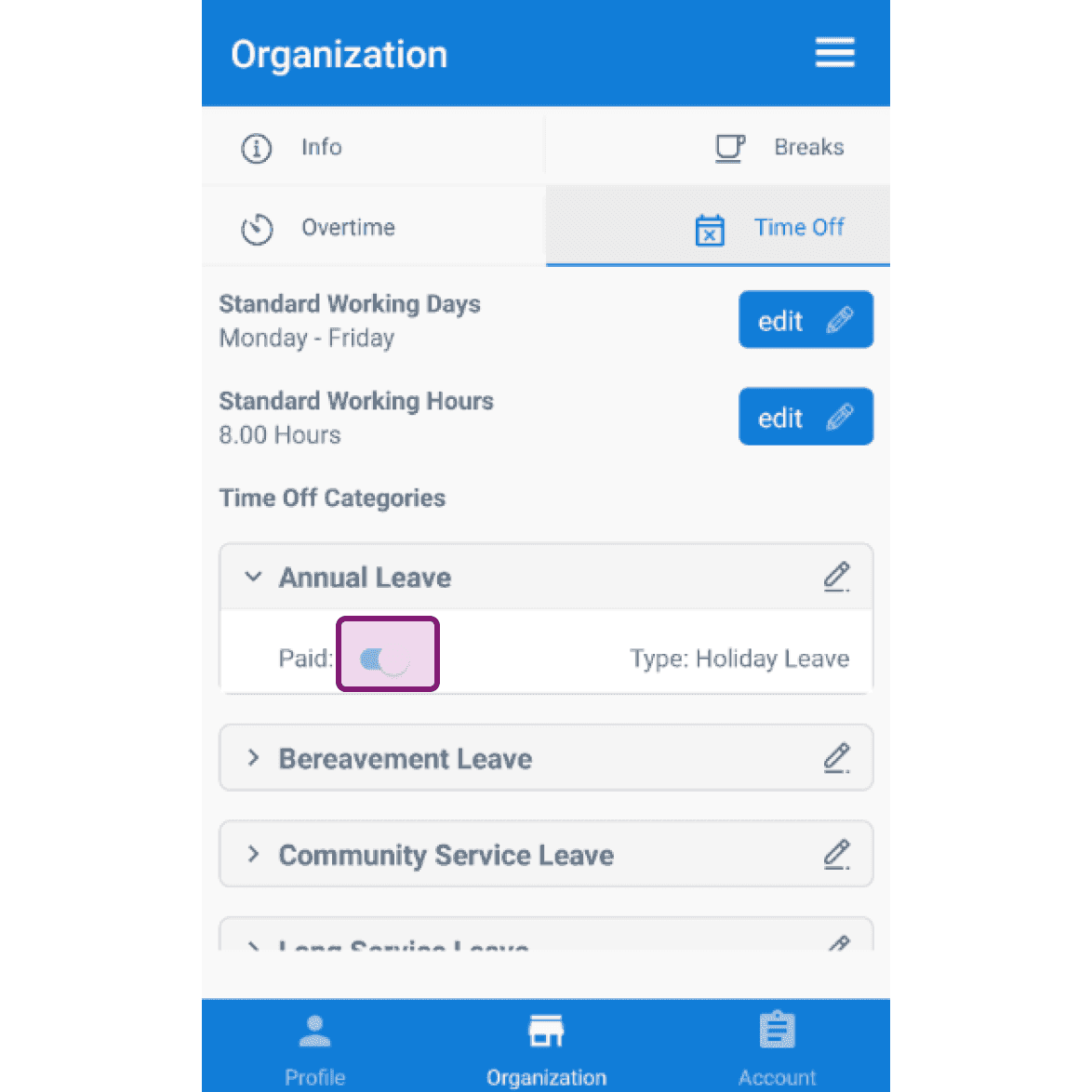
SINC mobile Organization Time Off tab with the Annual Leave paid toggle outlined in pink

¿Esto respondió tu pregunta?