
Weitere Anmeldemethoden zu Ihrem Konto hinzufügen
In diesem Tutorial zeigen wir Ihnen, wie Sie Ihrem Konto zusätzliche Anmeldemethoden hinzufügen können.

Sam Dolbel
May 24th, 2019
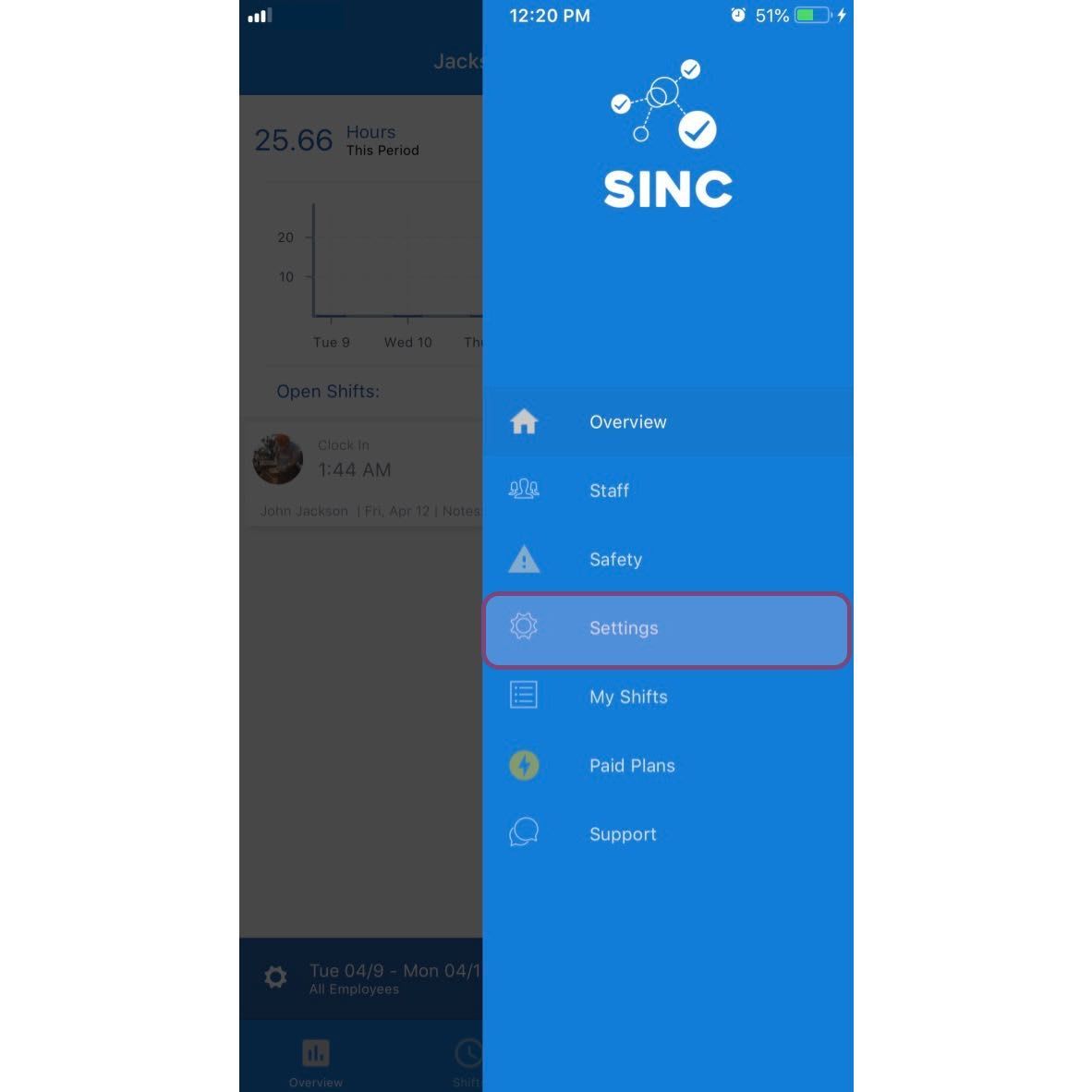
Tippe auf Menü Einstellungen
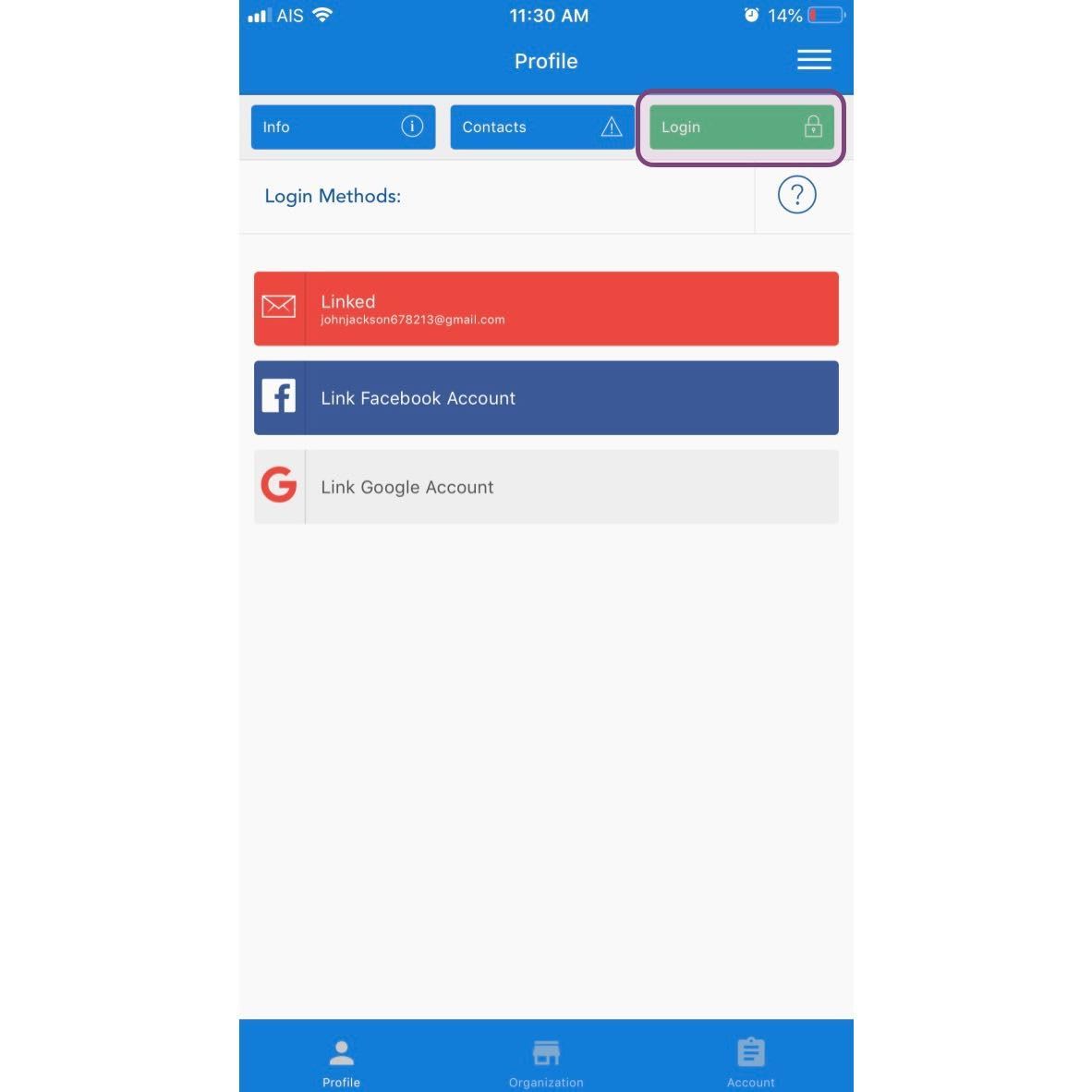
Tippe auf Anmelden
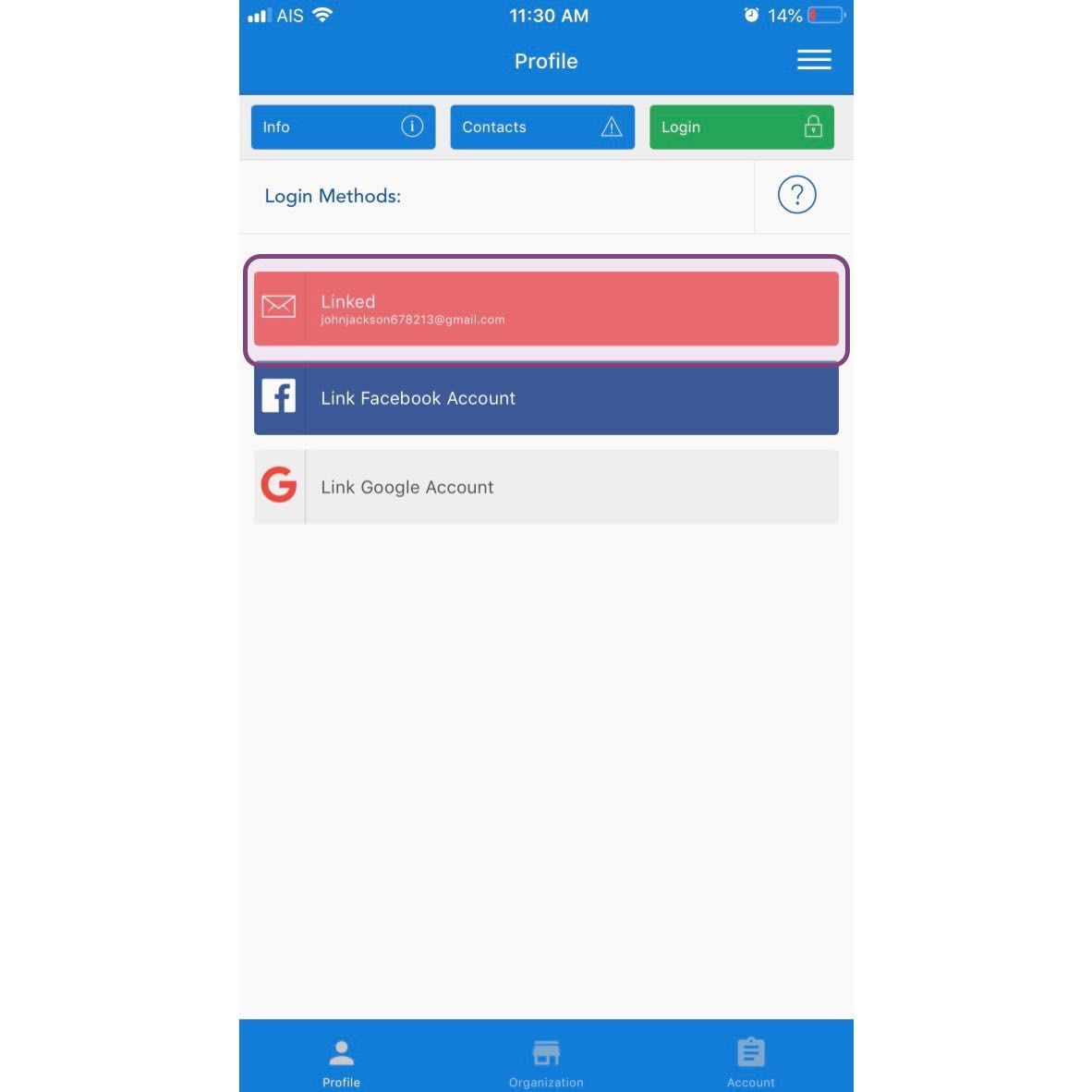
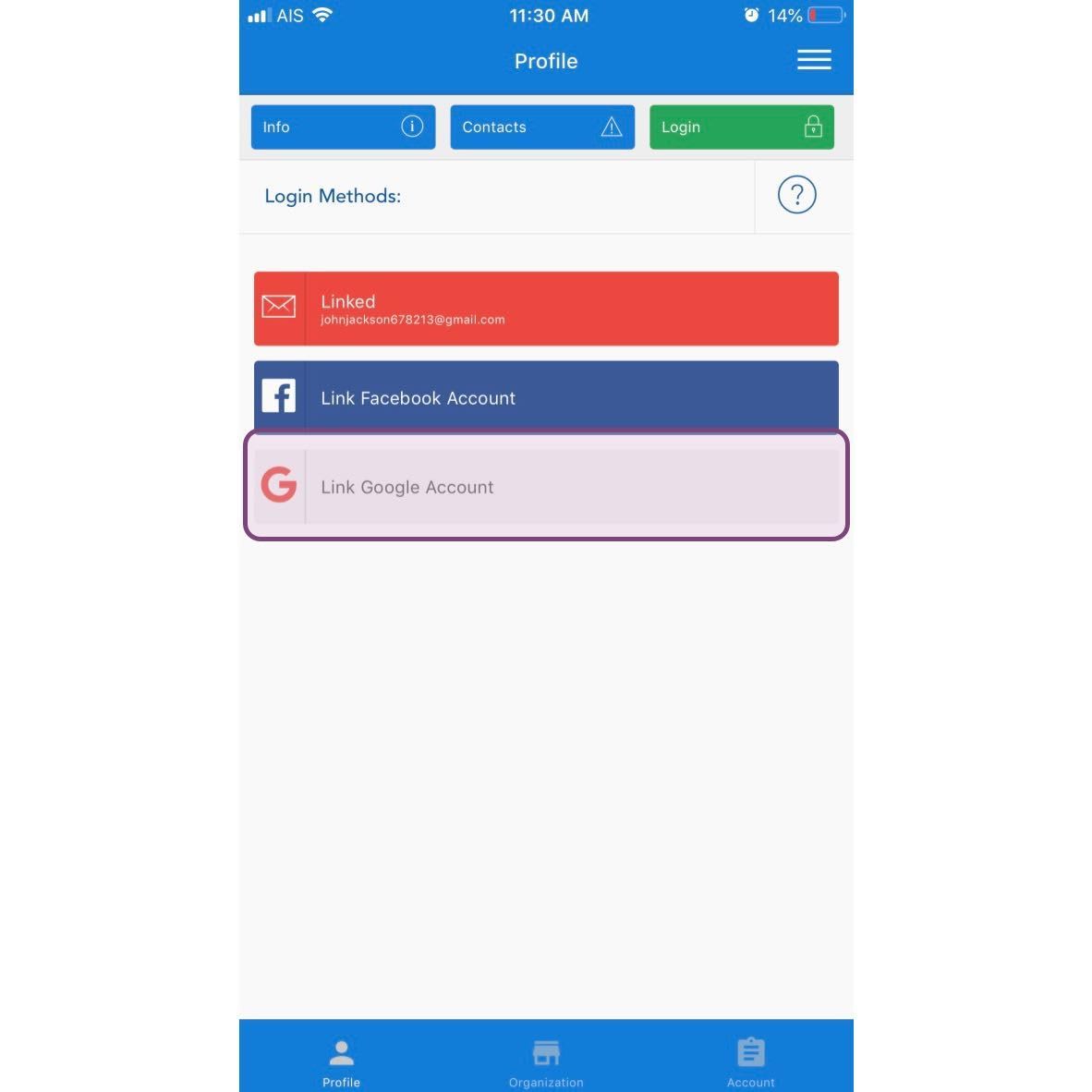
Du kannst drei verschiedene Kontotypen zu deinem SINC-Konto hinzufügen. Eine dieser Optionen ist bereits hinzugefügt. Wir empfehlen, mindestens eine weitere hinzuzufügen. Um eine E-Mail-Adresse und ein Passwort hinzuzufügen, tippe auf E-Mail-Konto verknüpfen
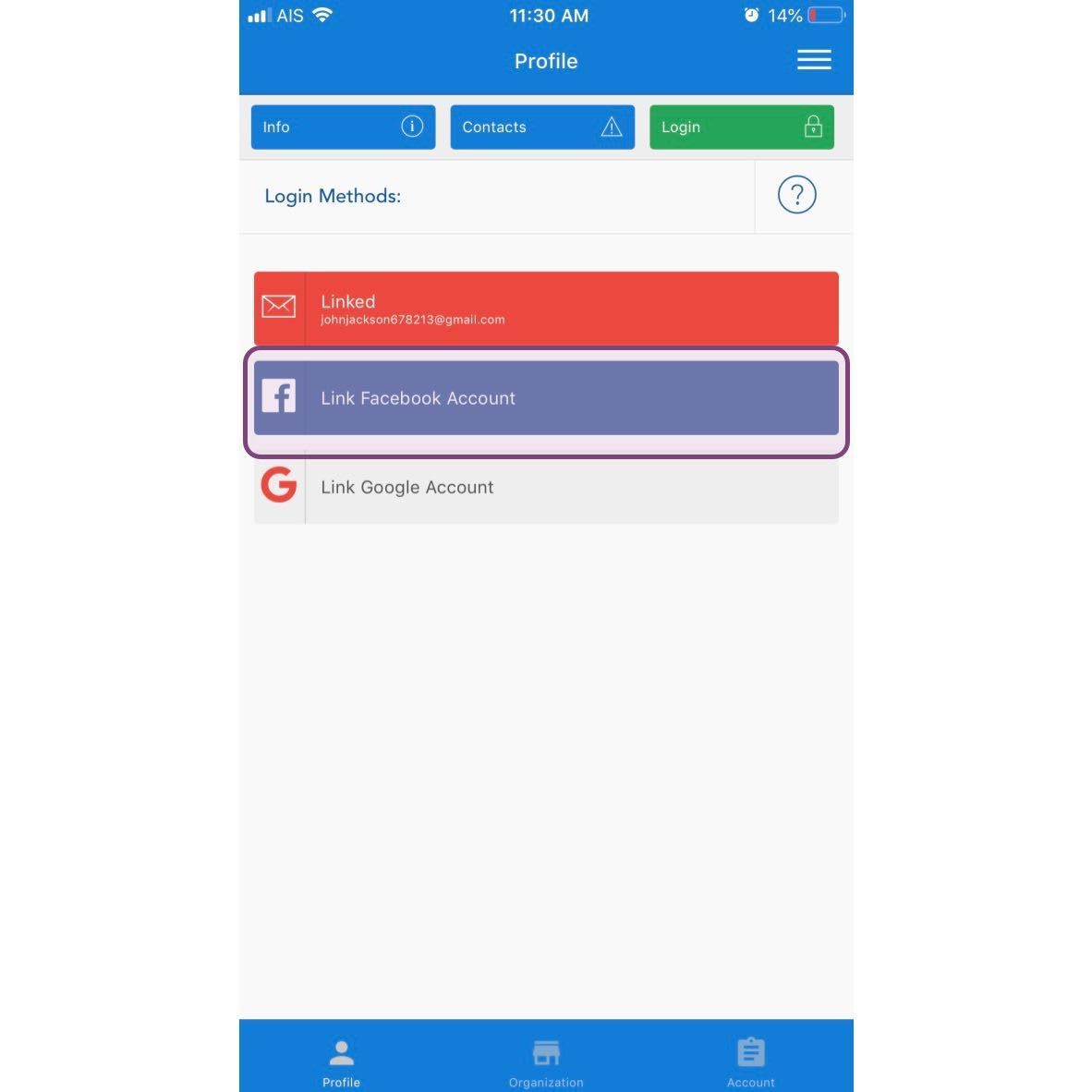
Um ein Facebook-Konto hinzuzufügen, tippe auf Facebook-Konto verknüpfen
Um ein Google-Konto hinzuzufügen, tippen Sie auf Google-Konto verknüpfen
Hat das Ihre Frage beantwortet?