
Antrag auf Löschung einer Abwesenheit

In dieser Anleitung zeigen wir Ihnen, wie Sie als Mitarbeiter die Löschung einer Abwesenheit beantragen.

SINC Support Team
SINC Support Team
Jul 14th, 2022

Auf dem Smartphone: Tippe auf Menü Meine Abwesenheiten
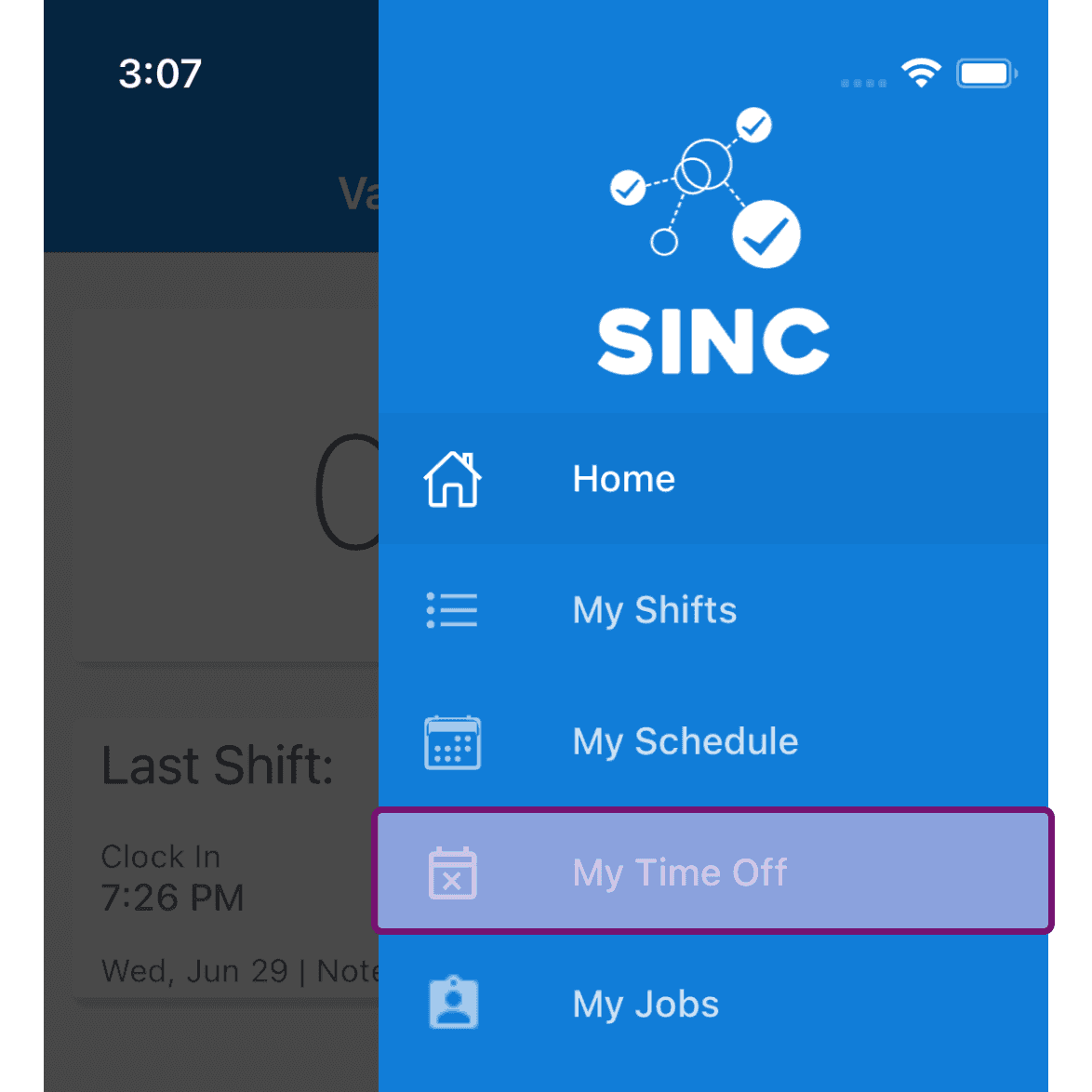
SINC mobile navigation menu with the My Time Off option circled in pink

Tippen Sie in der Frage auf „ Abwesenheit“.
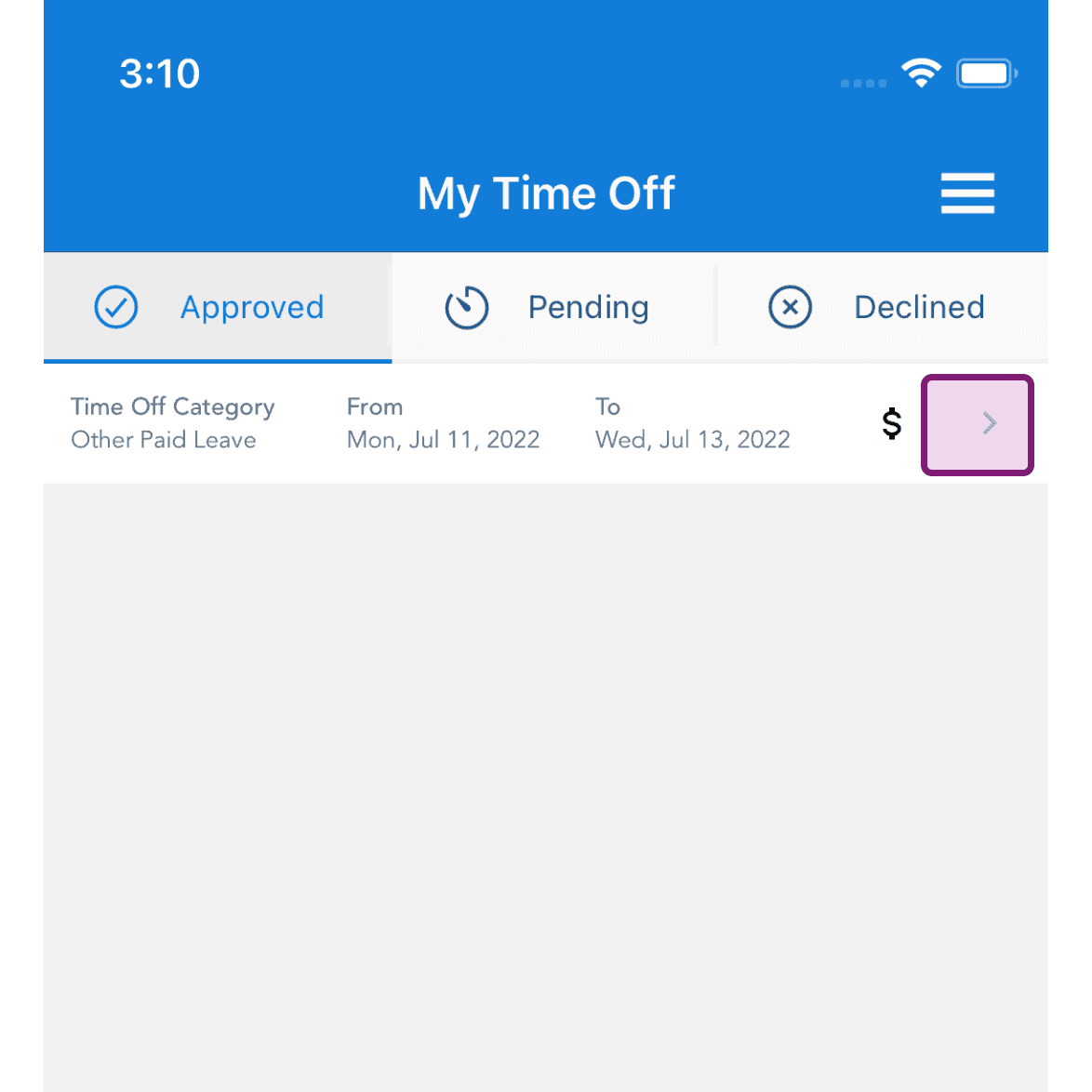
My Time Off screen Approved tab with an Other Paid Leave entry's arrow highlighted

Tippe auf die Schaltfläche mit dem Symbol Löschen.
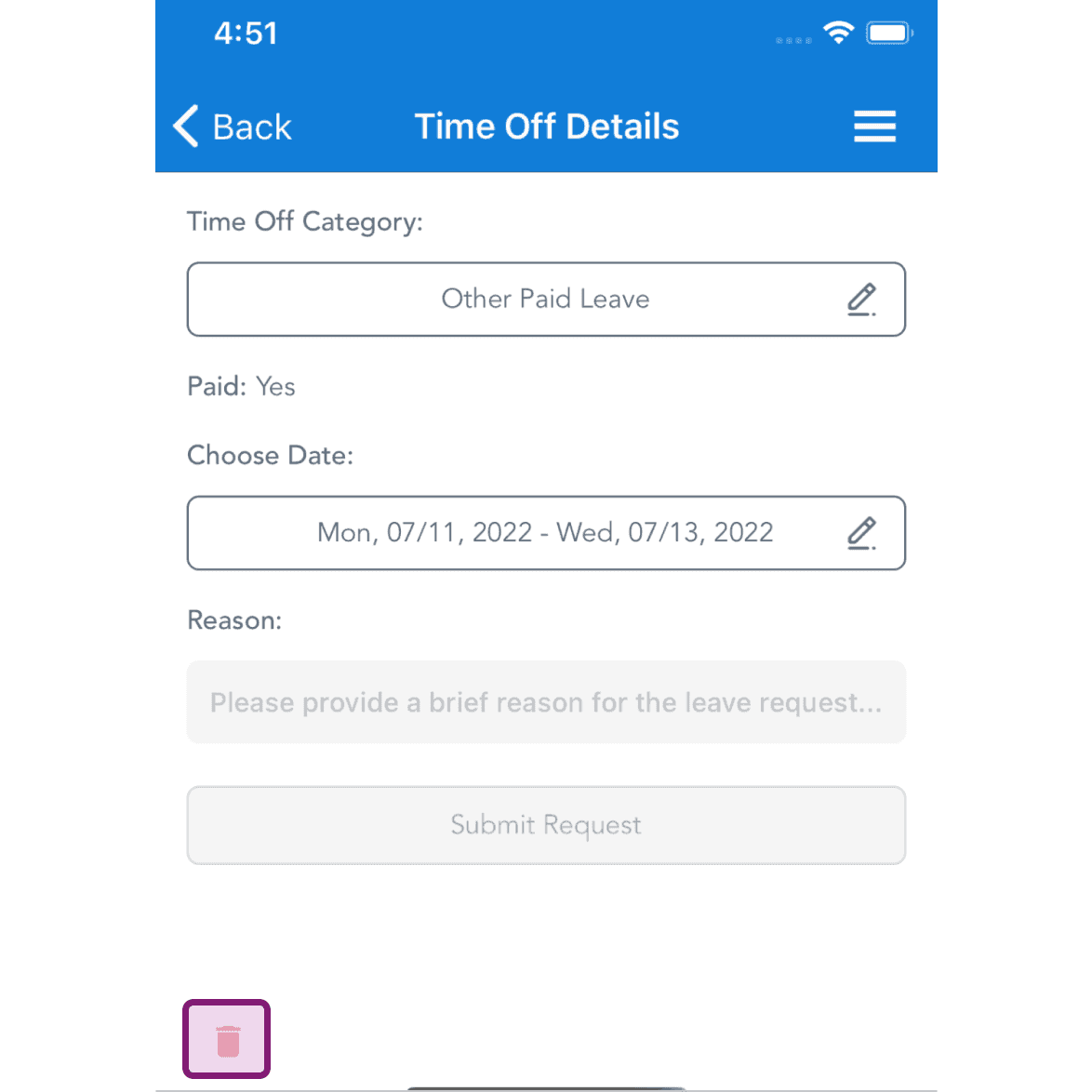
Mobile Time Off Details screen with the delete trash icon outlined in purple at the bottom

Geben Sie den Grund ein und tippen Sie auf Bestätigen.
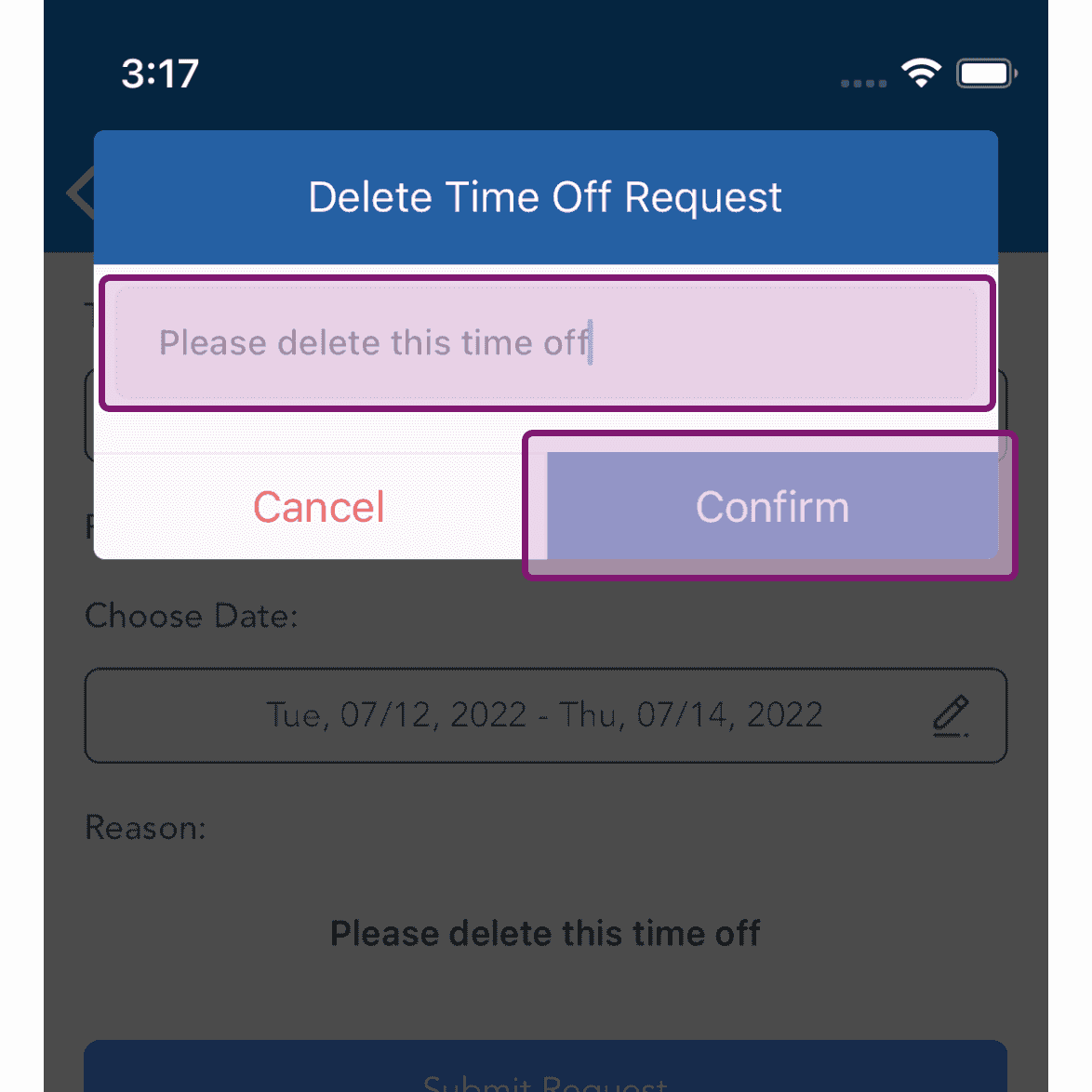
SINC mobile Delete Time Off Request popup with the reason field and Confirm button outlined

Im Web: Klicke auf Menü Meine Abwesenheiten
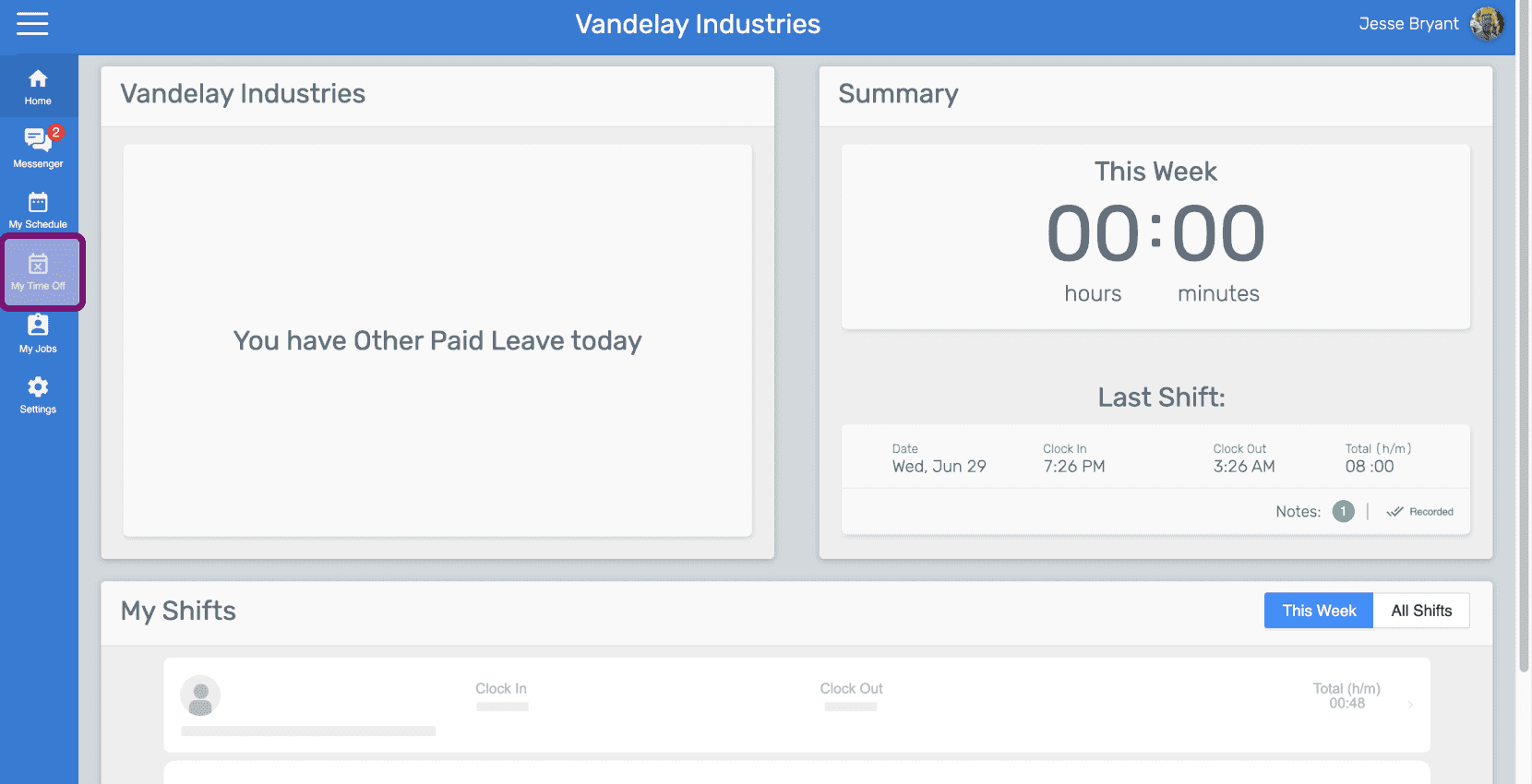
SINC web employee dashboard with the My Time Off icon outlined in purple in the side menu

Klicken Sie bei der betreffenden Abwesenheit auf Löschen.
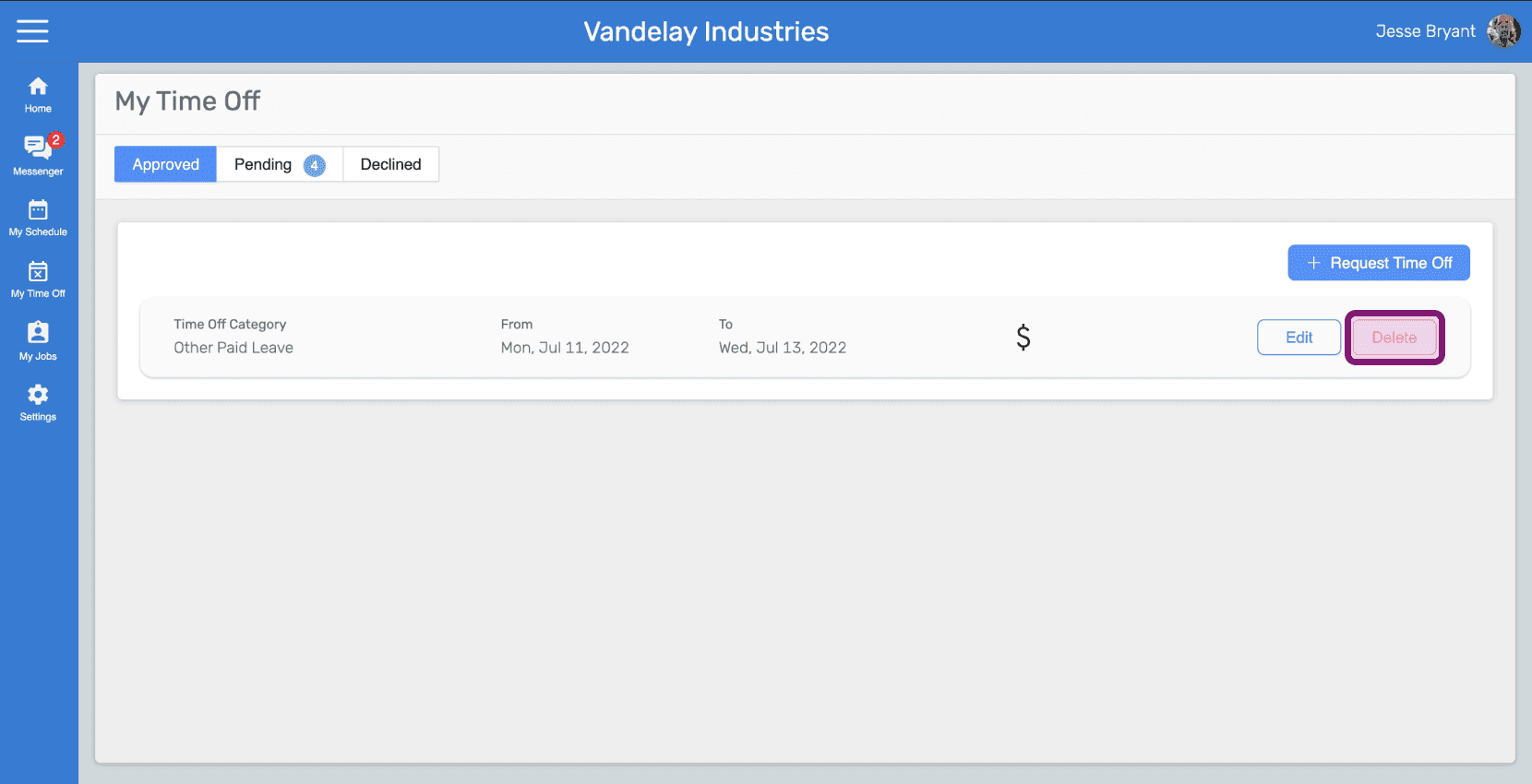
My Time Off Approved tab listing a time off entry with the Delete button outlined

Geben Sie den Grund ein und klicken Sie auf Löschung beantragen.
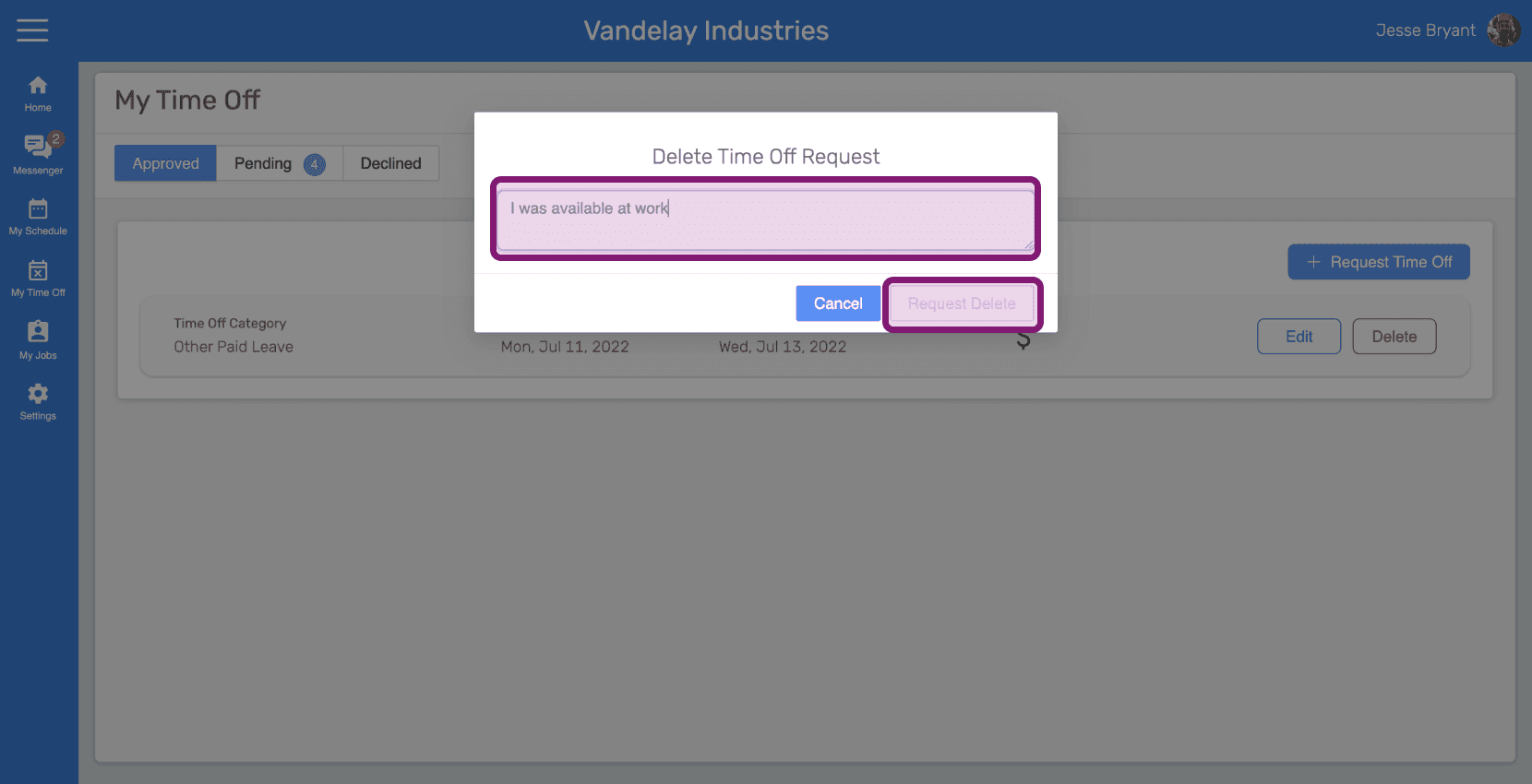
SINC web Delete Time Off Request popup with the reason text field outlined in pink next to the Request Delete button

Hat das Ihre Frage beantwortet?