
Mein Mitarbeiter hat seine Einladung nicht erhalten
Manchmal erhält ein Mitarbeiter seine Einladung nicht. Das ist in diesem Fall zu tun

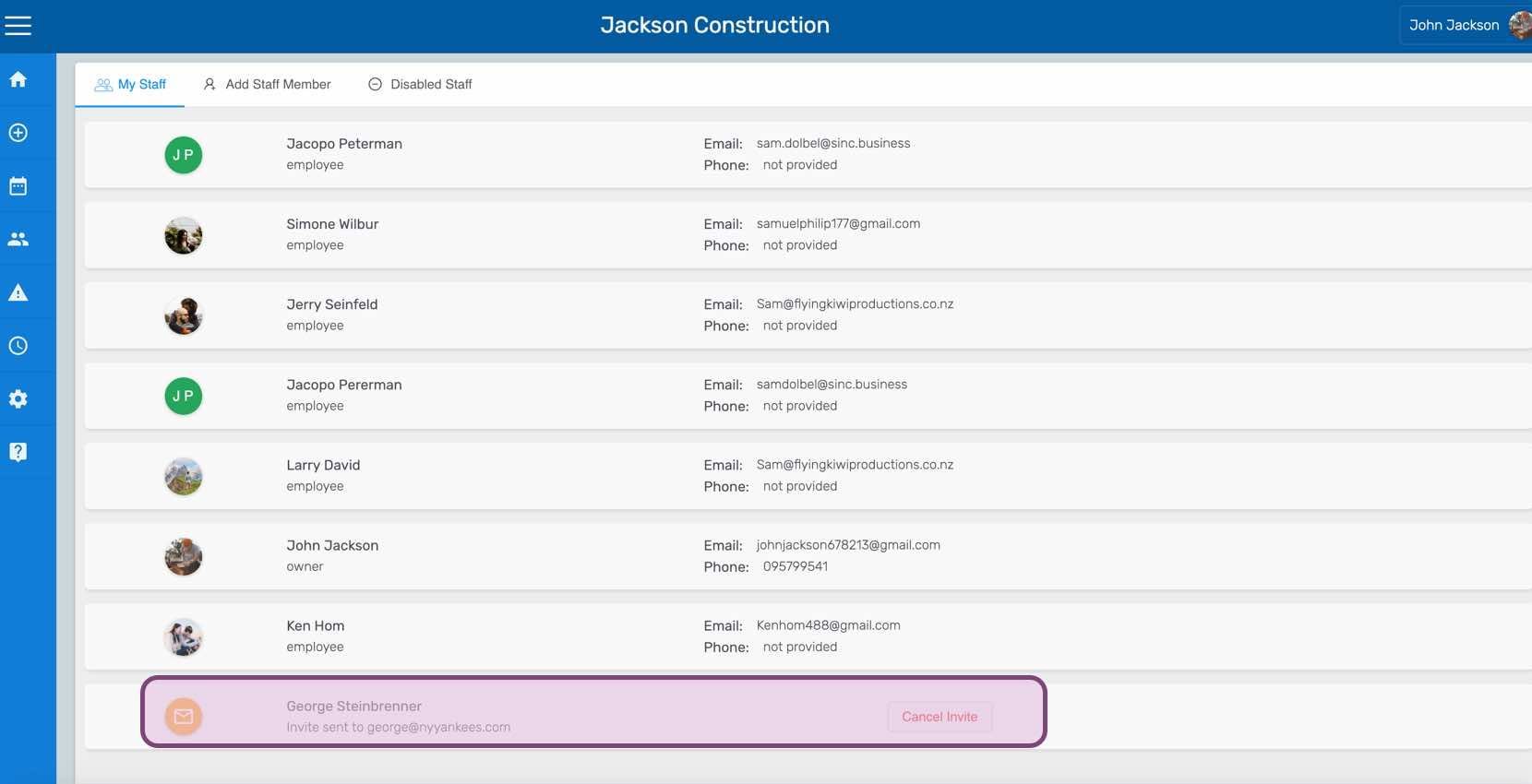
Als Erstes solltest du prüfen, ob für diesen Mitarbeiter eine ausstehende Einladung vorliegt. Überprüfe, ob die E-Mail-Adresse oder Telefonnummer korrekt ist. Falls sich ein Tippfehler eingeschlichen hat, storniere die Einladung und sende sie erneut. Auf dem Mobilgerät: Wähle deinen Mitarbeiter aus.
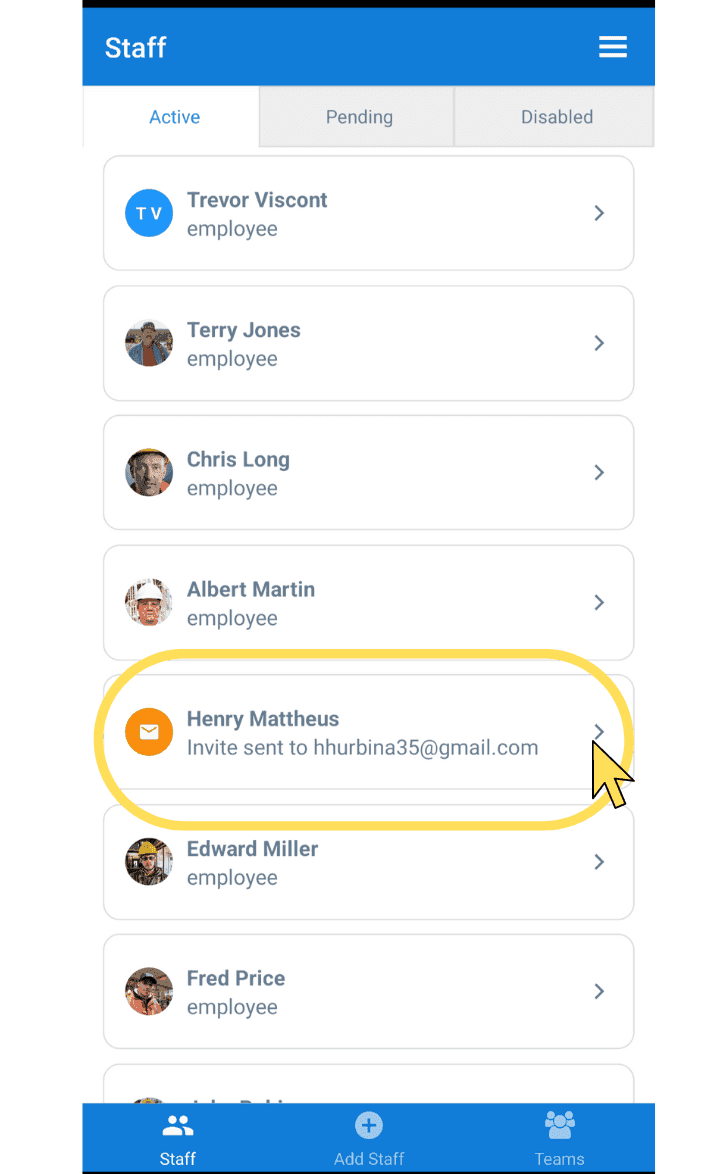
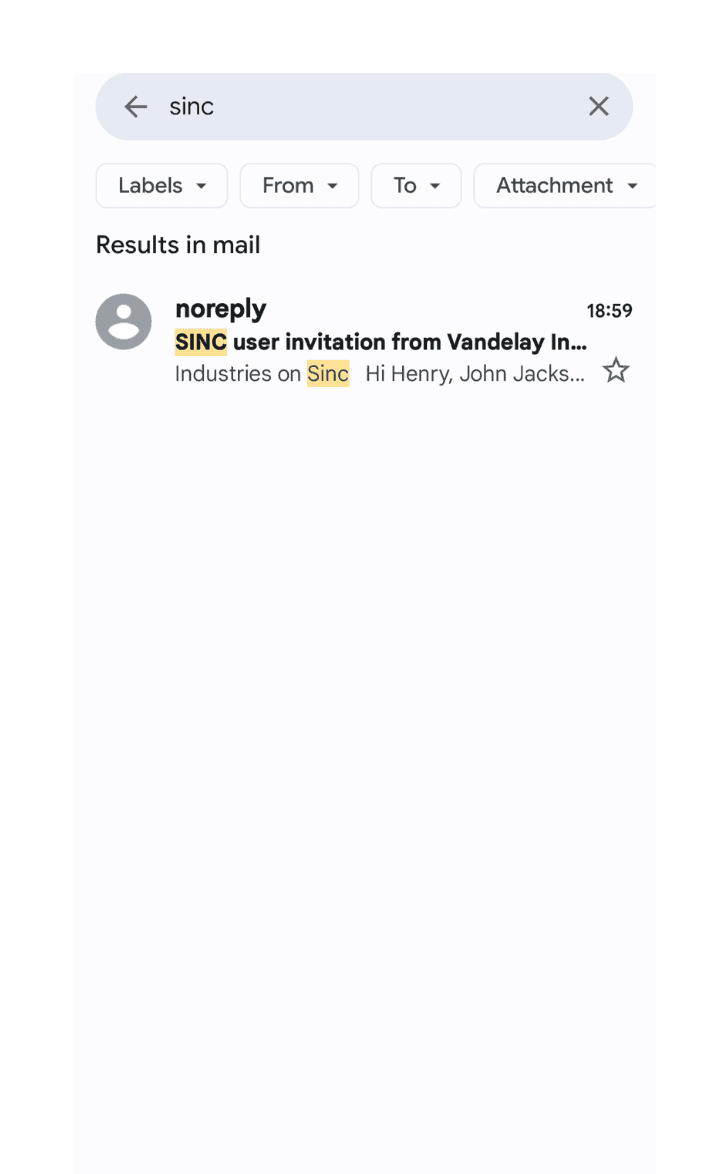
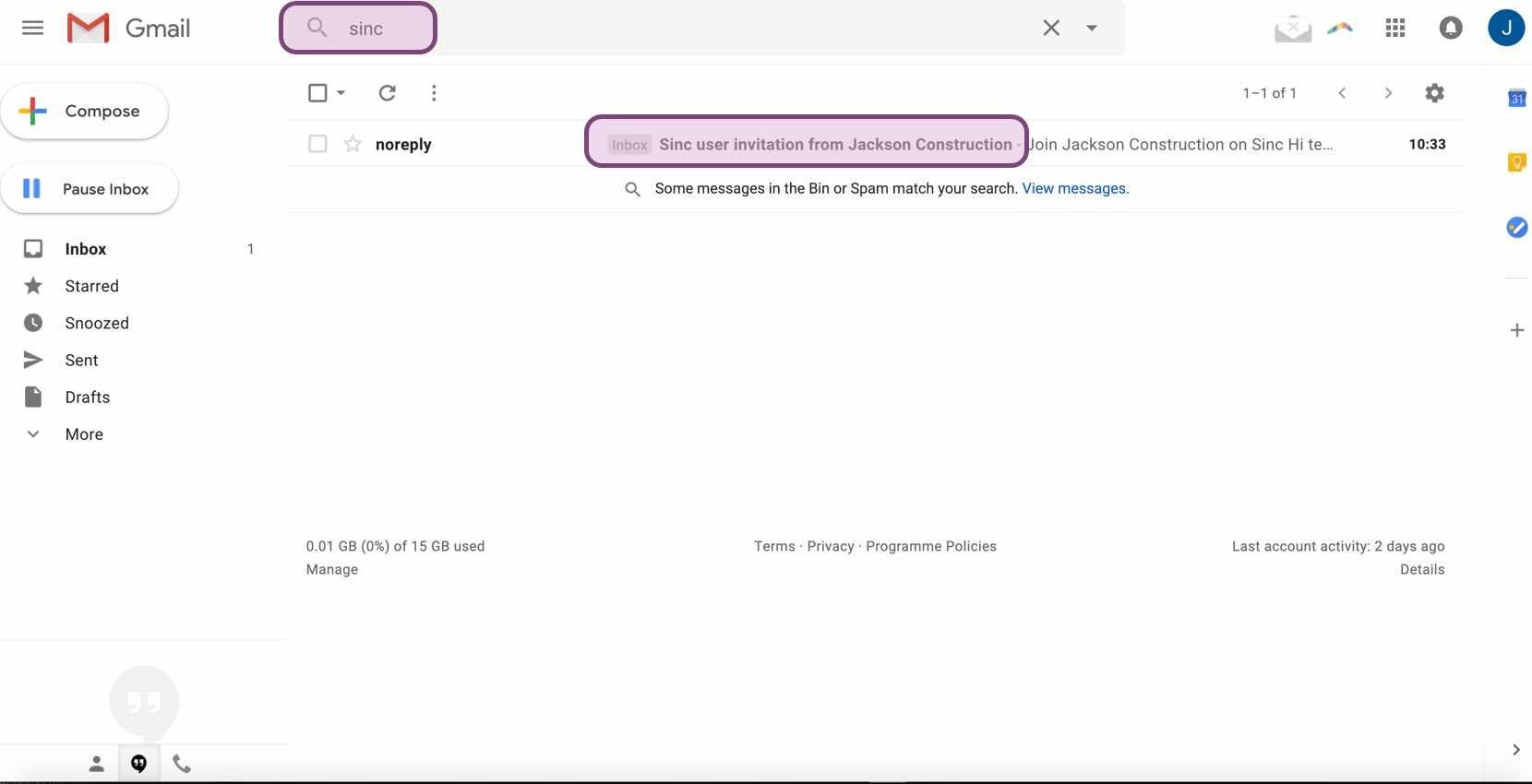
Wenn Sie die Einladung per E-Mail versendet haben, bitten Sie den Mitarbeiter, in seinem Postfach nach SINC zu suchen. So lässt sich die fehlende Einladung häufig finden.
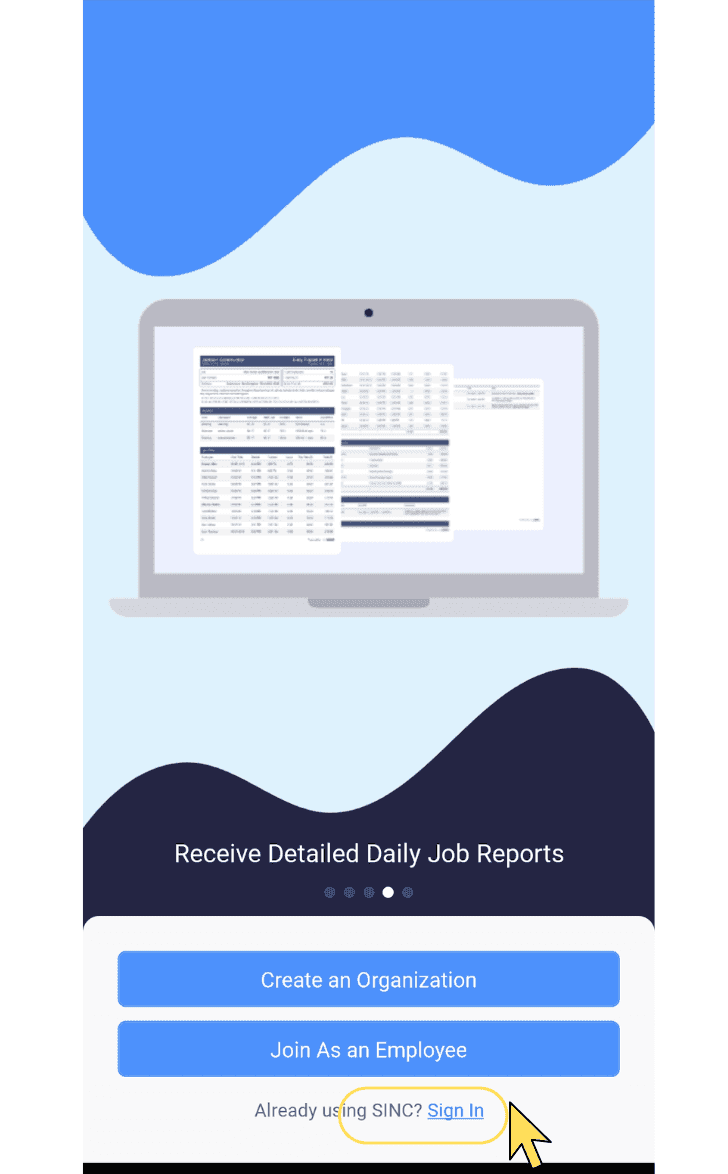
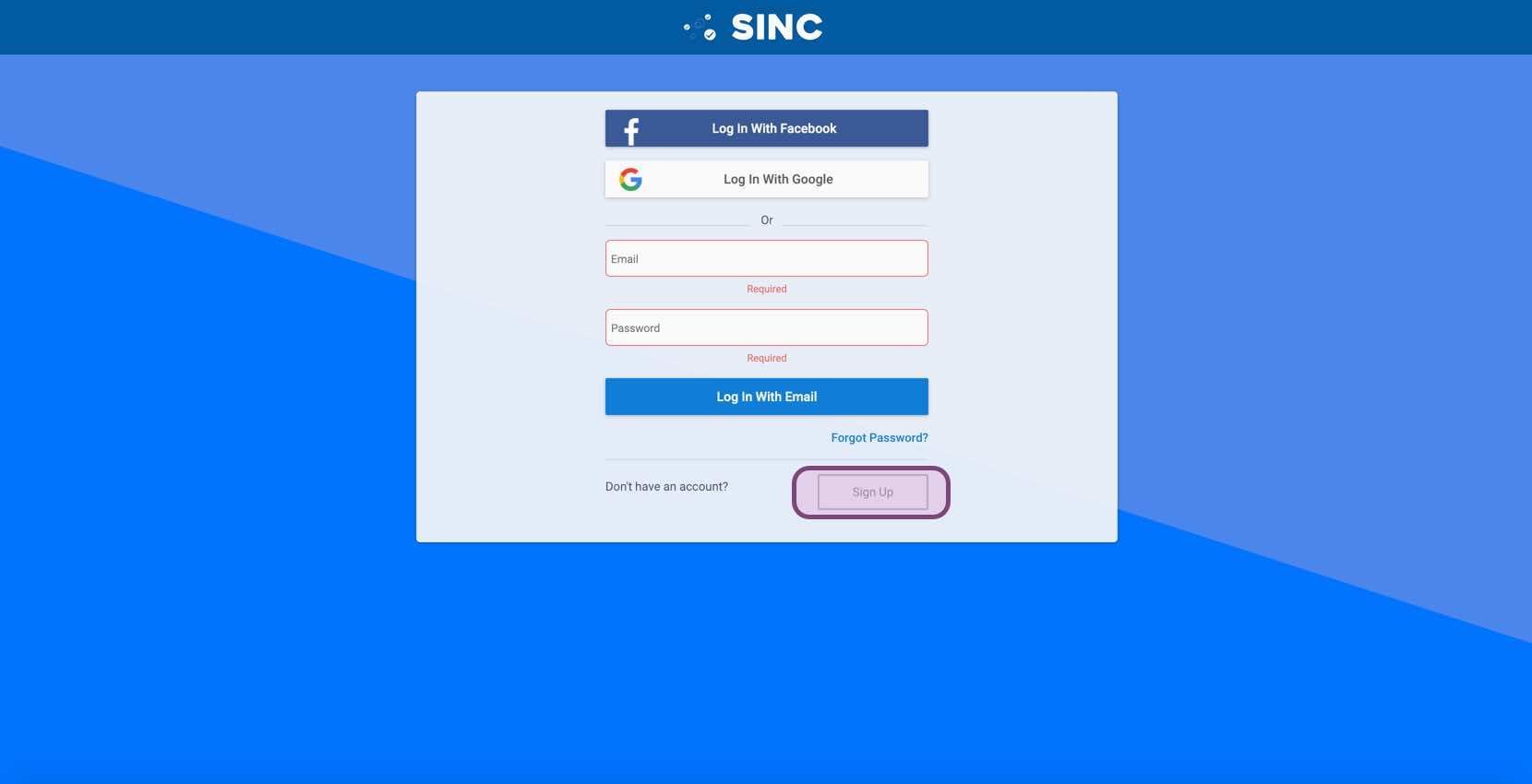
Wenn keine der oben genannten Optionen funktioniert, soll der Mitarbeiter sinc time clock aus dem App Store oder Play Store herunterladen und auf Registrieren tippen.
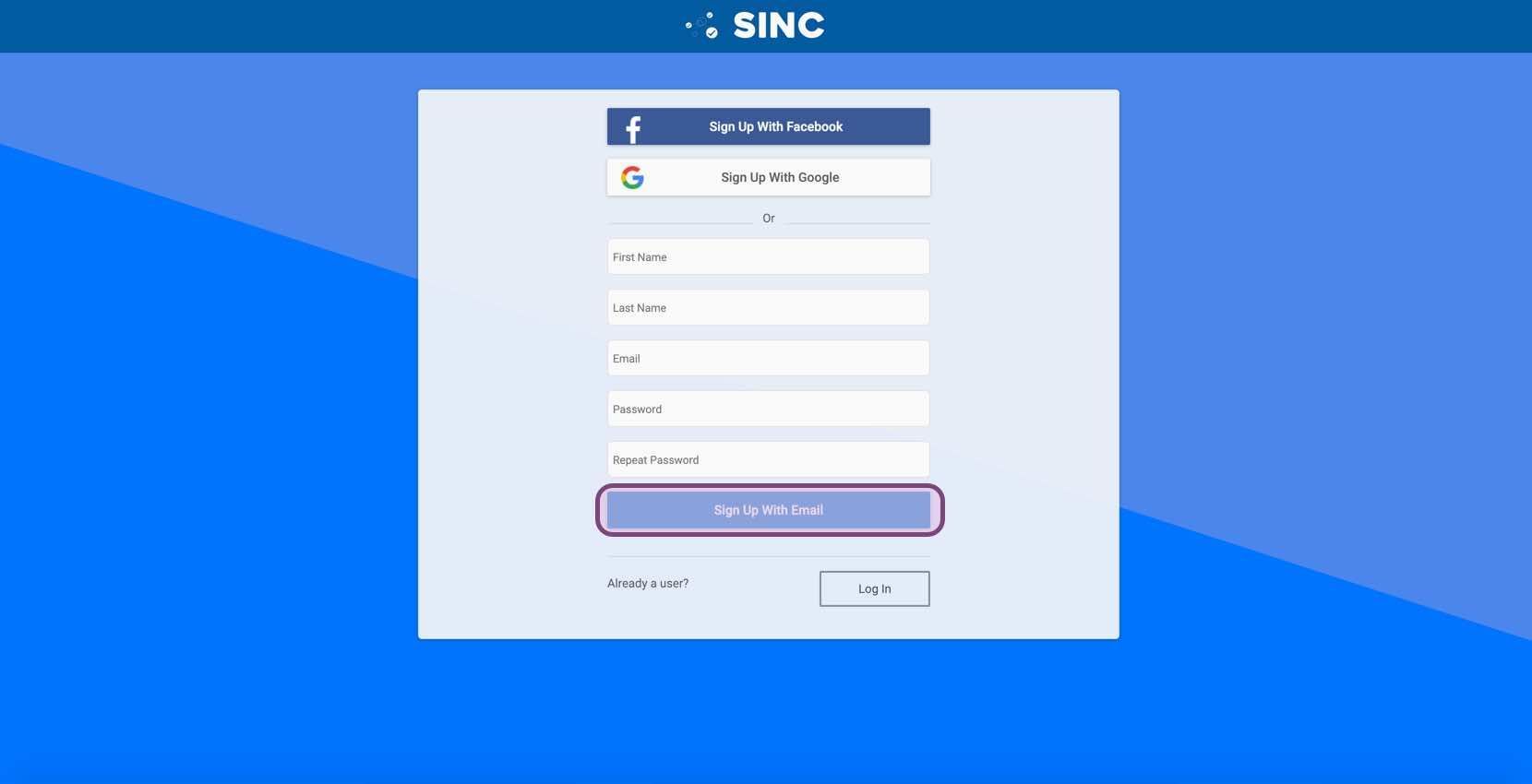
Fülle das Anmeldeformular aus und notiere dir unbedingt die E-Mail-Adresse und das Passwort.
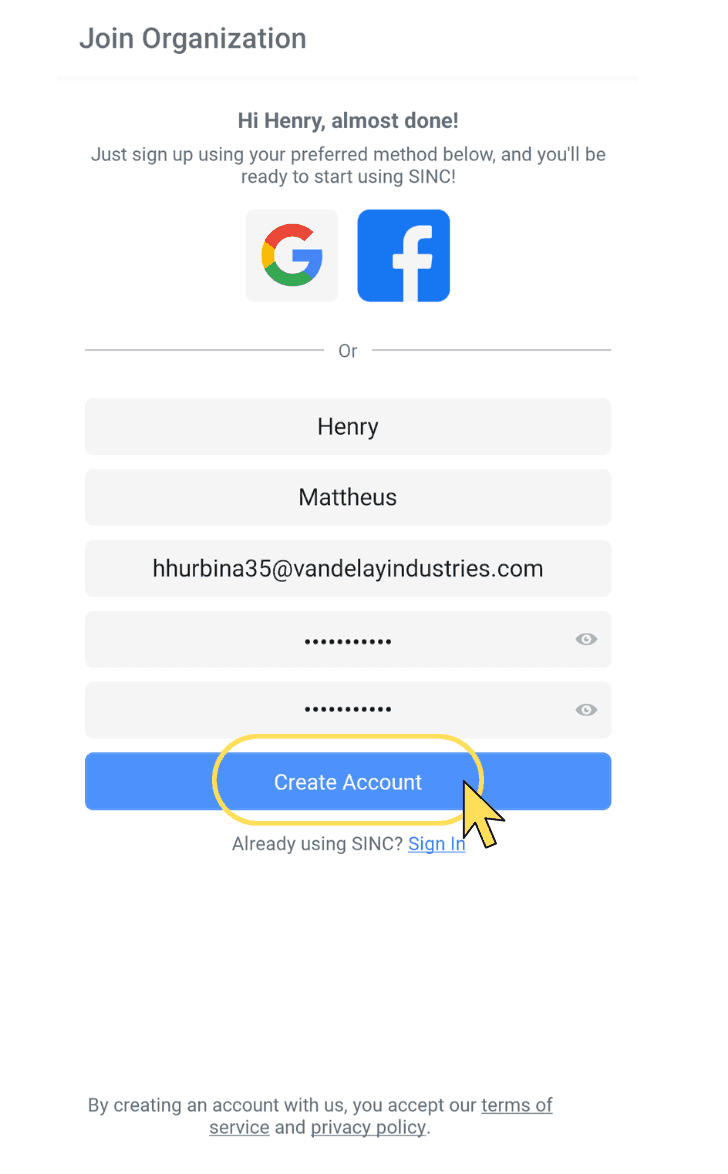
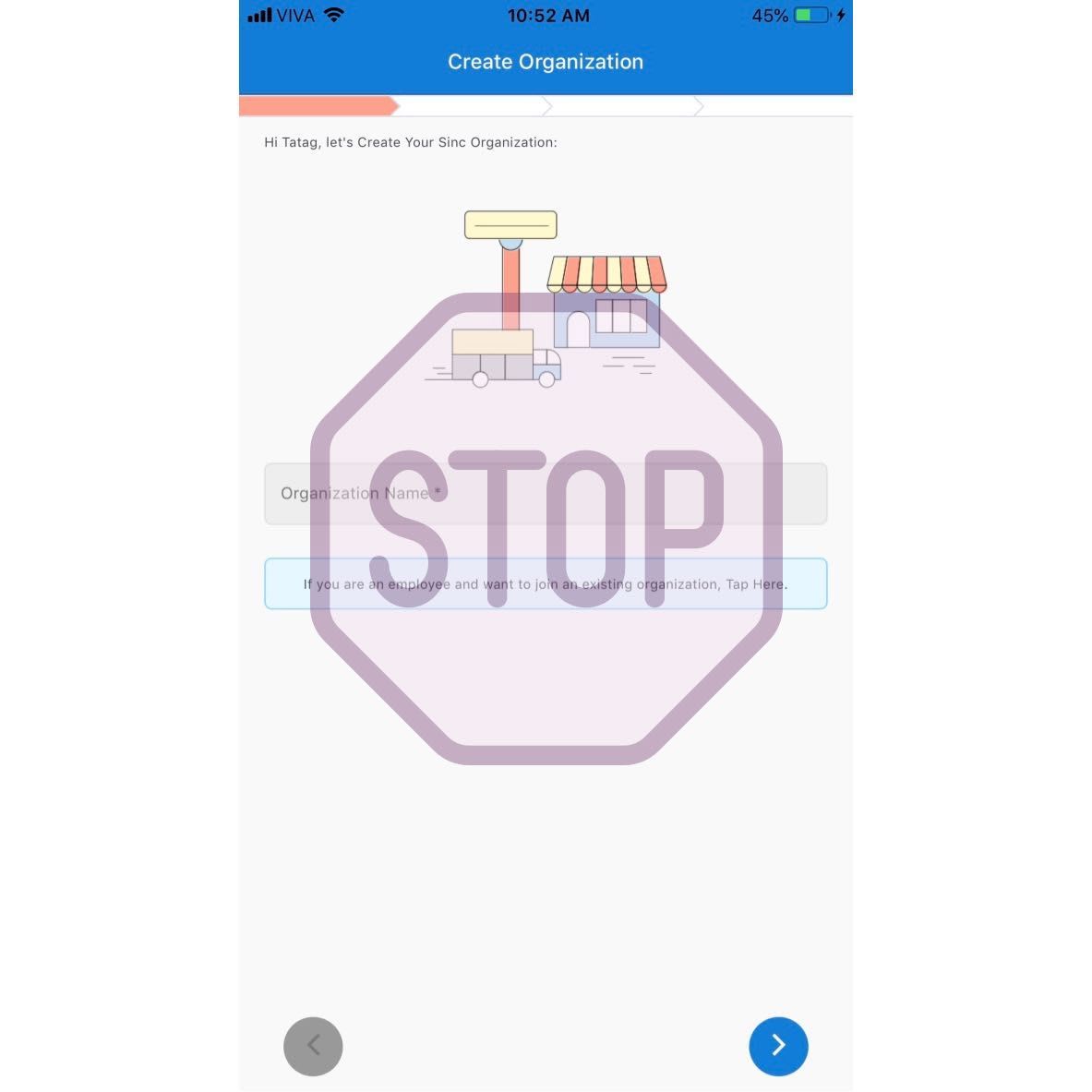
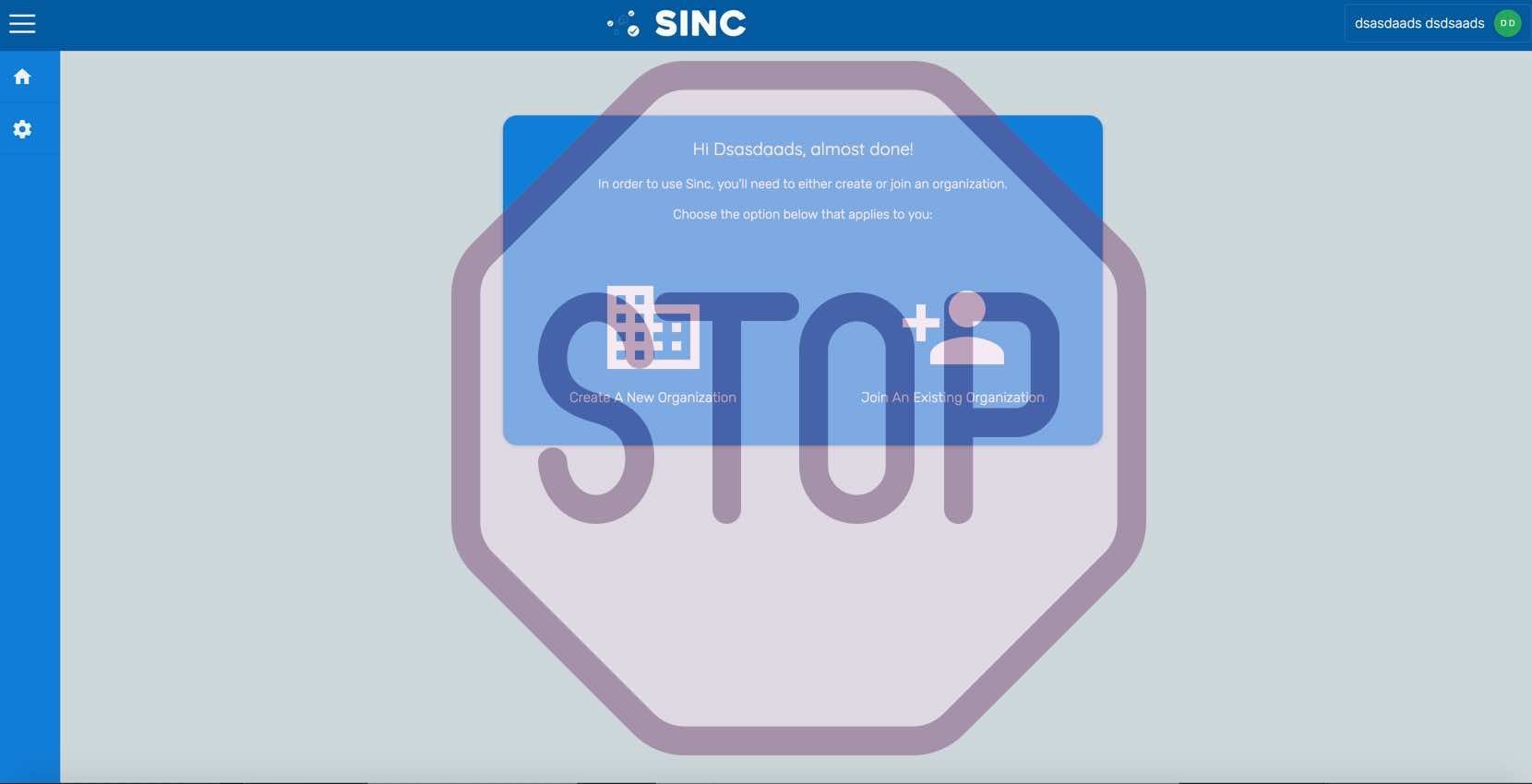
Wenn Sie zu diesem Bildschirm gelangen, STOPP. Senden Sie eine E-Mail an support@sinc.business und erklären Sie, dass der Mitarbeiter seine Einladung nicht erhalten hat und Sie die Schritte in dieser Anleitung befolgt haben. Geben Sie die E-Mail-Adresse an, die der Mitarbeiter verwendet hat. Unser Support-Team wird ihn dann manuell zu Ihrer Organisation hinzufügen.
Im Web: In der Webversion würde es so aussehen:
Hat das Ihre Frage beantwortet?