

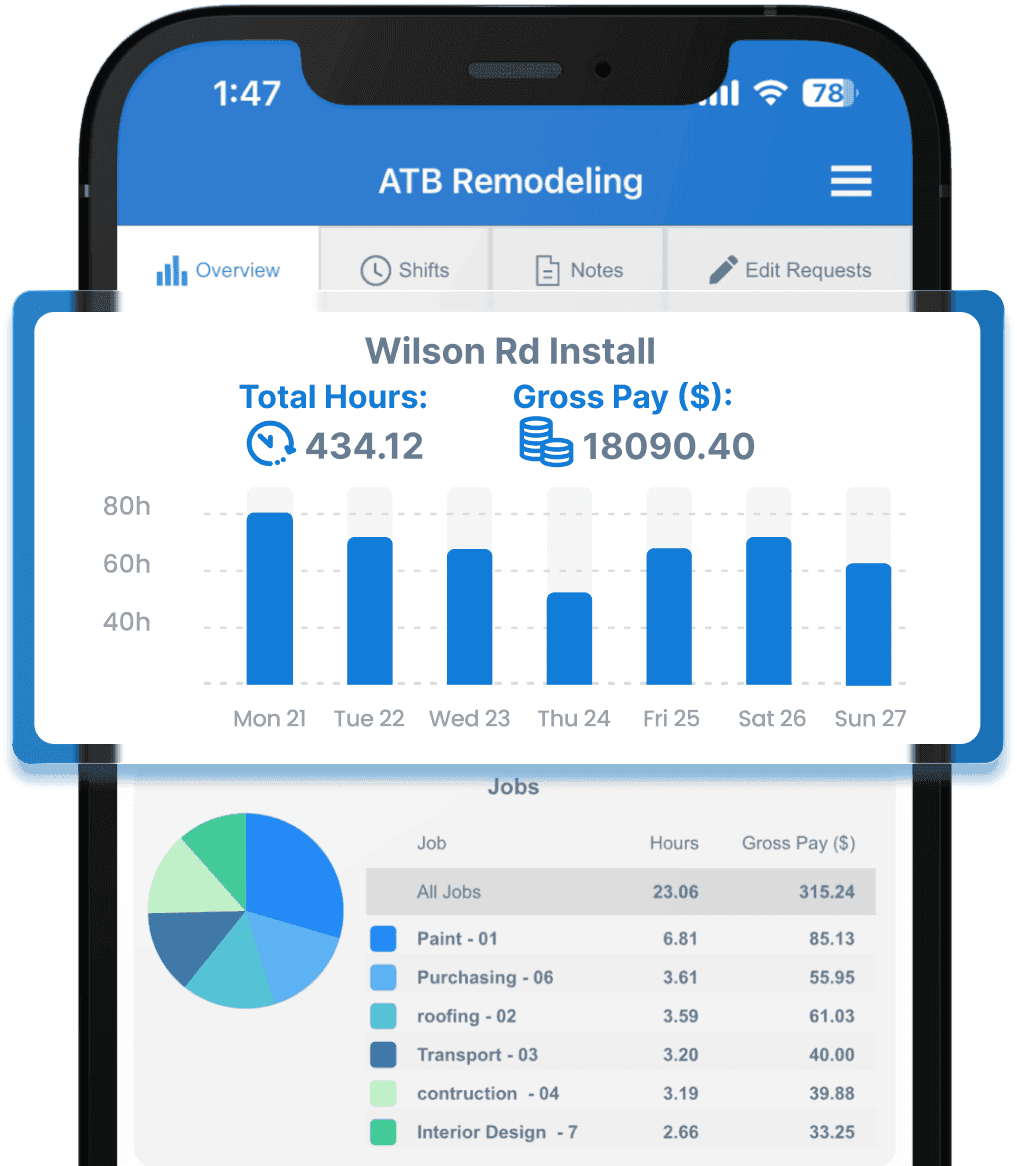
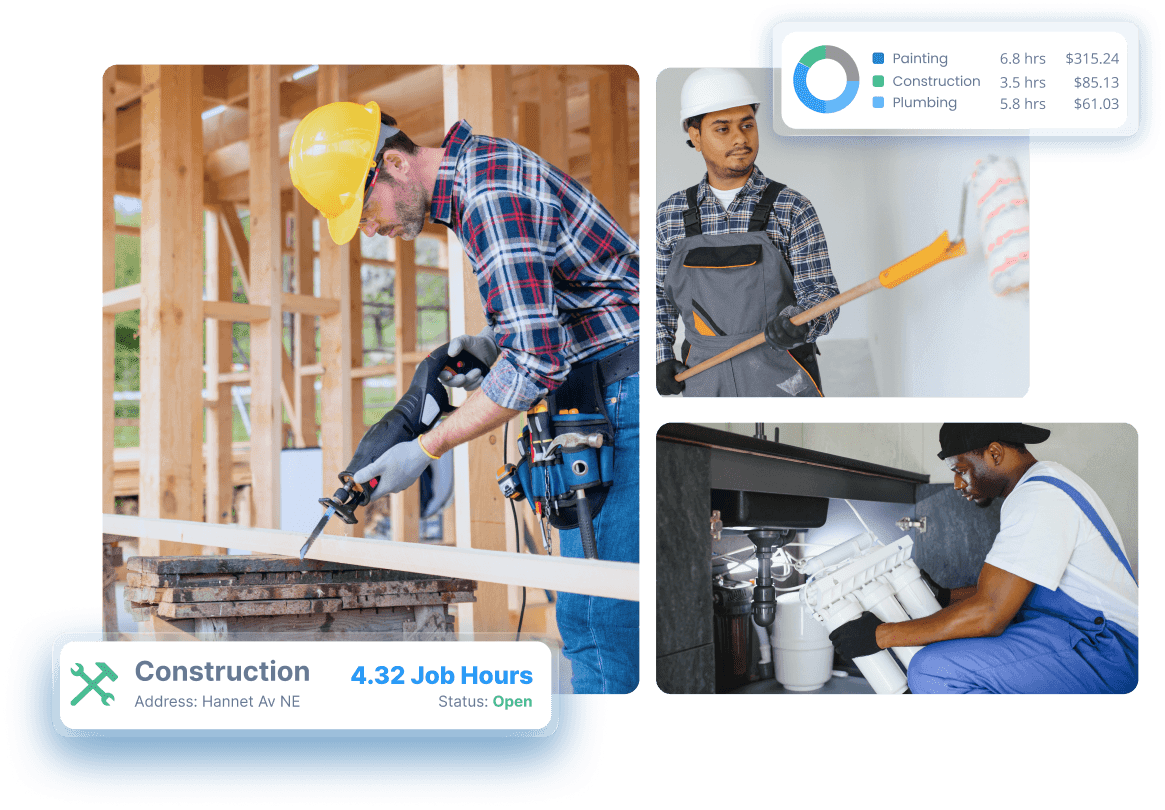
Track Hours Spent On Specific Jobs
We made SINC to solve a problem we were experiencing in our past business, and that was knowing exactly where the wages were going, especially during busy times with teams working all over the place. on multiple jobs
Our Job Tracking feature allows staff to clock into jobs throughout their shift, so that you can have much more visibility into who was working on what, as well as which jobs were profitable or not in terms of man hours and wages.
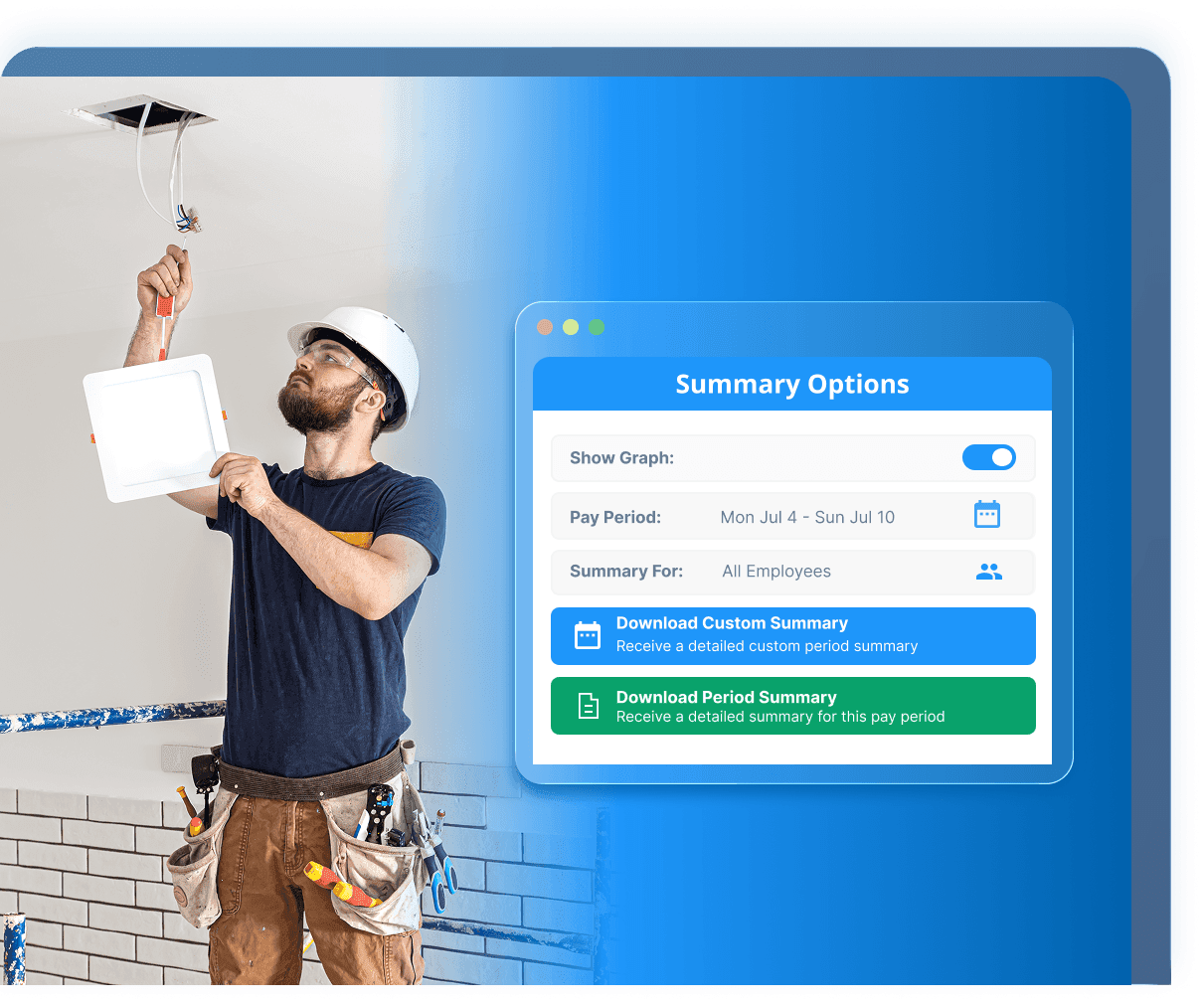
Generate Detailed Job Reports
The second part of the puzzle is easily aggregating all of the hours, job-specific notes and wage costs on a per-job basis. This is exactly what our detailed job reports do. This information can be downloaded as an excel spreadsheet, and kept for your own records.
The idea behind these reports is you can use this information to make better informed decisions moving forward, ie what kinds of jobs do you make the most profit on, and which ones sometimes lead to breakeven or losses due to the wage costs.
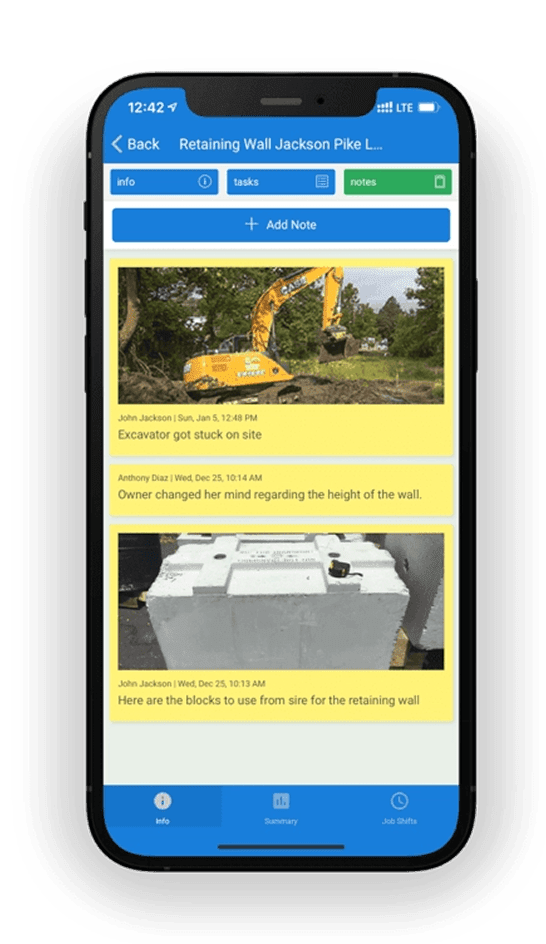
Share Important Notes From The Field
When staff are working on multiple jobs, reporting progress can become an unwieldy and messy process. It can be especially difficult to keep a permanent record of information reported from the field.
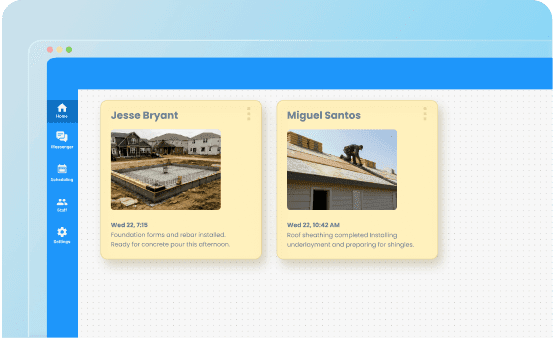
SINC makes dealing with notes extremely simple. While clocked into a job, staff can easily record notes which are then stored against that job. This makes for a much more manageable way of sharing key job progress than something like a Whatsapp chat for example.
When notes contain images, the exported job reports will also contain a downloadable link to the image, meaning you can store or print it in whatever way suits you best.
Assign Cost Codes To Job Hours
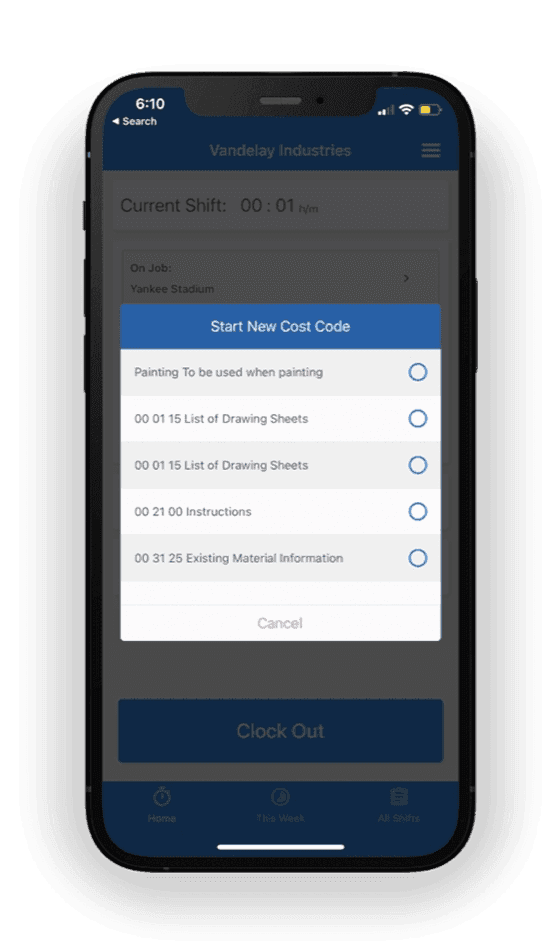
Sometimes you need to understand your costs to a more granular basis than just what jobs the staff were working on. Cost Codes allow you to record common costs across multiple jobs, for example loading vehicles, site cleanup etc.
Once clocked into a job, staff can choose a cost code to assign to the work they're currently doing. The automatically generated job summaries then split hours not only into the jobs worked, but also the cost codes.
You can create a library of whatever Cost Codes suit your company, and also group them so that the relevant ones can easily be assigned to common jobs. We have a useful guide to implementing Cost Codes in your company here.
Daily Job Reports (Dailies)
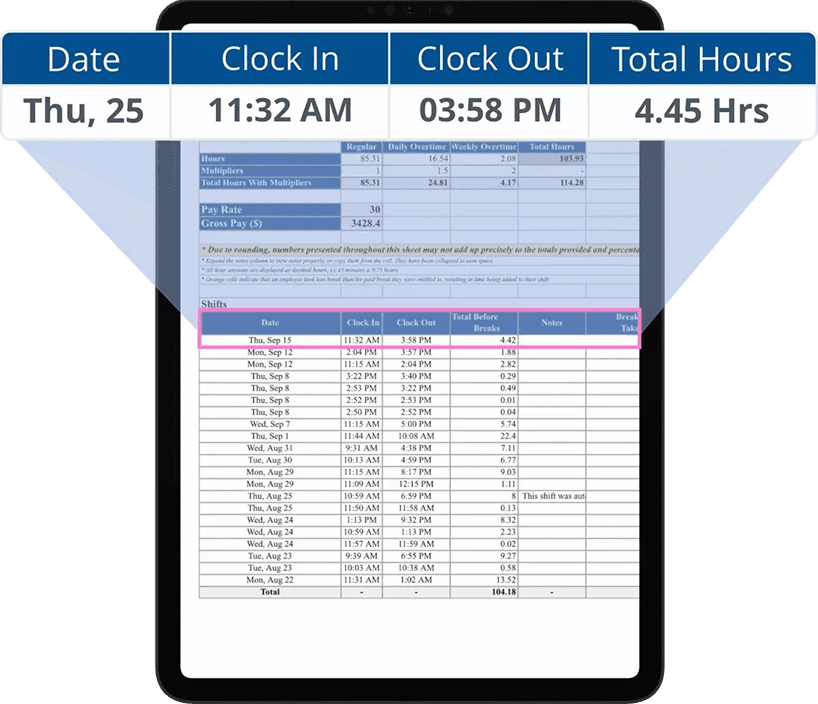
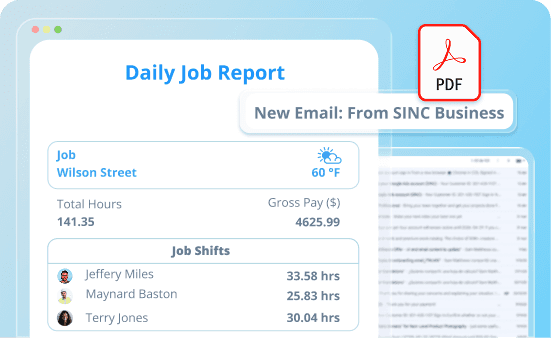
For all jobs that have been active that day i.e. someone clocked into a shift, we’ll automatically generate daily reports for each at midnight.
These reports contain an overview of the key job info:
- Shifts and hours worked by each staff member
- Hours broken into Cost Codes
- Any notes related to the job
as well as key additional information:
- Weather that day at the job location
- Any injury reports (staff are asked at the end of each shift if they were injured on the job that day)
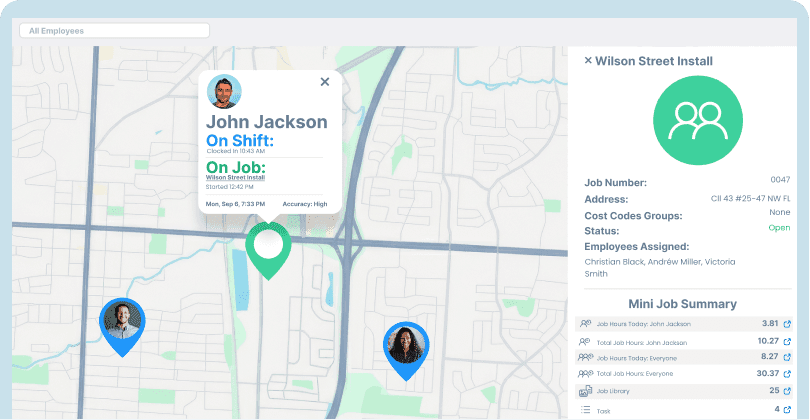
View Live Staff Locations
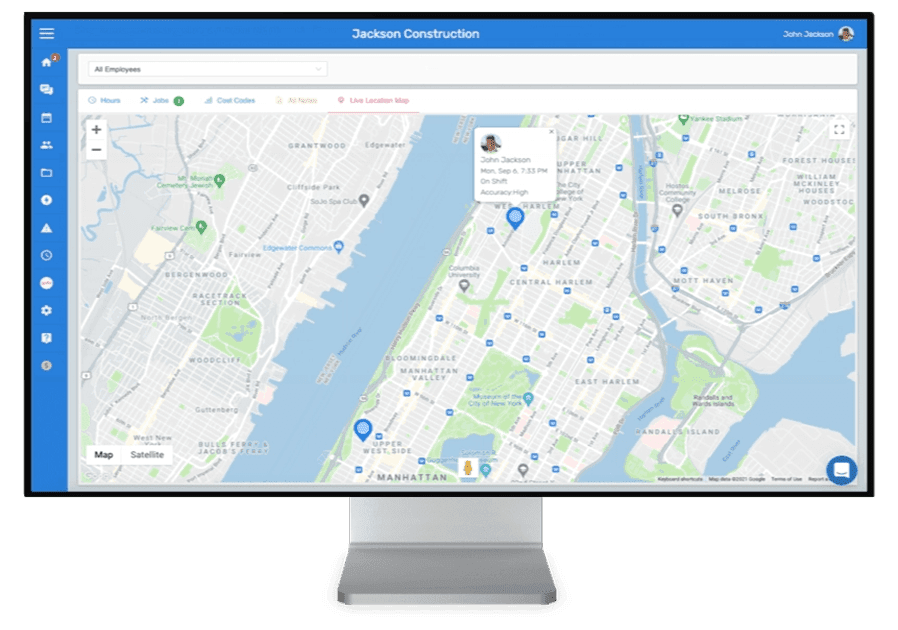
- Get a quick overview of where your staff are at any moment
- Verify how many staff are on-site and how many are en-route to improve job efficiency
Schedule Jobs To Employee Shifts
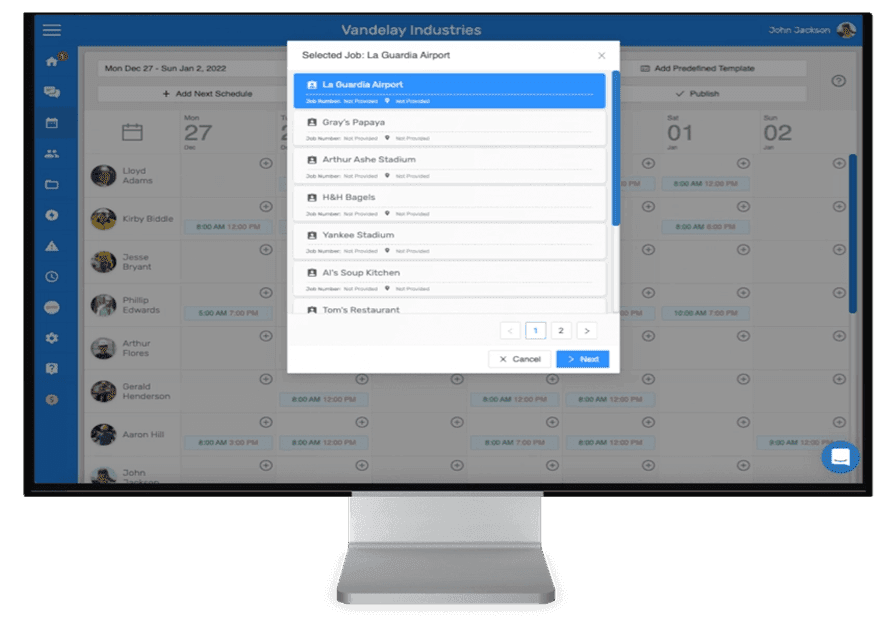
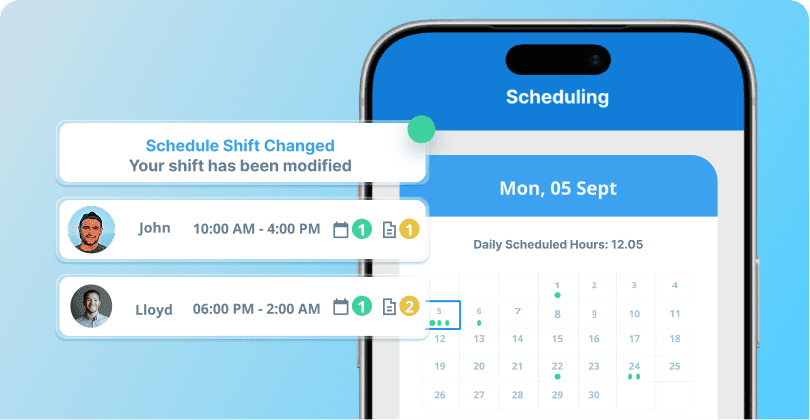
When scheduling a shift, you can select which jobs to schedule for that staff member each shift.
When the staff member begins the shift, they will have easy access to information about the job such as task lists, as well as the option to clock into the specific job (for job hour tracking)
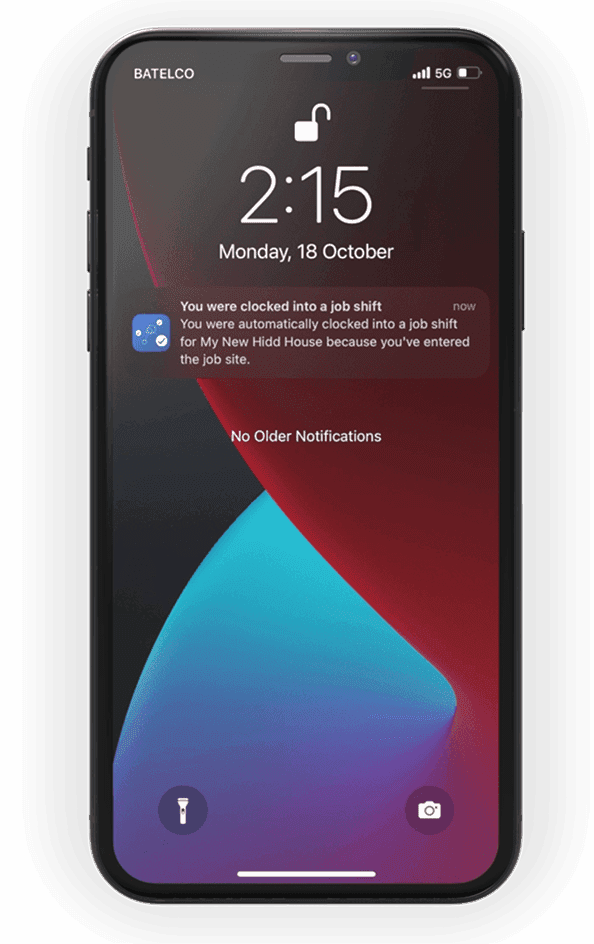
Auto Clock In To Jobs Via Geofencing
- Jobs can be assigned physical locations by providing an address
- Staff can then start and end a job automatically by entering or leaving the job location
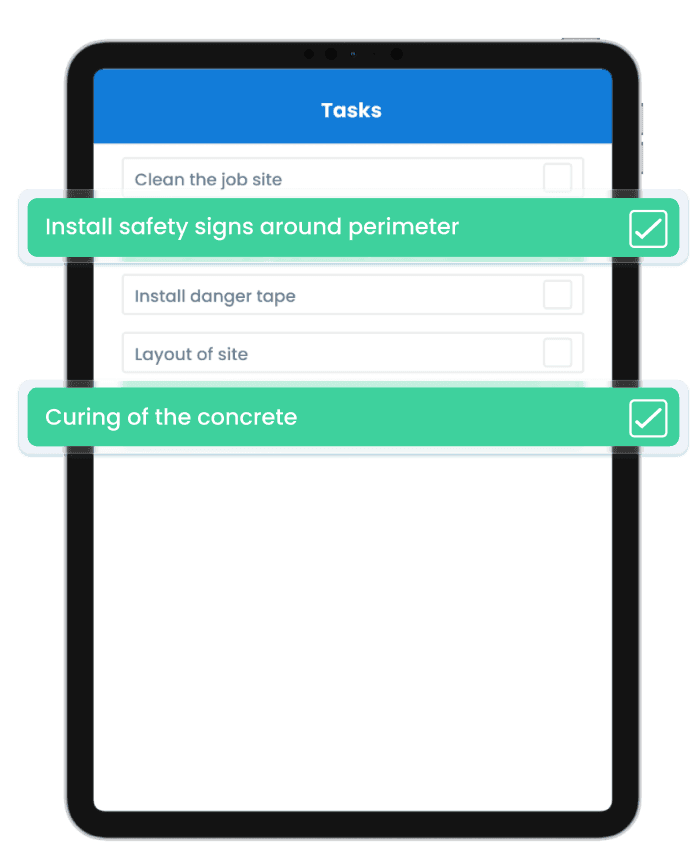
Assign Job Specific Tasks For Staff
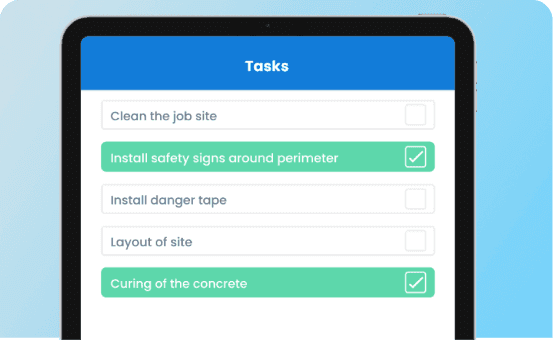
You can associate specific task lists (todo lists) to jobs, meaning they will be available and visible to staff clocked into that job. Each task has a permanent record of who marked it complete and when for extra accountability.
You can turn these tasks into common templates and assign them easily to multiple jobs, making it easy to follow standard operating procedures across your company.
Unlock Premium Benefits With
Our Advanced Features
Live Staff Locations
Know Where Your Staff Are Throughout Their Shift
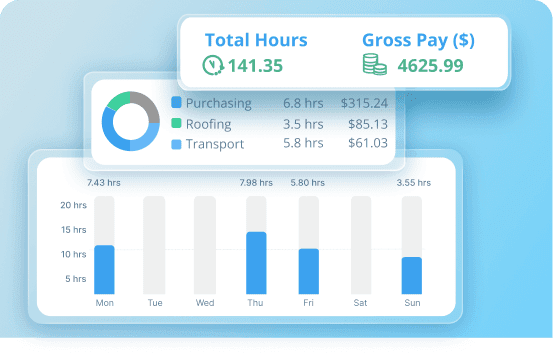
Job Hour Tracking
Easily Know How Many Hours Were Spent On Jobs and Tasks
Simple Tiered Pricing For All Business Requirements
Save Up To 10% With Yearly
Growth
- Time Sheets
- Locations
- Unlimited Users
- Messenger
- Scheduling
- Job Tracking
- Overtime Calculations
- Cost Codes
- Task Tracking
- Additional Admin Users
- Shift Templates
- Time Off
- Daily Job Reports
- Injury Sign Off
- Staff Live Locations
- Job Start via Geofence
Essentials
- Time Sheets
- Locations
- Up to 20 Users
- Messenger
- Scheduling
- Job Tracking
- Overtime Calculations
- Cost Codes
- Task Tracking
- Additional Admin Users
- Shift Templates
- Time Off
- Daily Job Reports
- Injury Sign Off
- Staff Live Locations
- Job Start via Geofence
Basics
- Time Sheets
- Locations
- Up to 10 Users
- Messenger
- Scheduling
- Job Tracking
- Overtime Calculations
- Cost Codes
- Task Tracking
- Additional Admin Users
- Shift Templates
- Time Off
- Daily Job Reports
- Injury Sign Off
- Staff Live Locations
- Job Start via Geofence
Free
- Time Sheets
- Locations
- Up to 4* Users
- Messenger
- Scheduling
- Job Tracking
- Overtime Calculations
- Cost Codes
- Task Tracking
- Additional Admin Users
- Shift Templates
- Time Off
- Daily Job Reports
- Injury Sign Off
- Staff Live Locations
- Job Start via Geofence
Subscriptions include a 30 day free trial. All Prices are in $US
* Free tier reduces to 1 user after 6 months