
Au quotidien
Ce guide porte sur les rapports quotidiens (rapports de chantier générés automatiquement chaque jour).

Remarque : cette fonctionnalité est actuellement réservée aux utilisateurs des offres Growth et Enterprise. Les rapports quotidiens sont générés au format PDF et envoyés aux administrateurs à minuit pour les missions ayant enregistré au moins un shift ouvert ou clôturé par pointage ce jour-là.
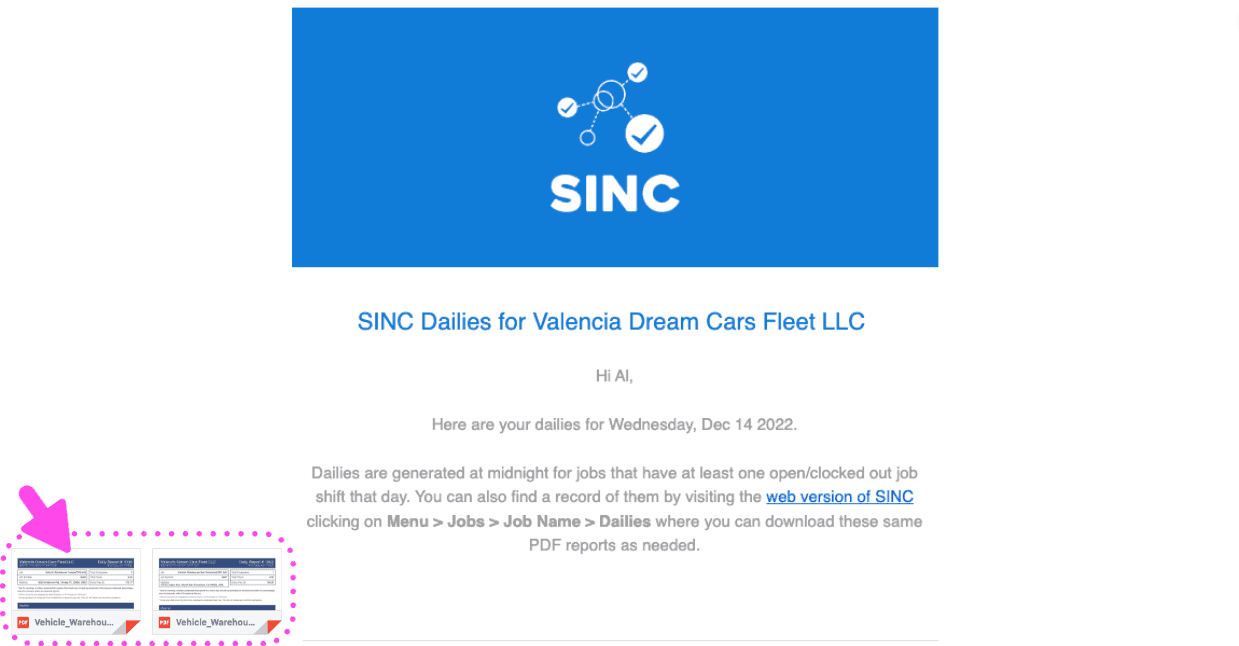
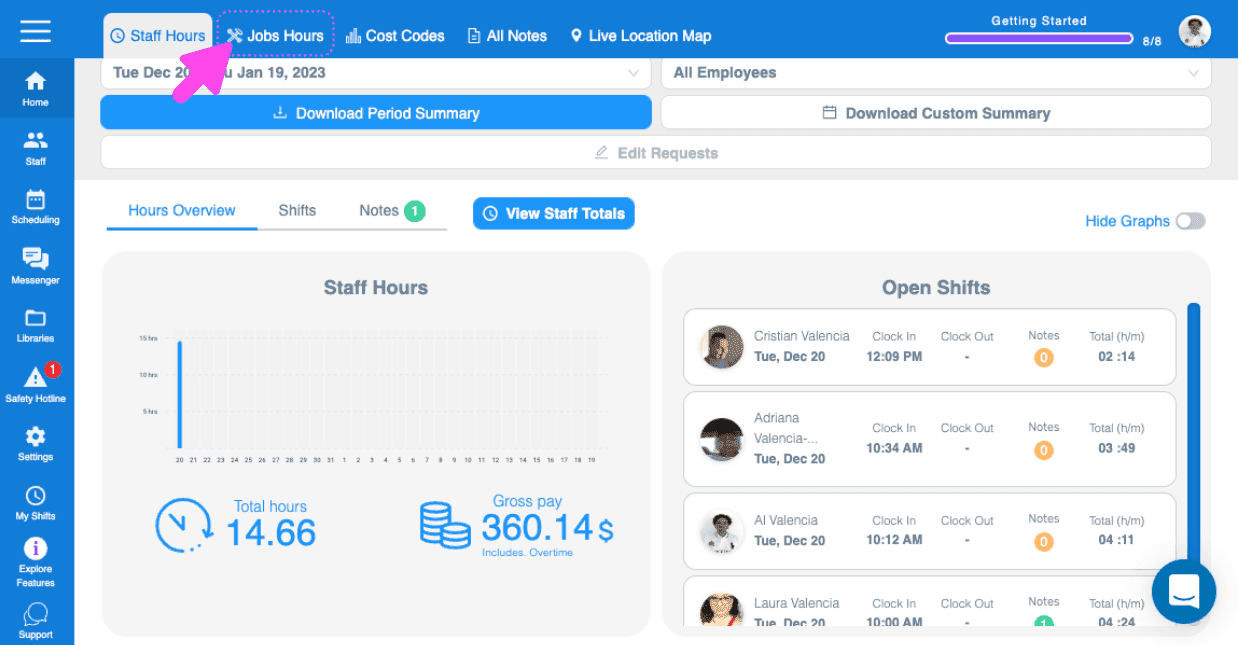
Les rapports journaliers générés sont également accessibles depuis la version web, mais pas depuis l’application. Commencez par vous rendre sur users.sinc.business depuis un ordinateur, à l’aide de Chrome ou de Firefox. Cliquez sur Accueil Heures des missions.
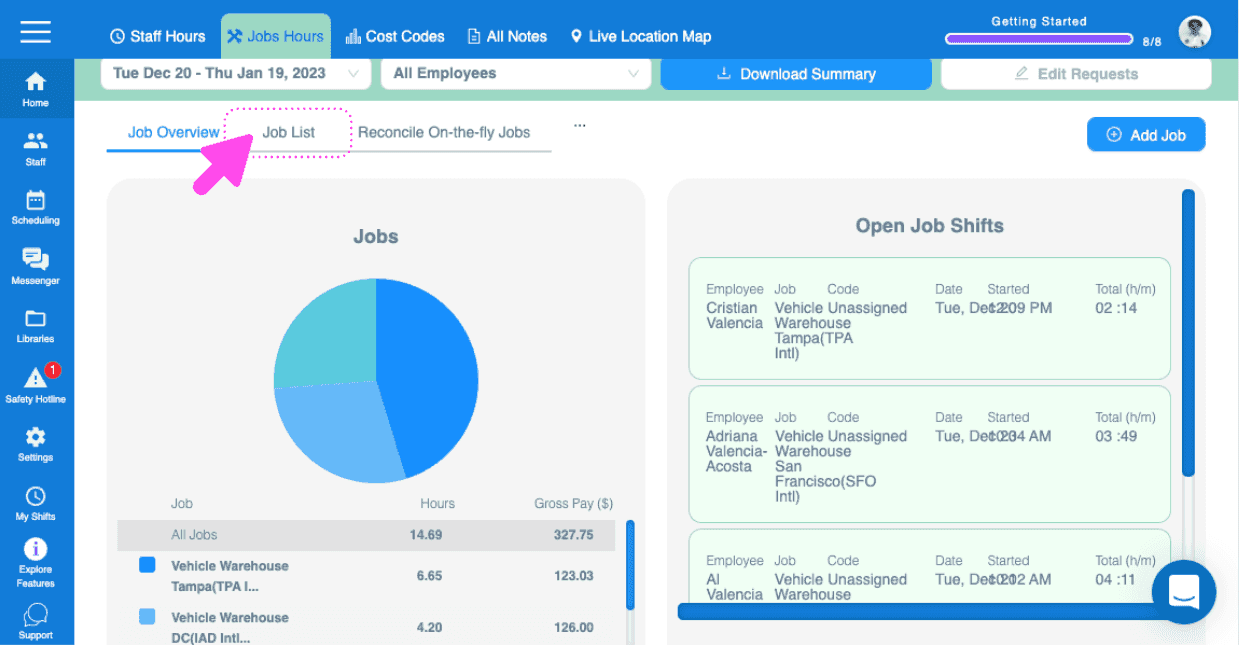
Cliquez sur Liste des offres Offre concernée
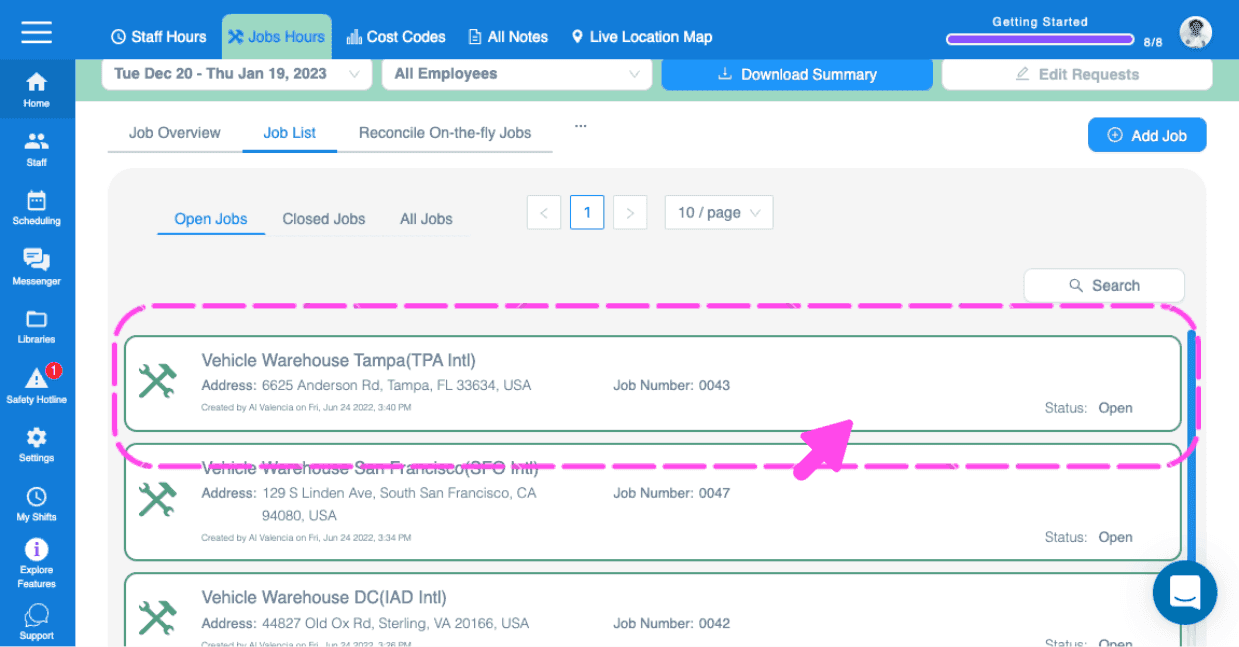
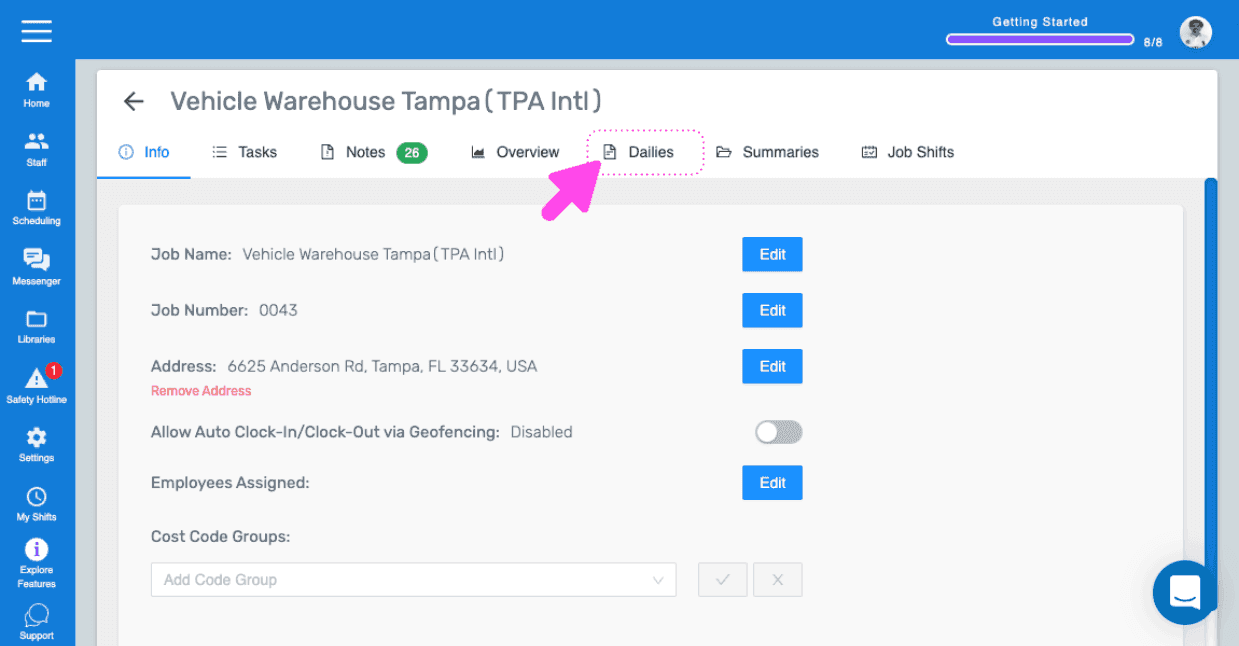
Cliquez sur Dailies
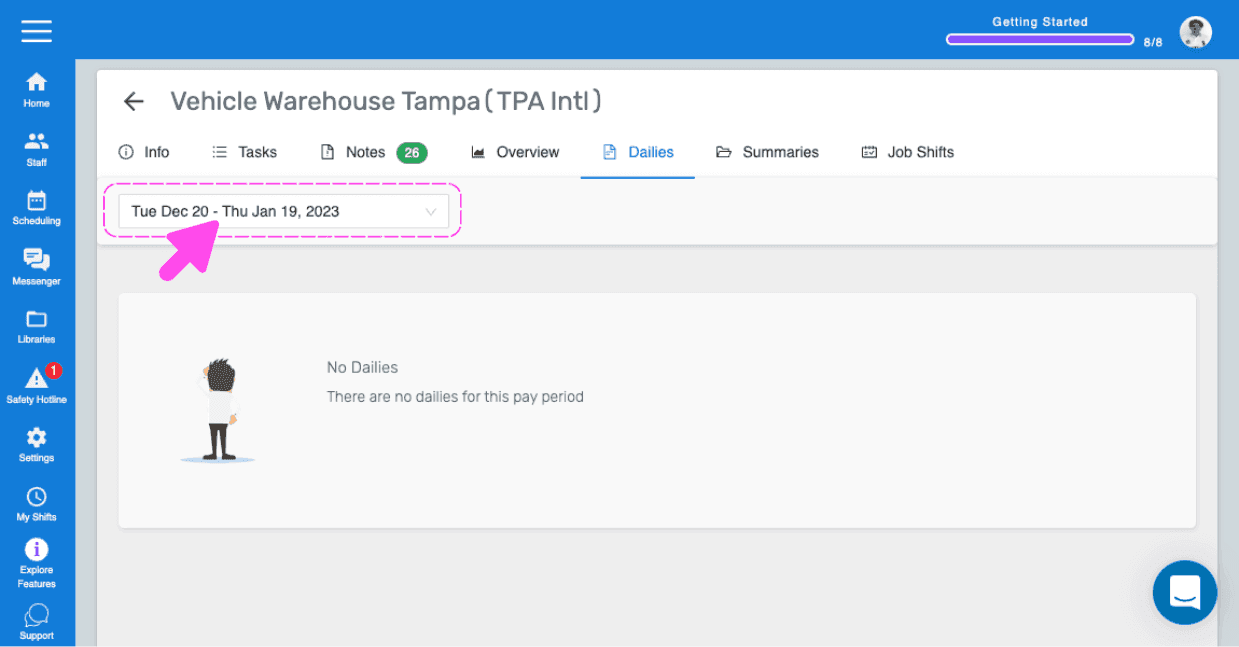
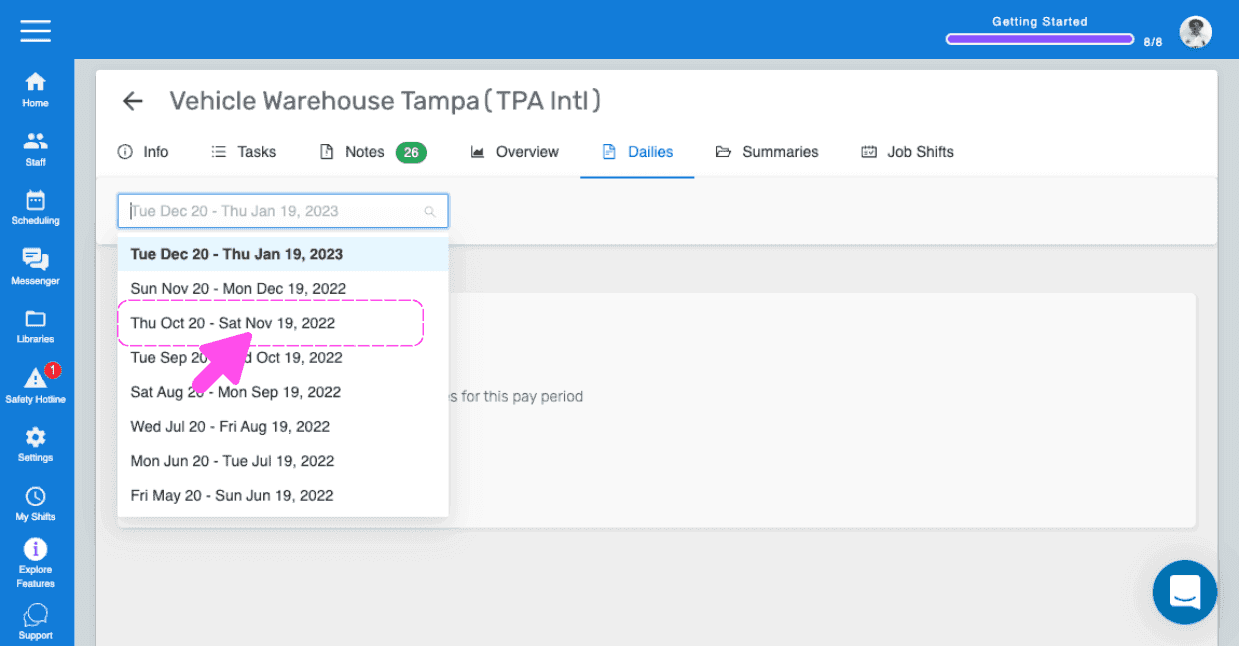
Sélectionnez Période de paie (par défaut : la période de paie en cours)
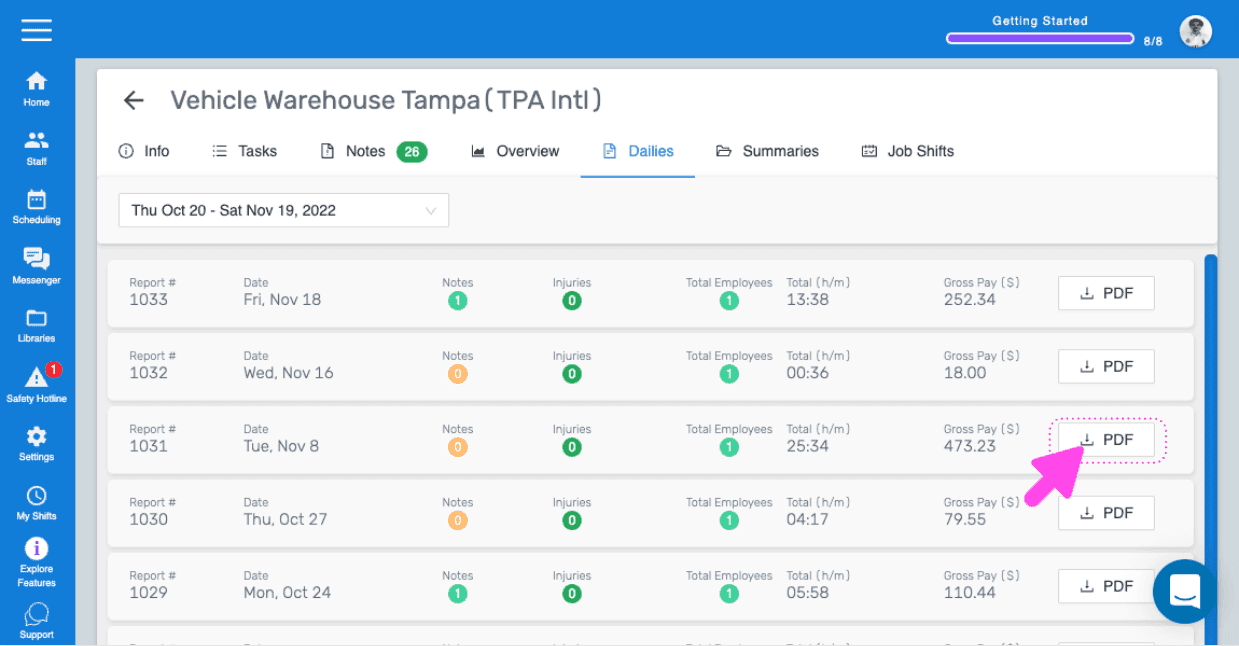
Tous les rapports quotidiens de la période de paie sélectionnée sont affichés
Pour télécharger un rapport quotidien, ouvrez le rapport concerné, puis cliquez sur PDF.
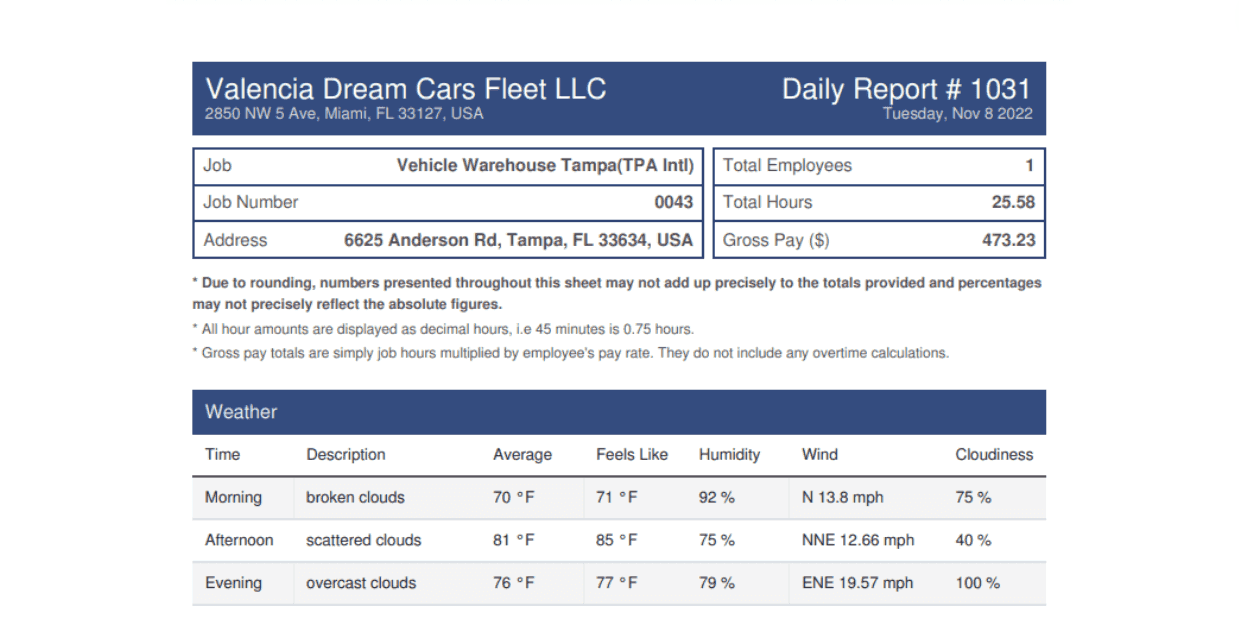
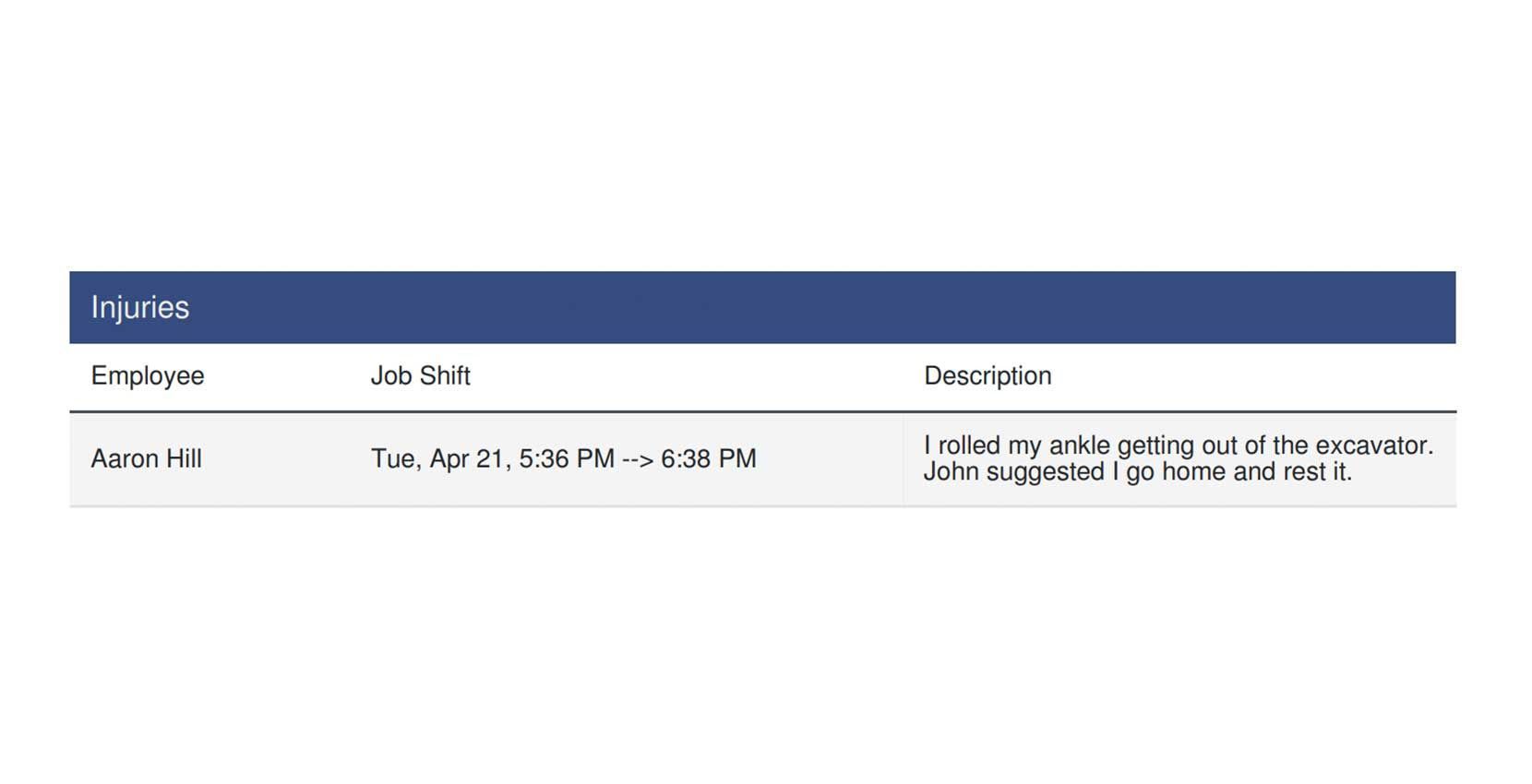
Le PDF comprend : les informations météorologiques pour les interventions avec adresse
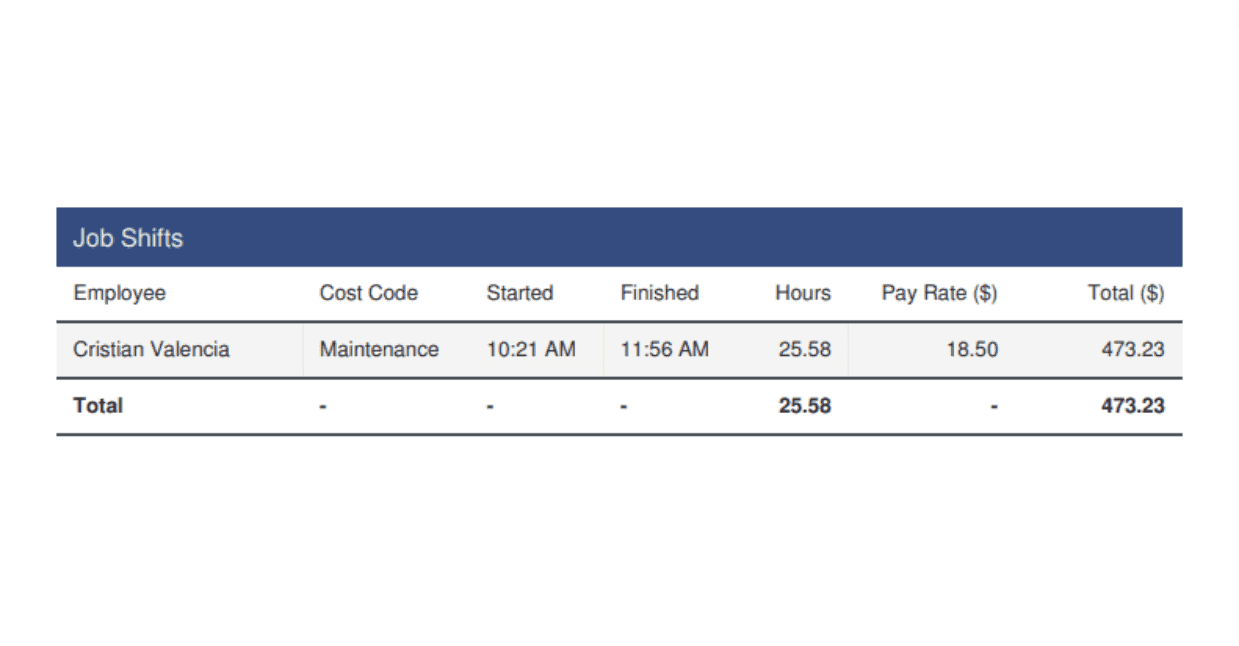
Récapitulatif des quarts de travail pointés en sortie
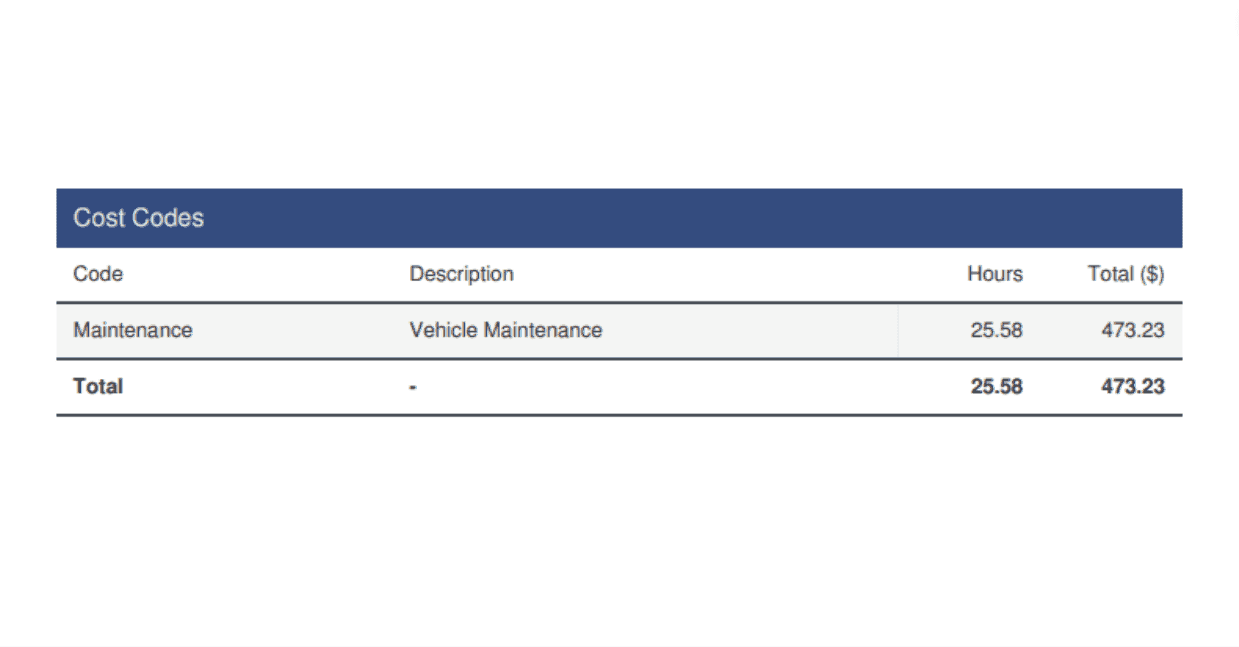
Résumé des codes de coûts (le cas échéant)
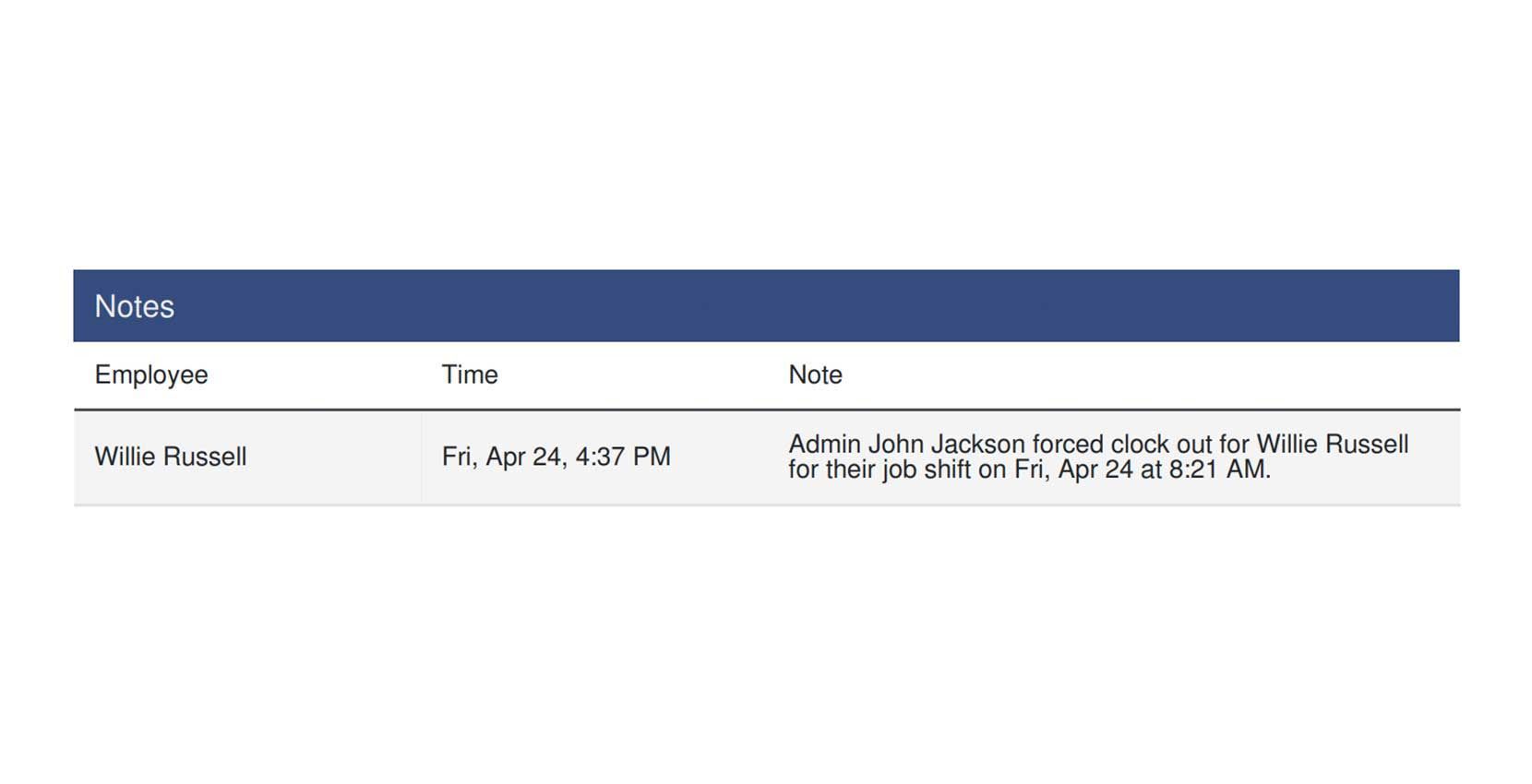
Les notes du jour (si elles ont été prises)
Blessures (le cas échéant)
Cela a-t-il répondu à votre question ?