
Comment fonctionne la ligne d’assistance de sécurité
La ligne d’alerte sécurité permet aux employés sur le terrain de signaler les dangers et les incidents directement à la direction. Voici comment elle fonctionne.

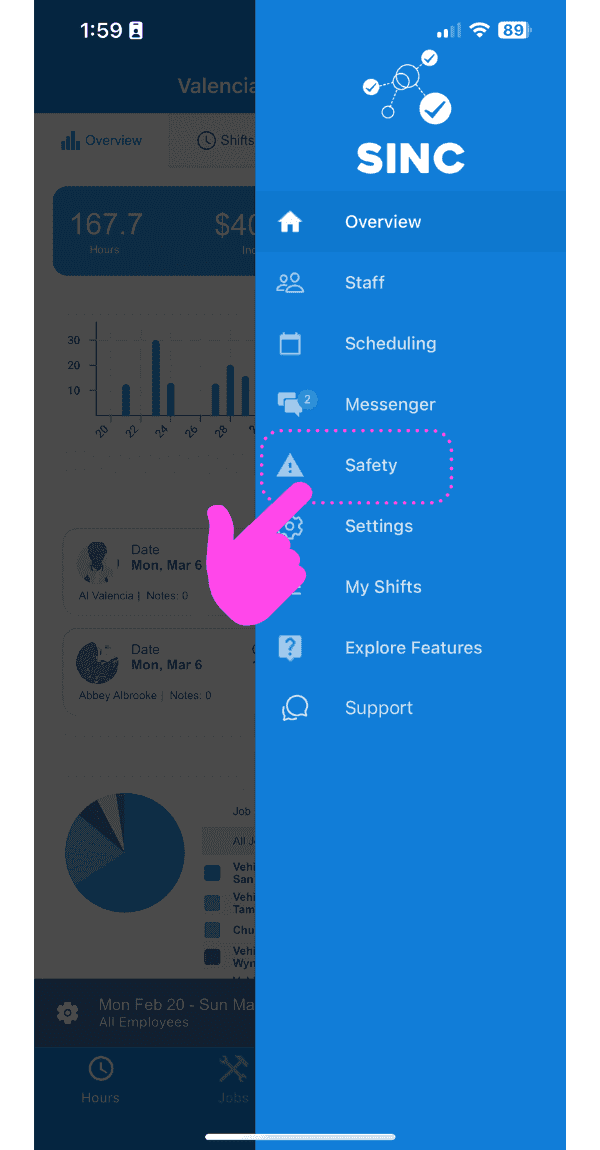
Les rapports de sécurité sont généralement créés par les employés sur le terrain (un administrateur ou un propriétaire peut également créer un rapport de sécurité en appuyant sur Menu Sécurité + Signaler un incident). Pour qu’un employé puisse créer un rapport, appuyez sur Ligne d’assistance sécurité
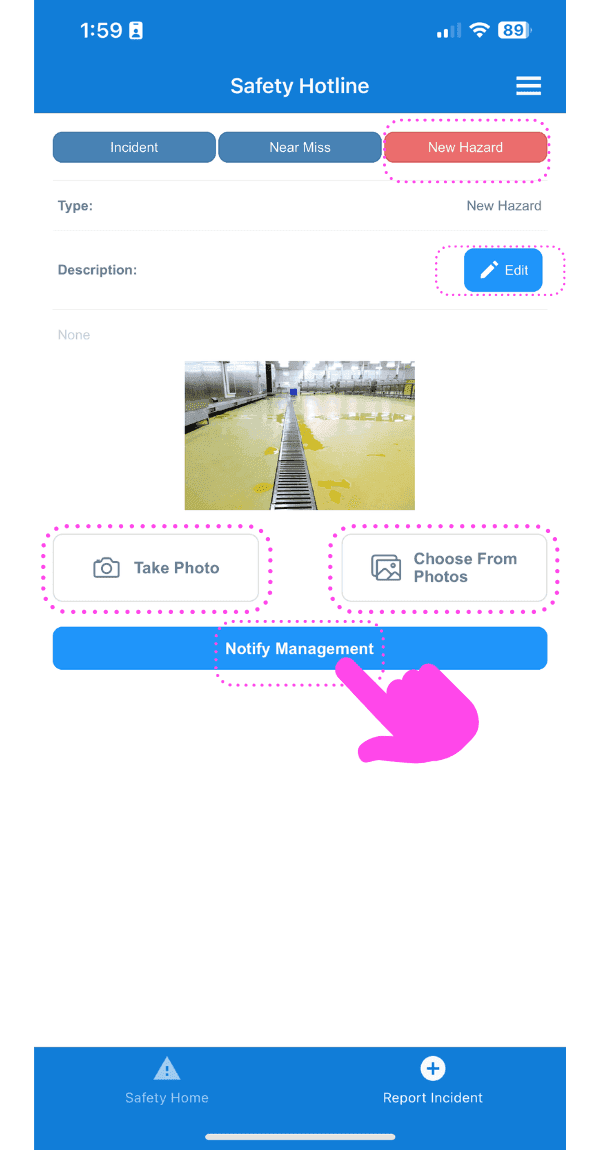
Appuyez sur Notifier la direction pour soumettre le rapport. Vous devrez ensuite préciser s’il s’agit d’un incident, d’un presqu’accident ou d’un nouveau danger. Saisissez une description du rapport et ajoutez une photo si nécessaire.
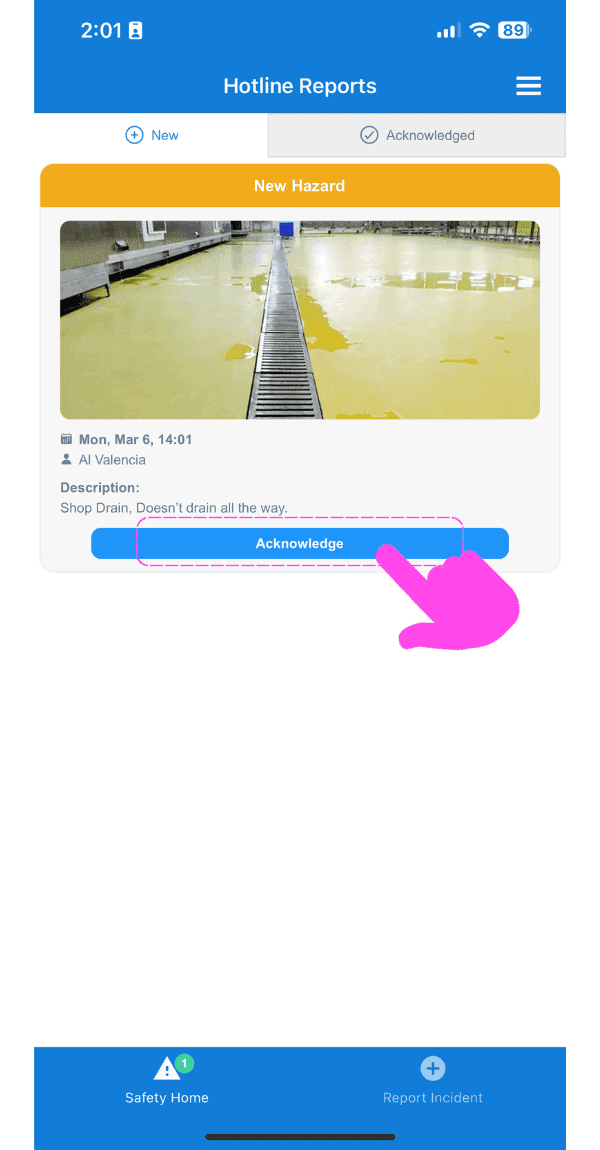
En tant que propriétaire ou administrateur, votre ligne d’assistance vous avertira de tout nouveau signalement nécessitant votre prise en compte.
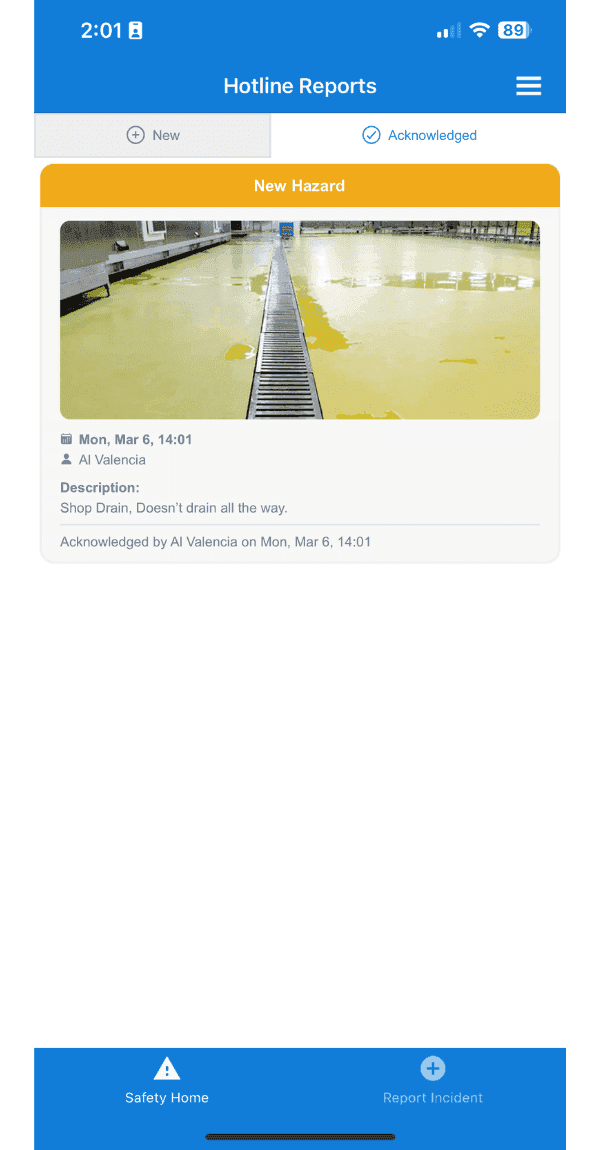
Appuyez sur Pris en compte pour afficher la liste de tous les rapports pris en compte
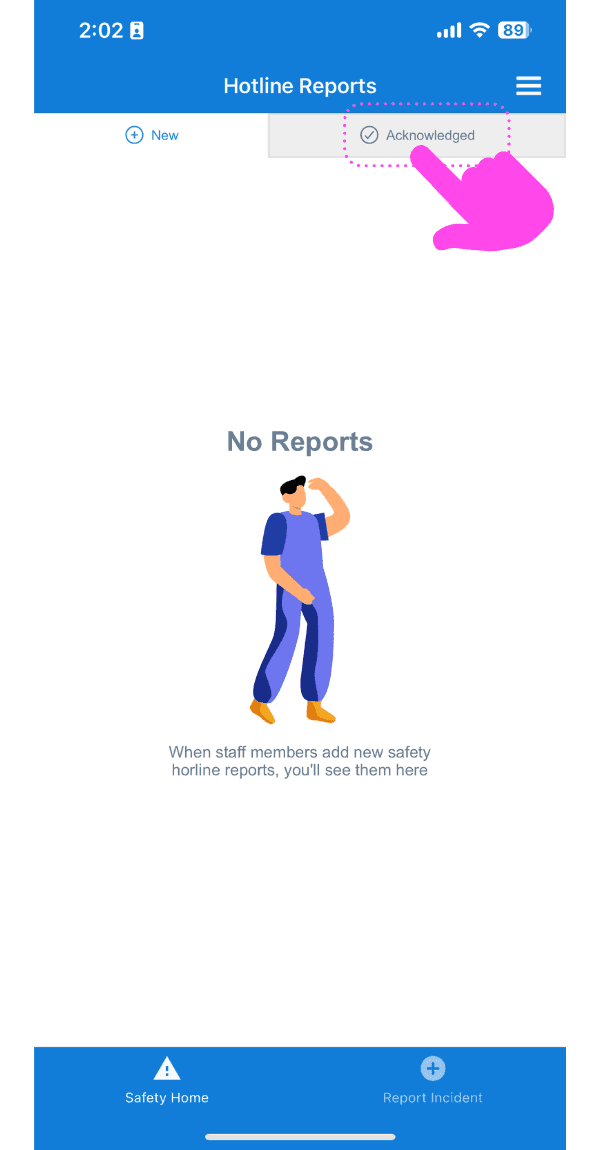
Voici le rapport dont nous venons d’accuser réception.
Cela a-t-il répondu à votre question ?