
Suppression des shifts planifiés
Dans ce tutoriel, nous vous montrons comment supprimer un poste déjà planifié.

Sam Dolbel
Oct 19th, 2021
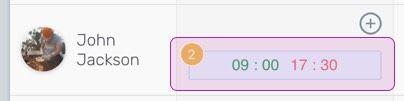
Sur le Web : cliquez sur le service que vous souhaitez supprimer.
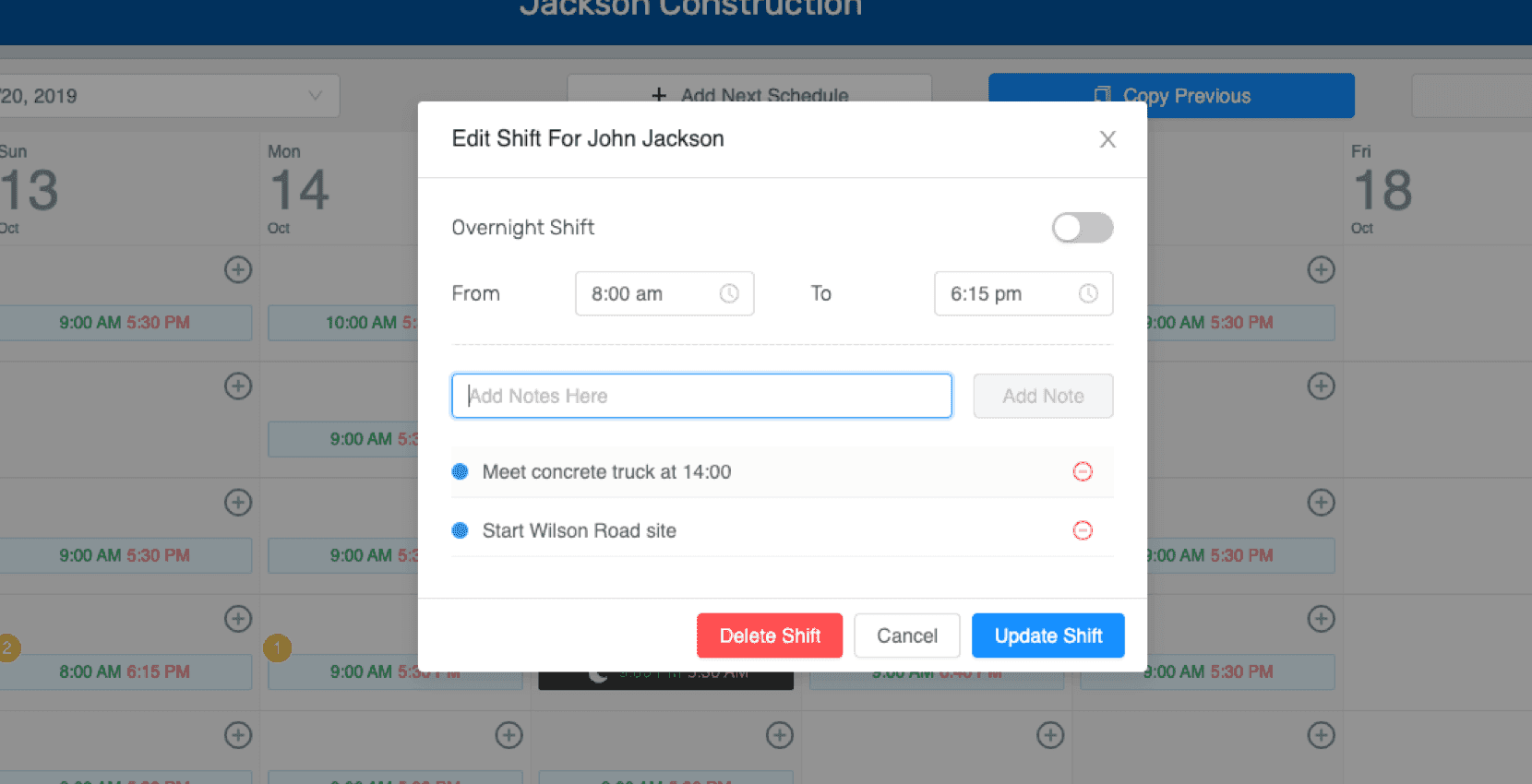
Sélectionnez Supprimer le quart de travail.
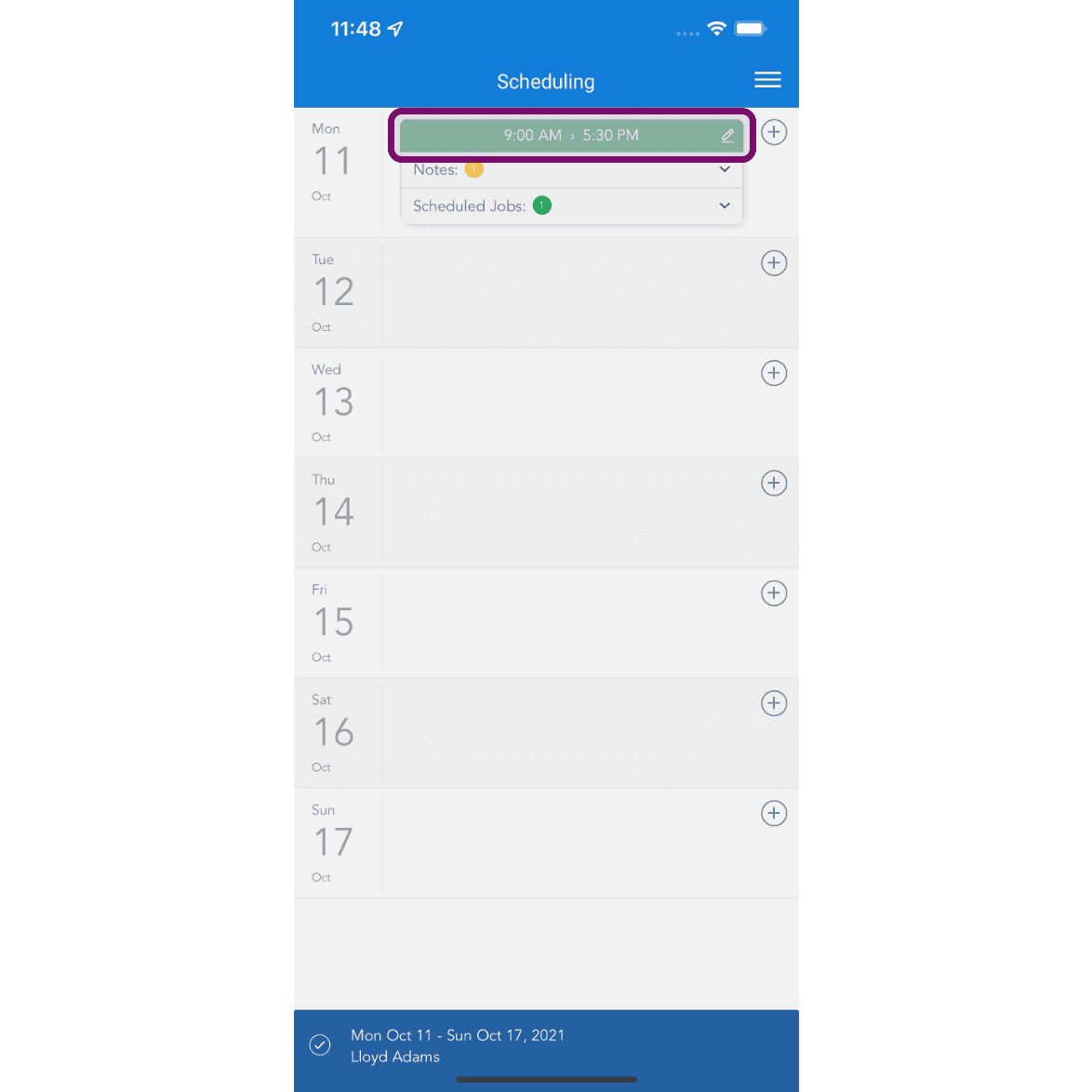
Sur mobile : appuyez sur le créneau pour le supprimer.
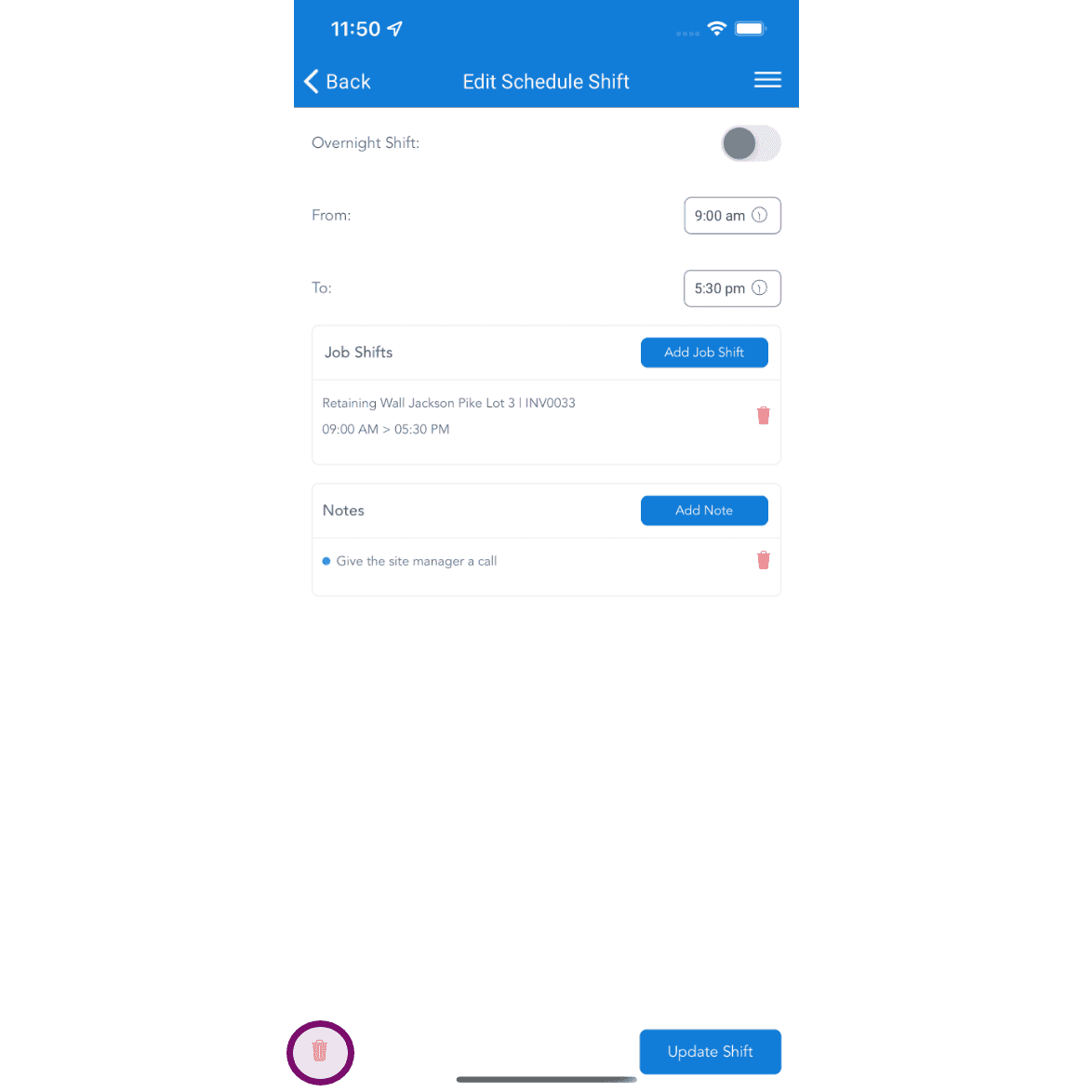
Appuyez sur le bouton Supprimer pour supprimer le service planifié. Si le planning a été publié, l’employé recevra une notification l’informant de la suppression d’un service prévu ce jour-là. Il pourra ensuite consulter les détails dans son application.
Cela a-t-il répondu à votre question ?