
Aggiungere ulteriori metodi di accesso al tuo account
In questo tutorial ti mostriamo come aggiungere altri metodi di accesso al tuo account.

Sam Dolbel
May 24th, 2019
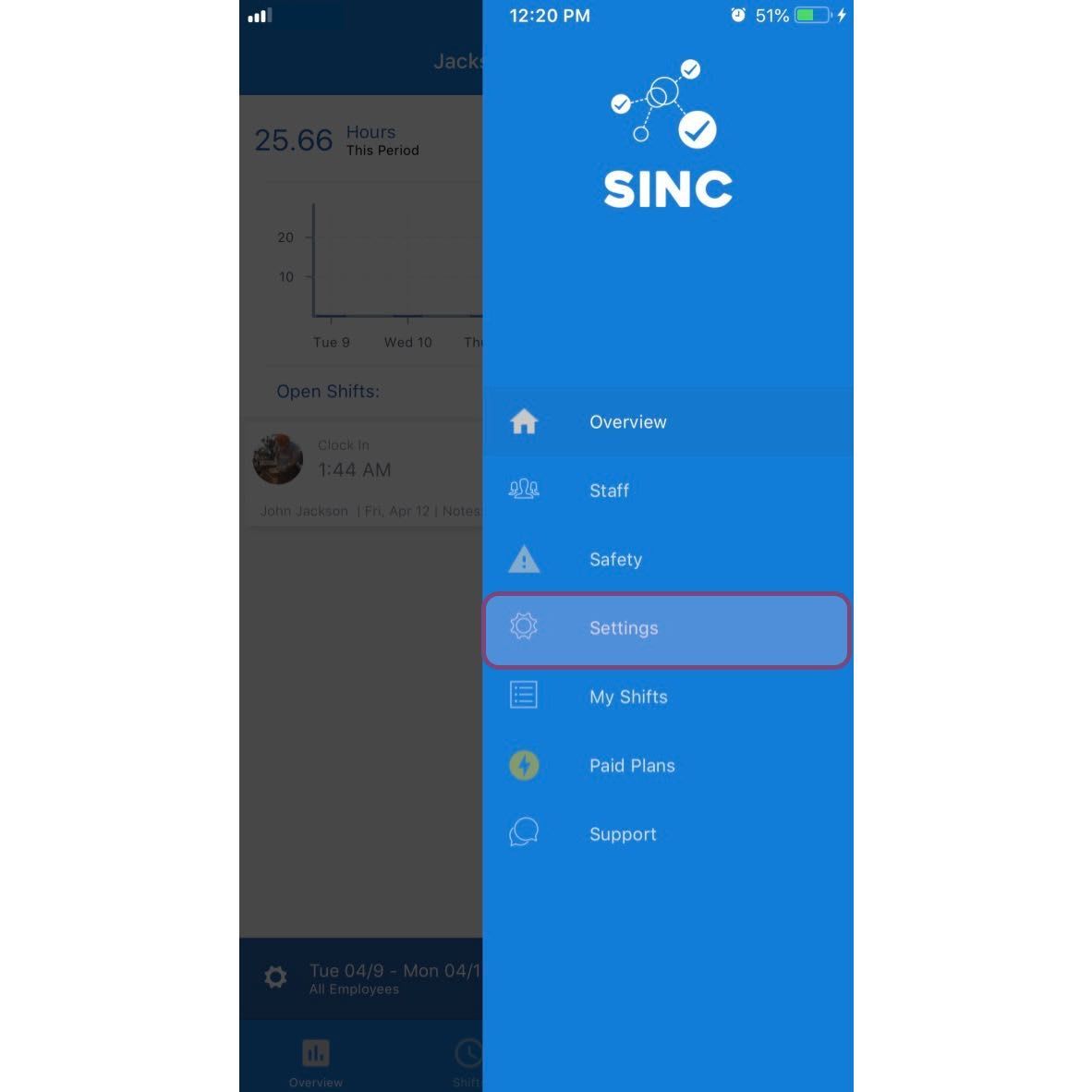
Tocca Menu Impostazioni
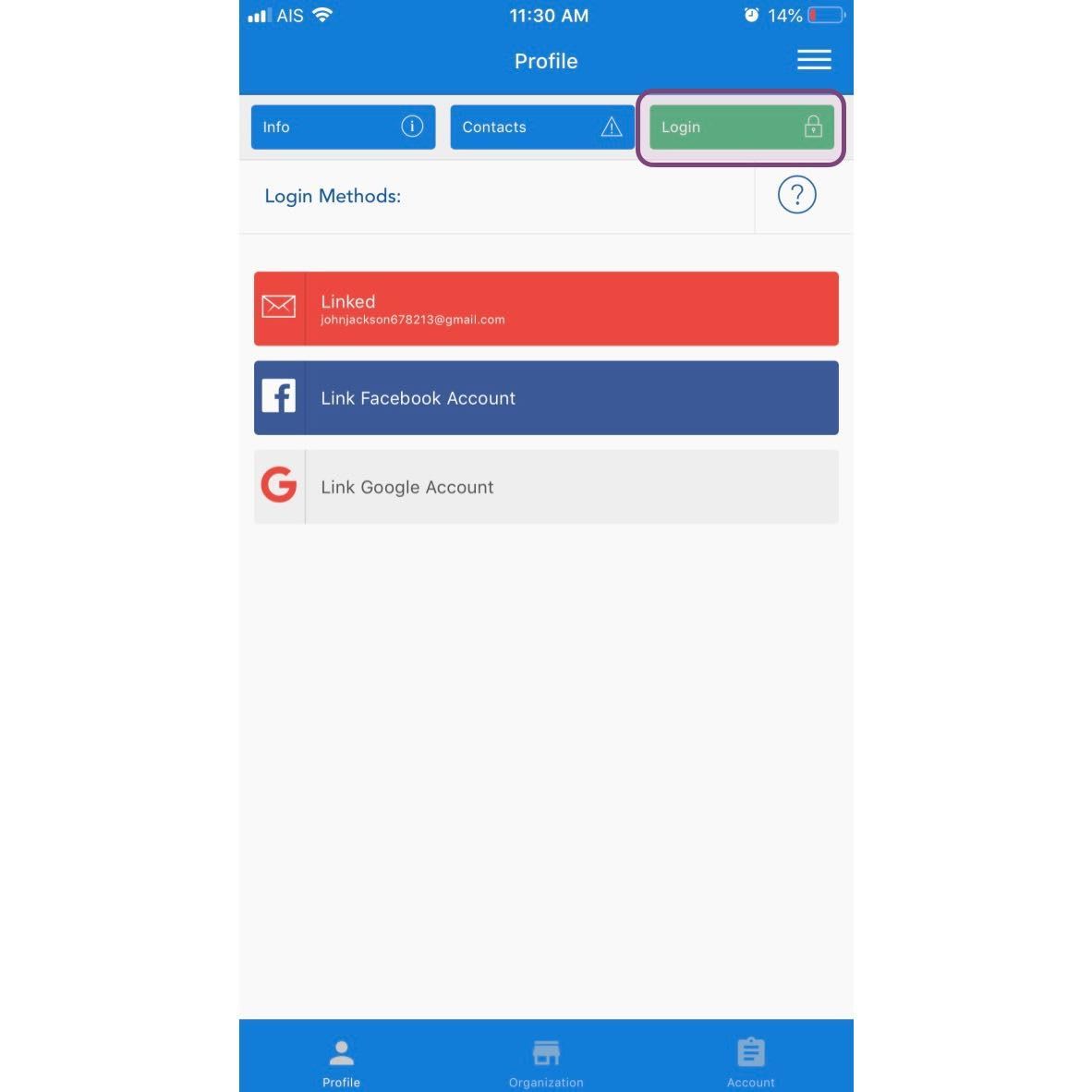
Tocca Accedi
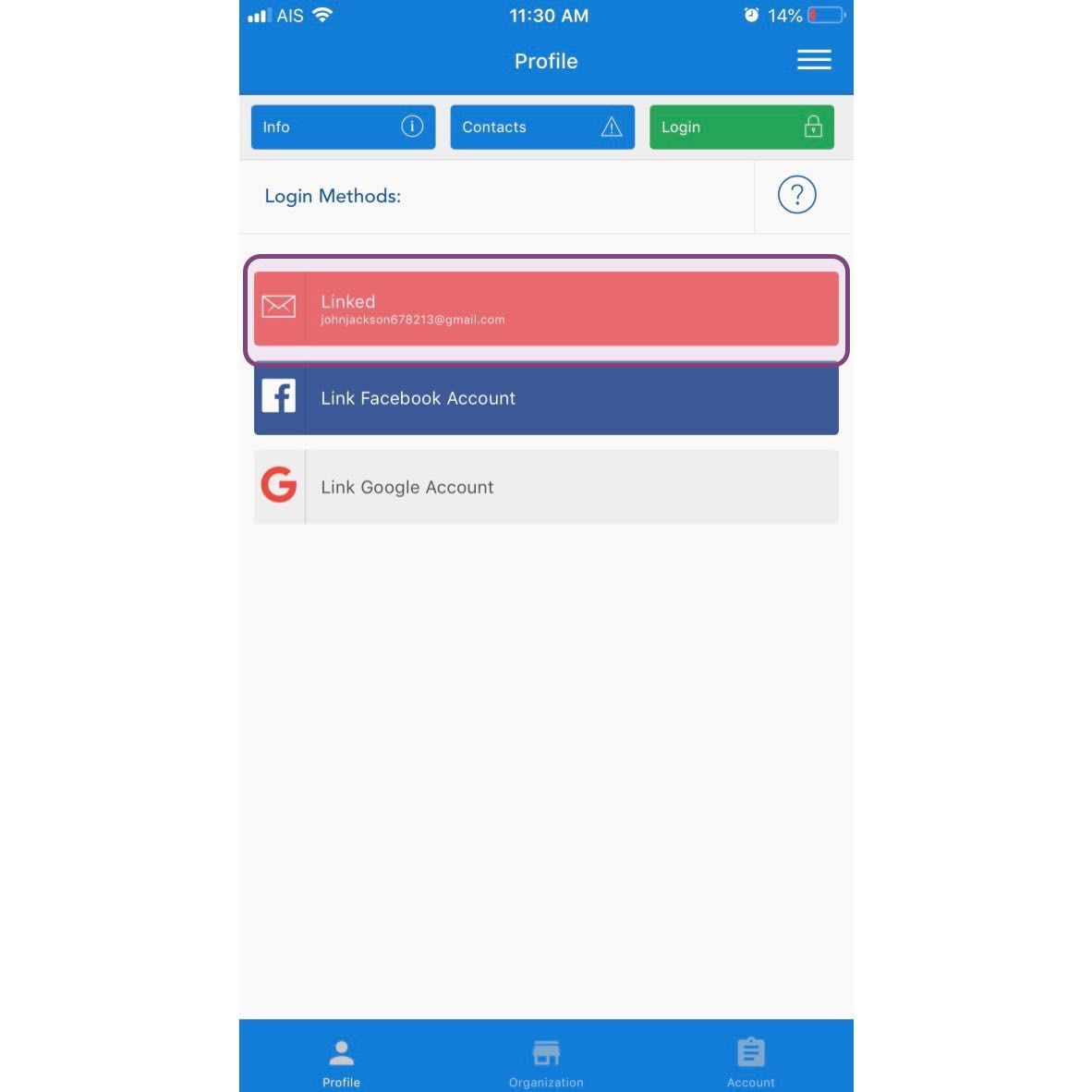
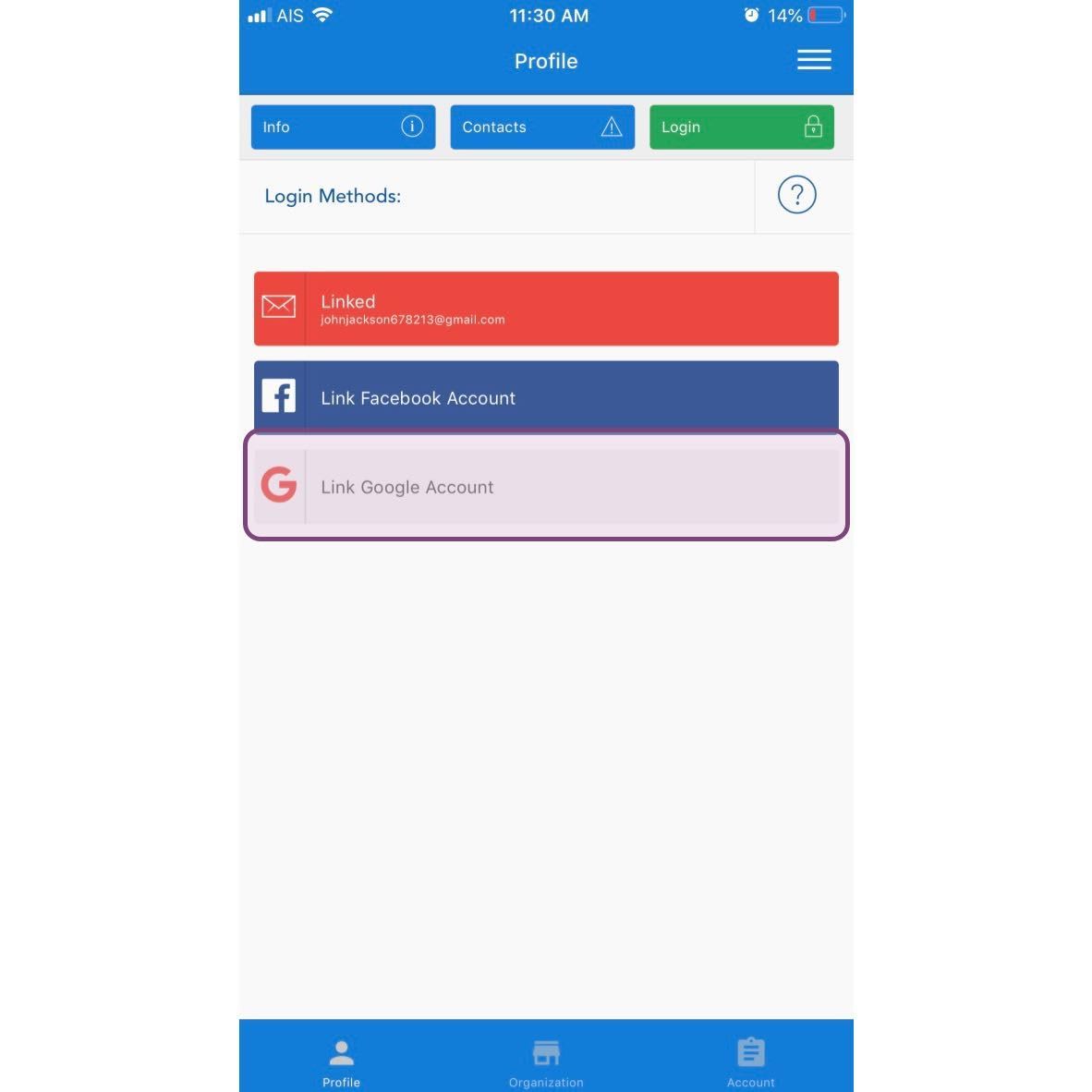
Puoi aggiungere tre diversi tipi di account al tuo account SINC. Una di queste opzioni sarà già configurata e ti consigliamo di aggiungerne almeno un’altra. Per aggiungere un indirizzo e-mail e una password, tocca Collega account e-mail
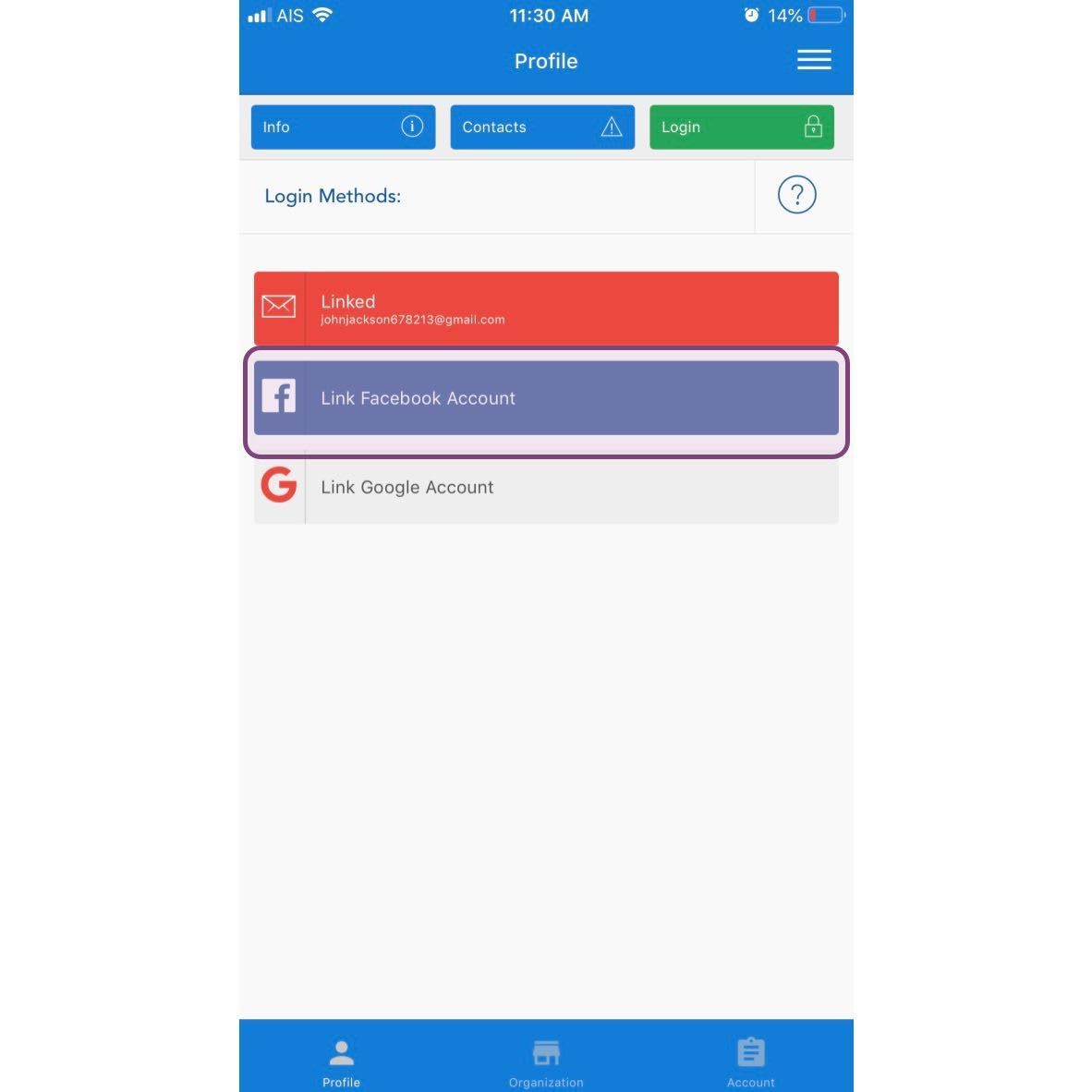
Per aggiungere un account Facebook, tocca Collega account Facebook
Per aggiungere un account Google, tocca Collega account Google
Questa risposta ti è stata utile?