Eliminazione dei messaggi

SINC Support Team
SINC Support Team
Mar 10th, 2023

Per eliminare un messaggio nell’app mobile: tieni premuto sul messaggio
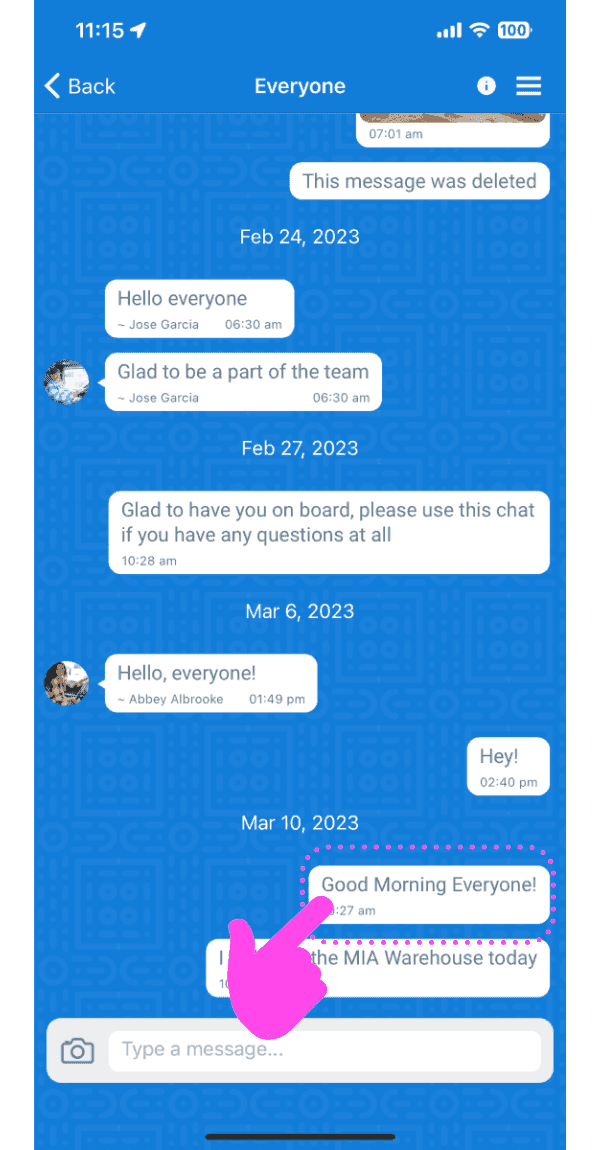
Group chat conversation screen with a pink arrow pointing to a message to long-press and delete

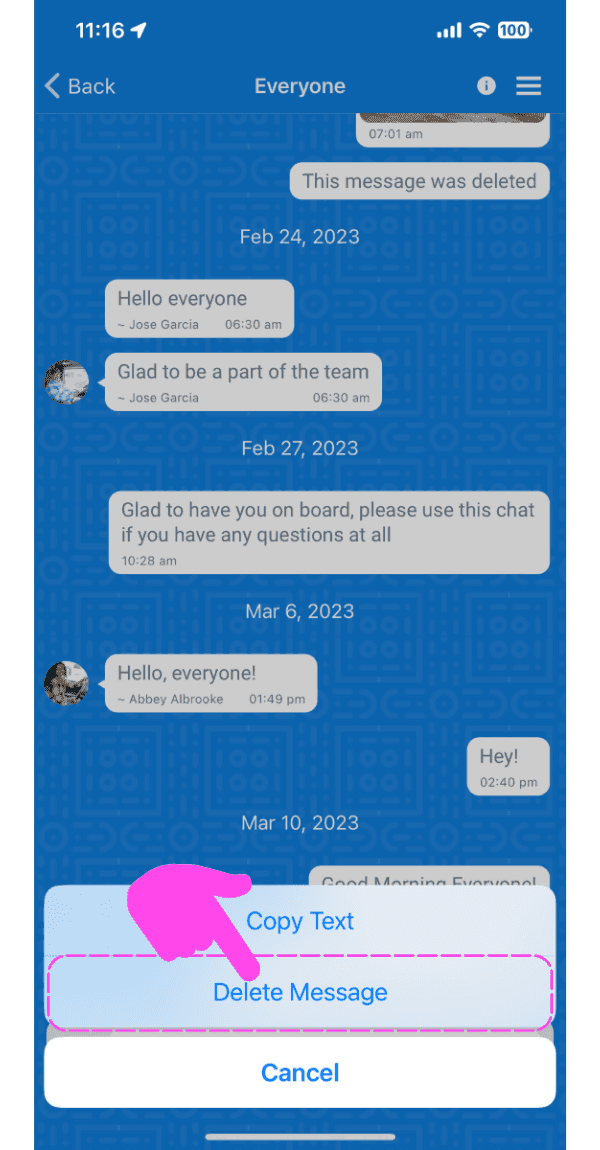
Tocca «Elimina messaggio»

SINC mobile chat conversation with a message options menu open and the Delete Message option highlighted

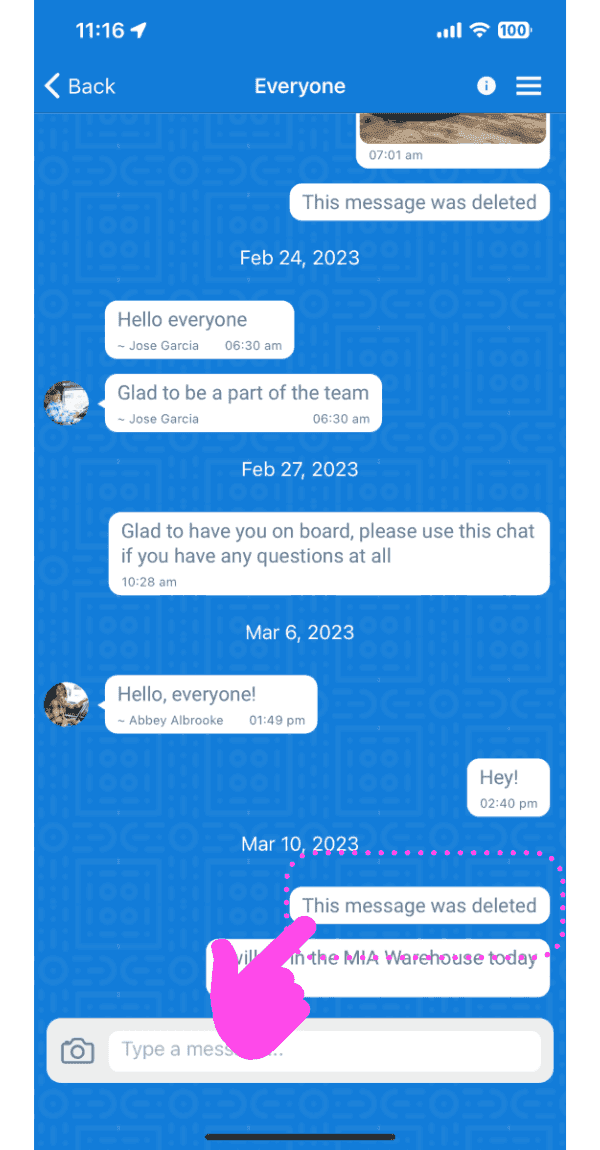
Il messaggio verrà eliminato.

Mobile group chat thread with a deleted message outlined in pink and a finger tapping it

Sul web: passa il mouse su un messaggio e fai clic sull’icona del Cestino
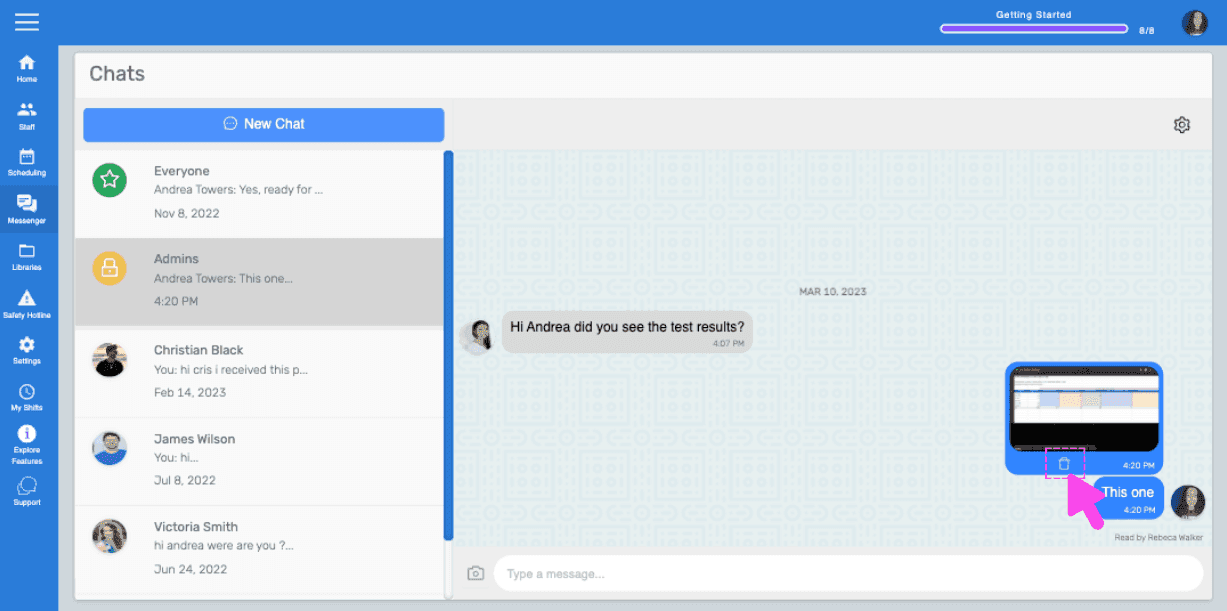
SINC web chat conversation with a pink hand pointing to the trash icon on a hovered message

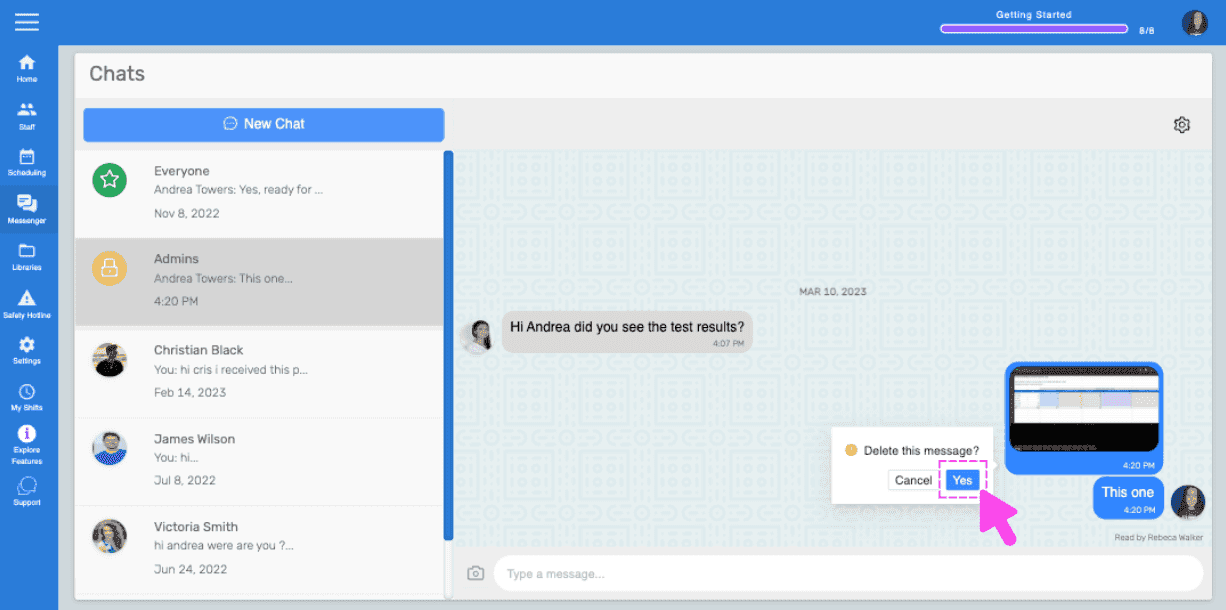
Fai clic su «Sì» nel prompt

Chats screen showing a delete message confirmation popup with a pink arrow on the Yes button

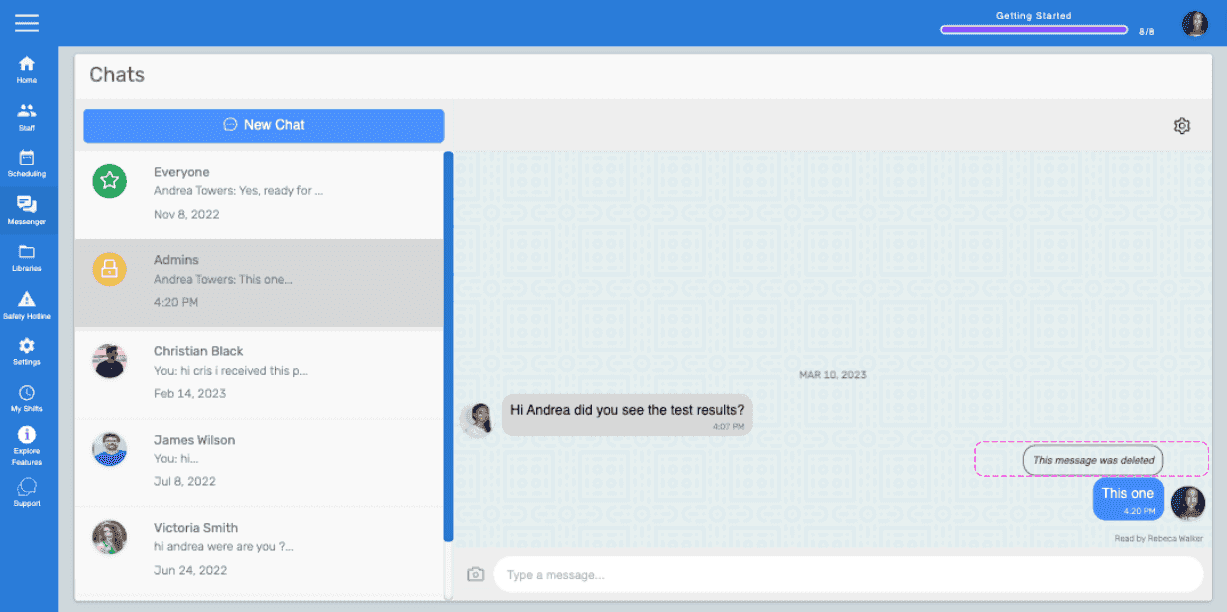
Il messaggio verrà eliminato.

Web Chats screen showing a message marked 'This message was deleted' highlighted in pink

Questa risposta ti è stata utile?