
Come modificare il mio profilo
Questa guida spiega come modificare il proprio profilo come dipendente

SINC Support Team
May 7th, 2021
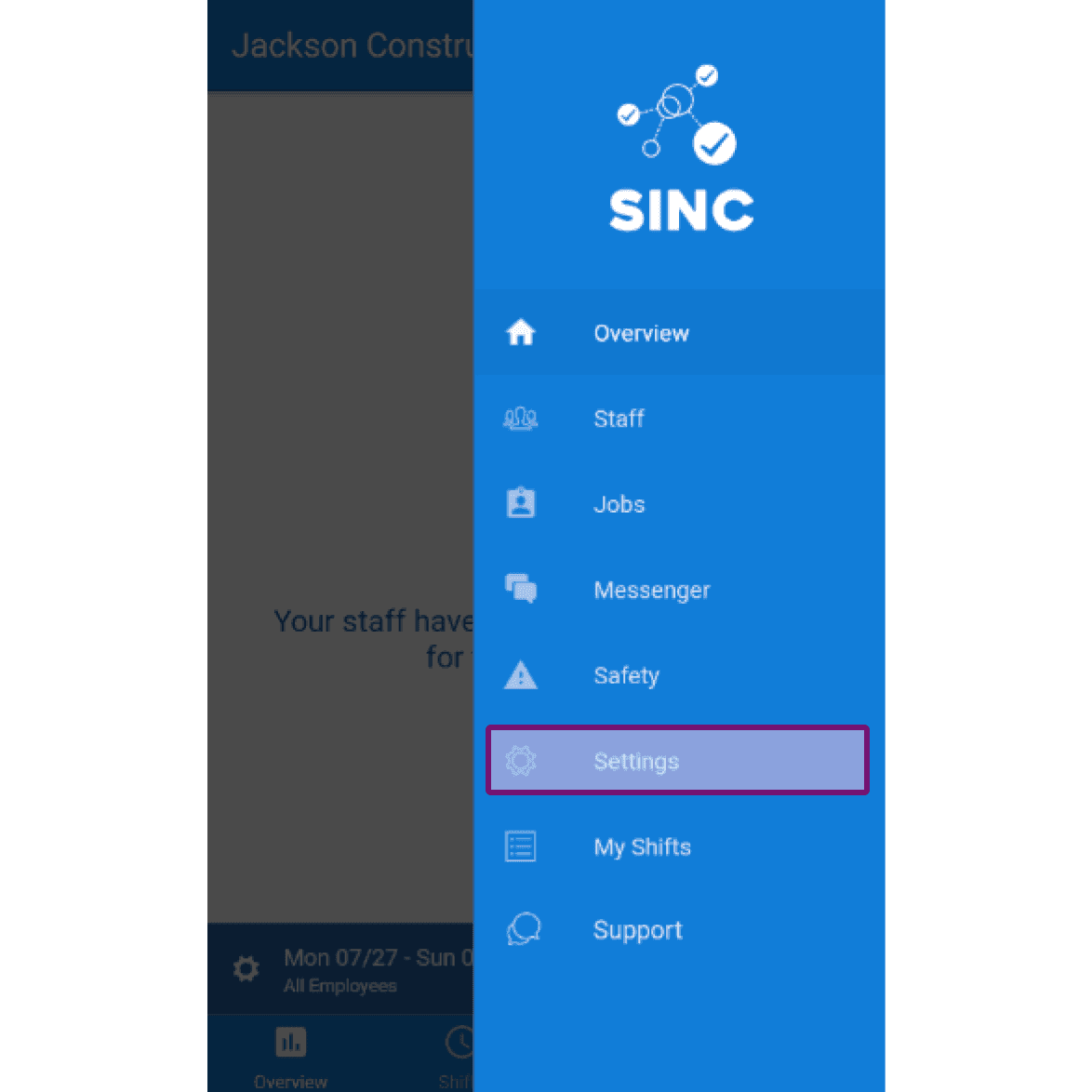
Le schermate seguenti mostrano come modificare i dati del proprio profilo. Su dispositivo mobile: tocca Menu Impostazioni
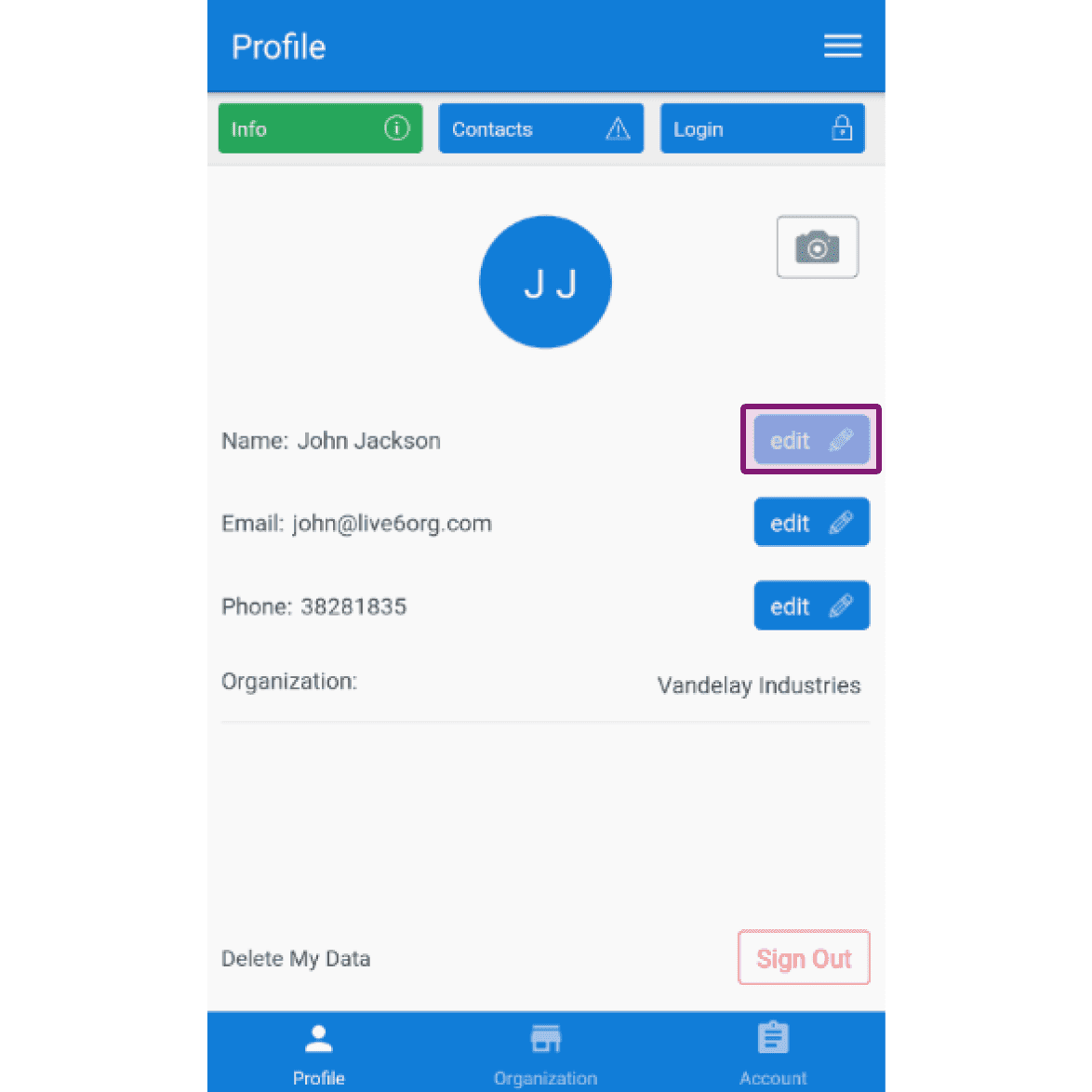
Nella scheda Profilo Info, per modificare il tuo nome: tocca Modifica (accanto a «Nome»)
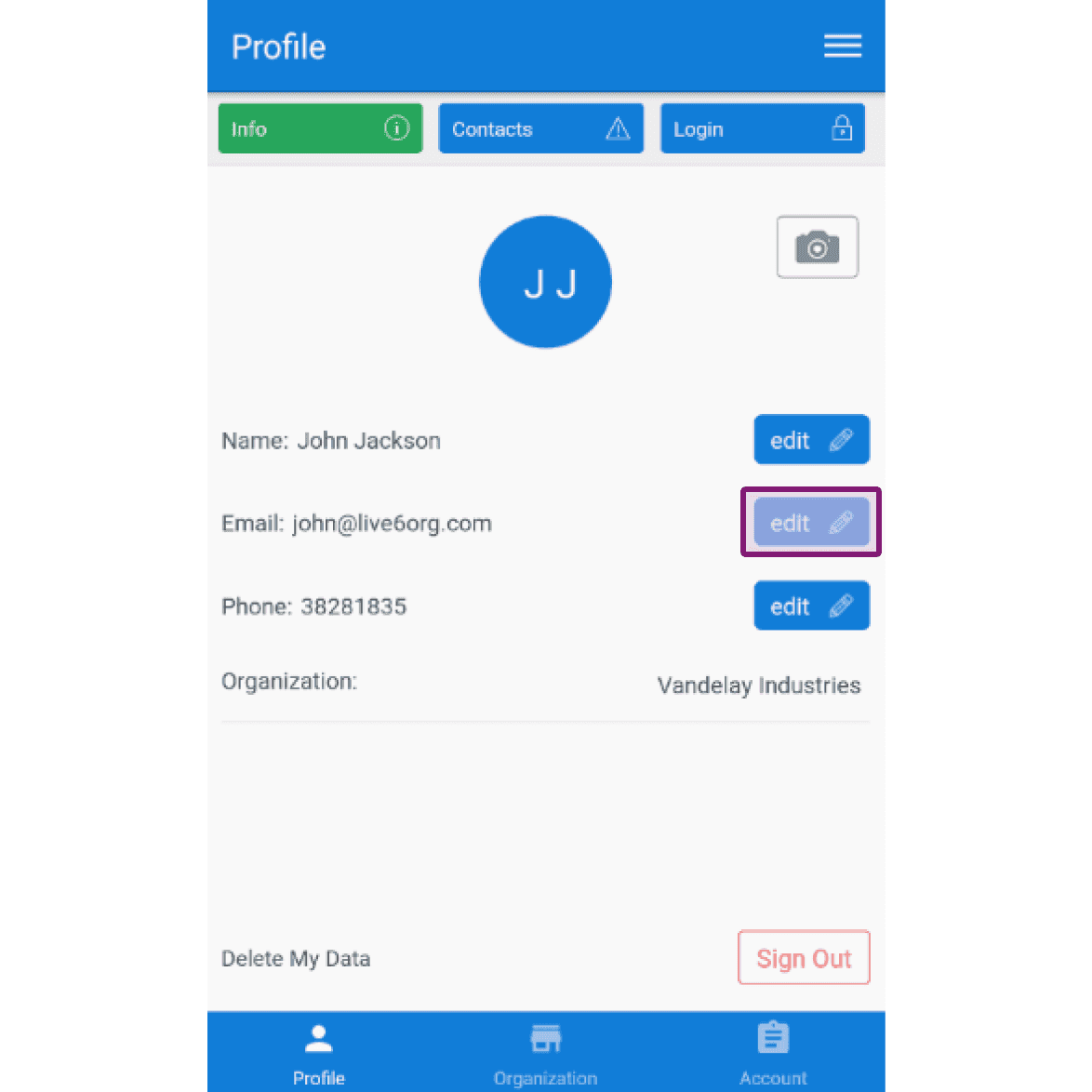
Per modificare il tuo indirizzo e-mail: tocca Modifica (accanto a «E-mail»)
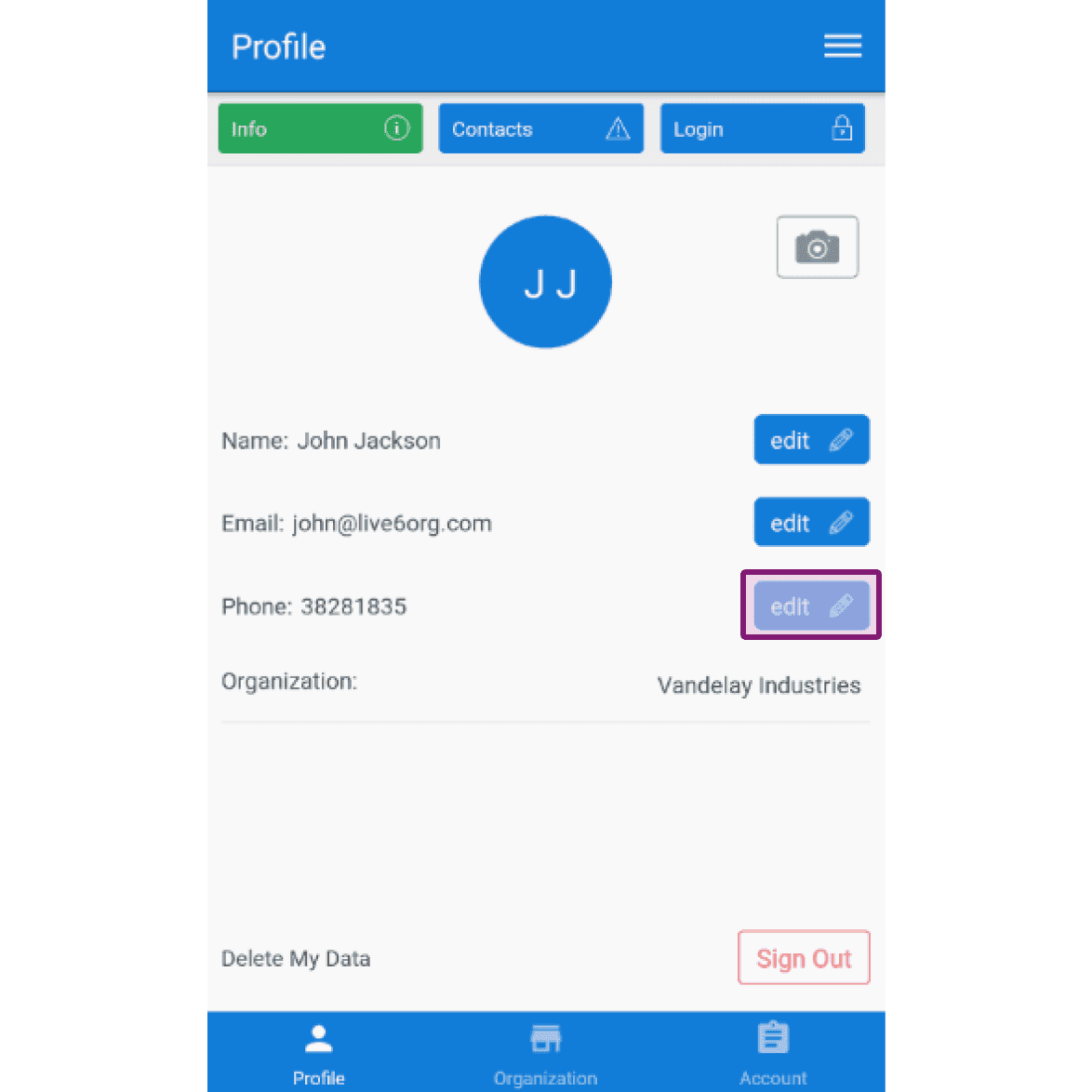
Per modificare il tuo numero di telefono: tocca Modifica (accanto a Numero di telefono)
Questa risposta ti è stata utile?