
Dove trovare i fogli ore inviati in MYOB?
Questo articolo spiega come trovare i fogli ore inviati per l’elaborazione delle paghe in MYOB New Essentials Account.

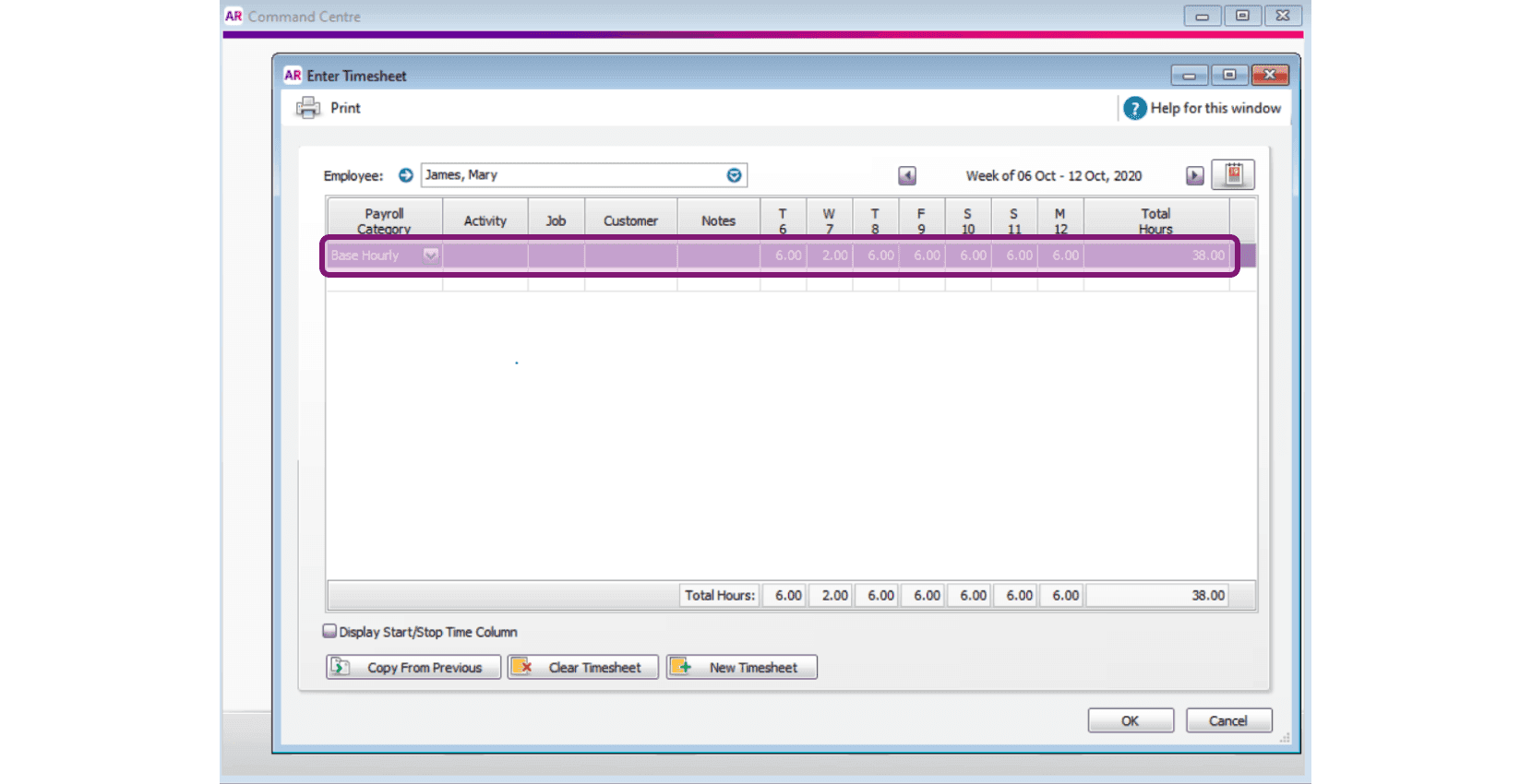
Dopo aver inviato i fogli ore a MYOB tramite SINC, puoi visualizzarli, salvarli o eliminarli accedendo a MYOB AccountRight Live o al nuovo account Essentials. Per gli utenti di AccountRight Live: fai clic su Time Billing
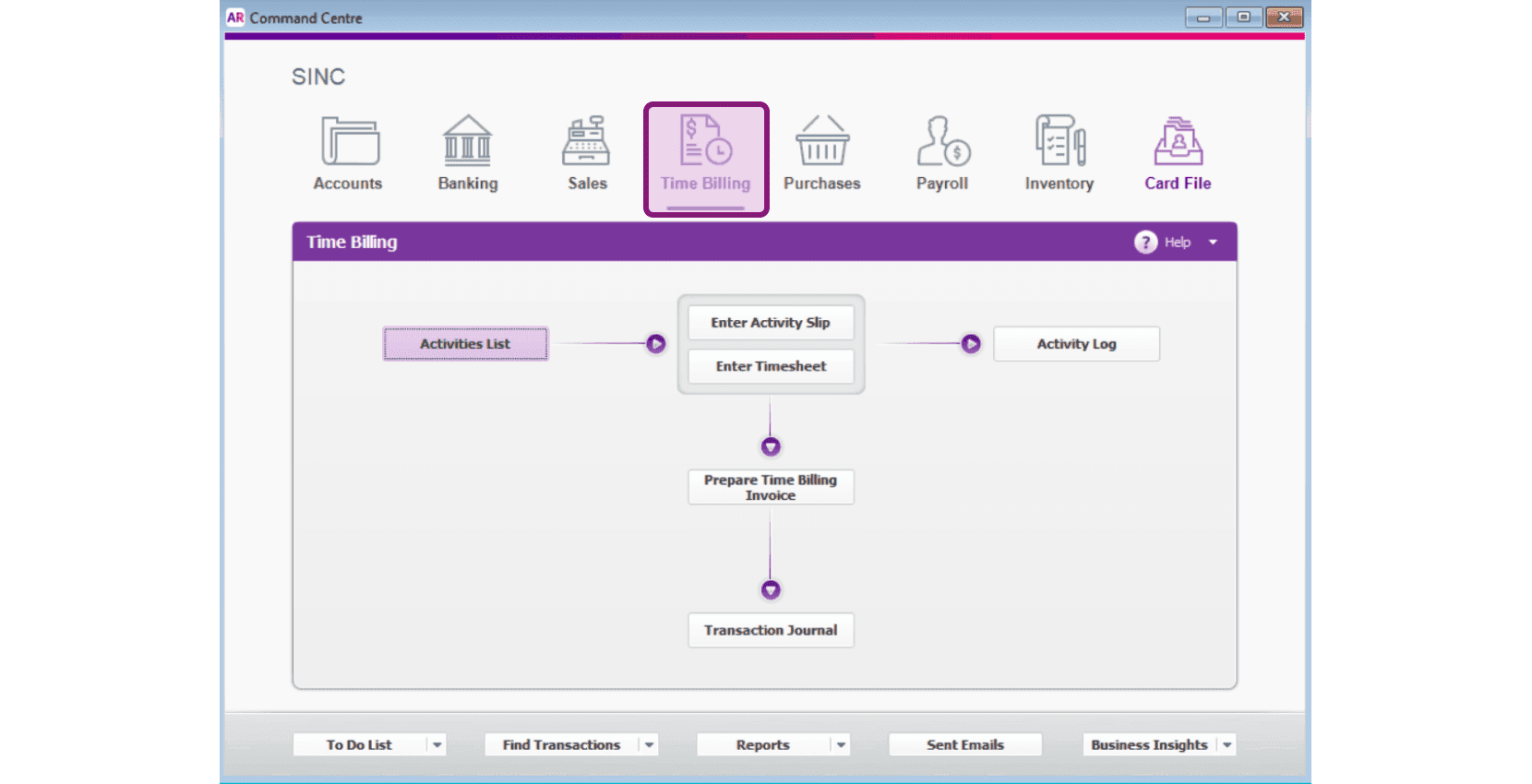
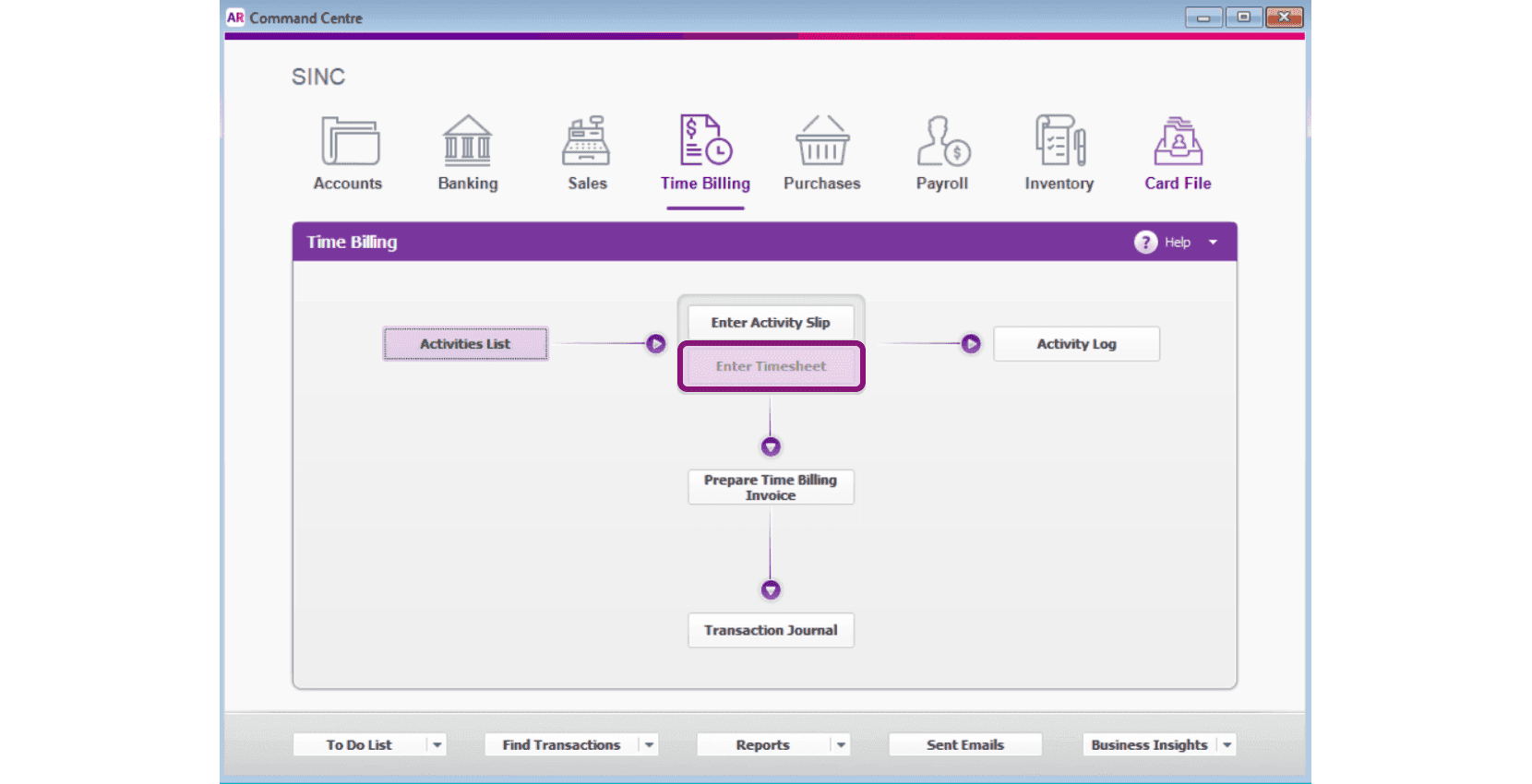
Fai clic su Inserisci timesheet
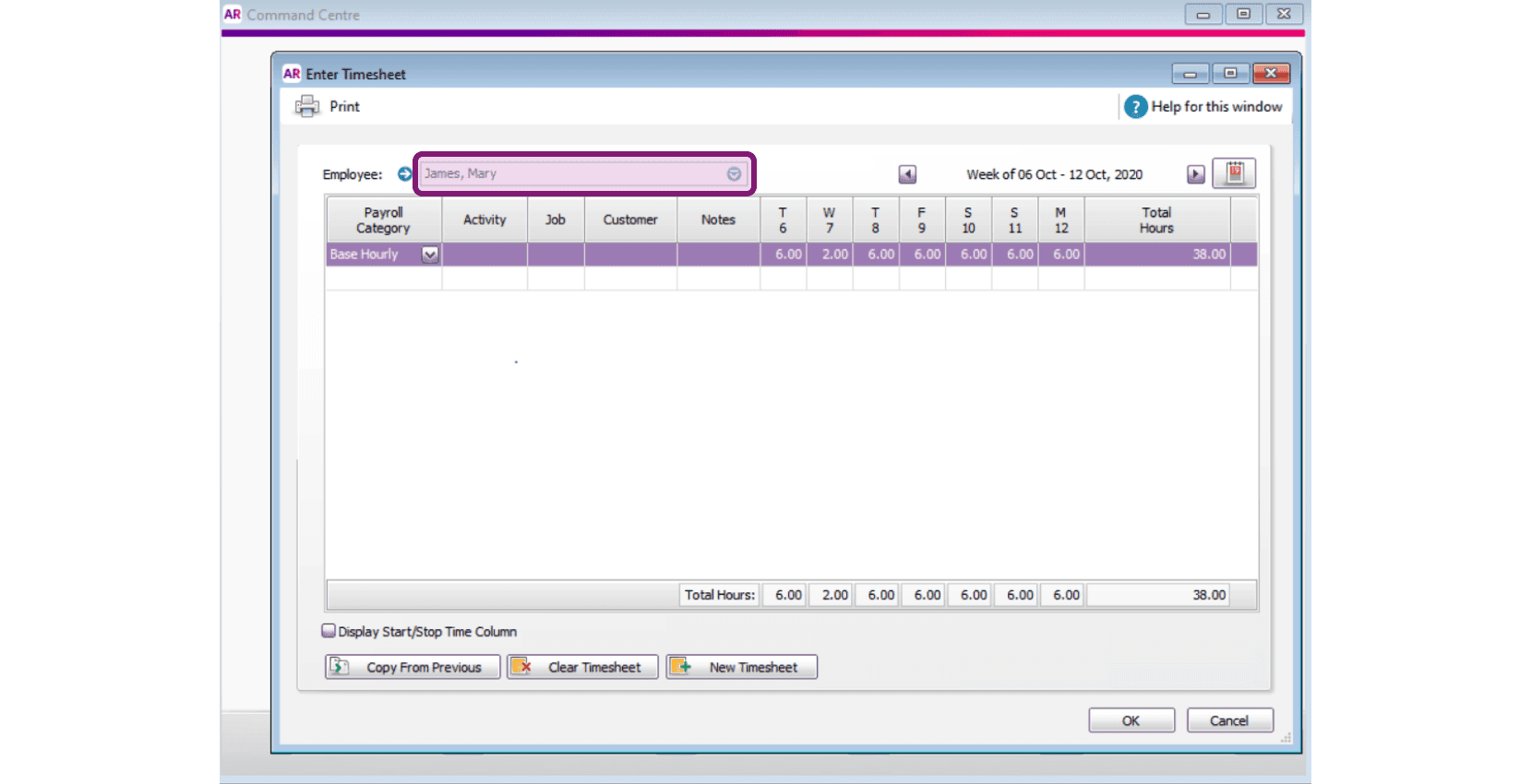
Seleziona il nome del dipendente dall’elenco a discesa.
Fai clic sull’icona del calendario per selezionare il periodo di paga.
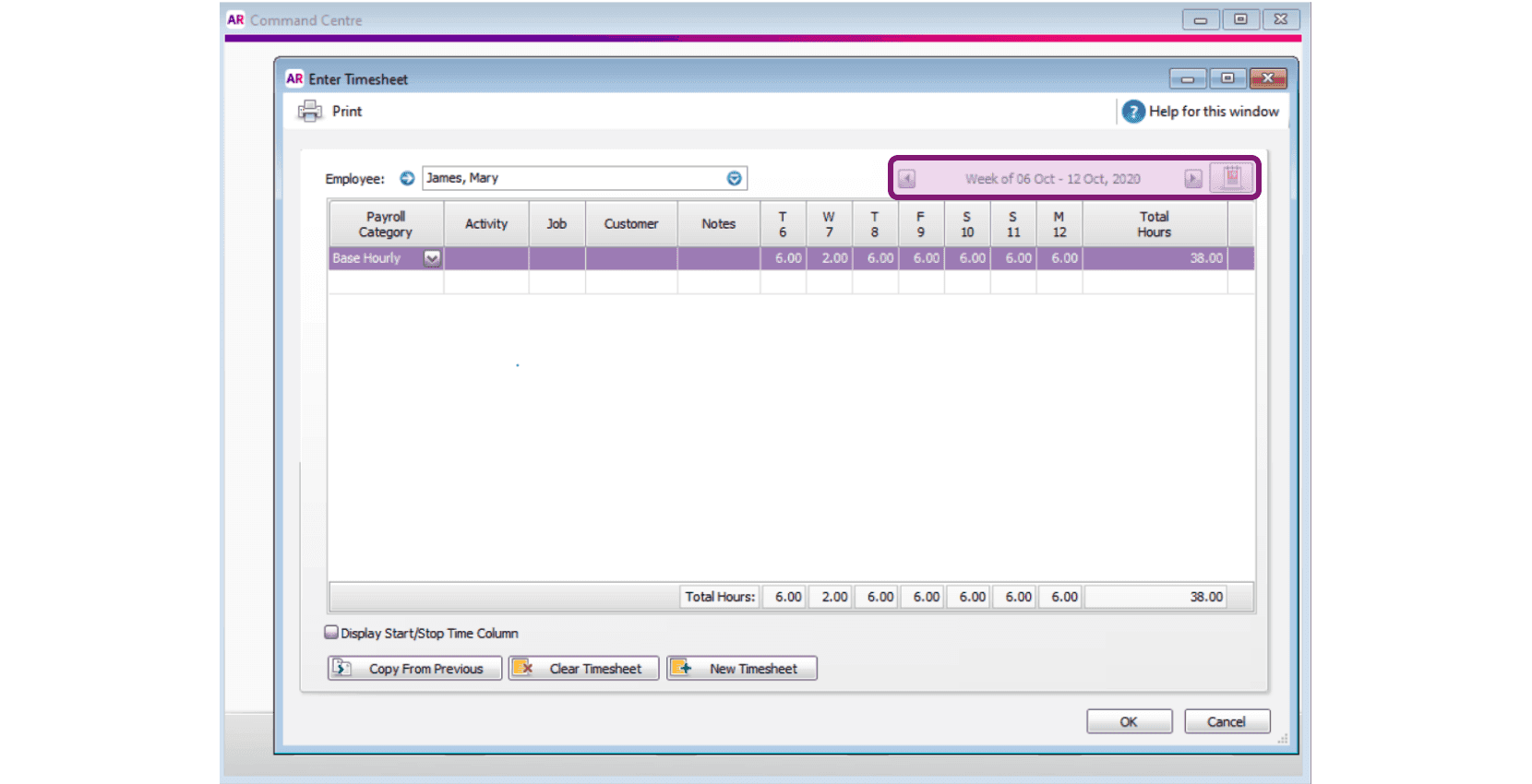
Puoi quindi visualizzare le ore inserite per uno specifico dipendente in un determinato periodo di paga e salvarle, modificarle o eliminarle.
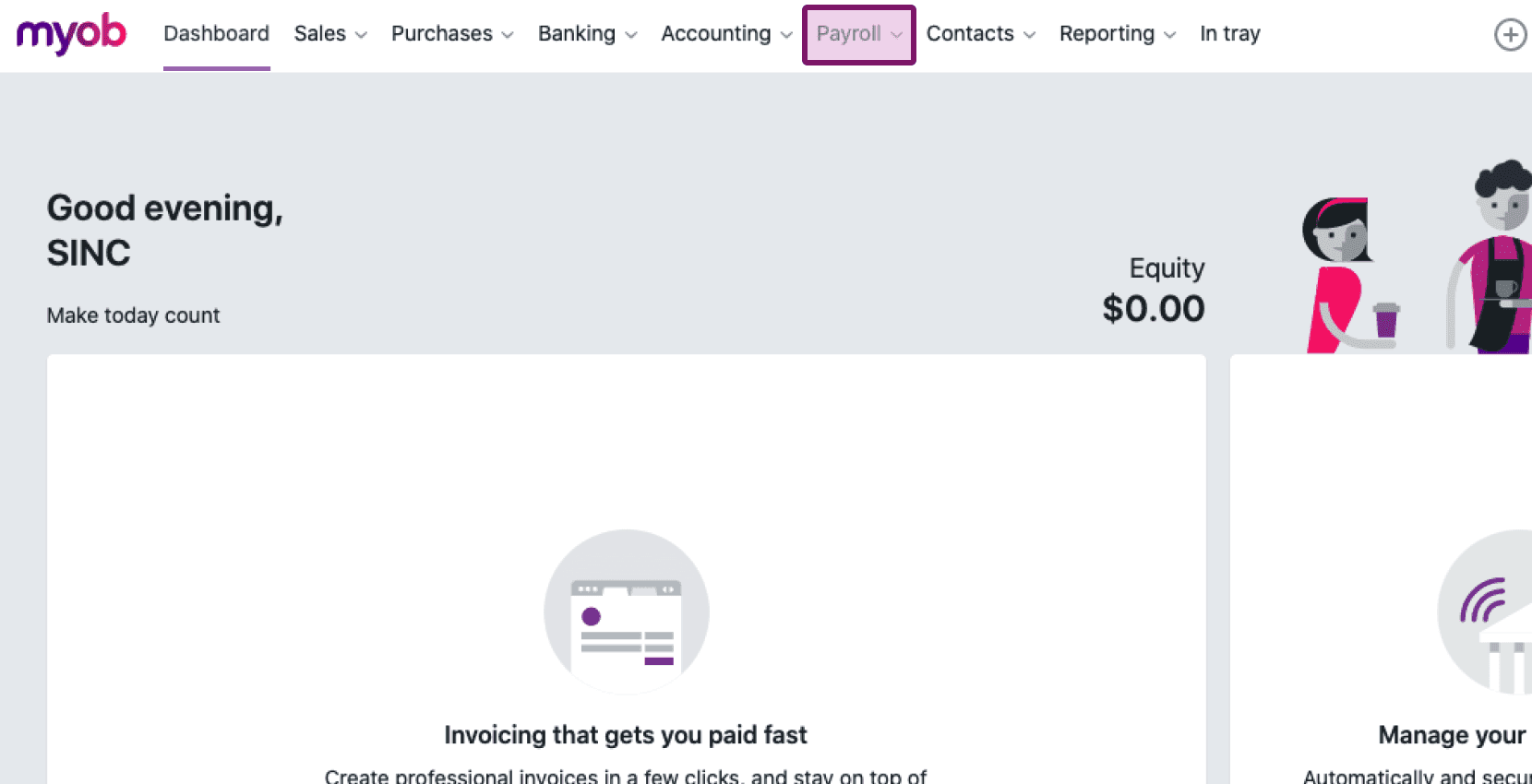
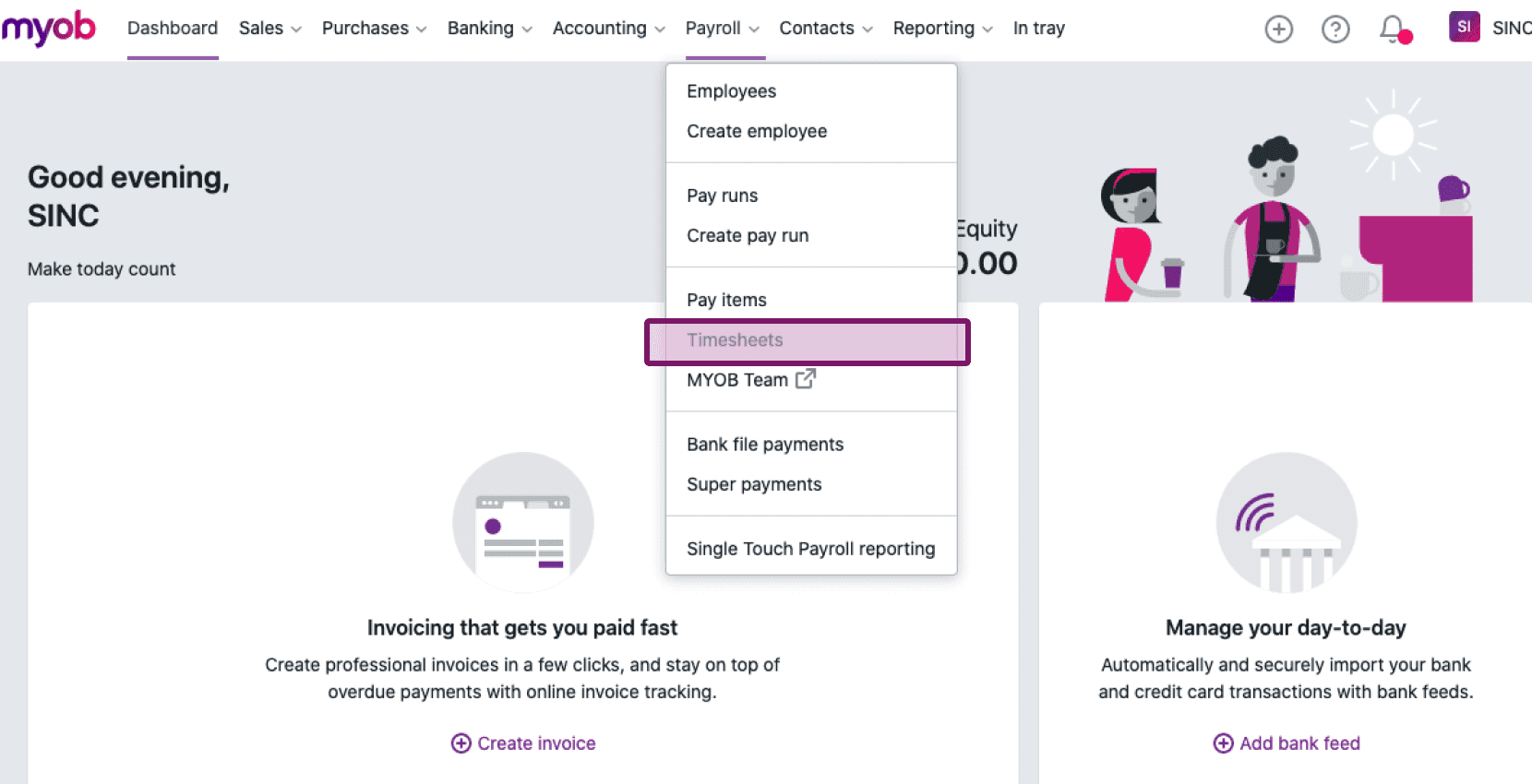
Per i nuovi utenti di MYOB Essentials: vai su Paghe Fogli ore
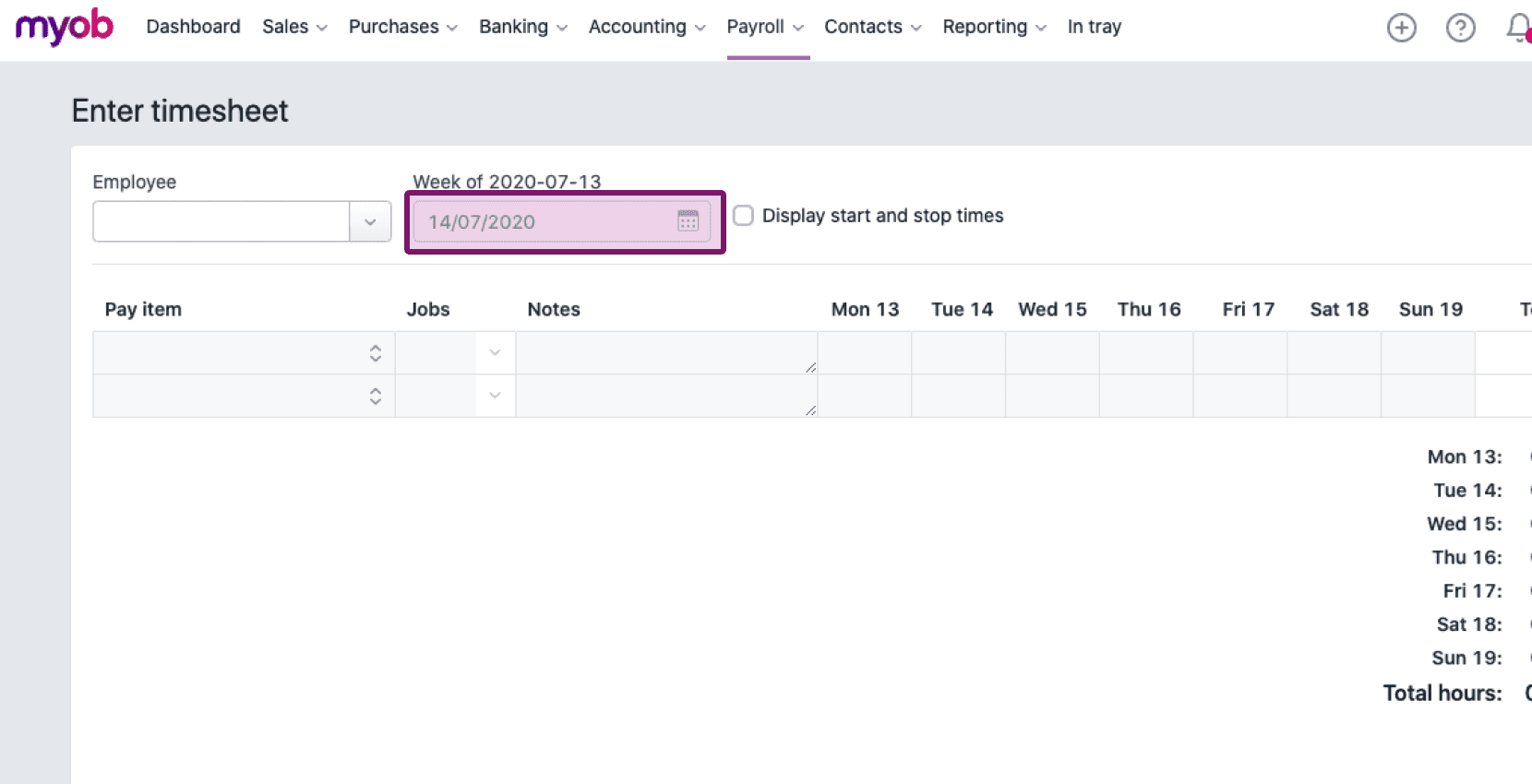
Fai clic sul menu a discesa sotto Dipendente e seleziona il nome del dipendente dall’elenco.
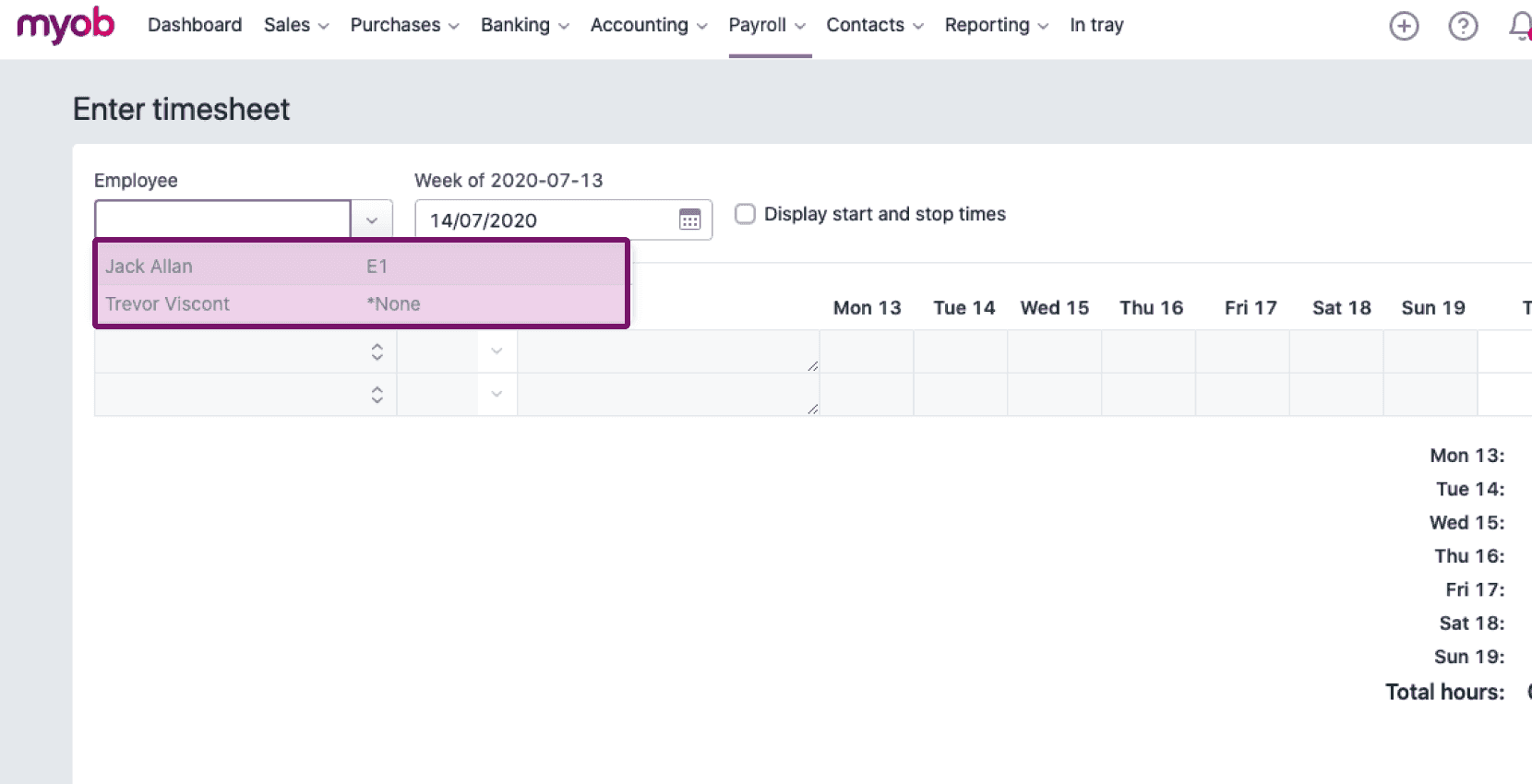
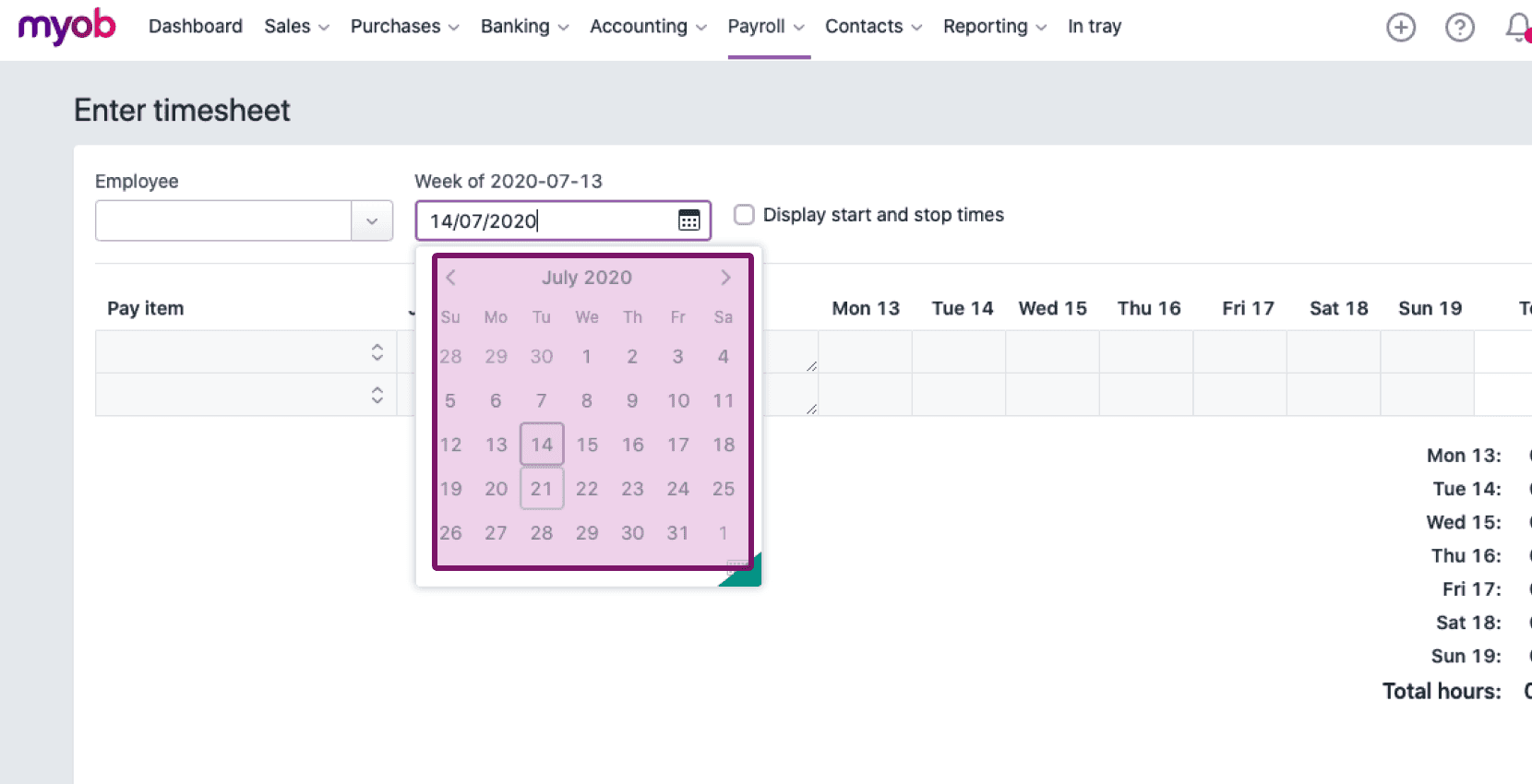
Fai clic sull’icona del calendario sotto Settimana del… e seleziona il periodo di paga.
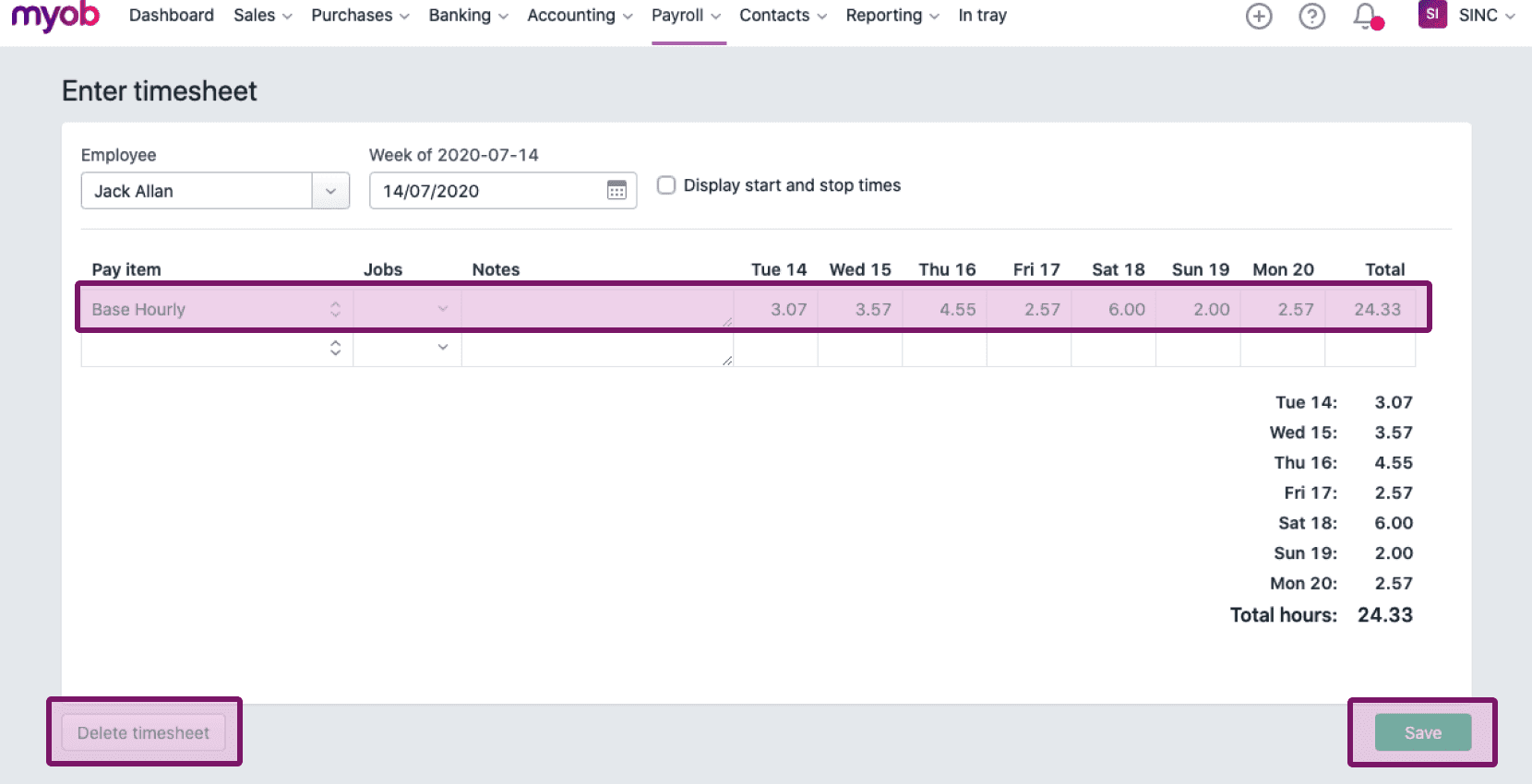
La schermata seguente mostra le ore inserite per uno specifico dipendente in un determinato periodo di paga, che puoi salvare, modificare o eliminare.
Questa risposta ti è stata utile?