
Come aggiornare il metodo di pagamento sul web
Devi aggiungere una nuova carta di credito al tuo account? In questa guida ti mostriamo come fare

SINC Support Team
May 8th, 2023
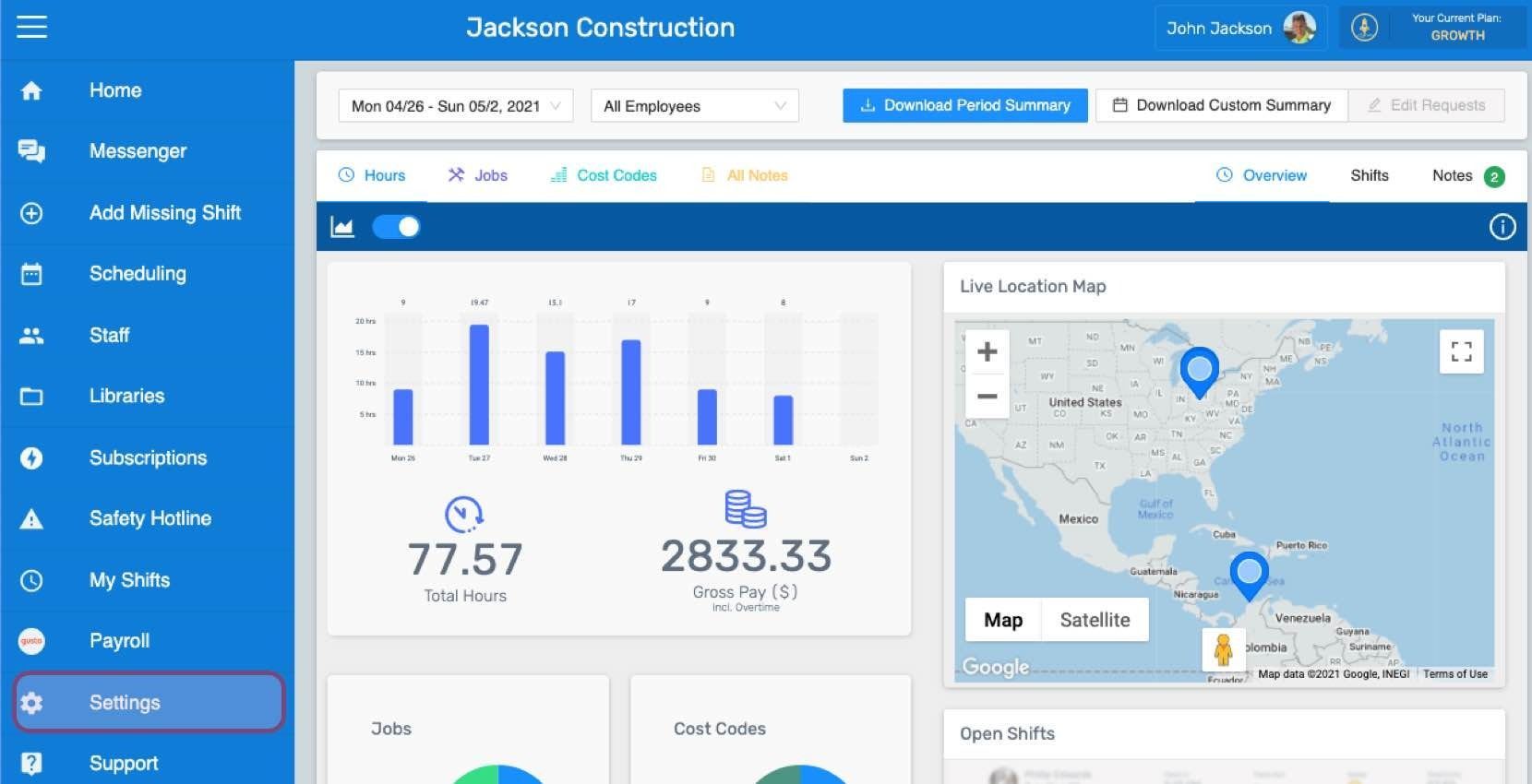
Fai clic su Menu Impostazioni
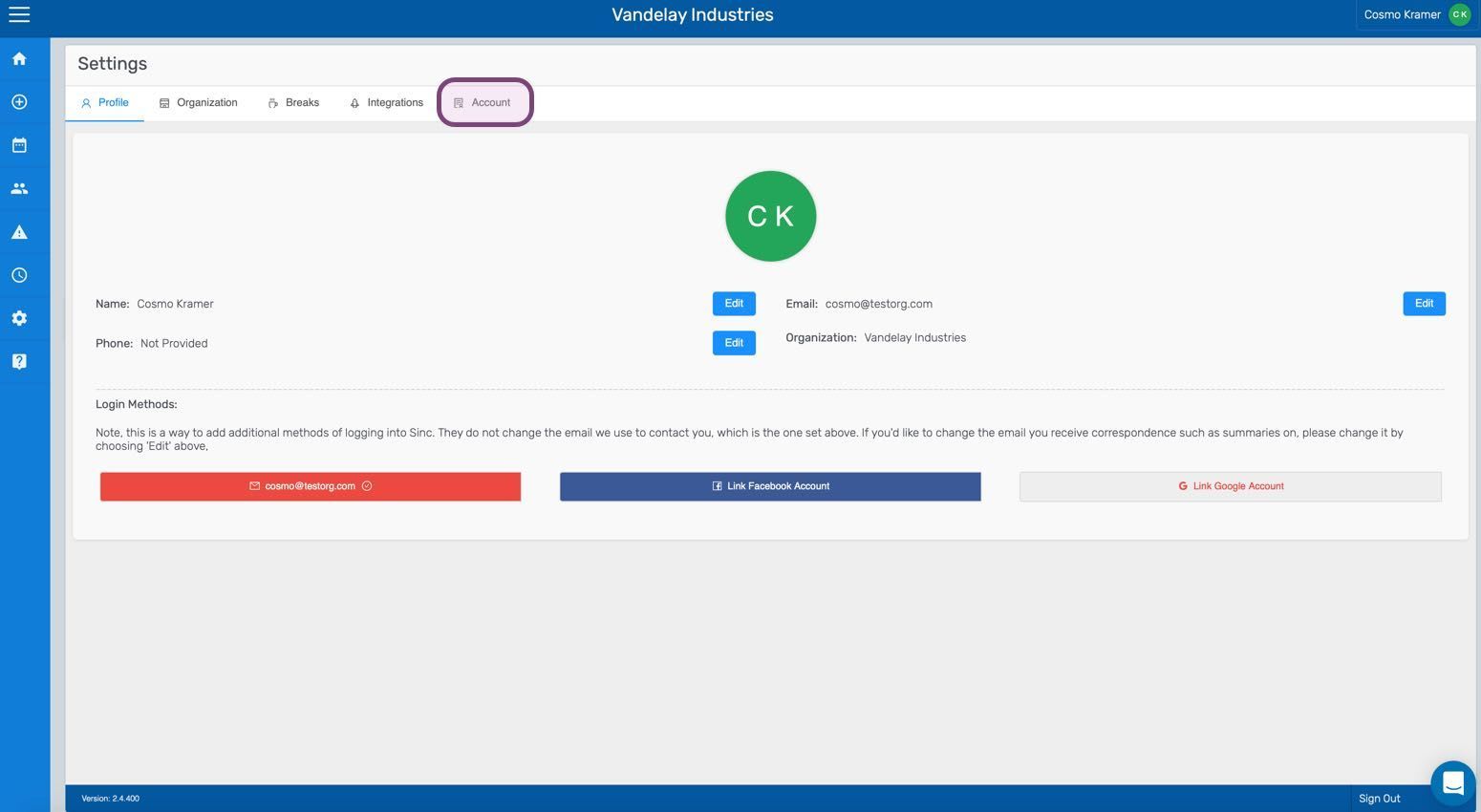
Fai clic su Account
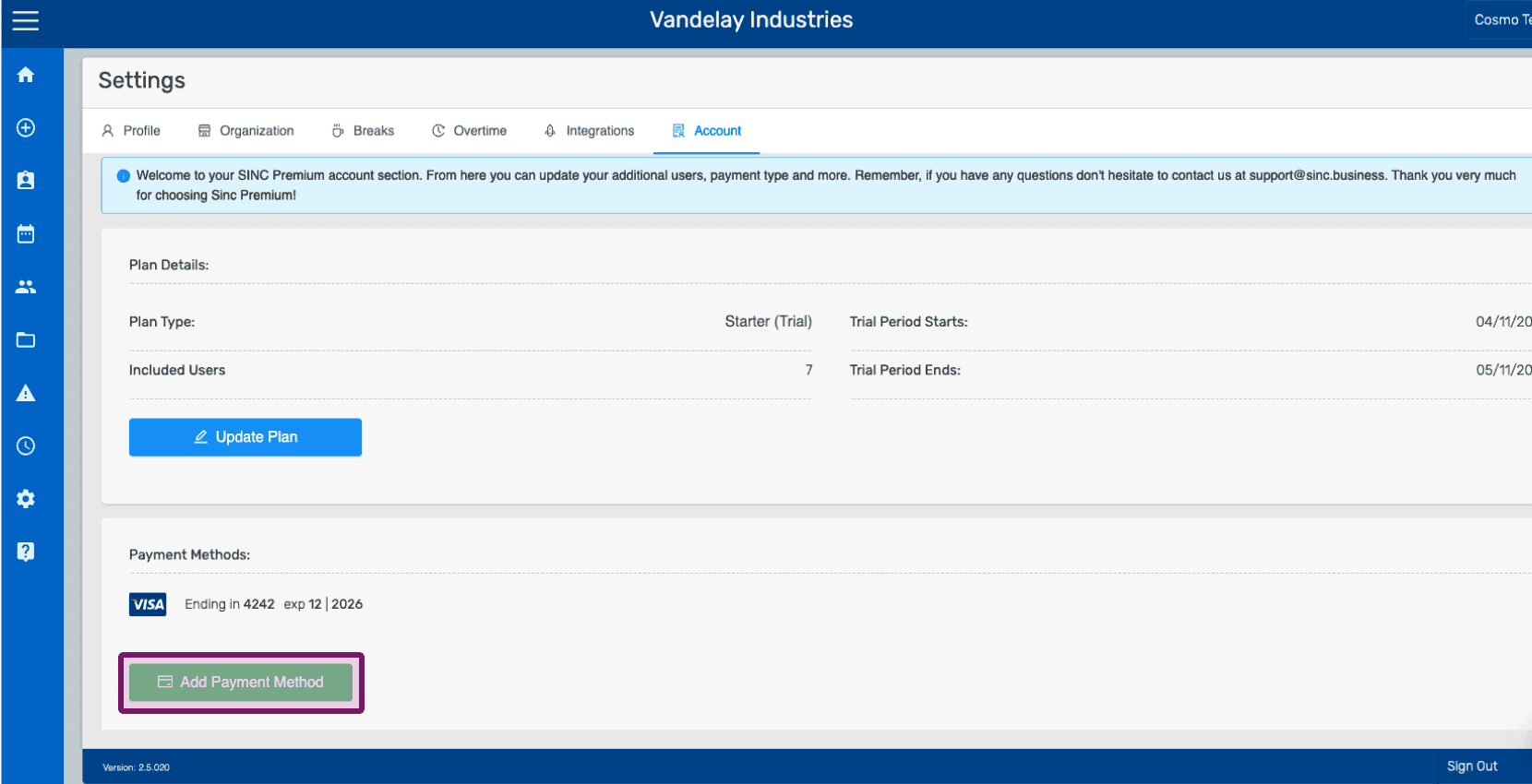
Fai clic su Aggiungi metodo di pagamento
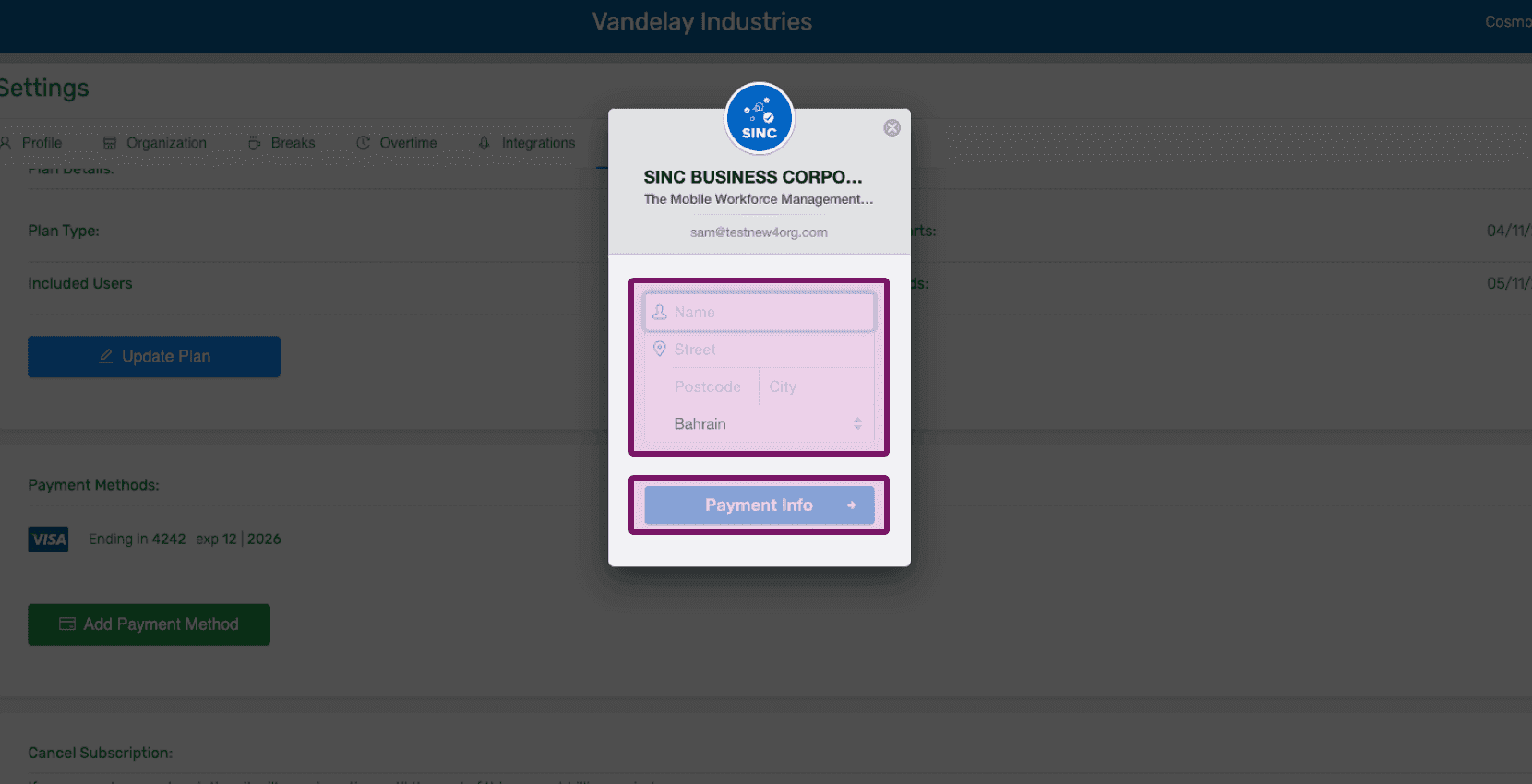
Inserisci i dati del tuo profilo e fai clic su Informazioni di pagamento
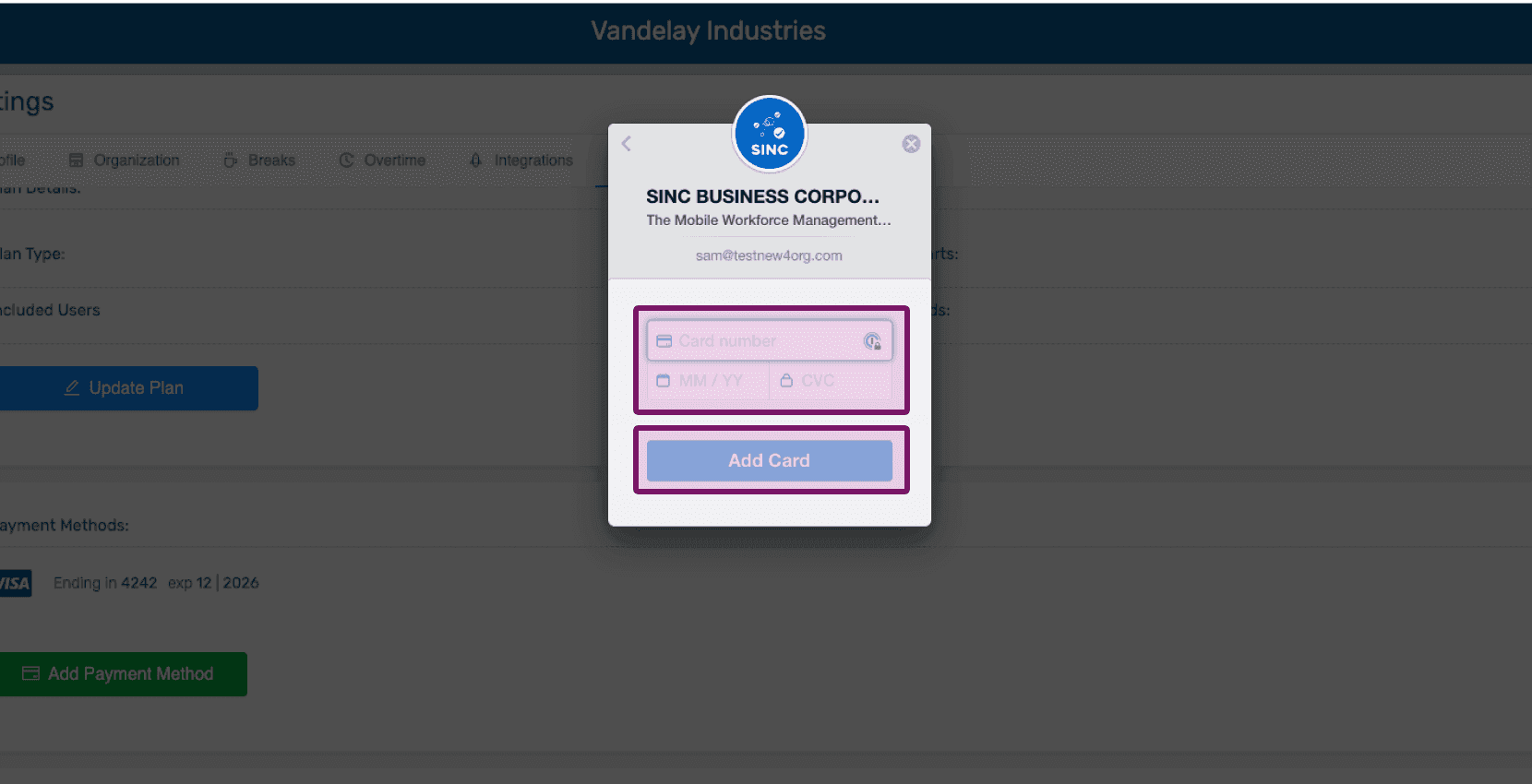
Inserisci i dati di pagamento e fai clic su Aggiungi carta
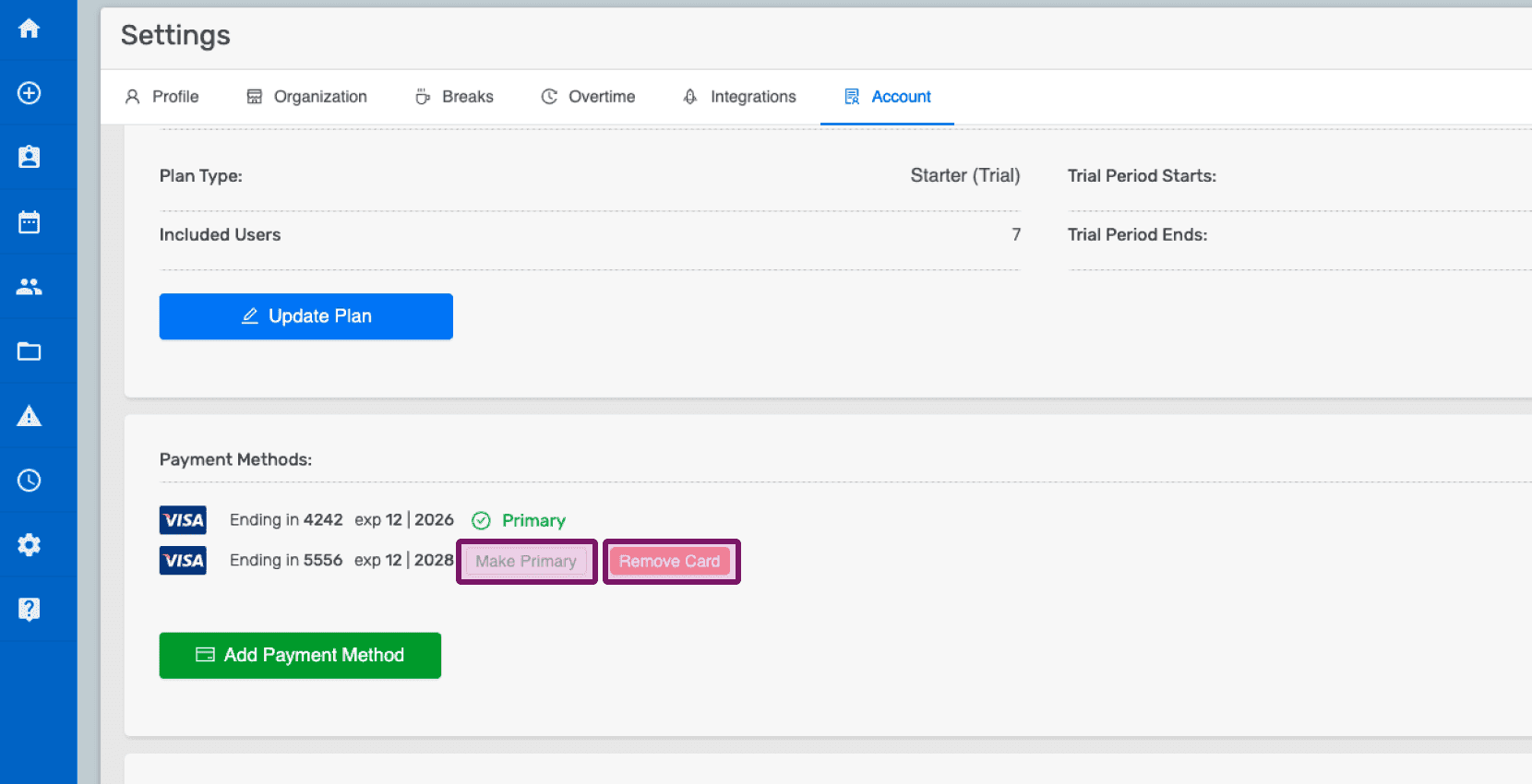
Dopo aver aggiunto i dati della nuova carta, puoi rimuovere una carta facendo clic su Rimuovi oppure impostarla come principale facendo clic su Imposta come principale.
Questa risposta ti è stata utile?