
Eliminazione dei turni programmati
In questo tutorial ti mostriamo come eliminare un turno già programmato

Sam Dolbel
Oct 19th, 2021
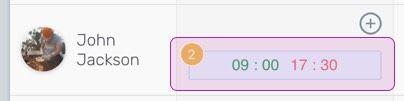
Sul Web: fai clic sul turno che vuoi eliminare.
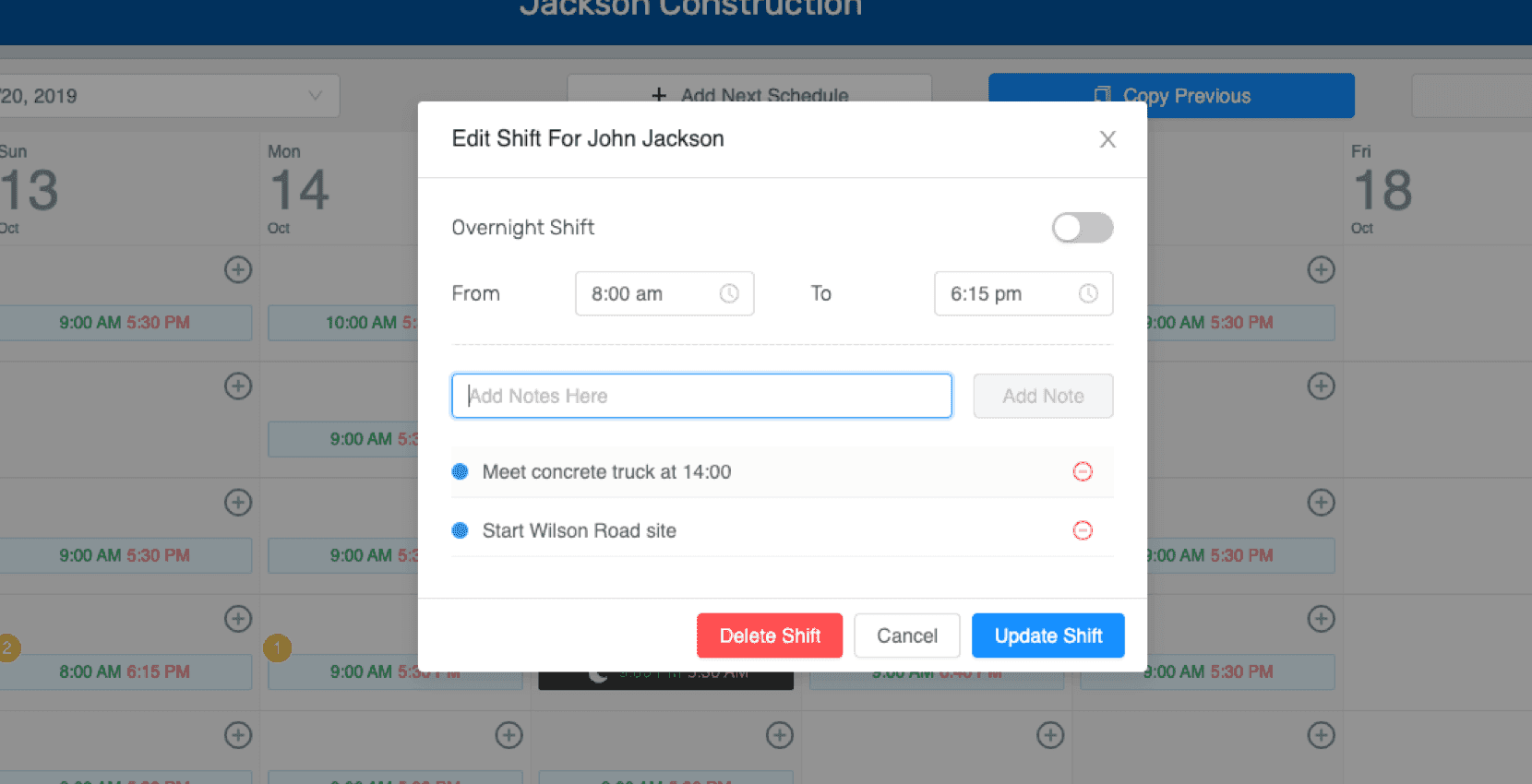
Seleziona Elimina turno.
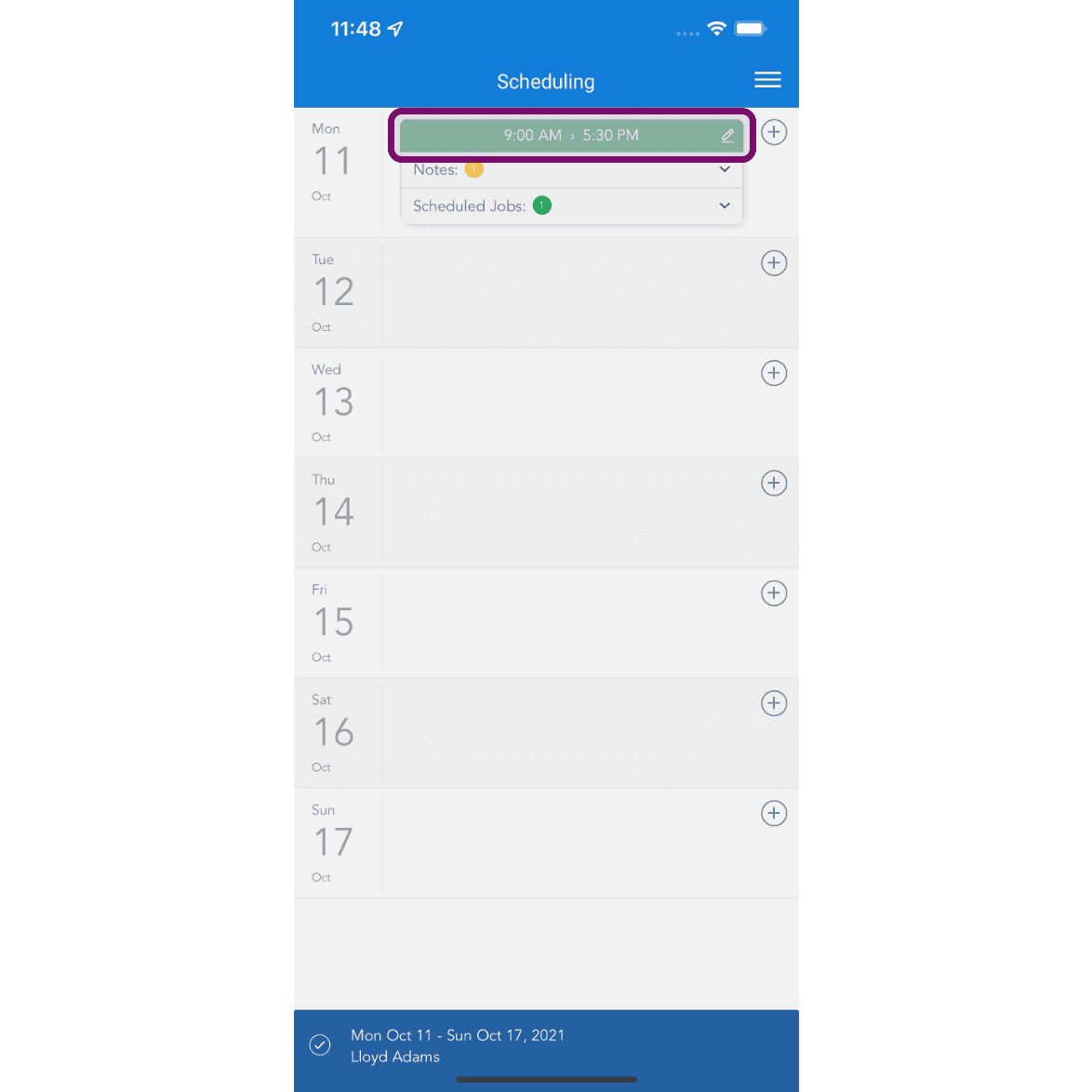
Su mobile: tocca il turno per eliminarlo.
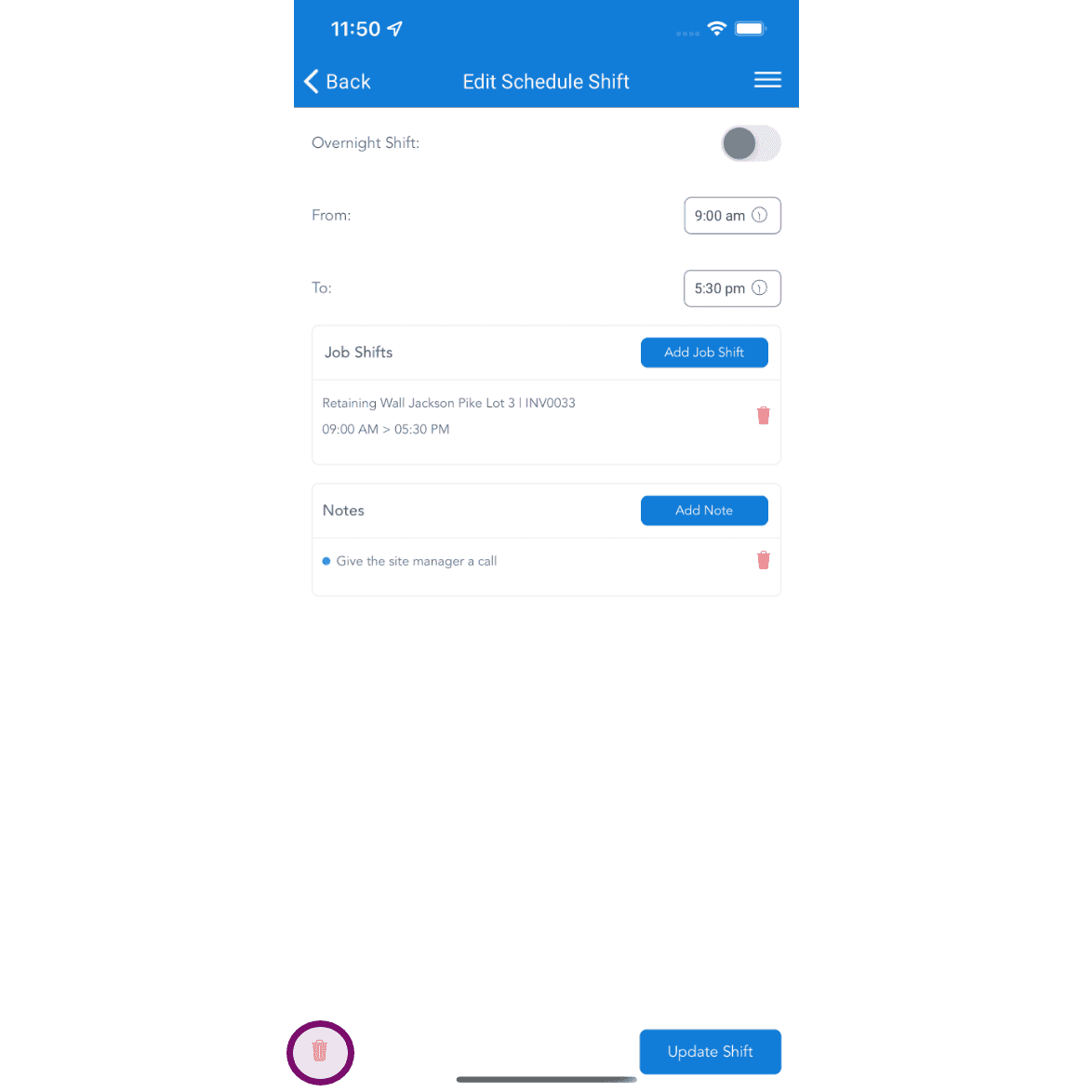
Tocca il pulsante elimina per eliminare il turno programmato. Se il turno è già stato pubblicato, il dipendente riceverà una notifica relativa alla rimozione del turno previsto per quel giorno. Potrà quindi visualizzarne i dettagli nella sua app.
Questa risposta ti è stata utile?