
Configurazione iniziale della pianificazione del personale

Questo tutorial spiega come configurare per la prima volta la pianificazione dei turni del personale

Sam Dolbel
Sam Dolbel
Apr 27th, 2023

Su mobile: tocca Menu Programmazione
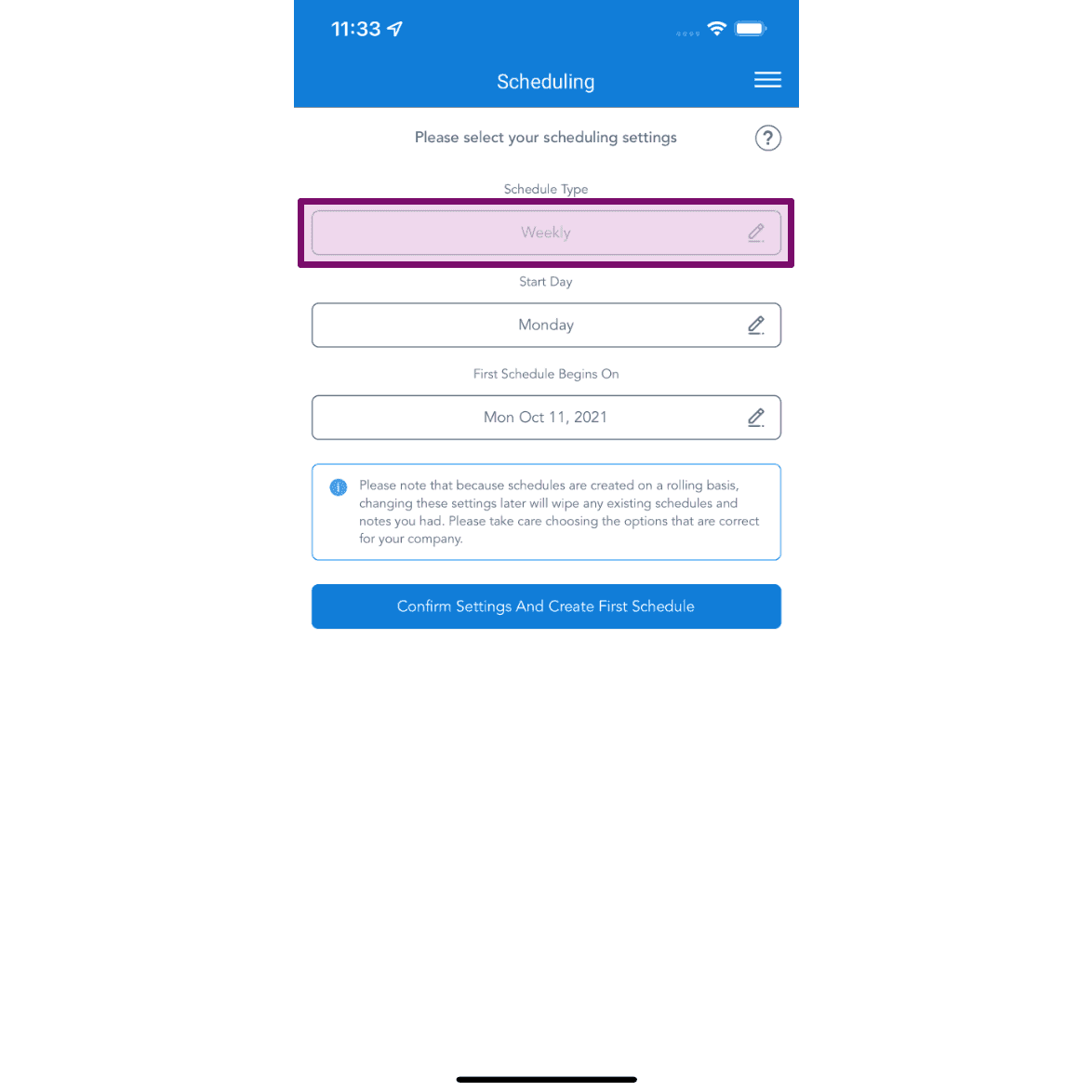
SINC mobile Scheduling settings screen with the Schedule Type field highlighted above Start Day and First Schedule Begins On

Scegli il tipo di pianificazione più adatto alla tua attività.
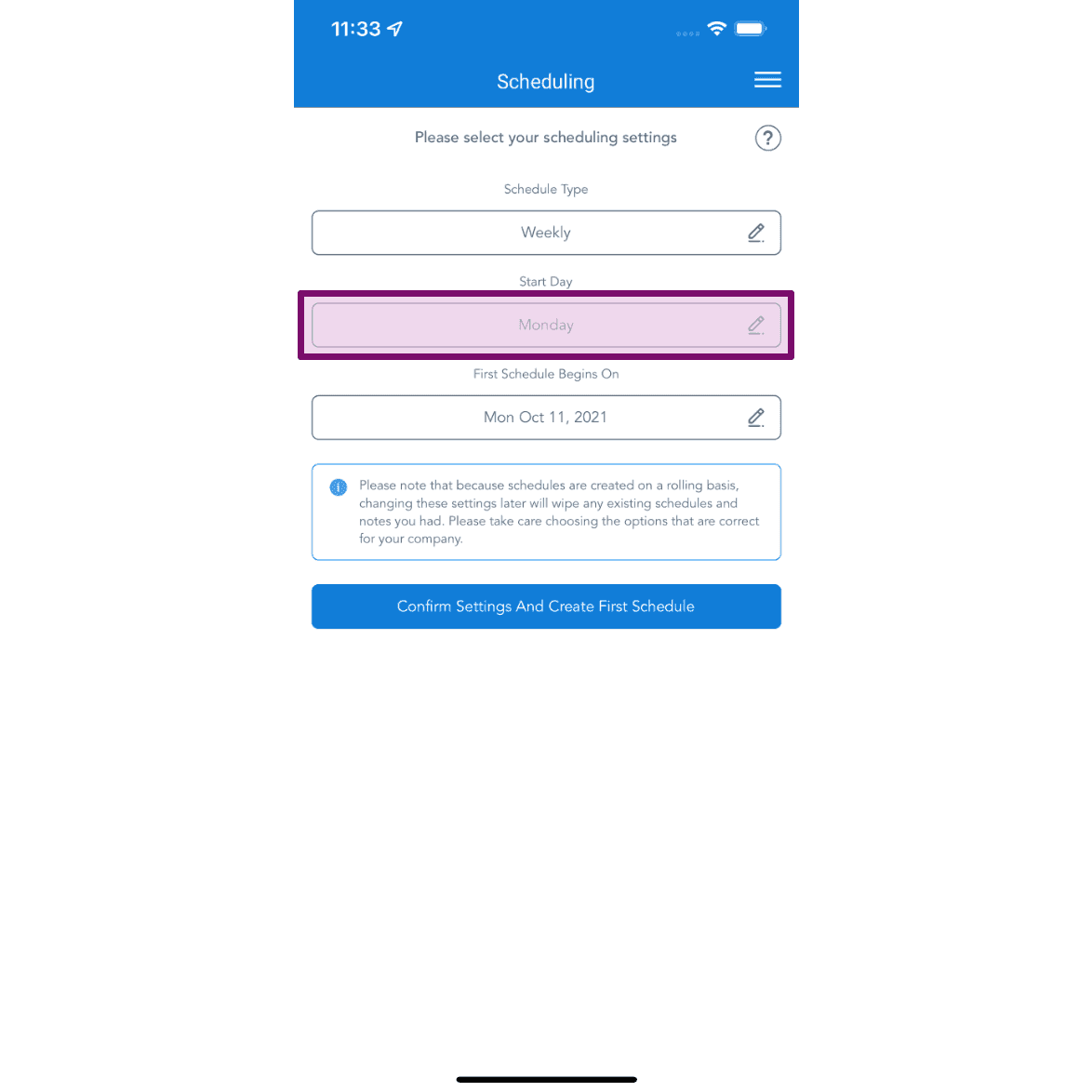
Scheduling initial setup screen with the Start Day field highlighted showing Monday selected

Scegli il giorno in cui deve iniziare il tuo programma.
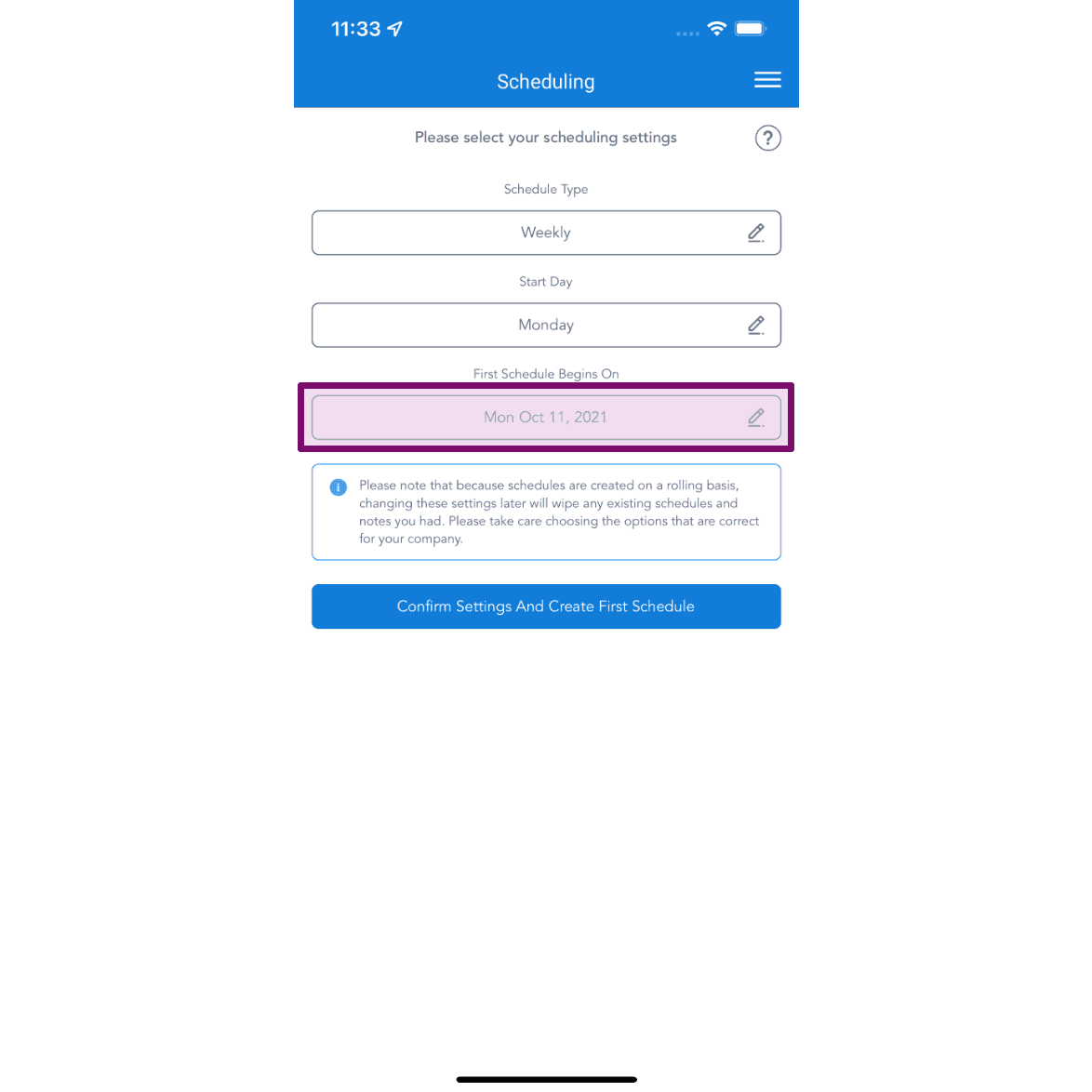
Mobile Scheduling setup screen with the First Schedule Begins On field outlined in purple

Scegli la data del tuo primo programma, quindi tocca Conferma impostazioni.
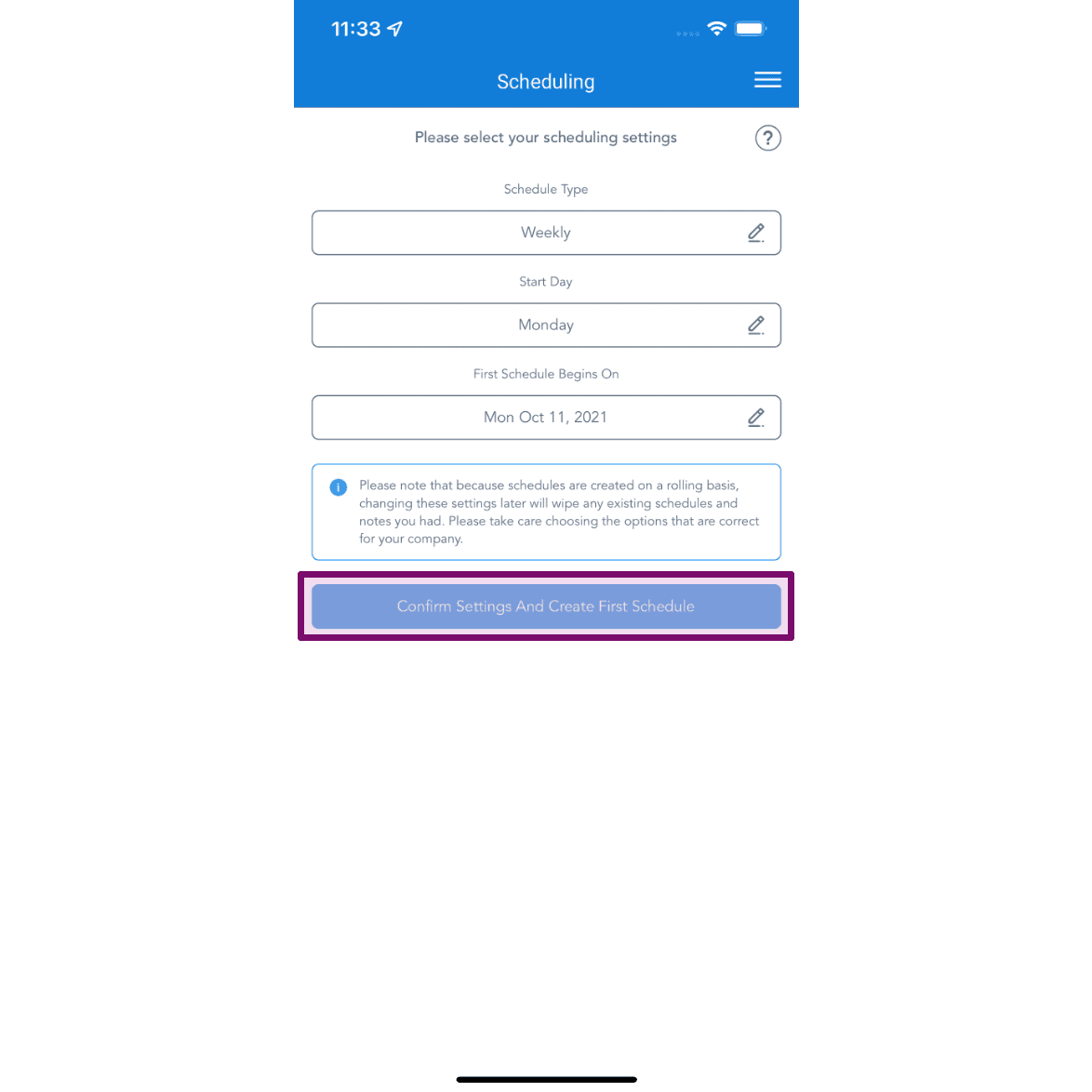
SINC mobile Scheduling setup screen with the Confirm Settings And Create First Schedule button outlined

Sul web: fai clic su Menu Pianificazione
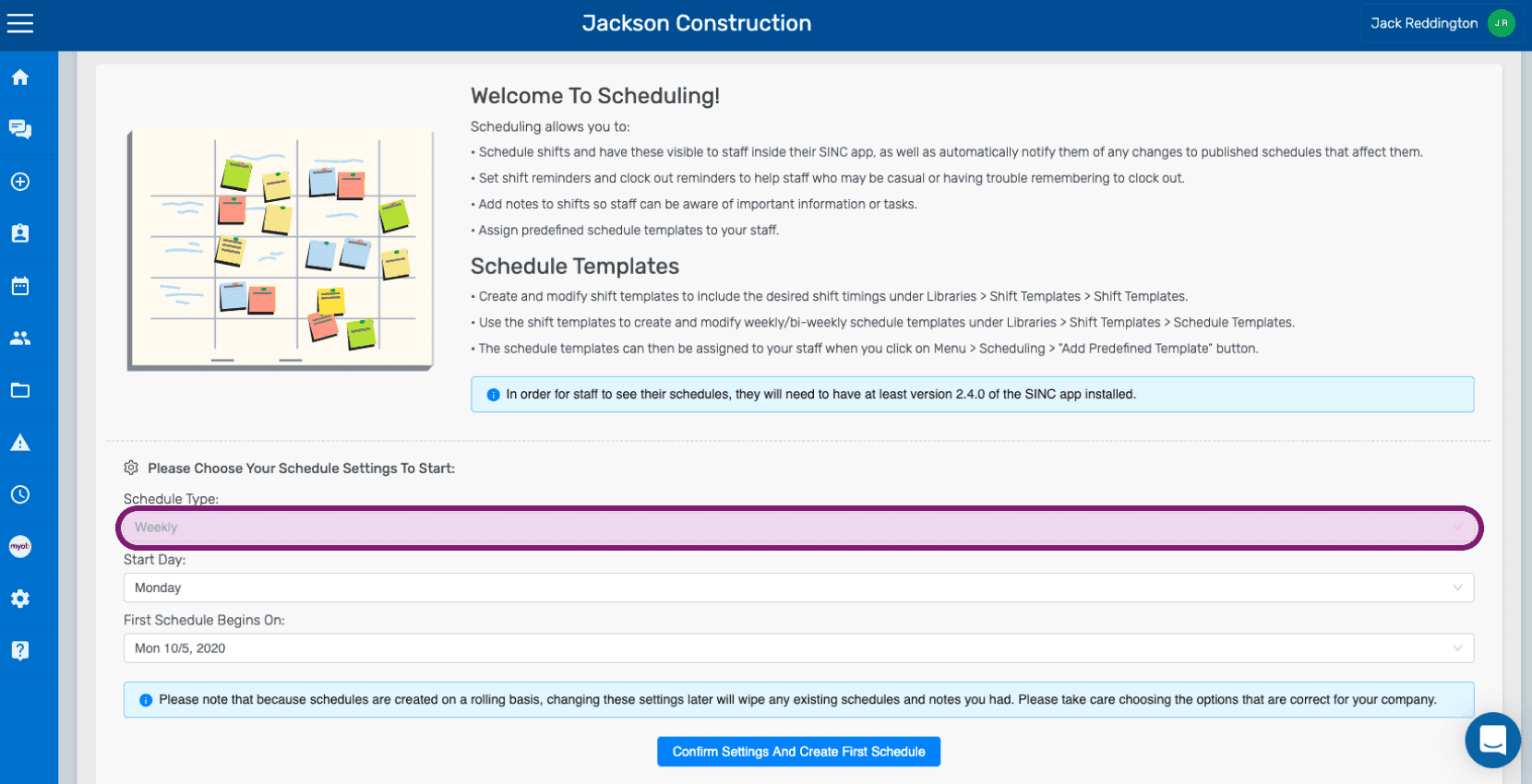
SINC web Welcome to Scheduling setup screen with the Schedule Type field circled in pink

Scegli il tipo di calendario più adatto alla tua attività.
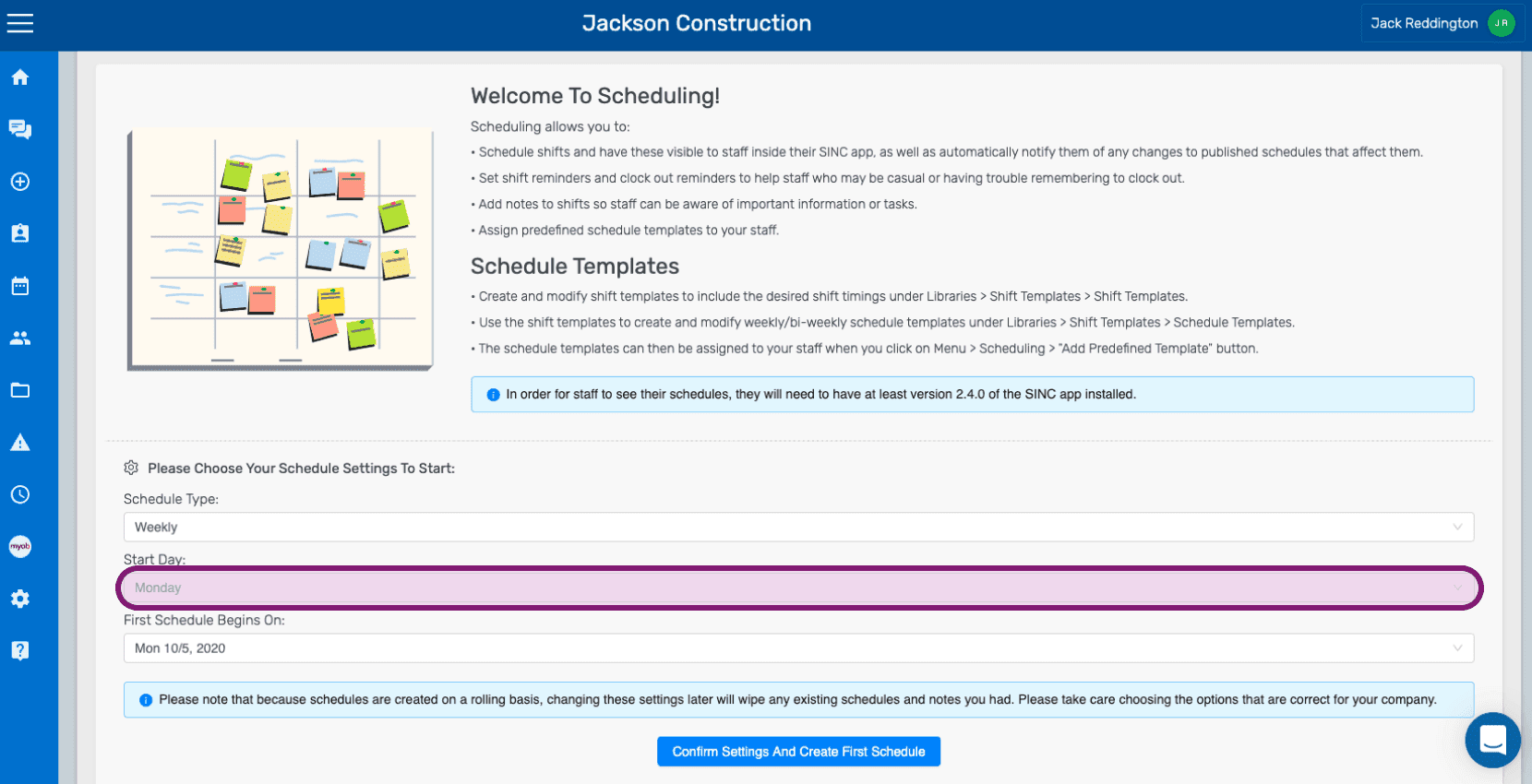
Welcome To Scheduling setup screen with the Schedule Type dropdown and Start Day field outlined

Scegli il giorno di inizio del tuo programma.
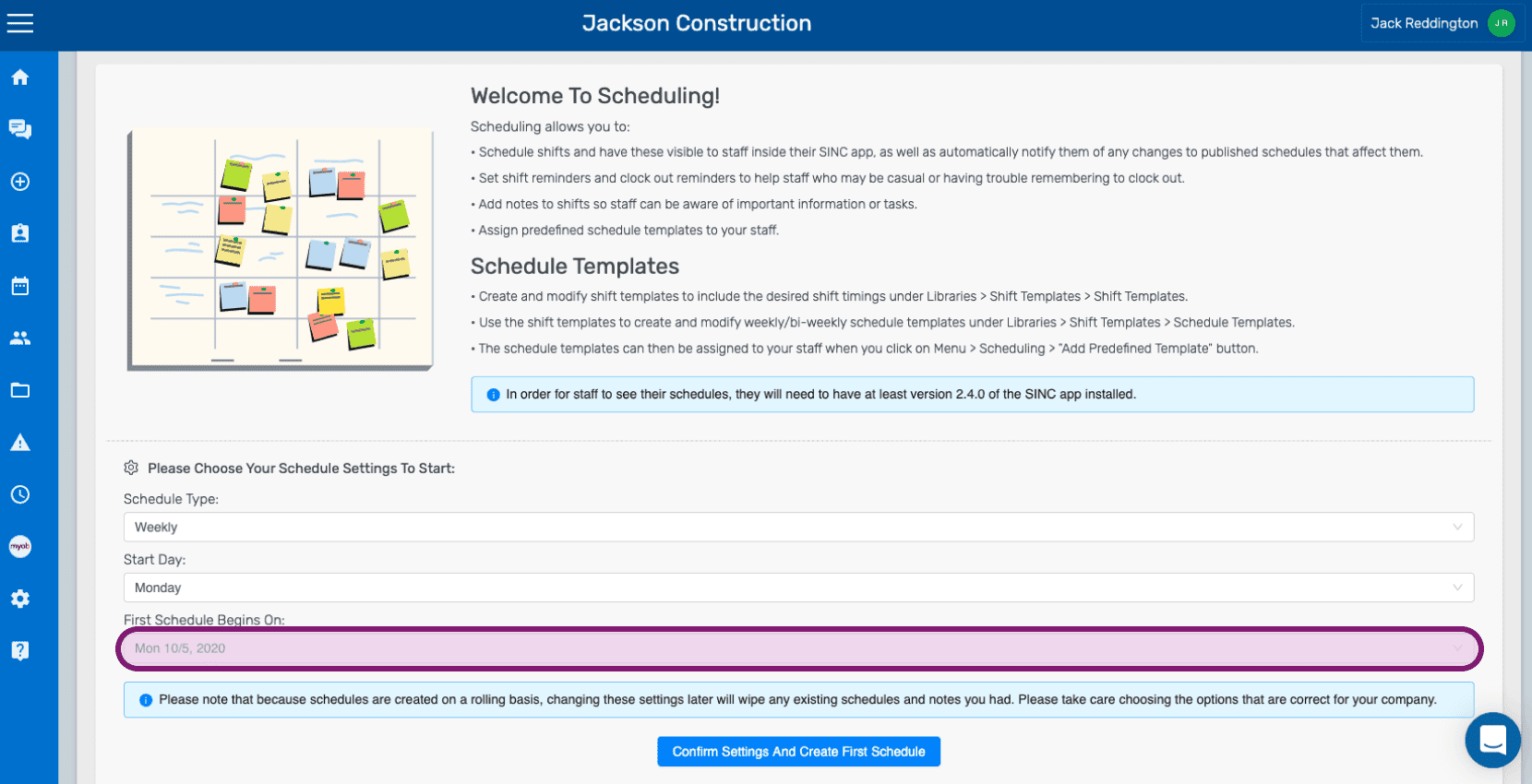
SINC web Welcome to Scheduling setup screen with the First Schedule Begins On date field highlighted in pink

Scegli la data della prima programmazione, quindi fai clic su Conferma impostazioni.
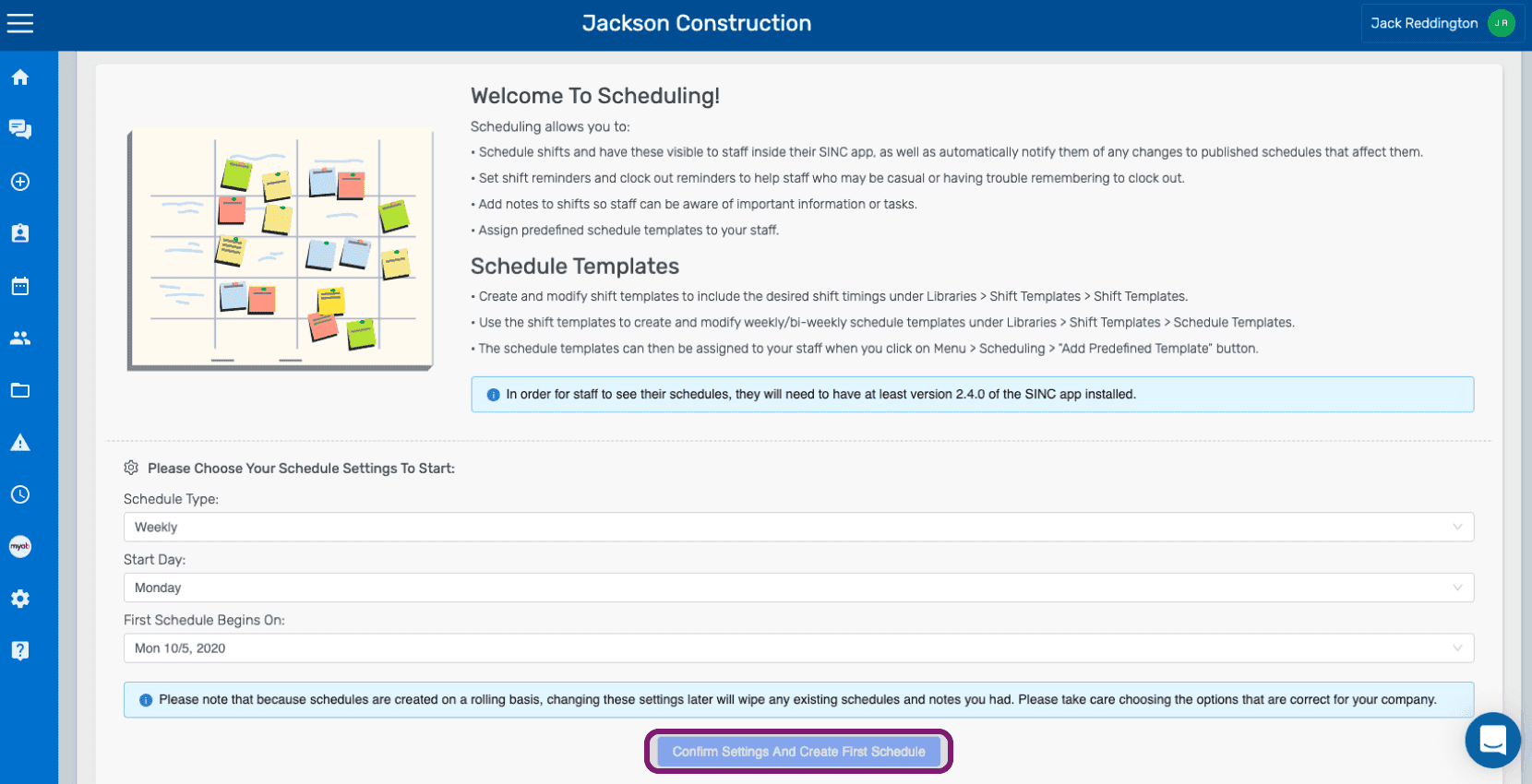
Scheduling initial setup welcome screen with the Confirm Settings and Create First Schedule button outlined in purple

Questa risposta ti è stata utile?