Come registrare i feedback del personale

In questa guida vedremo come aggiungere feedback per i membri del tuo staff in Sinc, così da avere uno storico permanente delle loro prestazioni.

Sam Dolbel
Sam Dolbel
Mar 1st, 2023

Tocca Menu Staff
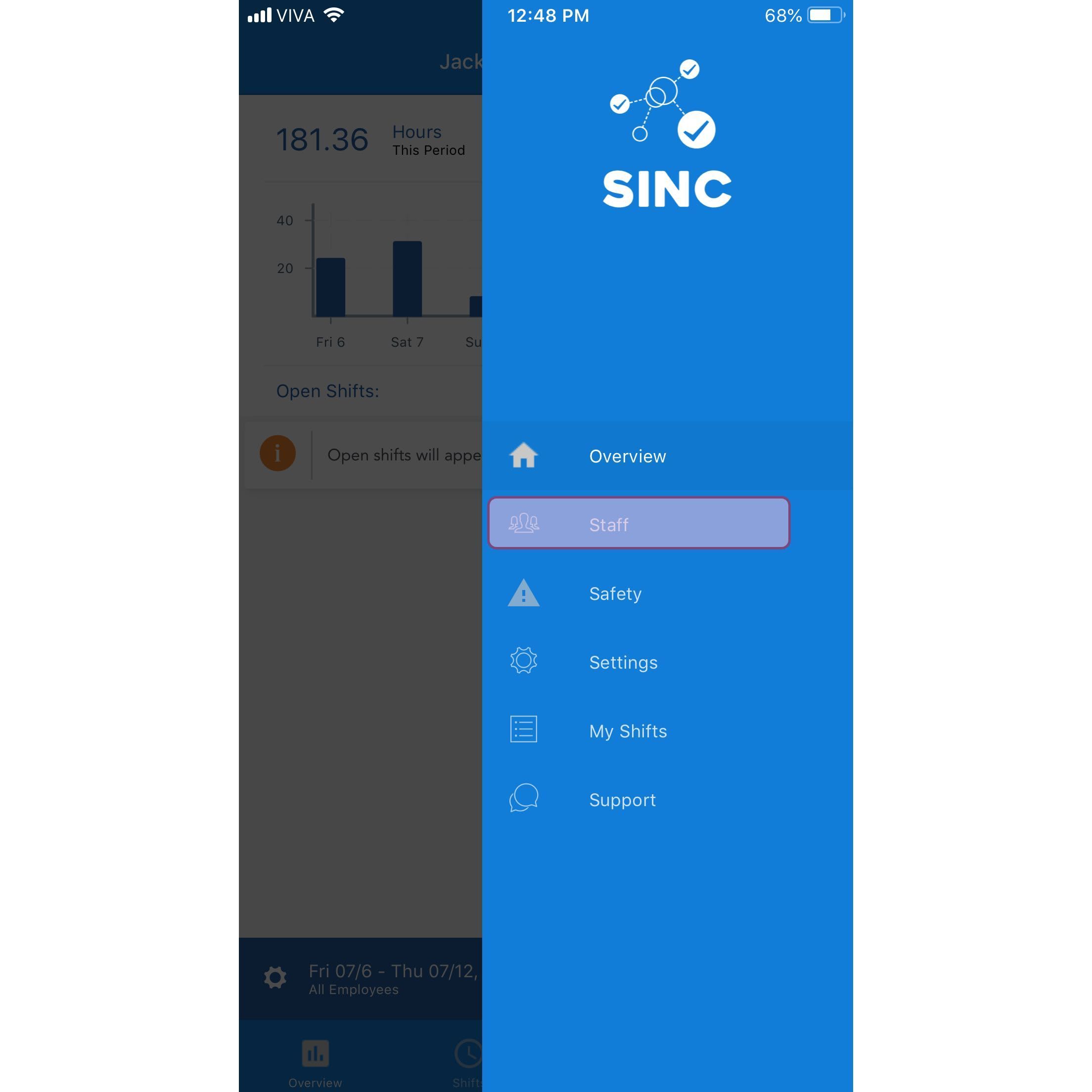
SINC mobile app menu with the Staff option highlighted

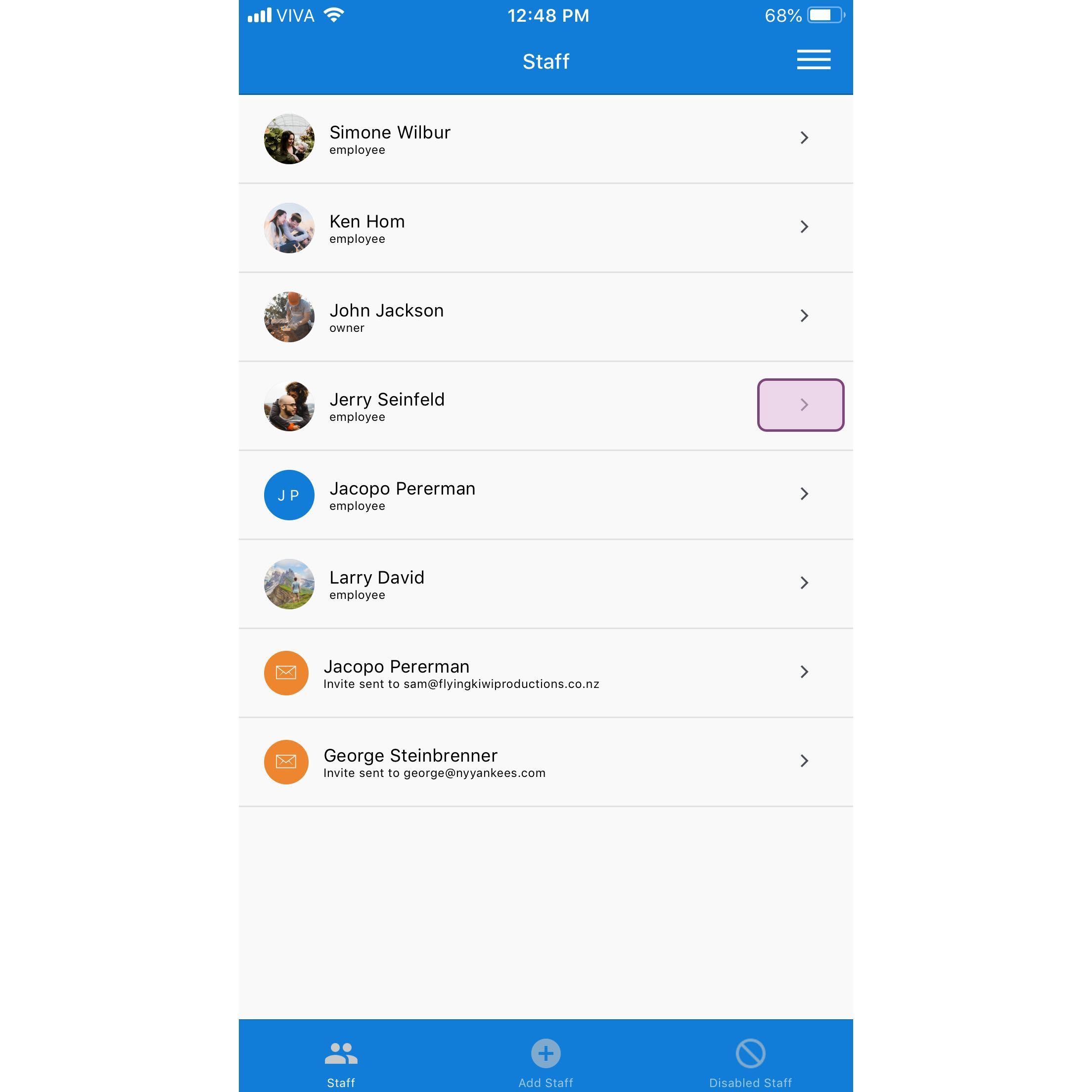
Tocca il nome del membro dello staff

SINC mobile Staff list with the Jerry Seinfeld row highlighted in a pink box

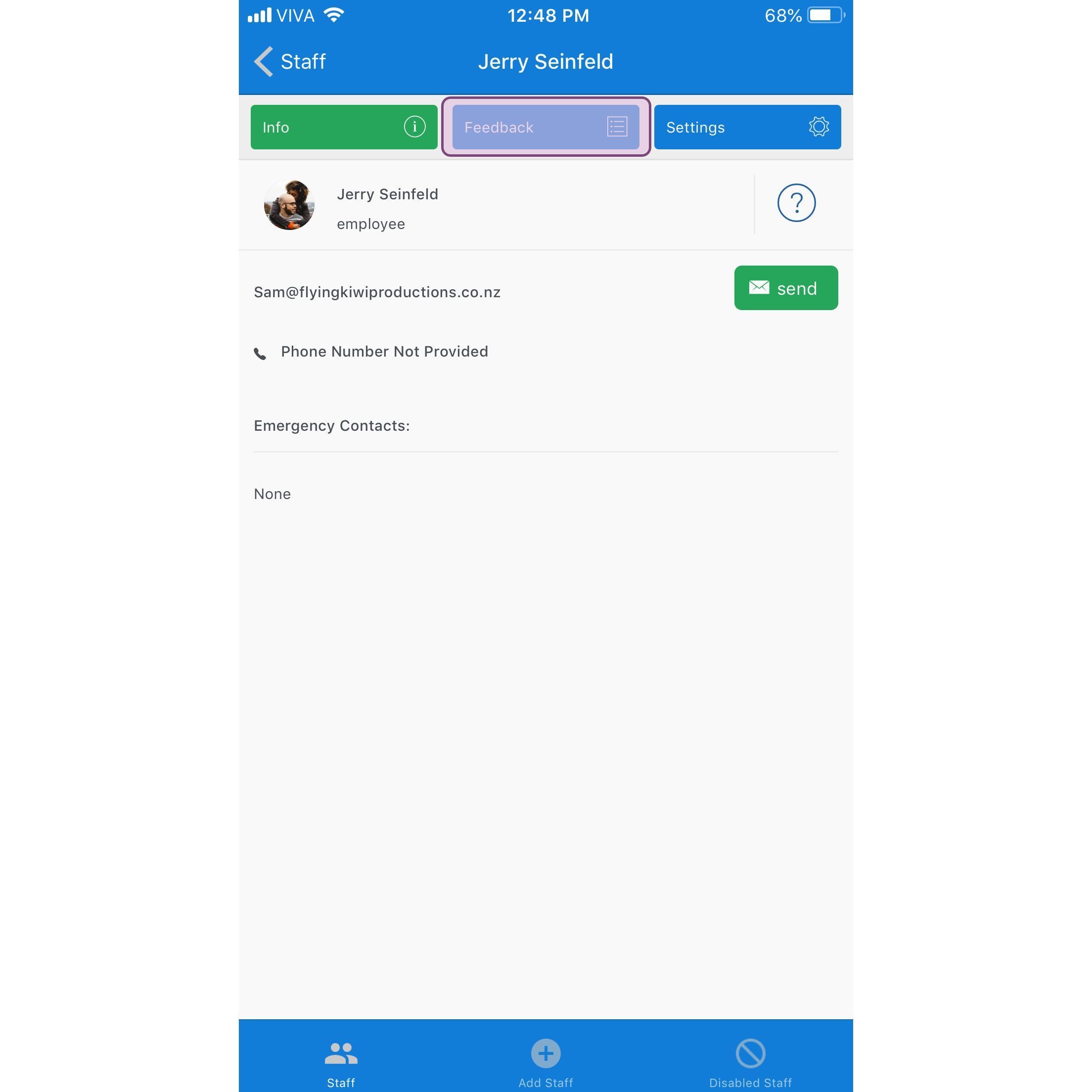
Tocca Feedback

SINC mobile staff profile screen with the Feedback tab highlighted in purple

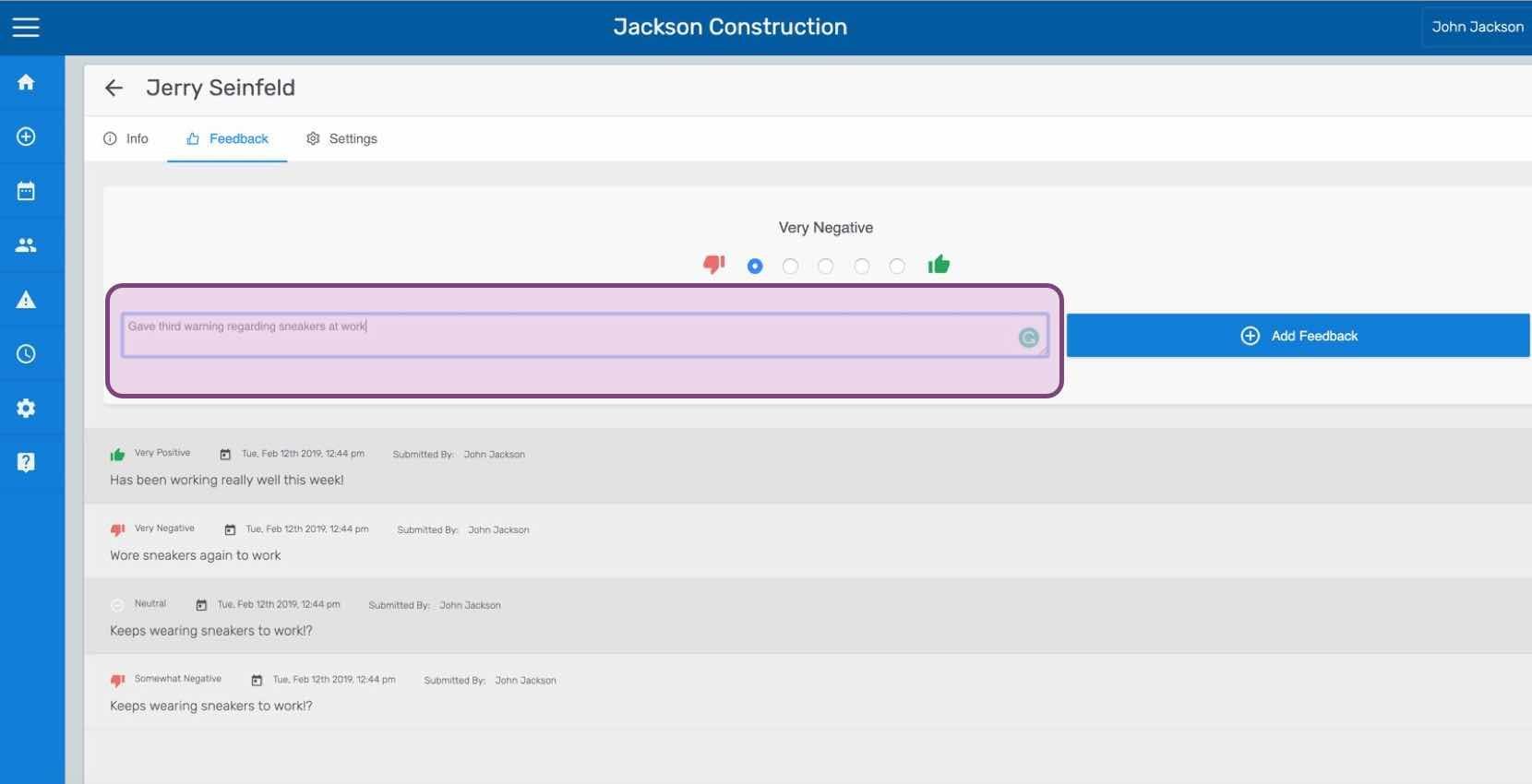
Inserisci il feedback e tocca Invia feedback (versione web). Fai clic su Aggiungi feedback
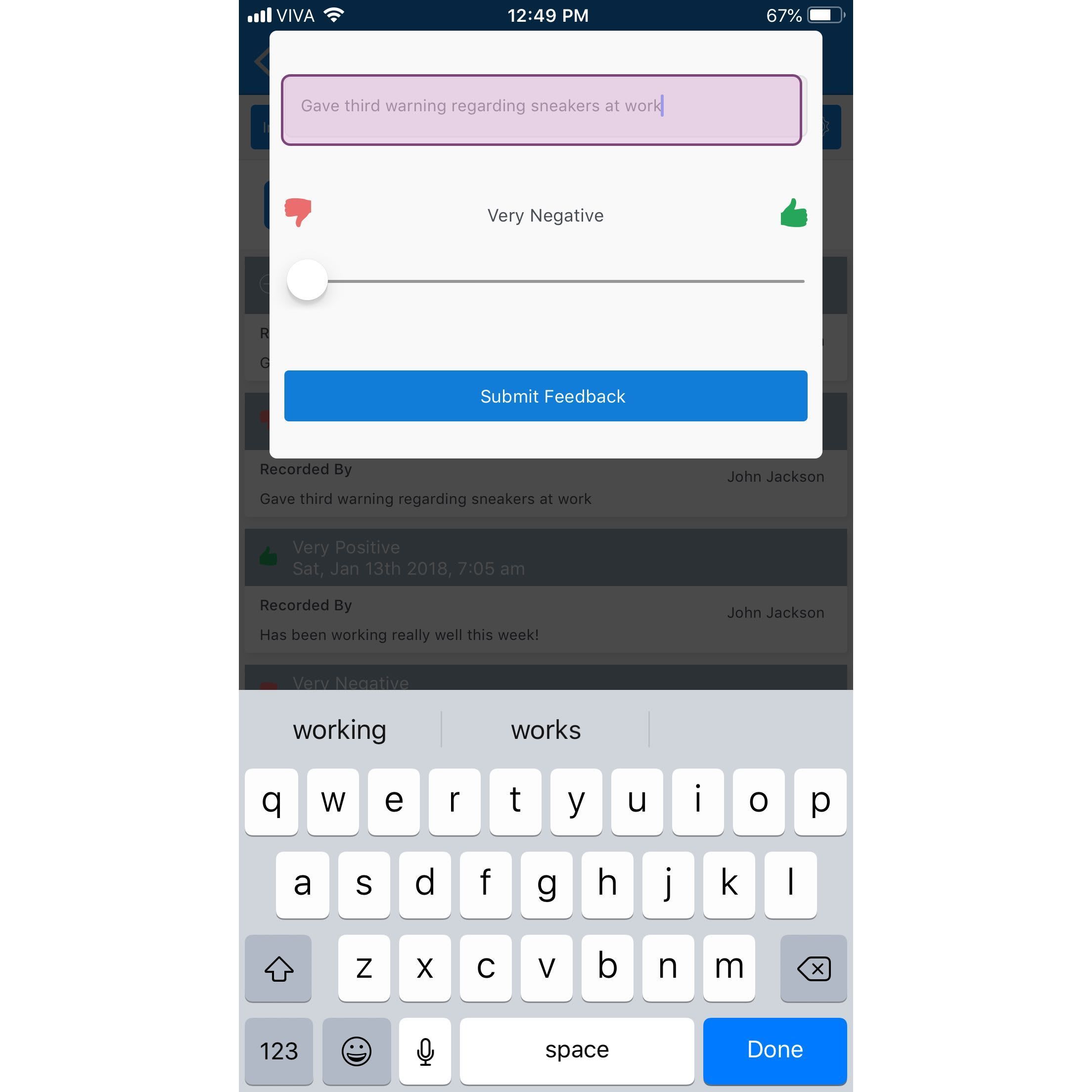
Mobile app feedback entry screen with a typed note, a Very Negative to Very Positive slider, and Submit Feedback button

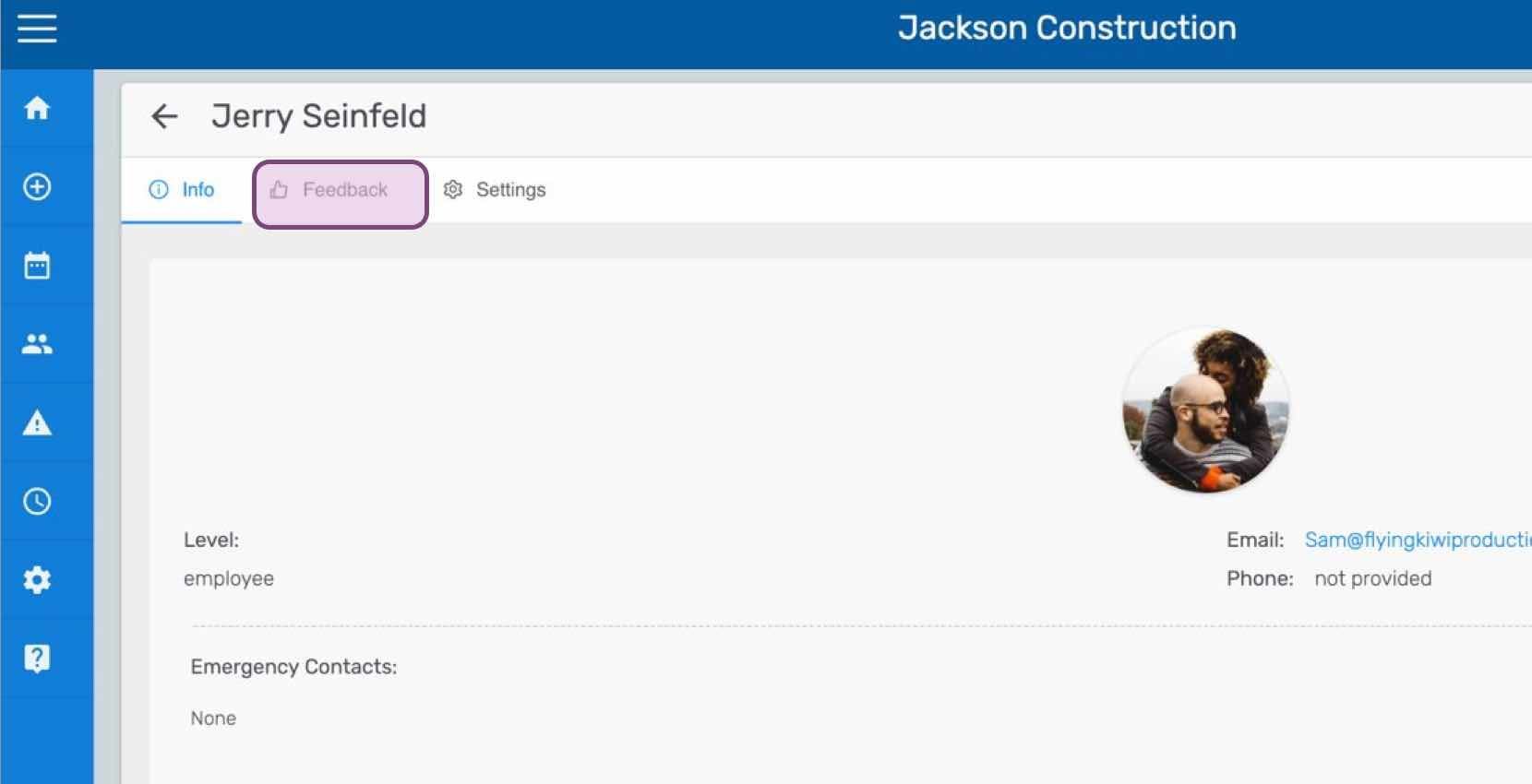
Se utilizzi la versione web, apparirà così:
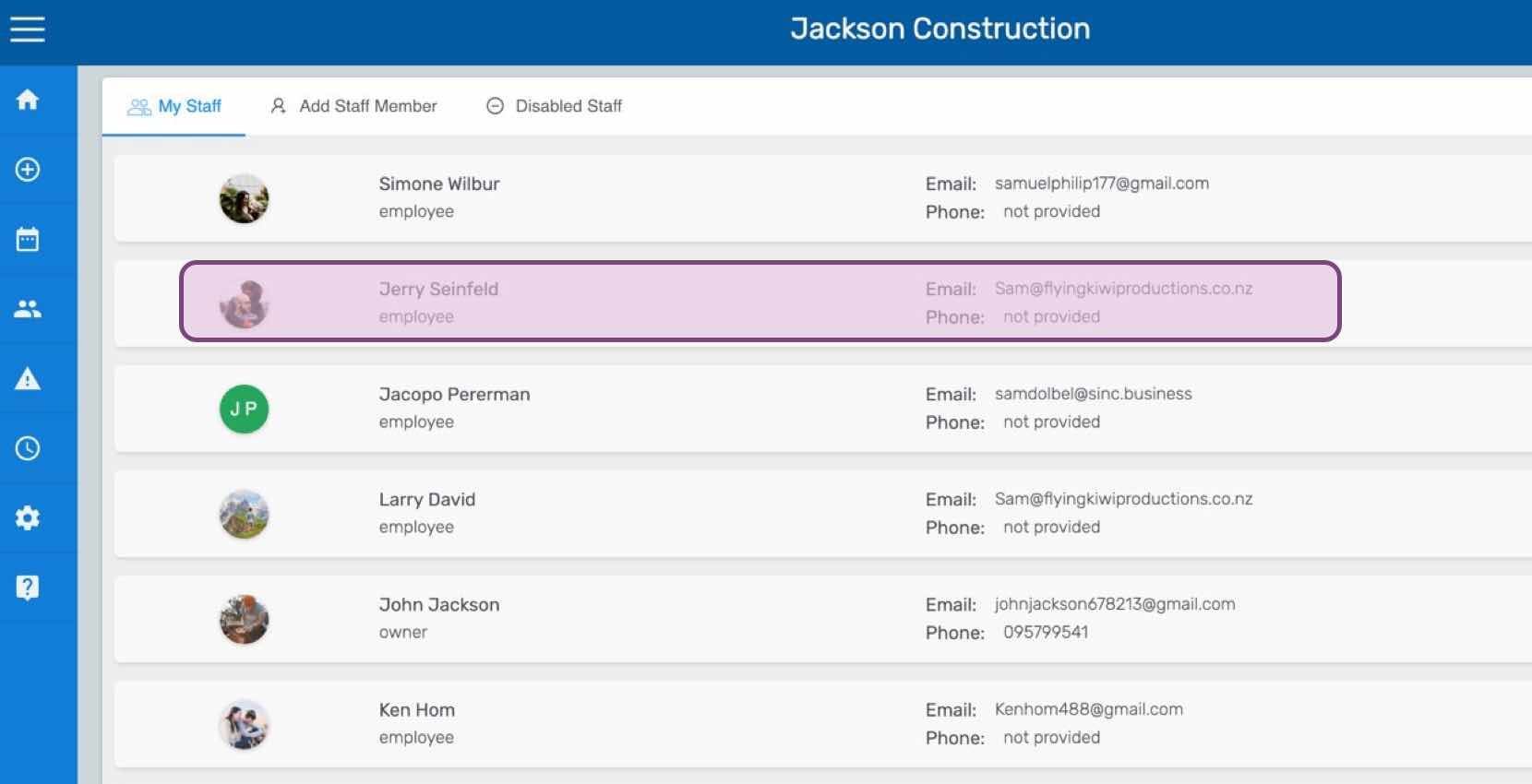
SINC web My Staff list with one employee row highlighted in pink
Staff profile screen for an employee with the Feedback tab circled at the top of the page
SINC web staff Feedback tab showing a rating scale and comment field with the Add Feedback button

Questa risposta ti è stata utile?