Elimina la richiesta di assenza in sospeso

In questo articolo ti mostreremo come eliminare una richiesta di assenza in sospeso come dipendente.

SINC Support Team
SINC Support Team
Jul 14th, 2022

Da mobile: tocca Menu Le mie assenze
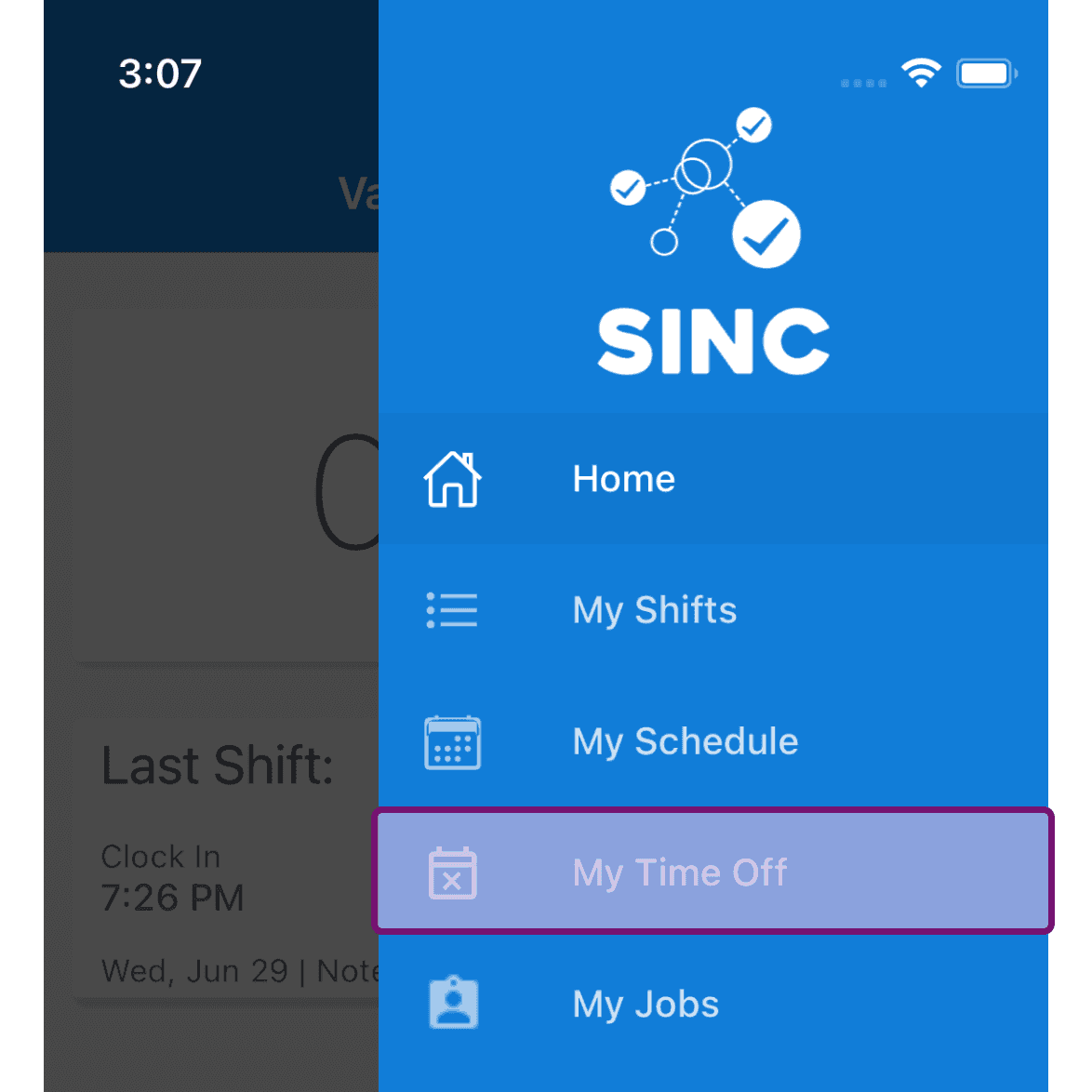
SINC mobile app menu with the My Time Off option outlined in purple

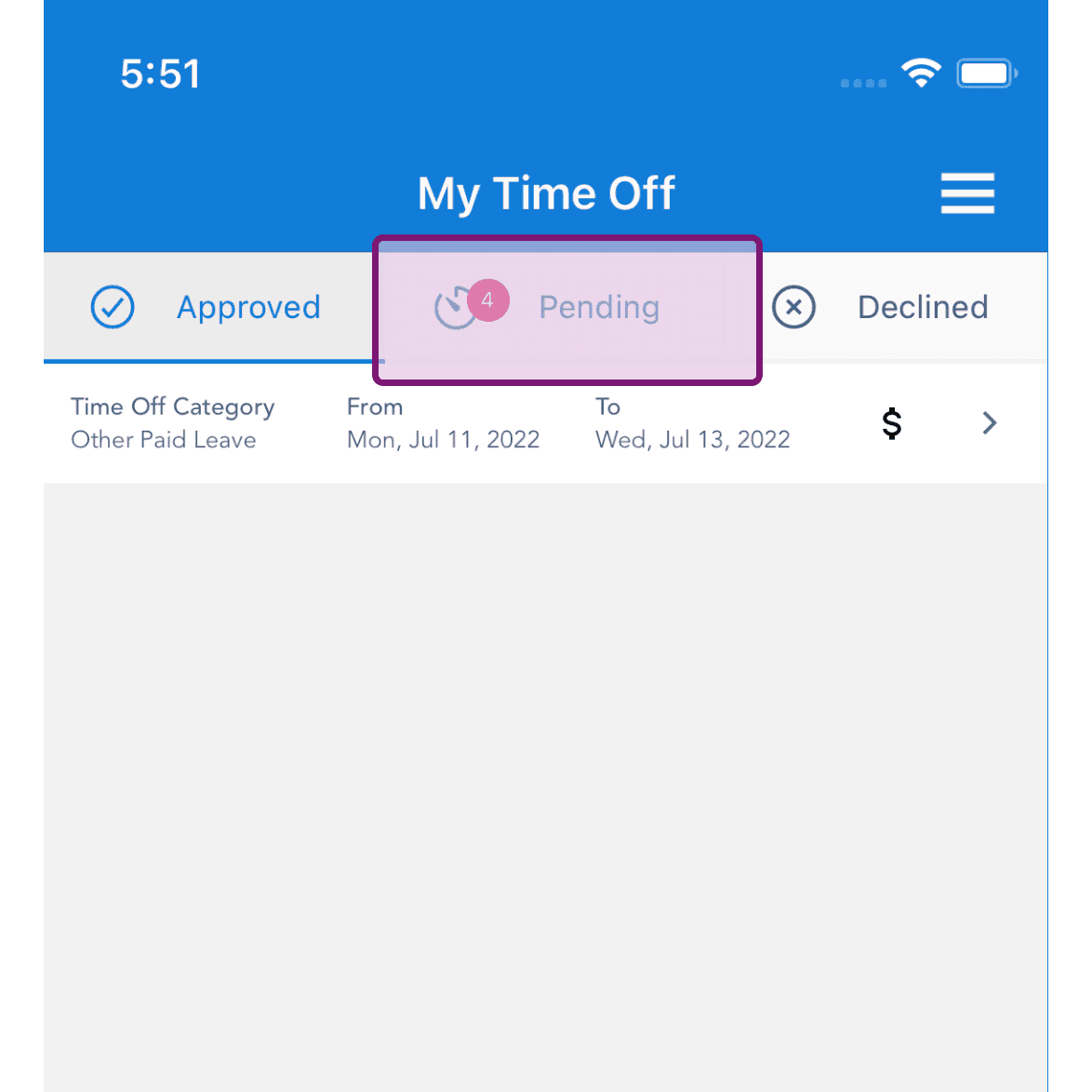
Tocca la scheda «In sospeso»

My Time Off screen with the Pending tab highlighted, showing a pending time off request badge

Tocca il pulsante con l’icona Elimina relativo alla richiesta di assenza in sospeso in questione
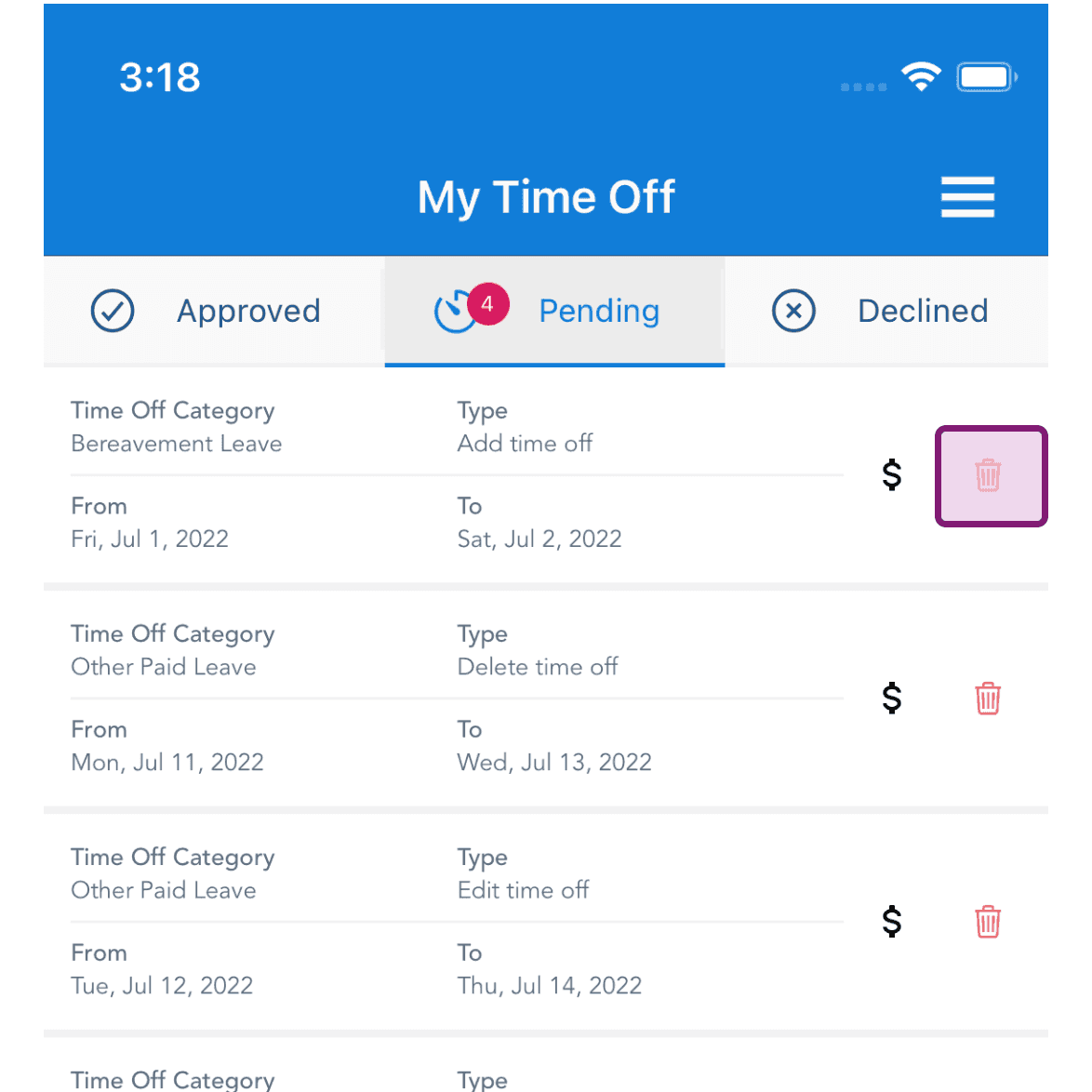
SINC mobile My Time Off Pending tab with the delete trash icon highlighted for a Bereavement Leave request

Tocca «Sì» per confermare l’eliminazione
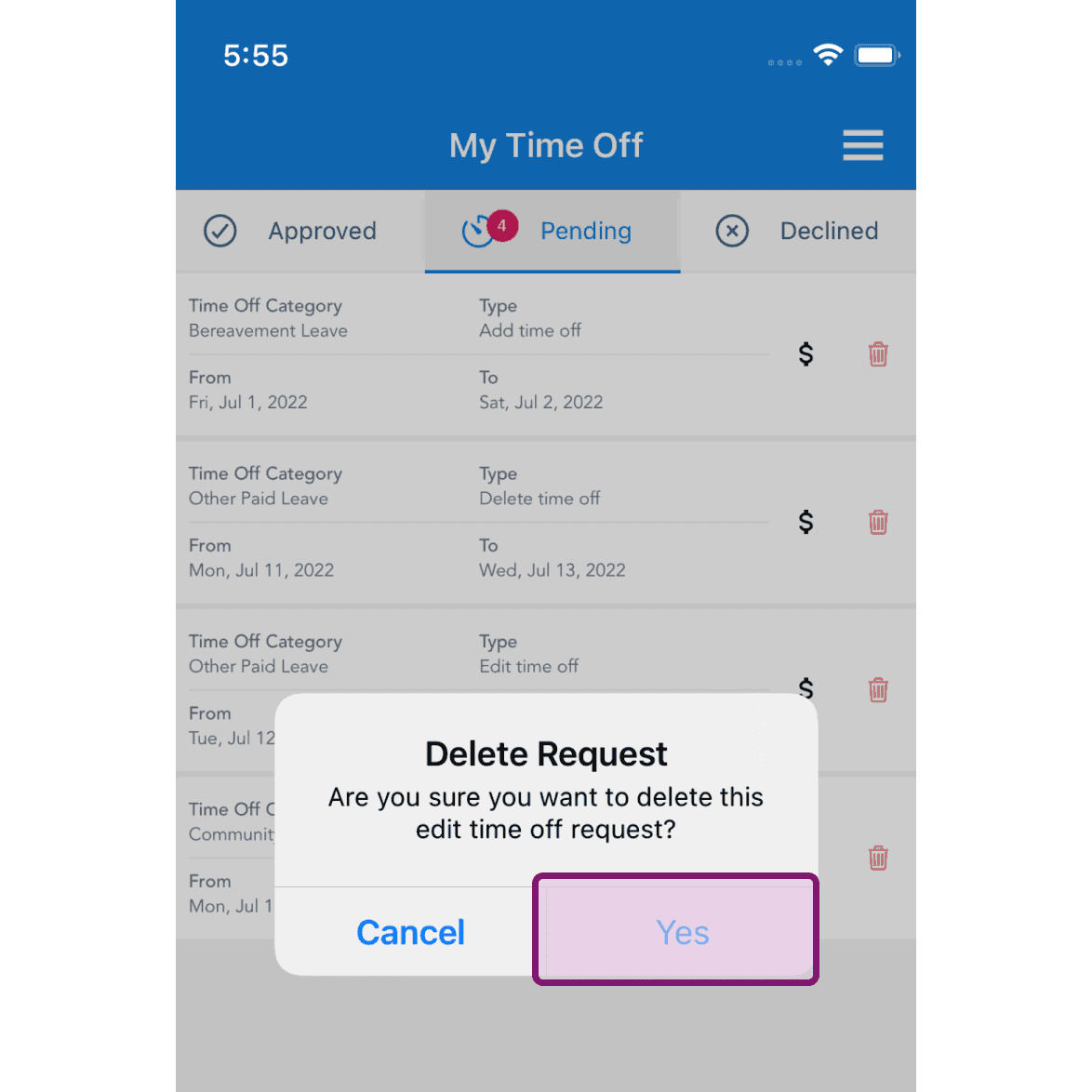
My Time Off Pending tab with a Delete Request confirmation popup and the Yes button outlined in pink

Sul Web: fai clic su Menu Le mie assenze
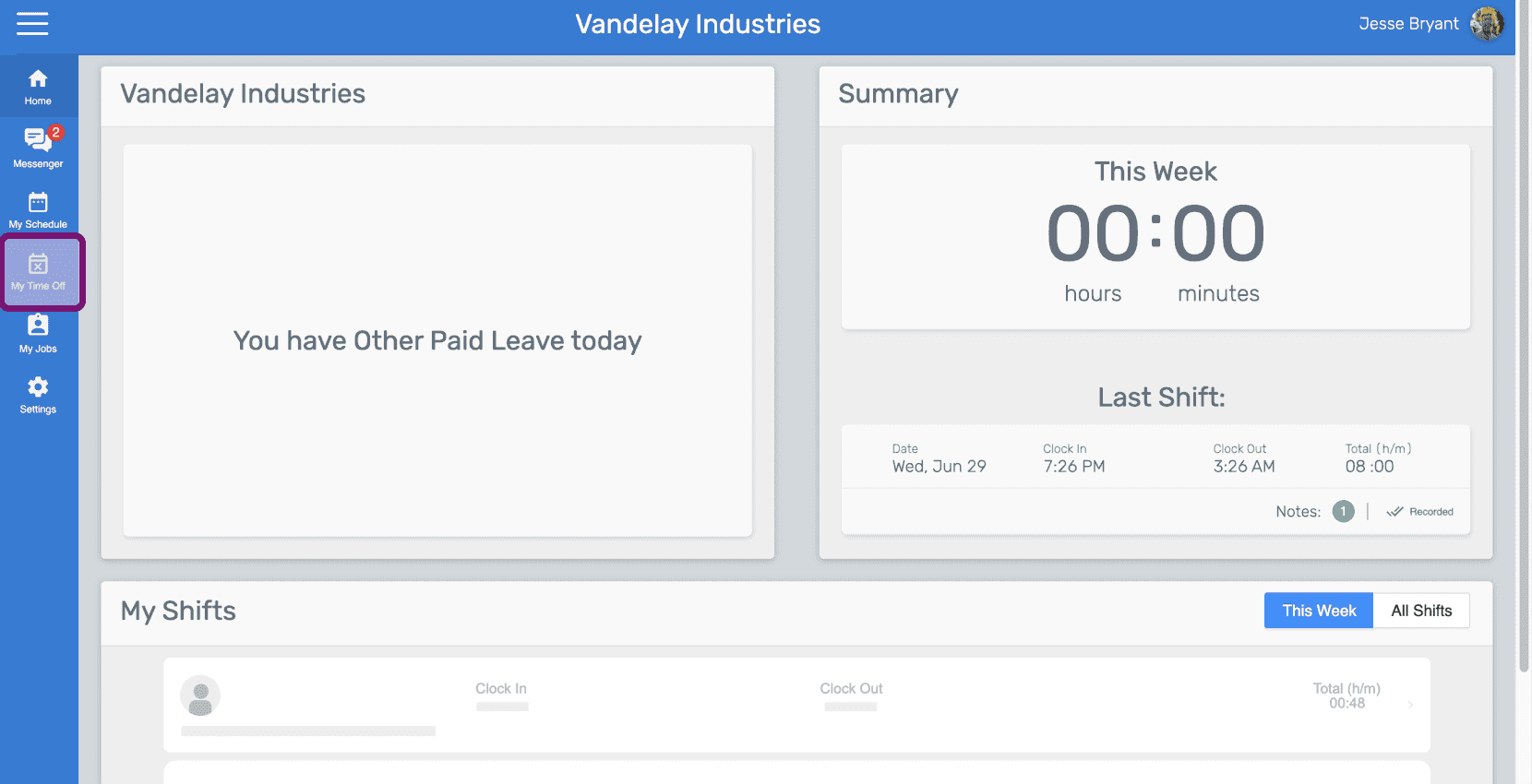
SINC web sidebar menu with the My Time Off icon outlined in pink

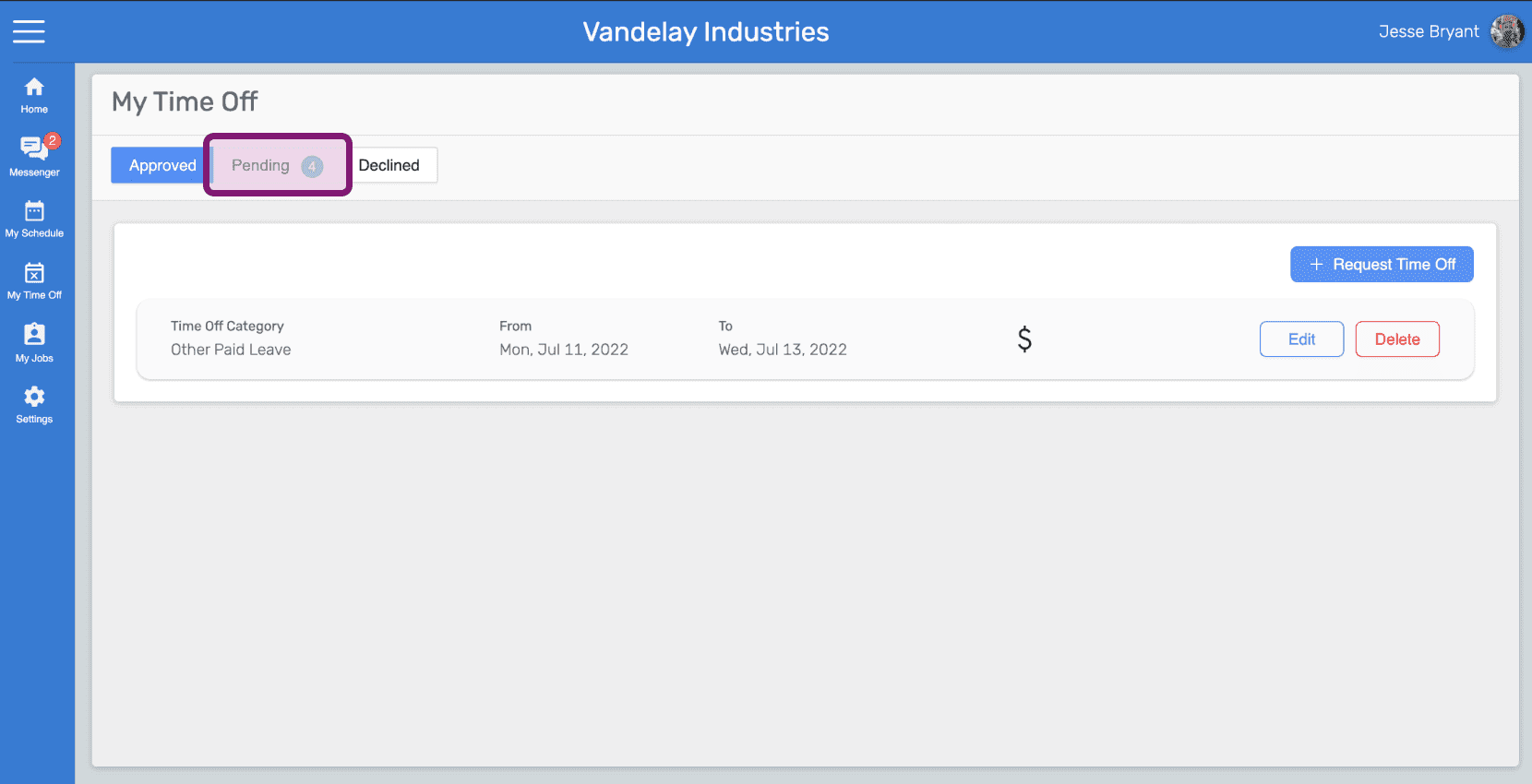
Clicca sulla scheda «In sospeso»

My Time Off screen with the Pending tab circled in pink above the time off request list

Fai clic sul pulsante Elimina richiesta relativo alla richiesta di assenza in sospeso in questione
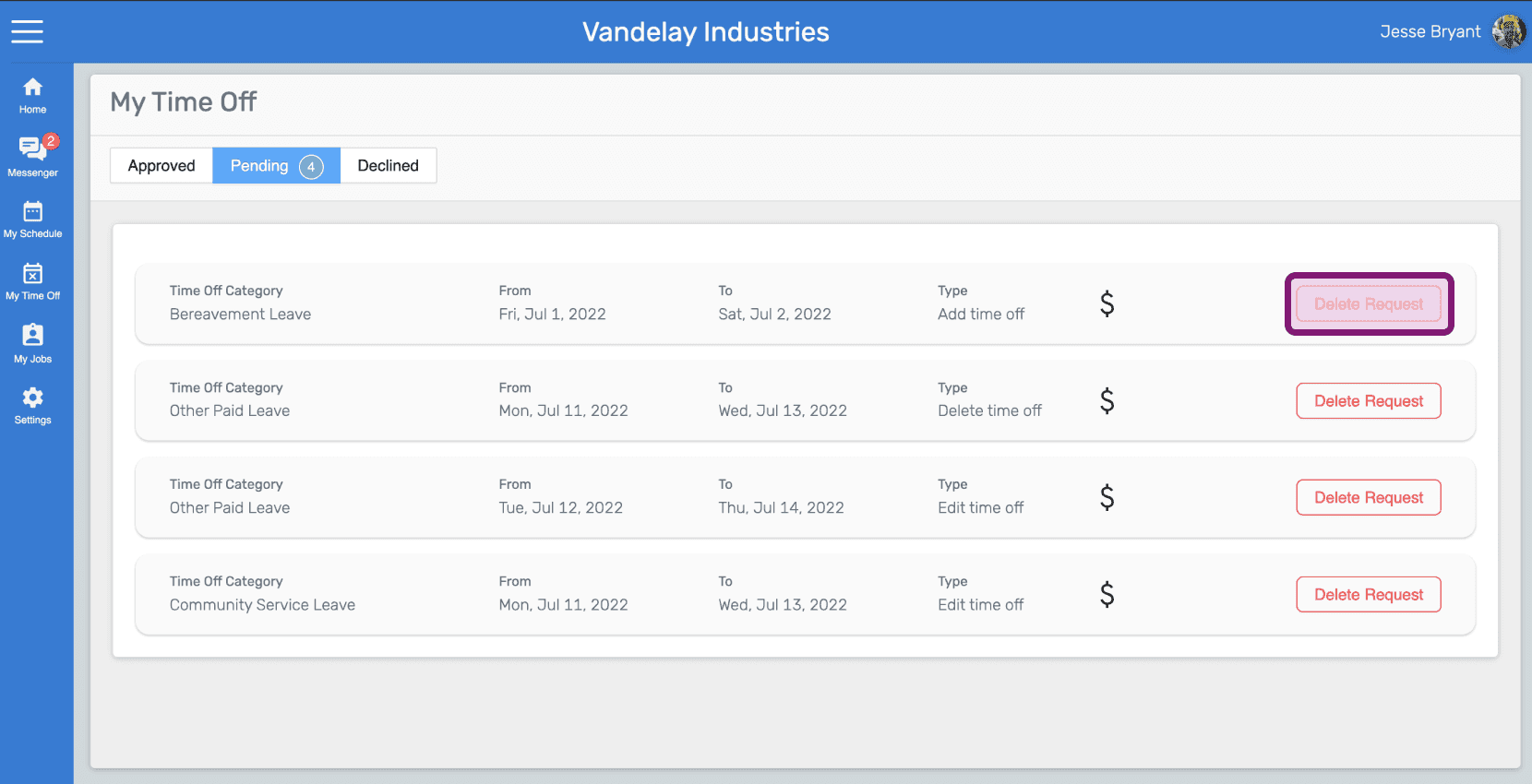
SINC web My Time Off pending requests list with a Delete Request button highlighted for Bereavement Leave

Fai clic su «Sì» per confermare l’eliminazione
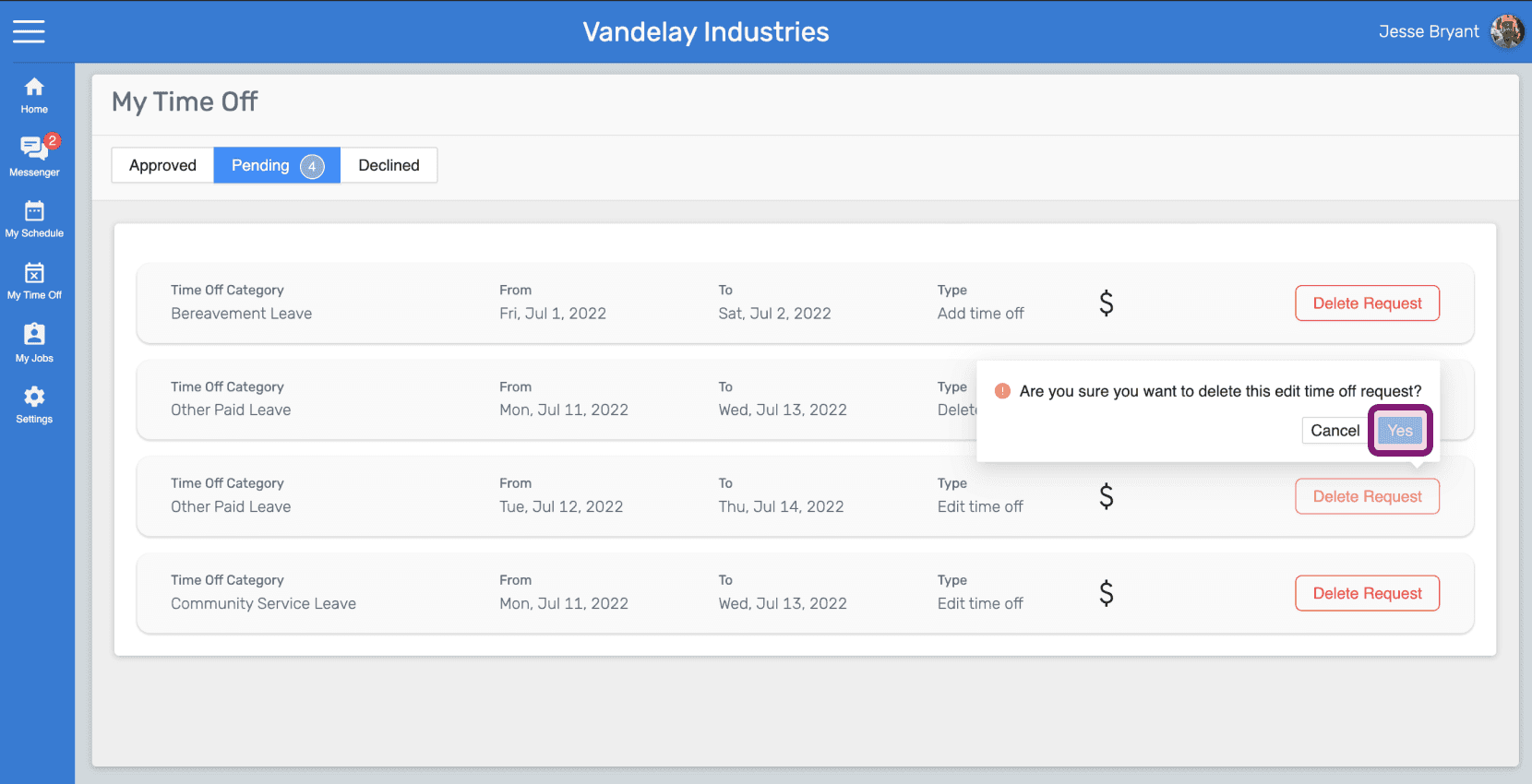
Web My Time Off Pending tab with a delete confirmation popup and its Yes button outlined in pink

Questa risposta ti è stata utile?