
Comment recueillir les coordonnées des contacts d’urgence de vos collaborateurs
Tenir à jour les coordonnées des personnes à contacter en cas d’urgence est essentiel, mais chronophage, pour toute entreprise. SINC s’en charge pour vous.

Sam Dolbel
Feb 28th, 2023
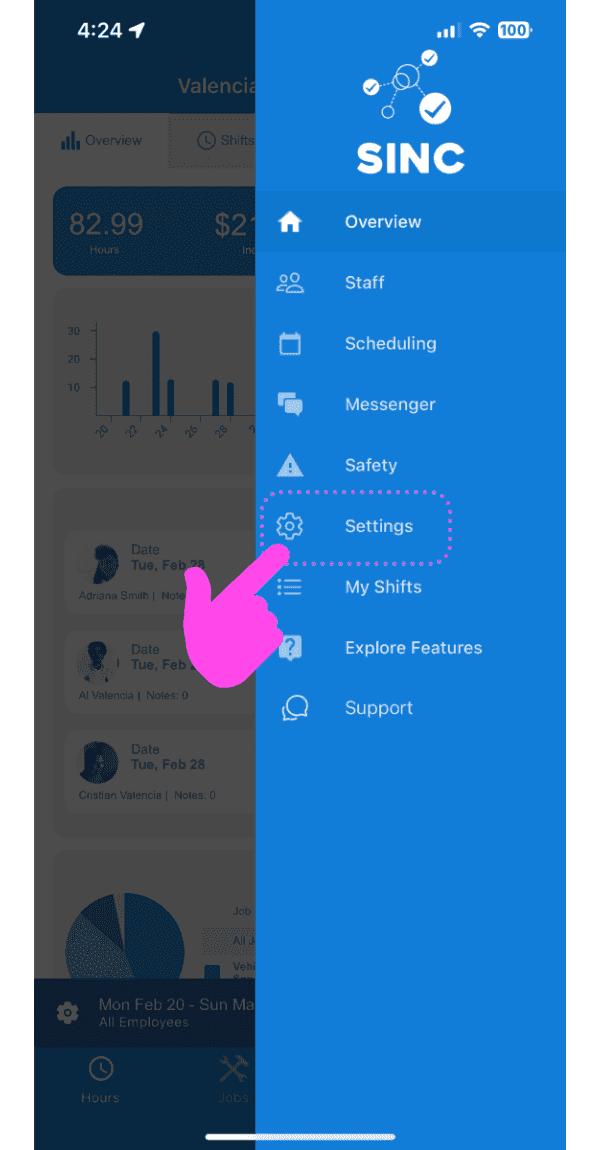
Appuyez sur Paramètres
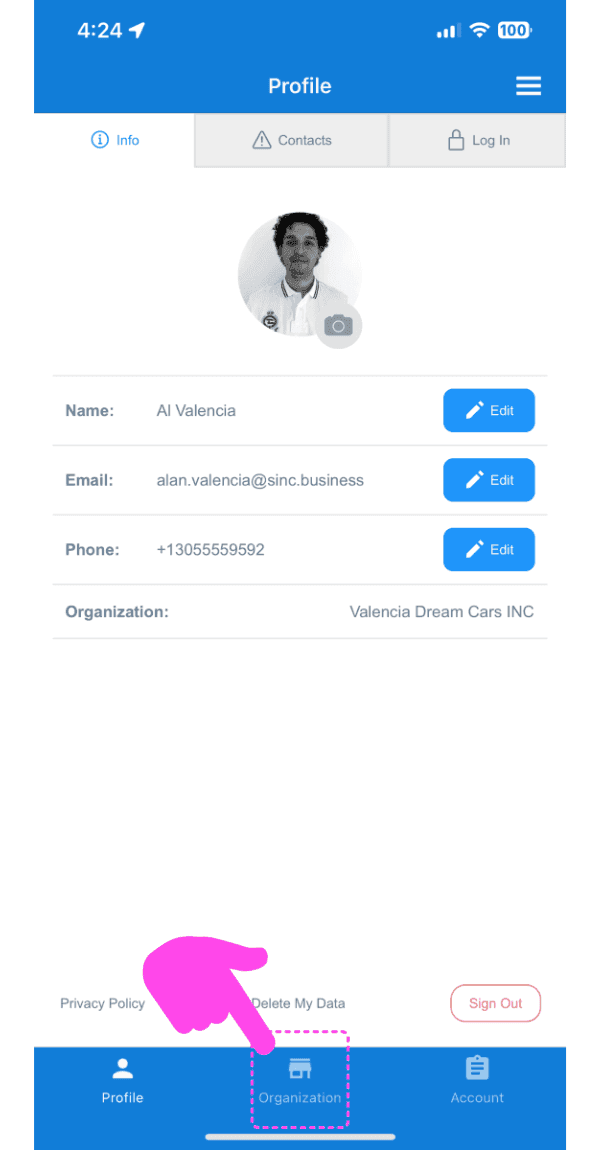
Appuyez sur Organisation
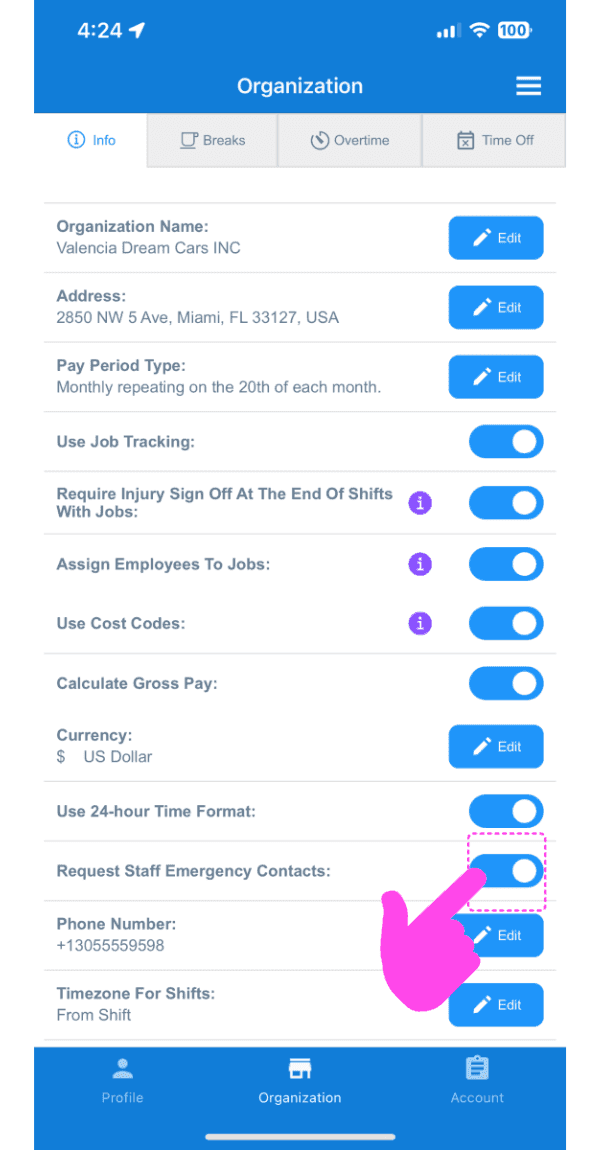
Appuyez sur Demander les contacts d’urgence du personnel
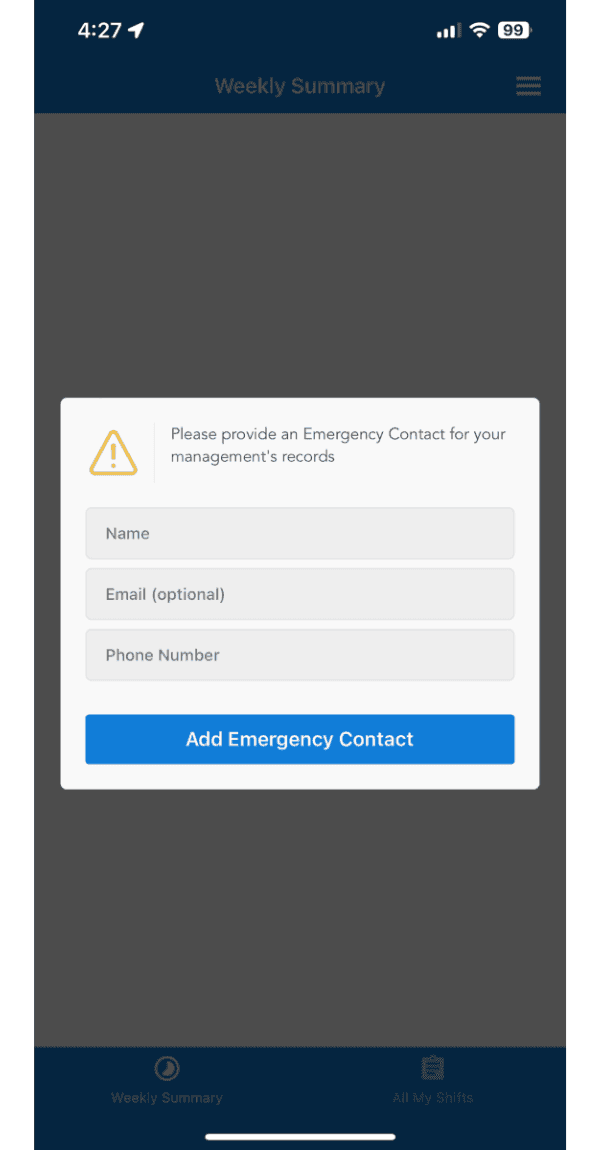
La prochaine fois que vos employés ouvriront l’application SINC, ils seront invités à ajouter leur contact d’urgence à jour !
Cela a-t-il répondu à votre question ?